
Questions & Answers
- Model:
- GA09967-US
- |
- SKU:
- 6642764
Q: QuestionI keep getting a low battery message when it gets cold. This is a wired device
Asked by Spanky.
- A:Answer Hi there, Spanky. The Nest Doorbell (Wired, 3rd Gen) has an operating temperature of –4°F to 104°F (–20°C to 40°C). Going beyond these temperatures may result in connection or battery issues. We’d be happy to further look into this with you. When you get a second, talk to us here: https://support.google.com/googlenest/gethelp
Answered by Google Team
Q: Questionwhat is the model number of this Nest doorbell/camera? Is there a model number GWX3T ?
Asked by gene.
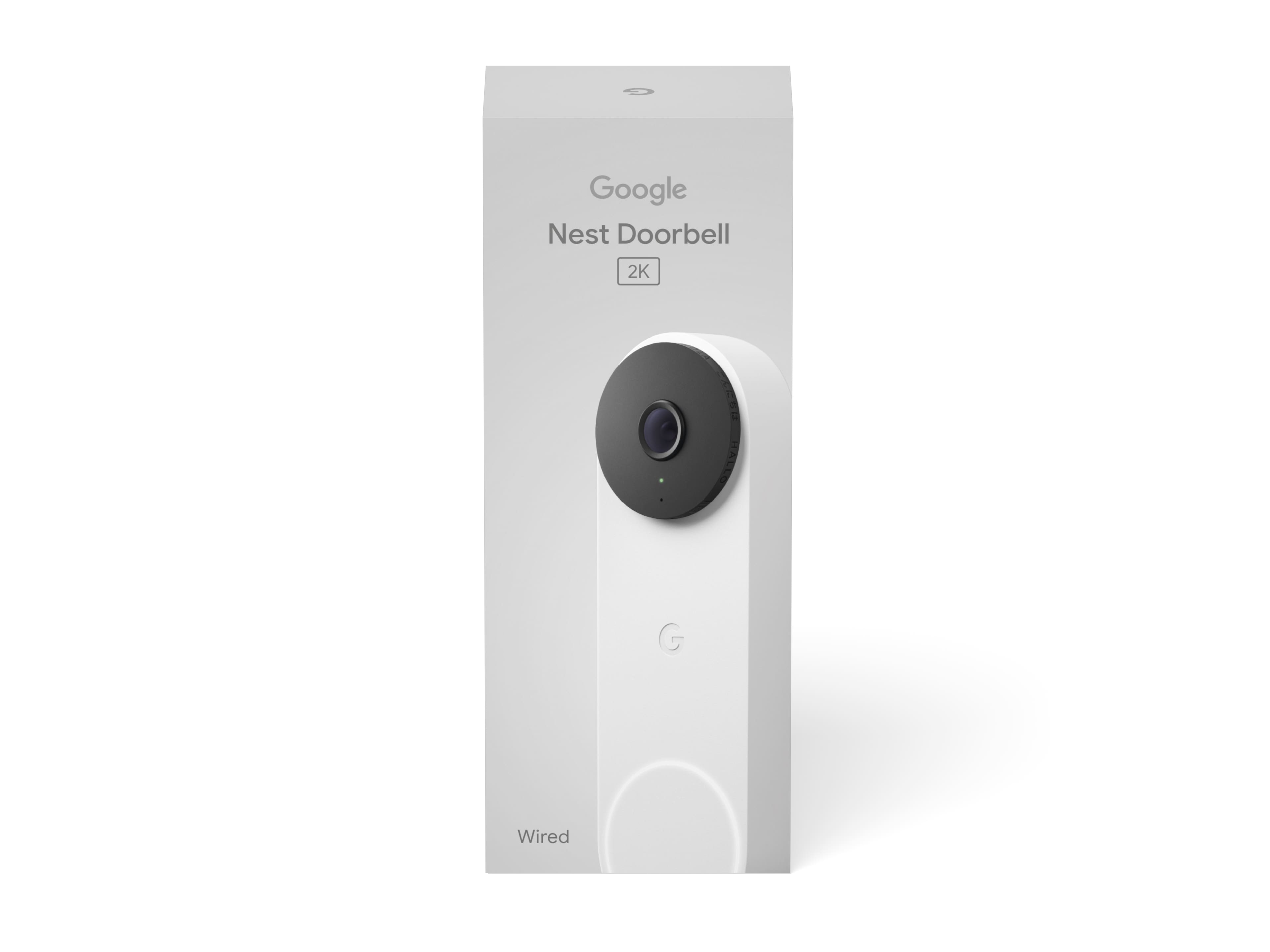
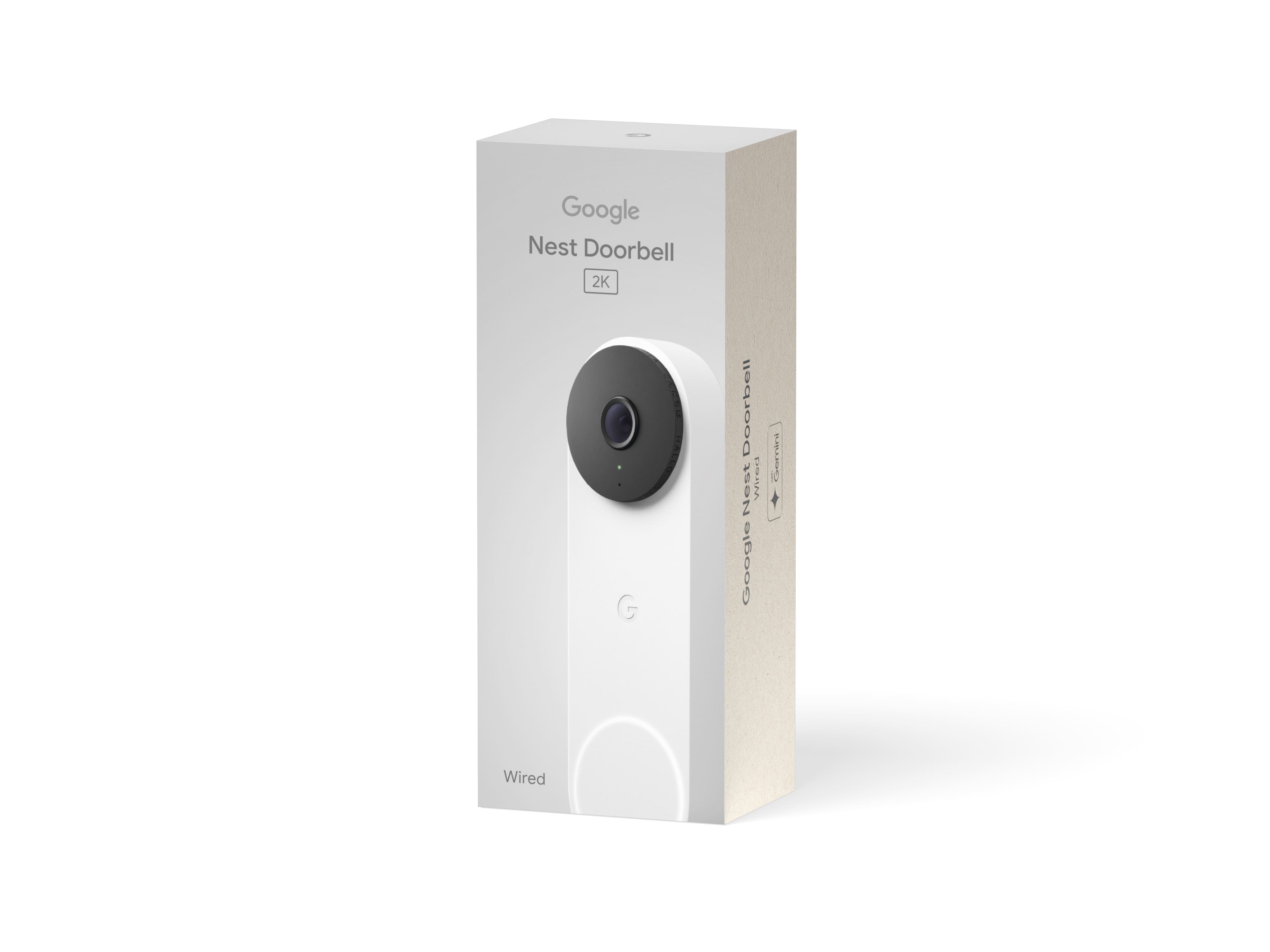
- A:Answer Hey there, gene. The model number for this Nest Doorbell (Wired, 3rd Gen) is GA09967. We’d be happy to look into the GWX3T model number and find the product for you. Reach out to us here: https://support.google.com/googlenest/gethelp
Answered by Google Team
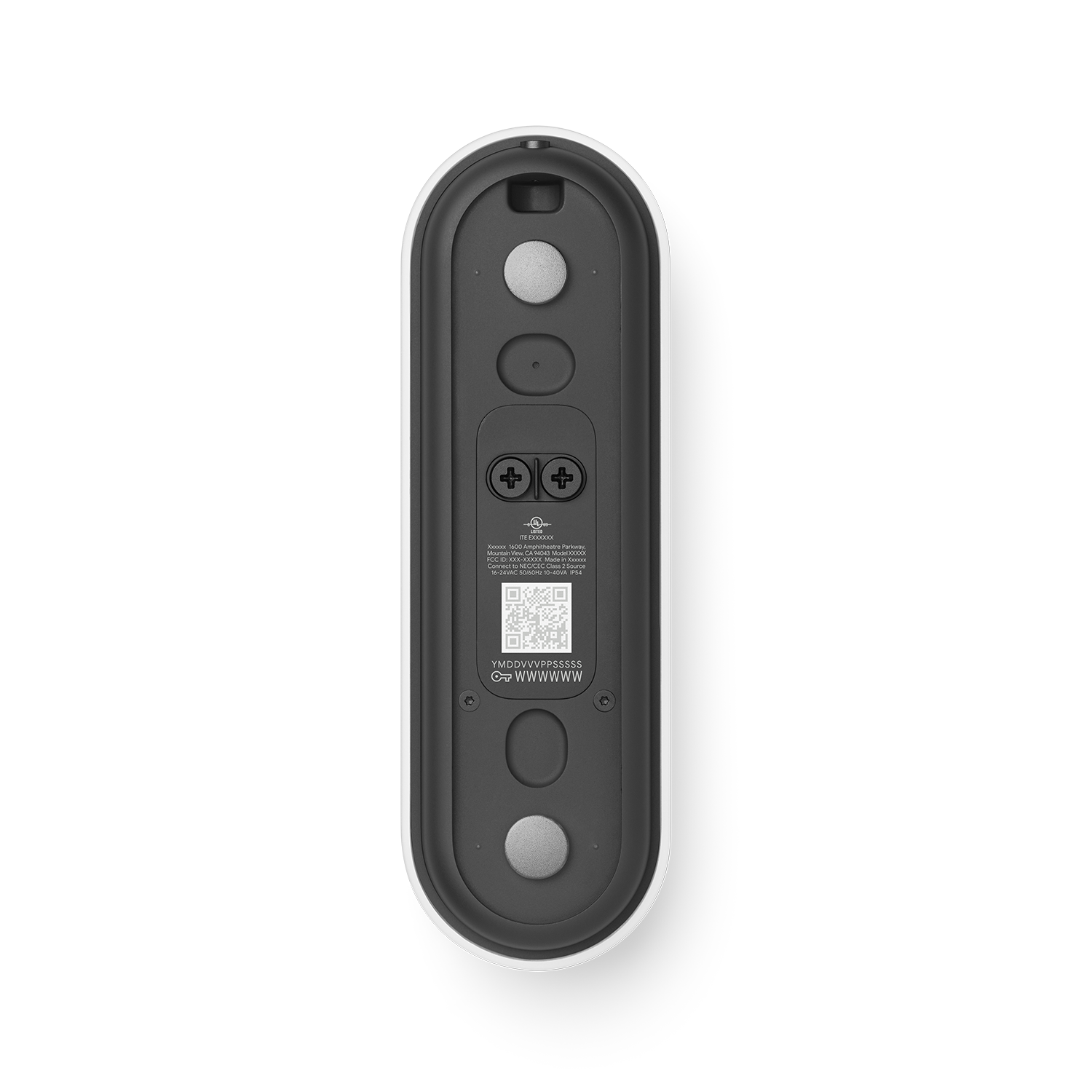
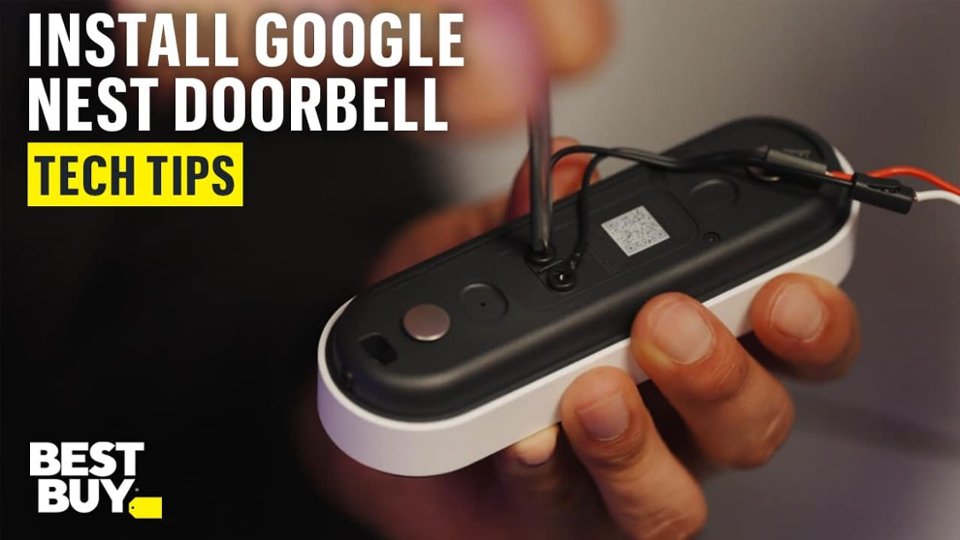
Q: QuestionI just purchased and installed the latest version of the nest doorbell. I’m trying to add to the nest app but tossed packaging so don’t have qr code. Doorbell is installed so I can’t see behind it. Any other way to get access?
Asked by AJ.
- A:Answer Pop the doorbell off(unscrew it) and scan the QR code. It’s a pain, but I had to do the same thing.
Answered by JohnRambo
Q: QuestionHow to connect to door chime?
Asked by Al.
- A:Answer Thank you for your question, Al. Here are the steps to install the Nest Doorbell (Wired, 3rd Gen): 1. Check compatibility and voltage requirements. 2. Check that you have everything for installation. 3. Turn the power off to your doorbell system. 4. Remove your old doorbell. 5. Connect the doorbell to the app with the QR code. 6. Troubleshoot if needed. 7. Use your doorbell. Here’s a guide with more details: https://support.google.com/googlenest/answer/12570869 We’re available 24/7 to help: https://support.google.com/googlenest/gethelp
Answered by Google Team
Q: QuestionHow to charge a google door bell?
Asked by Raji.
- A:Answer I went with the wired model, but have used a battery model in the past.
Answered by JohnM
Q: QuestionMy chime doesn't work with toys doorbell
Asked by Anonymous.
- A:Answer Thanks for reaching out about your Nest Doorbell (Wired, 3rd gen). There are a few things check to make sure everything is working properly — here’s what to review: 1. Check chime settings: If you have a mechanical chime (moving parts that make the sound), the chime duration option should be turned off. This setting is for electronic or digital chimes only. 2. Check doorbell wires: It's possible that a wire came loose when you put your doorbell on the backplate, or that the wires aren't tight enough. Make sure that the wires are securely connected. 3. Check chime connector: Check the chime box to ensure the Chime Connector and wires aren't touching any moving parts, which could muffle the sound. Here’s a link with more suggestions: https://support.google.com/googlenest/answer/9317473 We’re here and ready to help anytime: https://support.google.com/googlenest/gethelp
Answered by Google Team
Q: QuestionIs the Google Gen 3 wired doorbell able to be installed outdoors? (Wisconsin Weather)
Asked by Anonymous.
- A:Answer Yes. It is waterproof
Answered by ThomasC
Q: Questionmoved in and a google door bell was here. how to reset it to my network
Asked by frontdoor.
- A:Answer Scan the QR code in back of camera
Answered by ThomasC
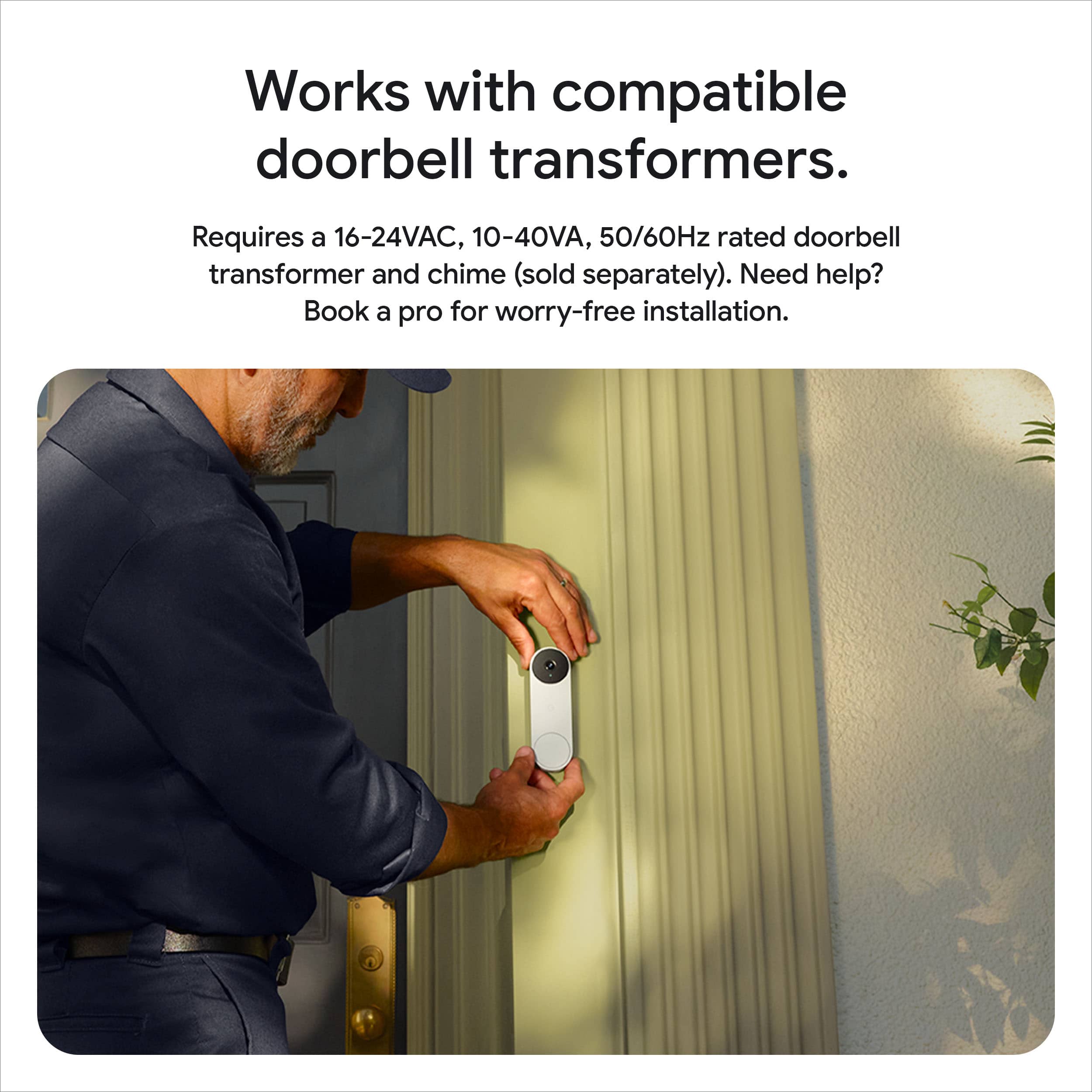
Q: QuestionNeed to upgrade doorbell transformer to be compatible with Gen 3. Best Buy sells the transformer, but will Geek Squad/install team also do the install for transformer upgrade, or need electrician to do that upgrade?
Asked by Dridge.
- A:Answer You can replace the transformer yourself. It involves 3 or 4 screws 2 being the house wires for power. The other 2 are for mounting the transformer. You don't need an Electrician. you can also check You Tube for video assist? I bought a 24V 40VA for $20 from Amazon next day delivery [ transformer can power new Gen 3 Nest doorbell]? You can replace the doorbell yourself Google has step by step video assist fro install? Google is saying 5 minutes, if you have a Wired Gen 2 doorbell? If you have Gen 1 doorbell, it will probably take 10-15 to install and setup Gen 3 Wired doorbell. BTW your doorbell transformer is located in your garage usually by your breaker box or could be in your attic by HVAC equipment? See atch photo so you know what the transformer looks like?
Answered by Anonymous
Q: QuestionCan it just connect to you iPhone for visual alerts and suspicious activity? Or am I required to buy another device?
Asked by DC.
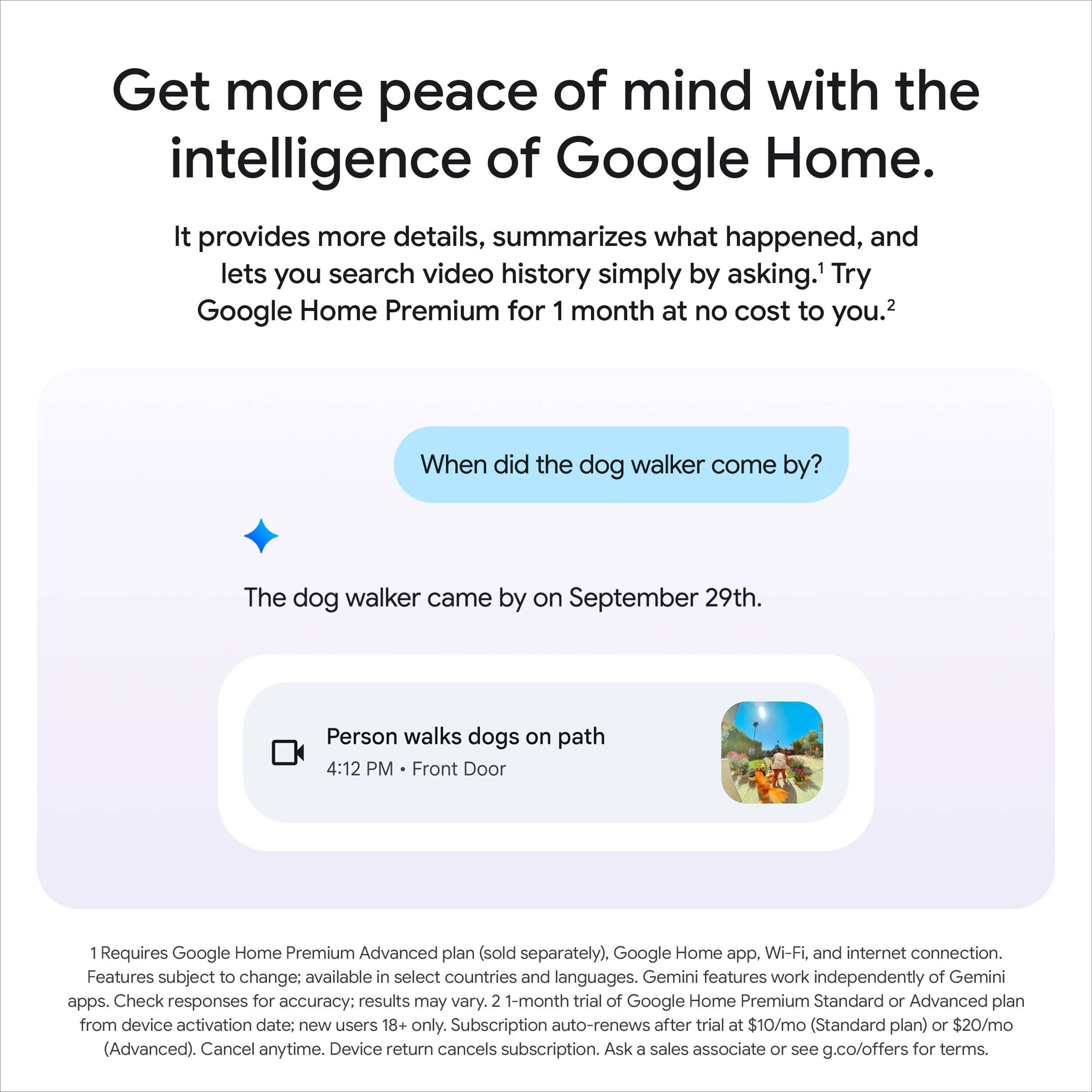
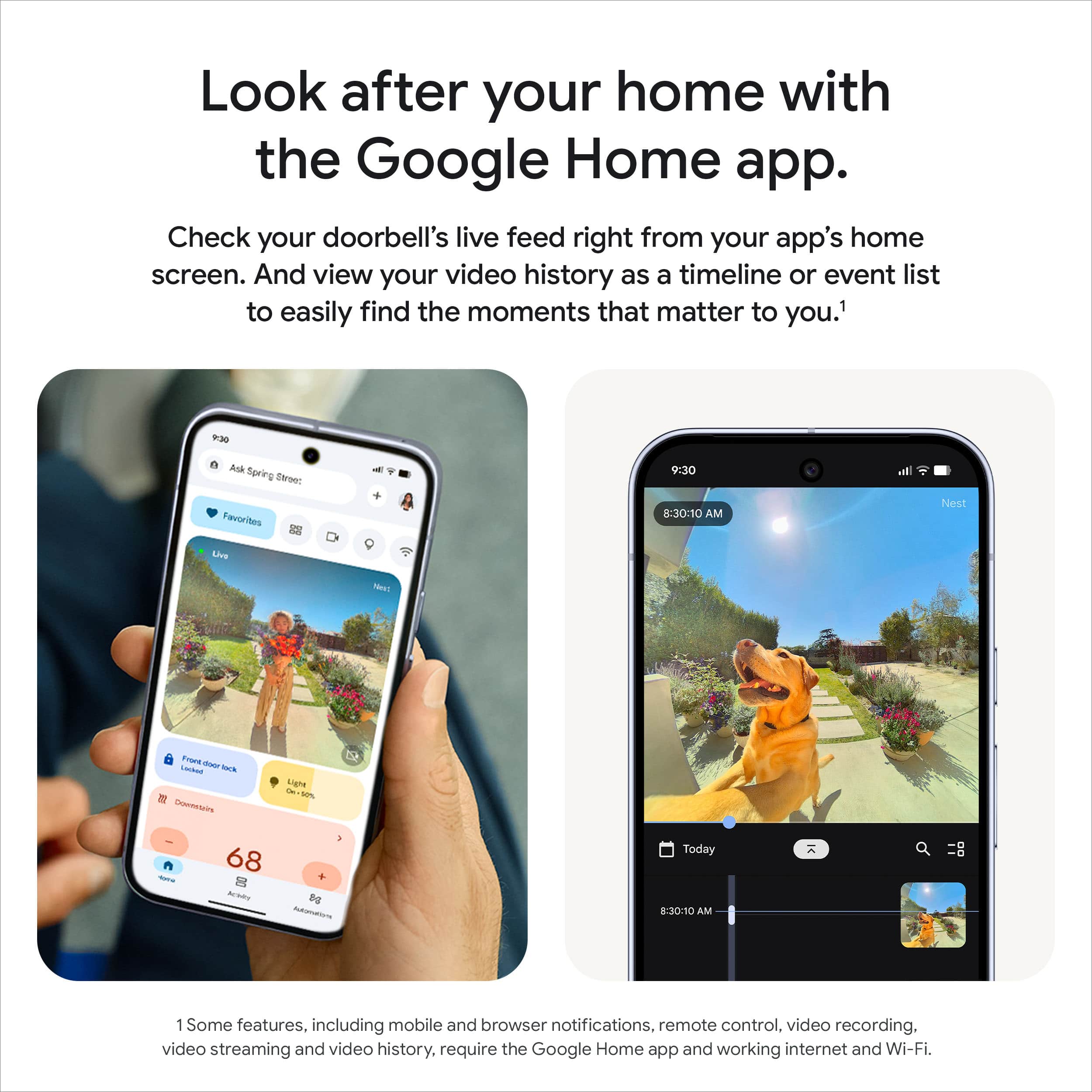
- A:Answer It connects through the google home app which is completely free. There are no additional purchases required. If you want to save video, thats where you would need to enroll in google's home subscription.
Answered by Ryan
Q: QuestionCan I use a google nest ring even if I have a Iphone
Asked by Anonymous.
- A:Answer Yes
Answered by EllenK
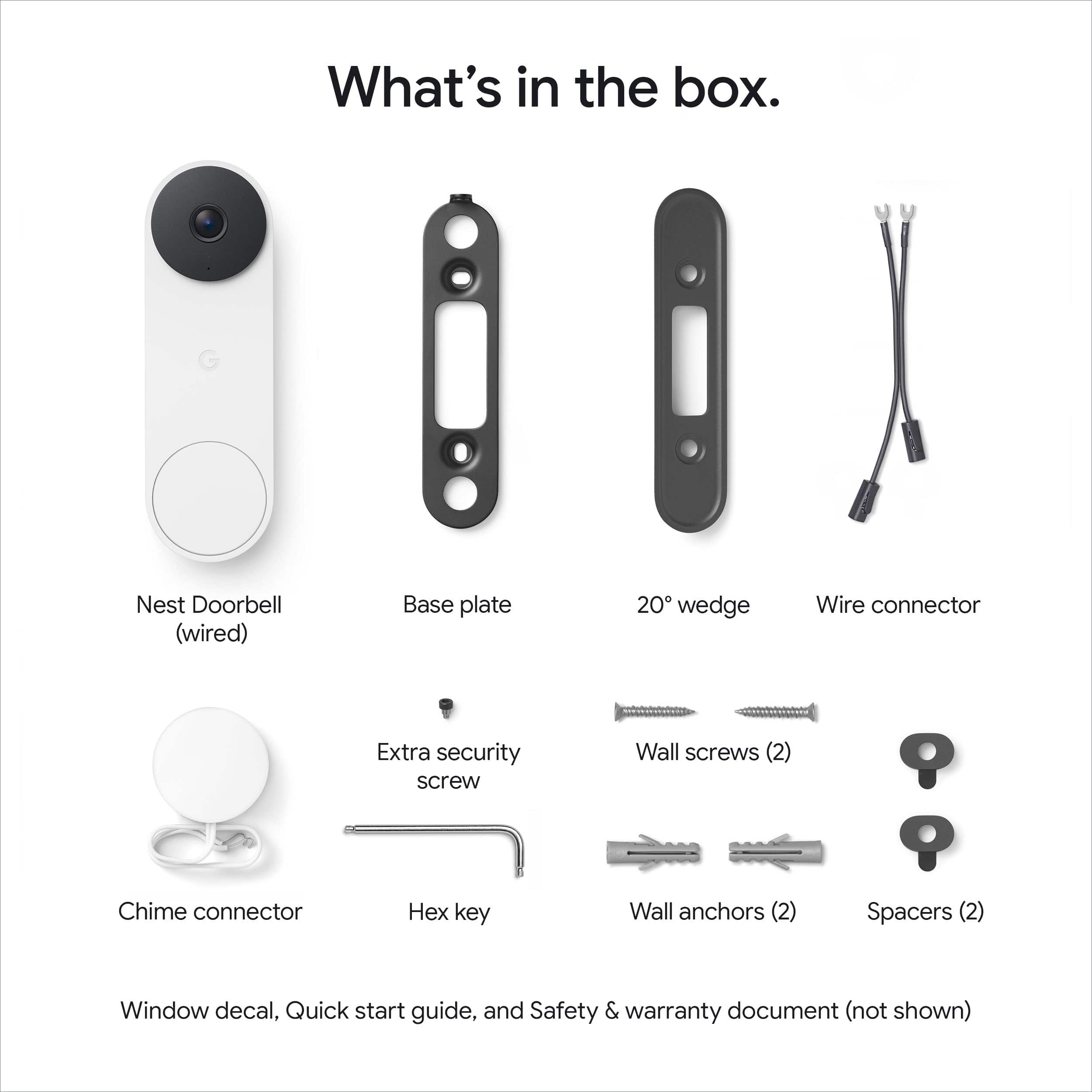
Q: QuestionI have the Gen 1 Nest Doorbell. Any chance the wedge mount and wiring are the same for Gen 3?
Asked by glspark2007.
- A:Answer From someone who just replaced their gen 1, no. The mount is different.
Answered by Ryan
Q: Questionwould this doorbell camera be a monthly bill
Asked by LT.
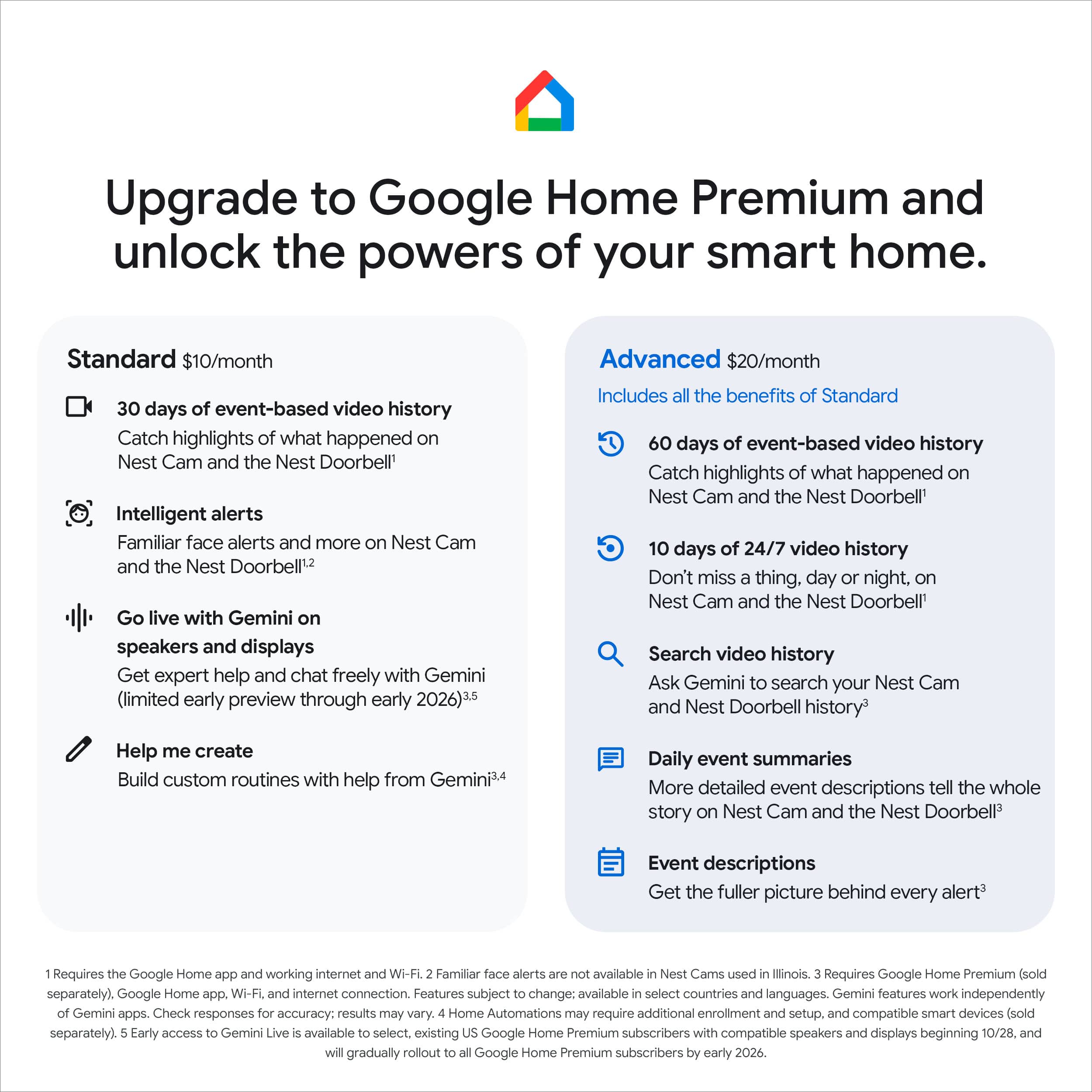
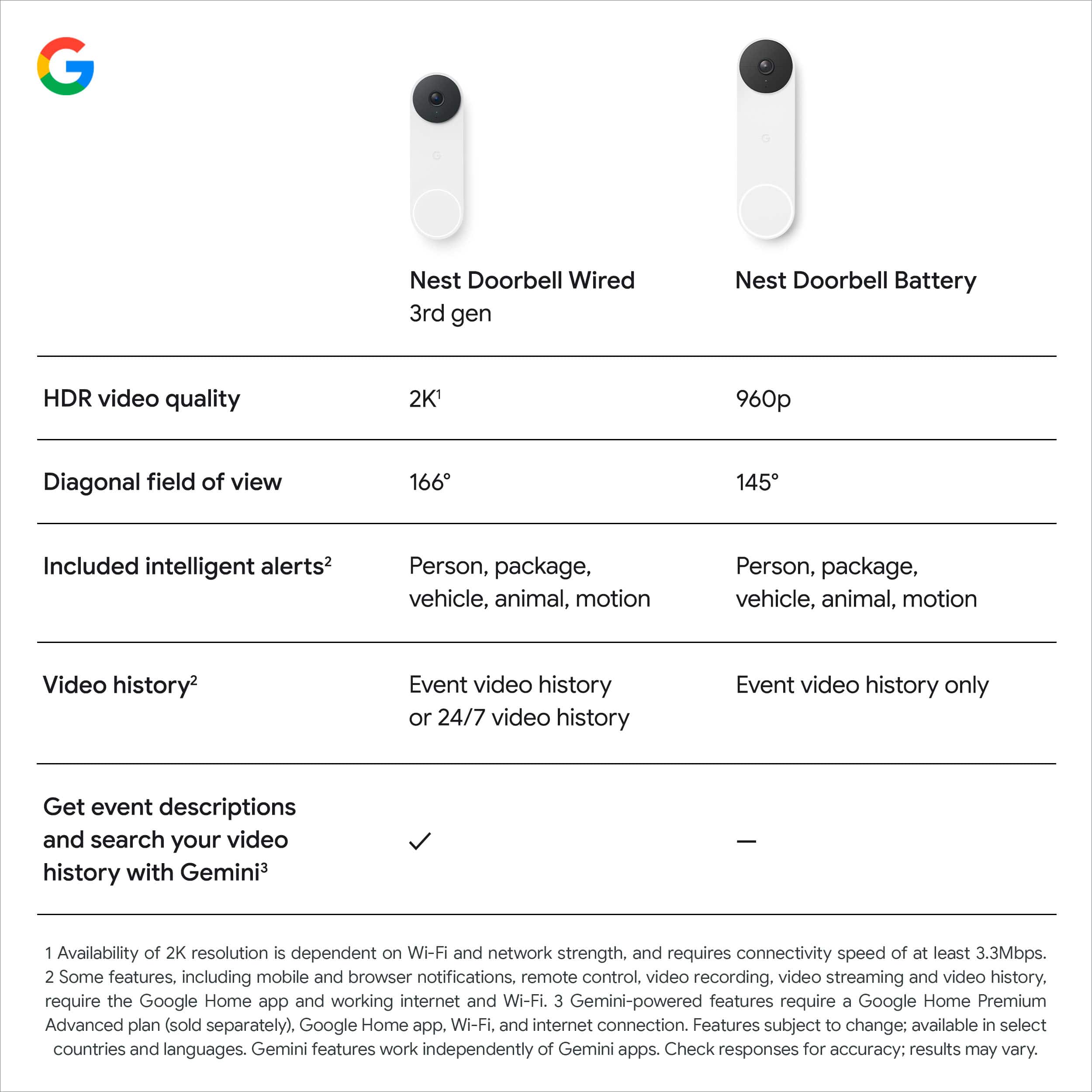
- A:Answer Hey there, LT. No, the Nest Doorbell (Wired, 3rd Gen) doesn’t require a subscription to use. However, having Google Home Premium unlocks additional features such as continuous video recording, person detection, and more. Here’s a link with more benefits: https://support.google.com/googlenest/answer/9233159?hl
Answered by Google Team
Q: QuestionDo you have google products in store so i can see the colors linen and hazel
Asked by RodJ.
This question was asked about the related product: Google - Nest Doorbell (wired, 3rd gen) - Latest Model - 2K Video and Gemini - Linen
- A:Answer Yes, almost every store has the 3 colors on display.
Answered by Ryan
Q: QuestionDoes Best Buy offer a trade in program for like google products
Asked by RodJ.
This question was asked about the related product: Google - Nest Doorbell (wired, 3rd gen) - Latest Model - 2K Video and Gemini - Linen
Q: Questionmy existing google home nest links to a power supply that lets me use my google home max and homes as my doorbell
Asked by RodJ.
This question was asked about the related product: Google - Nest Doorbell (wired, 3rd gen) - Latest Model - 2K Video and Gemini - Linen
- A:Answer Thanks for asking, Rod. The Nest Doorbell (Wired, 3rd Gen) can connect to your Nest Hub Max to show you who’s at your front door. Here’s a link with more information: https://support.google.com/googlenest/answer/9136995
Answered by Google Team
Most-viewed items
- $59.99Your price for this item is $59.99$99.99The comparable value for this item is $99.99
- $39.99Your price for this item is $39.99$49.99The comparable value for this item is $49.99
- $94.99Your price for this item is $94.99$149.99The comparable value for this item is $149.99
- $79.99Your price for this item is $79.99$139.99The comparable value for this item is $139.99
- $199.99Your price for this item is $199.99
- $119.99Your price for this item is $119.99$149.99The comparable value for this item is $149.99
- $99.99Your price for this item is $99.99$179.99The comparable value for this item is $179.99
- $59.99Your price for this item is $59.99$129.99The comparable value for this item is $129.99
- $189.99Your price for this item is $189.99$229.99The comparable value for this item is $229.99
- $34.99Your price for this item is $34.99$49.99The comparable value for this item is $49.99
- $34.99Your price for this item is $34.99
- $29.99Your price for this item is $29.99$59.99The comparable value for this item is $59.99
- $179.99Your price for this item is $179.99
- $59.99Your price for this item is $59.99
- $149.99Your price for this item is $149.99
- $319.99Your price for this item is $319.99
- $69.99Your price for this item is $69.99$99.99The comparable value for this item is $99.99
- $219.98Your price for this item is $219.98$299.99The comparable value for this item is $299.99
- $129.00Your price for this item is $129.00