A:AnswerI don’t think phone carrier will be an issue. Just as long as the doorbell has a good WiFi connection you should be able to connect to it no matter what carrier. Definitely ok at with Verizon.
A:AnswerIts not a problem at all.
Its as simple as unfastening some screws, Adding new wires and putting them back.
You might need a ladder or a Drill depending on where your actual bell is mounted or how your Bell switch is fixed.
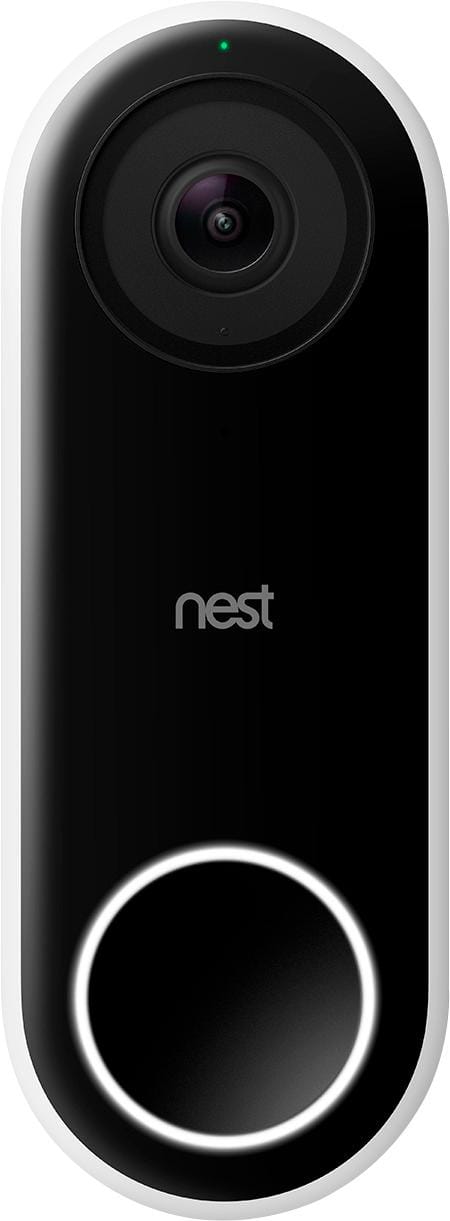
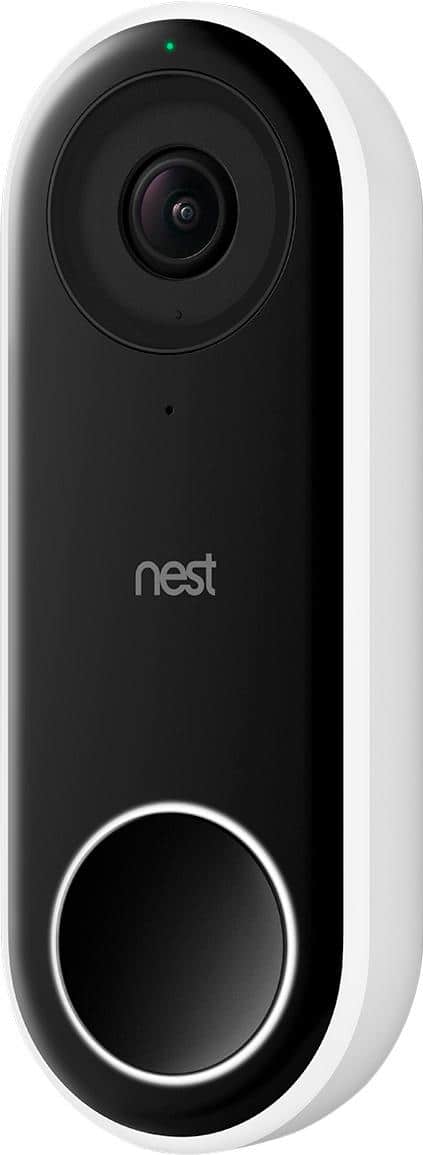
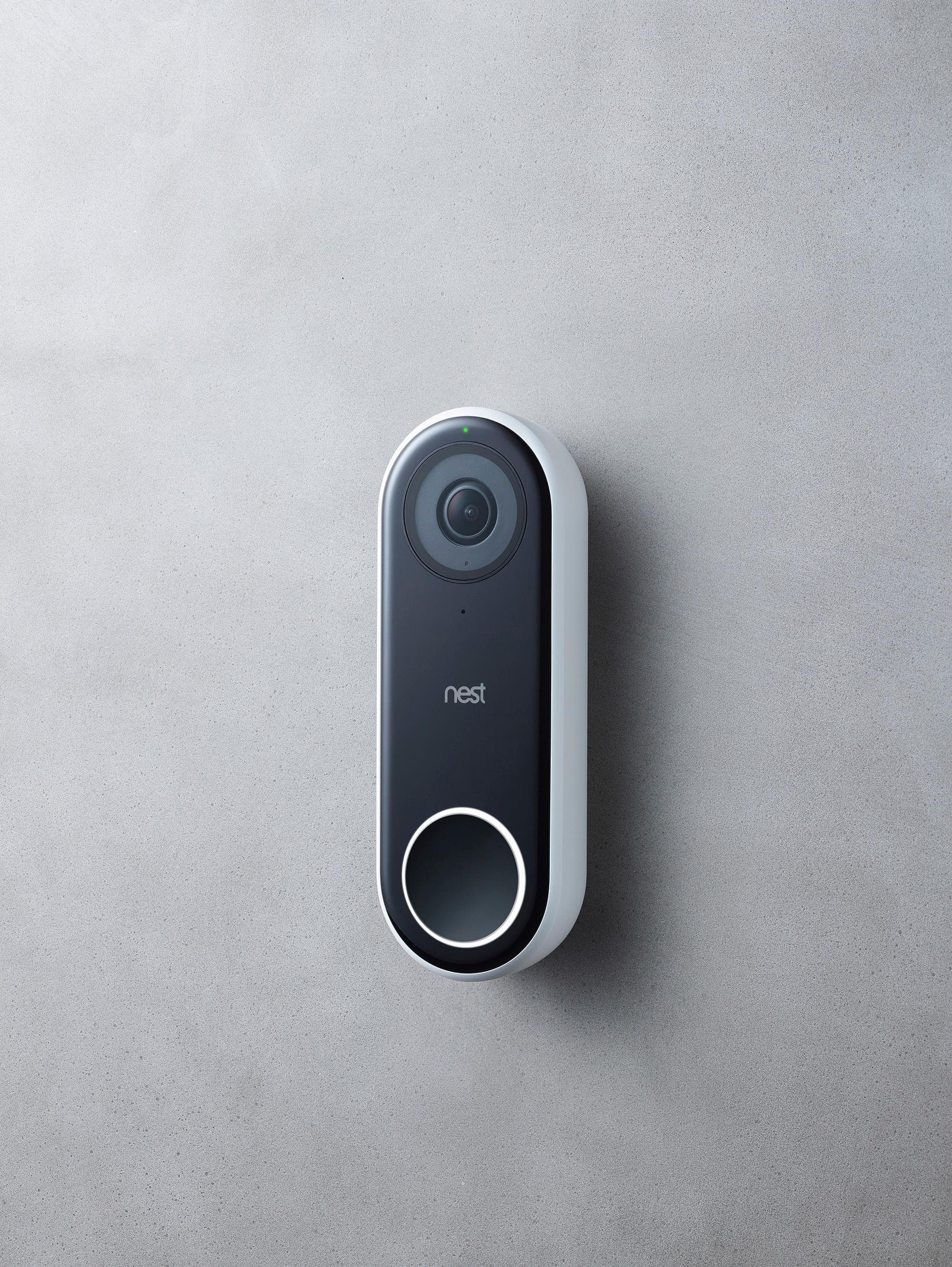
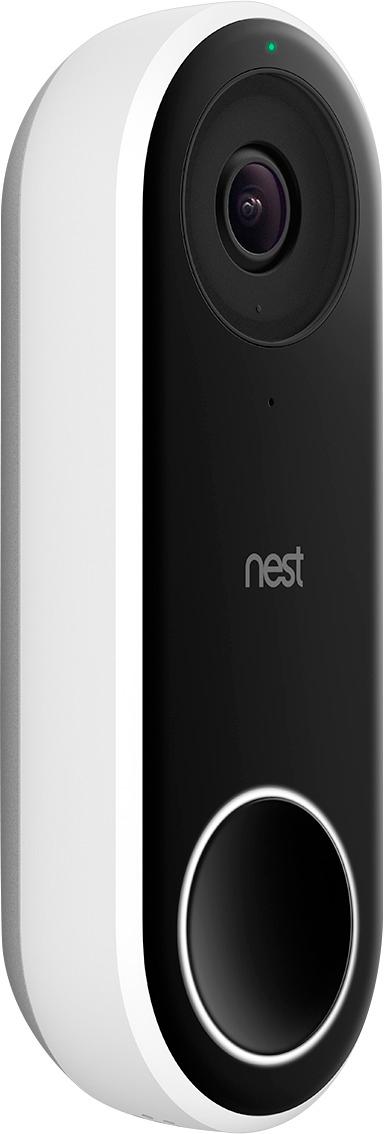
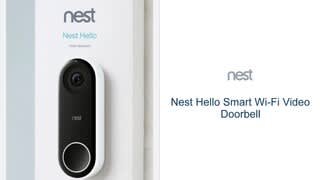
A:AnswerThe Nest Hello video doorbell needs to connect to power, either via your current doorbell transformer (16-24V) or via a USB power cable. It does not have the capability to run on batteries.
A:AnswerIt connects inside your doorbell chime. You actually put a little transformer inside that you have to wire. The doorbell sends the signal to that and it then rings the chime.
A:AnswerDon't see why not. You can even hook up the chime but turn it off in the app. The only requirement is the power supply. Check the Nest Website for wiring compatibility.