A:AnswerGet the nest app for your phone. You can set your wife up as an additional user on the parent account. Did it for my wife a few weeks ago. Very easy!
A:AnswerIt should be. If you check how your heat pump is wired into your home, and there is only one direction (electric) to "turn it on or off", you should be okay. However, if you have a system that triggers the gas separate from the electric (a pseudo by pass system?) it may not. You need the singular electrical to carry into a Nest.
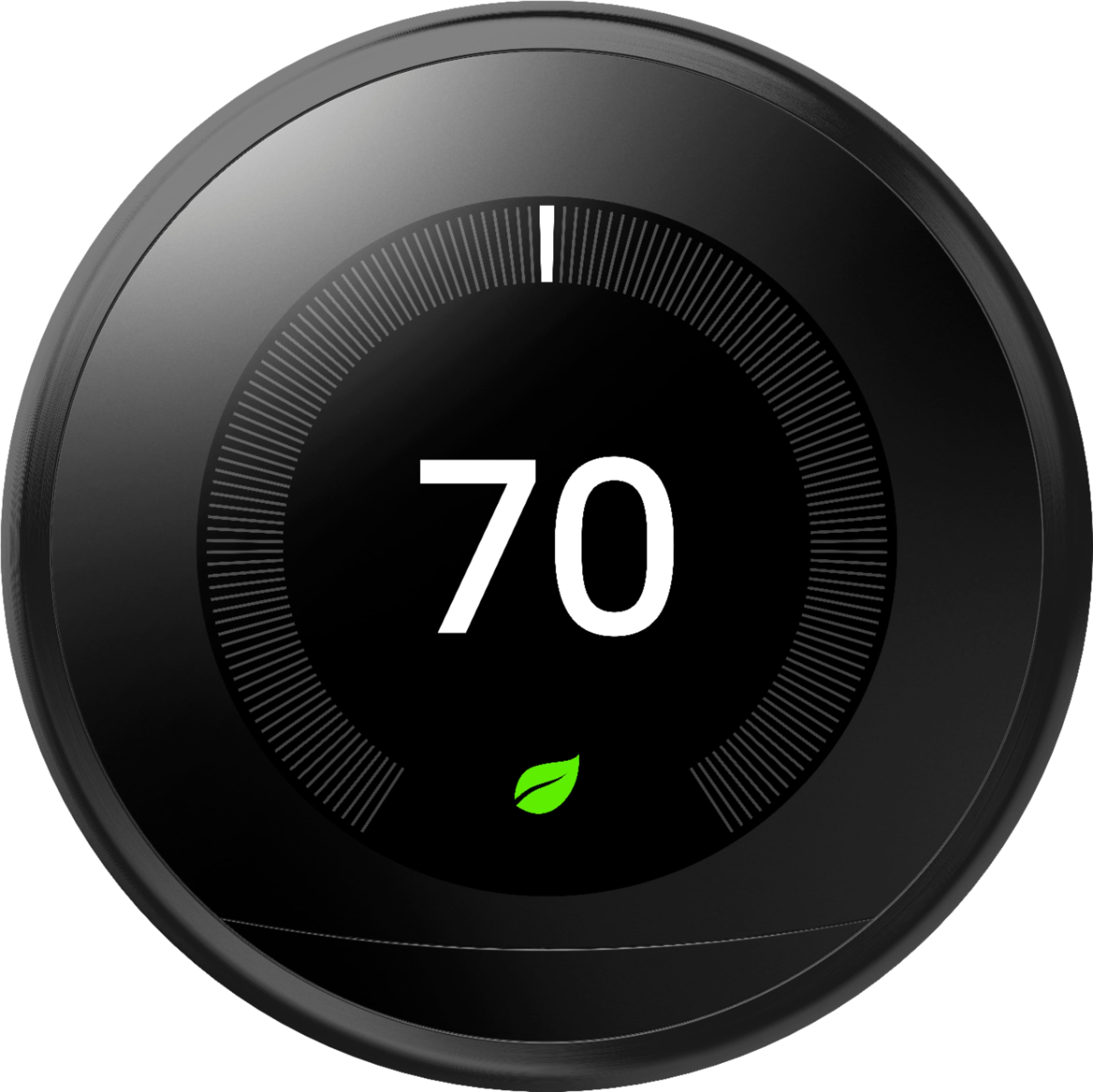
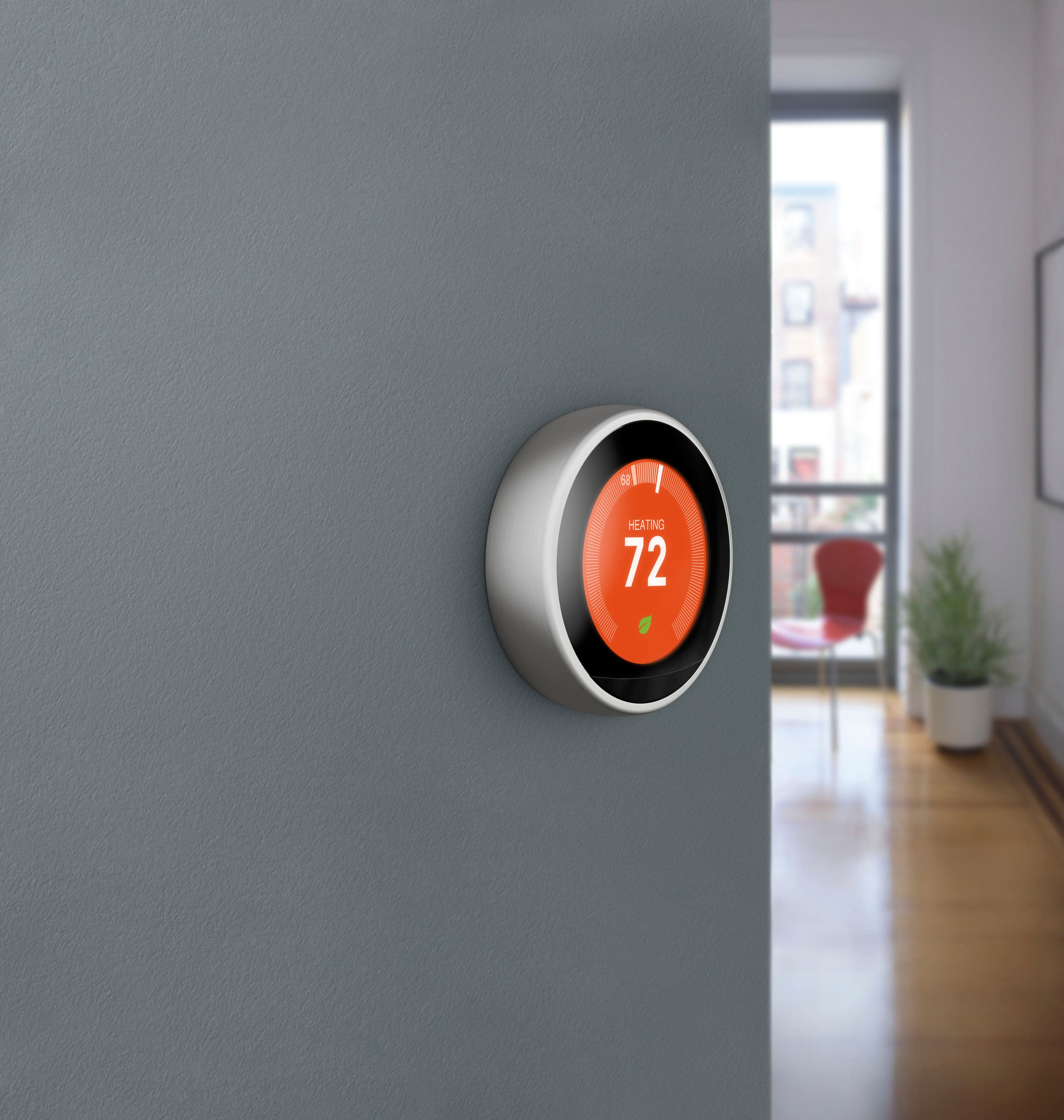
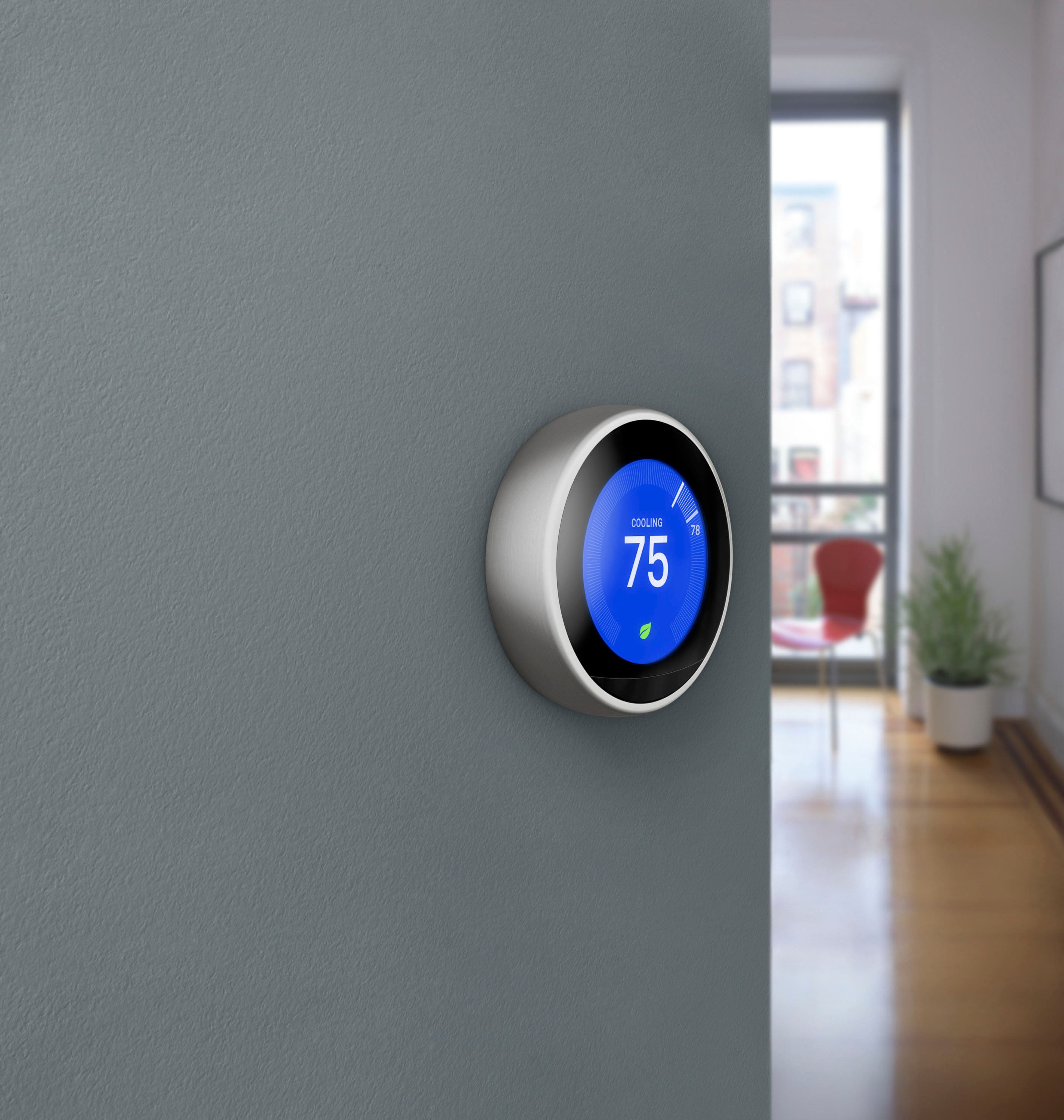
A:AnswerThe Nest Learning Thermostat is the fully-featured model of all Nest thermostats. It has a 10-wire configuration which makes it compatible with up to 95% of the 24 V HVAC systems in the US. It supports up to 3-Stage Heating (W1, W2 & W3) and 2-Stage Cooling (Y1 & Y2), including support for humidifiers and dehumidifiers, and dual transformer HVAC systems. Nest Learning Thermostat has a humidity sensor that measures the amount of water in the air (relative humidity). It detects ambient humidity for comfort optimization and control of whole-home humidifiers.
We recommend using our Compatibility Checker tool on this link to verify if your system is compatible: https://support.google.com/googlenest/answer/9246656 or you may reach out to our support team anytime for assistance here: https://support.google.com/googlenest/gethelp
A:AnswerThis sound like a battery issue (common for these). #1 - do you have 5 wires hooked up or 4 (C wire or no)? #2 - if your heat (assuming based on context) is constantly running to keep up with your request to hit 71, you are not getting power to the Nest. It is all being used by your furnace. Potential solutions - get a pro to add a C wire, use a C wire adaptor (produced by Google), or allow your Nest to come down from 71 naturally for a couple hours while you charge it, then remount it when you go to bed to kick heat back on say an hour or two before you wake up.
A:AnswerOpen Settings, select Equipment, select Continue on the Wiring diagram, select Continue on the equipment list, select Heat Source ....this will give you all the options you can change
A:AnswerBe patient... your furnace /boiler is a multi part system. Basically your fan is "starting up" and then your heat source is being allowed to add heat.
A:AnswerCan you hear your furnace go on? The furnace actually powers the Nest battery. Check the power. Also be sure Nest doesn’t think you are not home, which will happen if you don’t walk by it often and it is set to turn off when not home
A:AnswerThe activity sensor on these are very finicky. Recommendation, always tap the thermostat if you want to interact with it. It should run even if it does not think you are standing in front of it.
A:AnswerNest Learning Thermostat offers 95% compatibility with 24V HVAC systems, including gas, electric, forced air, heat pump, radiant, oil, hot water, solar, and geothermal, while Nest Thermostat offers 85% and that has a maximum of 6 wires.
We have our online compatibility checker as well as our detailed support page article to help you find out which thermostat is compatible with your HVAC system here: https://support.google.com/googlenest/answer/9246656
You may also contact our support team to check what type of HVAC system you have to help you with the compatibility. You can reach us here anytime: https://support.google.com/googlenest/gethelp
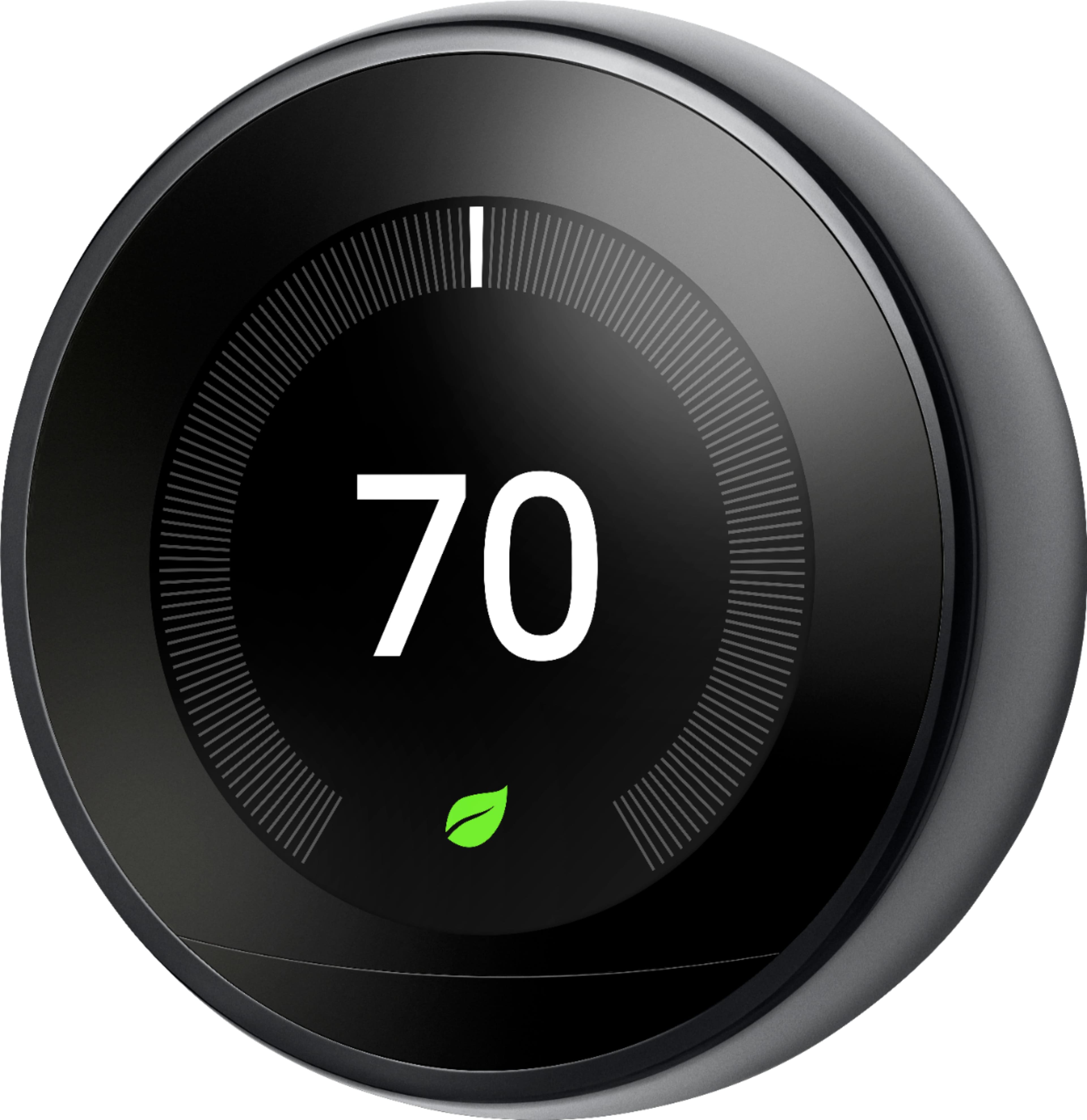
A:AnswerYou can use Nest Learning Thermostat as a traditional thermostat by disabling its smart features. Check this link on how to: https://support.google.com/googlenest/answer/9209007