




A:AnswerNest Doorbell (battery) come with 3 hours of event video history. 24/7 video history is not available for the Nest Doorbell (battery), even with optional wired installation. It will automatically expire and be deleted after 3 hours. Learn more about Event-Based Recording here: support.google.com/googlenest/answer/9681538
A:AnswerYes. Nest Doorbell (Battery) is compatible with most Wi-Fi routers, including Nest Wifi, with wireless 802.11a/b/g/n 2.4 GHz and 5 GHz Wi-Fi (US). For optimal video quality at 960p, working broadband internet connection with at least 2 Mbps upload speed per camera is recommended. Learn more about the Internet bandwidth and speed requirements for Nest Doorbell here: https://support.google.com/googlenest/answer/9245832
A:AnswerHey there, Jeano. The Nest Doorbell (battery) doesn't need the chime connector for wired or battery-powered installation. Here’s an article for more information: https://support.google.com/googlenest/answer/10899820?hl=en
A:AnswerI have the wireless one and I did not hard wire into the existing doorbell but I get a doorbell/sound notification on my google mini and nest as well as on my phone
A:AnswerThanks for asking, Subscribe. No, the Nest Doorbell does not require a subscription to use. However, having Nest Aware unlocks additional features such as continuous video recording, person detection, and more. Here’s a link with more benefits: https://support.google.com/googlenest/answer/9233159?hl
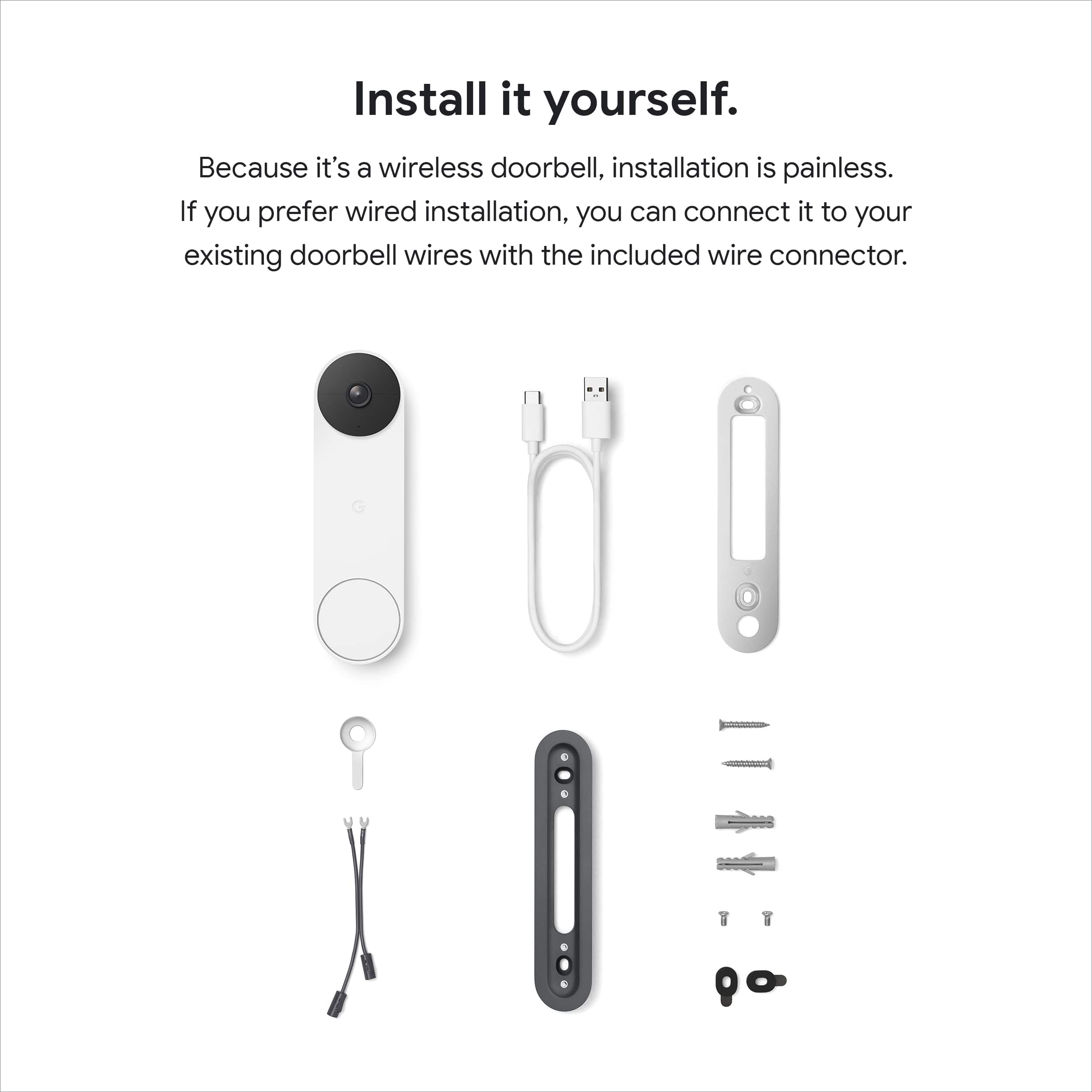
A:AnswerThanks for asking. To remove the Nest Doorbell (battery), use the release tool included in the box. If you don't have the tool, you can use a flathead screwdriver. Insert the tool or screwdriver into the hole at the top of the doorbell, then pull the doorbell up and away from the wall.
If you need any extra hands, reach out to us here: https://support.google.com/googlenest/gethelp?
A:AnswerHi there, thanks for your question. We're happy to let you know that you can get pictures from your Google Nest Doorbell (Battery). To download pictures to your computer, please visit this reference link: https://support.google.com/googlenest/answer/9207572?hl=en
A:AnswerHi, Rick. Great News. It is possible to download up to 5 minutes of a video clip without a subscription. Please refer to the following link for detailed troubleshooting steps:
https://support.google.com/googlenest/answer/9207572
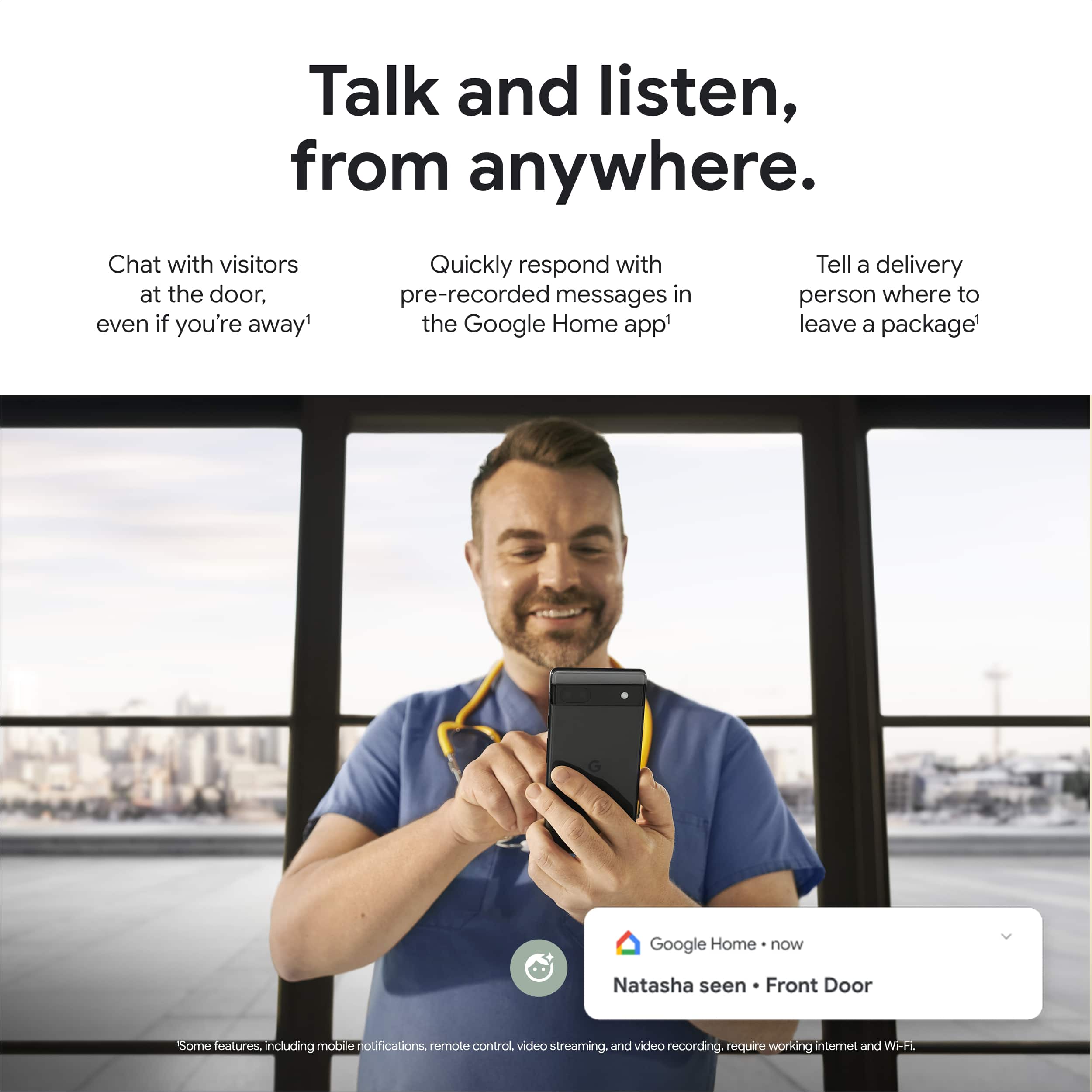
A:AnswerHello Kayla! That's a great question. To hear your Google Nest Doorbell - Battery Operated inside your house when someone rings, you'll need a Google speaker or display. Check out this link for more information: https://support.google.com/googlenest/answer/10732535?hl=en-GB&co=GENIE.Platform%3DAndroid&sjid=1684081456466198740-NA#zippy=%2Cwire-free-installation:~:text=Use%20a%20Google,visitor%20announcements.
A:AnswerHi Bill37. Great news! You are able to set up your new Nest Doorbell with the current Nest Aware subscription, once you set up your device on the same Home Structure where your subscription is attached to.
A:AnswerSounds like your WiFi Signal strength is in question. I use a mesh system to ensure complete WiFi signal coverage. It could also be a bandwidth issue.
A:AnswerUse the included pin or a paper clip and press the reset button and hold it. After the light turns yellow continue holding it until it resets again. Repeat add device in the Google home app. If it still doesn’t connect you may have an unsupported WiFi security protocol.
A:AnswerHi there! That's a great question. You can invite members to share control of your home and its devices, including cameras. However, there currently isn't an option to restrict access to specific cameras after adding a family member. Do you know how to add a family member? Check out the information at the next link to get all the details about Share a home and devices in the Google Home app: https://support.google.com/googlenest/answer/9155535?hl=en-SG&sjid=4373645937338447996-NA#zippy=%2Cinvite-members-to-a-home
A:AnswerCan be used for both, but mainly used as a doorbell for outdoor use. It is weather resistant, but if it’s too cold it does affect the battery version by dying quicker.
A:AnswerYes but be leery that the system is a nightmare if it crashes. I've been working on trying to get mine back up for days. No phone support. I have Two doorbells and one in house.