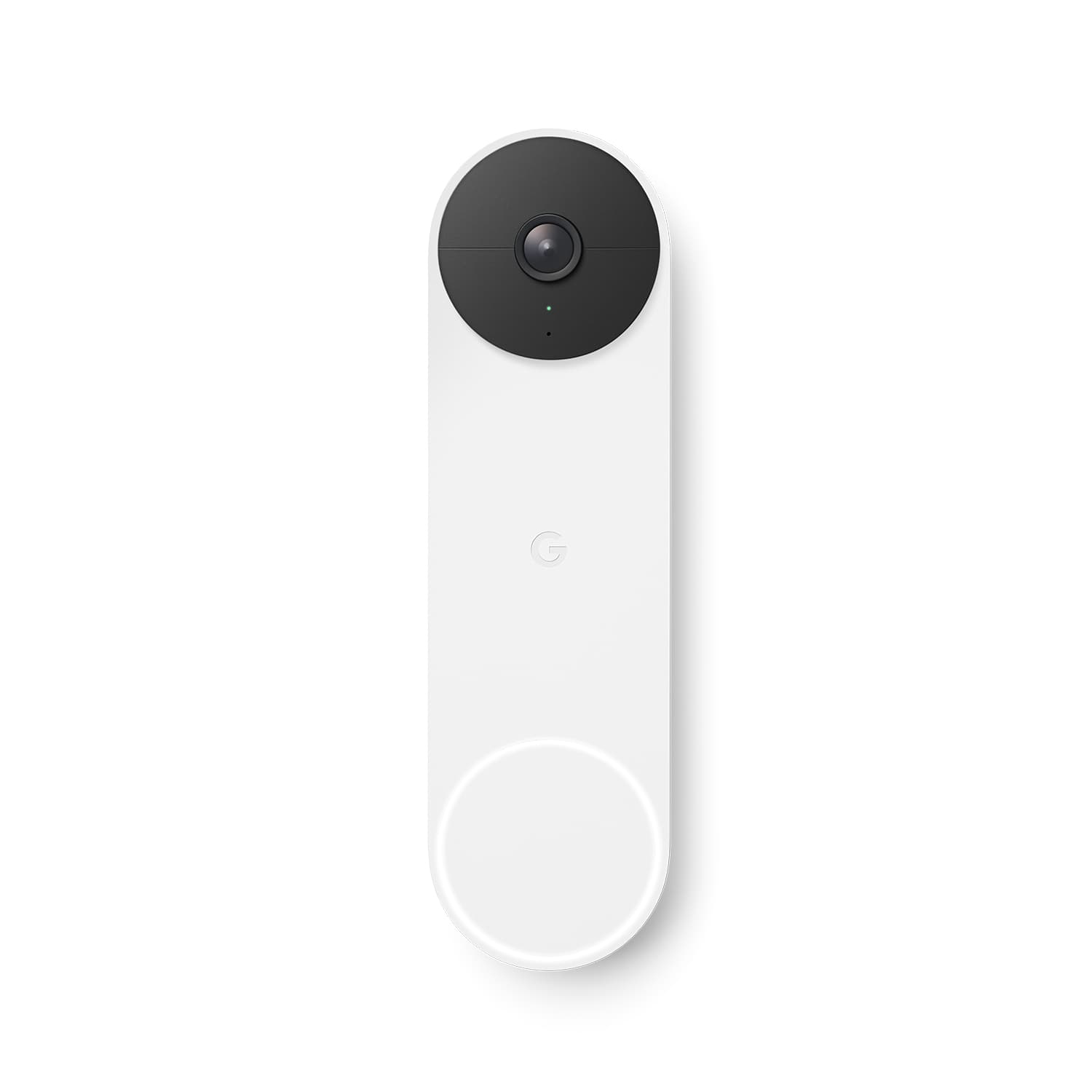
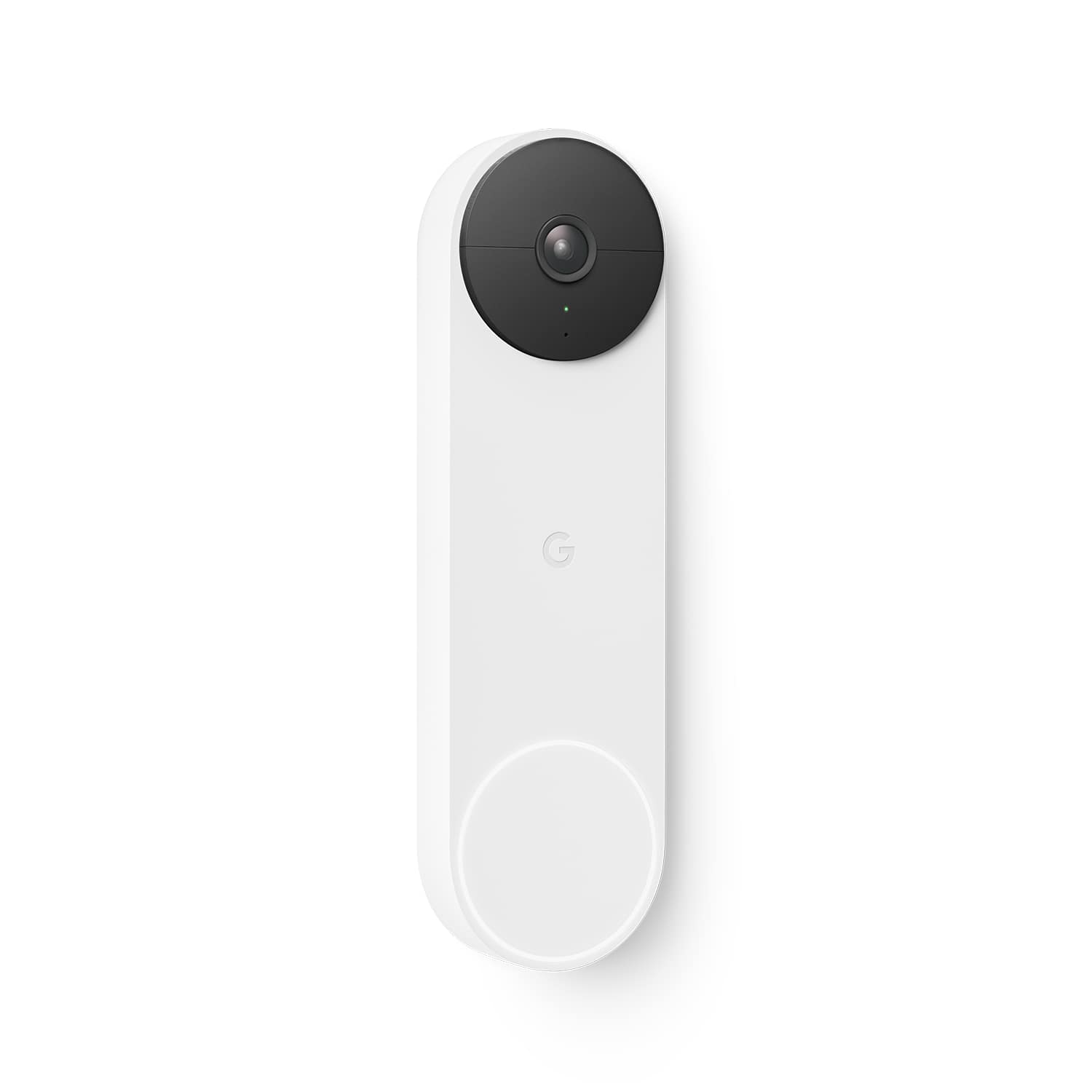
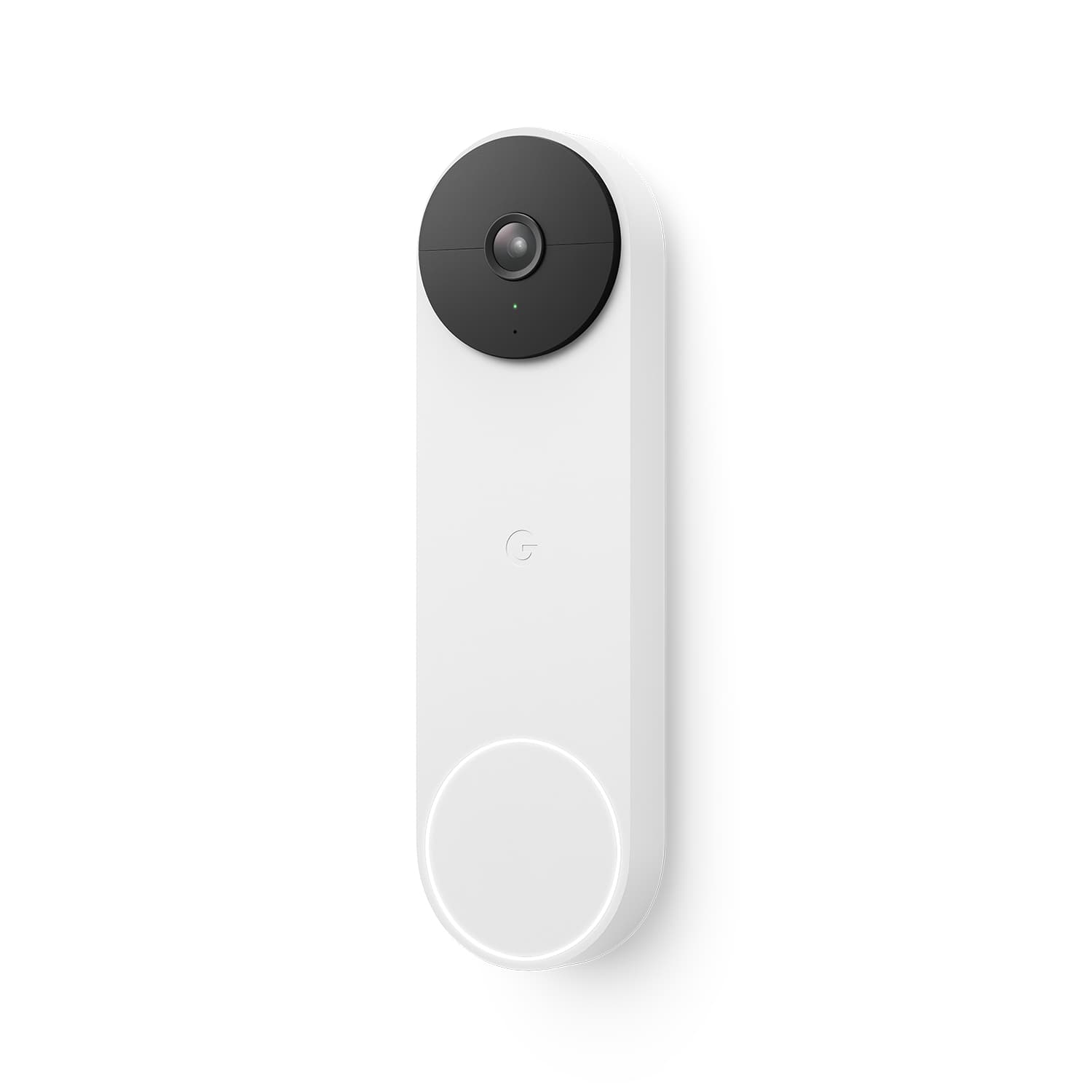
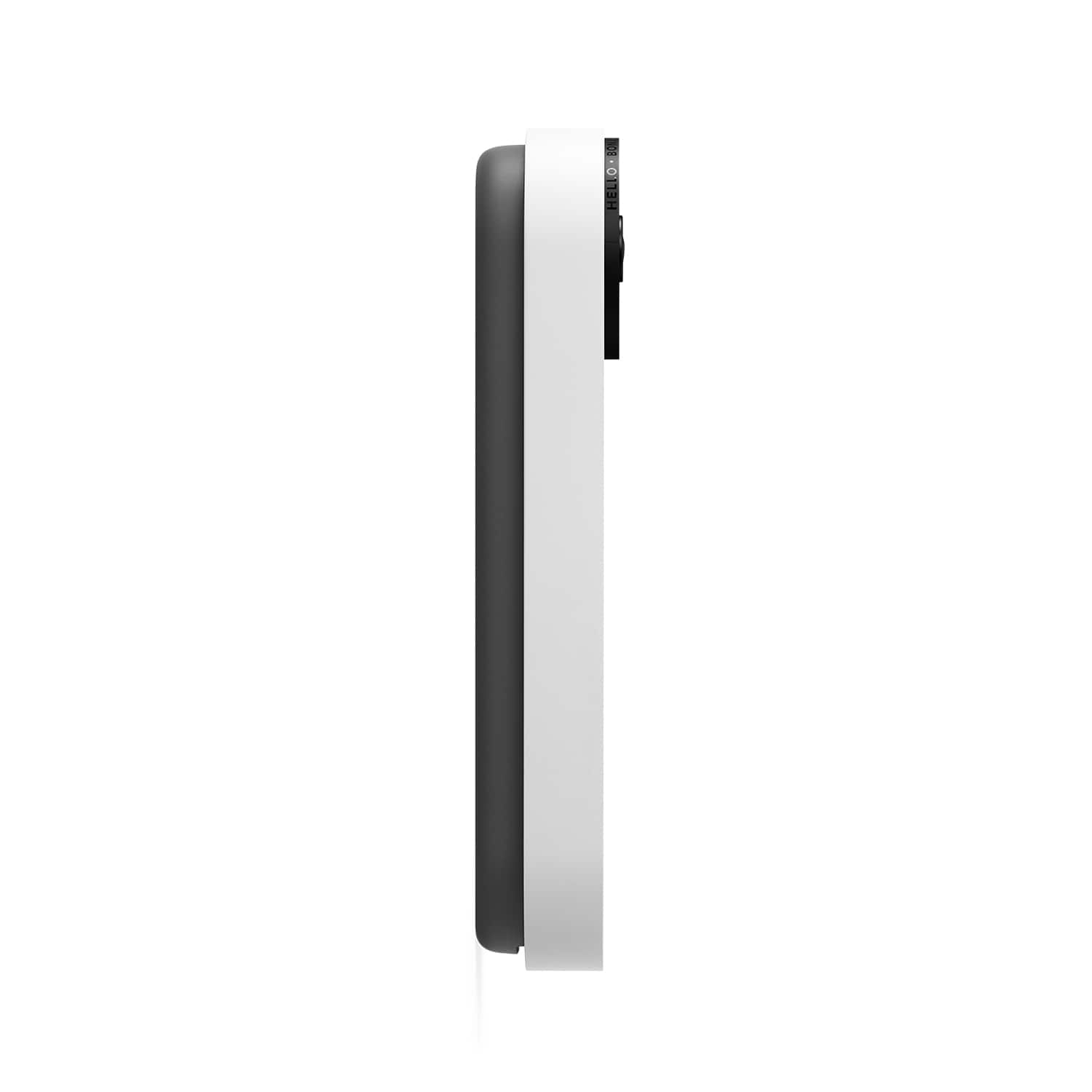
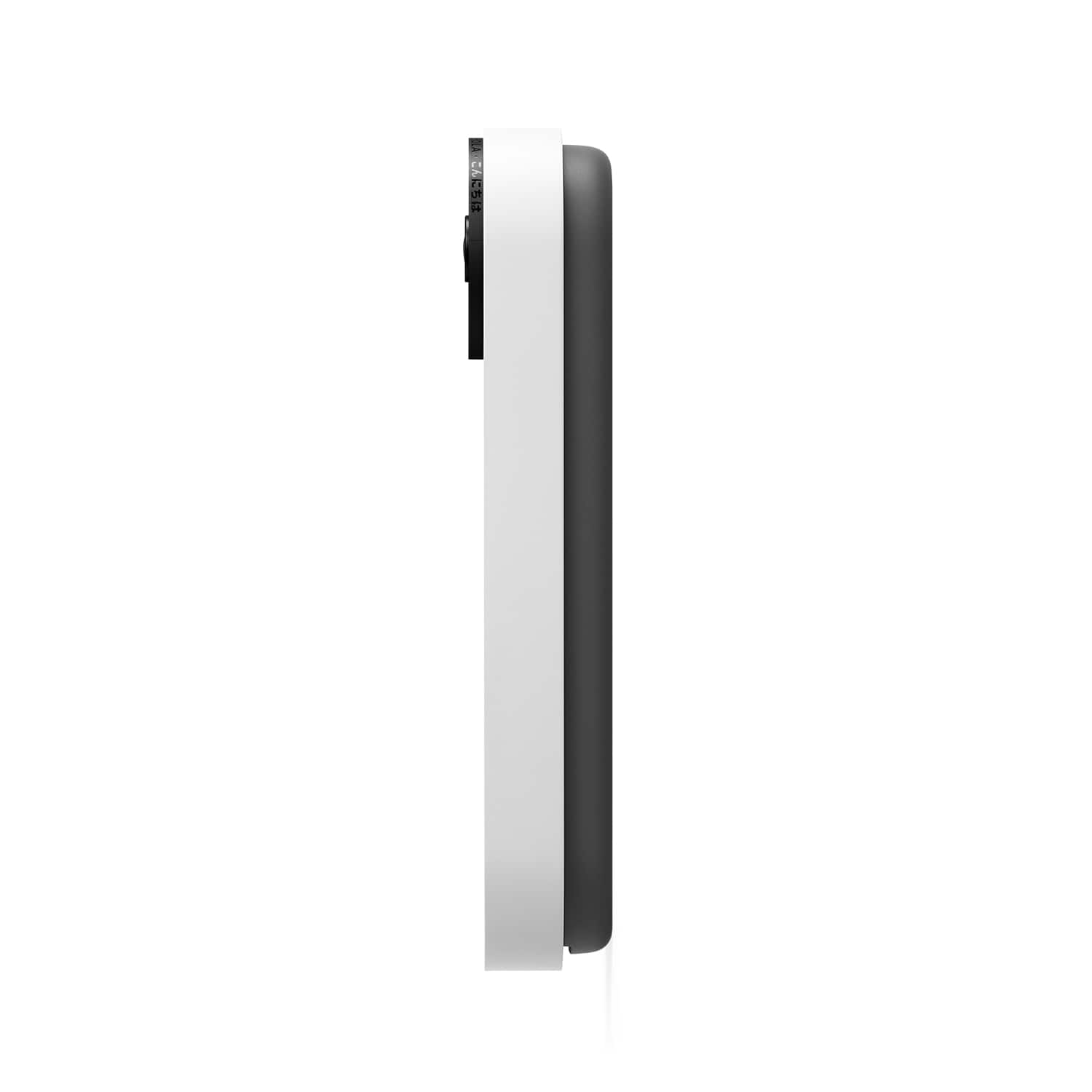



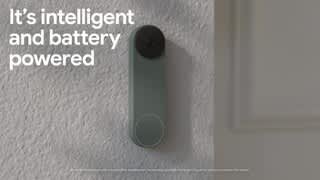

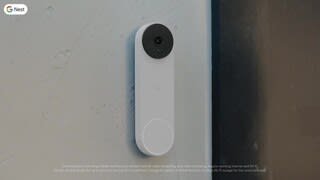
A:AnswerOur priority is giving our customers choice and making devices for every home. The new Nest Doorbell can be powered with wires delivering 8 - 24 V AC, and at least 10 VA, 50/60Hz, for continuous charging. It also has a local storage fallback that allows it to record videos for up to one hour during an internet outage and also for battery-powered cameras and doorbells, during a power outage. supports both Nest Aware subscriptions.
With a Nest Aware subscription, you’ll get 30 days of event video history. With Nest Aware Plus, you’ll get 60 days. Nest Doorbell (battery), even when wired for continuous charging, does not offer 10 days of 24/7 video history with Nest Aware Plus.
A:AnswerThe internal battery is not replaceable by the customer. You have to remove the whole doorbell from the mounting bracket using the supplied metal "key", bring it inside and plug it in to recharge it... about every 2-3 months.
A:AnswerLike any battery device that depends on its frequency of use as well as temperature. Batteries tend to not last as long when its very cold outside.
Typically around a month for average use is a statement in the literature however it says you may see a longer or shorter time between charges based on you use.
We wired this one to an old transformer powered mechanical doorbell in the house so it has constant power.
But another brand we had that was battery only lasted about 4-5 months between charges due to low use.
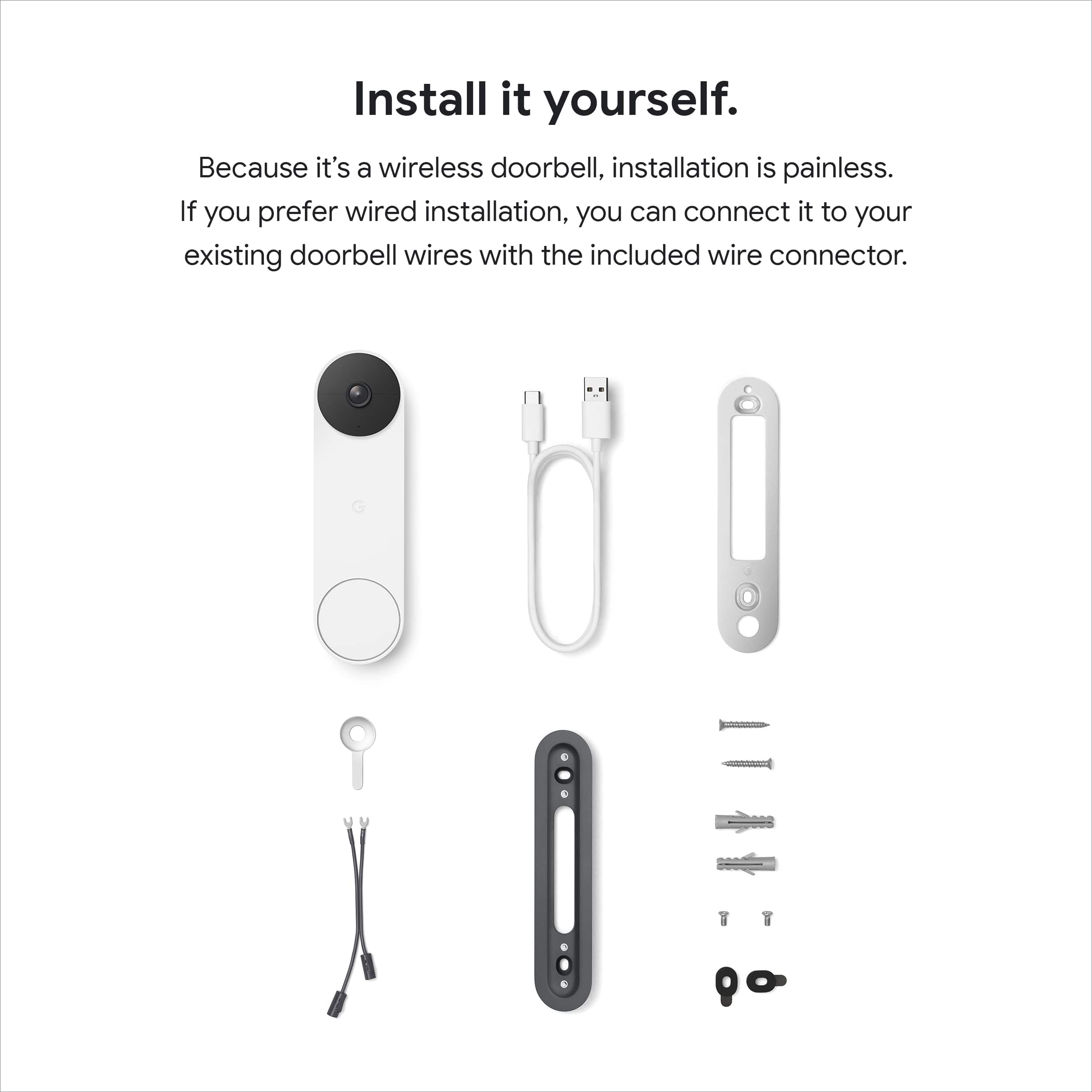
A:AnswerNest Doorbell (Battery) comes with all the tools you need to secure it in place. Anyone will have a hard time pulling Nest Doobell (Battery) out from its base plate without damaging your wall since it can only be removed using a release tool that also comes in the box.
A:AnswerYou don’t need to delete and reinstall it again as a wired doorbell. If you don’t want to worry about charging your doorbell, you can install it using the doorbell system wires for your home. If your home doesn’t have a doorbell system, you can use an indoor power adapter to install your doorbell instead. Also, your Google Assistant-enabled devices such as Google speakers and displays, can announce when a visitor rings your Google Nest doorbell whether your Nest Doorbell is wired or battery powered. If you want to get notified when someone rings your doorbell when you’re home, connect a Google speaker or display and set up visitor announcements. You’ll only get visitor announcements on your speakers and displays if they are set up in the same home as your doorbell in the Home app.
A:AnswerThe Nest Doorbell Battery is compatible with existing wiring, and will display as "Plugged in" in the app. During setup, it will ask you if you are using existing wiring or if you are using its internal battery.
A:AnswerNest Doorbell (battery) come with 3 hours of event video history. 24/7 video history is not available for the Nest Doorbell (battery), even with optional wired installation. It will automatically expire and be deleted after 3 hours. Learn more about Event-Based Recording here: support.google.com/googlenest/answer/9681538