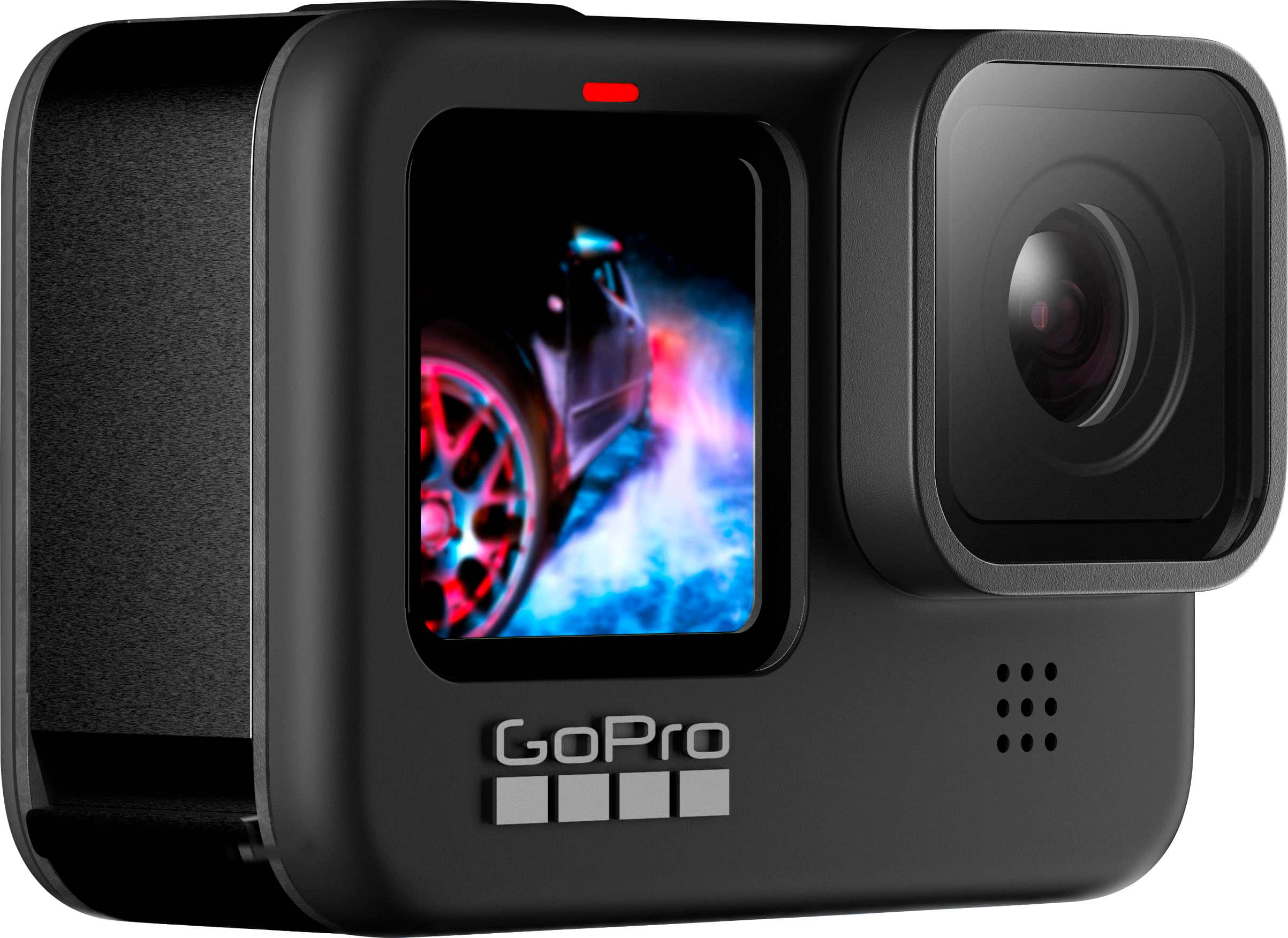
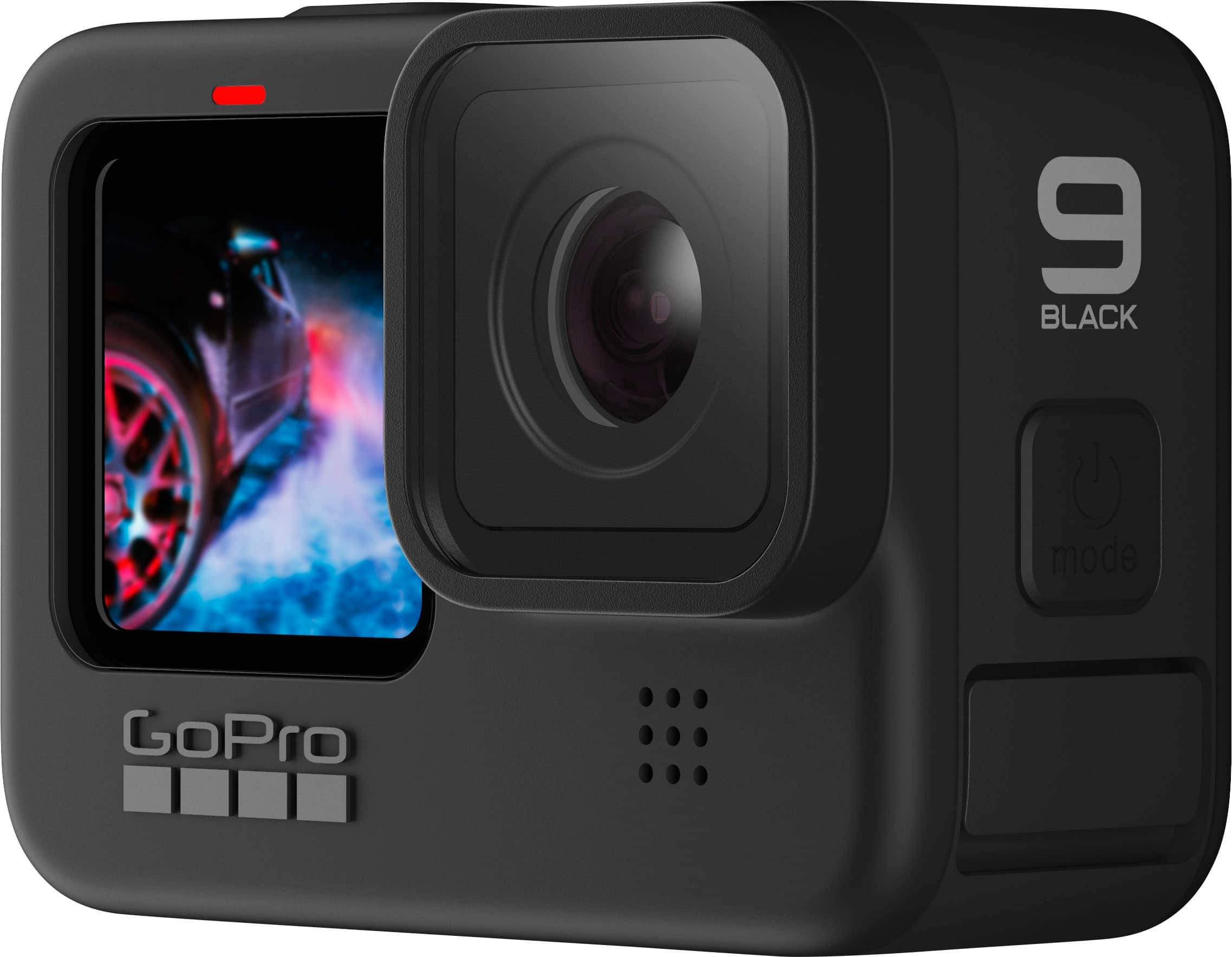
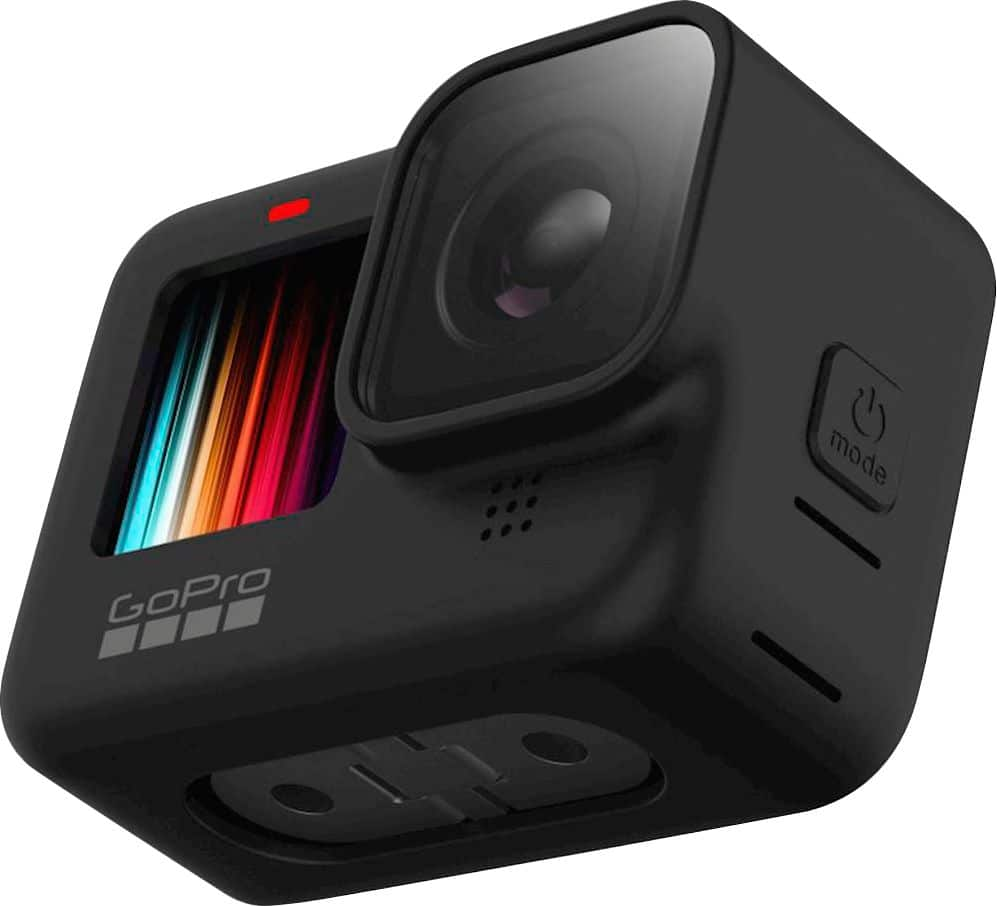
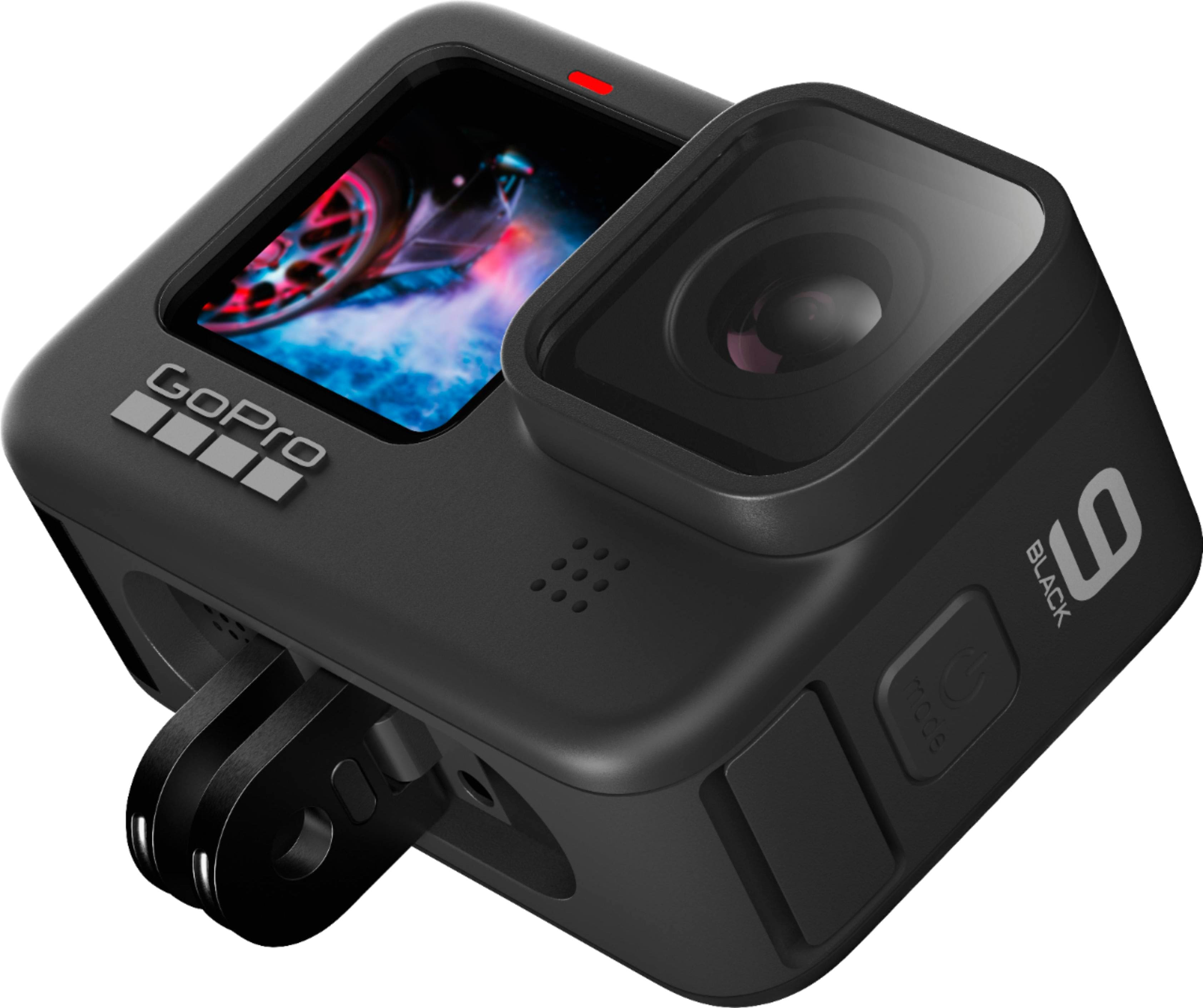
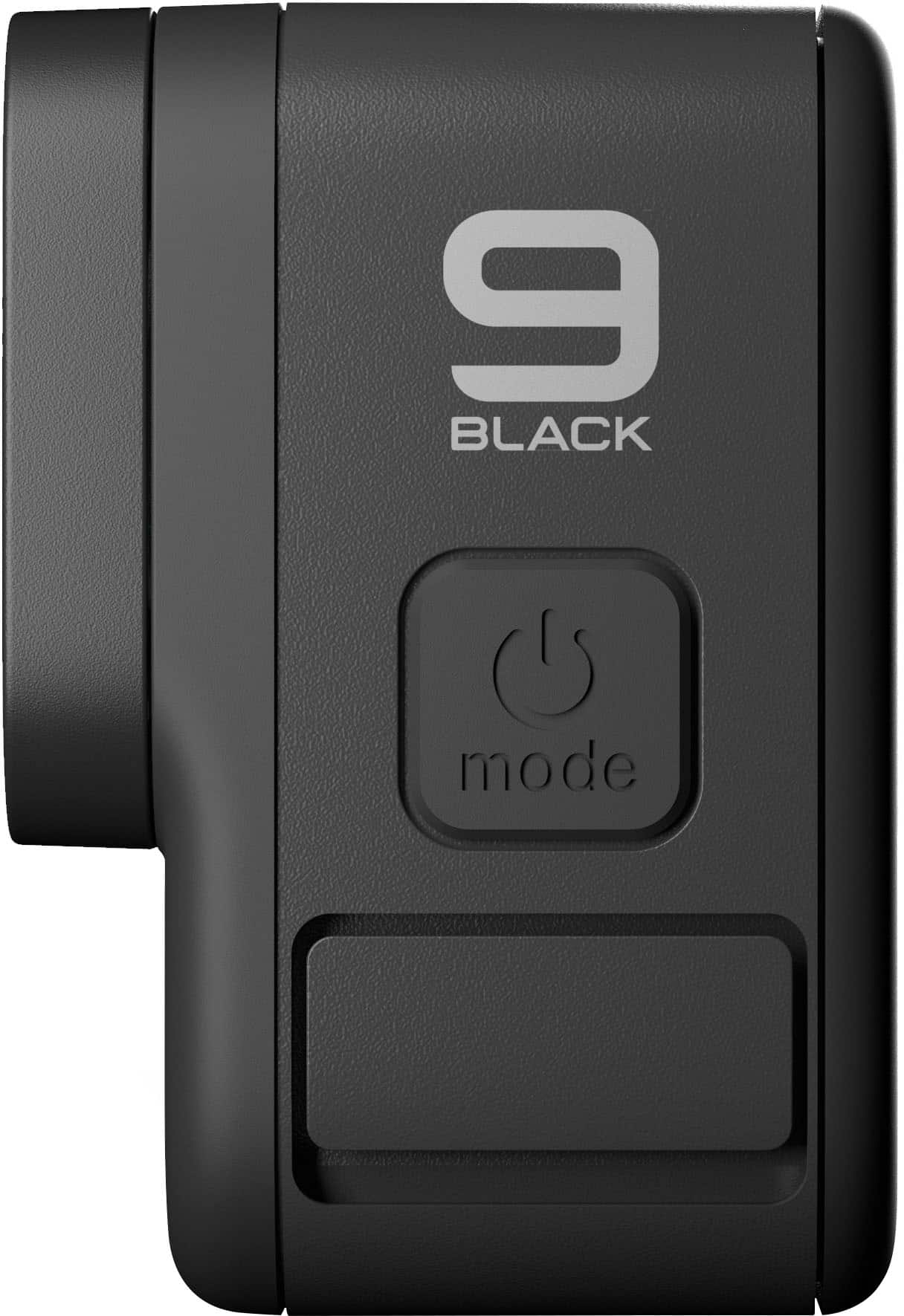
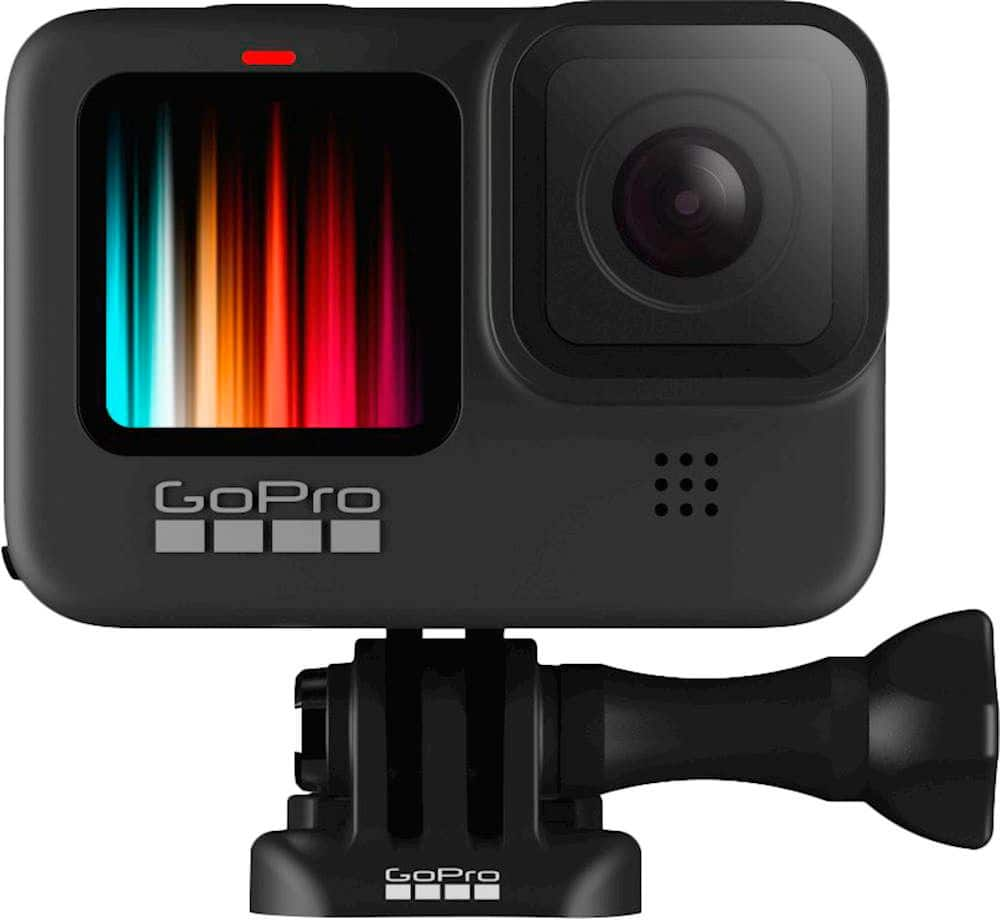
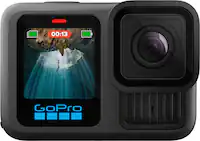
A:AnswerYes the Go Pro 9 has a replaceable lens. The replaceable lens is not backward compatible with the Go Pro 5, 6, or 7 Black. The Go Pro 9 also has a Media Mod Lens as an option that gives you a wider prospective.
A:AnswerGoPro cameras use a safety technique called chaptering, which breaks longer video recordings into smaller files that can be joined together in editing to make a single shot. That way, if there is an issue with the recording, you wouldn't lose all of the footage you shot. With the HERO9 Black, chapters are set up approximately every 4GB of data. Depending on the settings you're using, that means new chapters will be made every 5 to 8 minutes. The total length of a video depends on the size of your SD card and the settings you choose. For example, with a 128GB card you should be able to record for nearly four hours or more in most settings.
A:AnswerGoPro cameras can record all types of content, including softball games. Depending on where the camera is mounted, it can capture the full field or focus in a specific area.
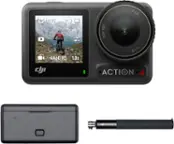
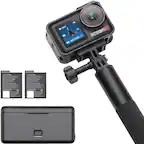
A:AnswerGoPro cameras can be used with normal tripods, but you will need an adapter to convert the GoPro mounting fingers to a format that works with the screw on the tripod. The adapter you'll want for this is the GoPro Tripod Mount.
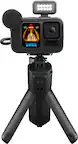
A:AnswerThe HERO9 Black does capture audio when it is recording video. The range varies depending on the type of sound and the volume, but it's normal for video cameras. For enhanced audio options, look into the Media Mod for the HERO9 Black. The Media Mod has a built-in directional mic, and it includes a 3.5mm port to connect an external mic to the camera.
A:AnswerYes you can, the process I followed was downloading pics and videos Into laptop via SD card and then transfer desired files onto phone from laptop
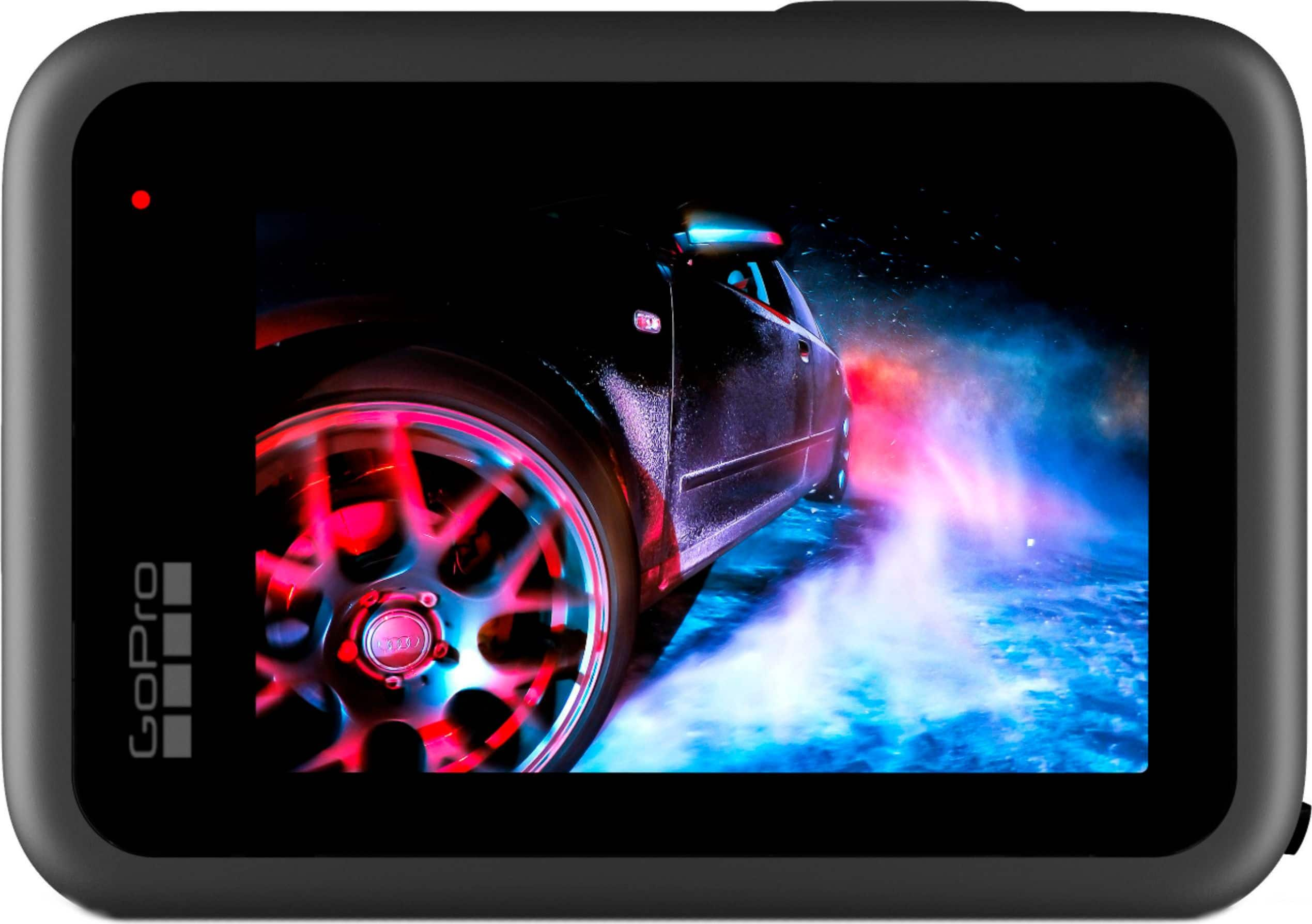
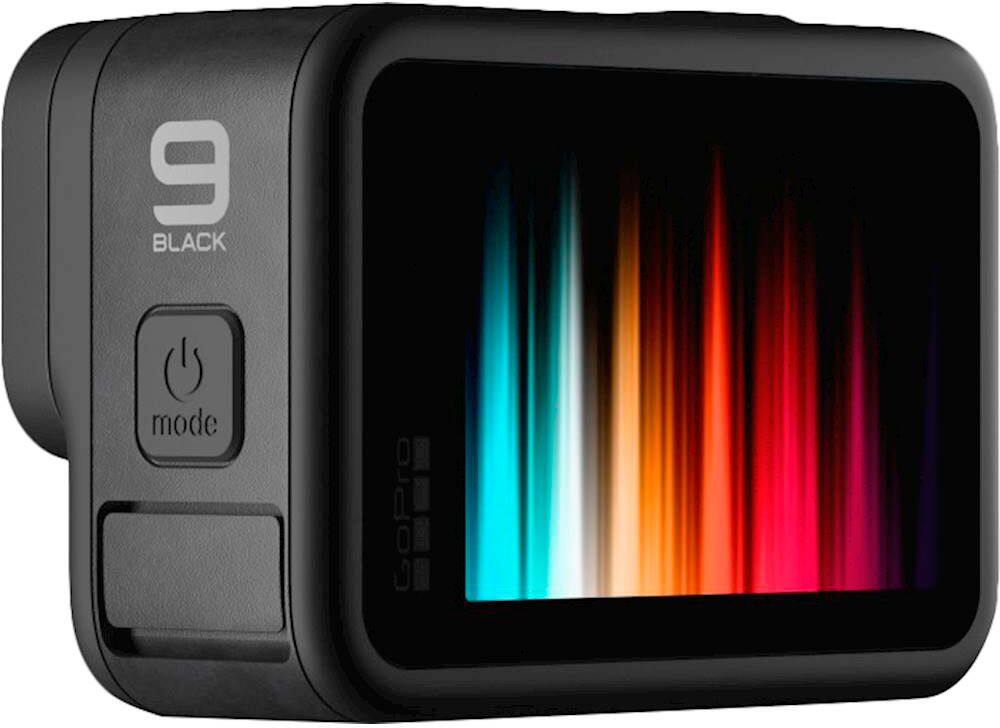
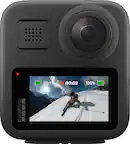
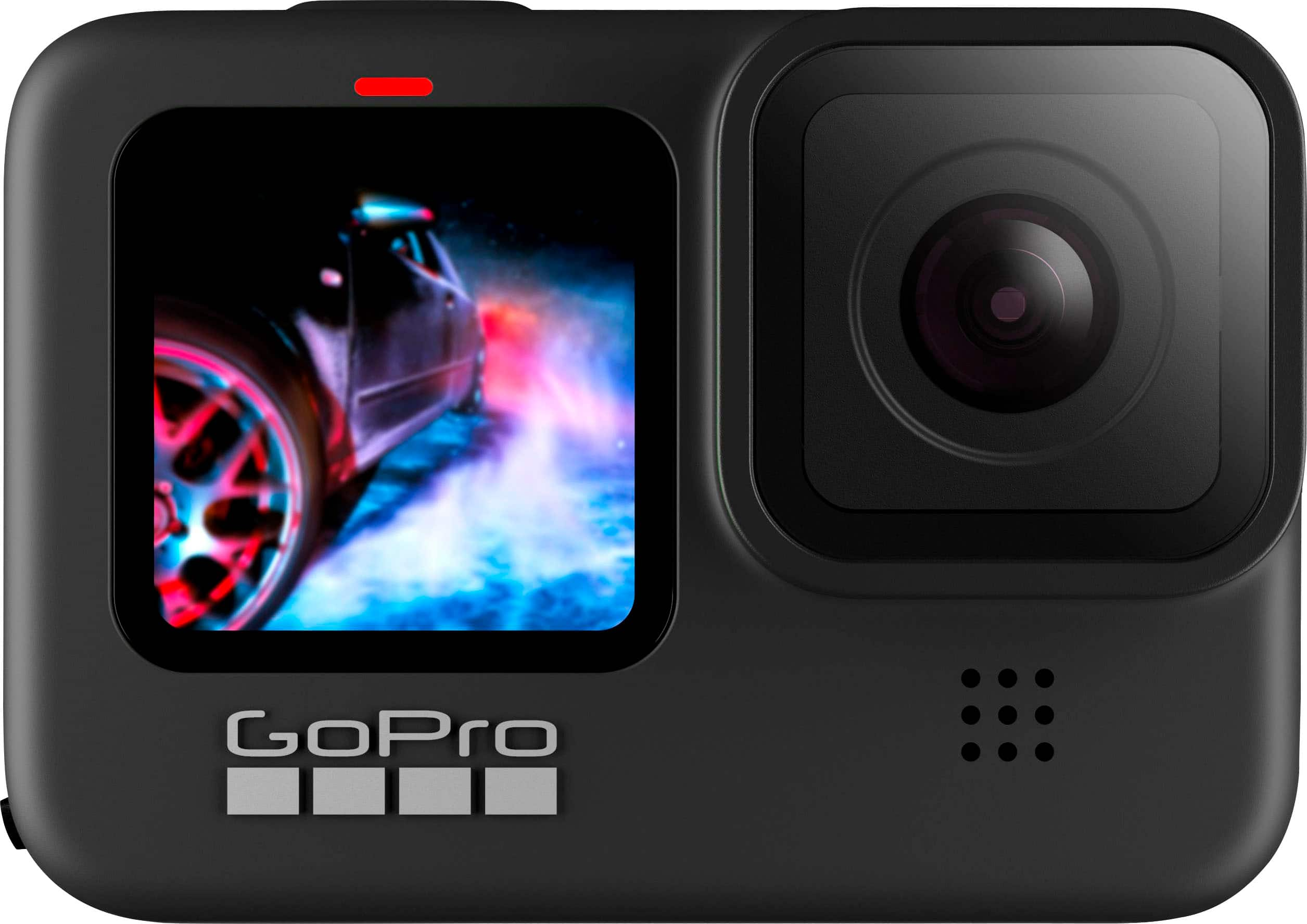
A:AnswerThe HERO9 Black has a single lens, so it will only record in one direction. However, there is an LCD preview screen on the rear of the camera and on the front of the camera, so you can definitely use the front screen to see yourself and make sure the shot is aligned like you want it to be when shooting selfies.
A:AnswerYou may still be able to upload 5K videos to YouTube, but they will be shown as 4K to viewers. With the HERO9 Black, you can also select to shoot in 4K if YouTube is your primary upload site, or you can take advantage of the higher resolutions like 5K and crop/zoom in your videos as needed during editing and still render a 4K file.
A:AnswerWhile recording, there isn't a pause feature, but you can quickly stop recording and then start recording again when you're ready. There is a pause function when playing back videos you've recorded and are viewing on the camera.
A:AnswerThere is not a pause function while recording. The HERO9 Black treats each recording as a separate file, so whenever you stop recording, it will create a new file. You are able to join those files together into a single edit later on though.
A:AnswerHERO8 Black batteries are a different size than the batteries designed for the HERO9 Black, so the HERO8 batteries will not work in the HERO9 Black. The HERO9 Black set includes the HERO9 Black camera, a carrying case, a rechargeable battery, a curved adhesive mount, a mounting buckle with thumb screw, and a USB-C cable.