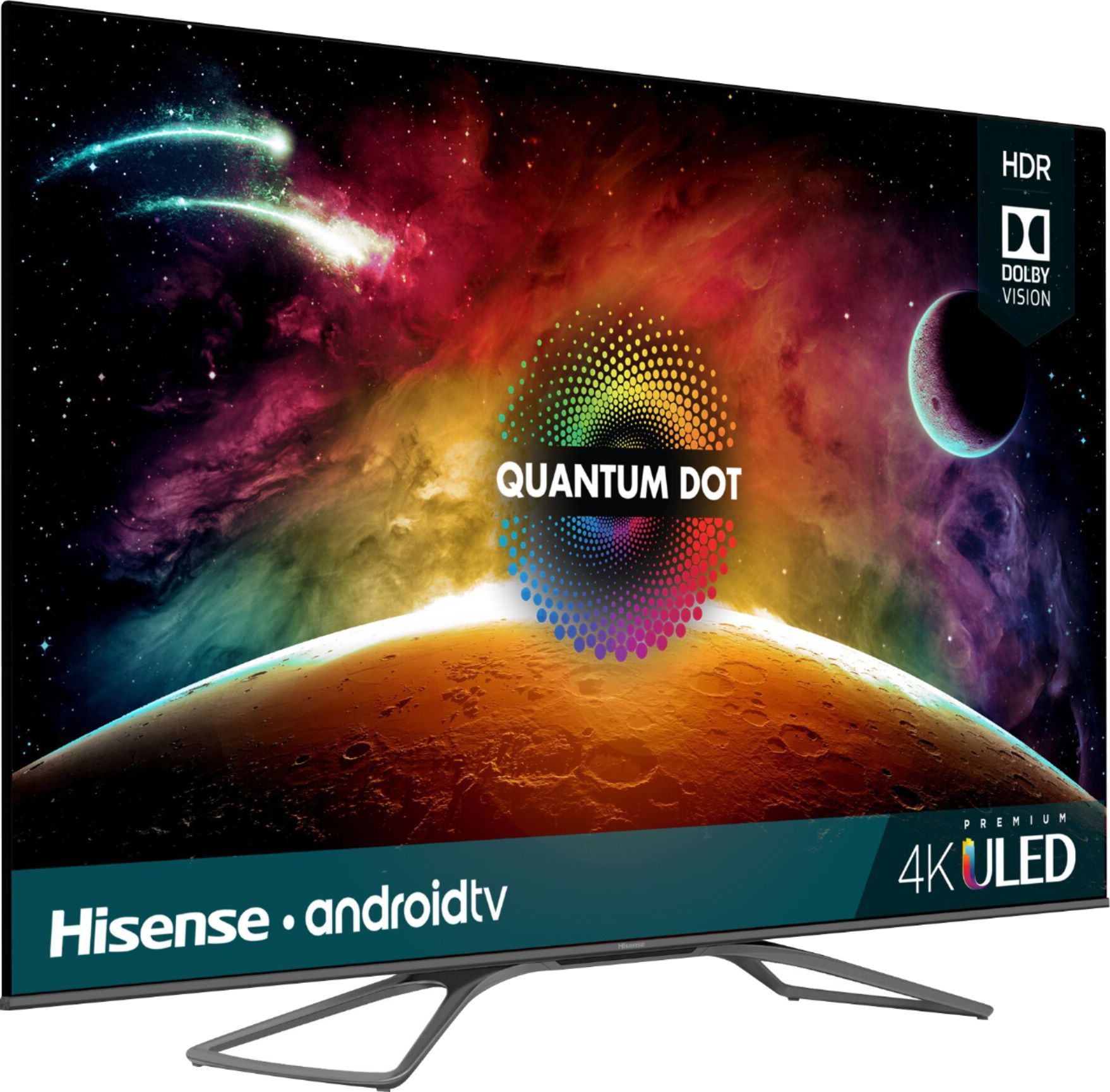
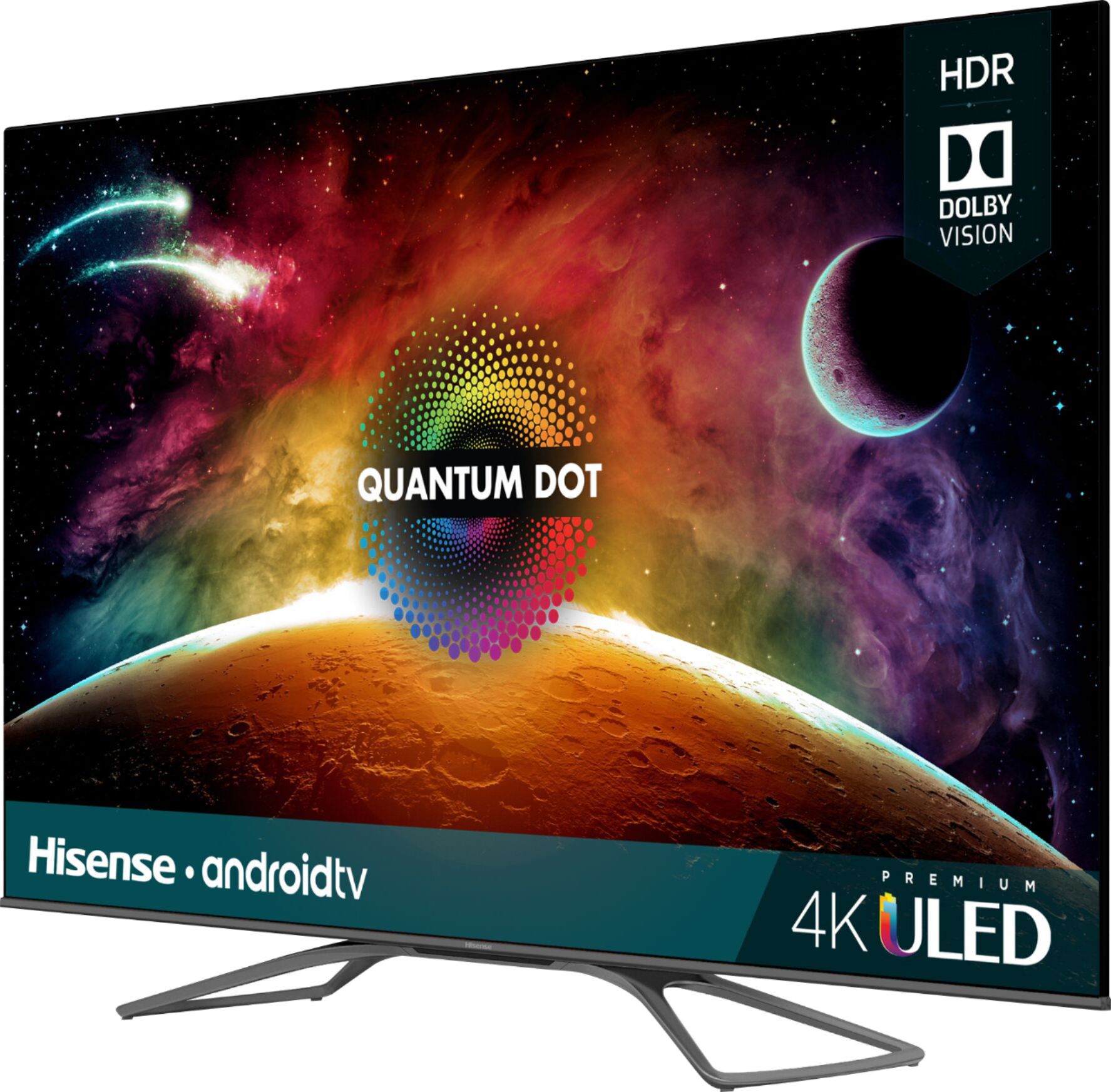
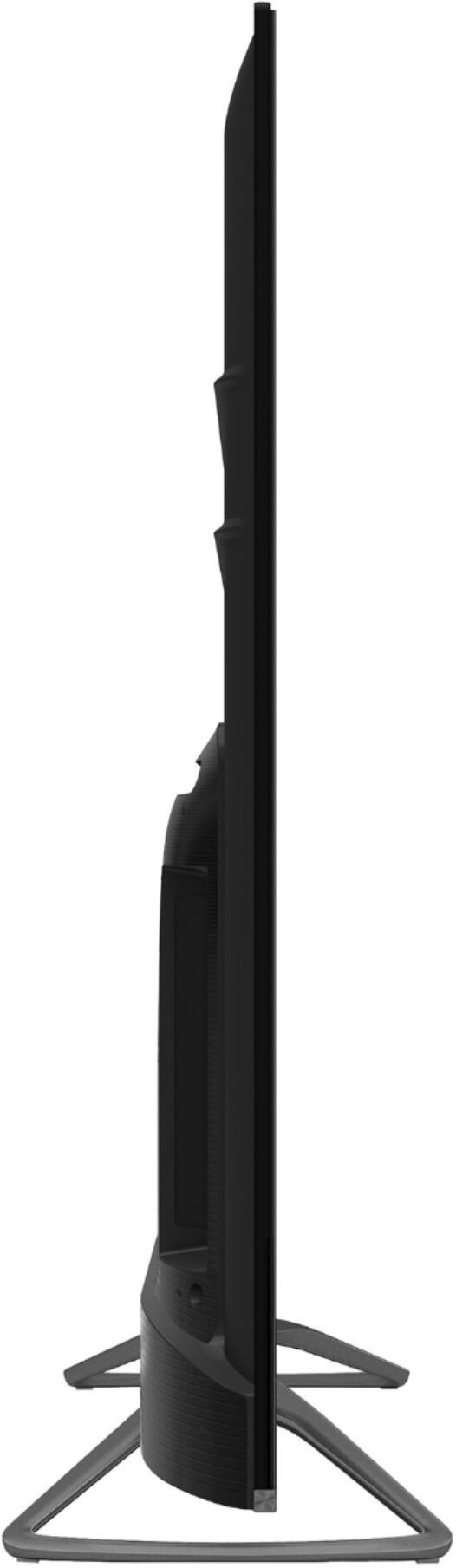
A:AnswerIt's comparable to the Vizio P series quantum 2019 if not better because of the much better OS and pretty close to Samsung q80 2019 model at less than half the price.trust me I checked every tv out in person before I pulled the trigger.
A:AnswerGo to Rtings.com and search "Compare tvs" The Hisense H8F is a tad bit better than the 2018 Q6F because it is a Fully Backlit Panel. The Q6F is only edge lit. They haven't done a test on the H9f yet but my assumption is that it'll be an exponential difference between your Q6F and this H9F. Pull the trigger if you can
A:AnswerNo dead pixels, and for it being in a darkroom I thought the TV turned off there for a minute because the dark in the TV is so great. It has the truest black I've ever seen in a TV. I highly recommended it
A:AnswerJust bought this TV as of 11/15/2019 and there is no Prime Video in the Play Store even after an update to the TV. I had to manually install it onto the TV. The following instructions will help install Prime Video onto this Hisense H9F TV and possibly other Android TVs as well.
1. Put the latest "Prime Video APK" (search Google) on the root of a flash drive (FAT32 preferred).
2. Plug flash drive into TV. A prompt may come up to show the flash drive and if you would like to "Open" it. Open the flash drive. (If this doesn't come up, go download a "file explorer" from the Play Store and install a file explorer.) Browse for the "Prime Video APK" and select it and install.
3. A prompt will show up about installing this "Unknown source." Click okay or yes, and this should take you to settings to check, "Allow unknown sources". Check "Allow."
4. Click okay to install the "Prime Video APK" and now the Prime Video app should be in the Google Apps now.
A:AnswerI have a Xbox one X, and gaming is amazing. I don't notice any lag, and if you read reviews on Rtings, the lag time is great. I've never had an Oled, but the fear of Burn in would make me afraid to game on such an expensive T.V.
A:AnswerHello!
As a representative of Hisense I talk to a lot of people who sell and buy this TV and others and this has never been an issue. As a Hisense customer (I have 3, and my extended family all have at least 1 Hisense in their home) this has never been an issue. Hisense knows varying rooms require adjustments to the TV, so some with very large rooms can take advantage of the "Lip Sync" setting built-in to the H9F. Most other issues with TVs in general for out of sync audio are a result of old receivers or HDMI cables.
A:AnswerThe speakers are towards the bottom of the television. They have a relatively full range, but don't match the tonal range of a good sound bar/subwoofer combo or a component system. The remote does have a microphone and the TV has googles assistant built-in. This is very helpful for loading apps and finding interesting content.
A:AnswerYes, i have the DSE too, but I think this is pretty common with this TV. I knew that buying this TV, and I expected it. When watching content, it is not noticeable. I am happy with mine. The colors are great with this one. I had the TCL 625 and returned it for this one.
A:AnswerCT,
Google and Amazon have begun to work together to provide Prime Video on Android devices. The great news is that according to news outlets, Hisense is the first to start seeing these roll out to the TVs. It will come with the regular Android OS updates. Please make sure you have automatic updates selected in your settings, and you can manually check for updates as well. It may take some time for your TV to receive this update. To find how others have experienced this, search the internet for "Prime Video Android Update Hisense" and read some tips from users like yourself!
A:AnswerI believe it does. And there are numerous apps you can download from the Android Store that will help. I'm not an over the air watcher so I can't tell you the specific apps. But look at services like Channels and Pluto TV.