A:Answer I just figured out how to disable the mic without using the hardware switch after my streaming services stopped every time a commercial said "Hey Google" and it responded. Go into menu > settings > apps > app permissions > microphone > show system apps, then turn the microphone permission off for Google and Google Play Services. You likely only need to turn one of them off, but I killed them all together. There will be a few system apps that you can't change, but they don't seem to matter. No more constant listening in, no nag messages, no streaming interruptions, and no stupid bright lights from turning the hardware switch off.
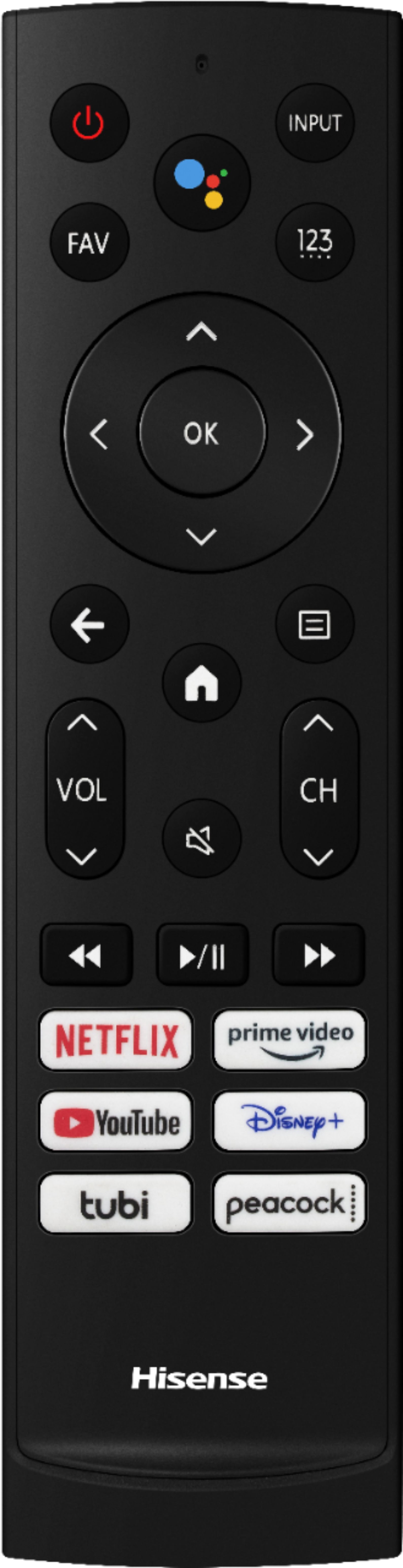
For the remote, I simply don't press the mic button.
I tried the Hisense method listed above, but it required me to setup Google Assistant before I could turn it off. My suggestion to Hisense would be to let the led's time out when turning the hardware switch off.