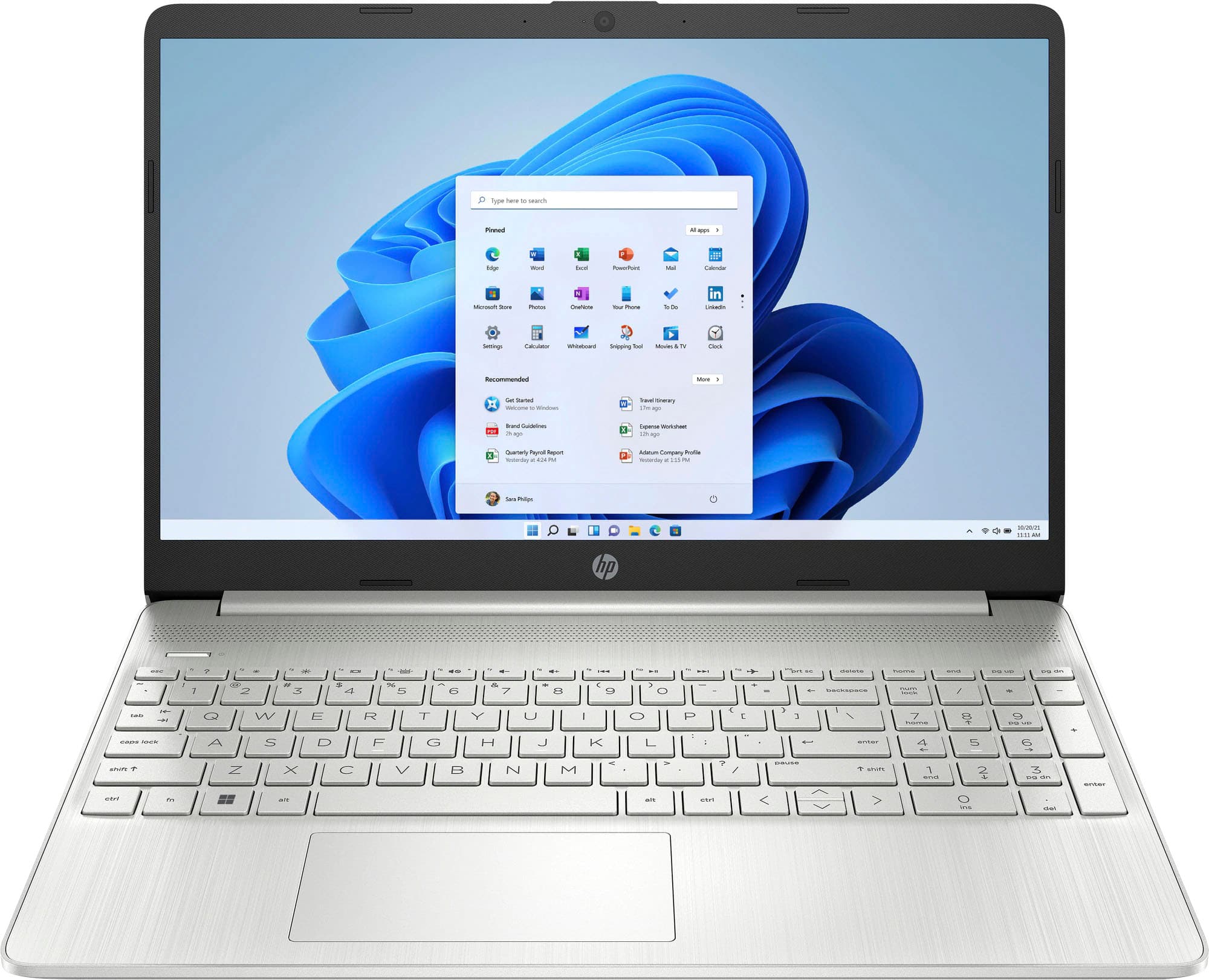
A:AnswerIf it says it is touch screen, you should be able to use your finger. I do not know if BestBuy does have a pen for it , I don’t work for them. But You can probably call the store or look up online.
A:AnswerIn my humble opinion I don't thinks so. I would look for something with more memory (16GB or more) at least a terabyte of hard drive space and maybe an Intel Core i7. It's suitable for school, work that's not graphic intensive and surfing the web in general. I wouldn't purchase this laptop if my main intent was gaming. I'd look at some of the Alienware laptops that are beefed up and raring to play your games.
A:AnswerHello. Thanks for your question. This HP laptop comes with Windows 11 Home in S mode. That means you can only download apps from the Microsoft Store and use the Microsoft Edge browser. You can switch out of the S Mode. It is free and easy to do. Here are some instructions: https://bit.ly/3okv4Mj
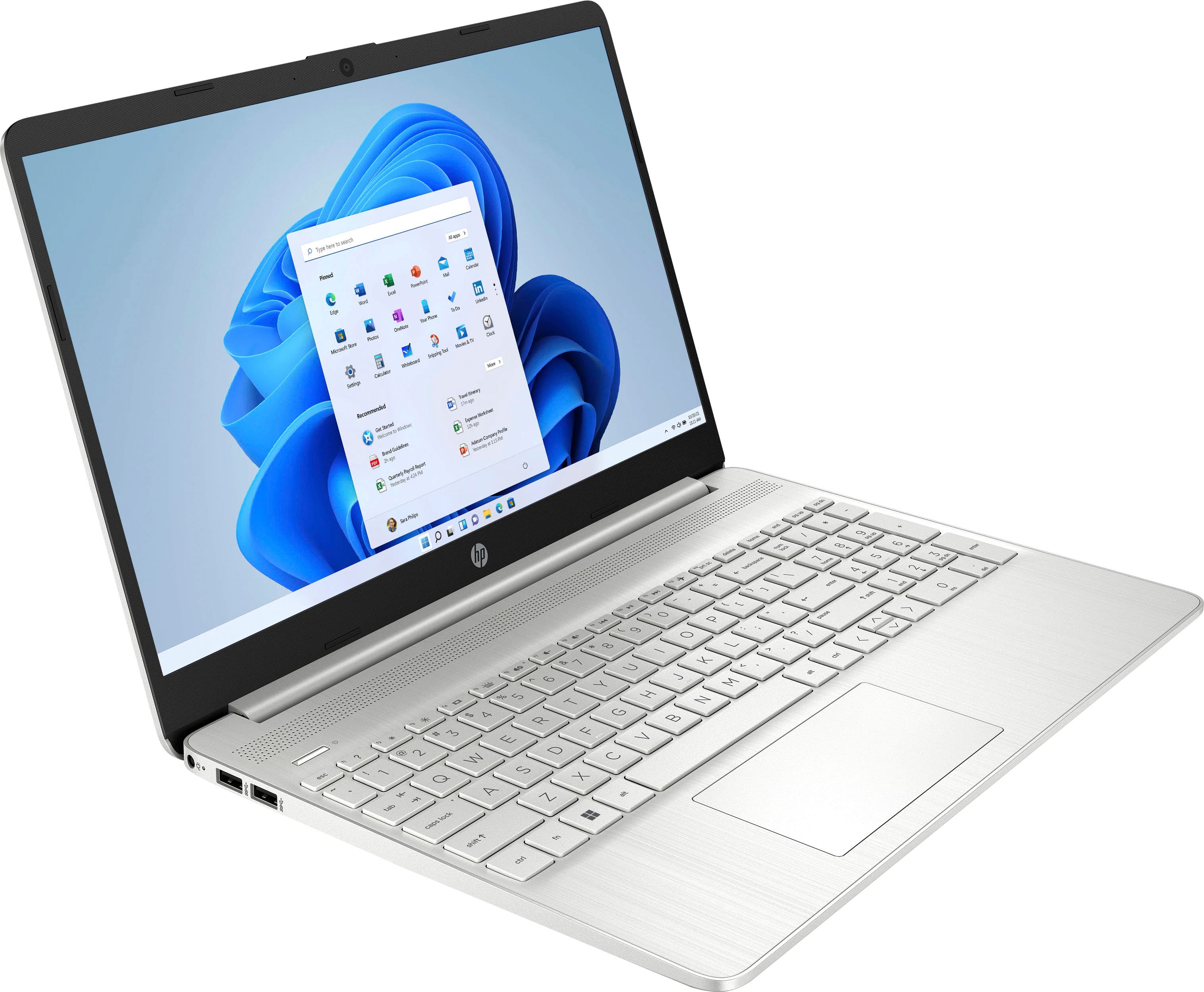
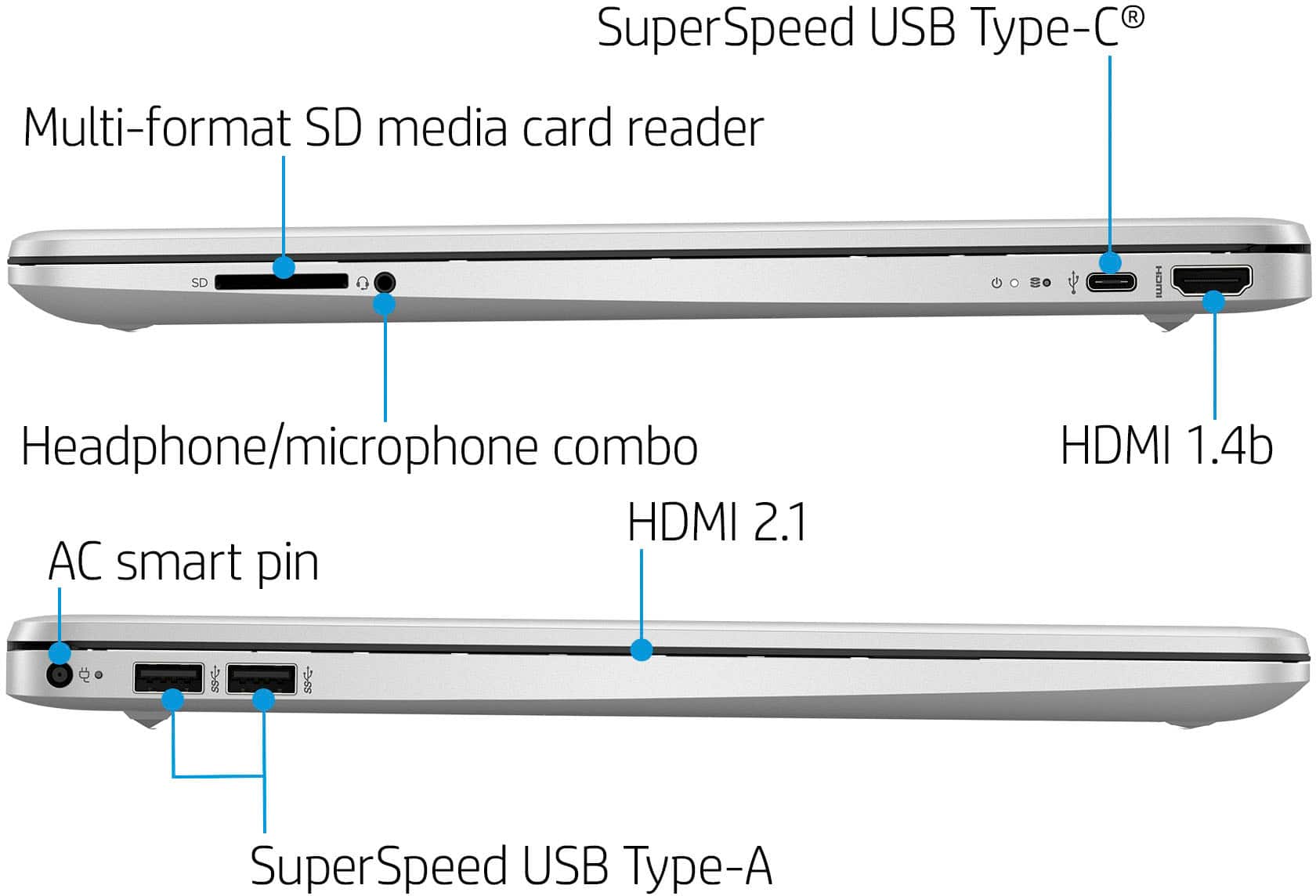
A:AnswerYou can buy an external CD/DVD drive and connect it to this laptop via one of this laptop's USB ports. I bought an LG CD/DVD drive at Best Buy for about $20-$30 that I connected to my laptop (that I had bought at Best Buy) with similar specifications to this one. I only needed to load one older program (app) from CD/DVD, and it worked fine. It was easy to connect the CD/DVD drive with its included connection cable.
A:AnswerOpen Box "excellent" could mean that it was opened by a Best Buy associate so that a customer could take a look at the product. It can also mean that the item is a display model or that someone purchased the item, used it for a week, then returned it to the store for a full refund. Please reach out to Best Buy directly for particulars.
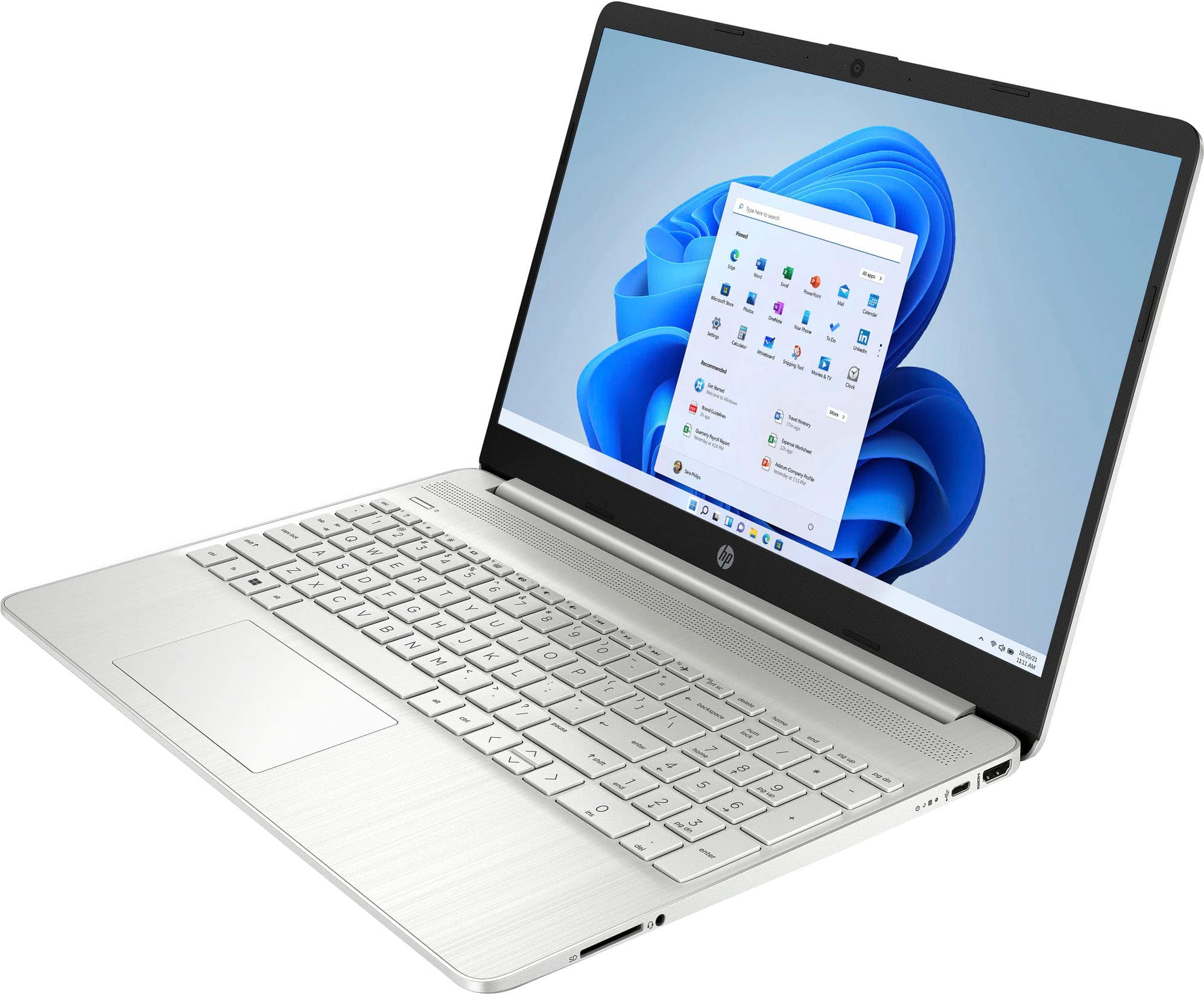
A:AnswerYou can connect an external monitor via its HDMI port, and you can probably connect a second monitor via one of its USB ports (you might need a USB to HDMI converter/ dongle) depending on the ports on your second monitor.