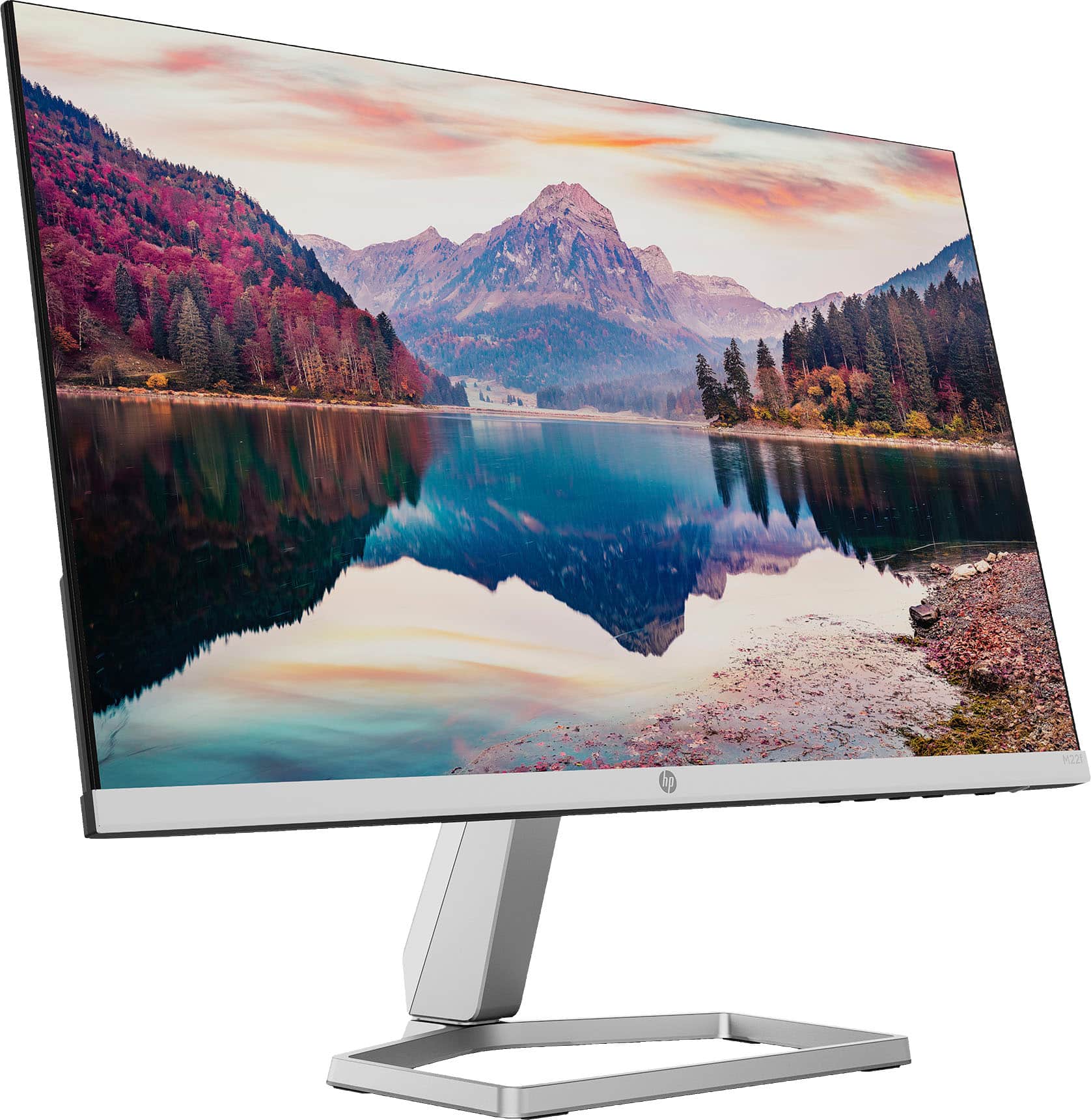
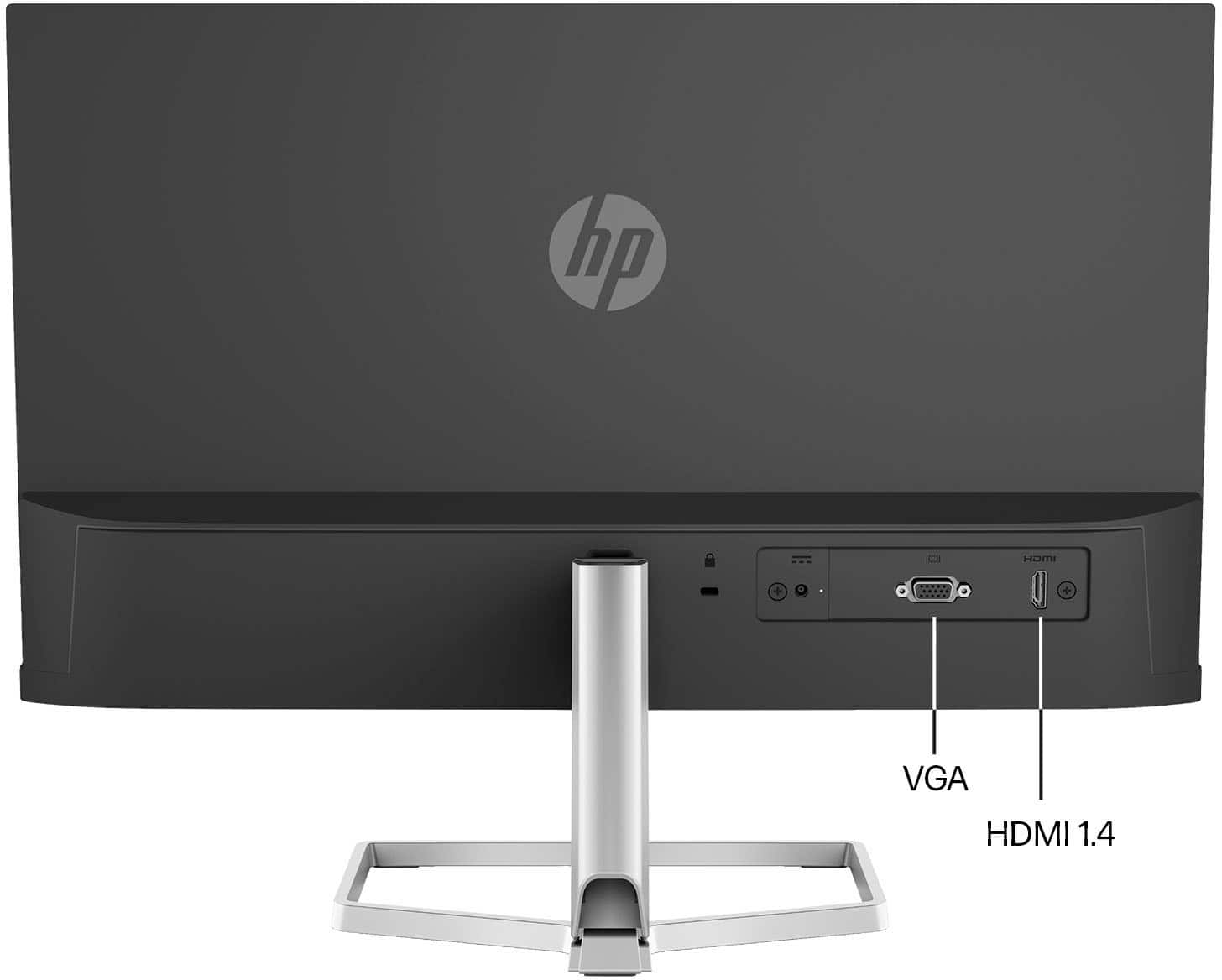
A:AnswerI'm going to call the specs wrong. When in doubt, you can always check the specs directly from the manufacturer's website. The monitor only has an HDMI input port. A video signal from a device would be transmitted via an HDMI cable plugged into the monitor's port to display the video on the monitor.
The specs on HP's website state, for Signal input connectors: "1 VGA; 1 HDMI 1.4 (with HDCP support)". Nowhere is anything mentioned about an HDMI output, so chalk it up as yet another example of Best Buy's incompetence.
A:AnswerAccording to the specifications at the manufacturer's website (I guess the internet was down when you posted your question):
HDMI 1.4 (with HDCP support)
A:AnswerIf you have suitable tools and materials, and the skill and knowledge to custom design and build a mount, it could be done. Such extraordinary effort on your part would be required because this monitor is not compatible with VESA mounting.
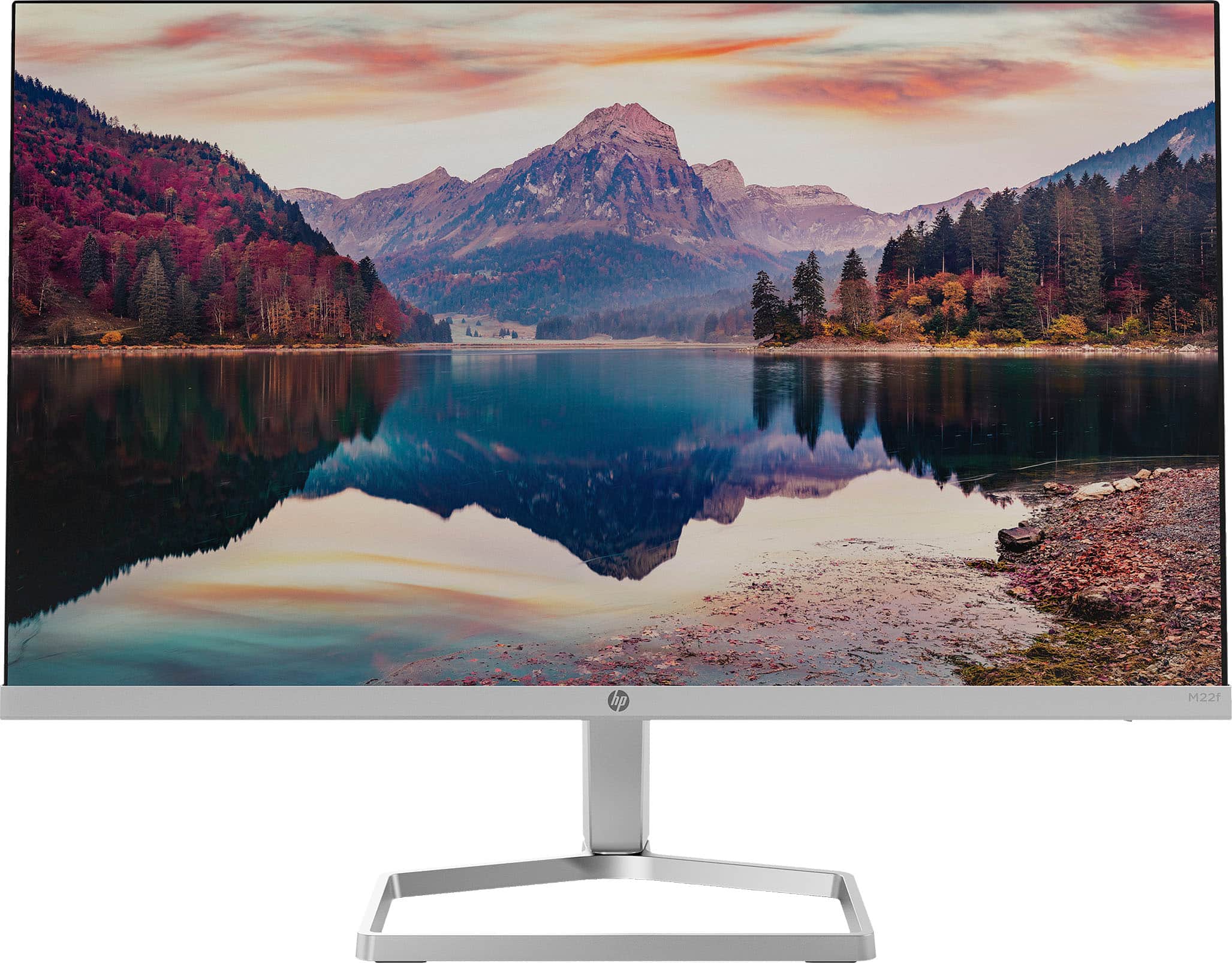
A:AnswerThere are no suitable vesa adapters for this. The back of this monitor has an HDMI output, a VGA output, a DC supply input, a Kensington lock hole, and a slot for the stand.
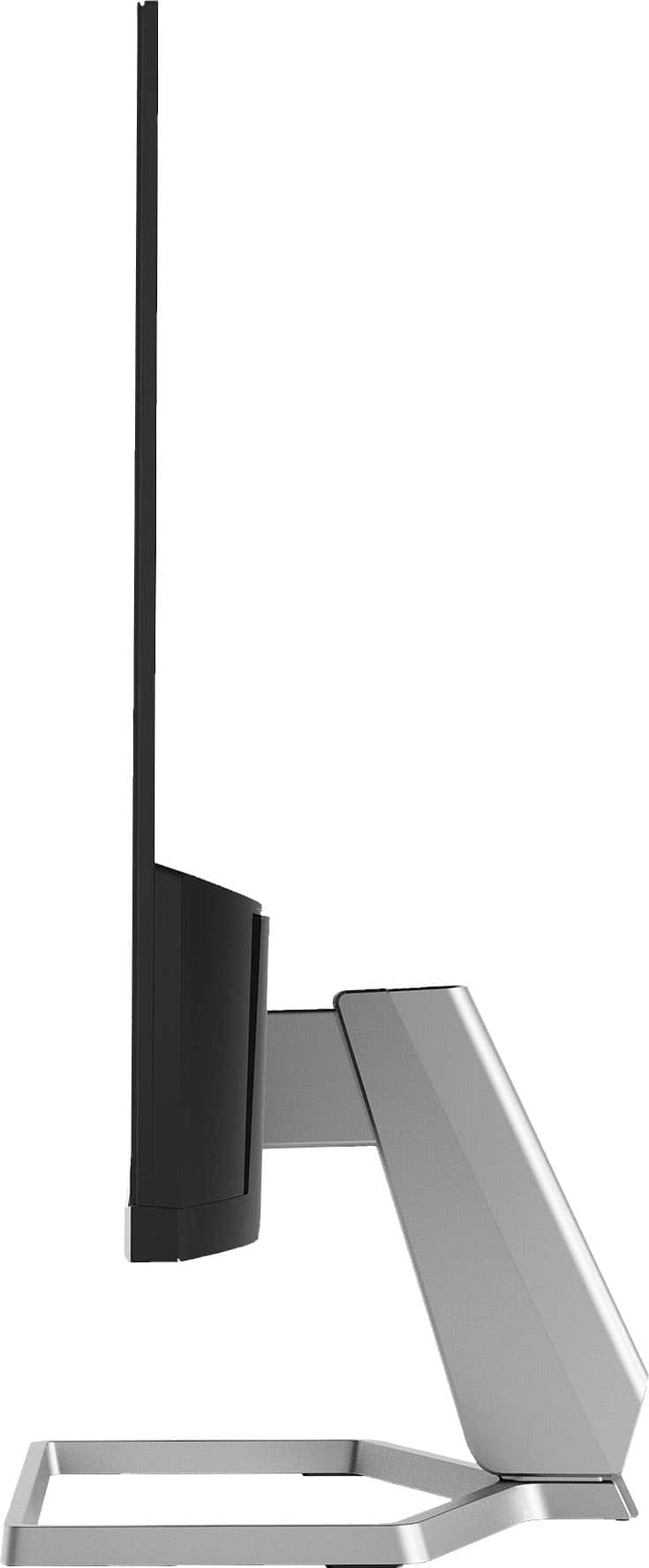
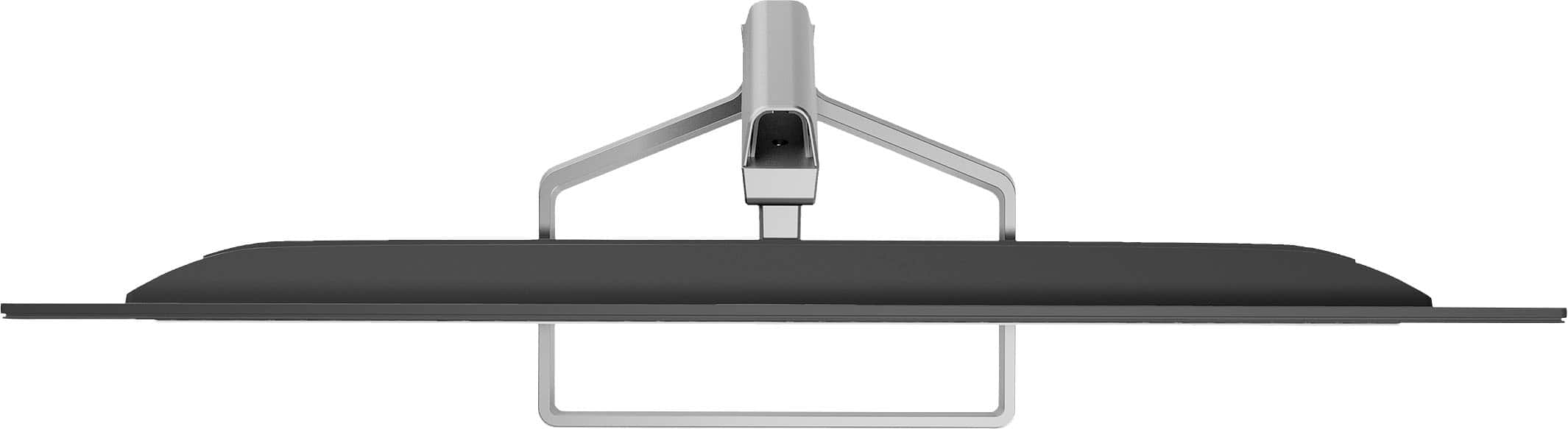
The bottom 3.5 inches of the monitor at the back measures a little over an inch thick and the rest is very thin, just a little thicker than the screen itself. The back surfaces are smooth (except at the above mentioned ports, hole and slot), so there's no place to mount this to a vesa adapter.
A:AnswerYeah it works with just about everything I've plugged into it with both vga and hdmi. Runs smooth. Would suggest personalizing the display settings but not necessary. Banger of a deal bro.