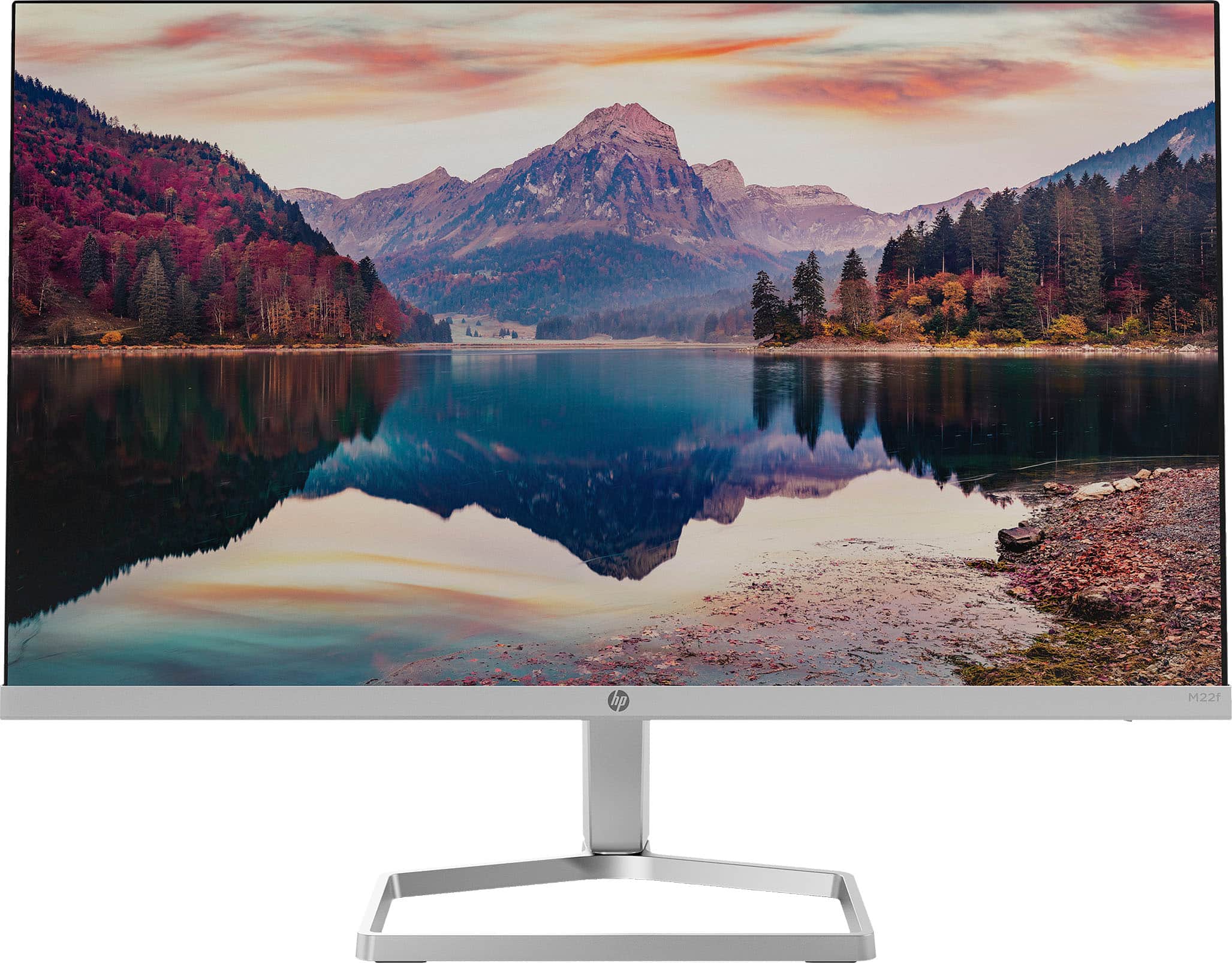
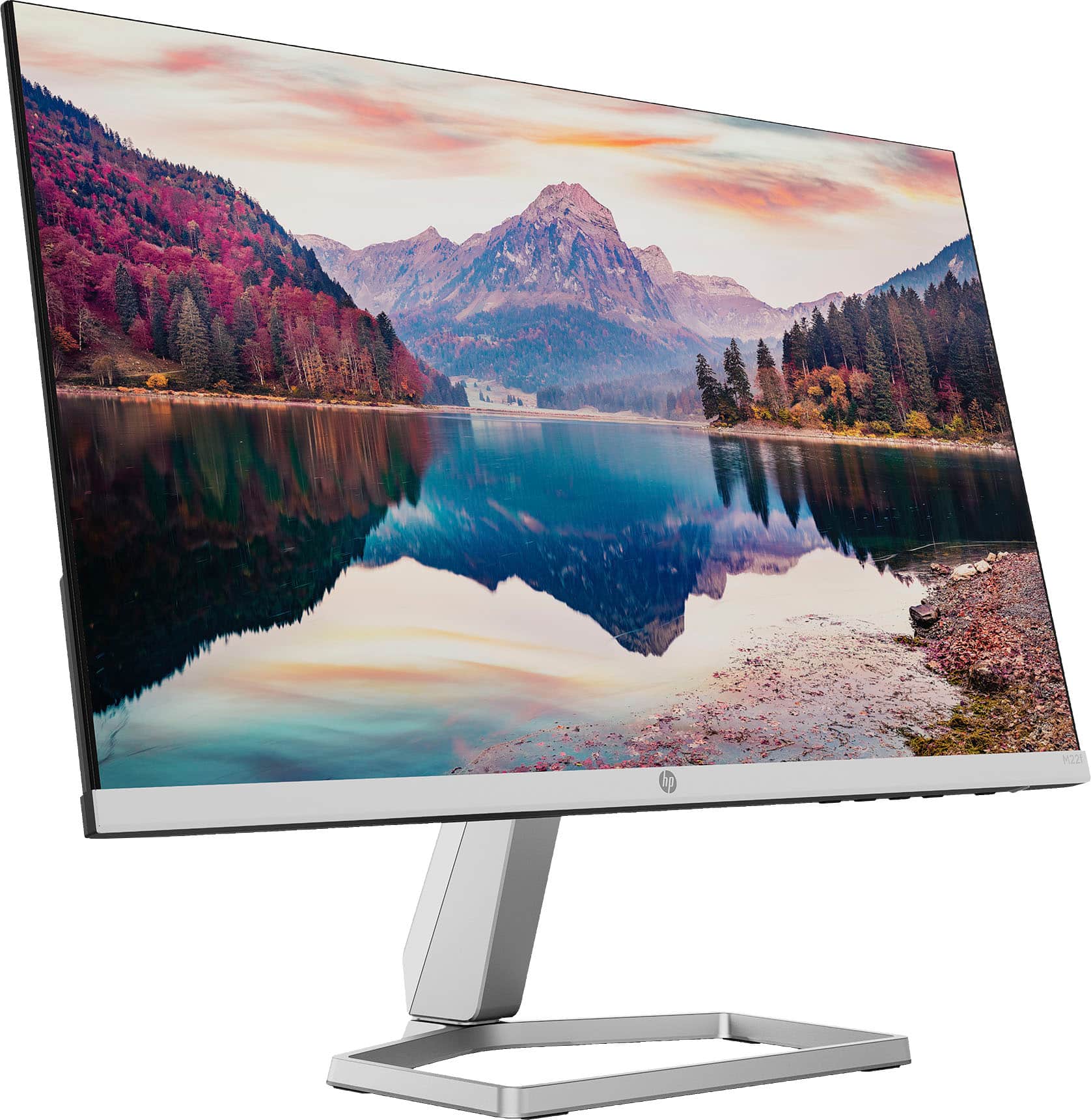
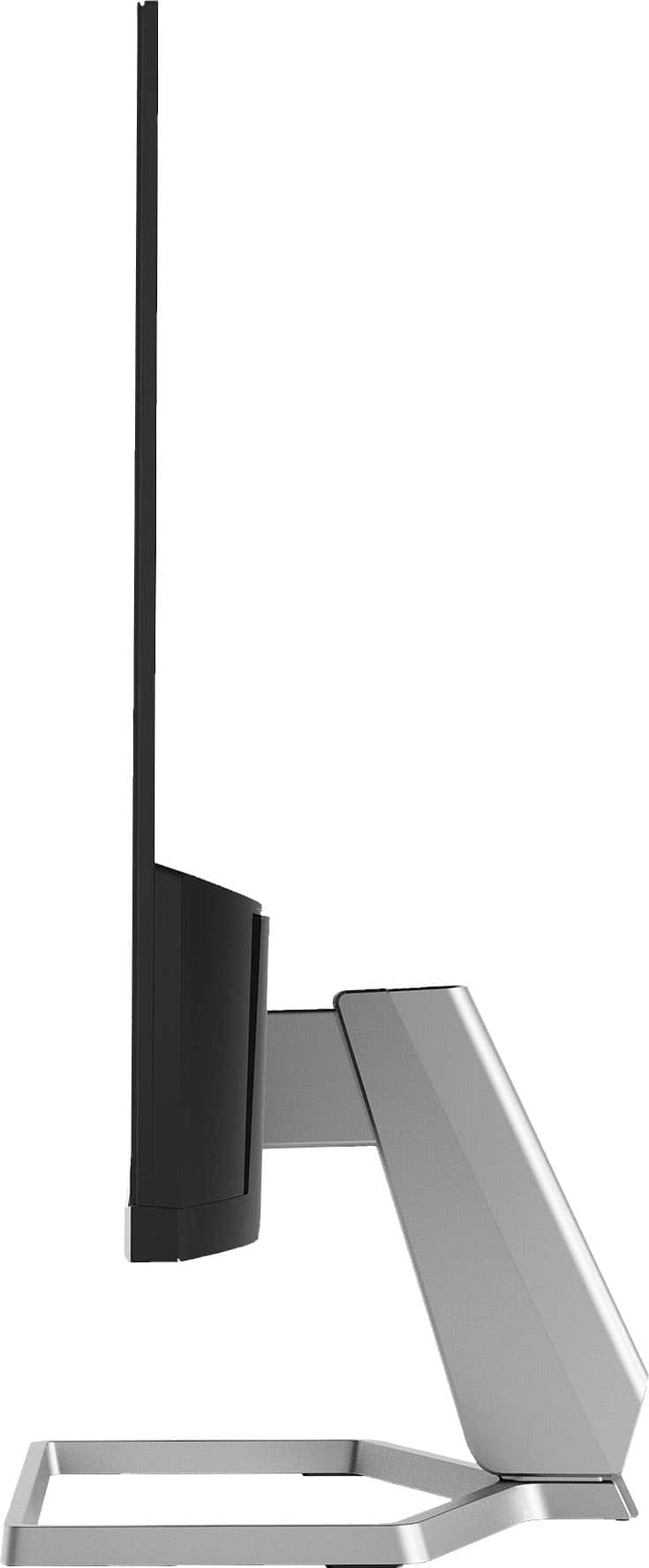
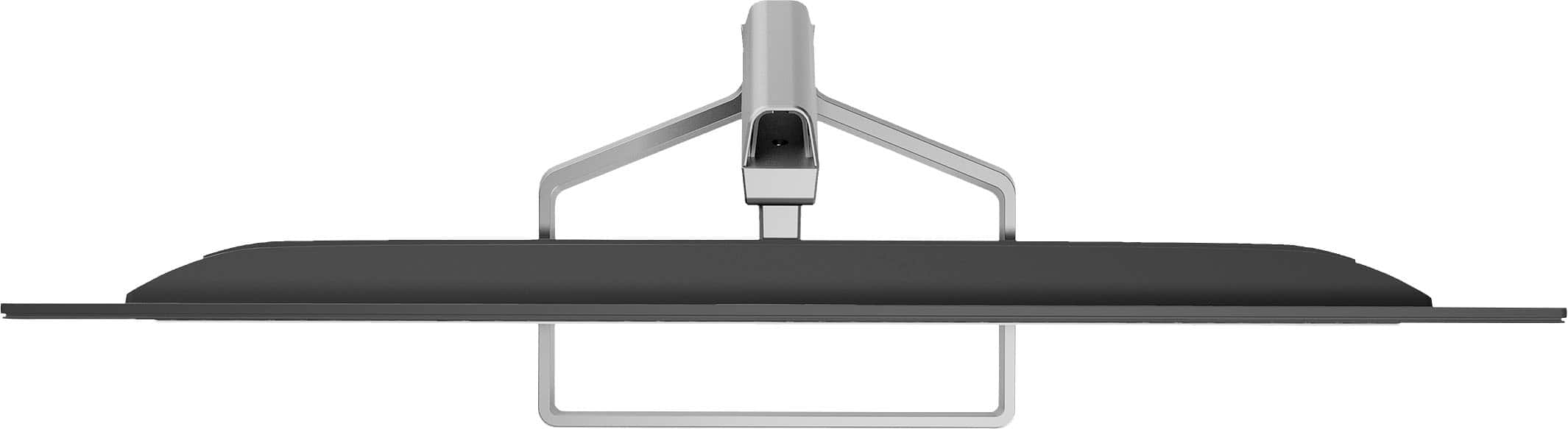
A:AnswerI noticed a slightly rocking monitor when first assembled. This may be a small design flaw in a goal to make it especially easy to attach the stand. I have found it acceptable, but to make it a more snug fit, I may add some layers of tape to the inside of the joint.
A:AnswerHP recommends resolution 1920 x 1080 @ 60Hz, but 75Hz refresh rate at that resolution is also possible. So it's probably not ideal for demanding gaming setups.
A:AnswerYes. You can use hdmi port for hookup.
For sound you have to use headphones or a mini jack cable from your controller to a speaker with audio input
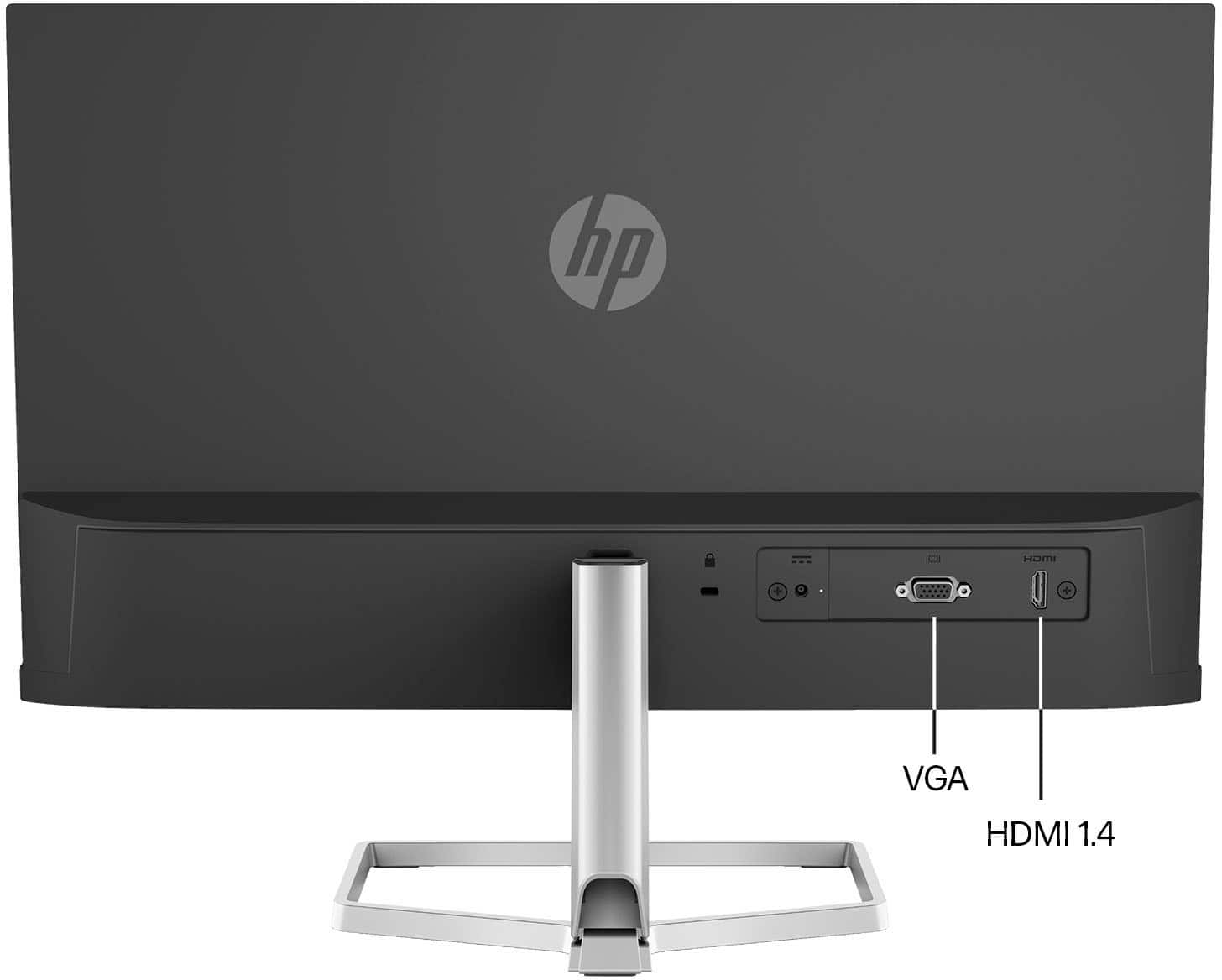
A:AnswerI'm not sitting there next to you seeing your laptop, so I have no idea what your laptop supports. This monitor has an HDMI port and a VGA port. These are the only ways to get a video signal into this monitor.
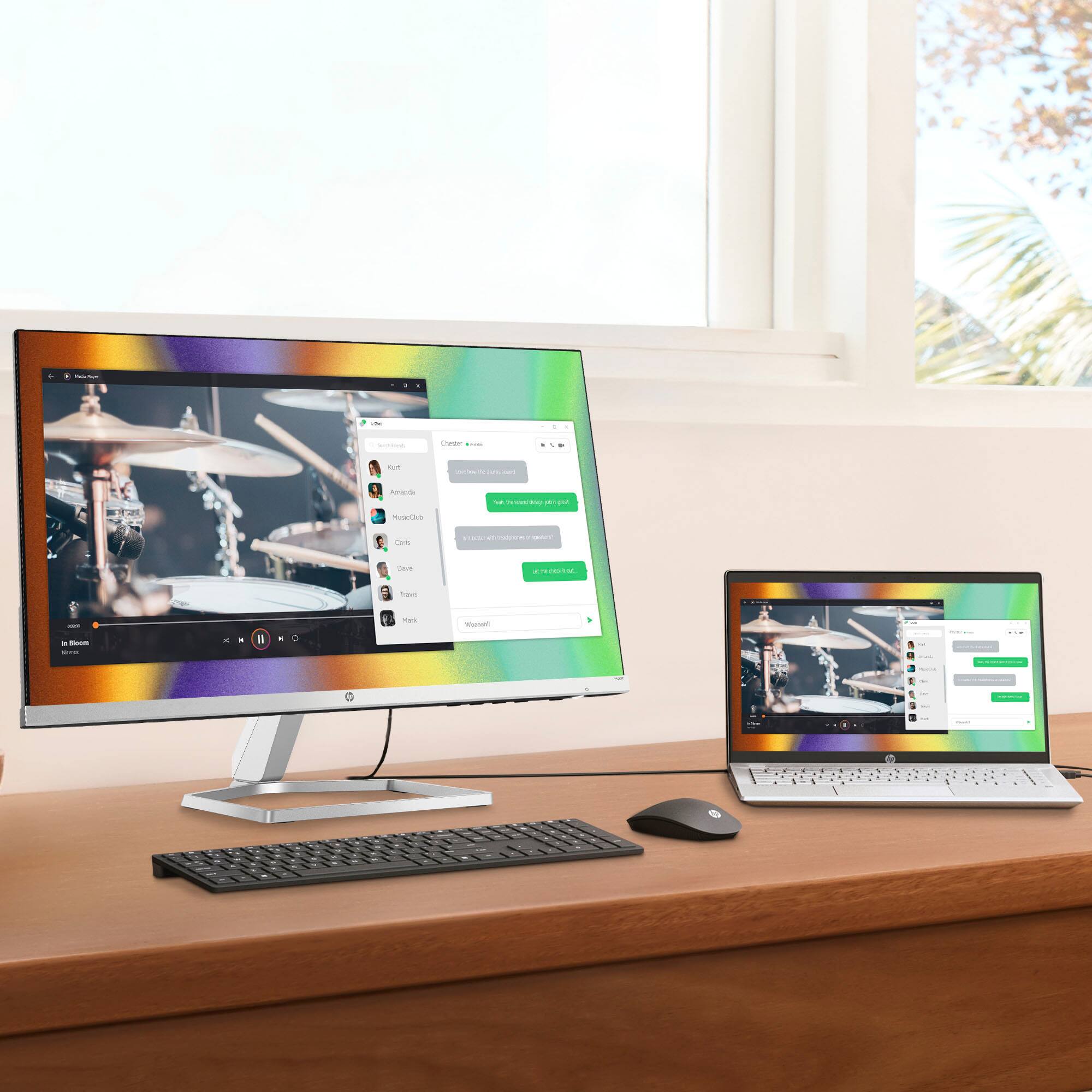
A:Answeryes, just connect HDMI cable and you are good to go.
set computer settings to Duplicate to see everything on the desktop or set to Extended to only see gaming session or media session.
windows button and P will be best shortcut to see displaying options.
A:AnswerYes, "The company's E-Series monitors are the world's first ergonomic monitor series with always-on low blue light to reduce potential eye damage and improve sleep quality. HP Eye Ease addresses blue light without affecting color accuracy or introducing any yellow shift." Color is very good and brightness has a very wide range from dim to bright.
A:AnswerThank you for the question. Yes, with an HDMI-to-Displayport adapter or cable. (The Yoga C740 has 2 USB-C ports for power delivery and DisplayPort).