A:AnswerI think it is time to get a new printer yes. Here is a trouble shooting page for that printer:
https://support.hp.com/us-en/product/hp-deskjet-2540-all-in-one-printer-series/5295960
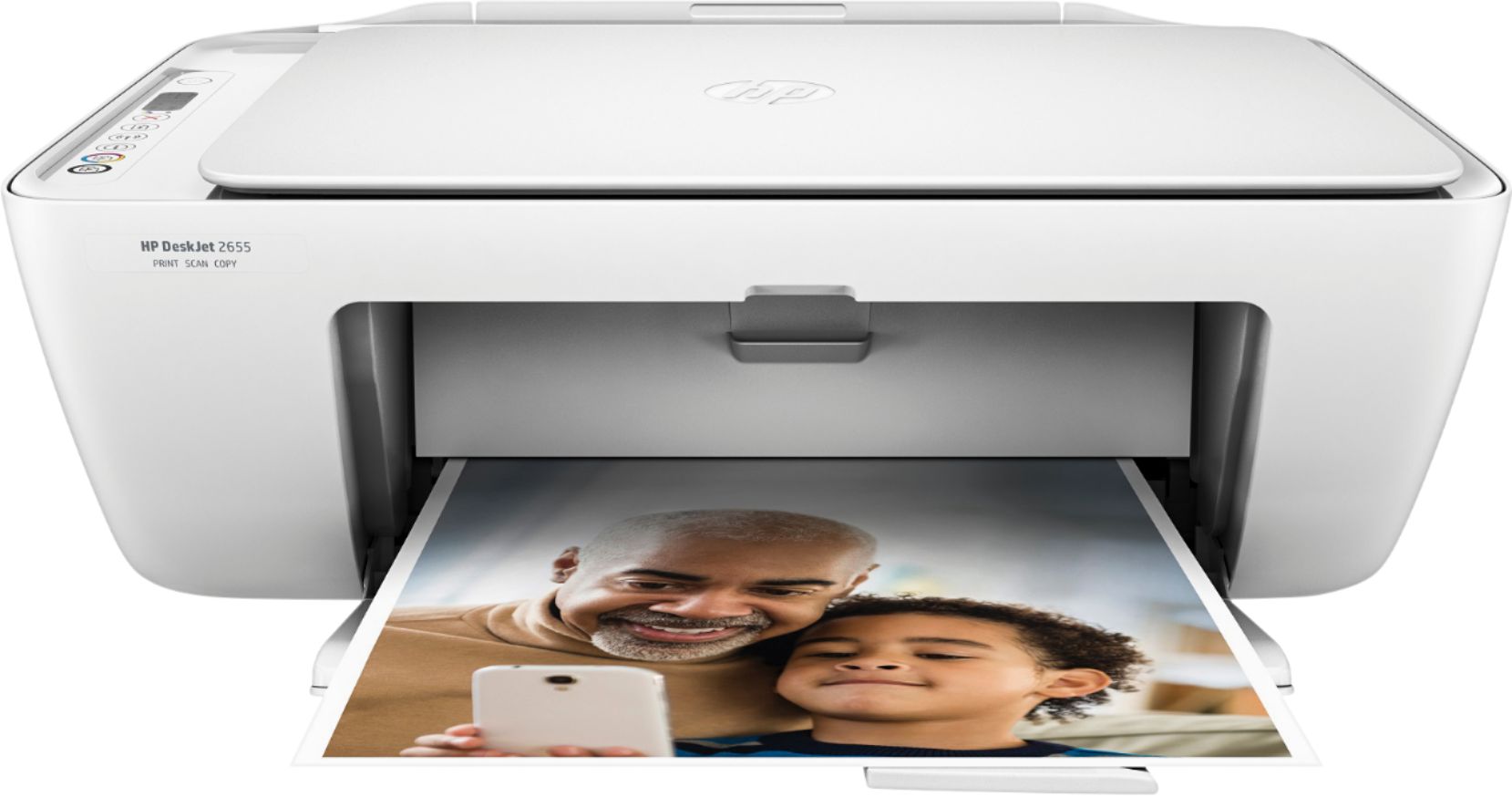
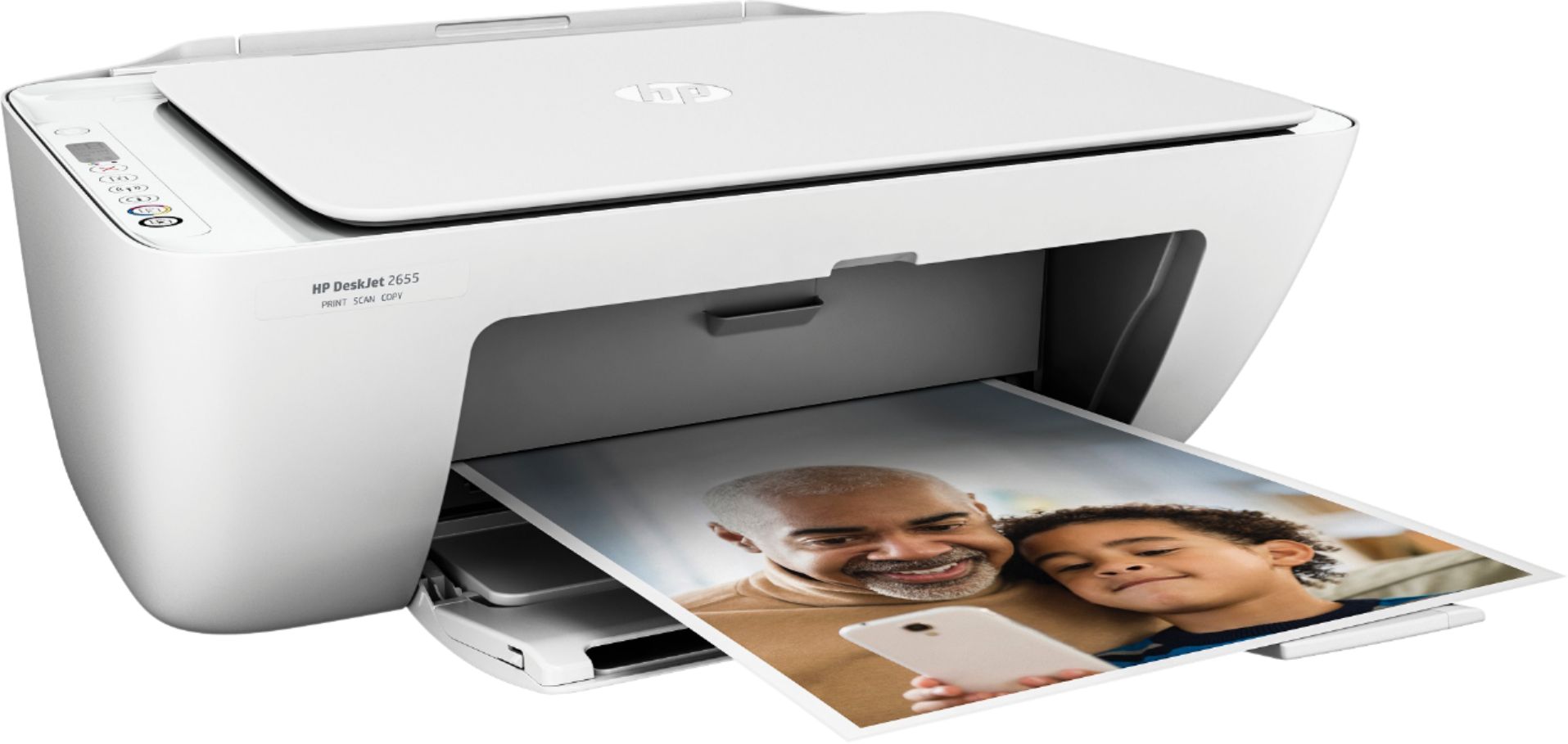
A:AnswerYes, the DeskJet 2655 will print from your iPad and iPhone. The simplest way to connect the DeskJet 2655 to your wifi is using your iPhone and the HP Smart app.
A:AnswerIt doesn't do automatic double sided printing, so with this printer you'll need to print one side, flip the paper over and reinsert it and then print the other side. A printer like the Envy 5055 would do both sides automatically. https://www.bestbuy.com/site/hp-envy-5055-all-in-one-instant-ink-ready-printer-black/6191401.p?skuId=6191401
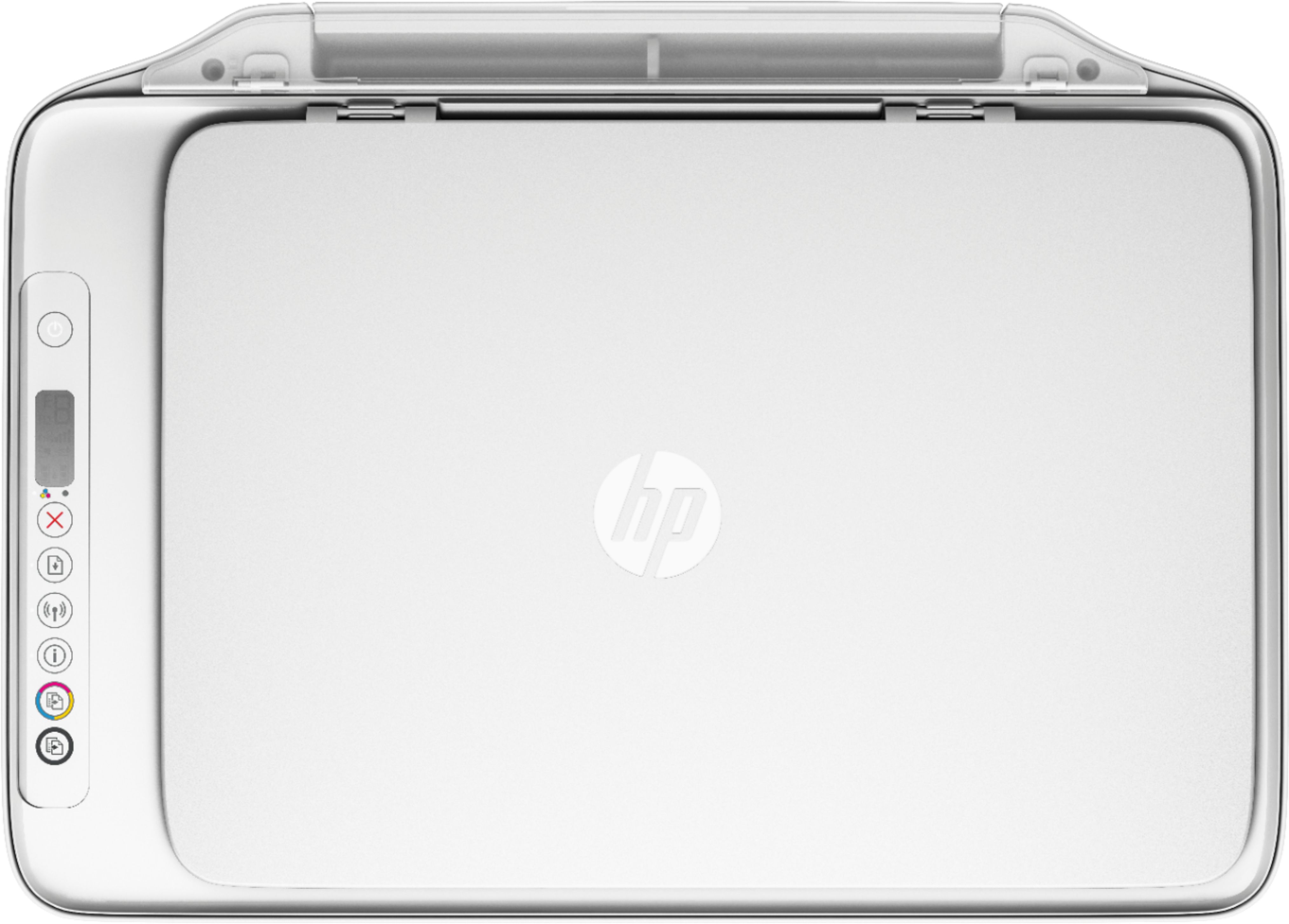
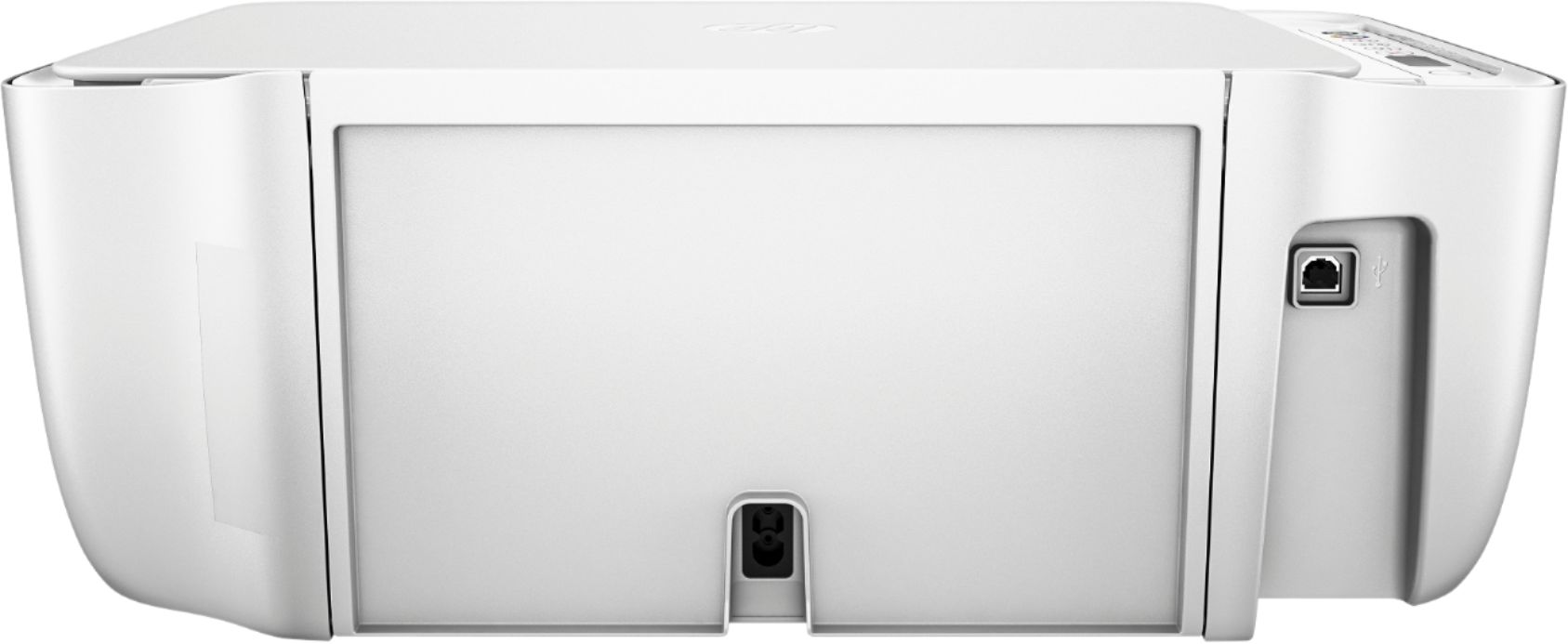
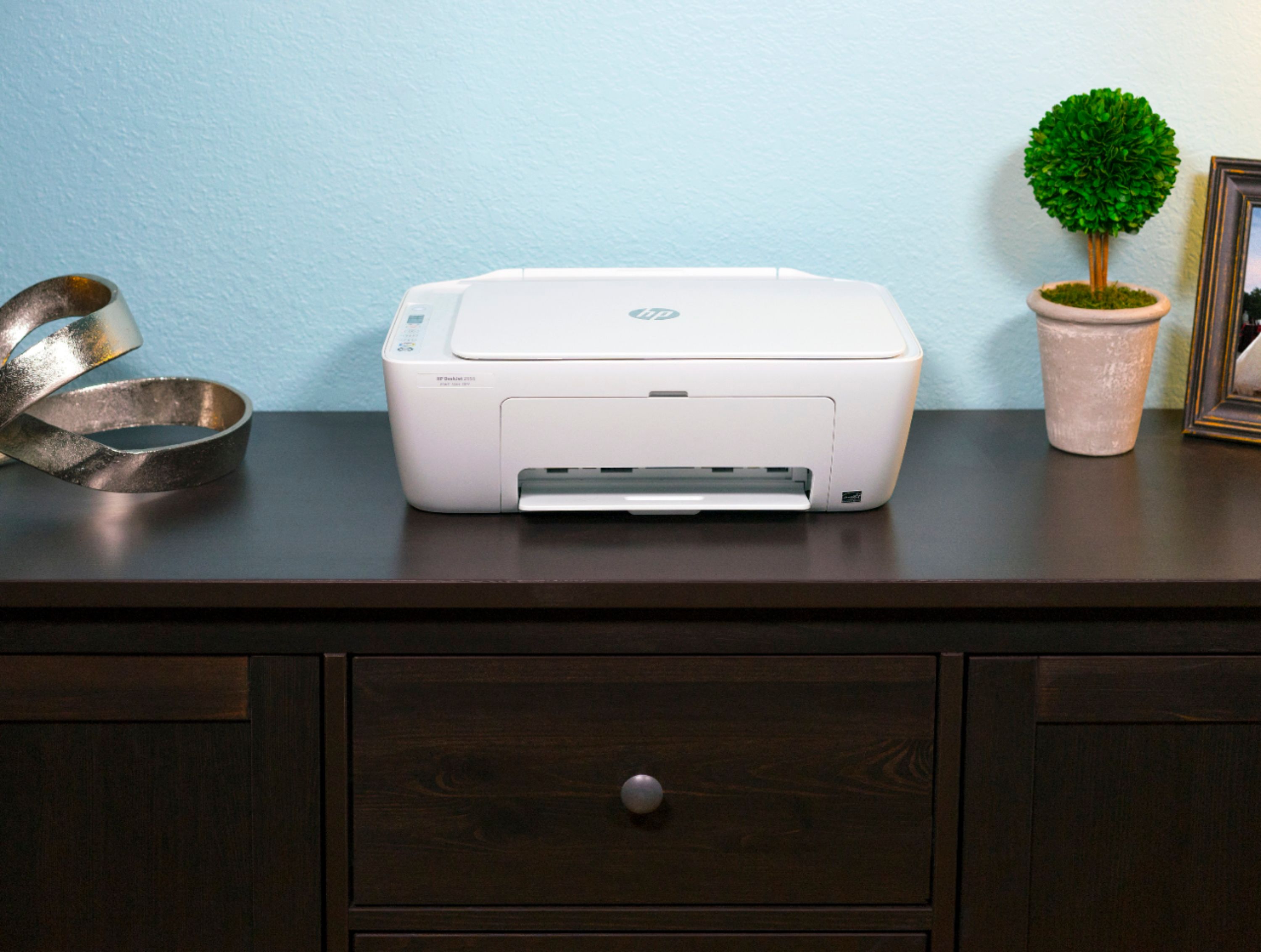
A:AnswerHere are the printer dimensions:
Maximum dimensions (W x D x H, U.S. standard)
16.73 x 21.56 x 9.79 in (with input and output tray/extension extended)
The output tray increases the depth by about 8" and can hang off the front of a table, desk or shelf. It can be closed when not printing.
A:AnswerHP printers are made in a lot of different coutries. Same models can be manufactured in different regions. That is stated on the label and also on the model itself. The locations include Asia, Europe, South America, North America.