Questions & Answers
Page Showing 141-160 of 188 questions
Q: QuestionWill this printer still print in black if the color cartridge is empty?
Asked by Anonymous.
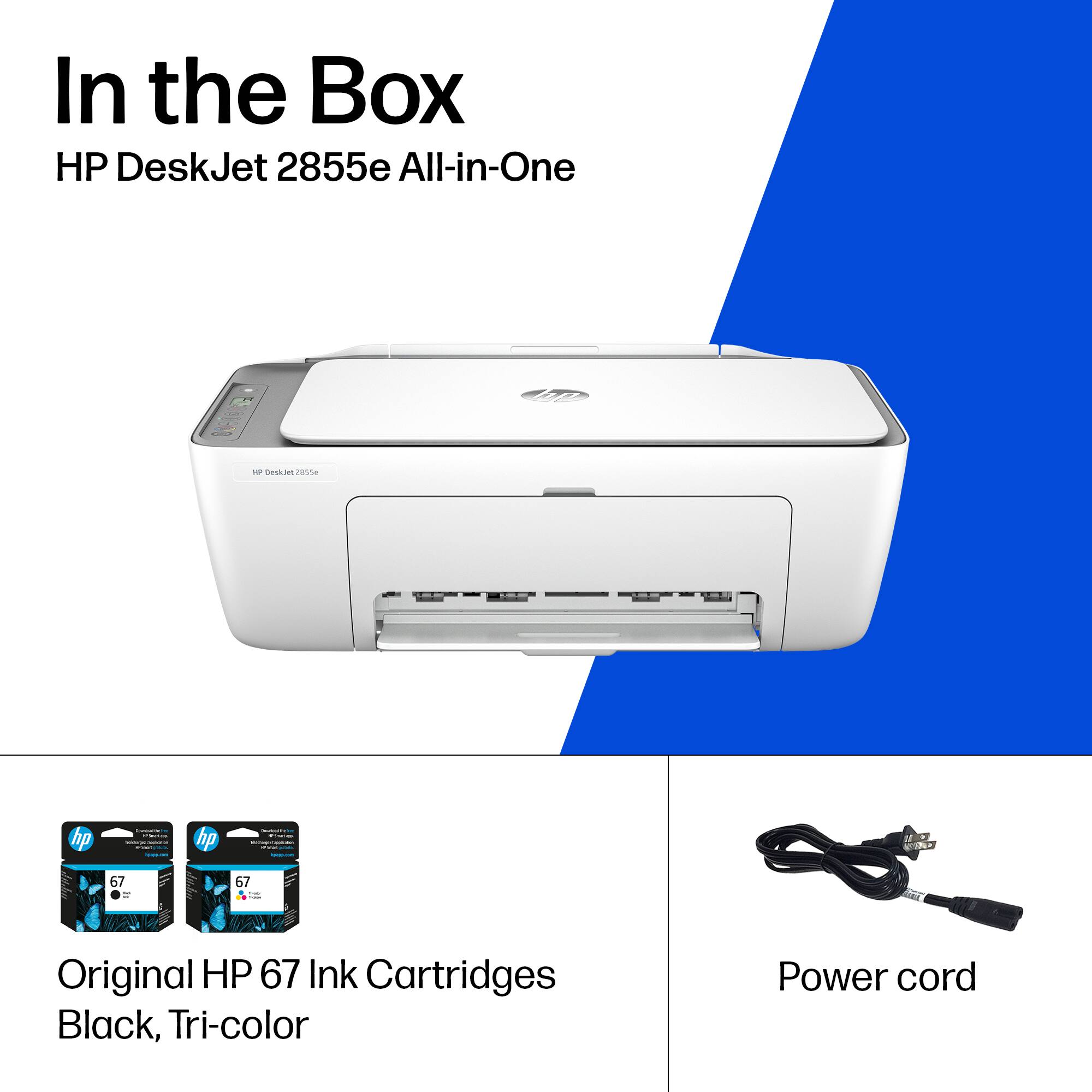
- A:Answer Thank you for the question. Yes, s a temporary fix when the tri-color cartridge is empty, remove it to invoke single-cartridge mode and print in black only.
Answered by HP Team

Q: QuestionHow to set up printer to phone
Asked by Anonymous.
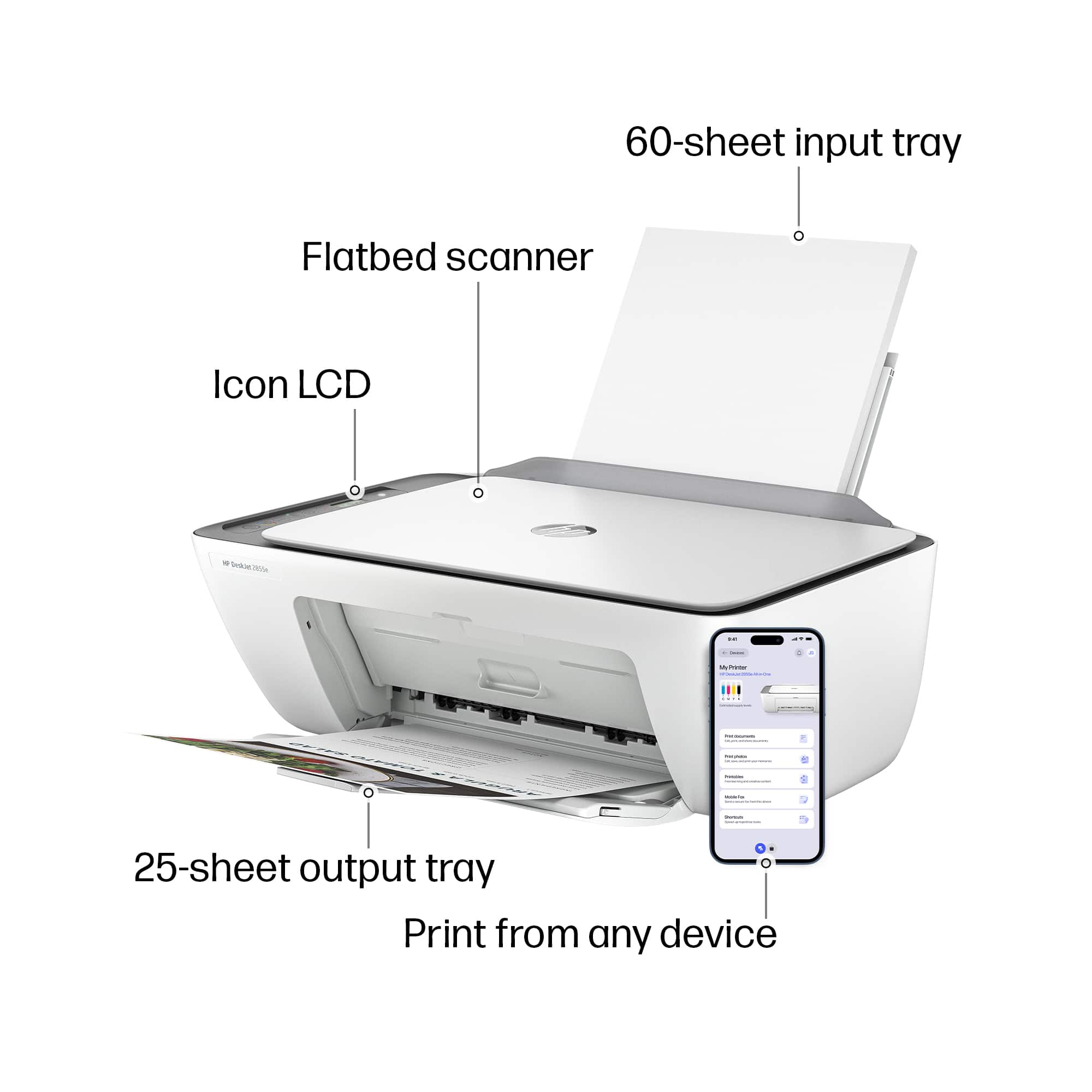
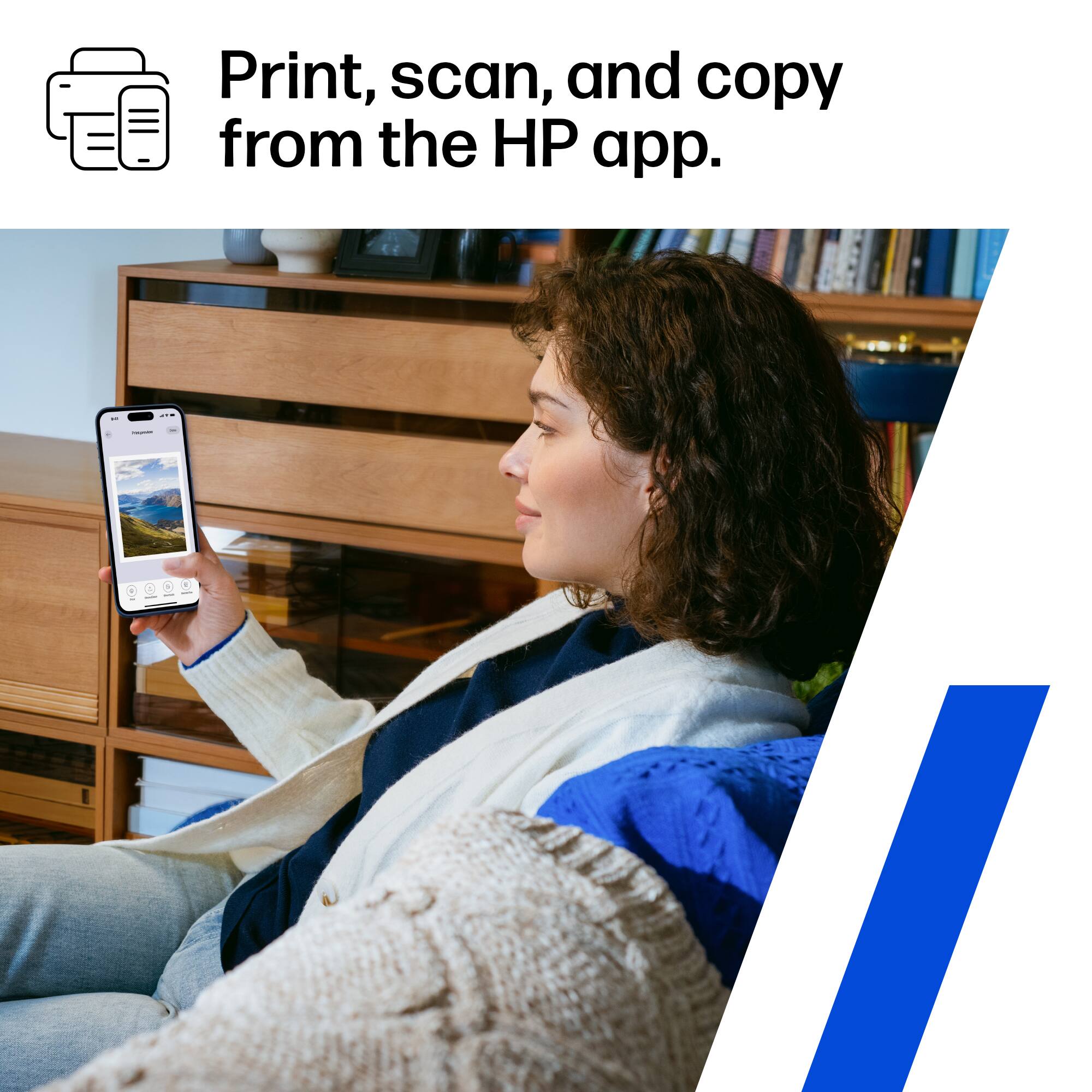
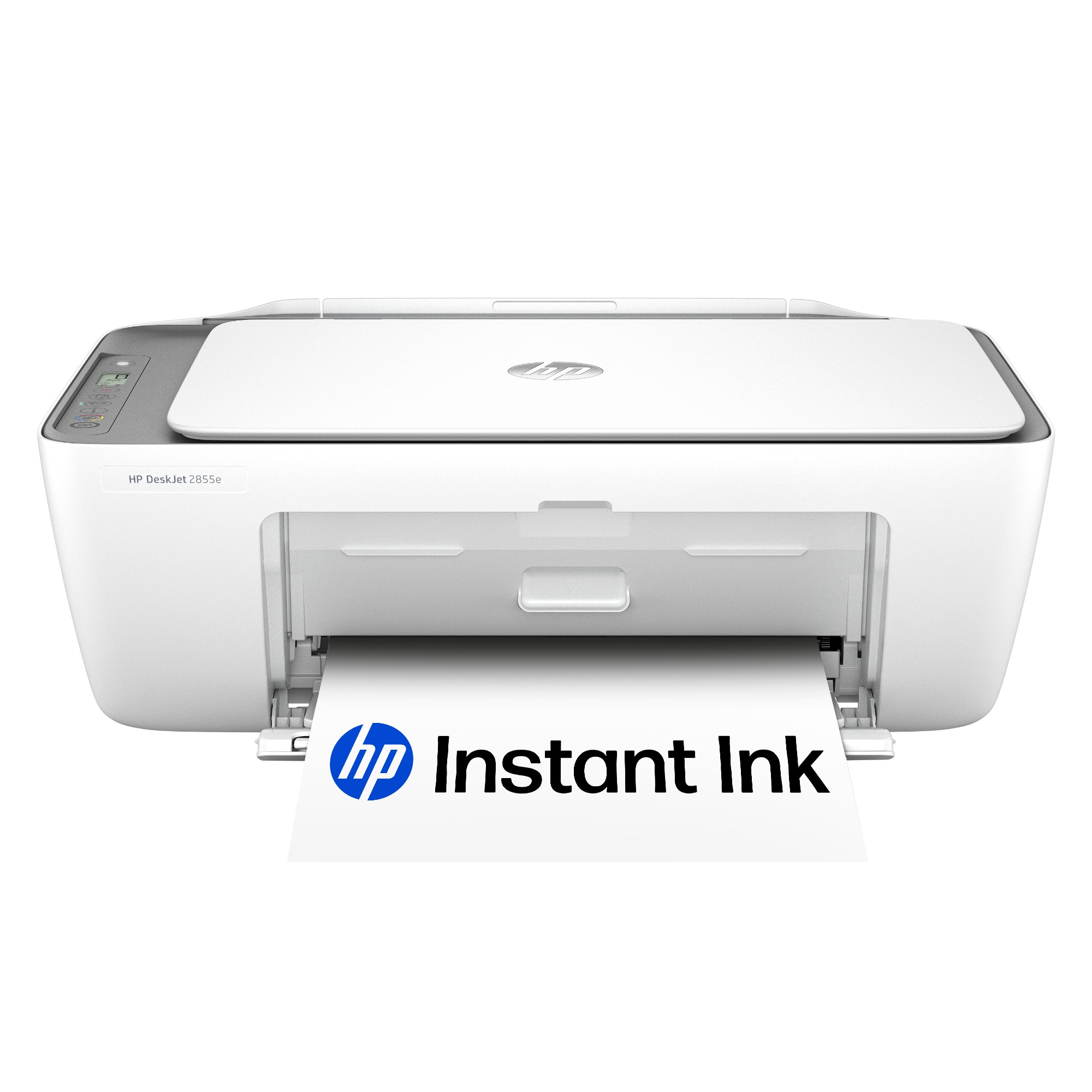
- A:Answer Hello, thank you for your interest in the HP DeskJet 2855e! This model can be setup on your smart phone using the HP Smart app, which can help to walk you through step-by-step. If you have questions or need help with the setup, feel welcome to reach out to HP Support or your Best Buy Geek Squad!
Answered by HP Team

Q: QuestionIs this compatible with up up 16t-ab100 laptop
Asked by Anonymous.
- A:Answer Thanks for your question. The HP DeskJet 2855e will be compatible with that laptop model.
Answered by HP Team

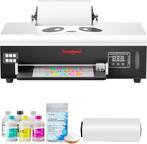
Q: Questioncan this ink jet printer be used with dtf ink
Asked by Anonymous.
- A:Answer Thank you for the question. No. HP inkjet printers use thermal printheads. DTF inks are designed for piezoelectric printheads and can clog or damage HP’s thermal printheads.
Answered by HP Team

Q: QuestionDoes this printer store documents after printing?
Asked by Josh.
- A:Answer Josh, thank you for your question and concern about print job security in this HP DeskJet printer. This printer is equipped with volatile memory that clears out when print jobs are finished, errors are addressed, and when the printer is unplugged. None of the HP printers that are sold in Best Buy stores have some type of permanent print job storage.
Answered by HP Team

Q: QuestionHow can I get the printer to print an 8 1/2 x 11 document. This printer cuts off a lot of the document.
Asked by sue.
- A:Answer Sue, thank you for your purchase of this HP DeskJet printer! I am sorry to hear about your experience with it. You can contact Geek Squad or HP Support and they will assist you.
Answered by HP Team

Q: QuestionHello Is this printer compatible with windows vista operating system Thank you
Asked by Tomdep.
- A:Answer Yes, the HP DeskJet 2855e is compatible with Windows Vista. Thank you for your question.
Answered by HP Team

Q: QuestionWill it work with Windows 7?
Asked by Tom.
- A:Answer Thank you for your question. The Deskjet 2855e is compatible with Windows 10 or later operating systems and therefore is incompatible with Windows 7.
Answered by HP Team

Q: Questionwhat type of plug does this have that goes into the wall? I'm trying to fit it through a hole in the cabinet and need see if the hole is big enough. Thanks
Asked by MRD.
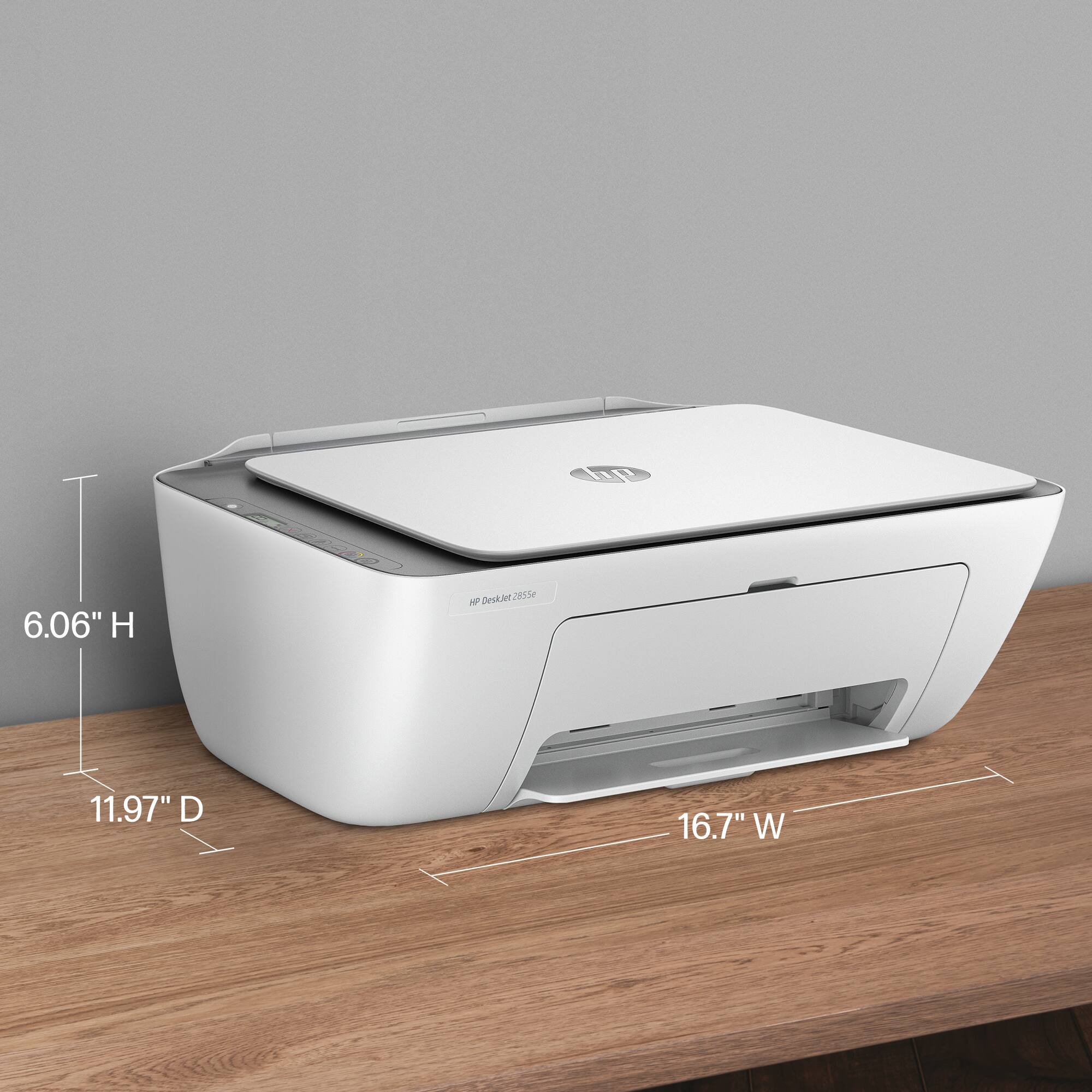
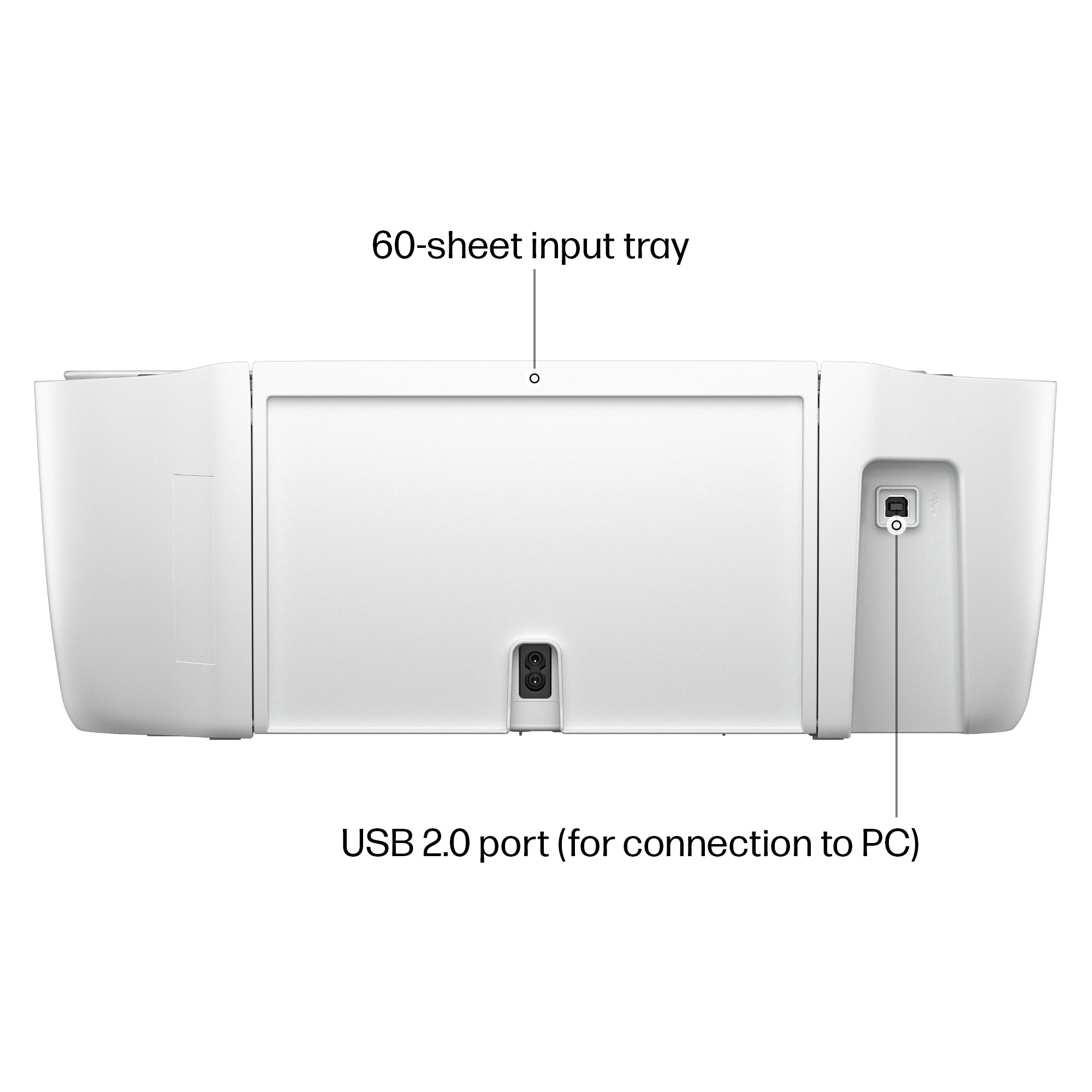
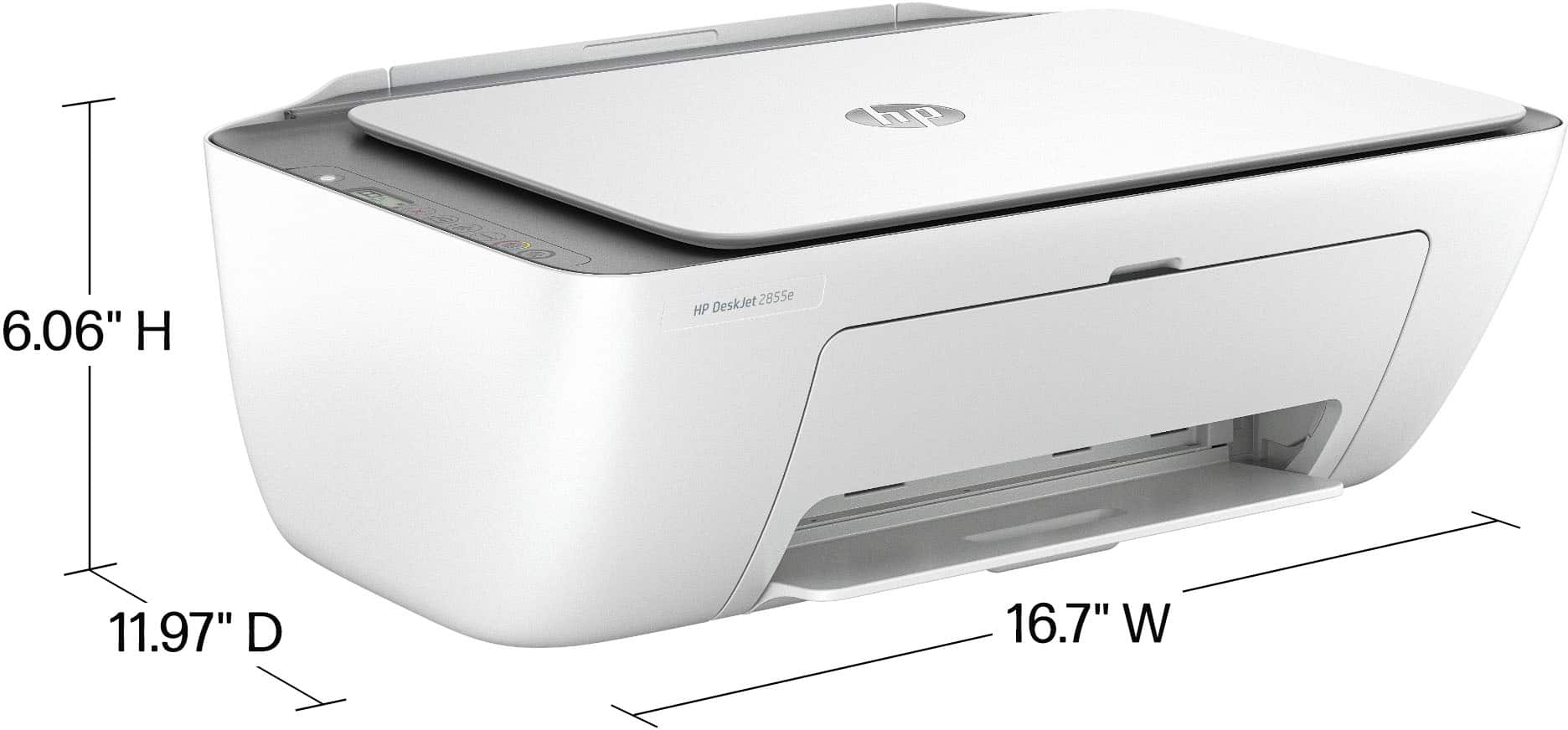
- A:Answer Thank you for your question about this HP DeskJet printer! It uses a 2-prong plug.
Answered by HP Team

Q: QuestionCan I use this printer for my Samsung Labtop?? Is it compatible with any labtop brand ?
Asked by Lupe.
- A:Answer Thank you for the question. The DeskJet 2855e is compatible with any computer brand having the Windows 10 or Windows 11 operating system, in addition to Macintosh and Chrome operating systems.
Answered by HP Team

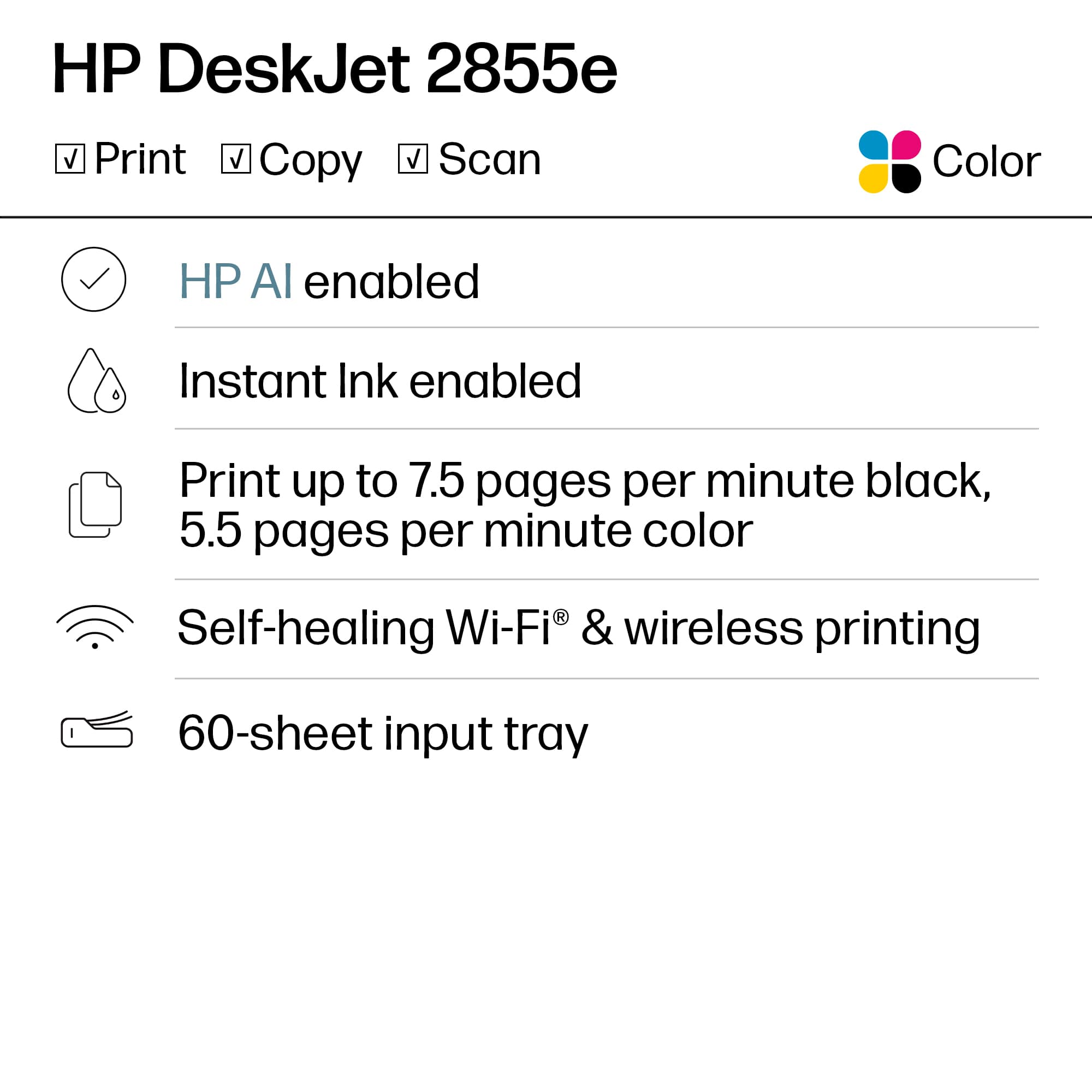
Q: QuestionCan it make copies?
Asked by Anonymous.
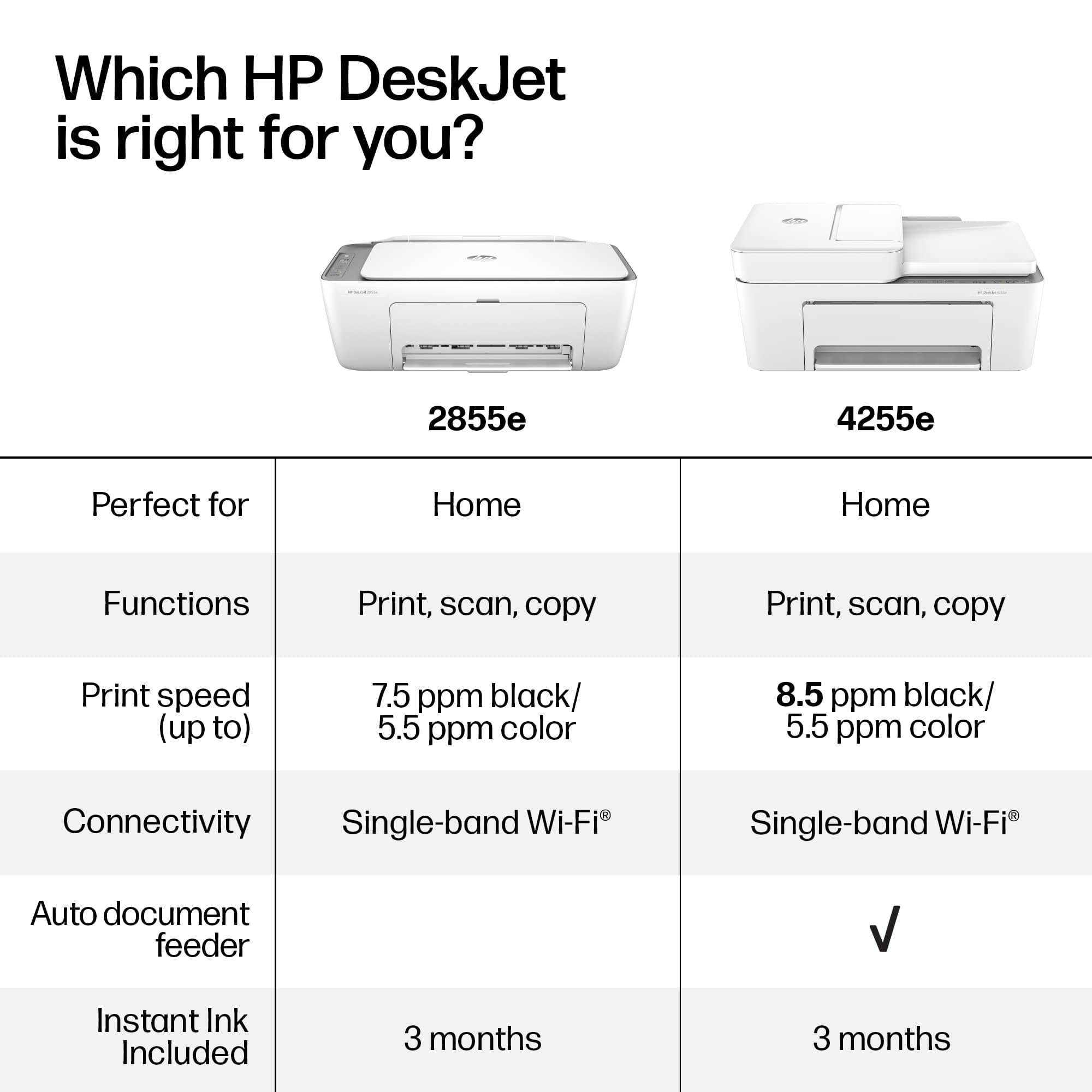
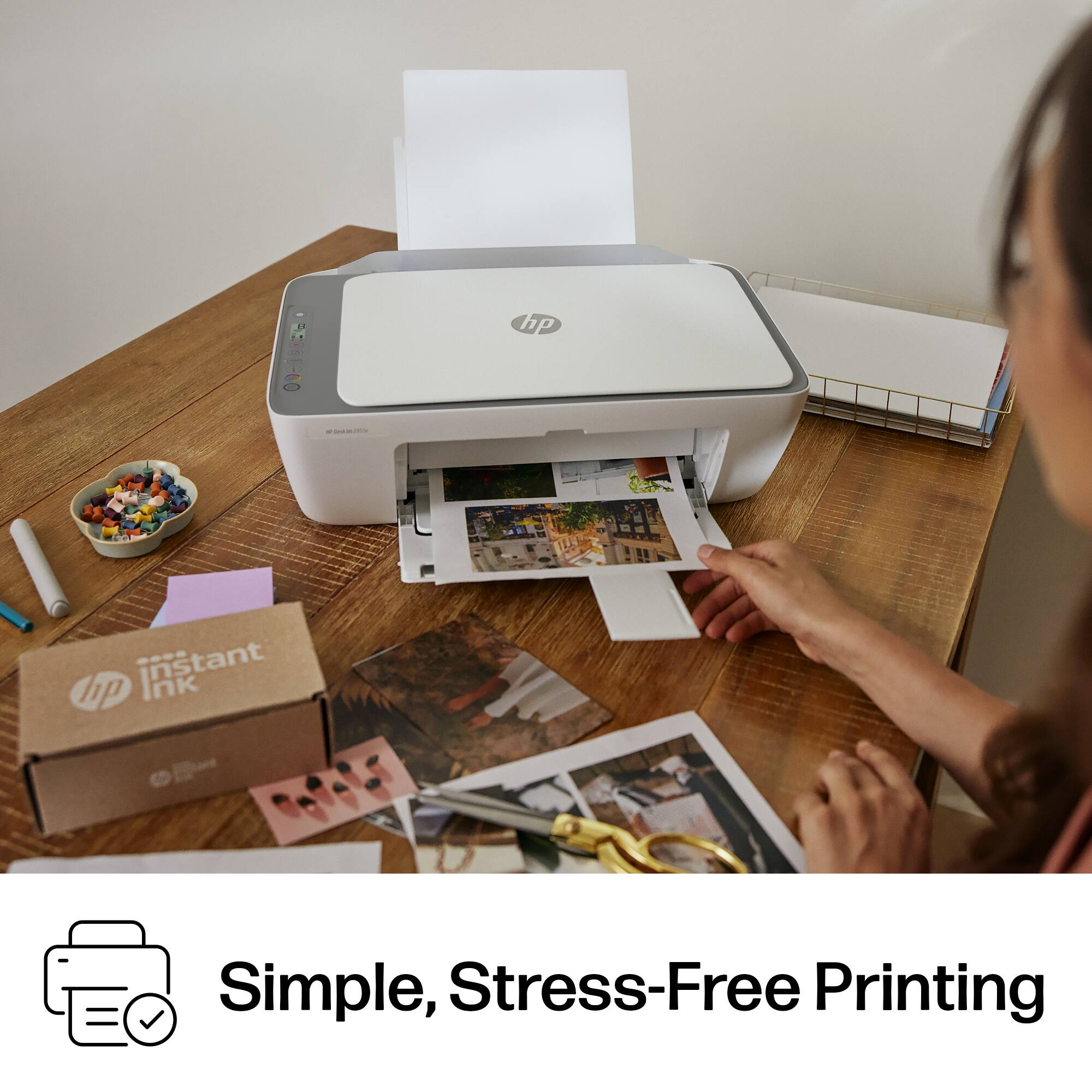
- A:Answer Thank you for your question on this HP DeskJet printer! Yes, it can serve as a standalone copier.
Answered by HP Team

Q: QuestionCan this be used to print out stickers ?
Asked by Zen.
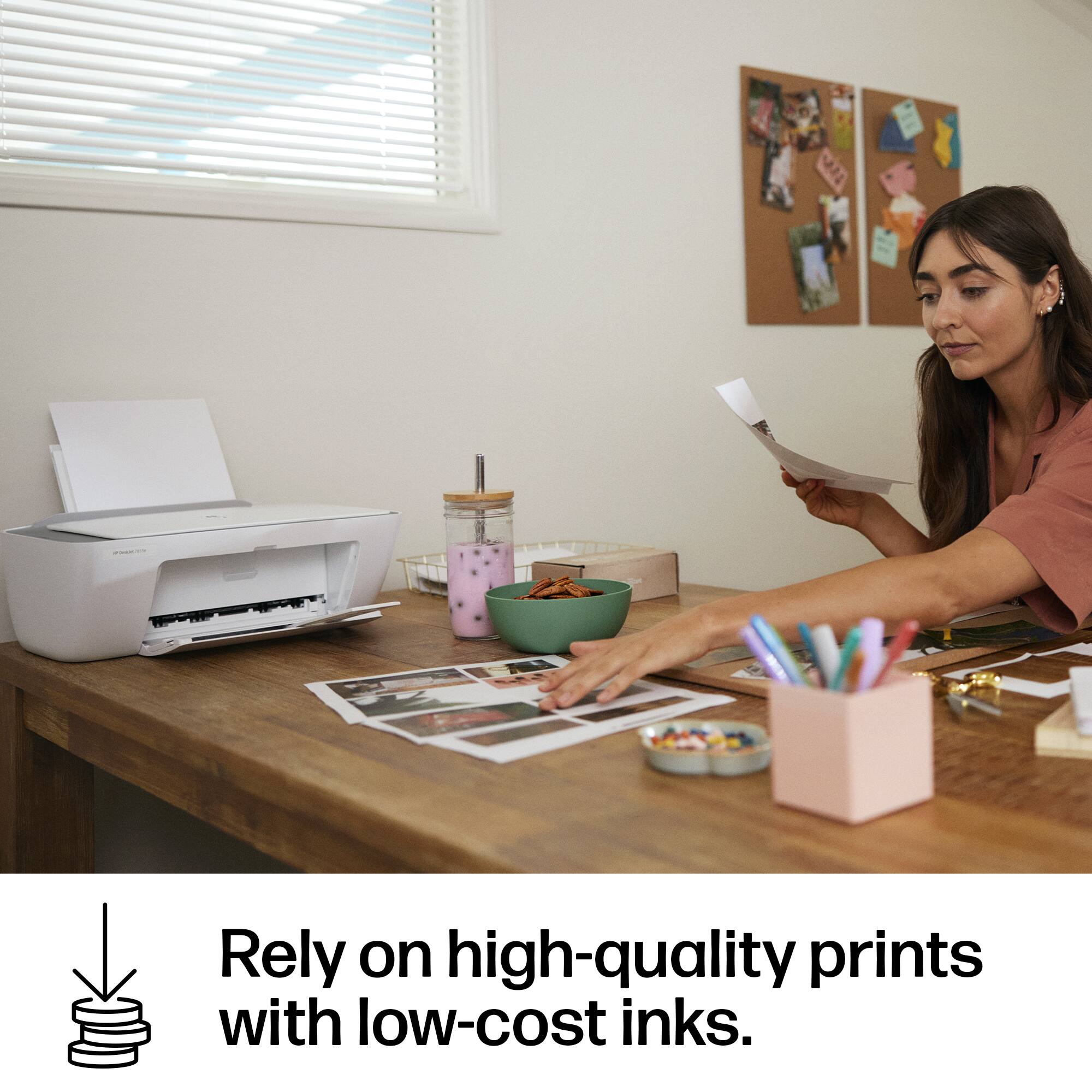
- A:Answer Hi there! Thank you for your question about the HP DeskJet 2855e. Yes, this model can be used to print stickers. Just make sure you're using stickers designed specifically for InkJet printers.
Answered by HP Team

Q: QuestionCan I hook it up to a USB?
Asked by Kimbob.
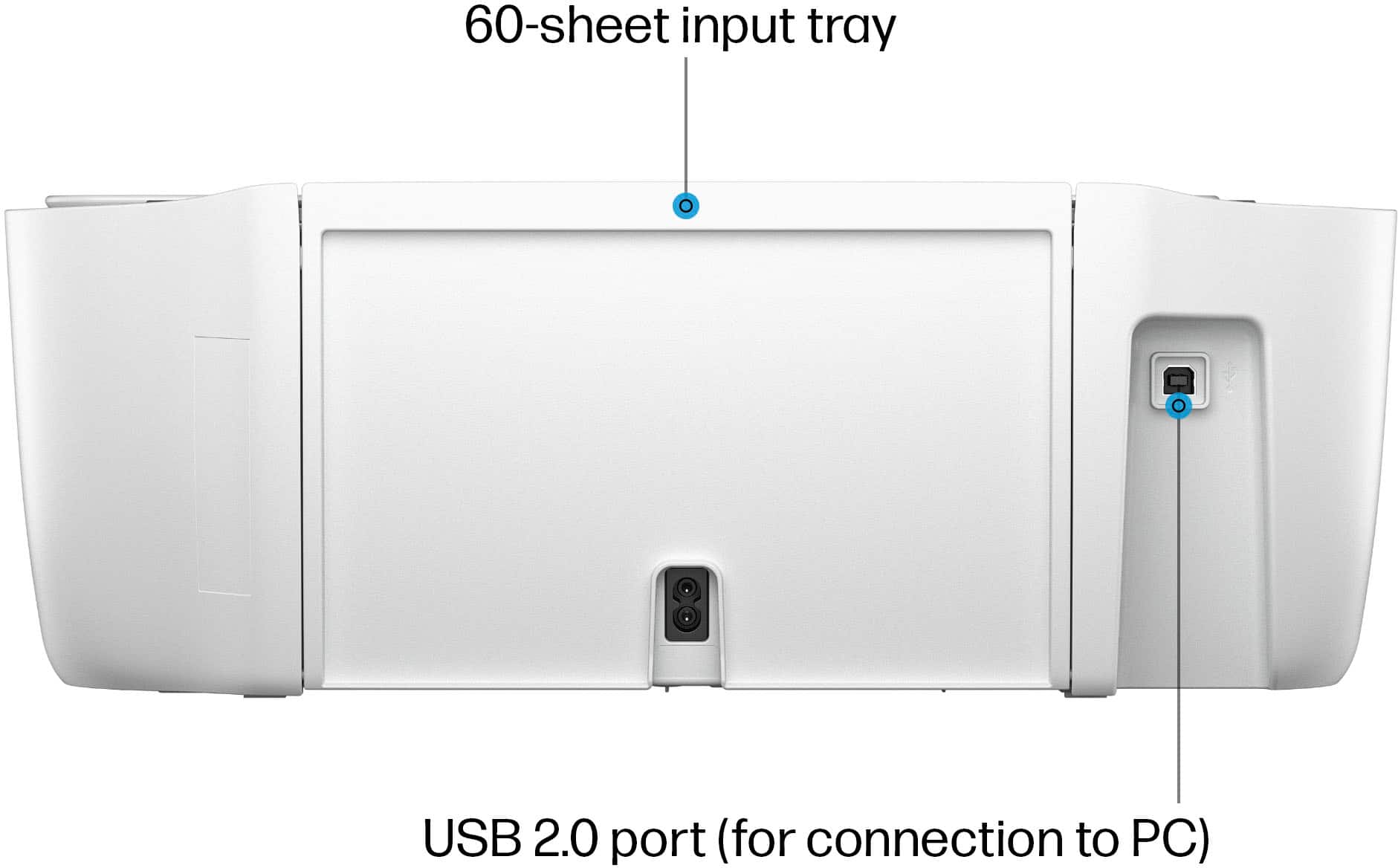
- A:Answer Yes. The USB port is under a sticker. You'll need a USB-A to USB-B cable - works well, no internet necessary, with this direct connection to a computer.
Answered by BestBuyCustomer
Q: QuestionCan this printer print sublimations?
Asked by Anonymous.
- A:Answer Thank you for your question on the HP DeskJet 2855e! It does not handle sublimation, yet you can print onto inkjet-based iron-on transfer paper with this.
Answered by HP Team

Q: QuestionDoes this model do cardstock?
Asked by Anonymous.
- A:Answer Thank you for your question. Yes, the HP DeskJet 2855e printer can handle paper up to 200 g/m2.
Answered by HP Team

Q: QuestionCan this print direcrly from iphone?
Asked by Goo.
- A:Answer Thank you for your question on the HP DeskJet 2855e printer! You can print directly to this from any device, including an iPhone!
Answered by HP Team

Q: QuestionCan this printer print sublimation paper for transfers onto t-shirts?
Asked by Anonymous.
- A:Answer Hello and thank you for asking. You can print using the HP DeskJet 2855e on t-shirt transfer papers designed for ink jet printers to make t-shirts, such as papers made by Avery and HP.
Answered by HP Team

Q: QuestionCan you print stickers on this printer?
Asked by Anonymous.
- A:Answer Hi there. Thank you for your question! You would be able to print onto sticker paper that is formulated to be used with inkjet printers with the HP Deskjet 2855e printer.
Answered by HP Team

Q: QuestionWill the desk jet 2855 e connect to wireless to Dell inspiring 15 3000 laptop
Asked by Sylvia.
- A:Answer Hi Sylvia, thanks for your question! The HP DeskJet 2855e printer can work with any computer using Windows 10 or 11, MacOS 10.14 Mojave or newer, and ChromeOS.
Answered by HP Team