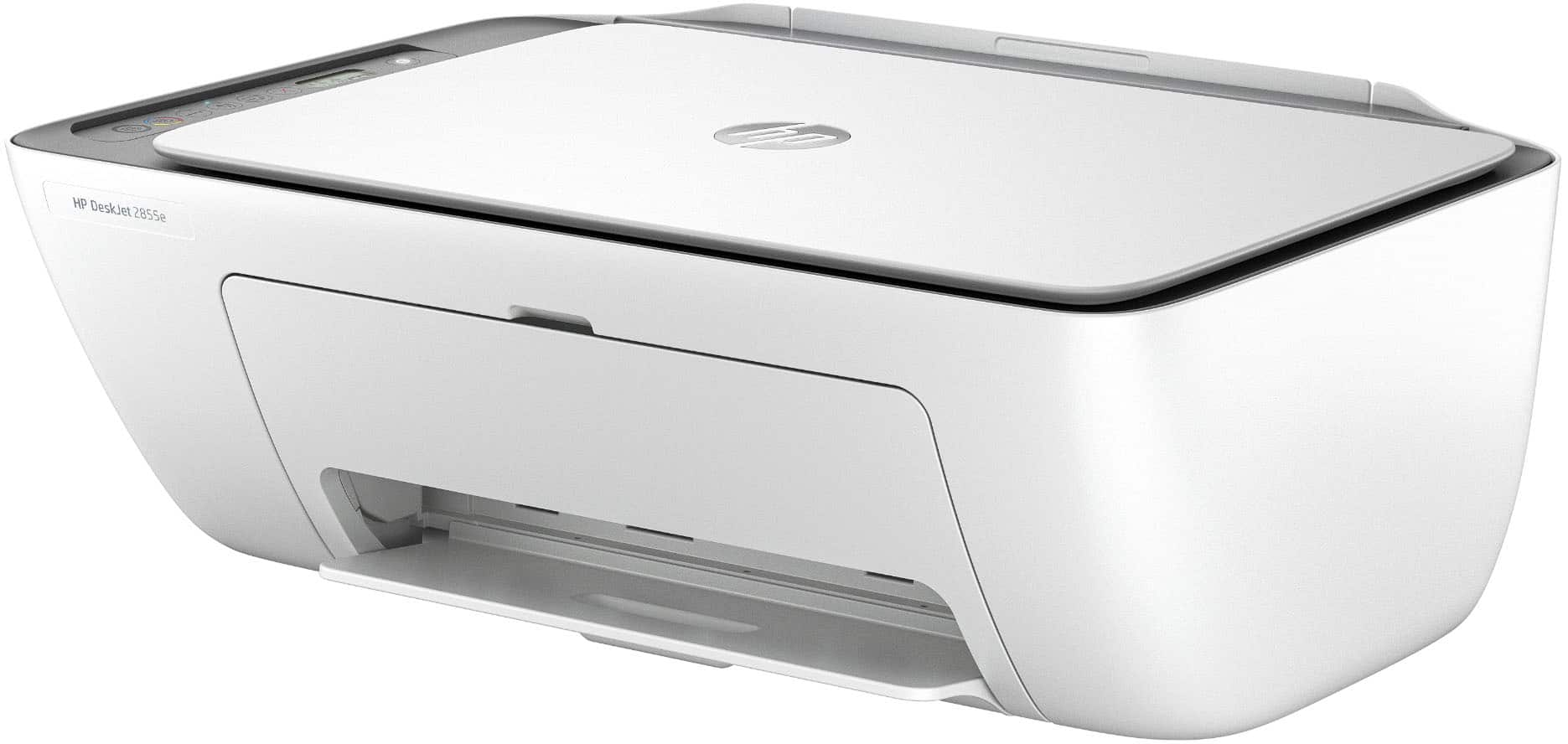
A:AnswerThank you for the question. That depends on your operating system (OS). The DeskJet 2855e is compatible with macOS V10.14 Mojave and later operating systems.
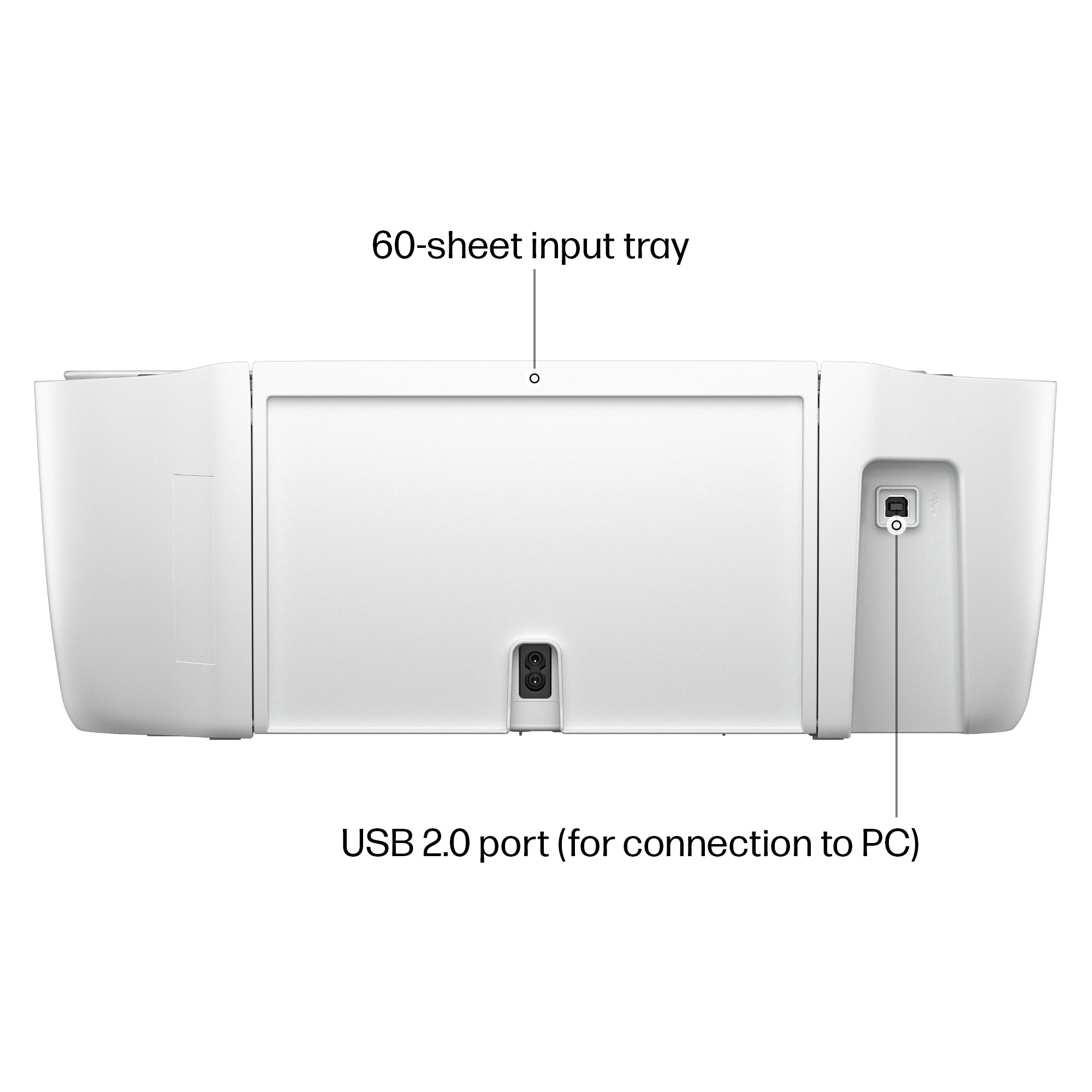
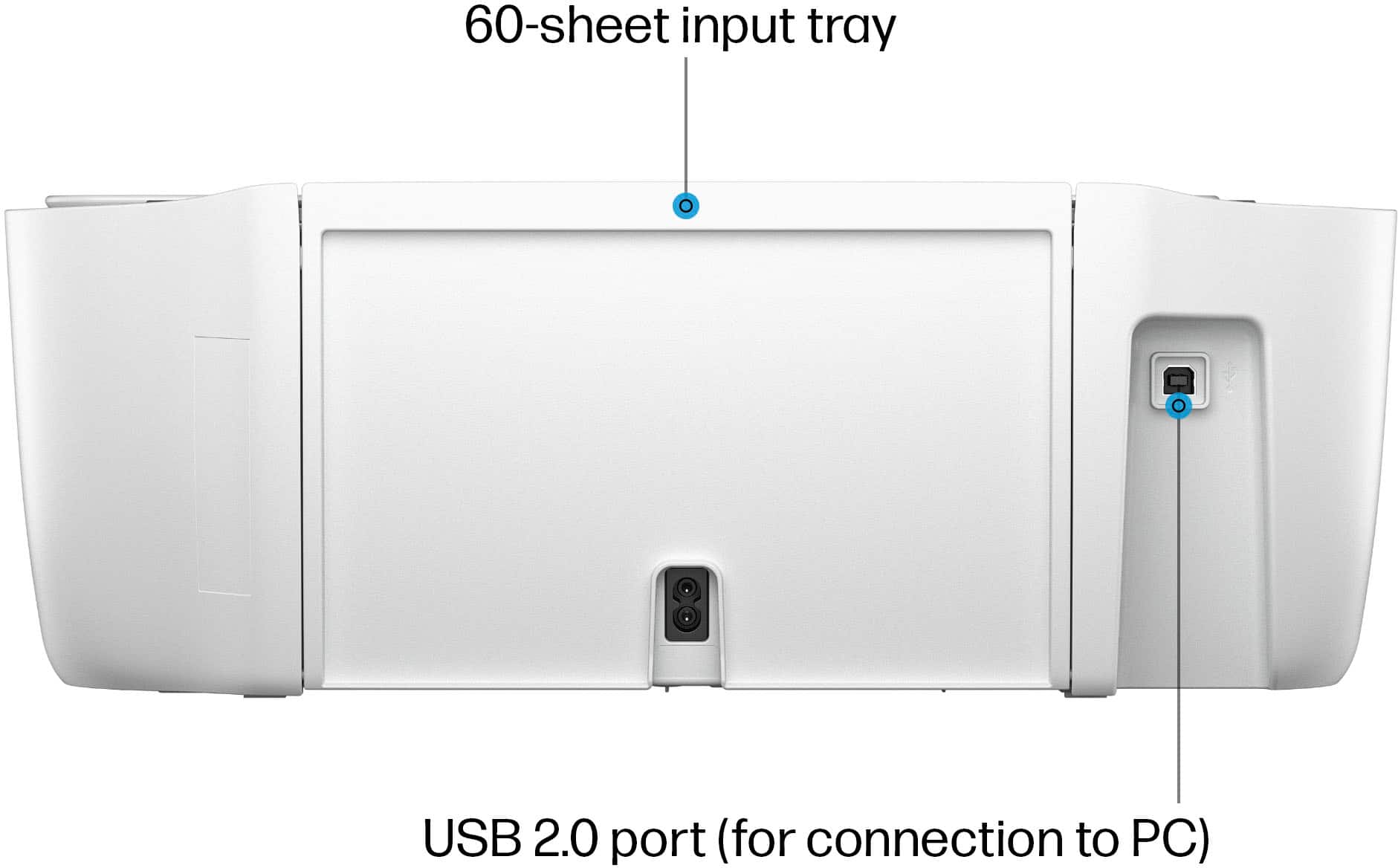
A:AnswerJennifer, thank you for your questions about this HP DeskJet printer! Yes, you can disable the wi-fi and use a USB cable. You can set this up through a computer without using the HP Smart app, either through the Windows universal printer driver for basic printing or downloading the whole driver package from HP's support site for this printer.
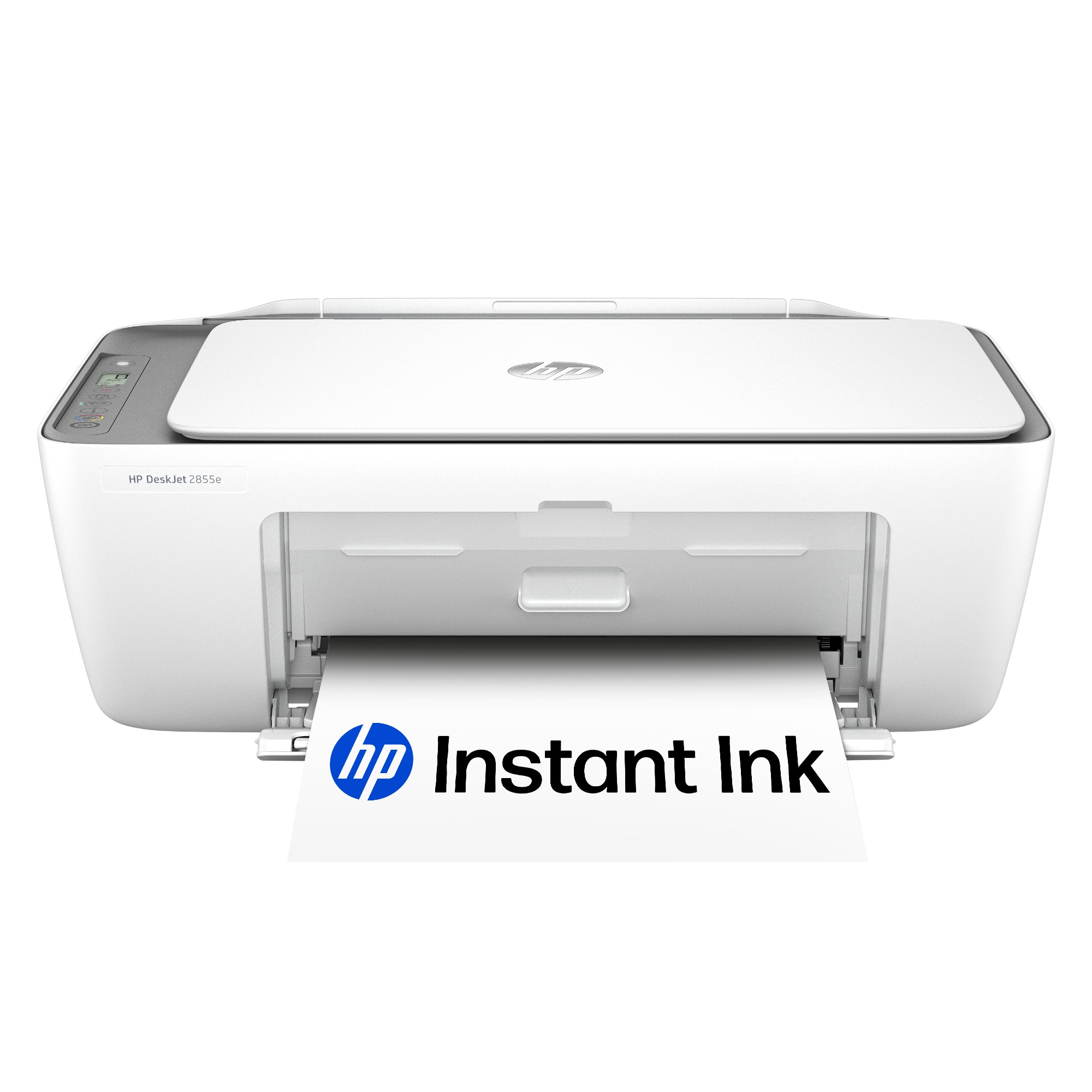
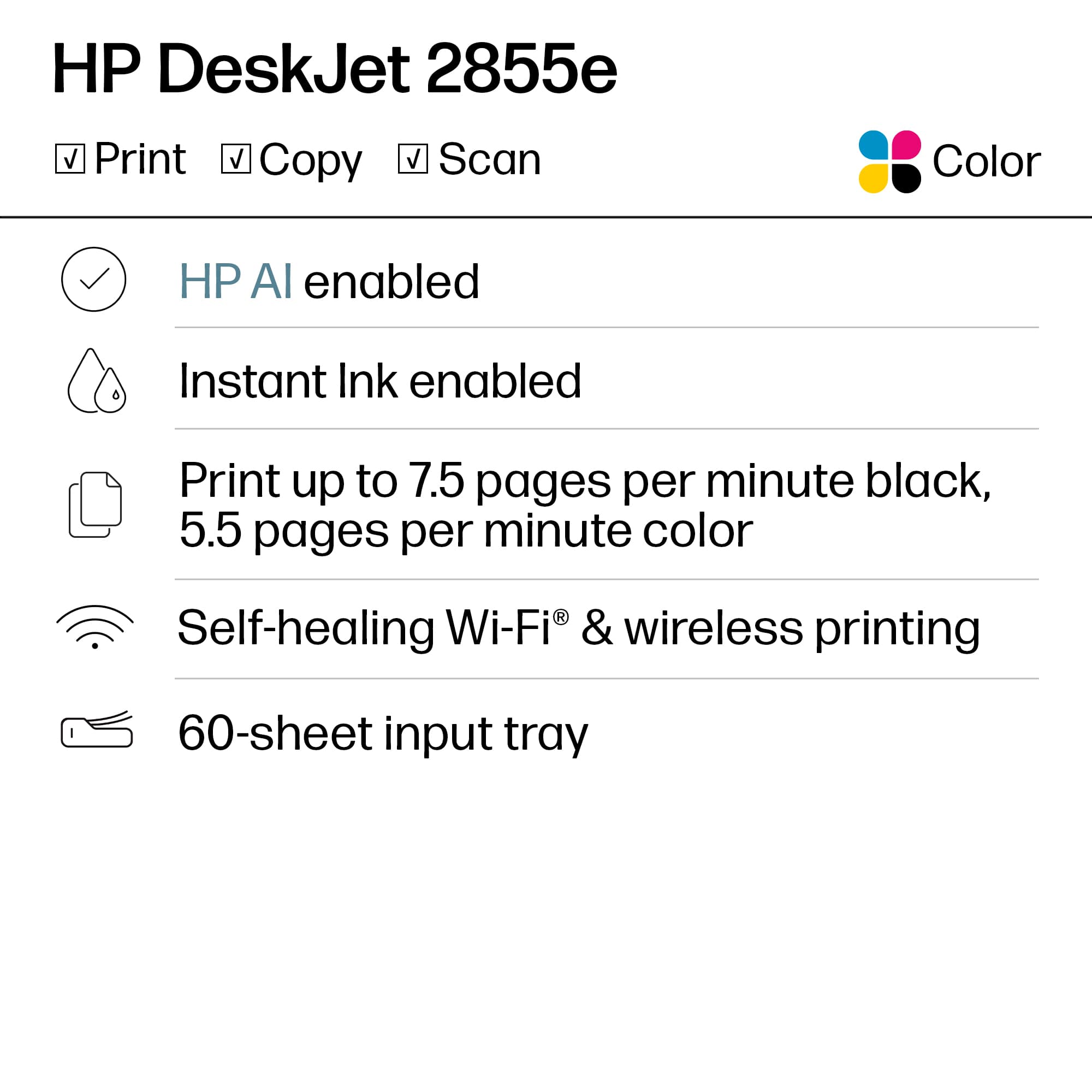
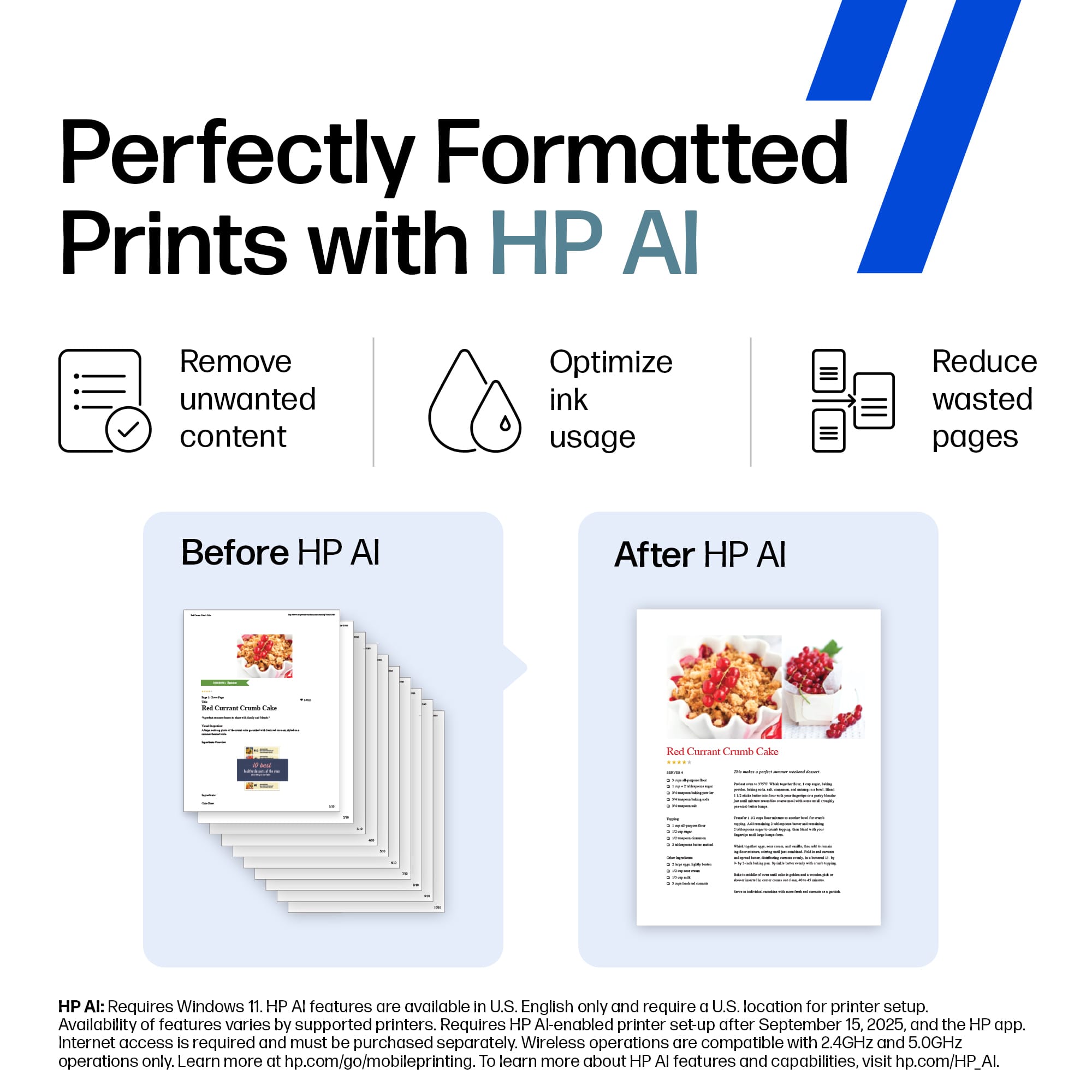
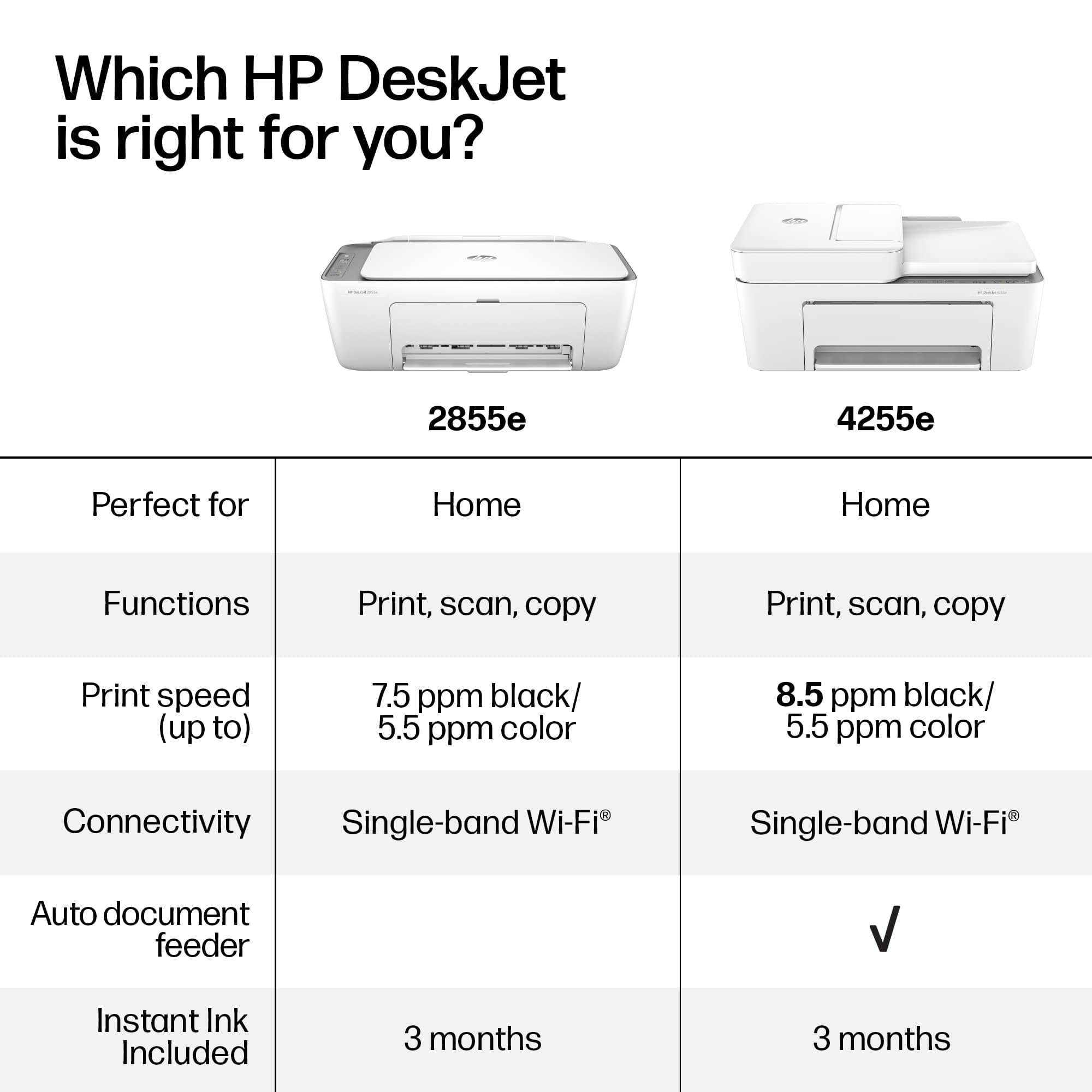
A:AnswerThank you for the questions. Both printers perform the same functions, however, the DeskJet 2855e, a newer model, has self-healing Wi-Fi and better ink optimization.

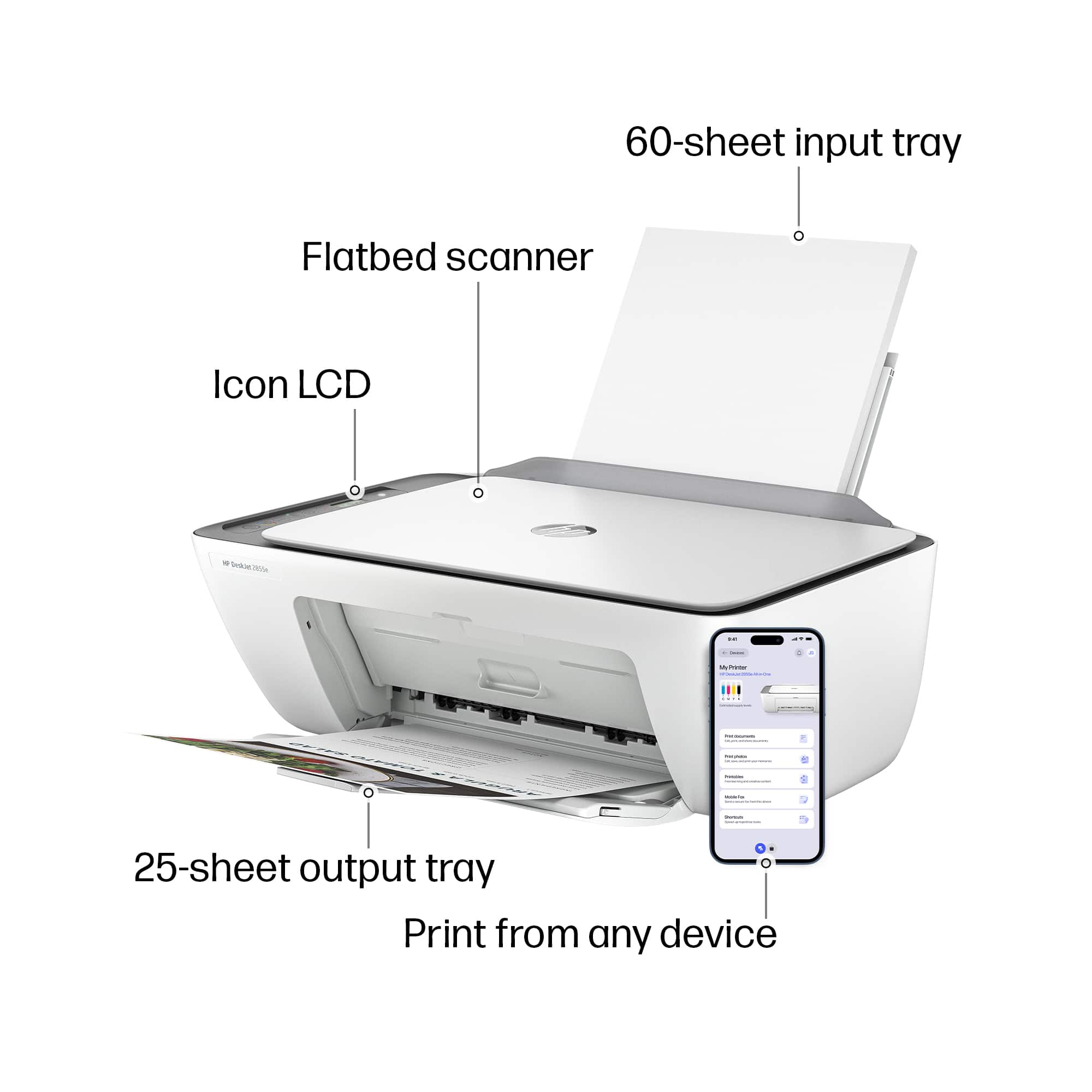
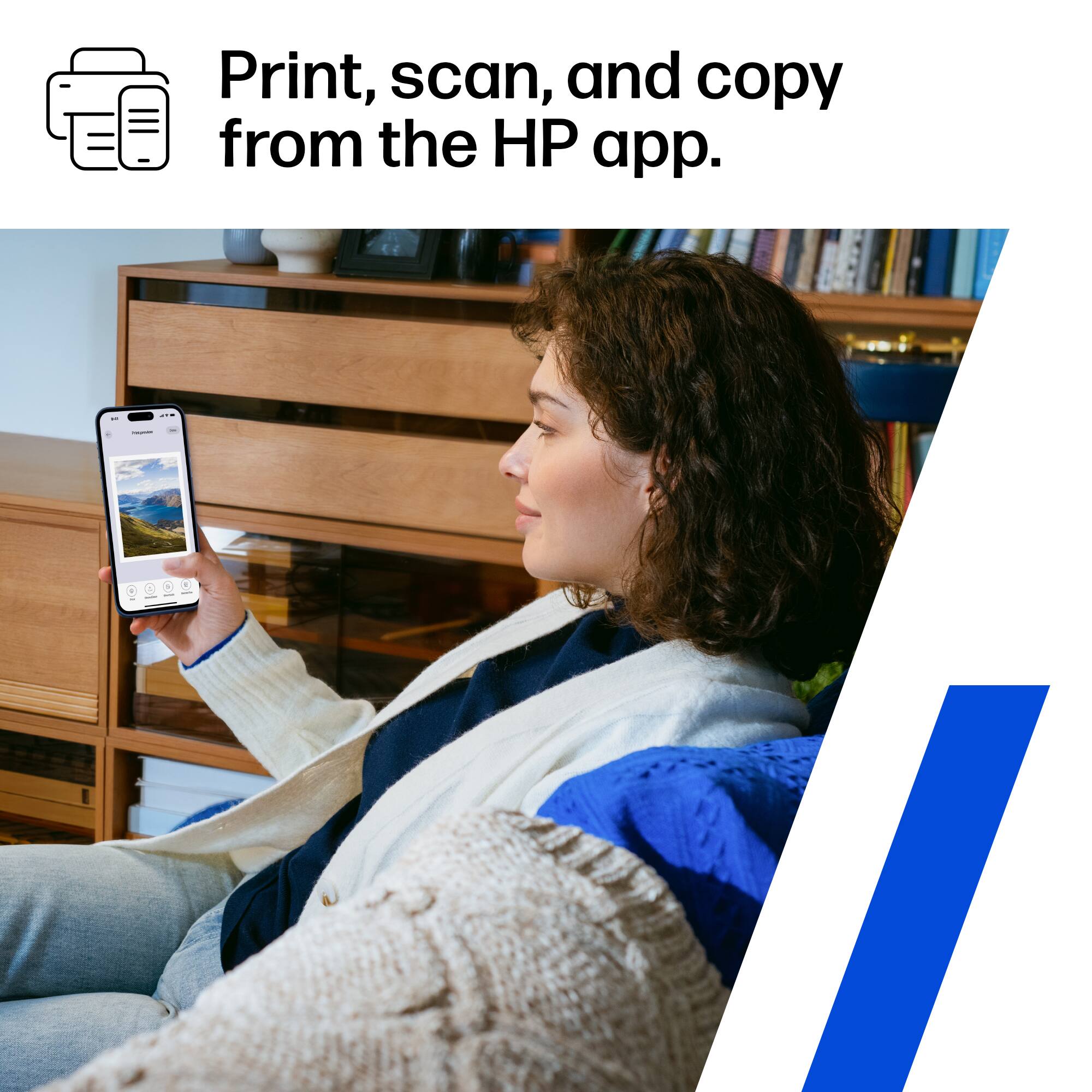
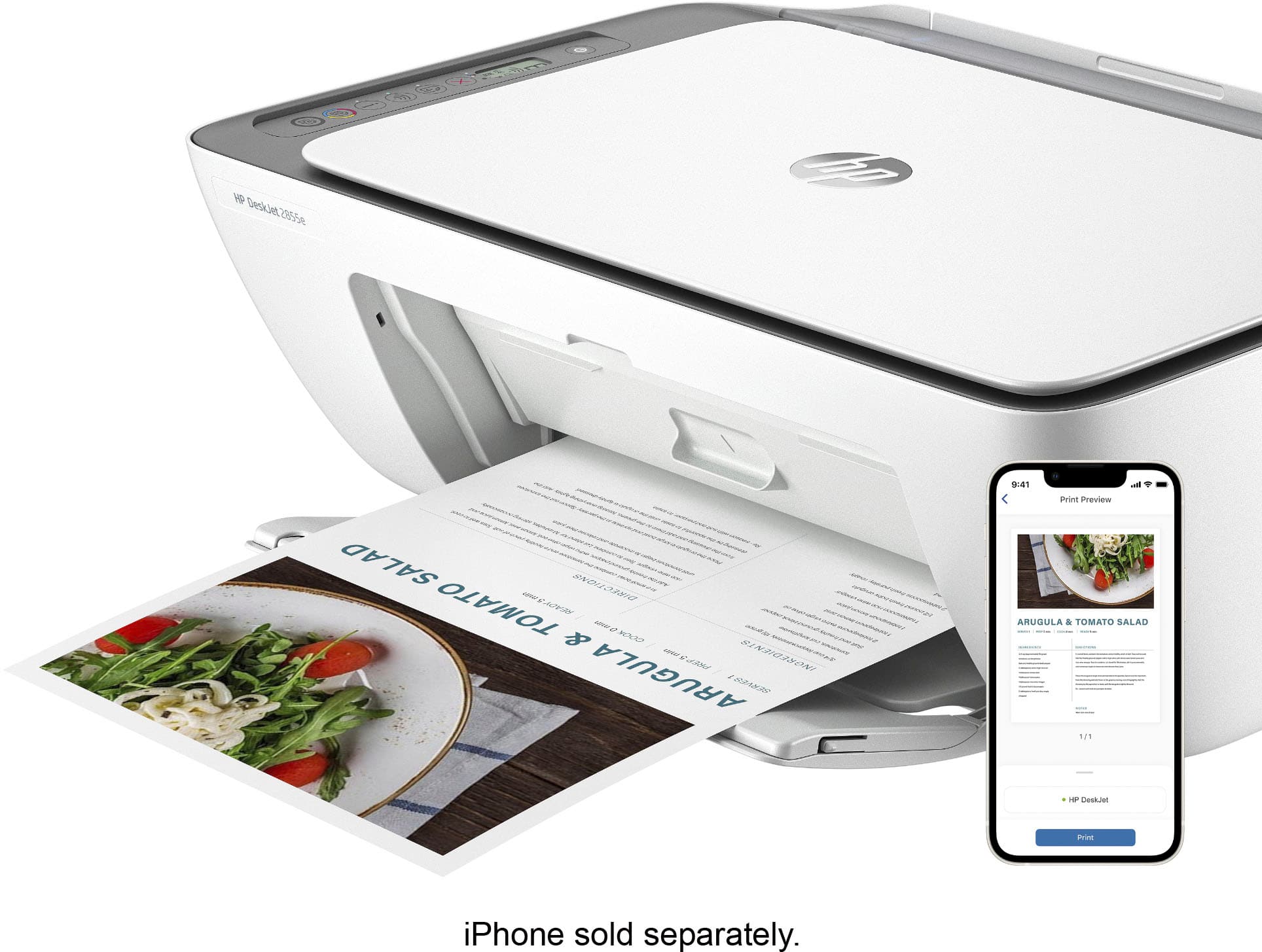
A:AnswerThank you for your question! If you are referring to the HP Smart App, that is available on Android, iOS, and Windows; an iPhone is not required for the HP Smart App.
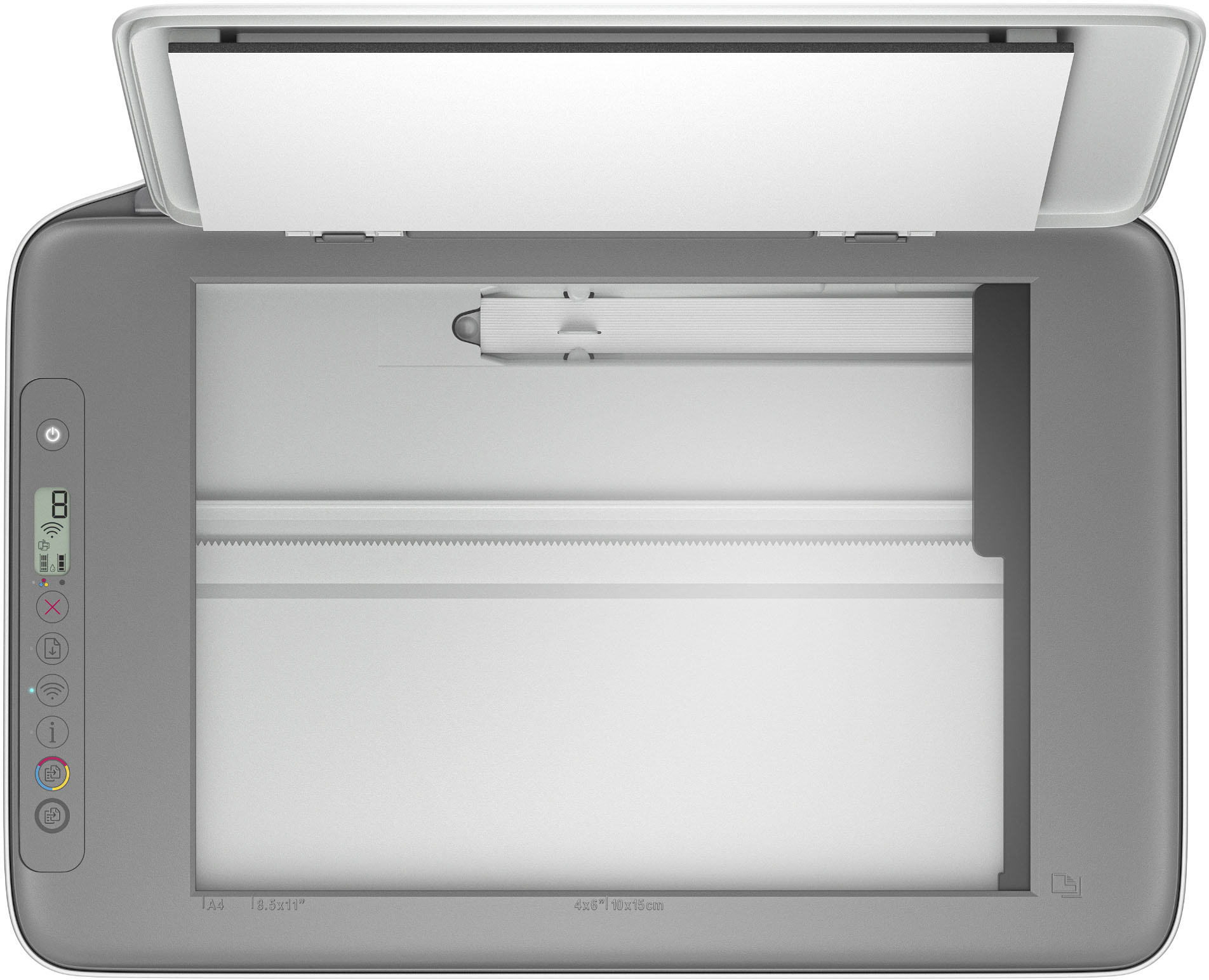
A:AnswerThank you for our question on the new HP DeskJet 2855e. The scanner can scan up to 1200dpi and you can use software to enhance the image. The HP Smart software gives you the option of saving the scans as either a .JPG or a .PDF file.
A:AnswerI did sent from my Android wifi but the signal was weak bc I only have 5G supporting my home. If you have a cable company wifi the signal is stronger and should work with no problem.