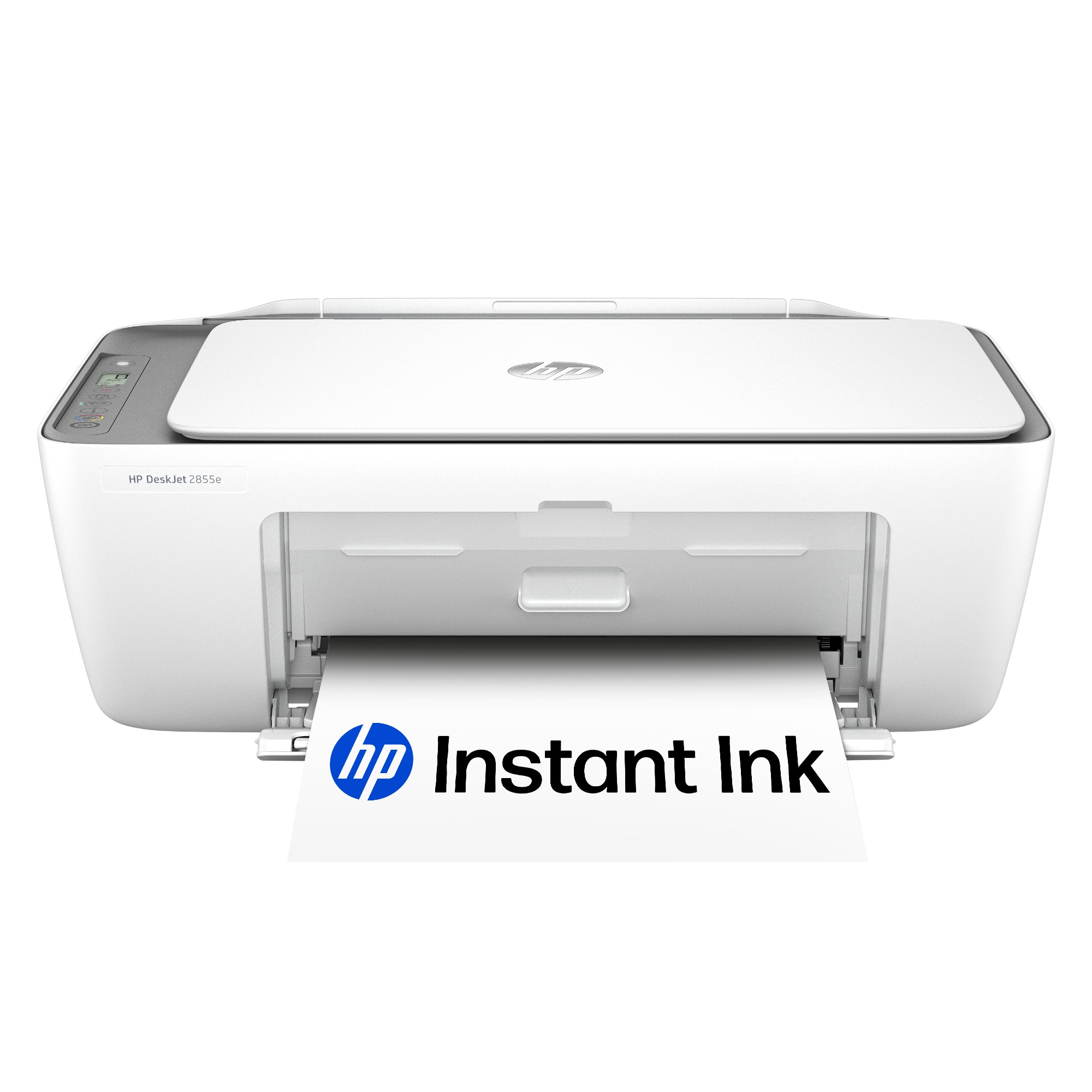
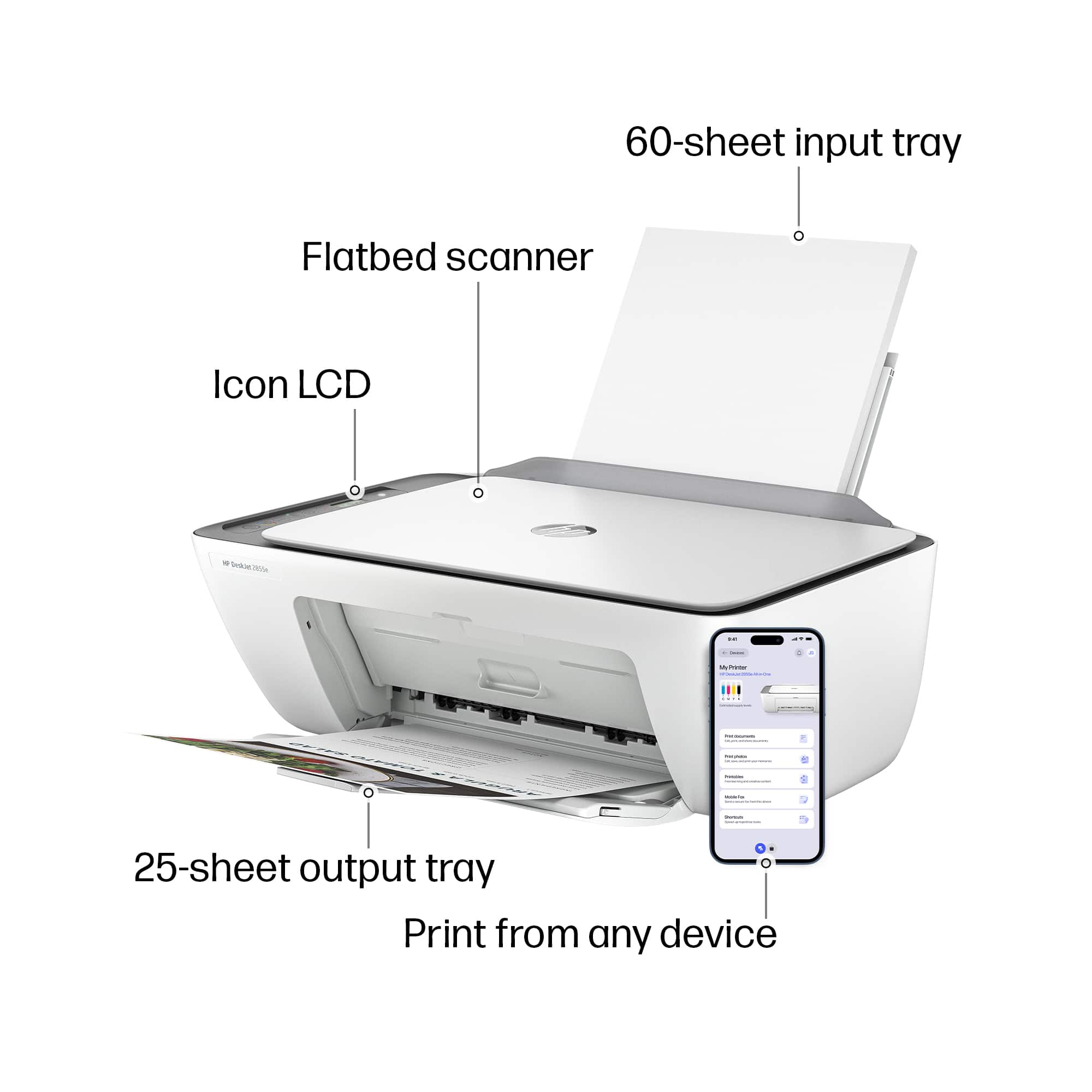
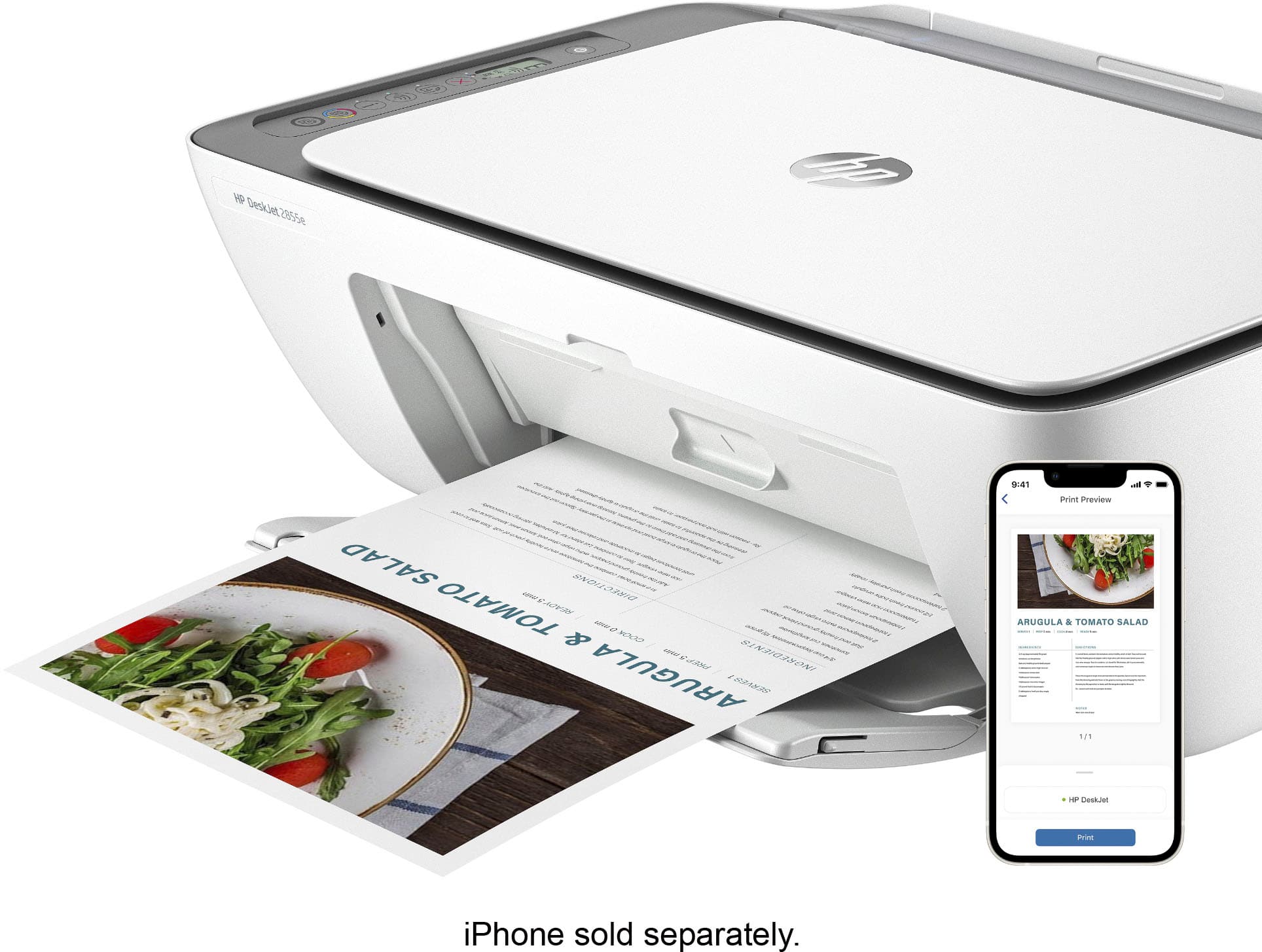
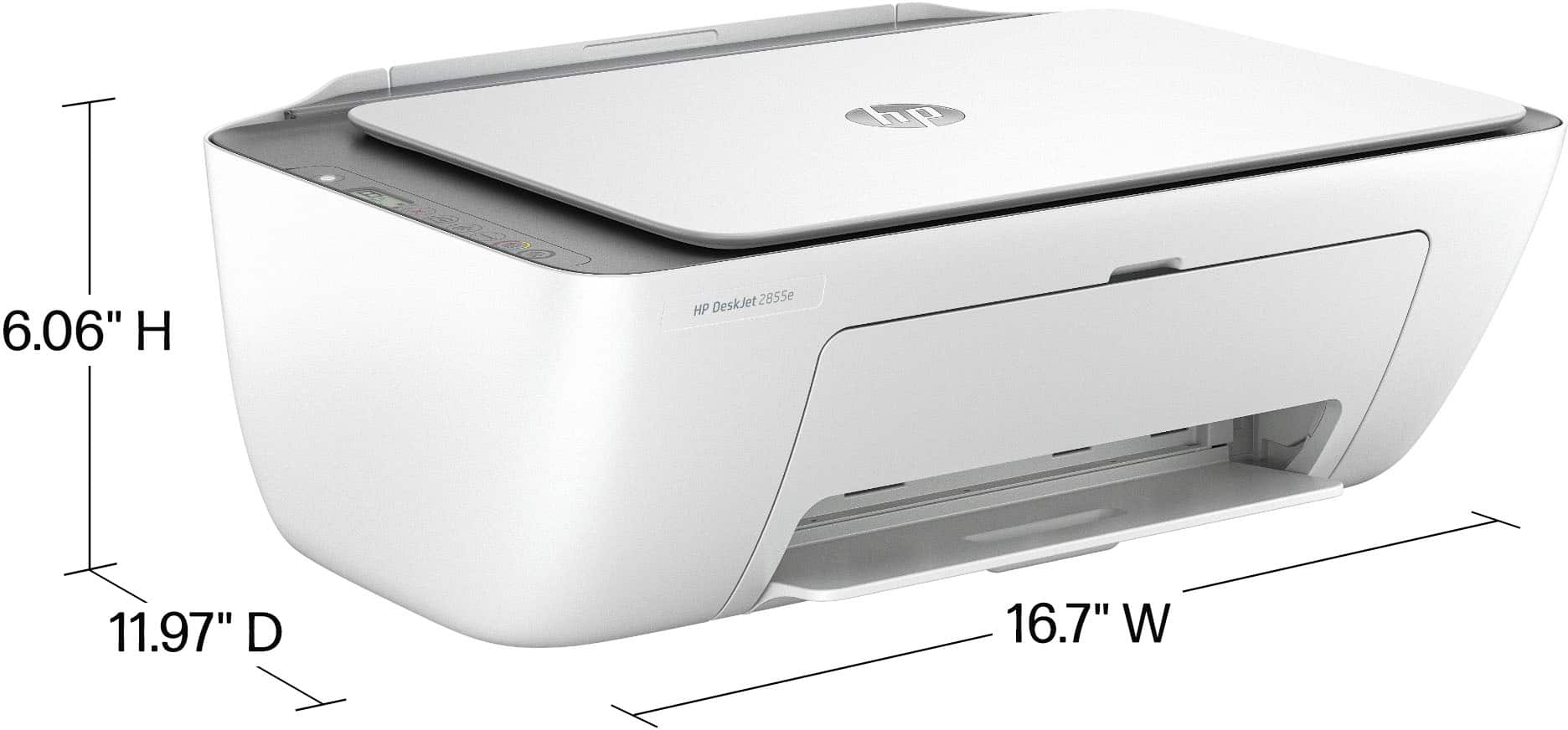
A:AnswerHi Harley, thanks for your question! You can use AirPrint form your iPhone, to print from the HP DeskJet 2855e Wireless All in One Inkjet Printer.

A:AnswerThank you for the question. Yes, you can use the DeskJet 2855e as a copier only. However, you won't be able to use HP+ features unless you connect to your smartphone or PC.
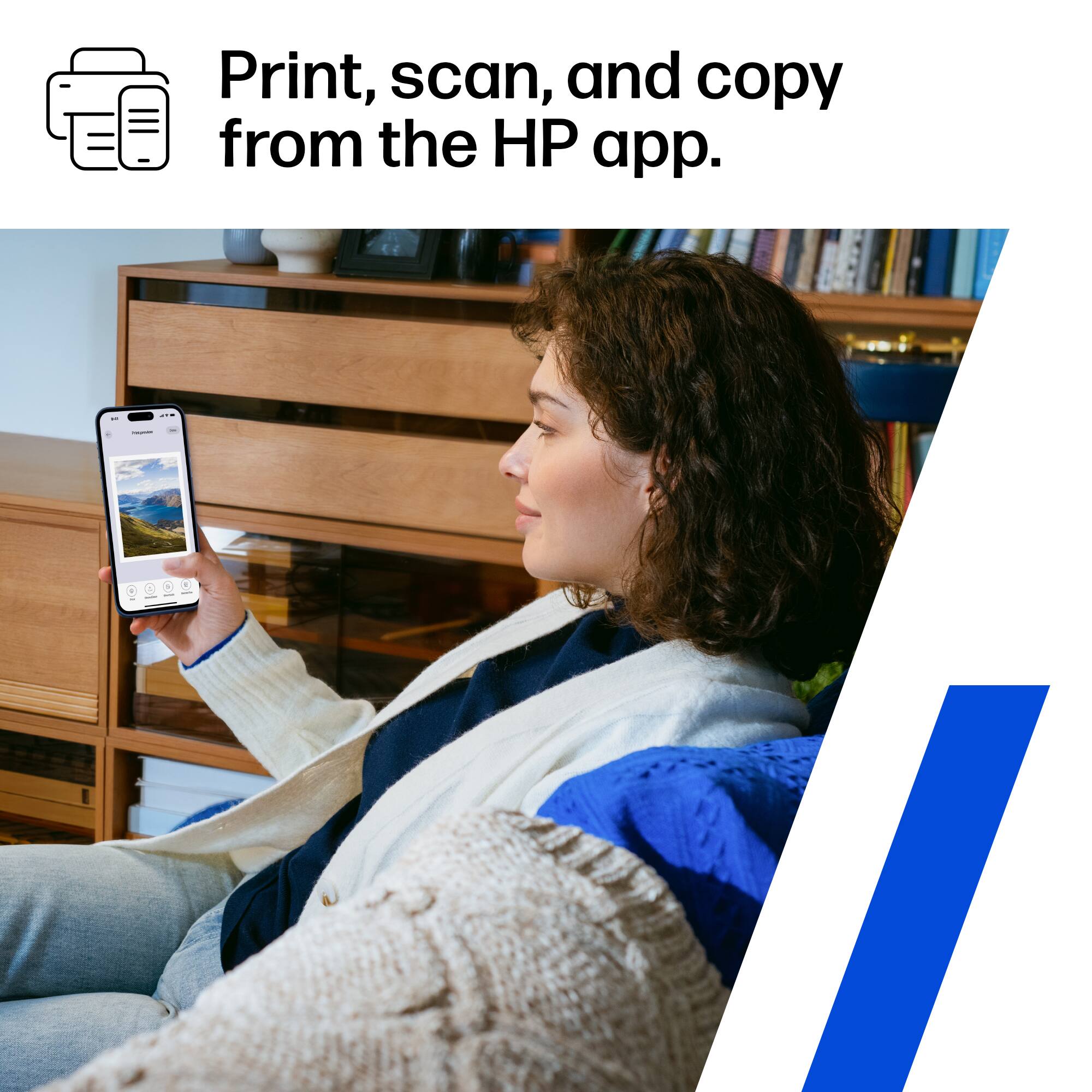
A:AnswerHello and thank you for asking. The HP DeskJet 2855e does not require the use of the free HP Smart app, but we recommend it highly as it is the easiest way to set up the printer wirelessly and to print from your mobile device. However, the printer does not have the ability for you to print from a mobile device via Bluetooth. You connect your mobile device to the printer via Wi-Fi. The printer uses a Bluetooth LE (Low Energy) connection for setup only.
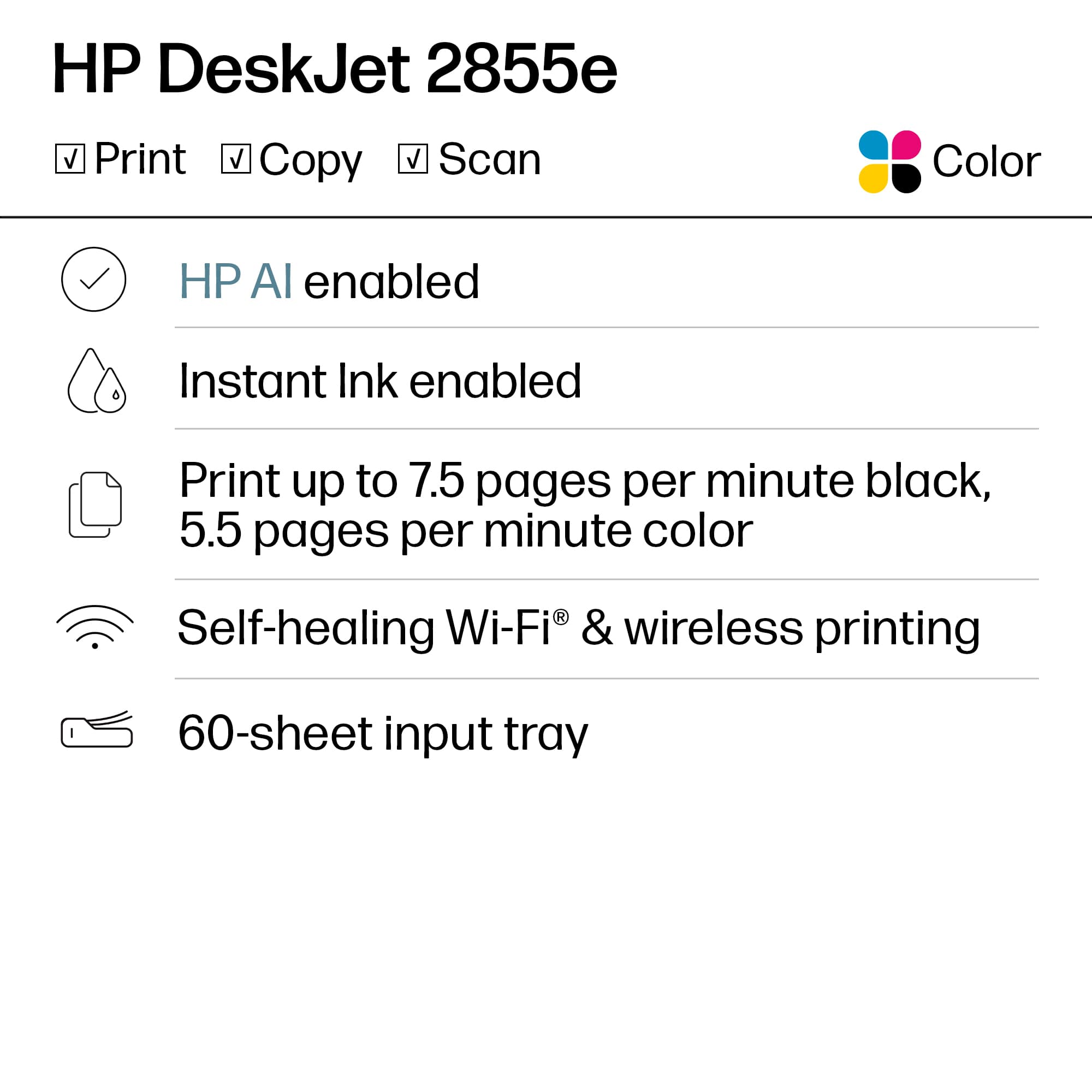
A:AnswerThank you for asking. Yes, the DeskJet 2855e has Wi-Fi 802.11b/g/n. 802.11n supports multi-channel utilization and operates at both 2.4 GHz and 5 GHz bands.
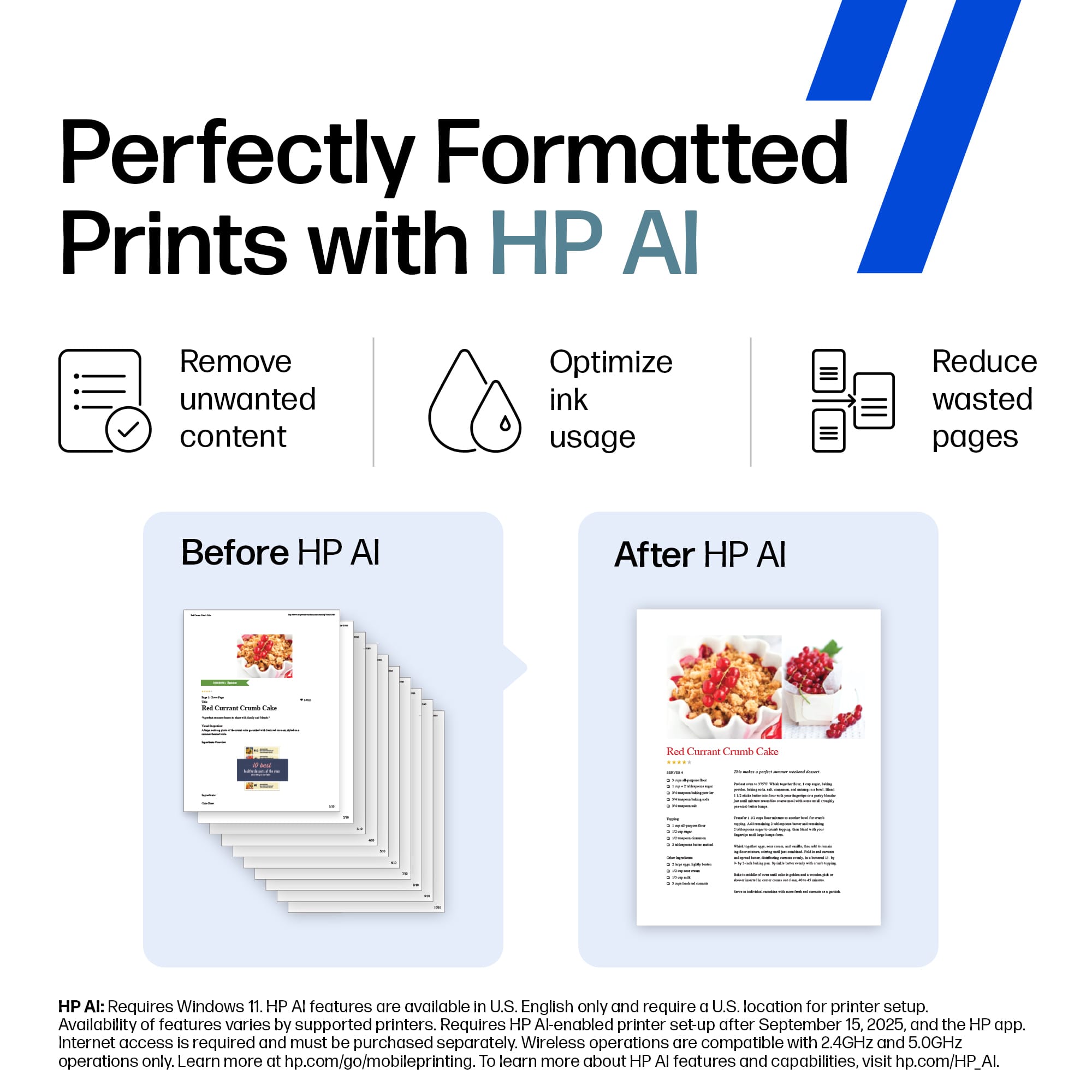
A:AnswerHello! Thanks for your question about the HP DeskJet 2855e. While this model doesn't have the capability to resize directly from the printer, you can easily adjust the size of your prints using the HP Smart app on your phone or computer. This allows you to resize your documents or photos before sending them to the printer.
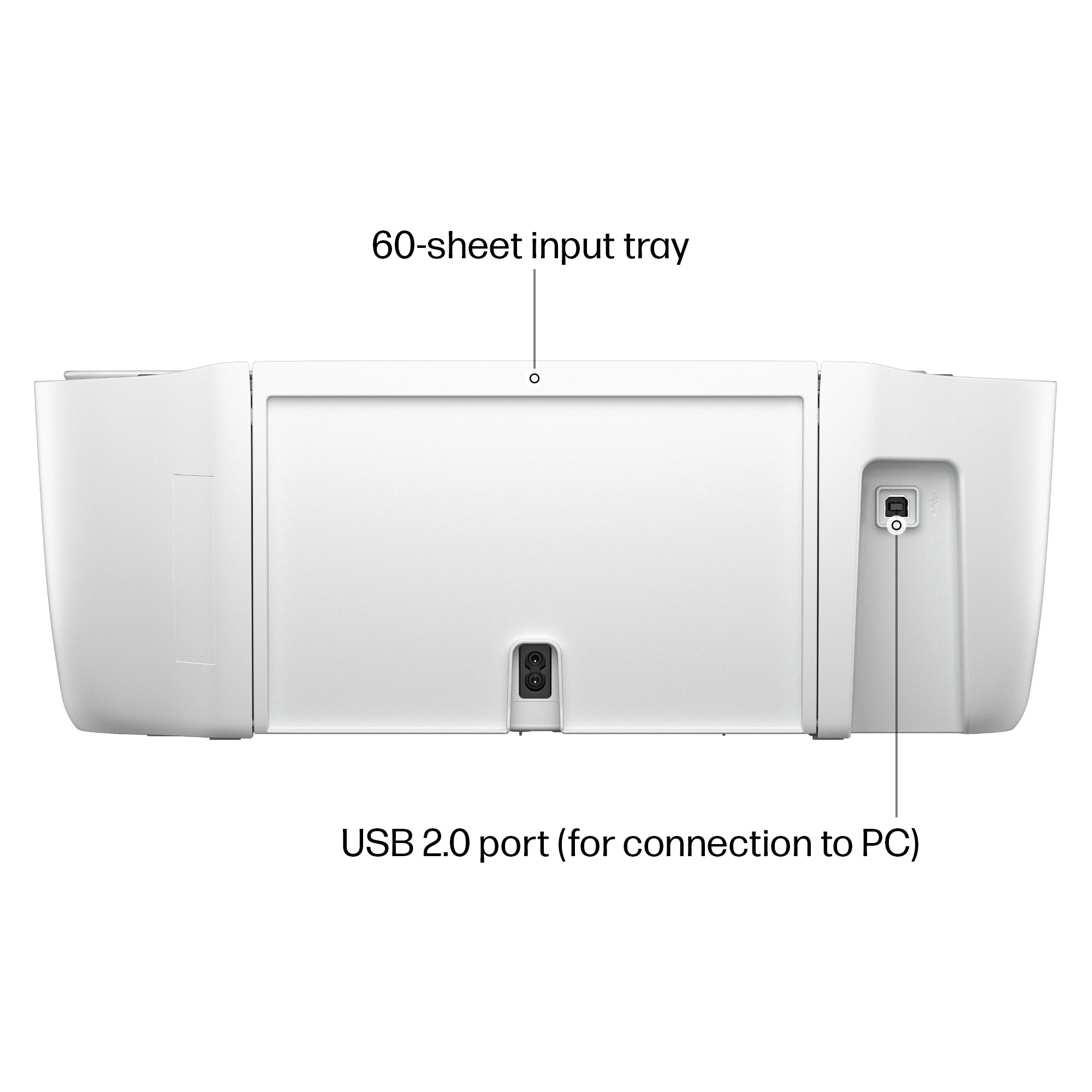
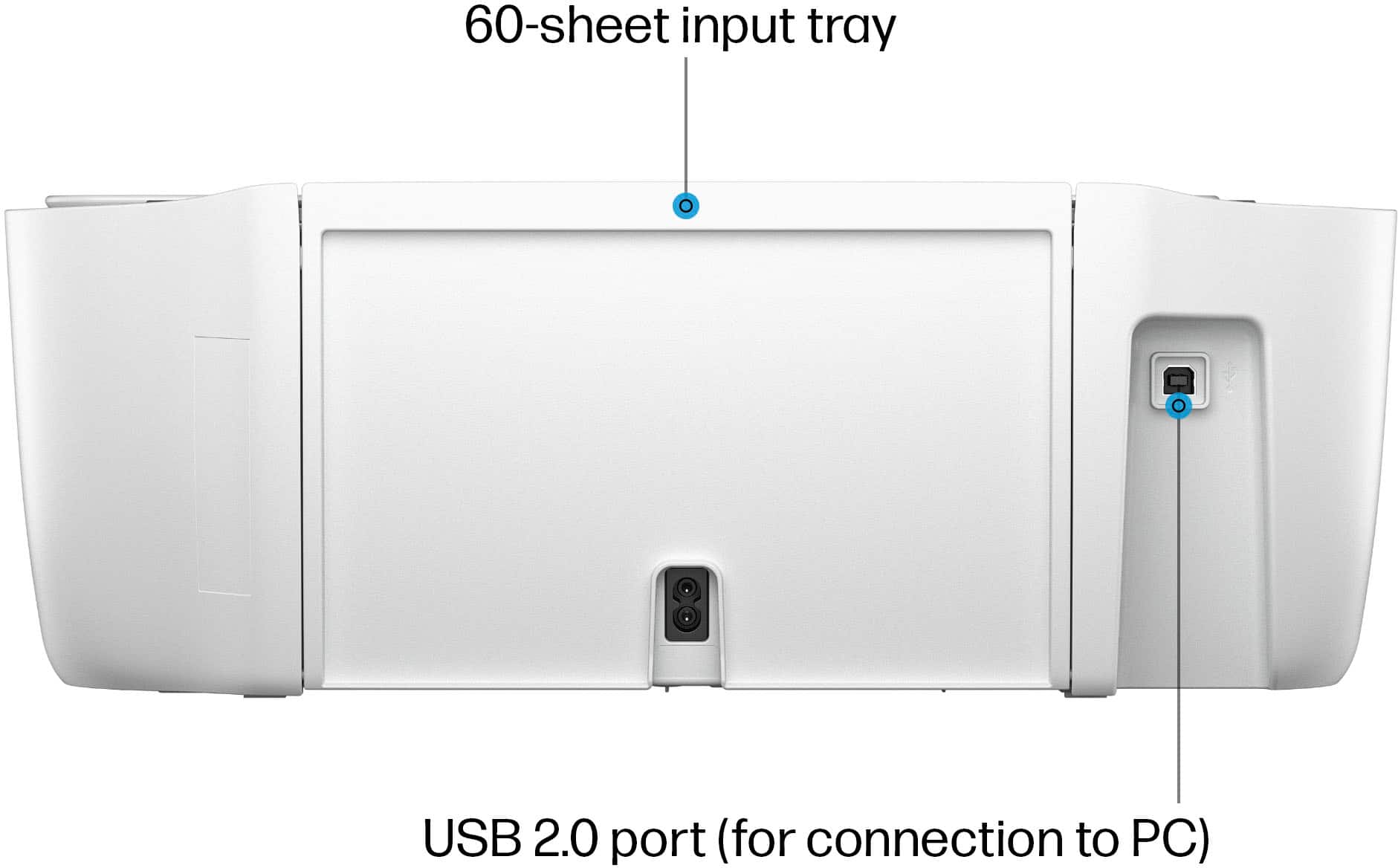
A:AnswerHi, Jonathan! Thank you for your interest in this HP DeskJet 2855e. This model can be hardwired to your computer via the USB Type-B (to Type-A) cable, though it does not have an ethernet port for a hard internet connection (for scanning to your smart phone, for example). For an internet connection, it will need to be connected wirelessly.
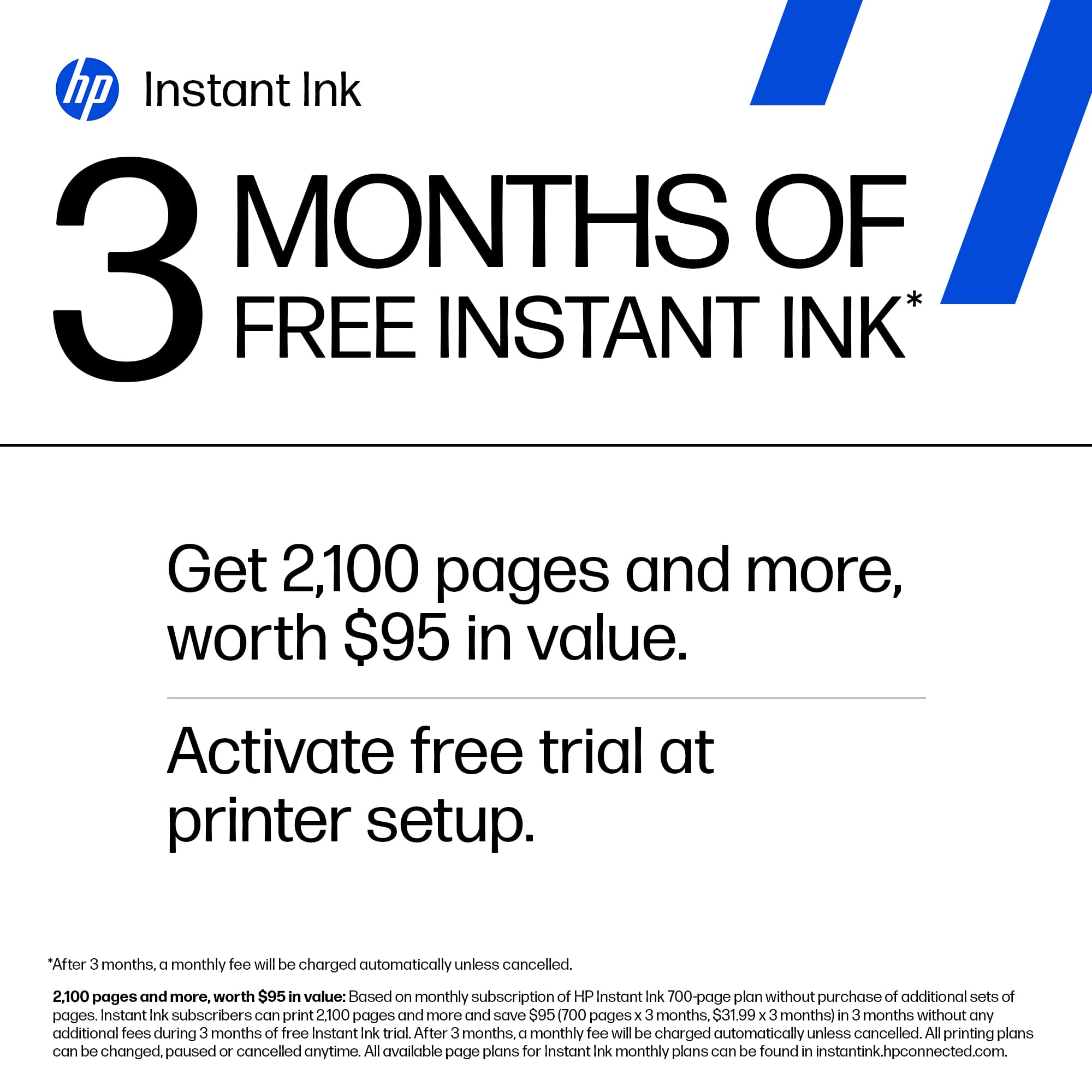
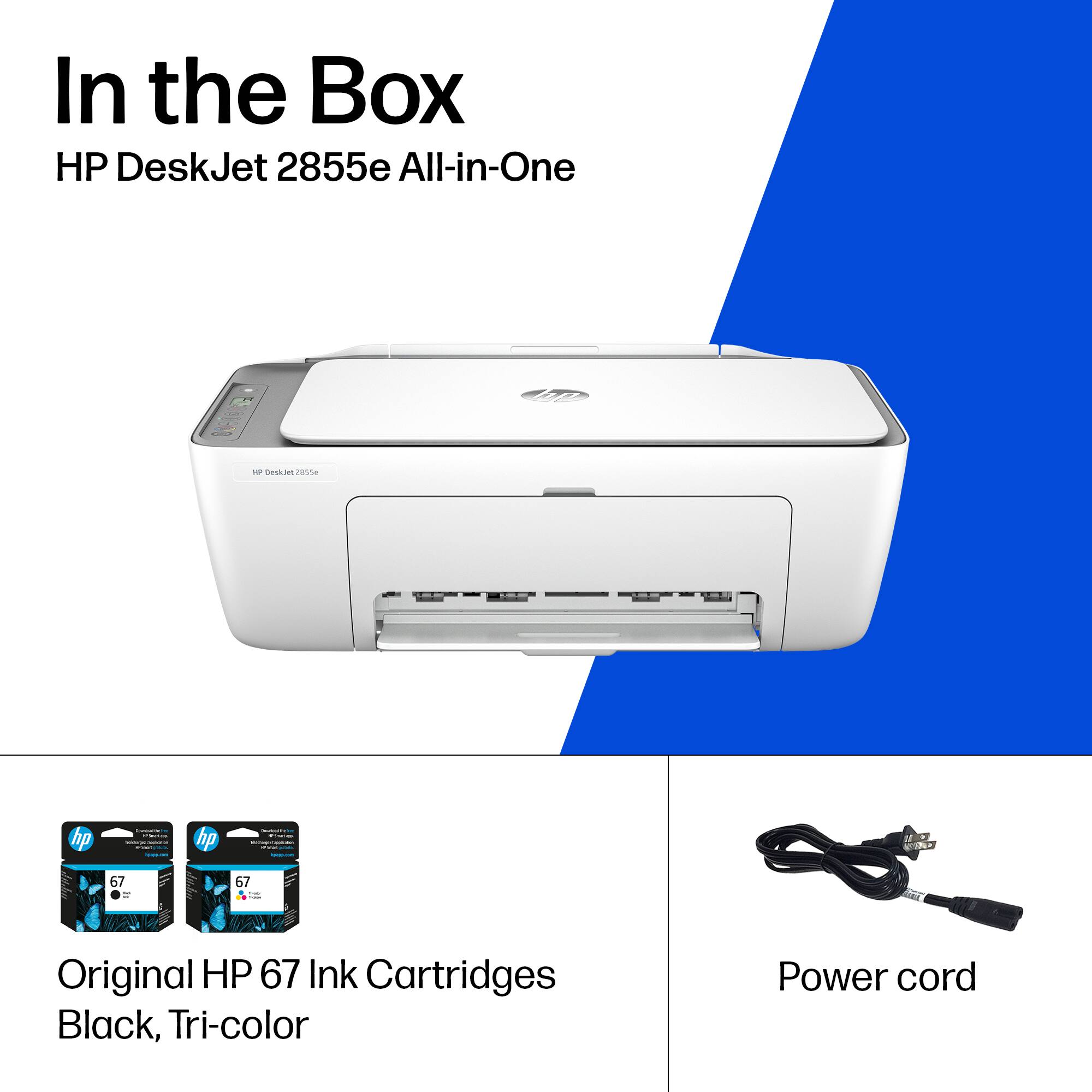
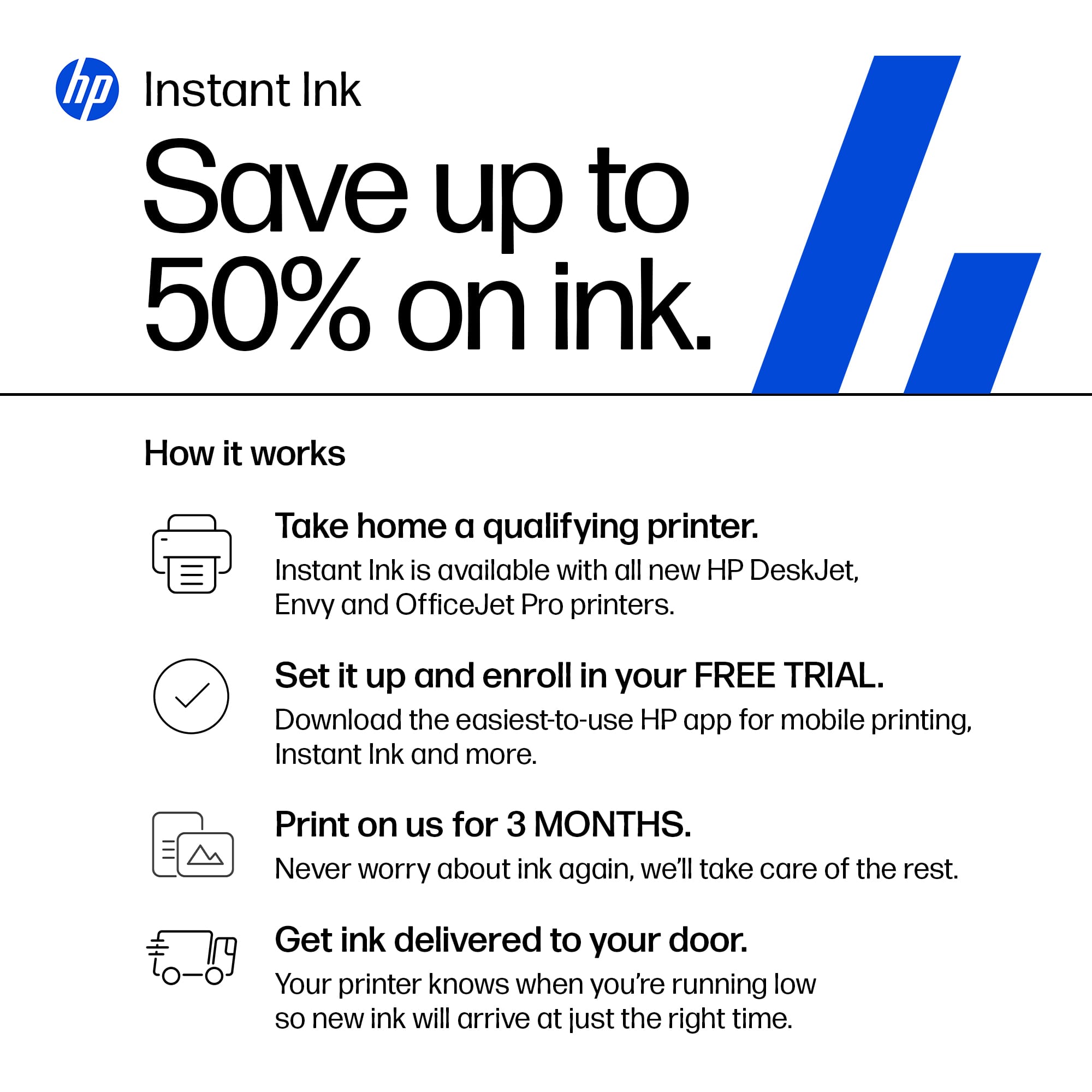
A:AnswerHello and thank you for asking. The HP DeskJet 2855e printer includes setup ink cartridges in the box, which have lower page yields than replacement cartridges. If you elect not to subscribe to an HP Instant Ink print plan, we recommend buying a spare set of cartridges, or at least an extra black cartridge, to ensure that you don’t run out.