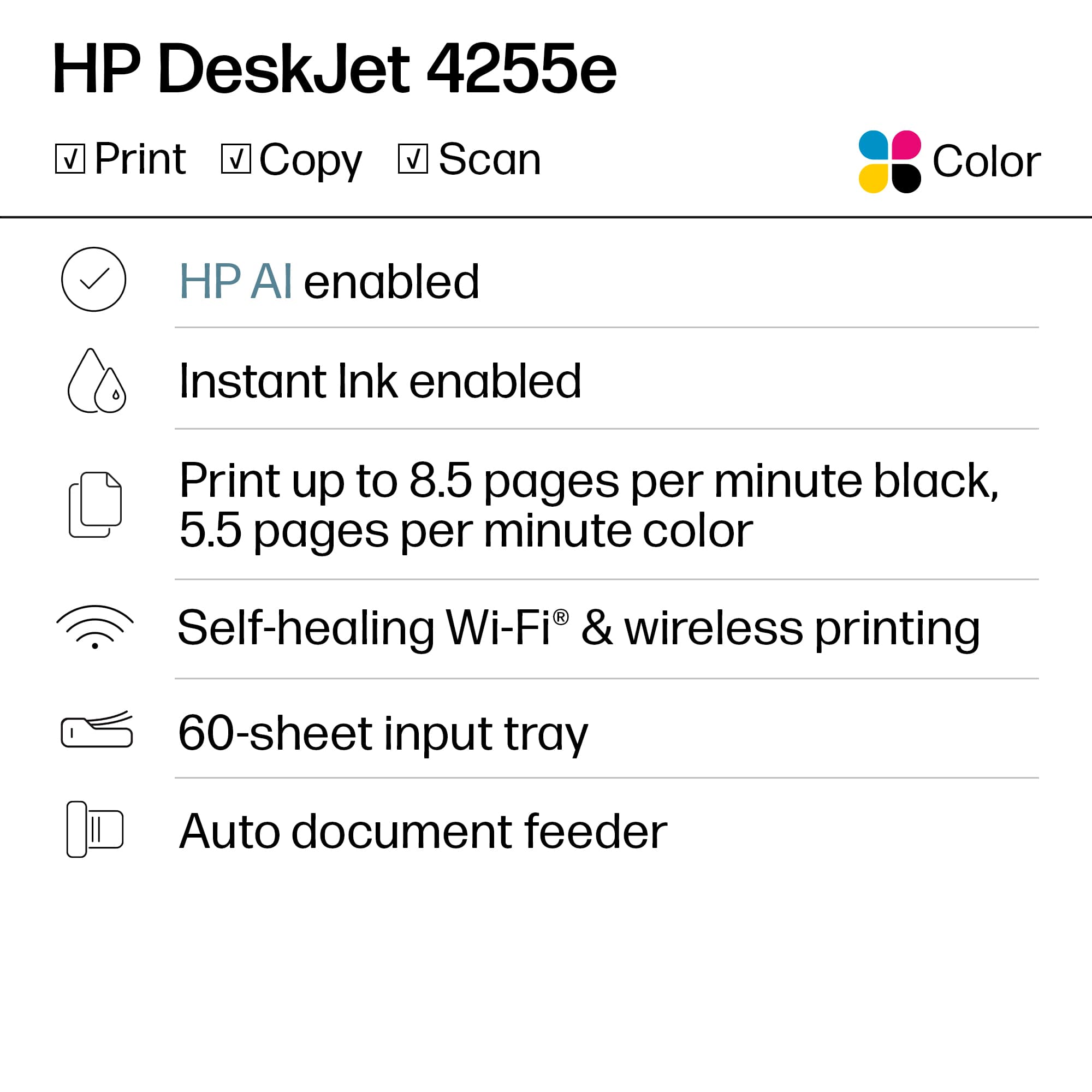
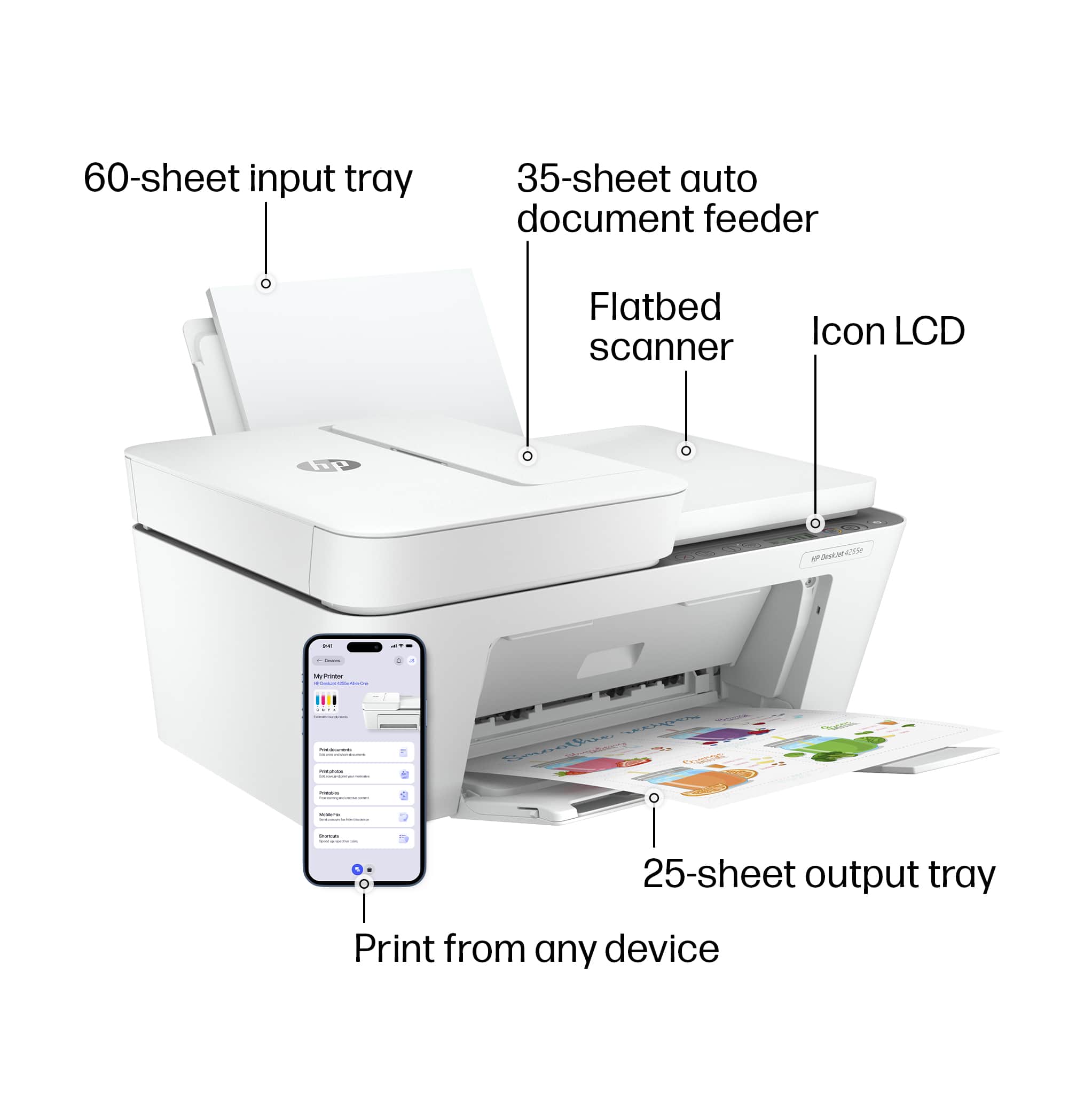
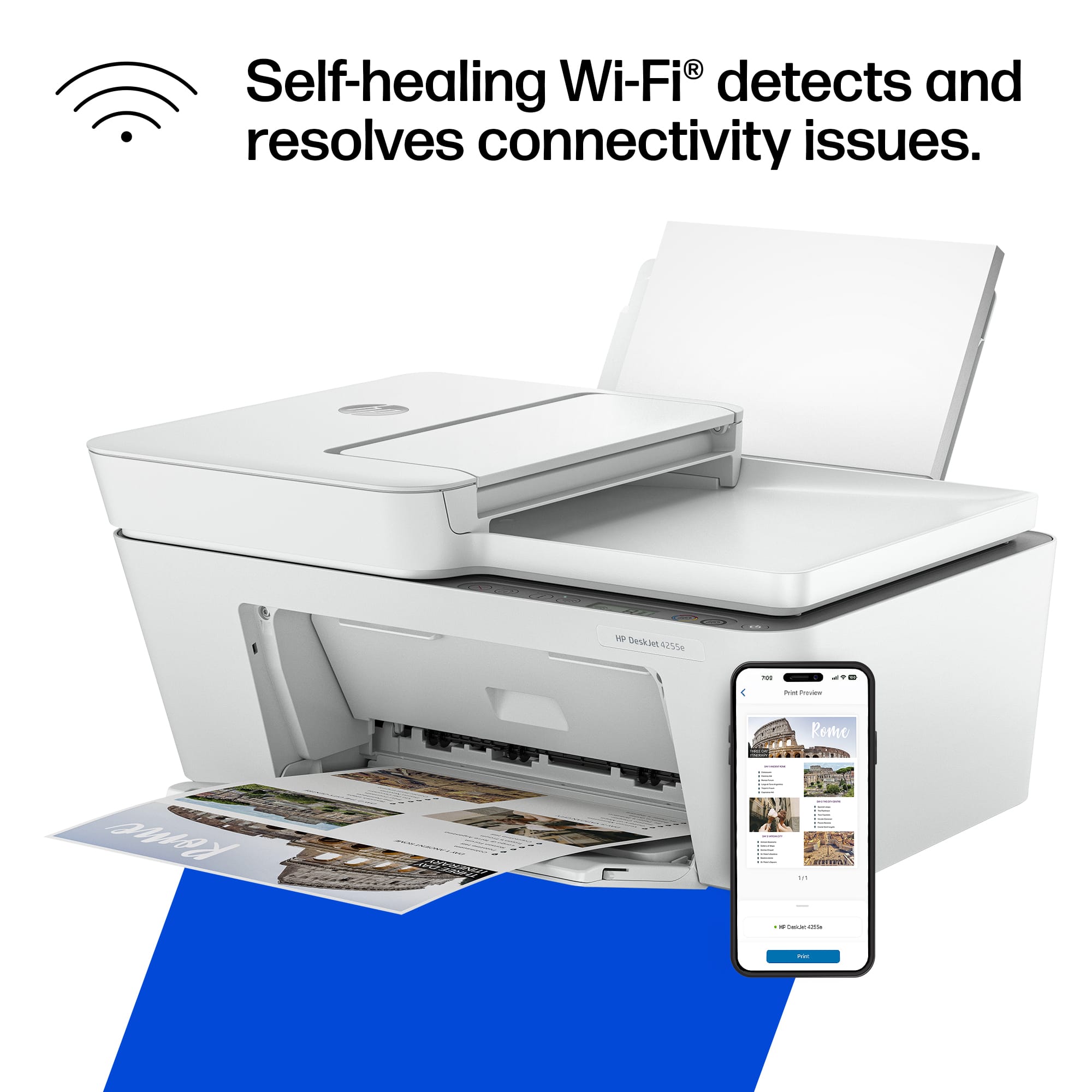
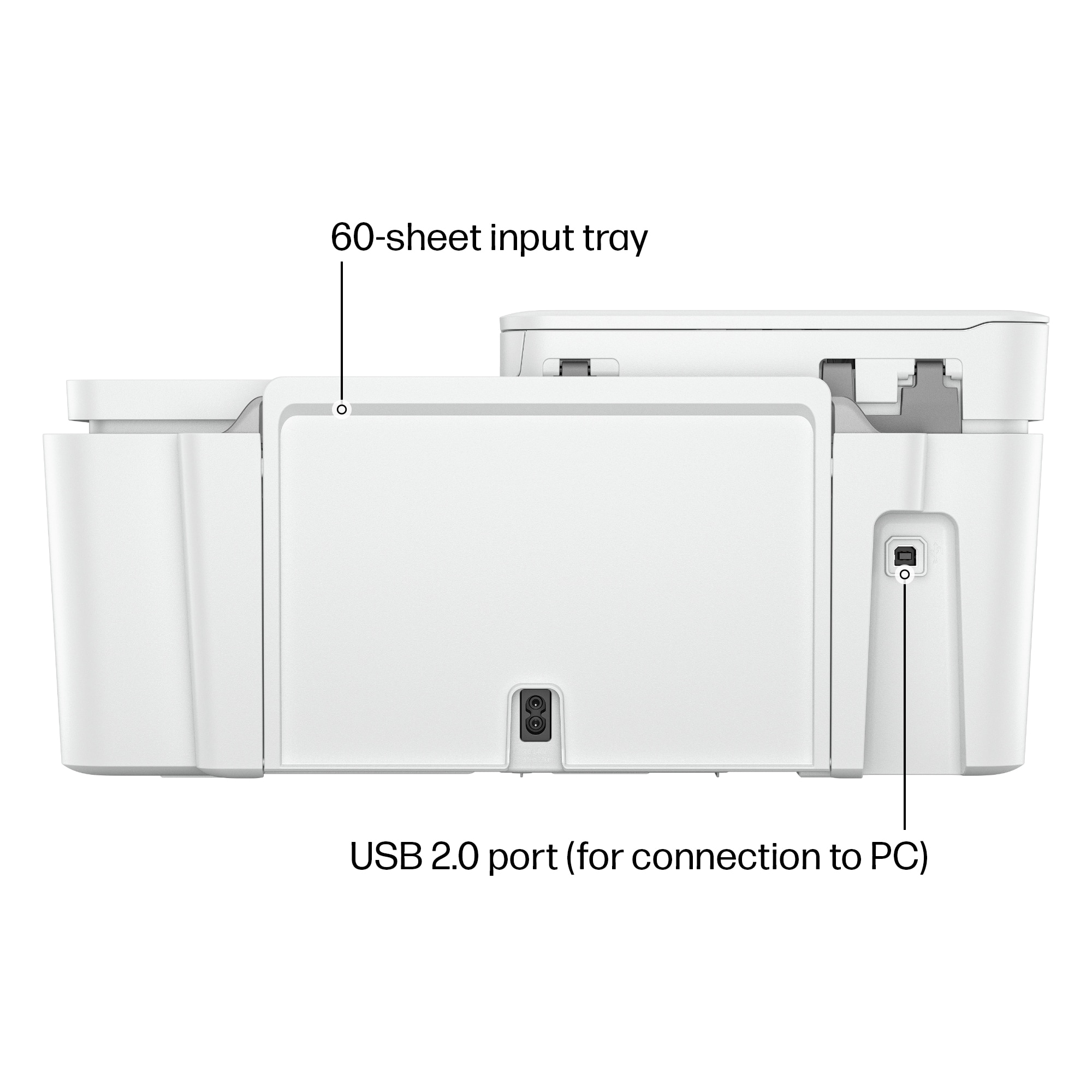
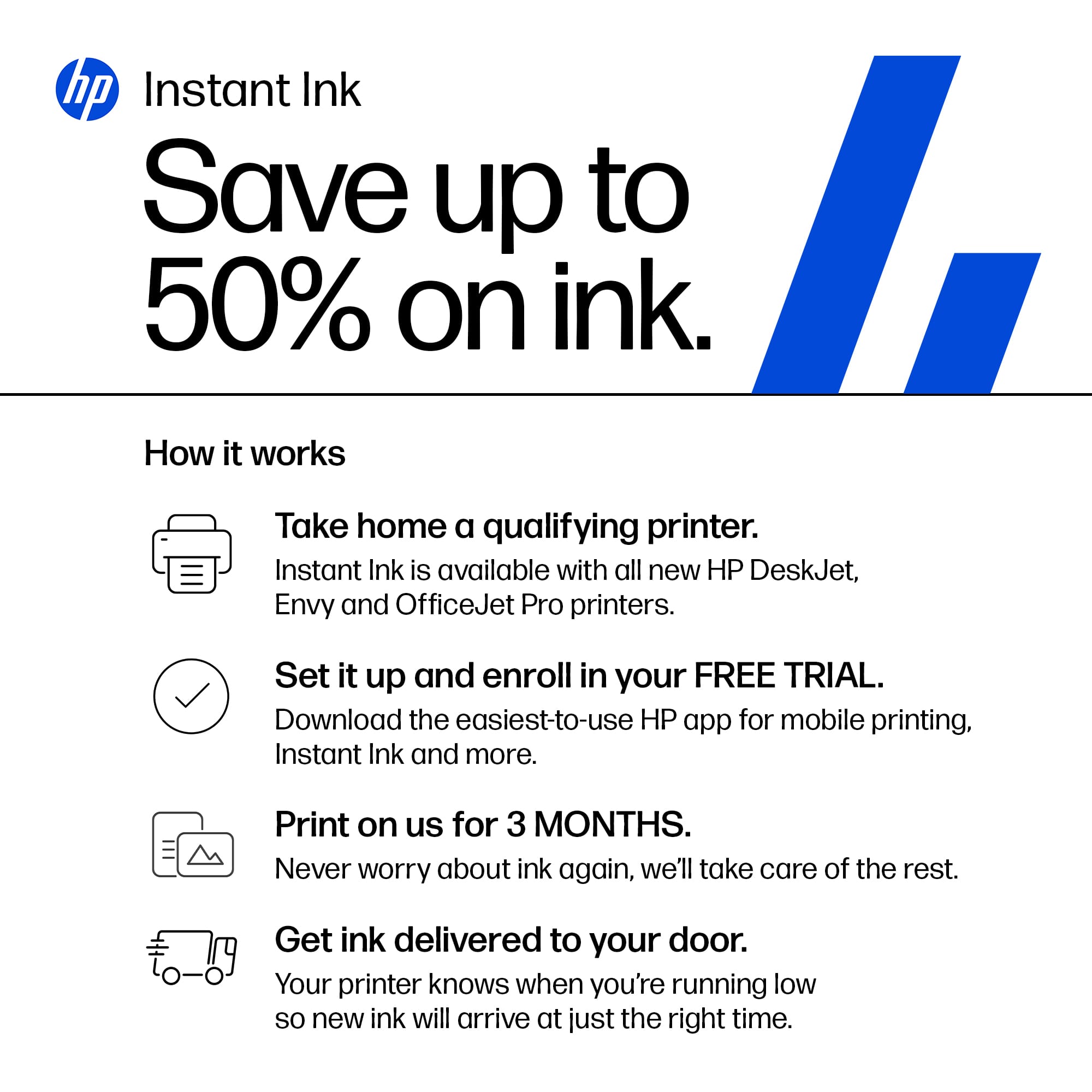
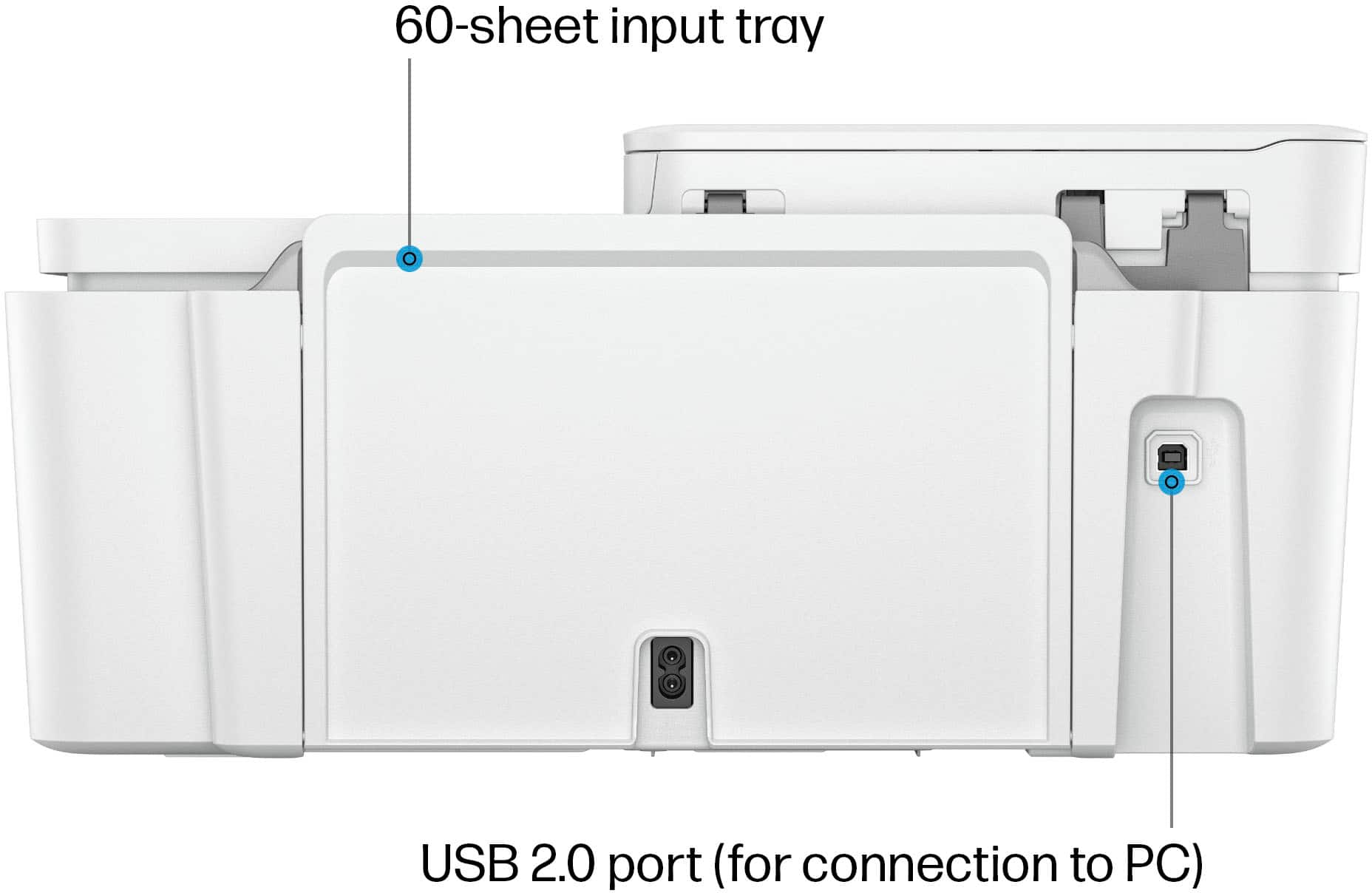
A:AnswerThank you for the question. The DeskJet 4255e has a USB Type B port for connecting to your PC's USB-A port. To avail yourself of features like HP+, print from anywhere, and Instant Ink, the printer needs to be connected 24/7 via Wi-Fi.
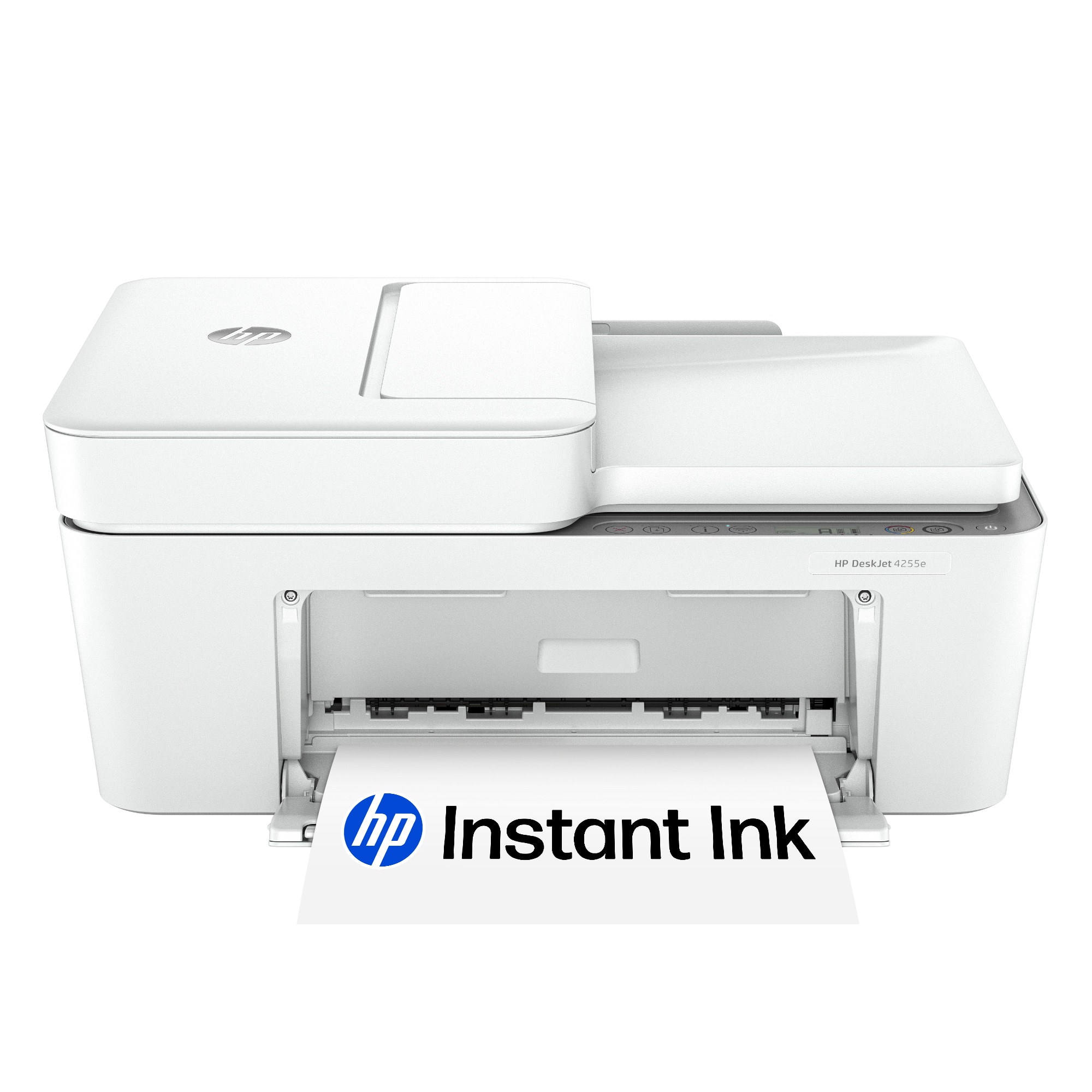
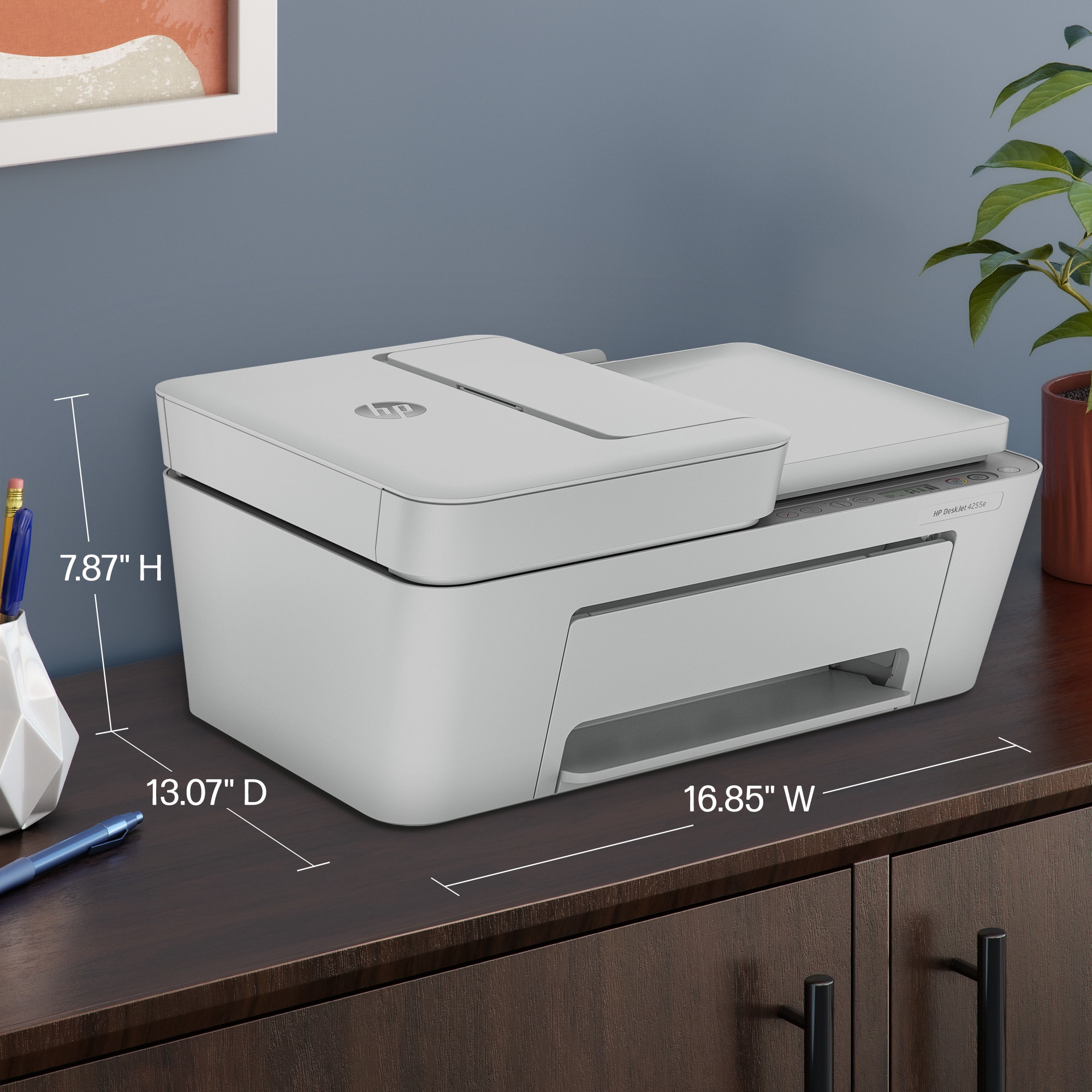
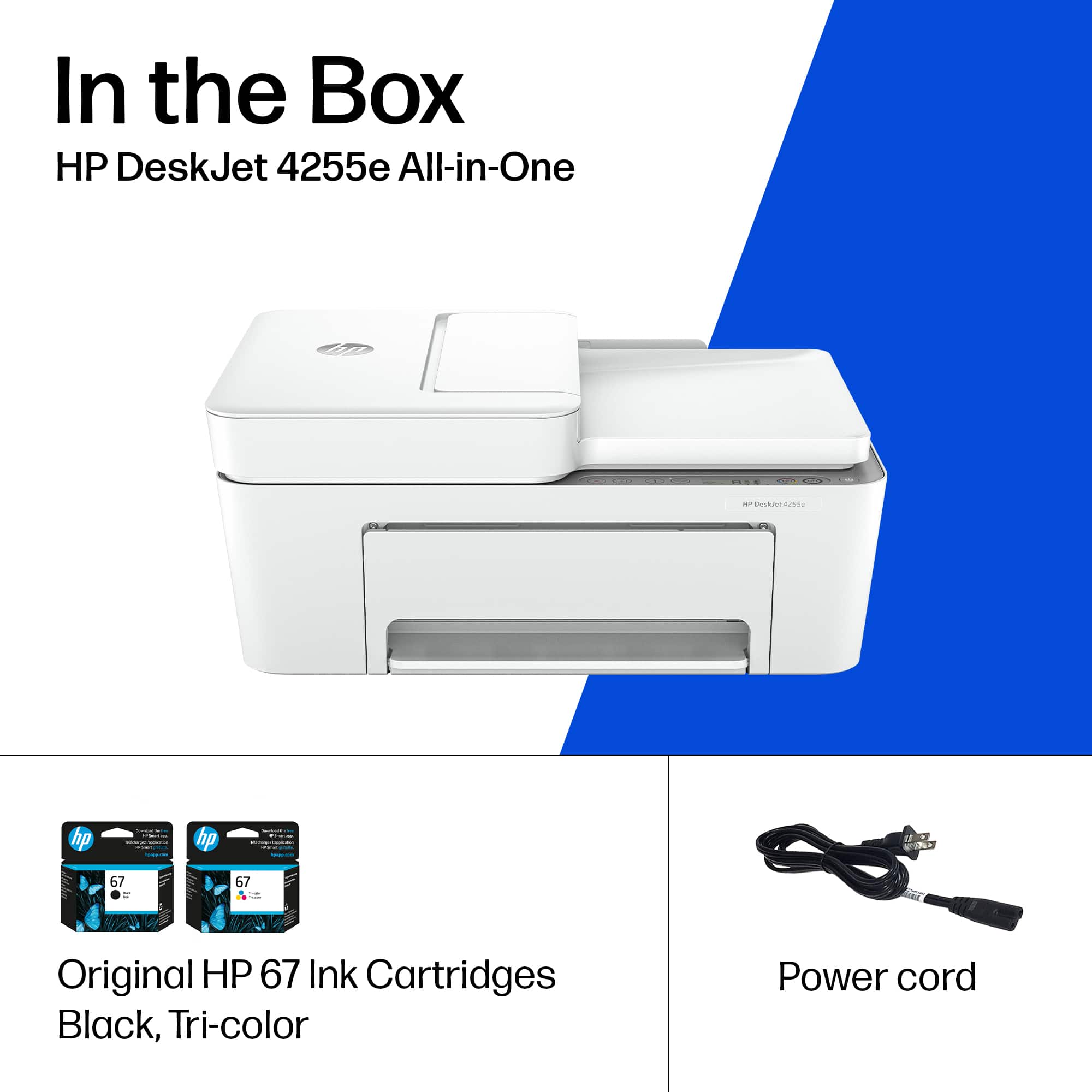
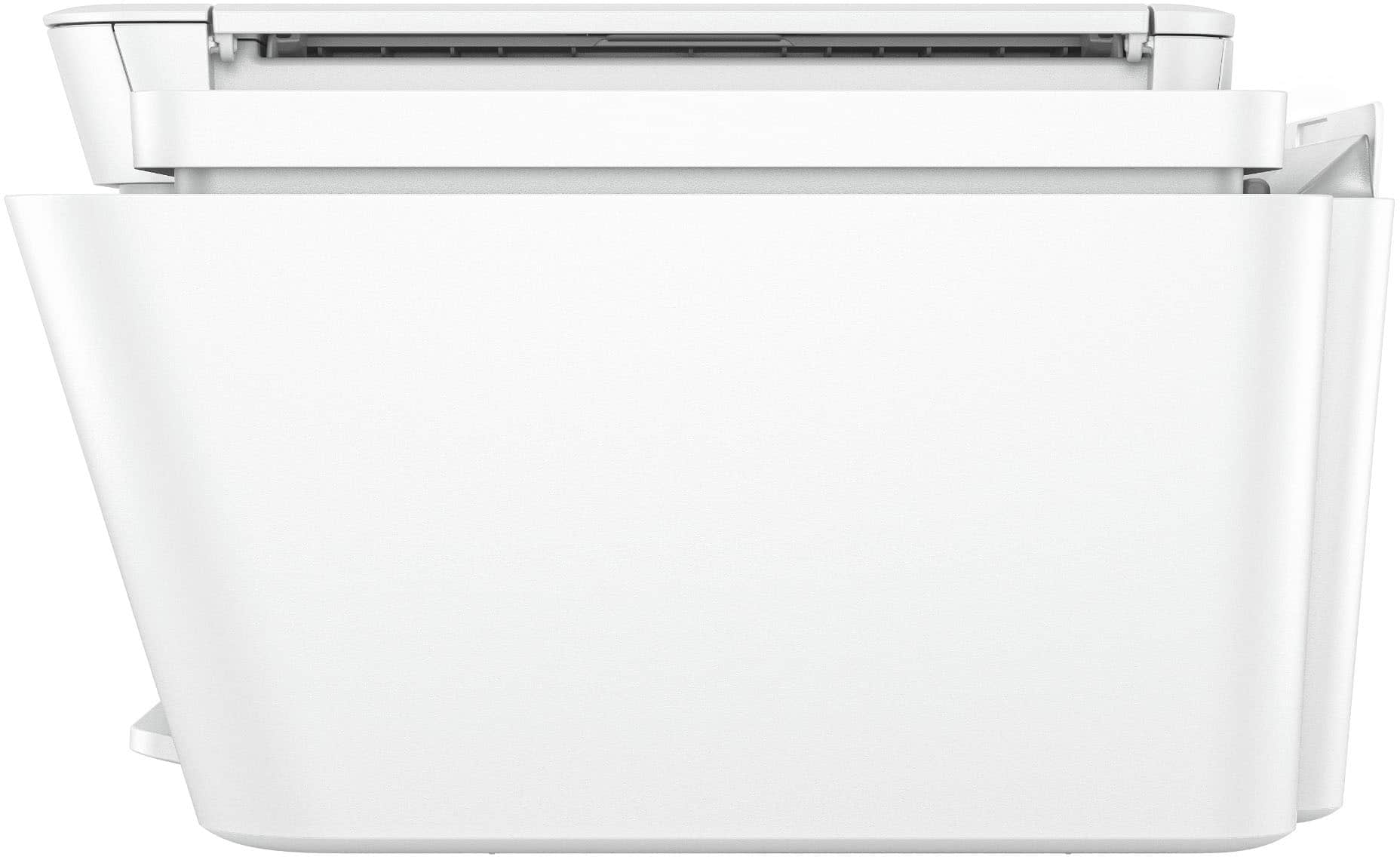
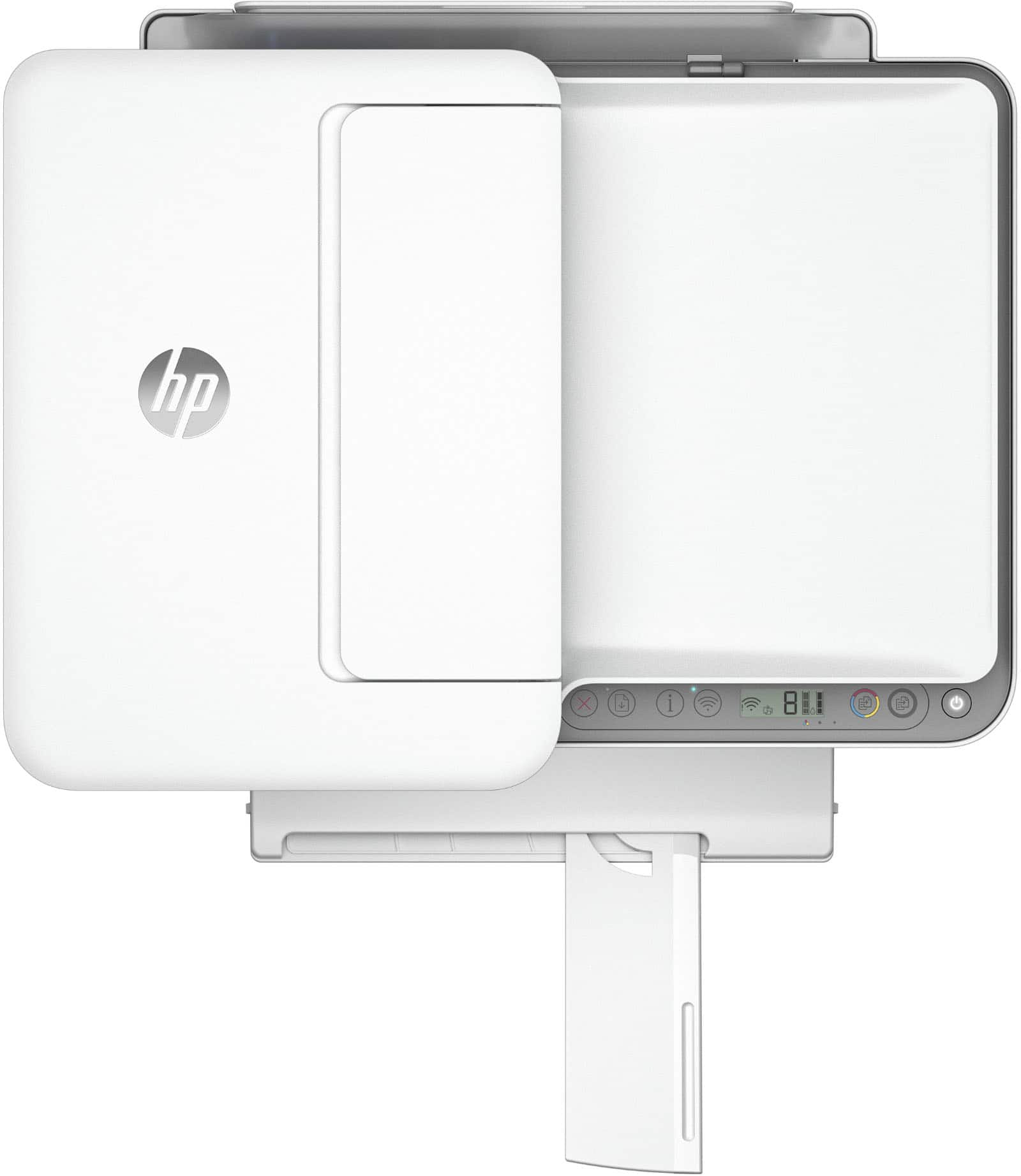
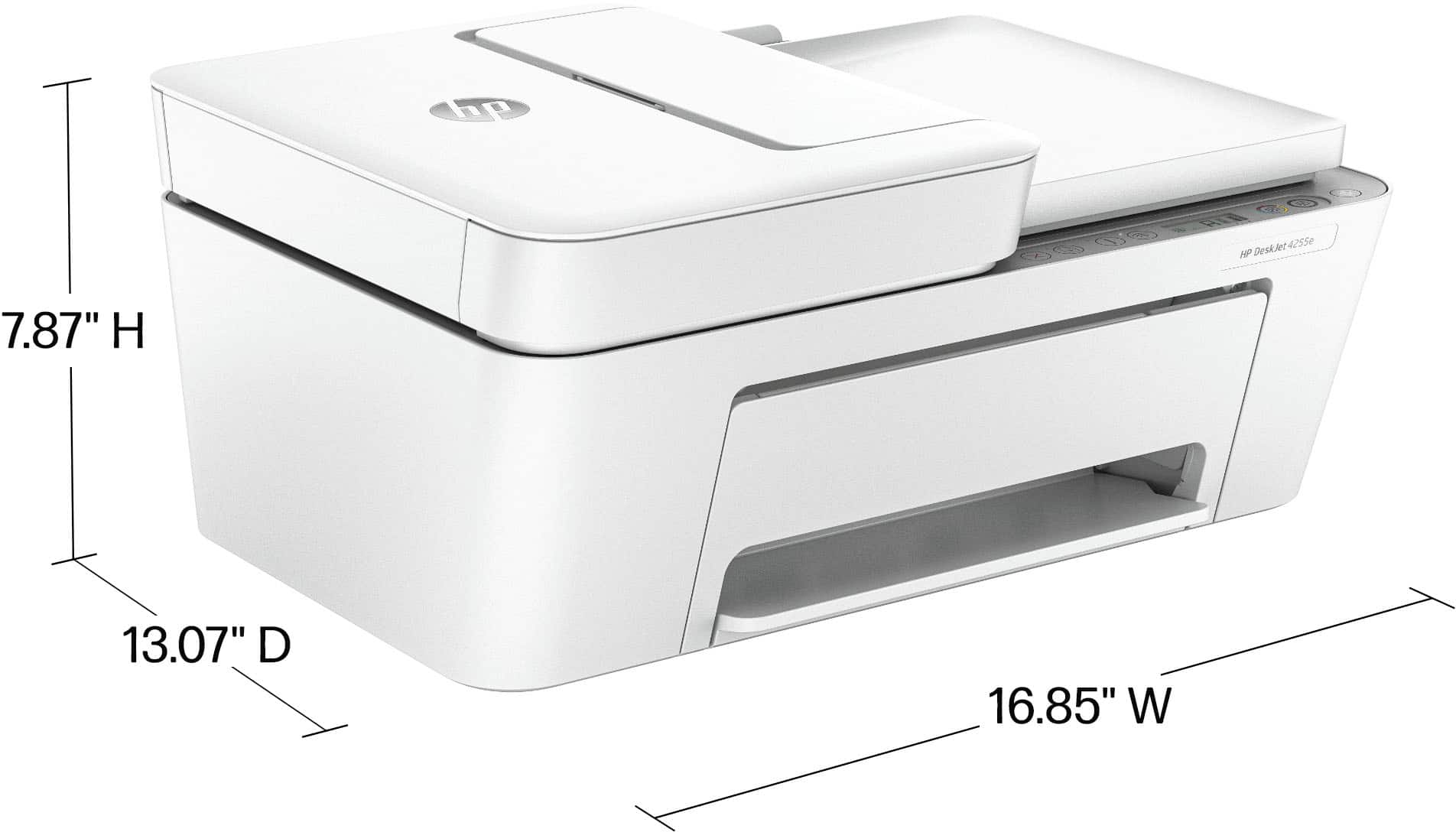
A:AnswerHi Rick, thanks for your question. Here are both the minimum and max dimensions of the HP Deskjet 4255e. W x D x H: 16.85 x 13.07 x 7.87 in. Maximum: 16.8 x 22.8 x 10.3 in (Output Extension Fully Out).
A:AnswerThank you for the question. Windows in S mode is a version of Windows that prioritizes security and performance by limiting the apps you can install and how you can browse the web. The DeskJet 4255e will work with or without S Mode.
A:AnswerThank you for your purchase of this HP DeskJet printer! HP has support available to look into set up issues like this. If you're a Geek Squad member, you can also contact Geek Squad support for assistance.
A:AnswerThanks for your question! This HP DeskJet 4255e is compatible with computers running ChromeOS, Windows 10 and newer, as well as MacOS Mojave 10.14 and newer.