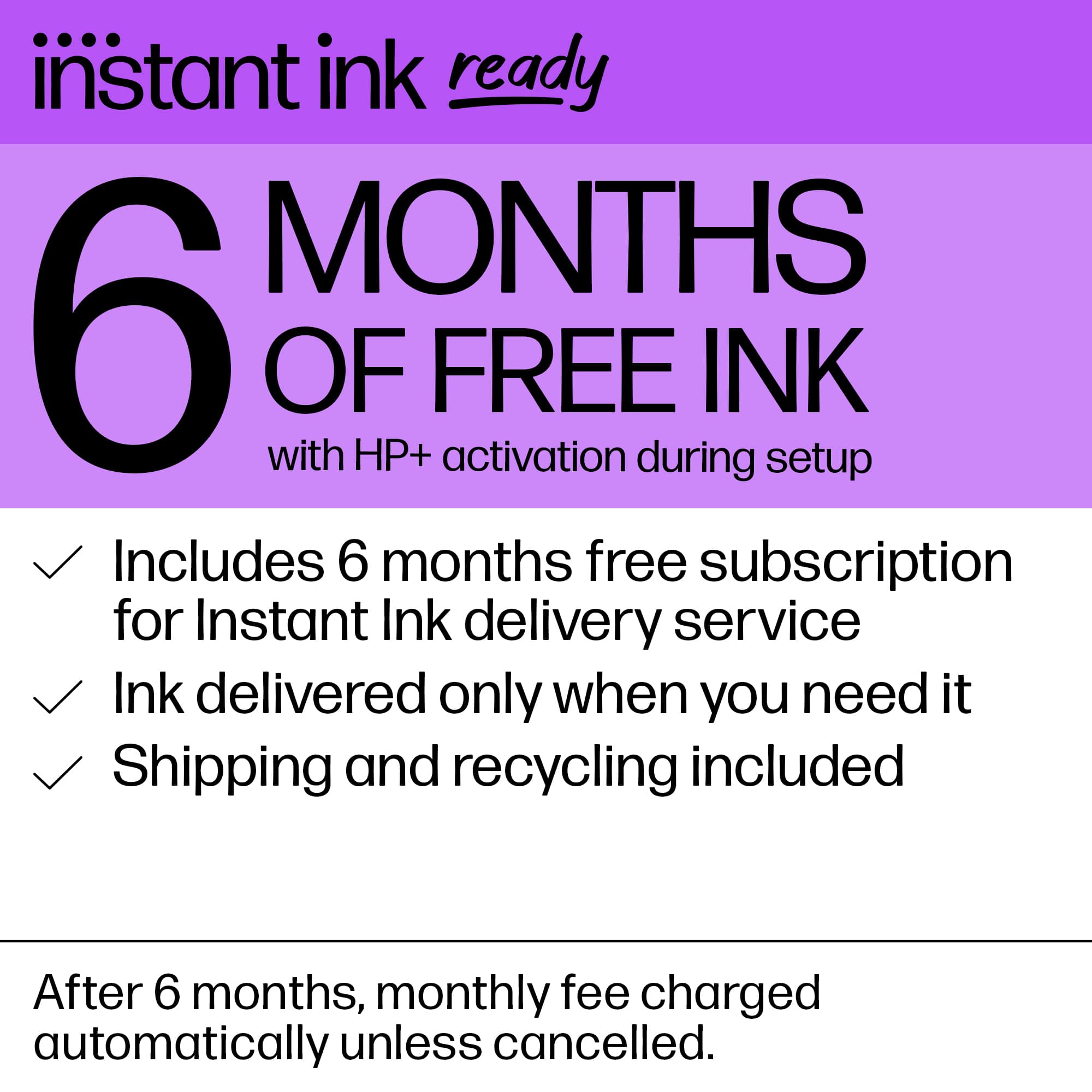
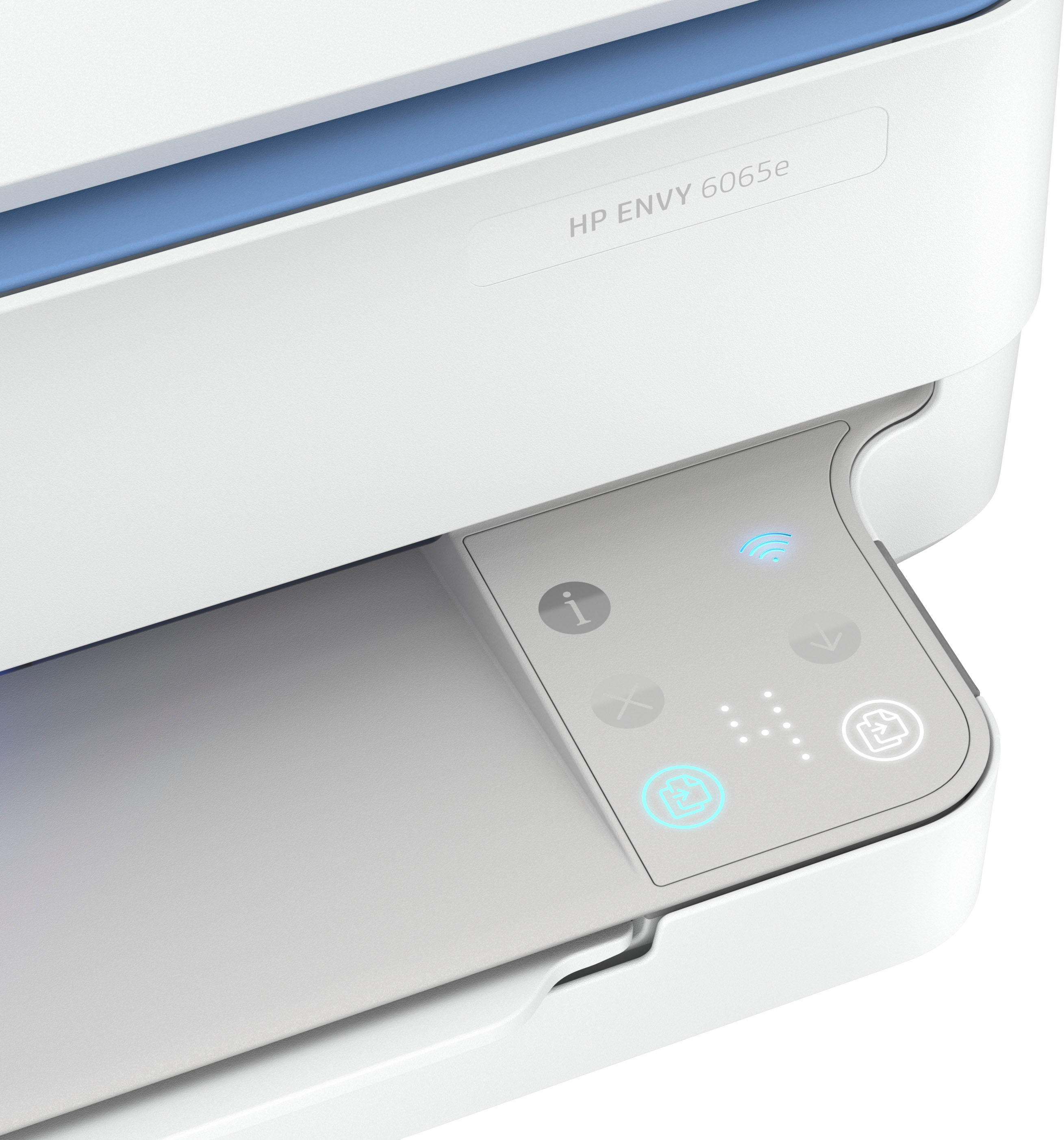
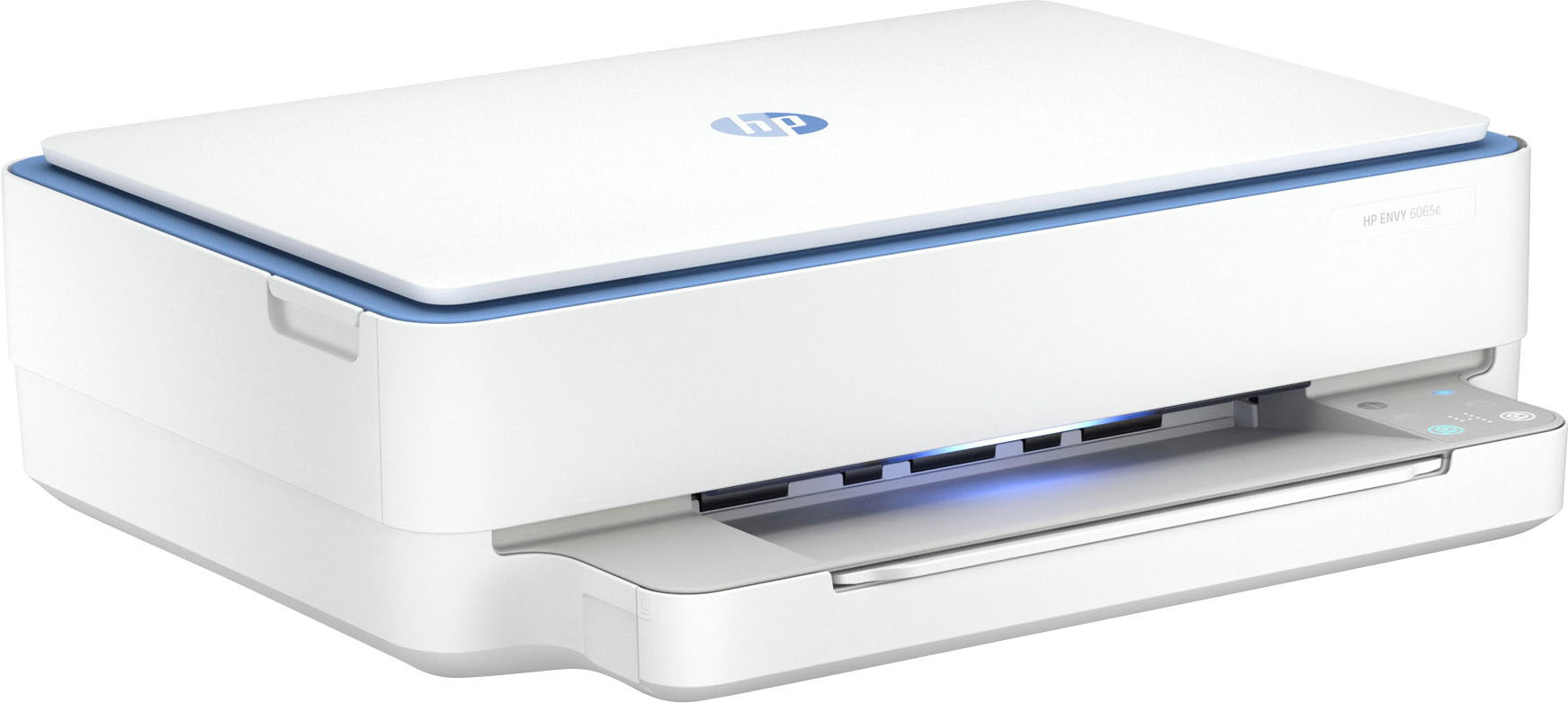
A:AnswerHi Heather, thank you for the question. Enrollment is through HP. You can redeem the free ink offer and enroll in Instant Ink when setting up the printer.
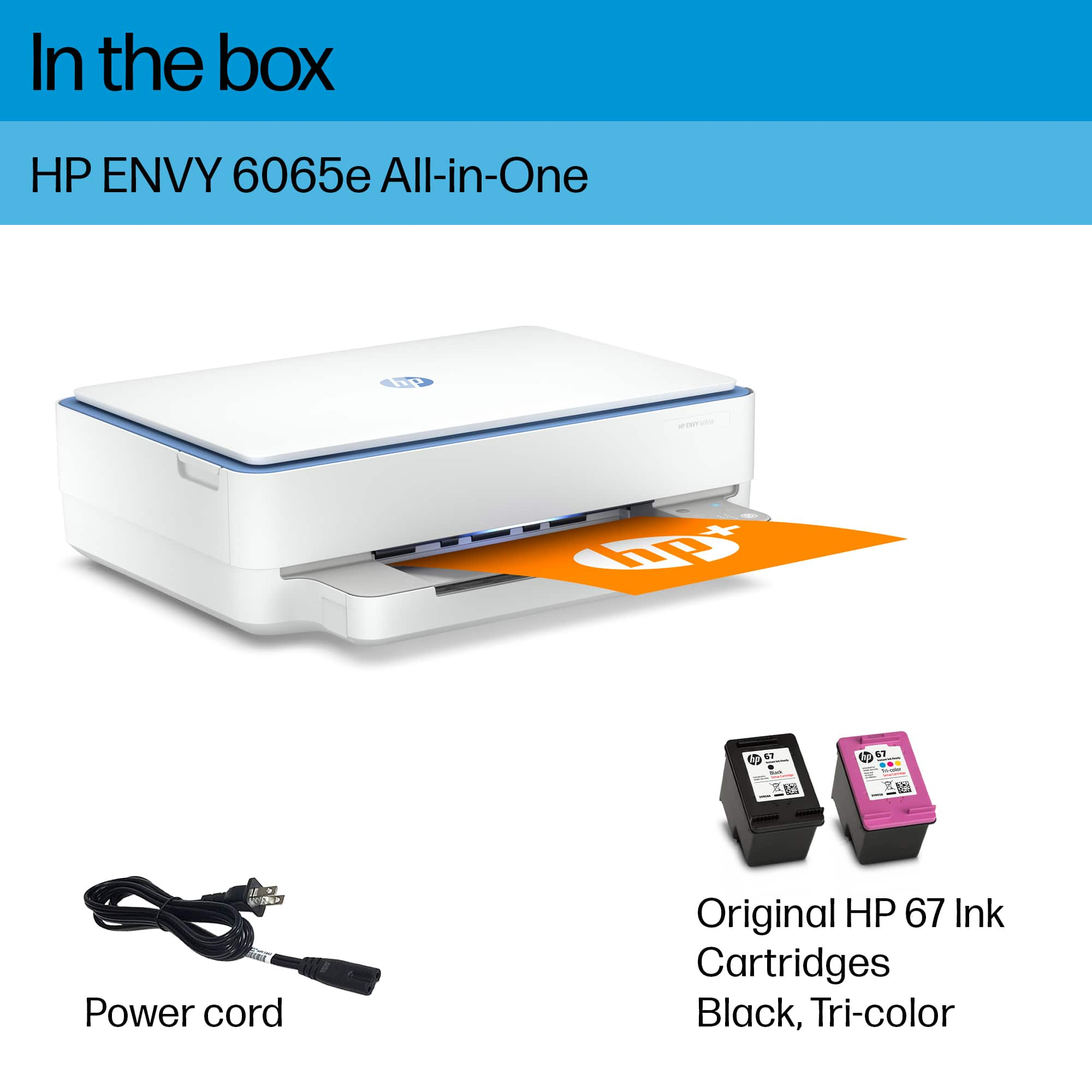
A:AnswerHi Heather, thanks for your question about the ink! For the HP ENVY 6065e printer, if you want to use HP Instant Ink with this printer, you'll want to reach out to the HP Instant Ink team on their website to get the 67 ink that the ENVY 6065e takes. If you wish to purchase as you need them, you can buy 67 or 67XL ink cartridges.
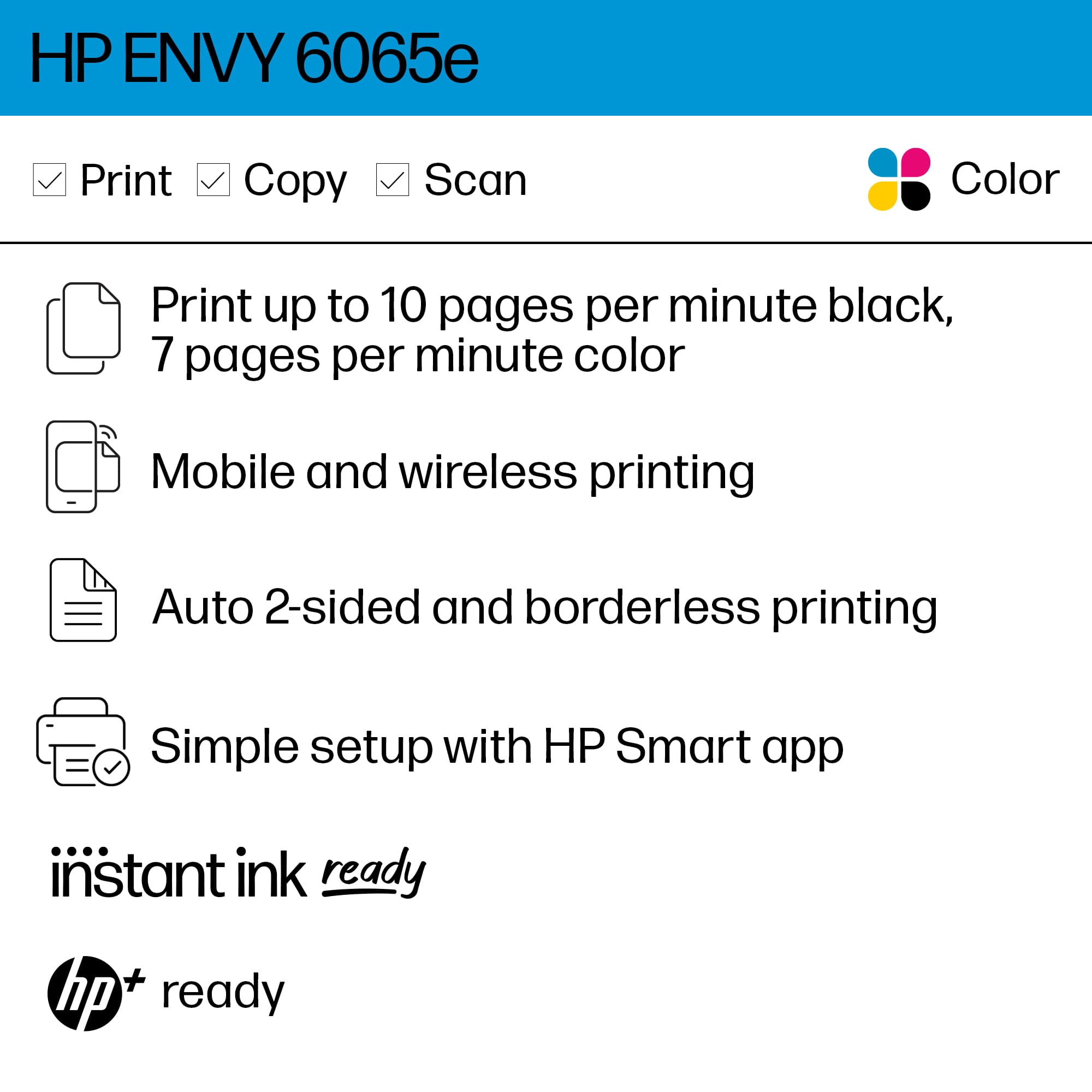
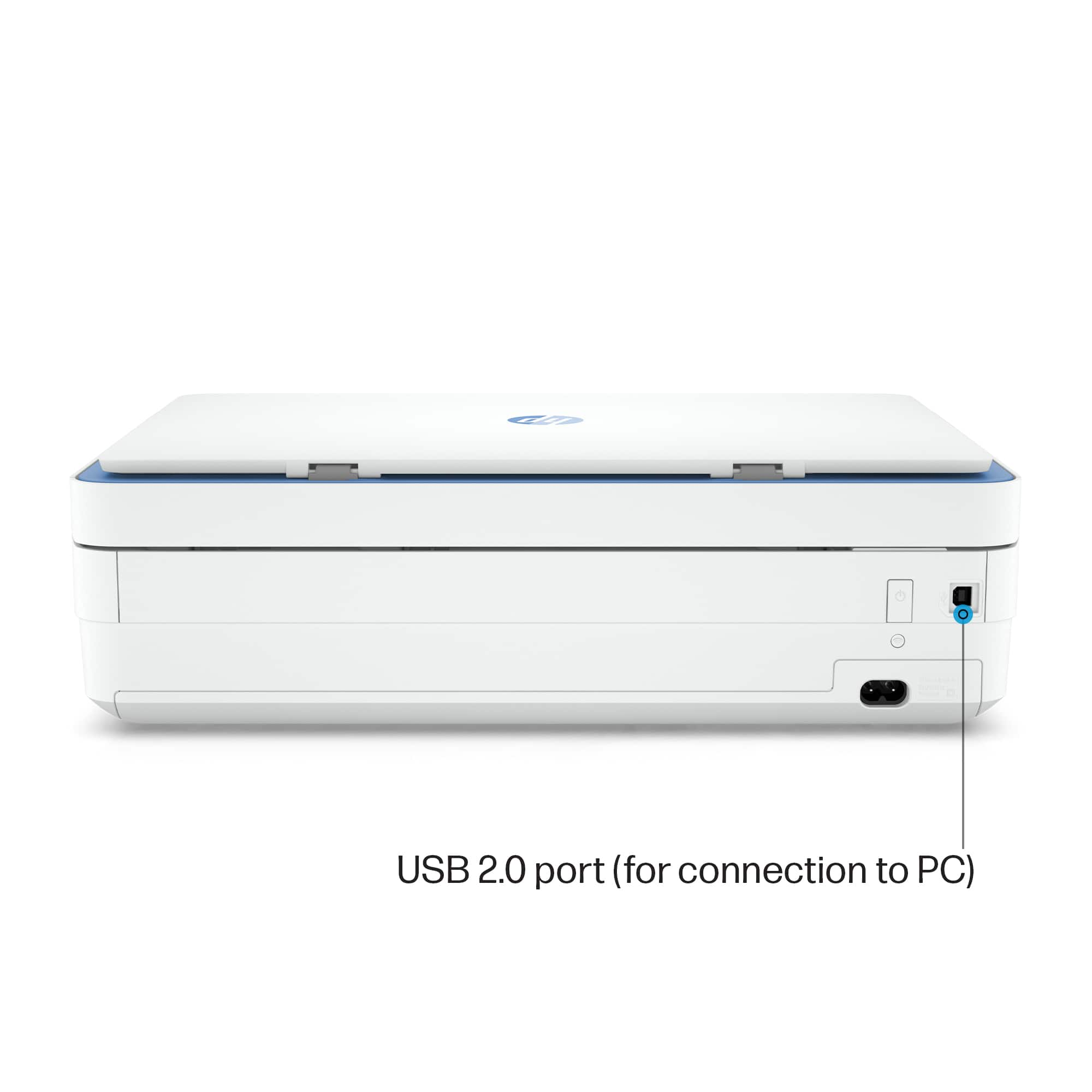
A:AnswerThank you for the question. The Envy 6065e printer is compatible with the laptops having Windows 7, 10, or 11, or macOS v10.14 Mojave or later, as well as the Chrome operating system.
A:AnswerThank you for your question. After the initial setup of the HP Envy 6065e printer, the printer will enter sleep mode after a certain period of inactivity. You can also set up the Energy Saving Mode to put the printer in Sleep Mode when not in use. If you need to shut it down, you can do so and you will not need to reinstall it again once powered back on.
A:AnswerHi Barb, thank you for reaching out. You don't need to power down the Envy 6065e. It will go into sleep mode when not in use. and is ready when you need it. The sounds that you hear are the printer checking printer health, ink status, and more. This is normal.
A:AnswerI believe you can download a free template for just about any size label or photo. Once you get the template, you can drop photos into the template and print as normal.
I hope this helps.
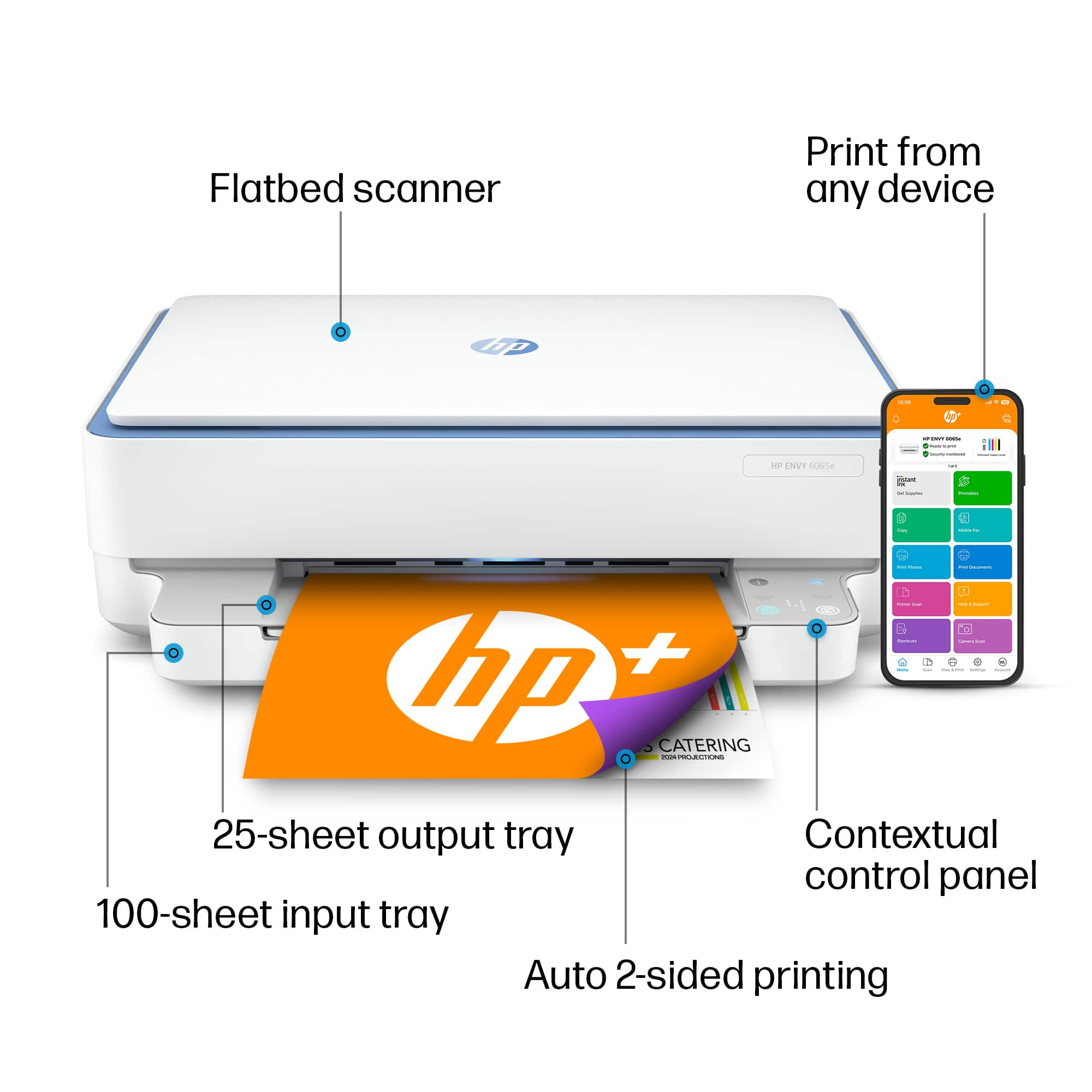
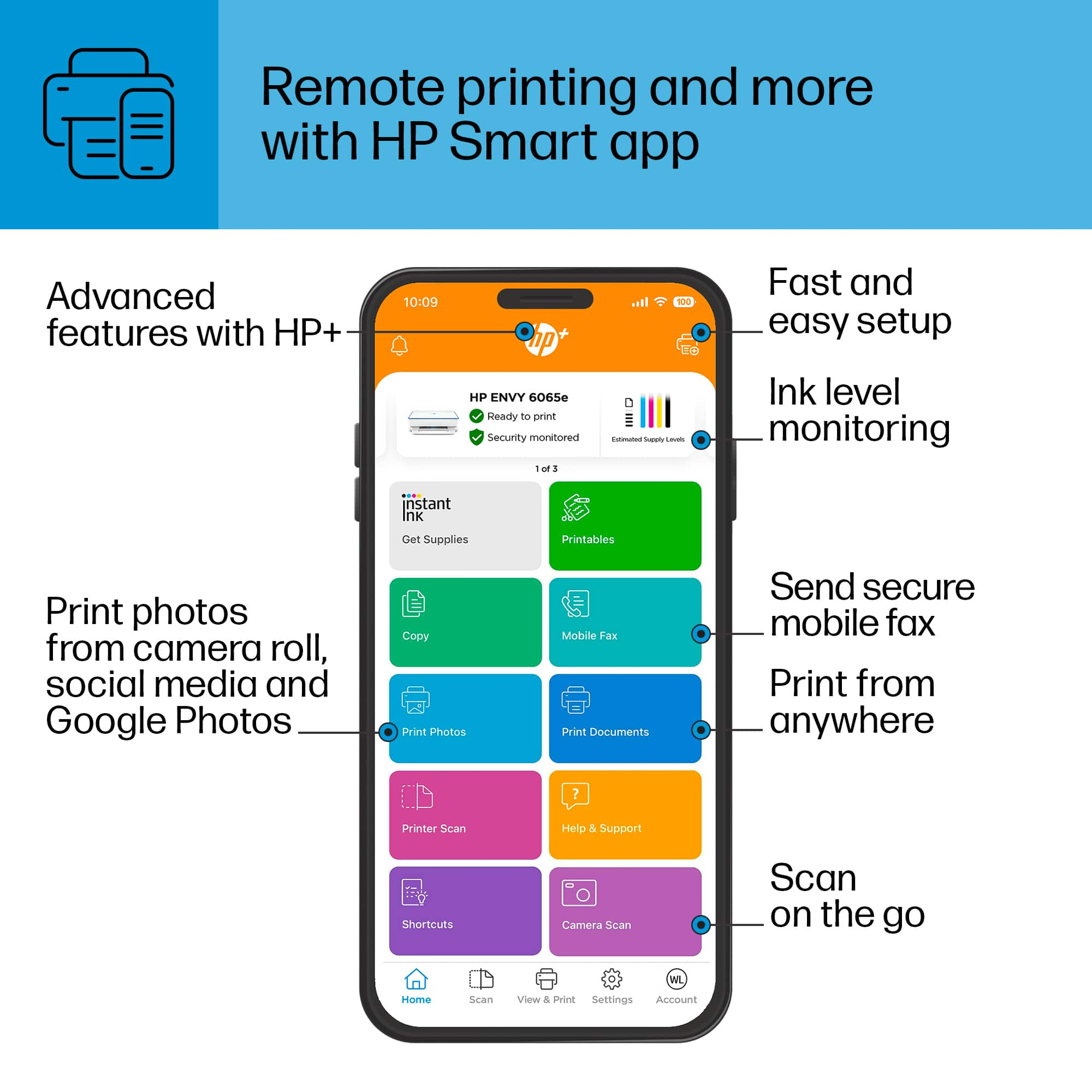
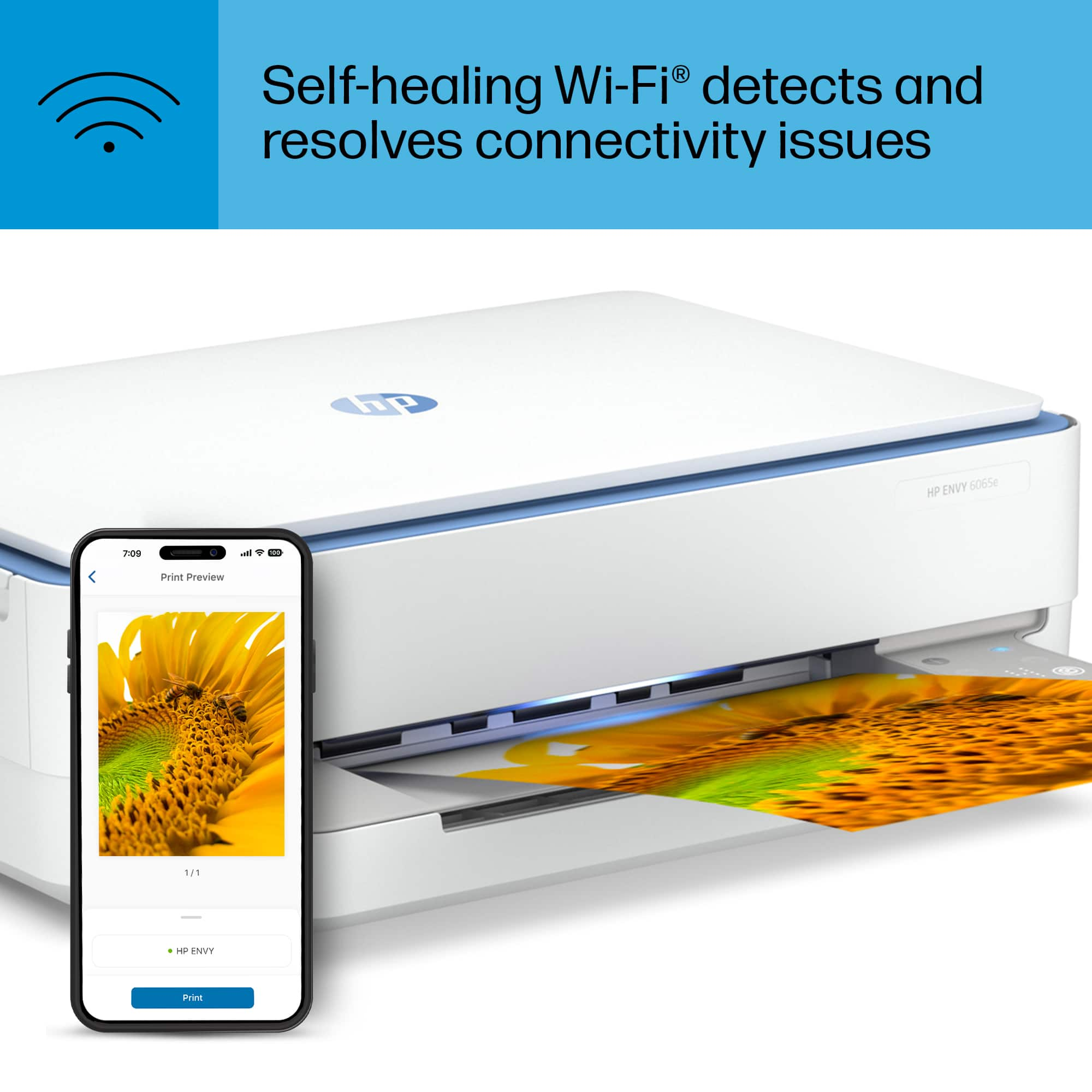
A:AnswerThis printer is easy enough for you to set up yourself. I am so last century and I was able to do it. It is run by an app and it paired with my phone, an Android and my iPad, an Apple product. It was just set it on the shelf and plug it in. I thought I’d have trouble and I didn’t.