A:AnswerUnfortunately I have not tried scanning a document; when I look at the options for scanning, it says "email" and "cloud". Hopefully someone more "printer smart" than me will give you the answer you need. Thank you.
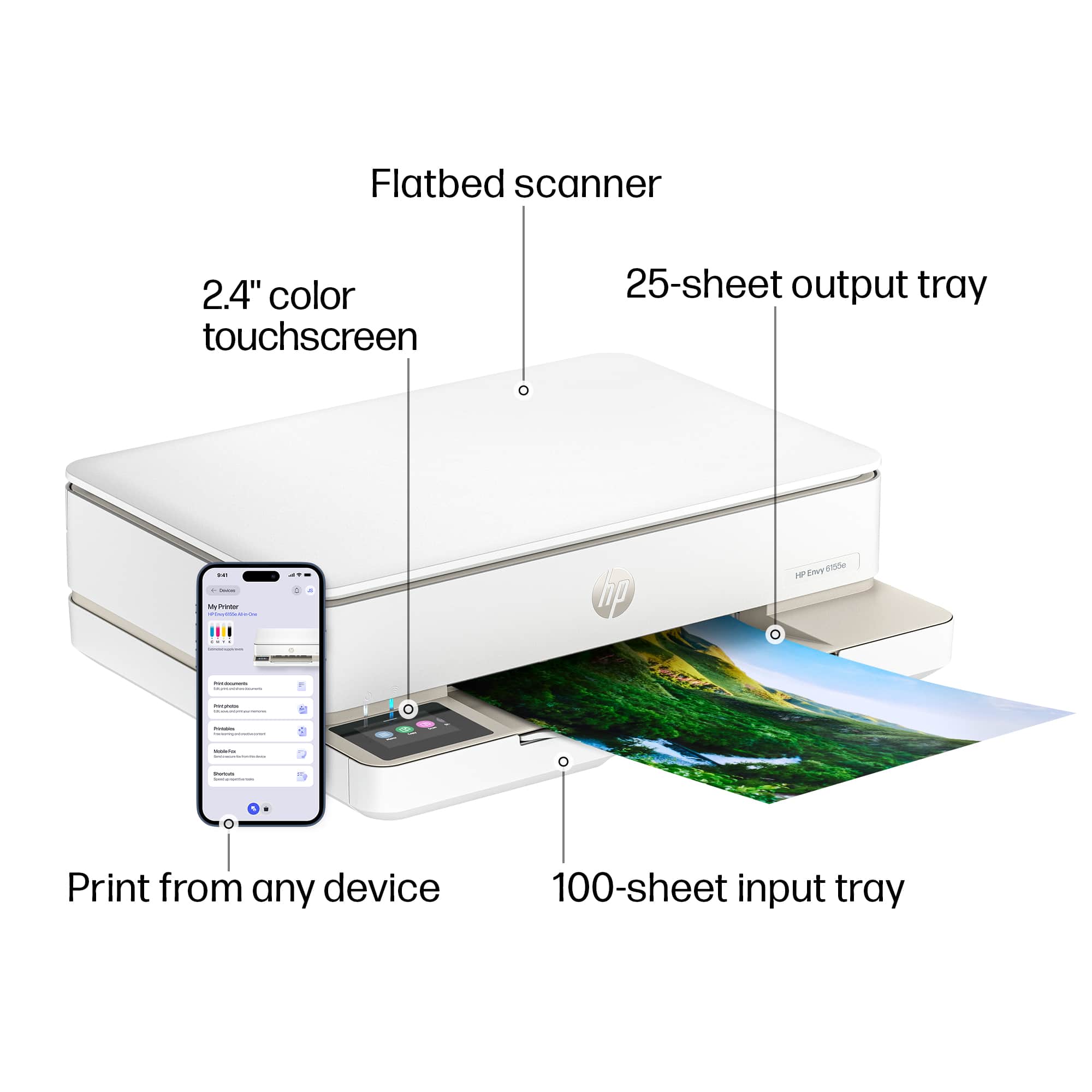
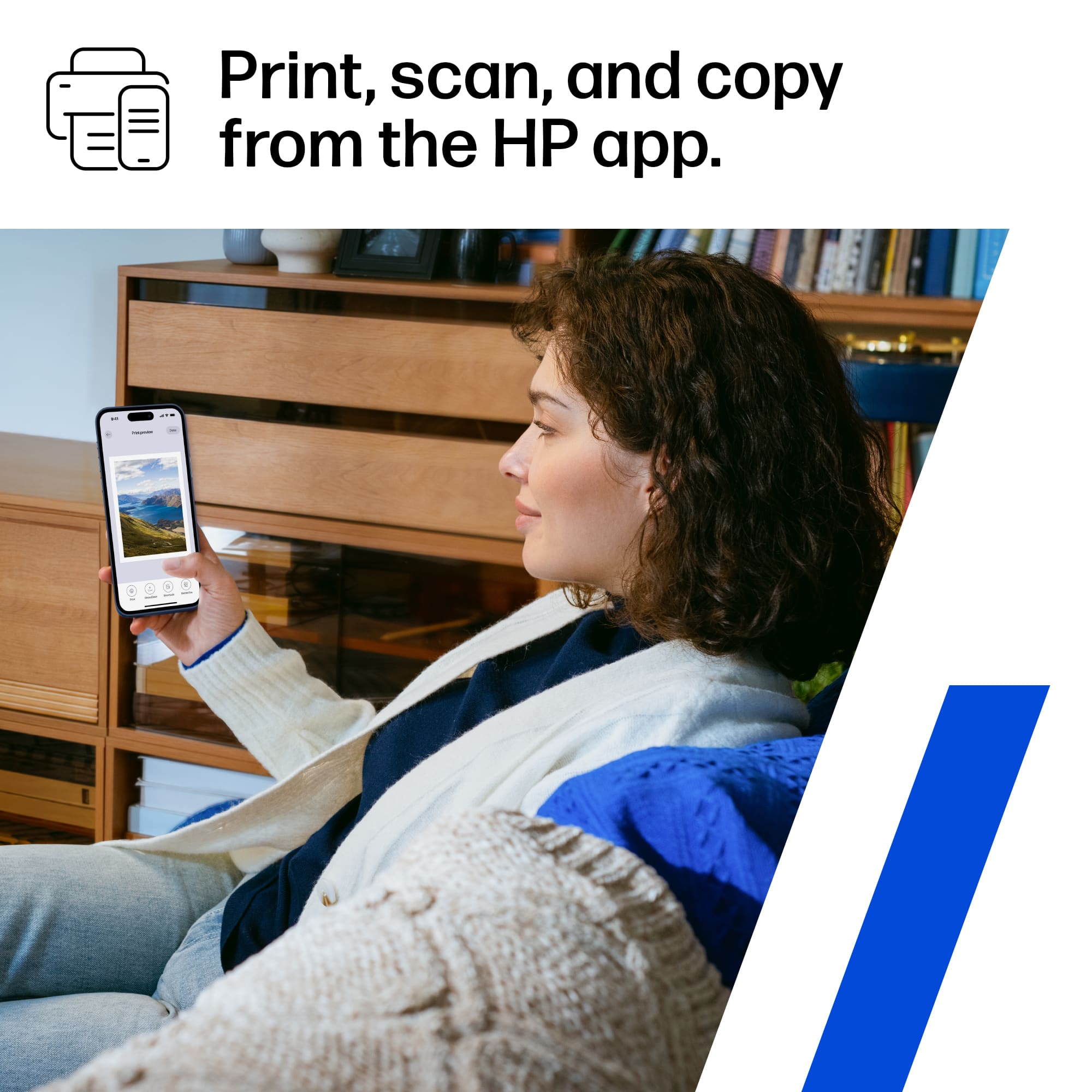
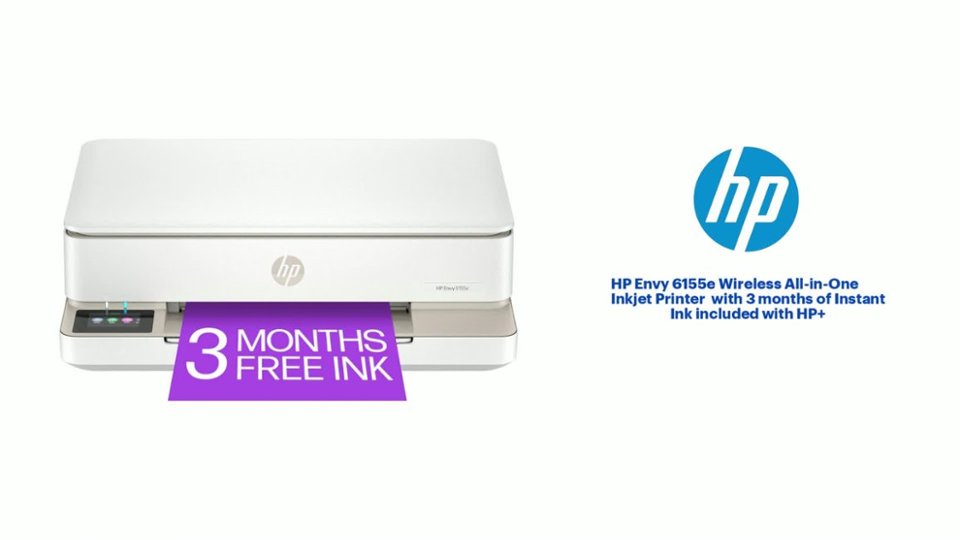
A:AnswerHello and thank you for asking. Scanning on the Envy 6155e is controlled by a scanning program on your laptop or iOS device, not the printer. It will save it wherever you specify in the scanning program.
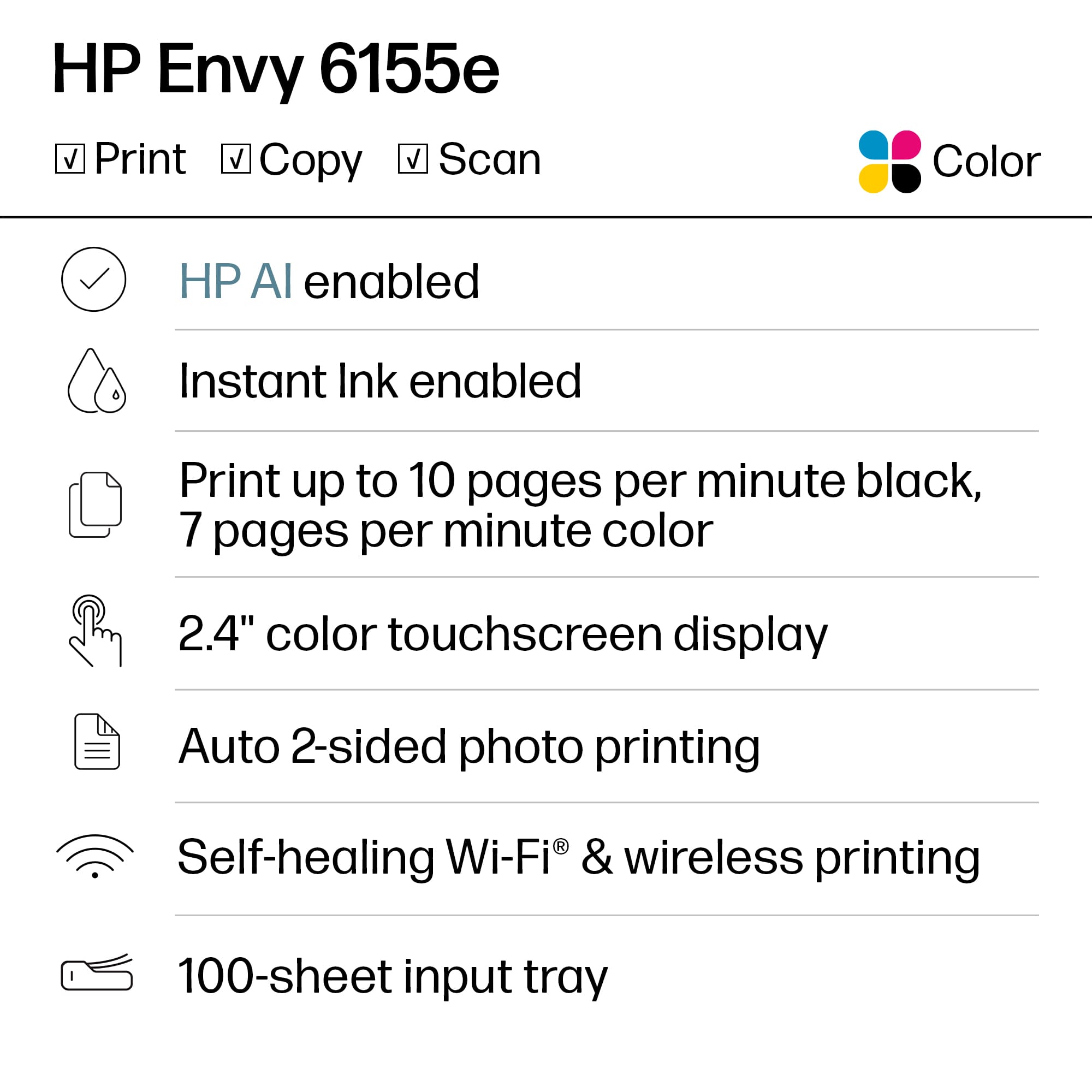
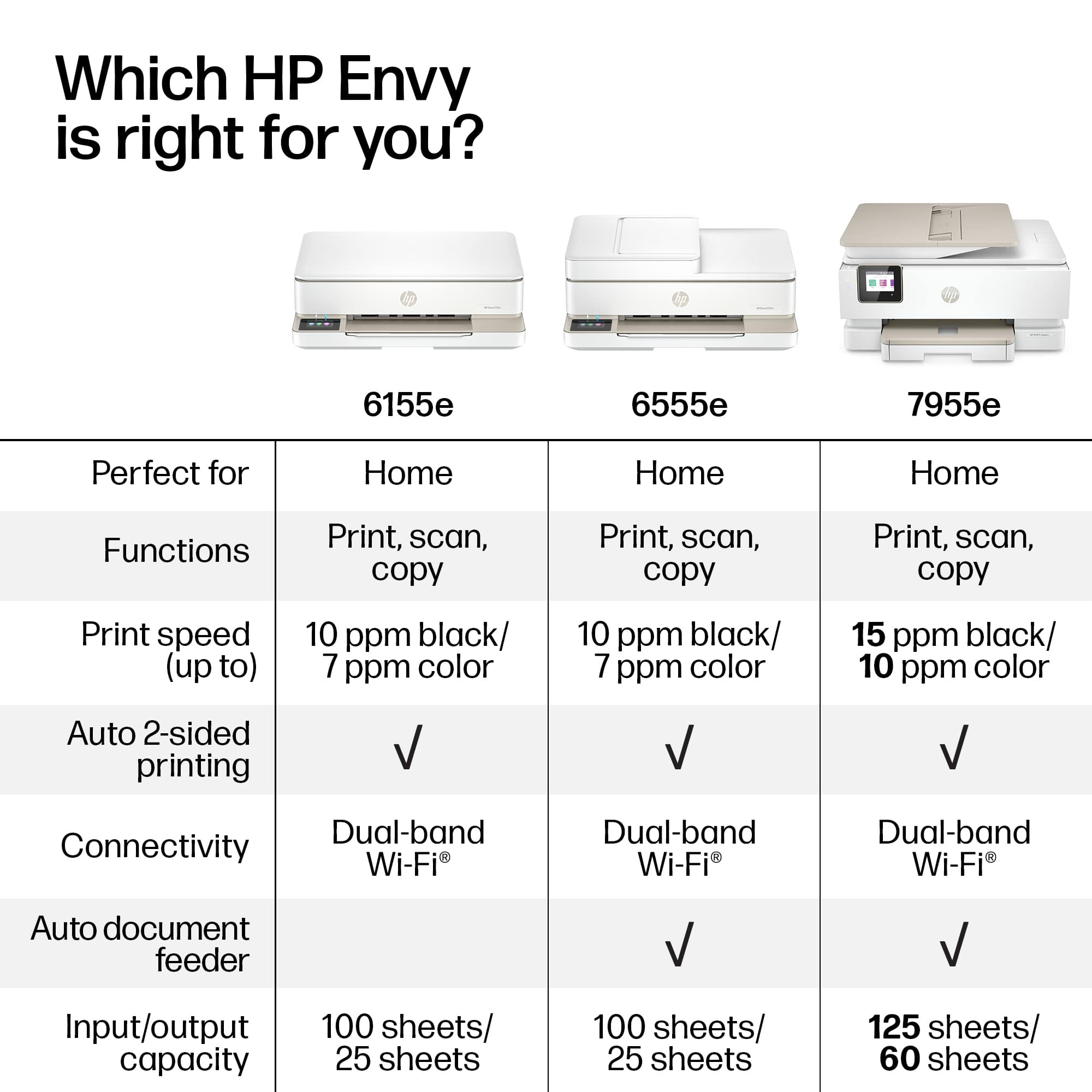
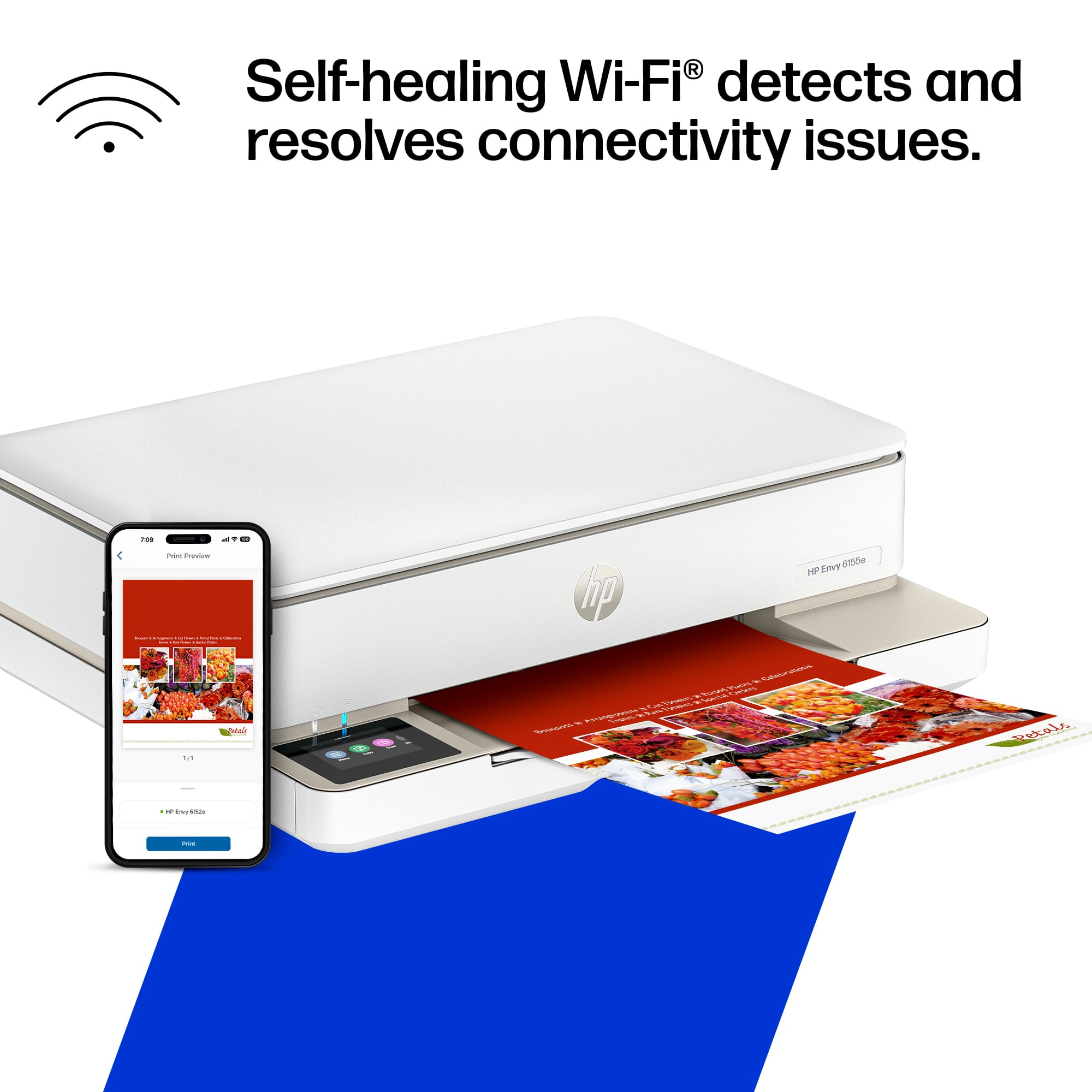
A:AnswerHello and thank you for asking. The HP Envy 6155e printer can connect wirelessly to a Wi-Fi network. It has no hardware needed to connect to either a cellular network or to a wired network by Ethernet. If the printer is connected to a wireless network, you can print to it from anywhere over the internet using HP Print Anywhere. For local printing, you can also print from your using the printer's Wi-Fi Direct mode which does not require a Wi-Fi network. We recommend using the free HP Smart app, available in the Google Play store, for the best and easiest experience.
A:AnswerThank you for the question. Typically, you can find the HP specification in the "From the Manufacturer" pull-down, however it seems to be missing for this item. Our apologies. The scan bed on the Envy 6155e accommodates a maximum original size of 8.5 x 11.7 inches.


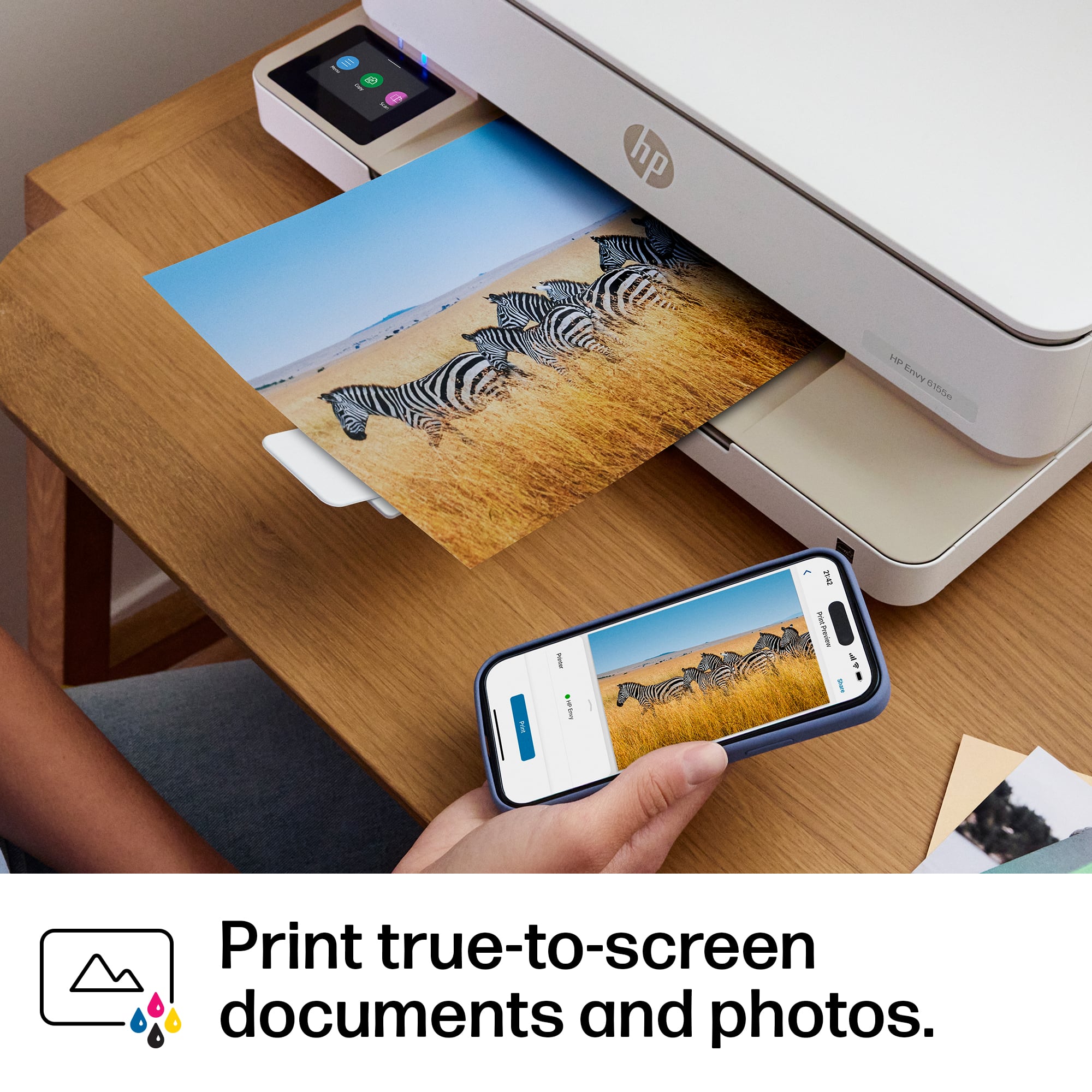
A:AnswerHi Lucy, thank you for the question. Yes, you can connect your iPhone to the Envy 6155e using Wi-Fi direct. Wi-Fi Direct allows your iPhone to connect directly to the printer without requiring a network.
A:AnswerYes it will connect to an android phone. I have not tried my laptop yet so cannot positively say it will; I would think it would. I use my desktop more often so it is connected to that. Thank you.
A:AnswerThe only thing this printer will not do is to fax; my old one did and I never used that function. If that is something you do need, this would not be the proper printer for your use. And yes, it is wireless as well. Thank you.
A:AnswerThank you for your question, Teresa! The HP OfficeJet Pro series printers all use pigment-based inks but have a bottom feed and use ink cartridges.
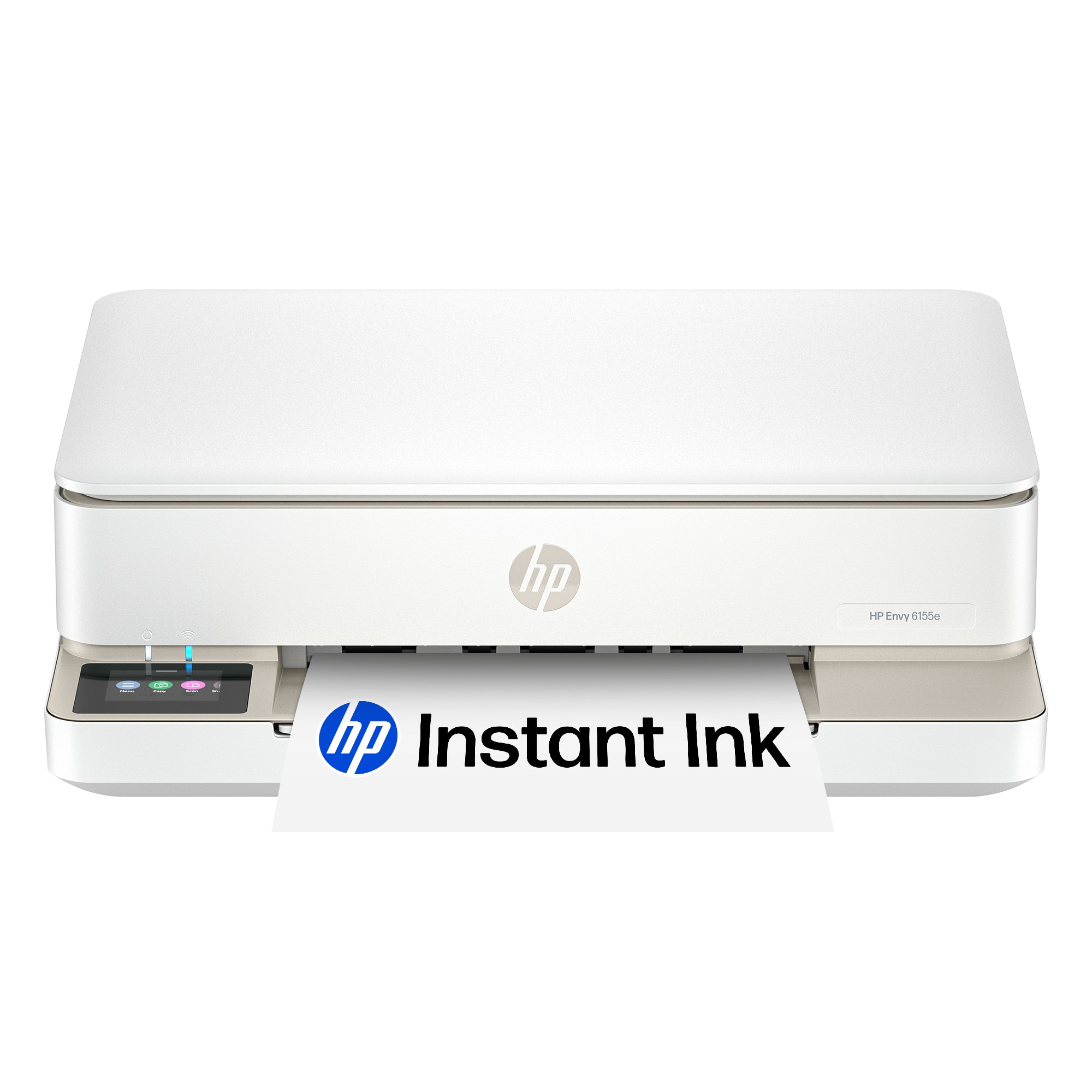
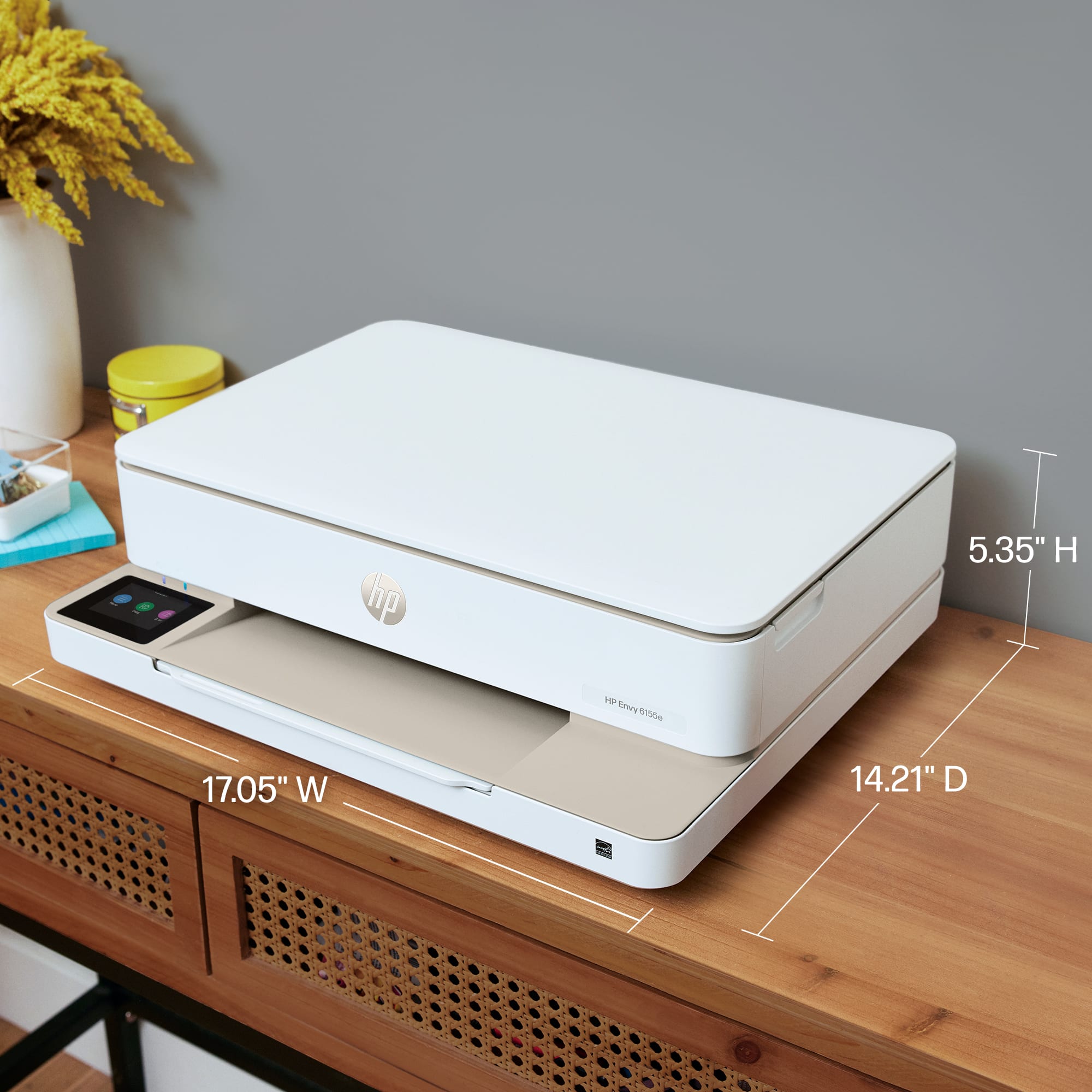
A:AnswerThe width of this printer is approximately 17 inches; this is a nice and compact sized printer and does not take up a lot of room on a shelf. Thank you.