A:AnswerWe are sorry to hear about your issue. We recommend reaching out to HP Support for further assistance. You can also reach out to the Geek Squad at Best Buy.
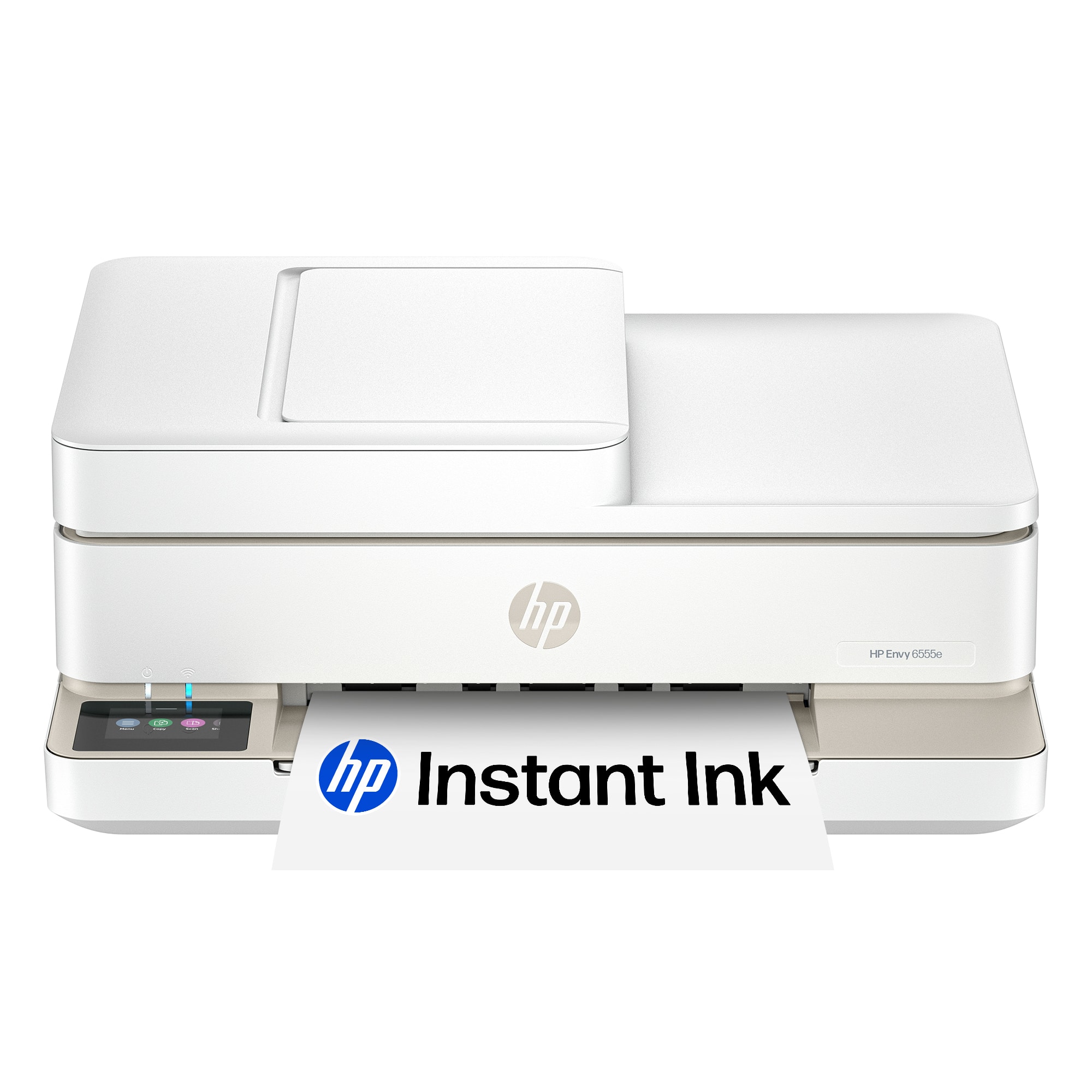
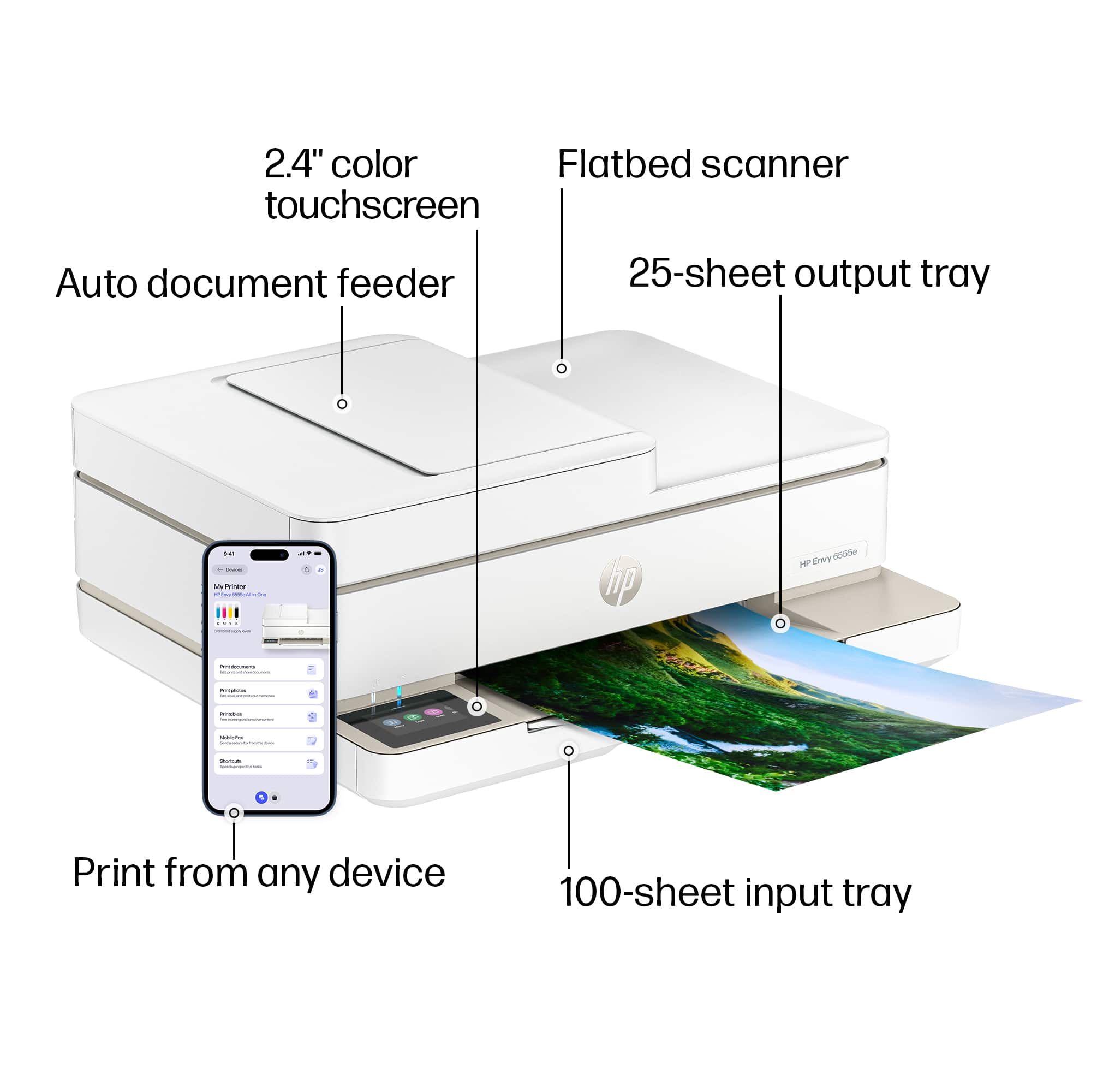
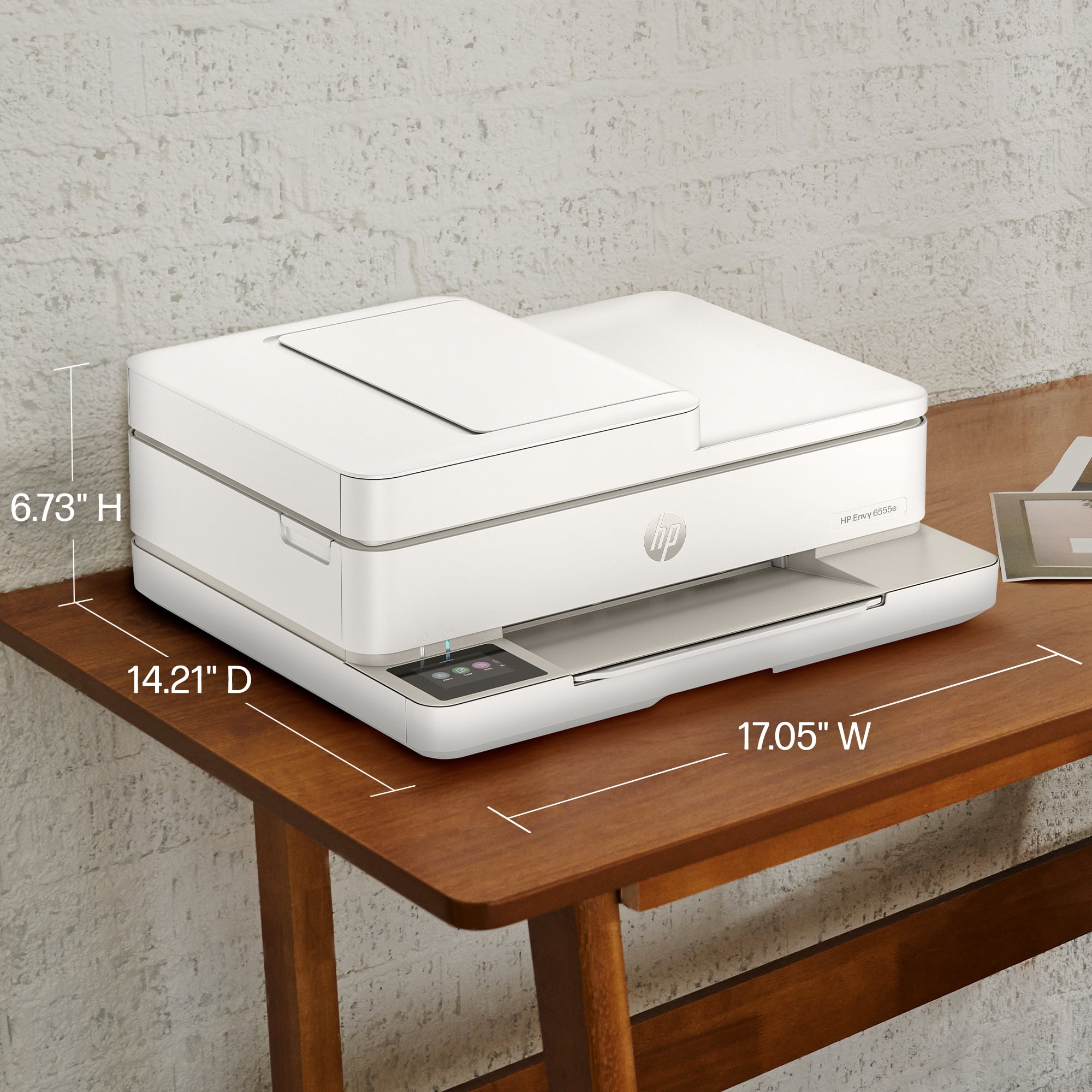
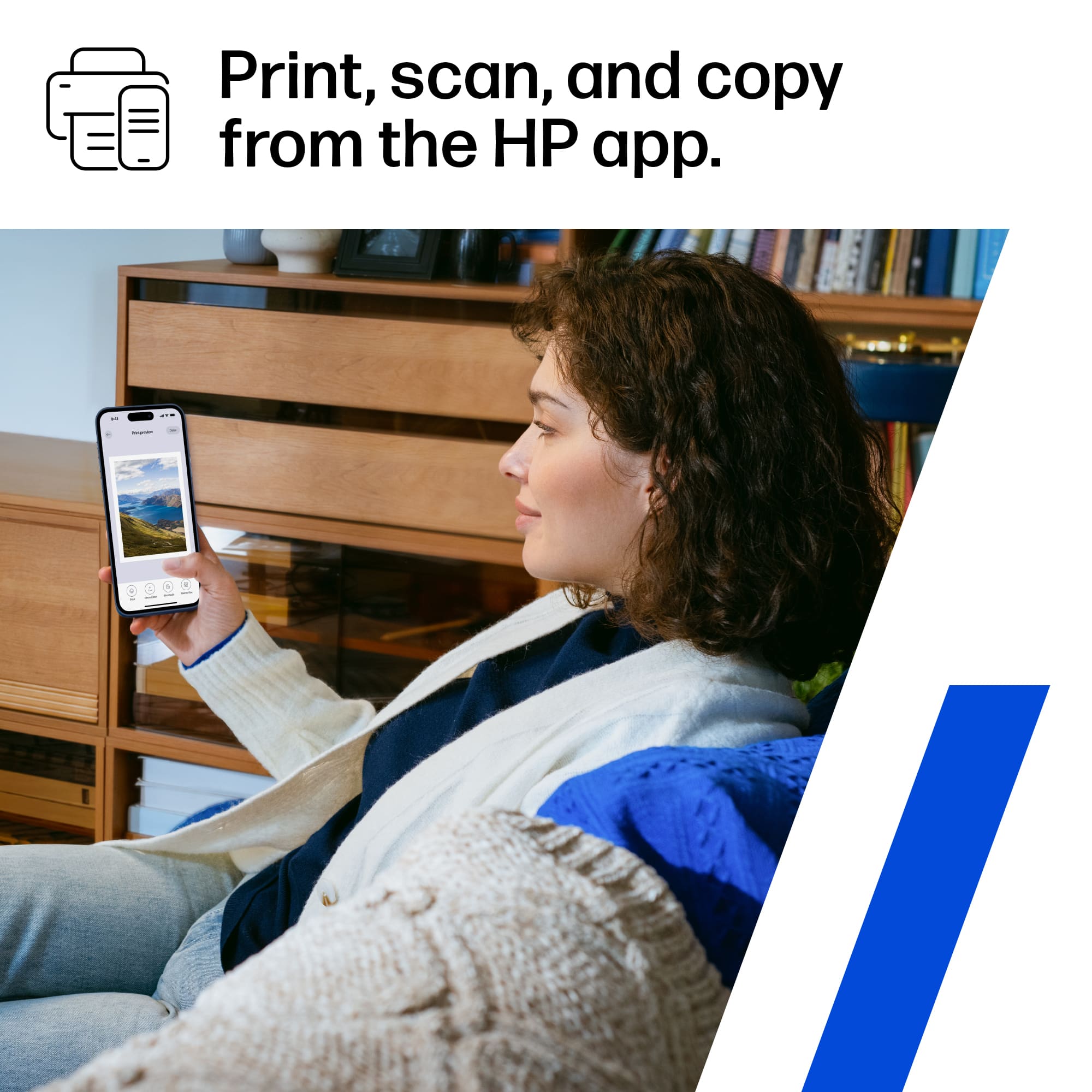
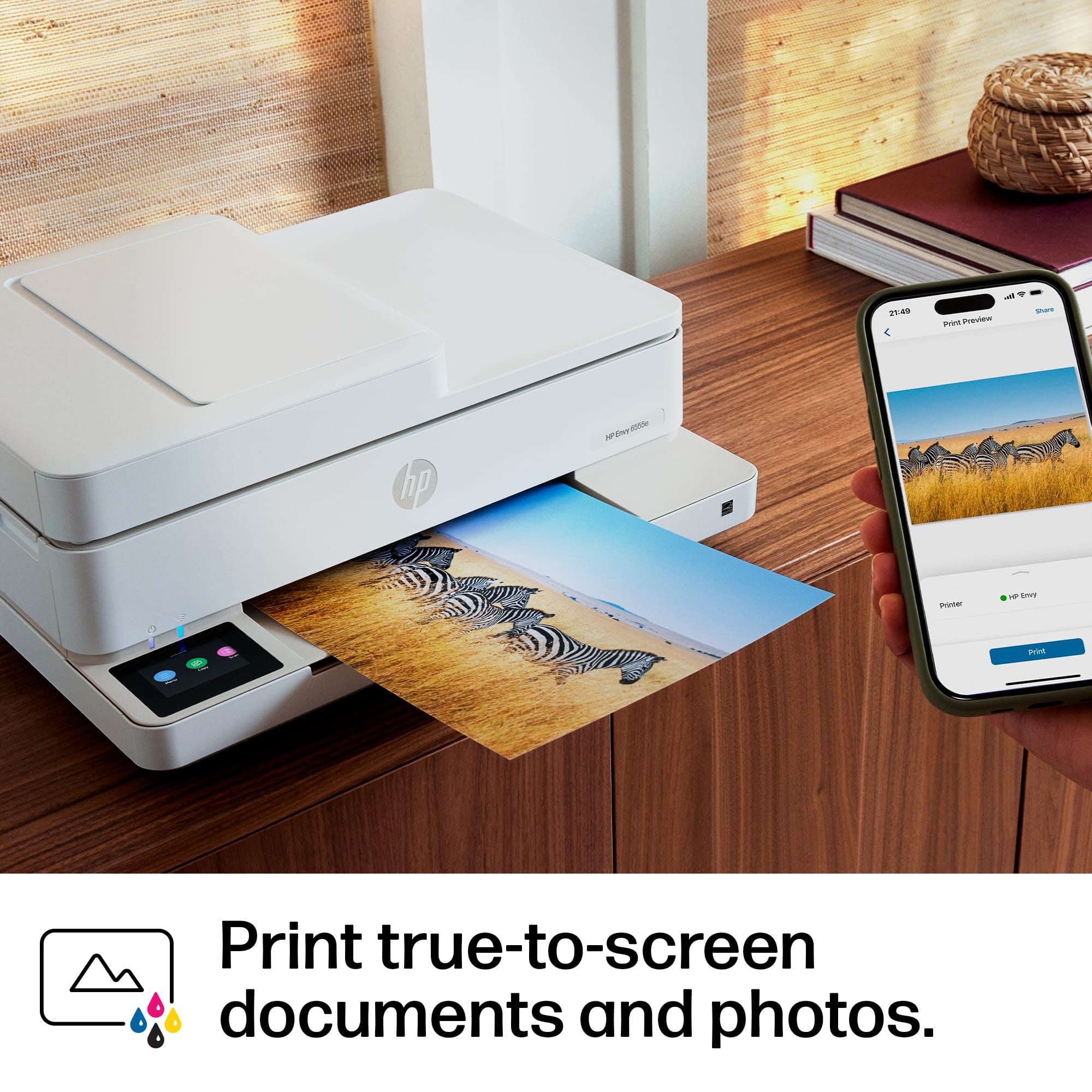
A:AnswerHello and thank you for asking. You will need to use the free HP Smart app on your computer or smart phone to resize copies on the HP Envy 6555e printer.
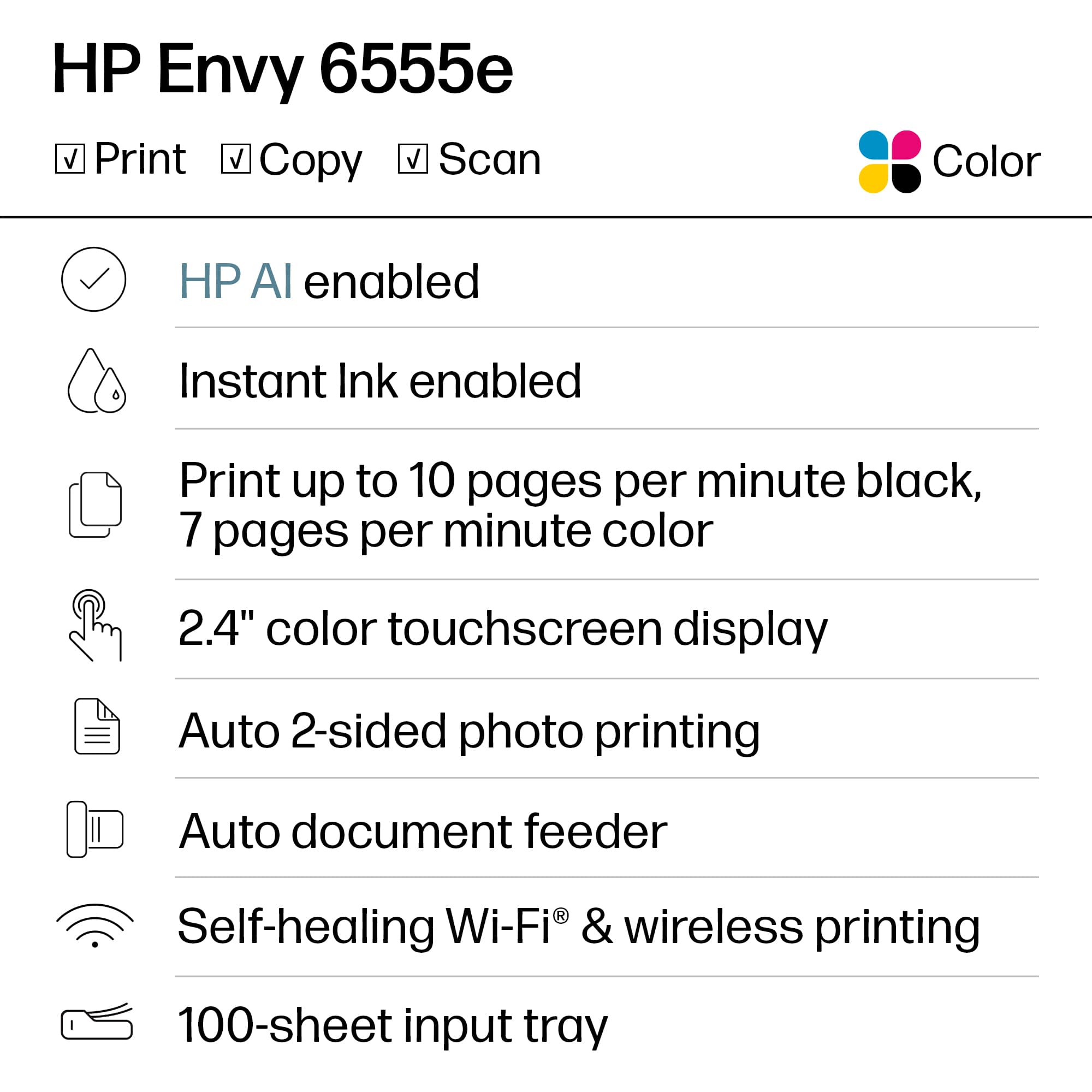
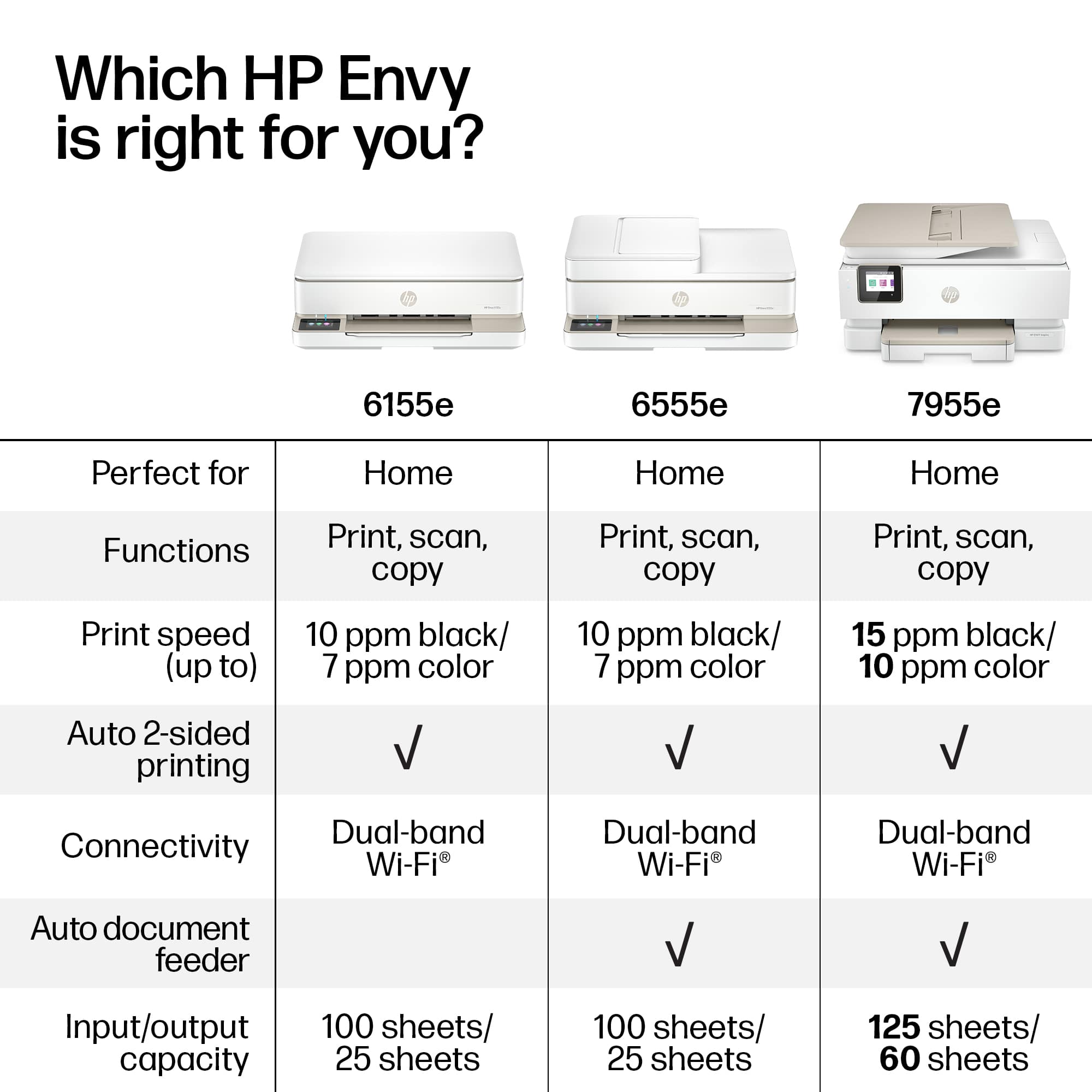
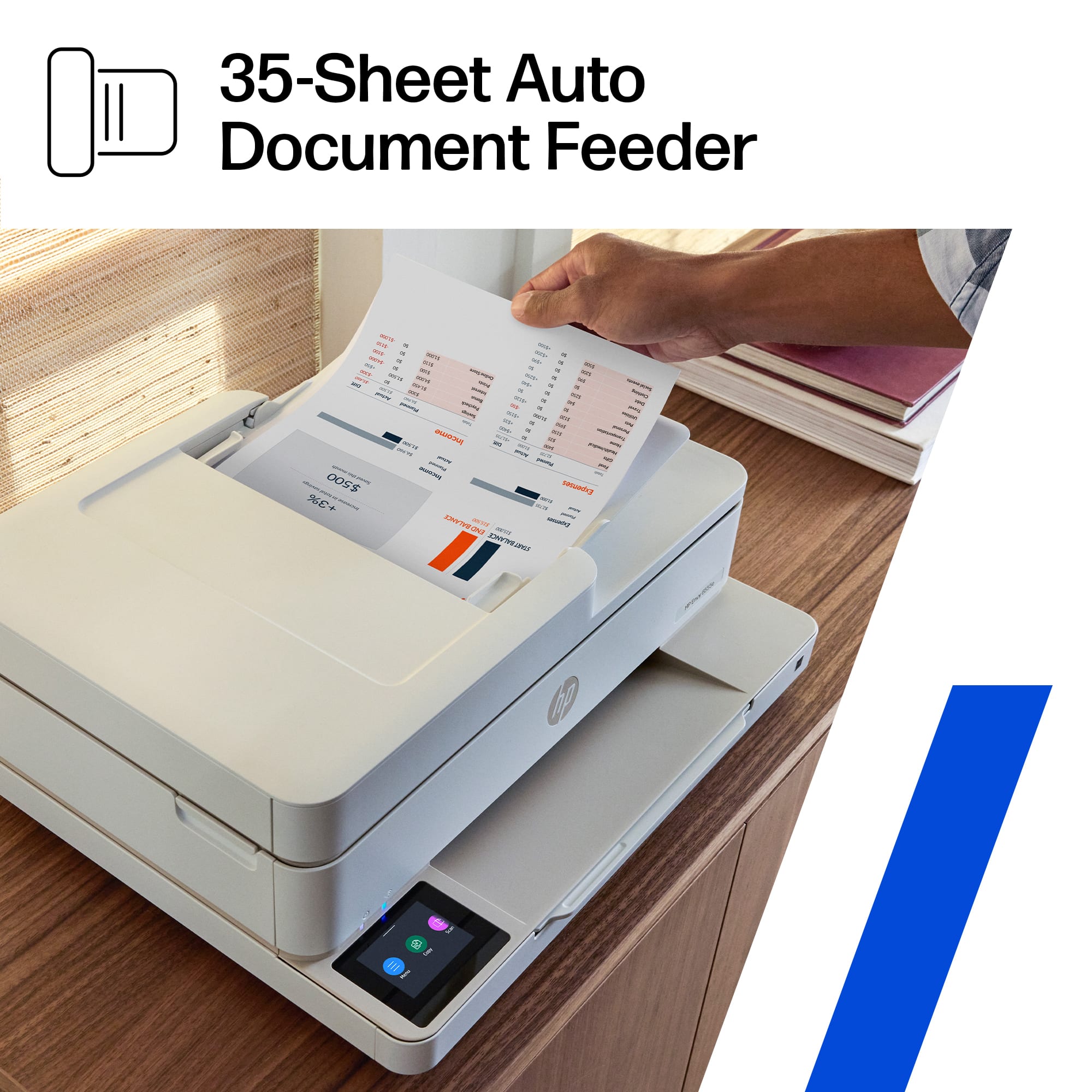
A:AnswerThanks for your question about this HP eNVY 6555e printer. You can have up to 35 pages in the document feeder for scanning. You can scan the pages into one PDF as well.