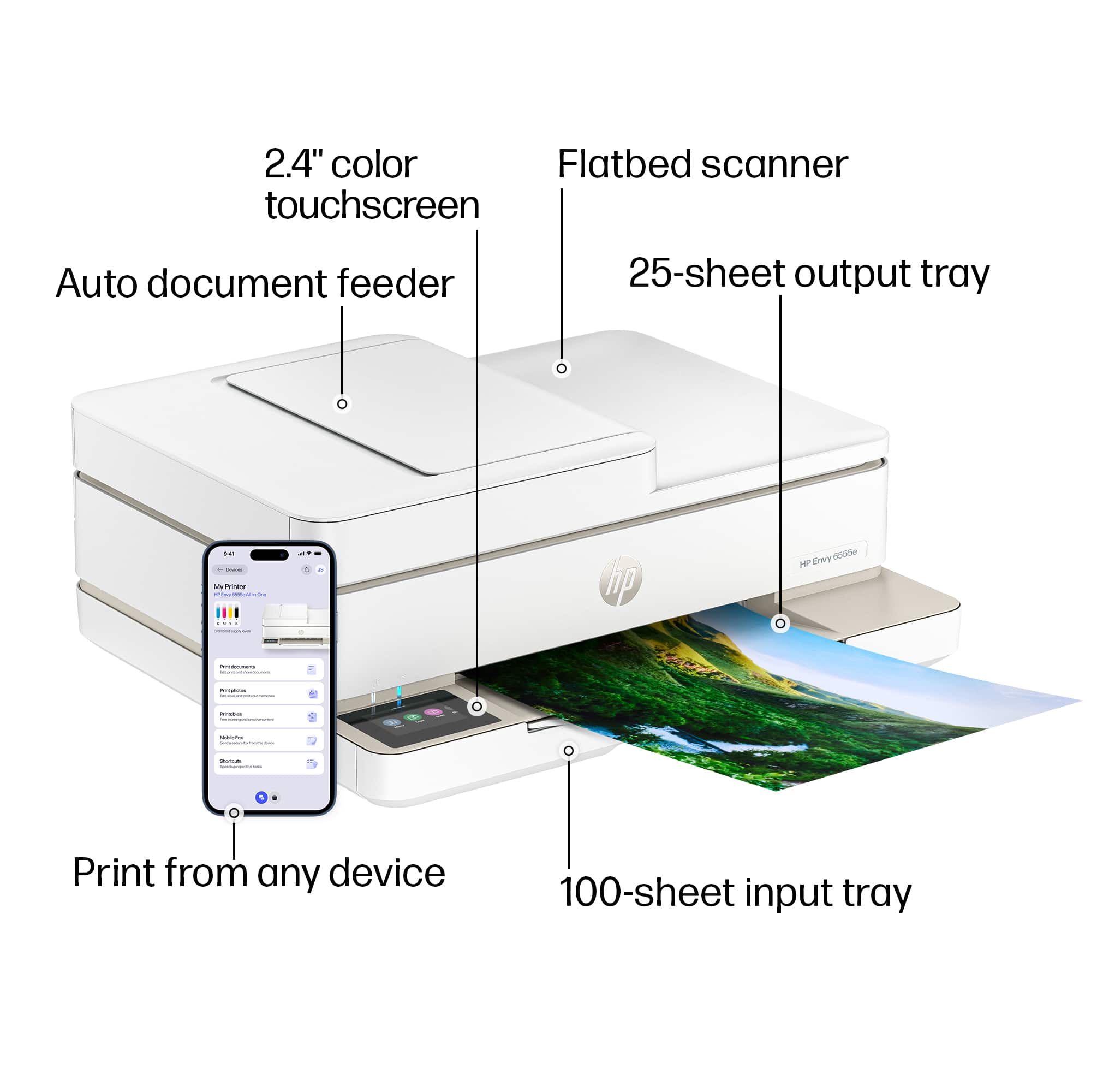
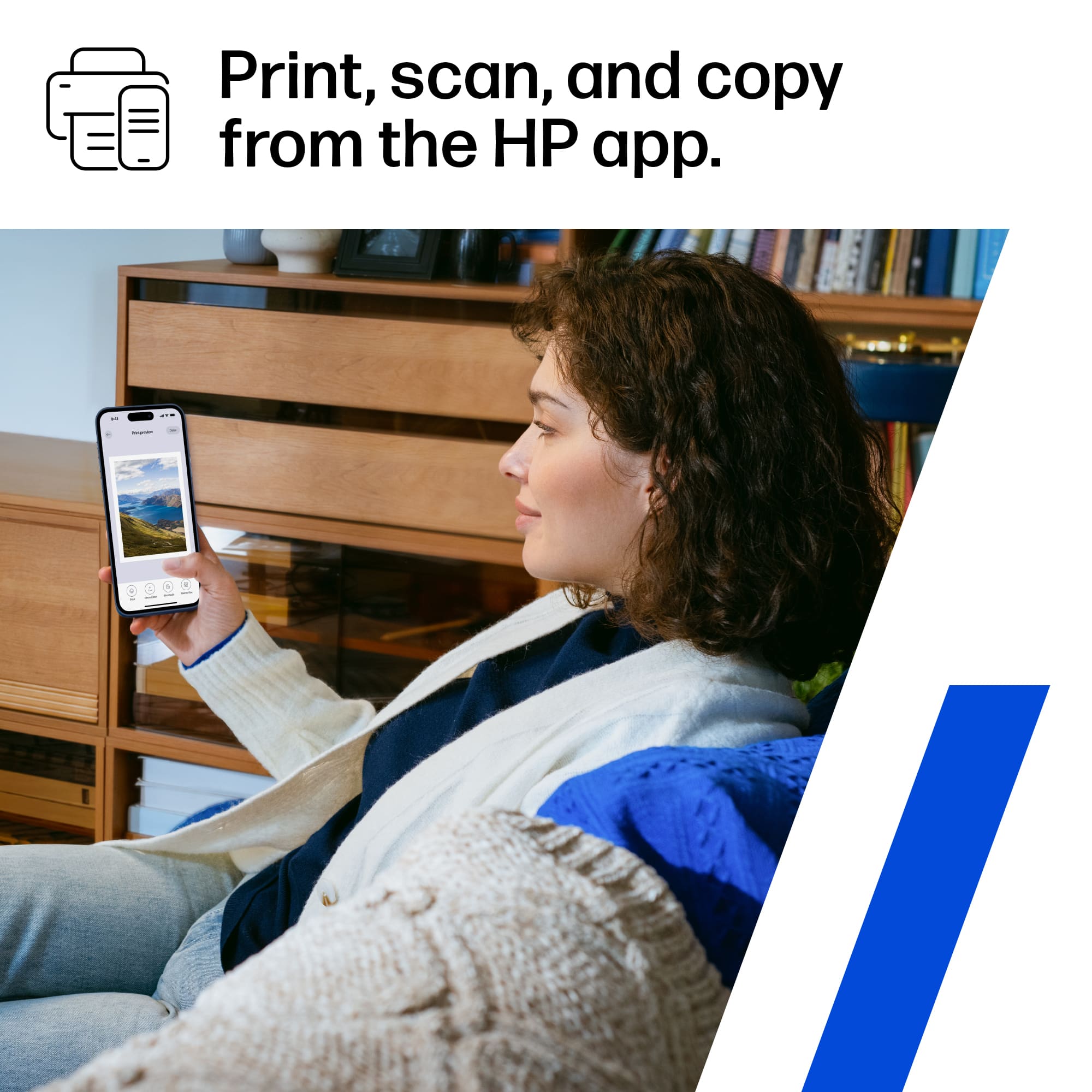
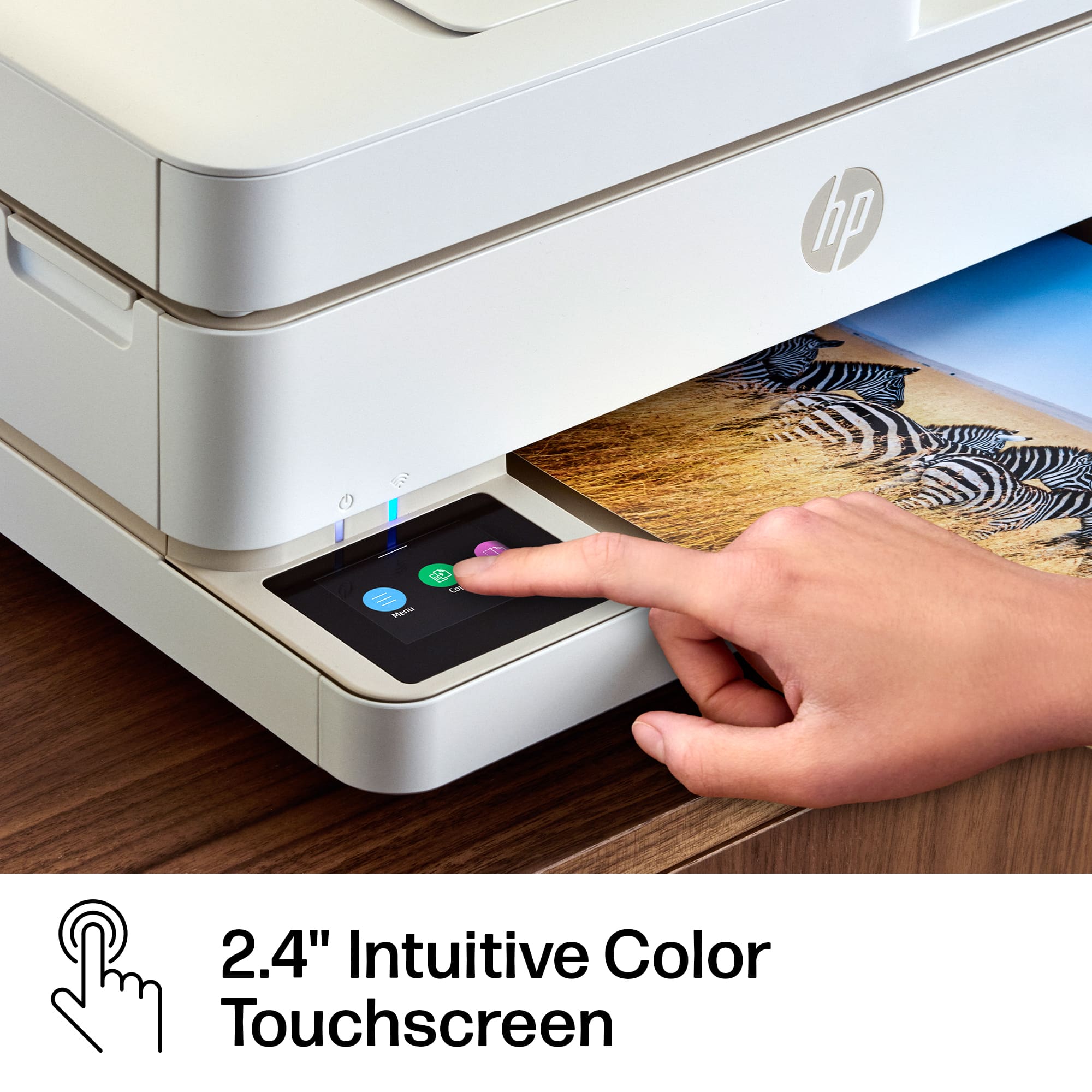
A:AnswerYou don't have that option on the touchscreen. However, you can scan the document using the HP Smart app and edit your scan before printing. This would include resizing, reducing and enlarging.
A:AnswerYes, this can handle thicker paper. There may not be a cardstock option but you can select other options such as photo paper to print in cardstock.
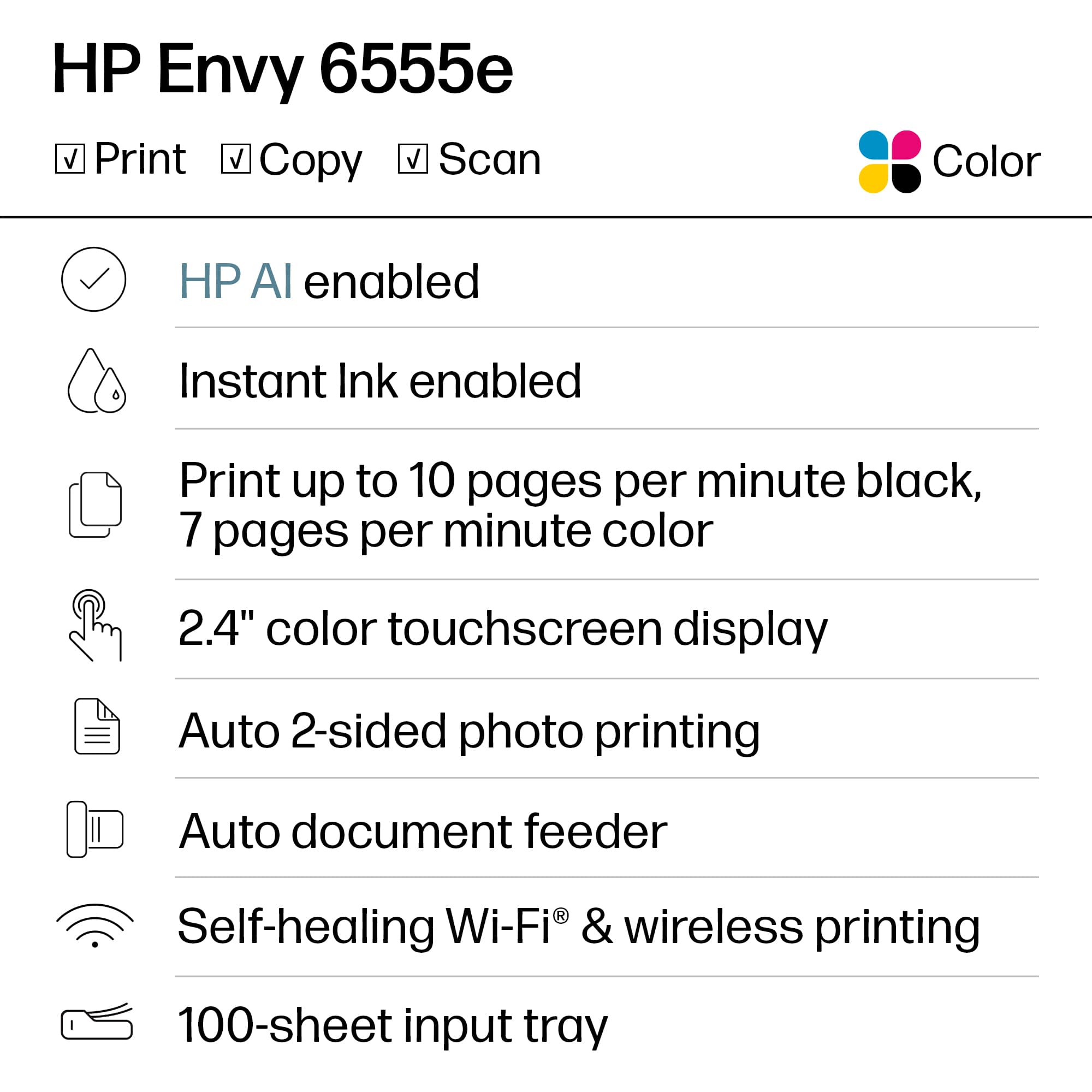
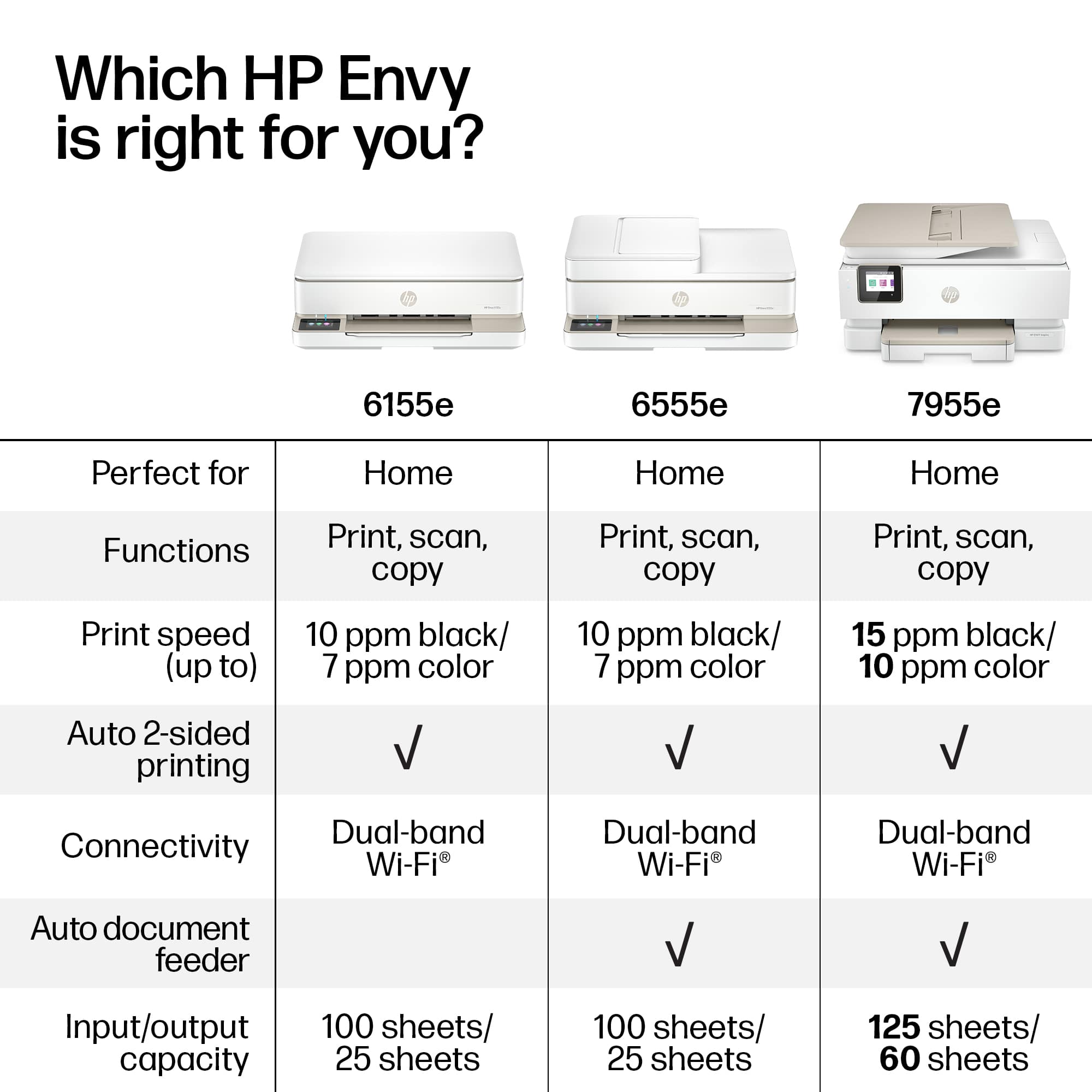
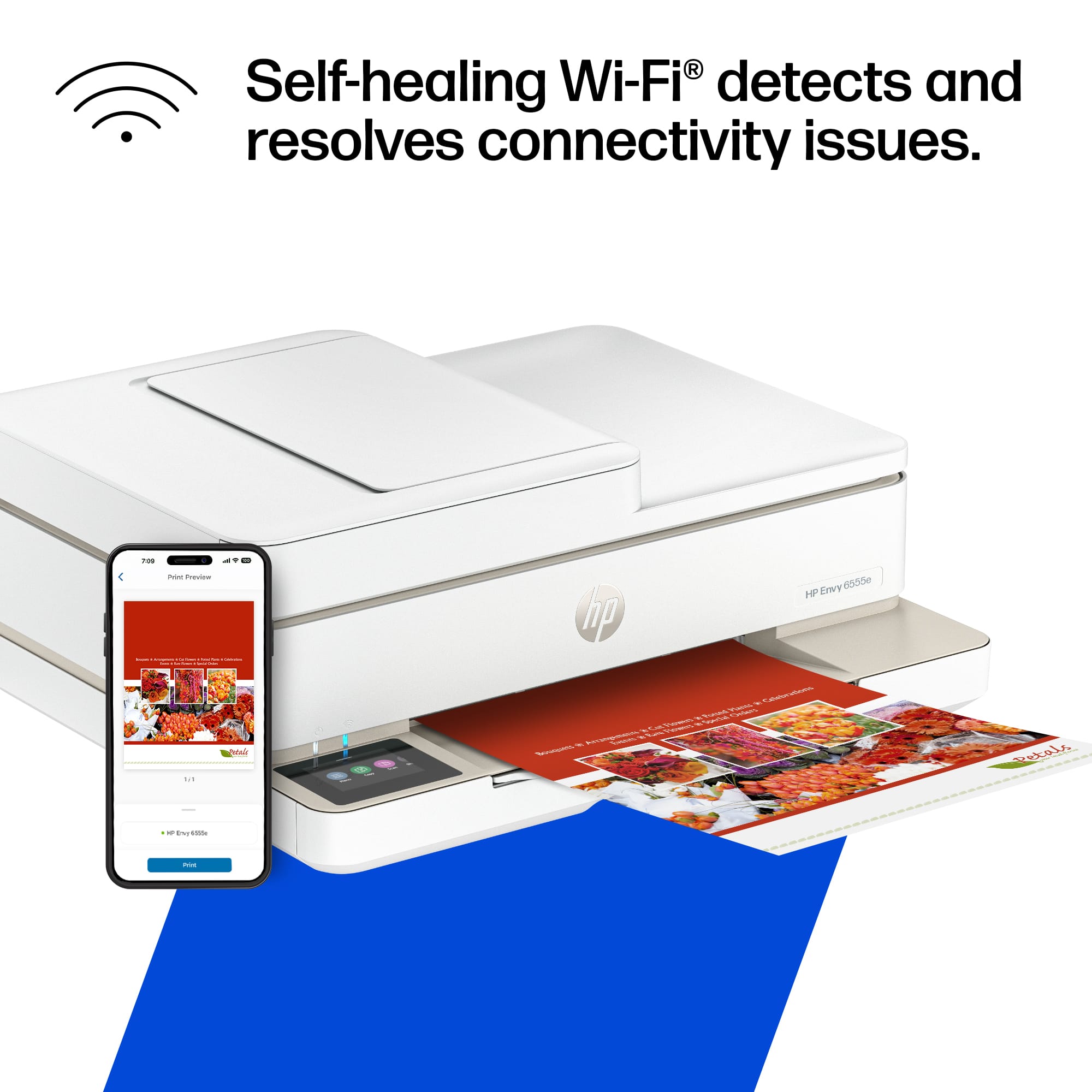
A:AnswerThank you for the question. The Envy 6555e has 802.11ac, also known as Wi-Fi 5. It operates on the 5 GHz band. It also operates on 802.11a/b/g/n bands.
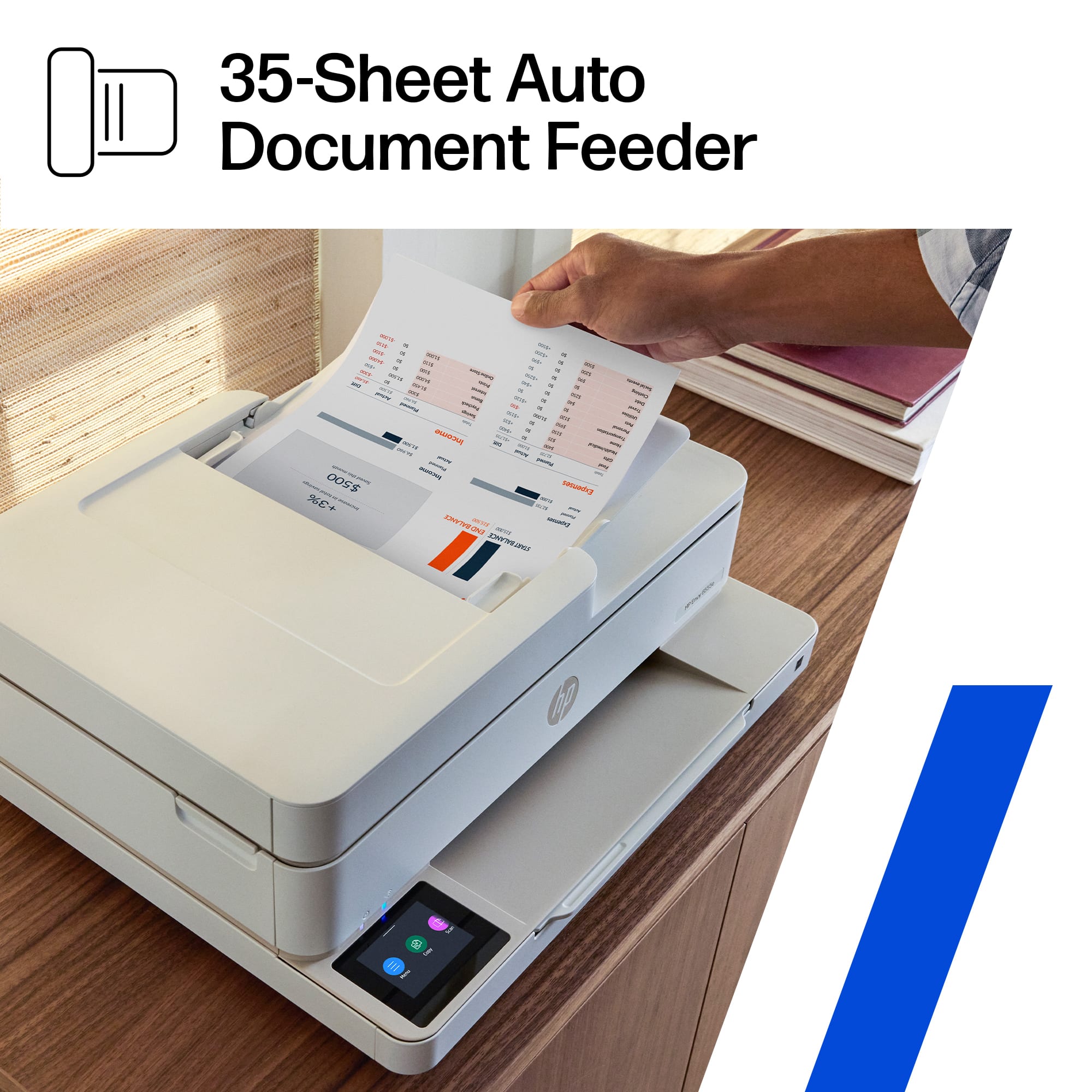
A:AnswerRudy, thank you for your question about this HP Envy all-in-one printer! To copy multiple pages, you load your original document stack face up with the top of the document stack facing left. Then you go to "Document Copy" on the touch screen and follow the prompts.
A:AnswerI have an Envy HP printer and it is hooked up with an Acer Laptop,
I don't see where this would make a difference with a laptop or desktop computer. Its set up to a program with HP.