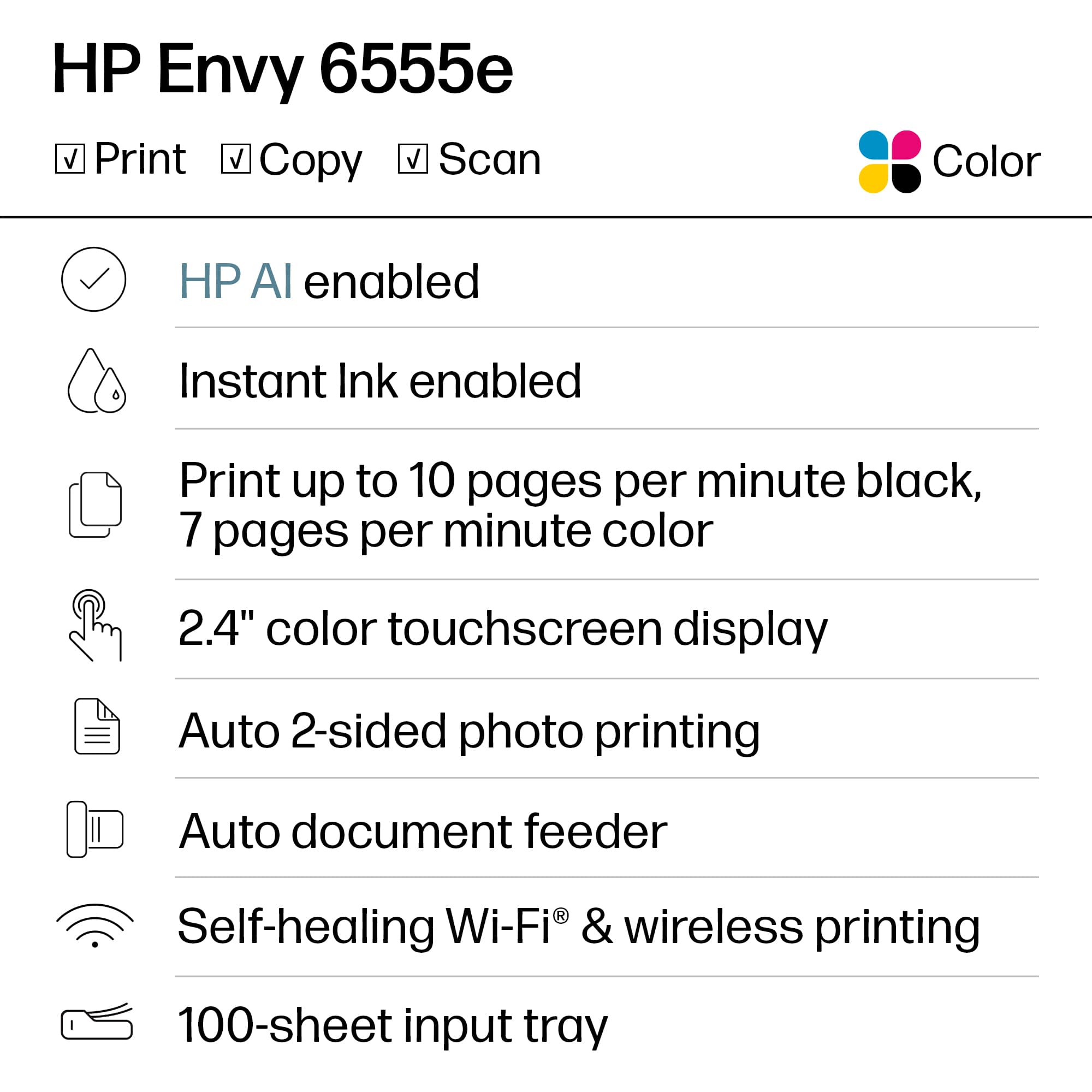
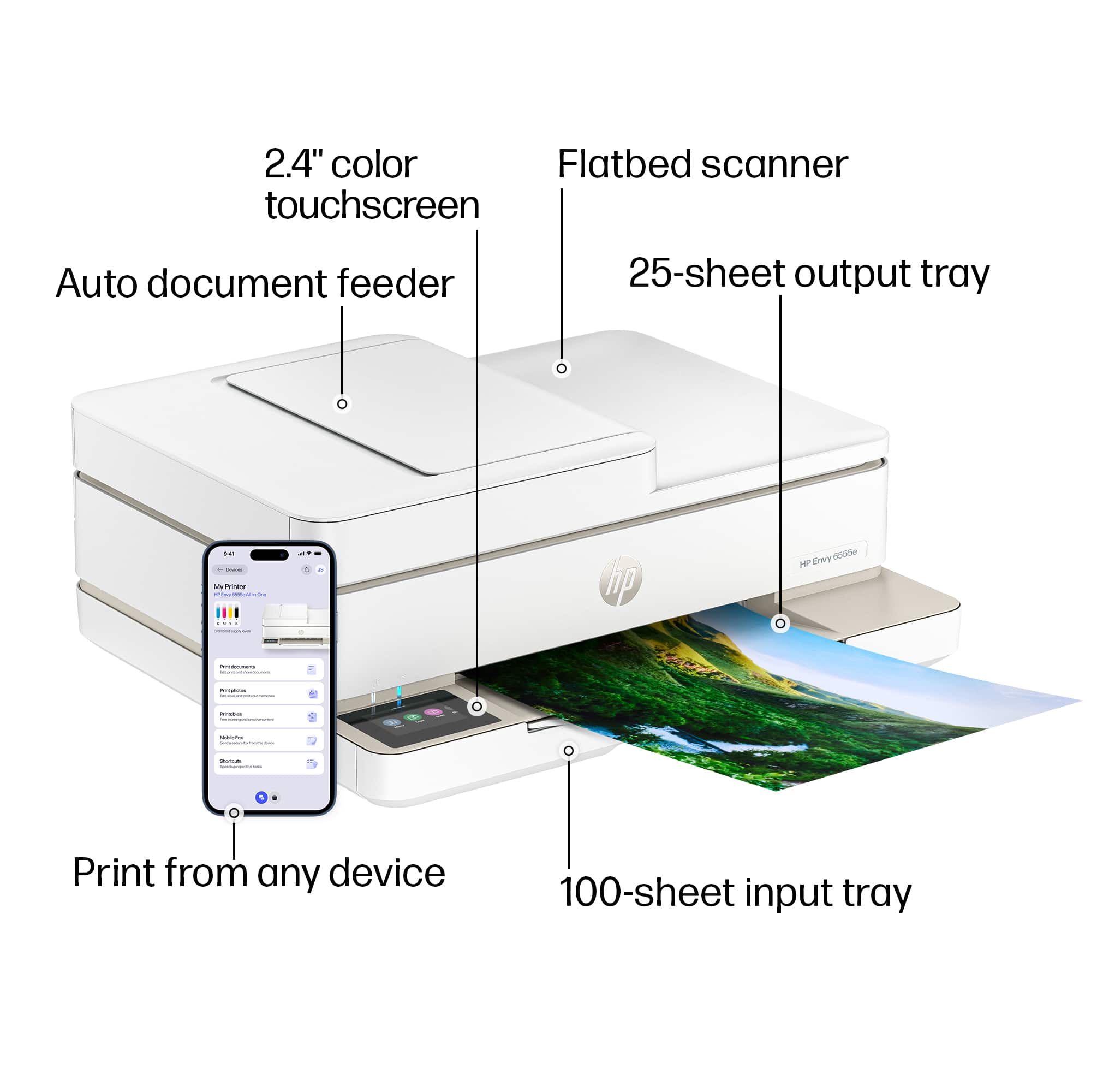
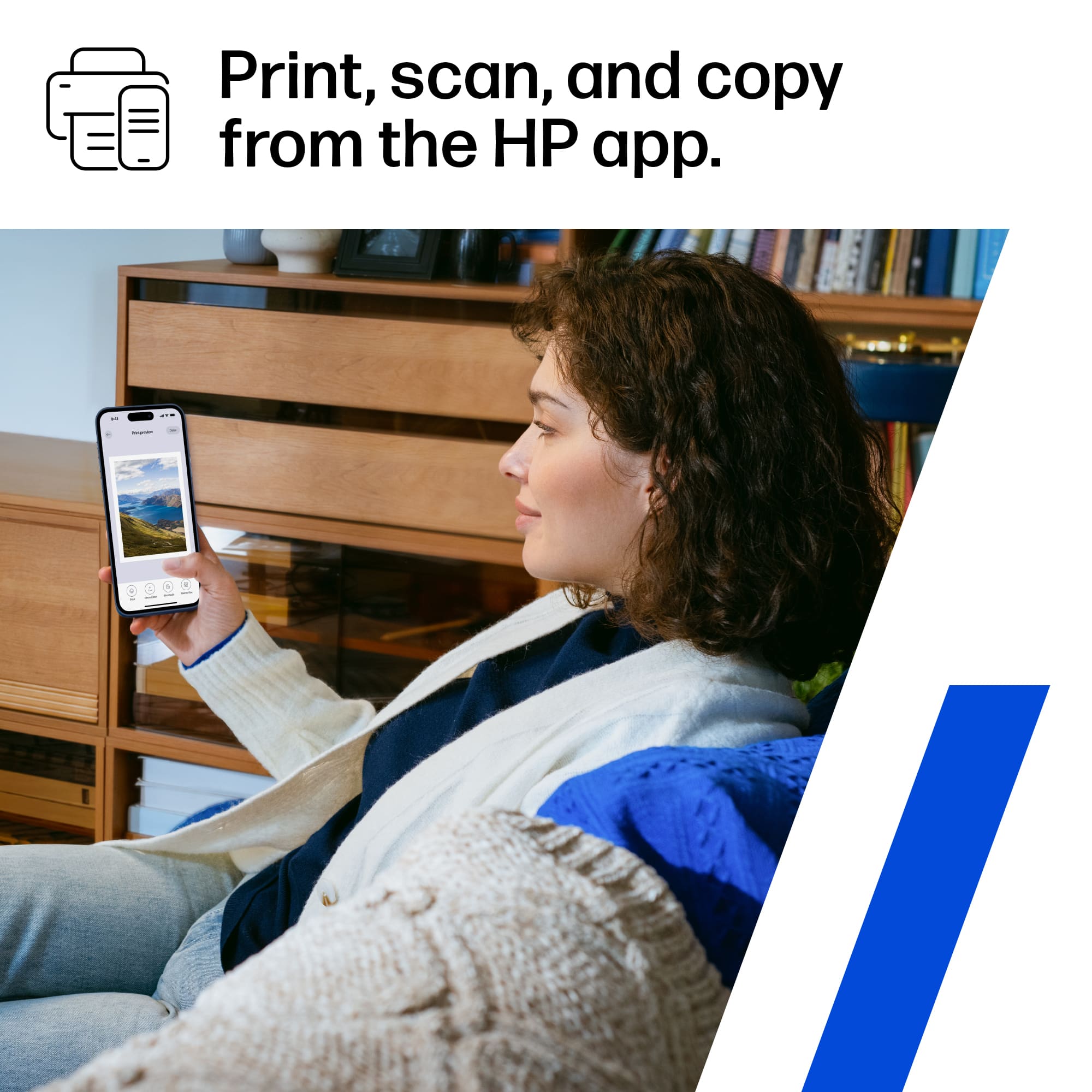
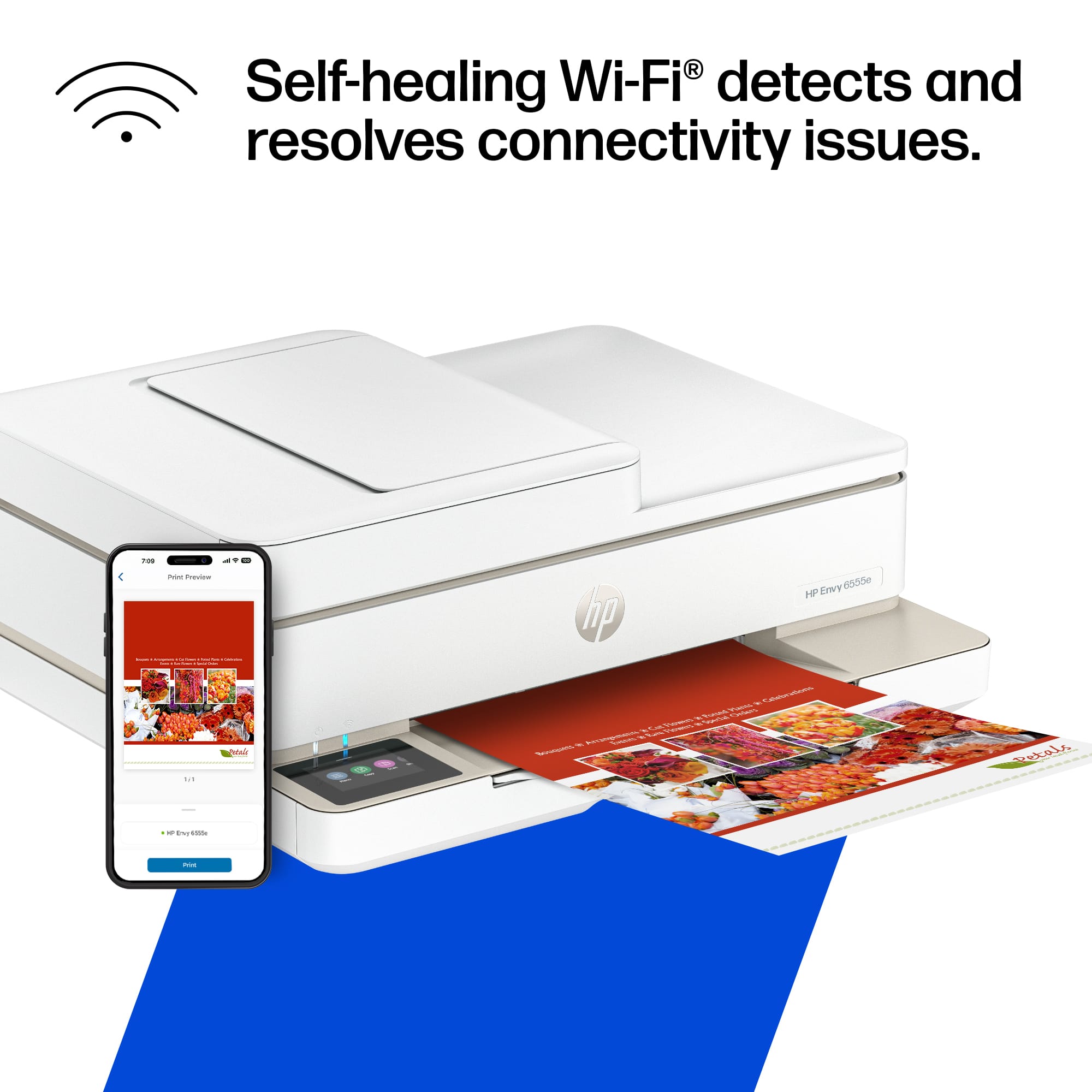
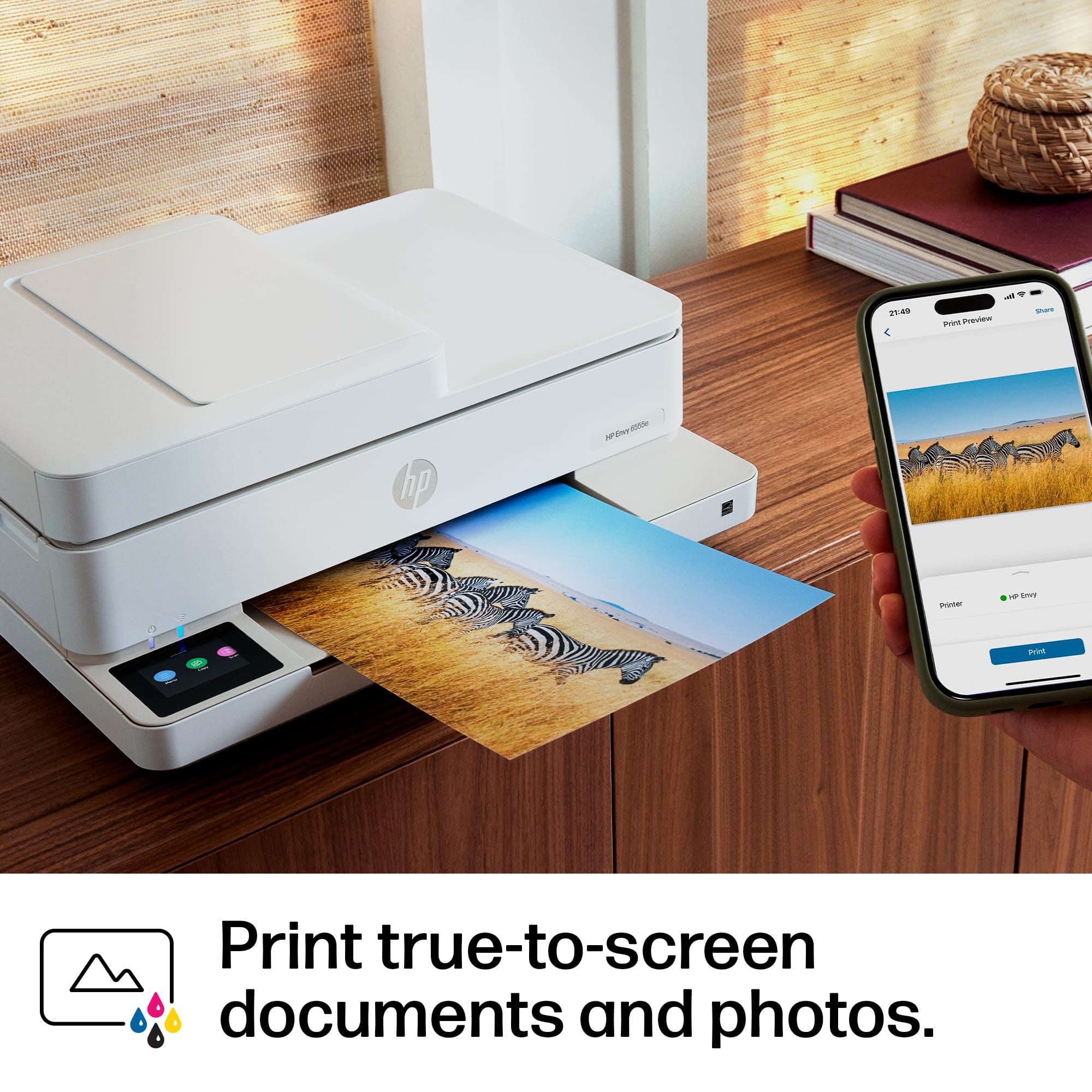
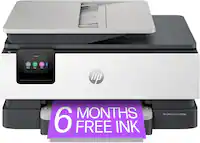
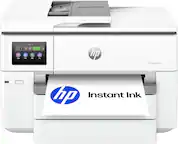
A:AnswerThe scanner function works okay. You have to have the app on your phone in order to scan. It gets little complicated if you are not computer savvy. You need the HP app on your phone and logged in the app in order to scan. Other than that, it is very easy to use.
A:AnswerI haven’t had any issues with this printer but I remember if you lift the top & see the location where the paper is jammed there is a piece with 2 tabs on the end that if pushed together will lift off. You can then slowly take out the jam.