Questions & Answers
- Model:
- J8H61A#BGJ
- |
- SKU:
- 5043600
Highly rated by customers for: Print Speed, Ease of use, Network Connectivity
$131.99Your price for this item is $131.99
Clearance
Comp. Value: $659.99
The comparable value price is $659.99
Page Showing 21-31 of 31 questions
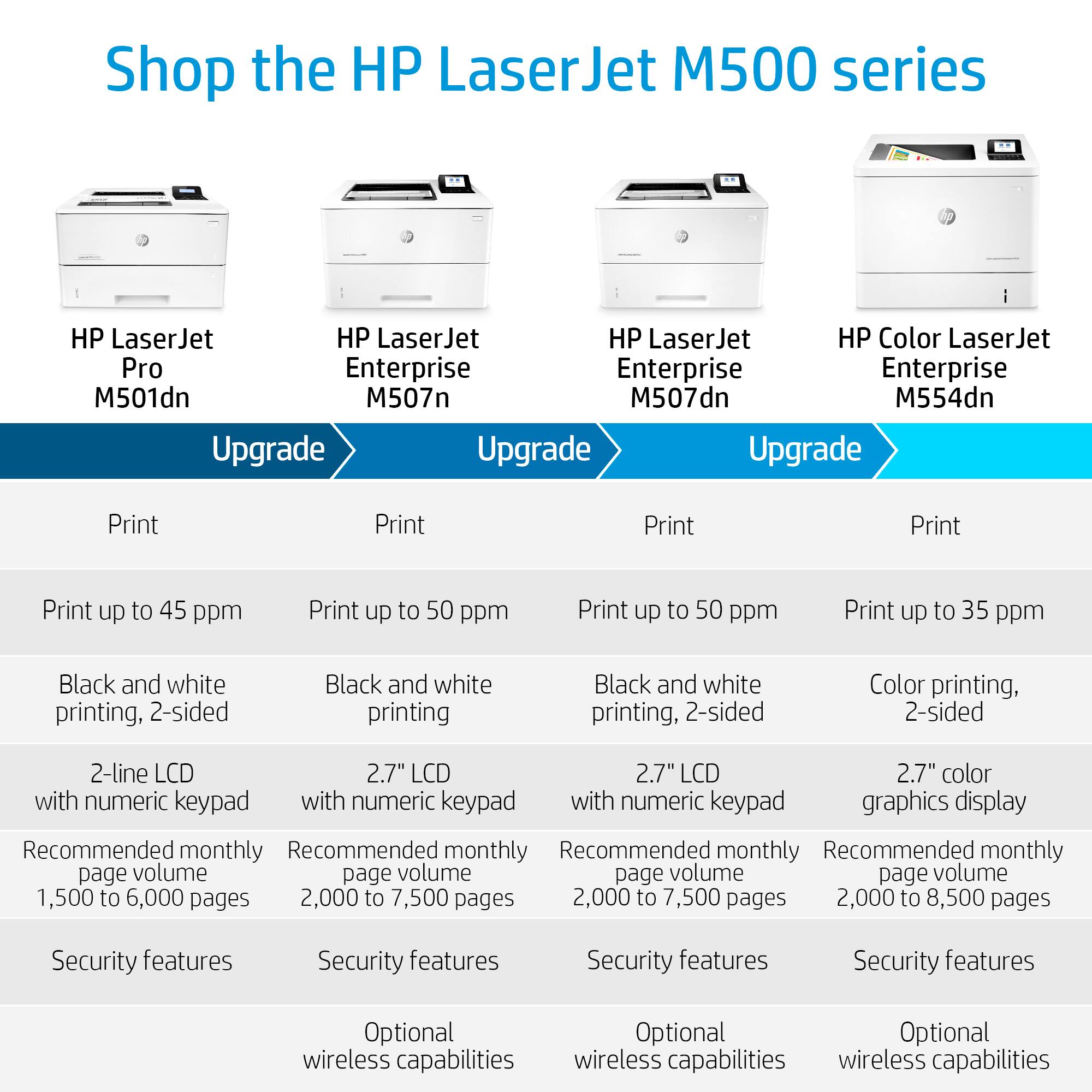
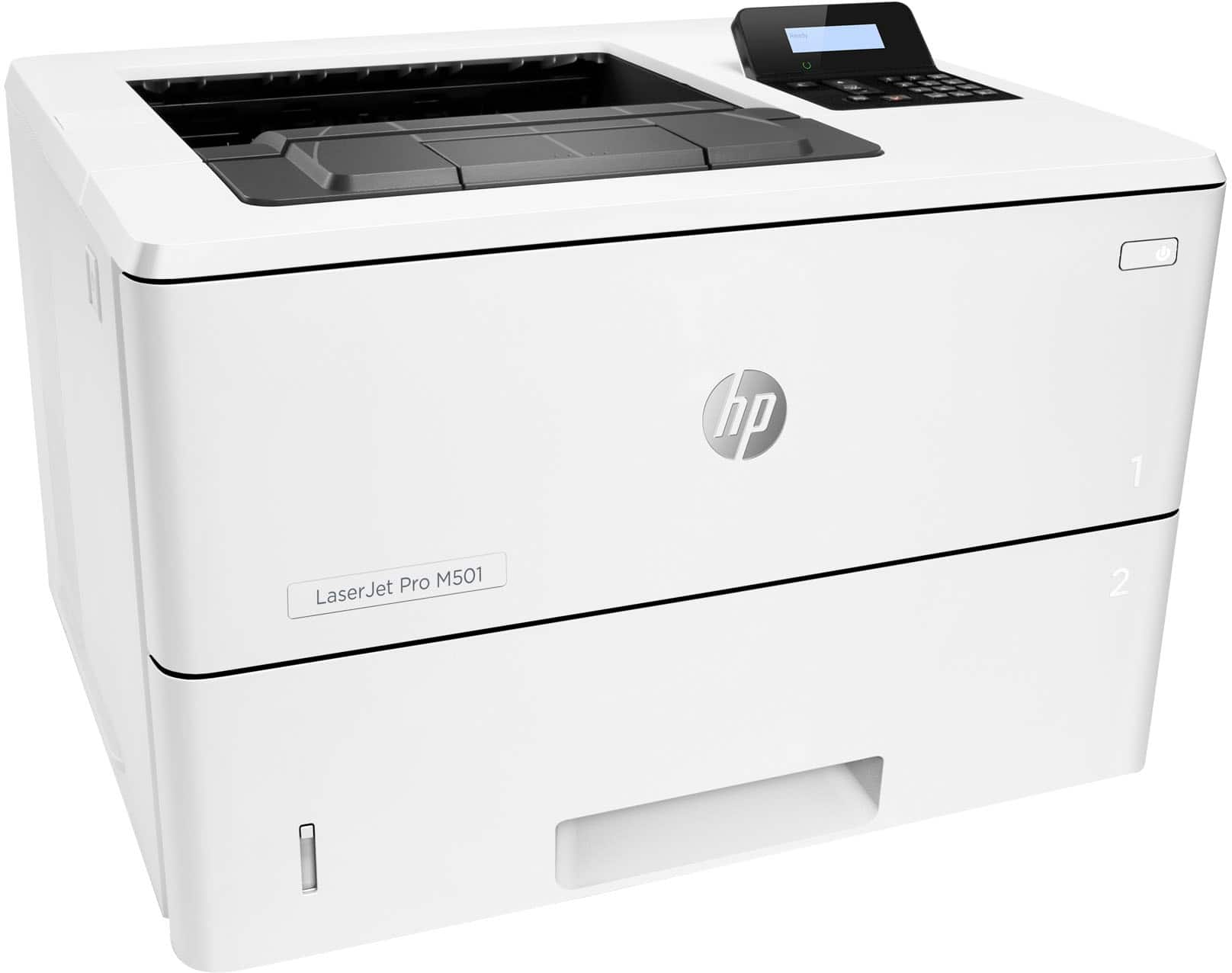
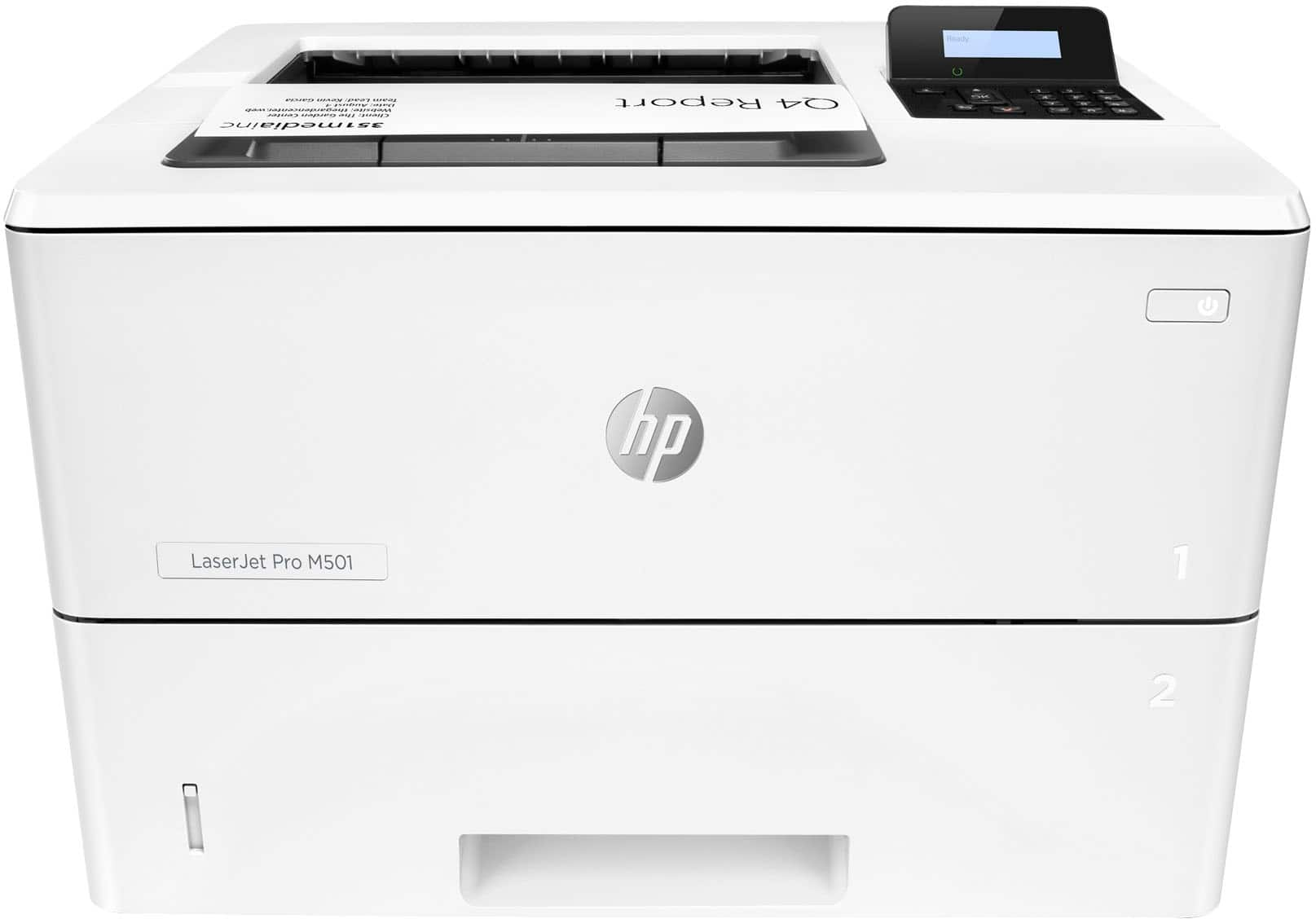
Q: QuestionDoes the HP Laserjet Pro M501 print 11 by 17? And what is the monthly volume of copies I can do?
Asked by vyto.
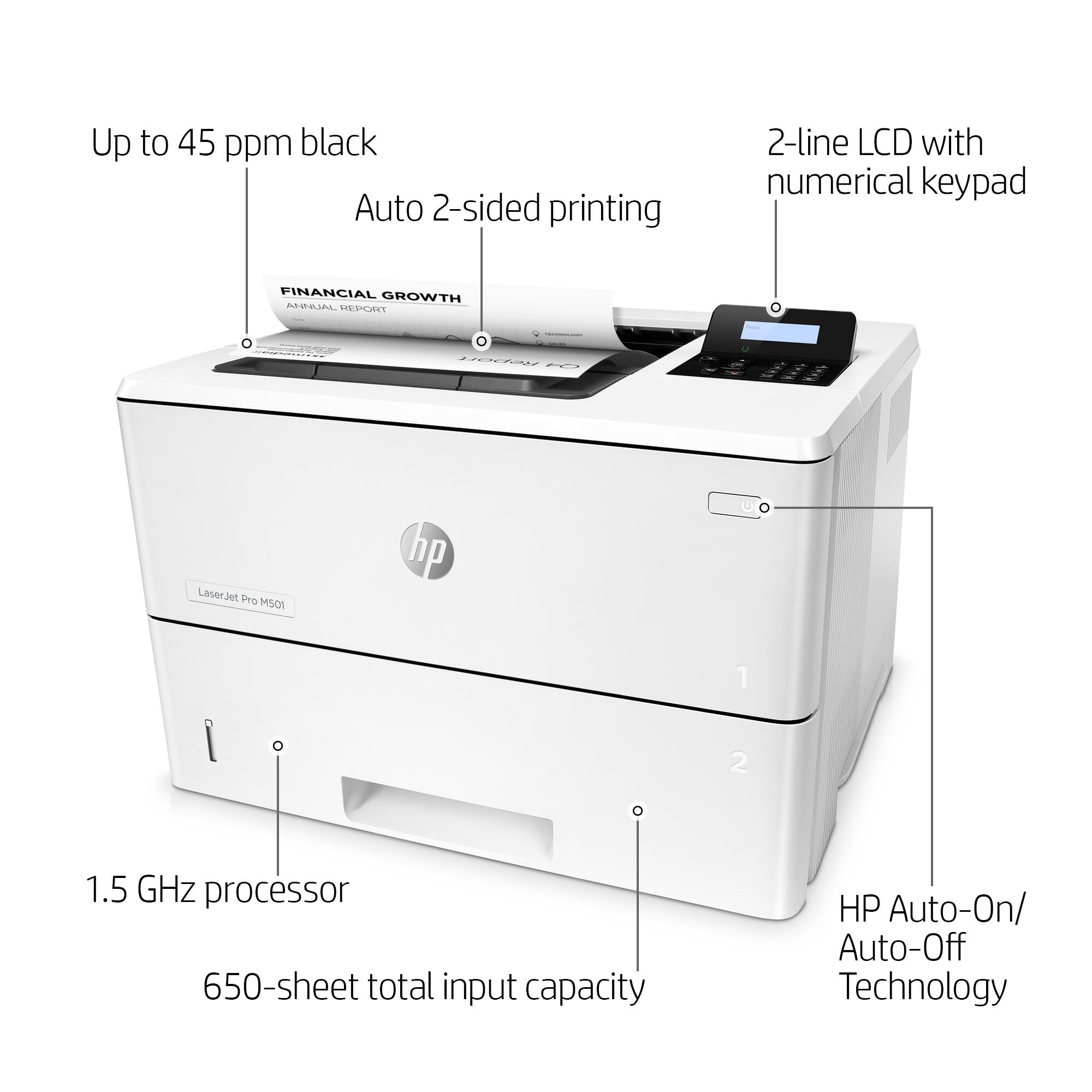
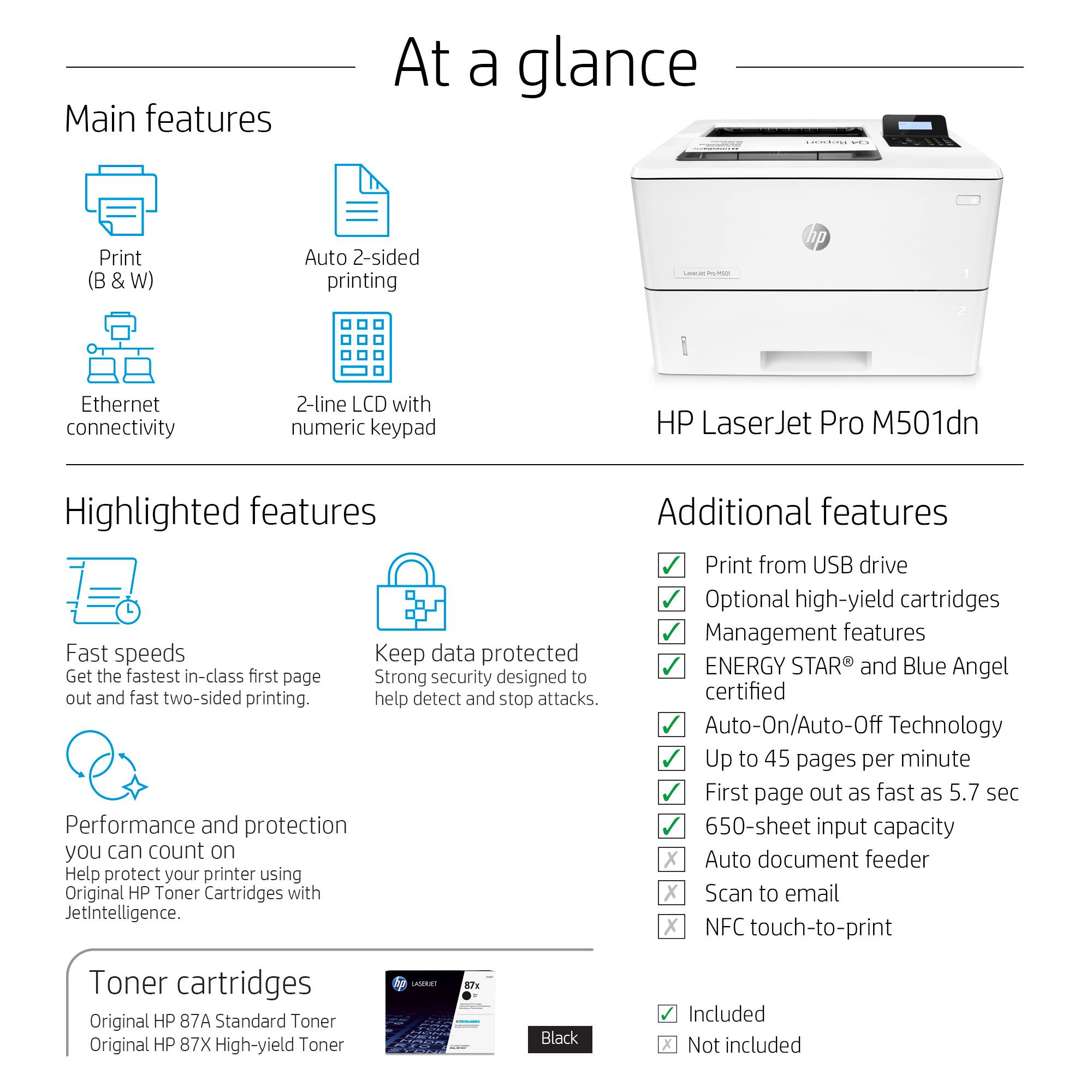
- A:Answer It will only print up to 8.5 x 14 in. The print volume on this model is on the higher end. The X size toner does up to 18000 pages.
Answered by HP Team

Q: QuestionIn bestbuy.com, under Specifications, is a section titled "Ink"; it says: Number of black cartridges included 1; Number of color cartridges included 3. Why the color cartridges if this printer uses a black cartridge only? Is this a mistake?
Asked by Anonymous.
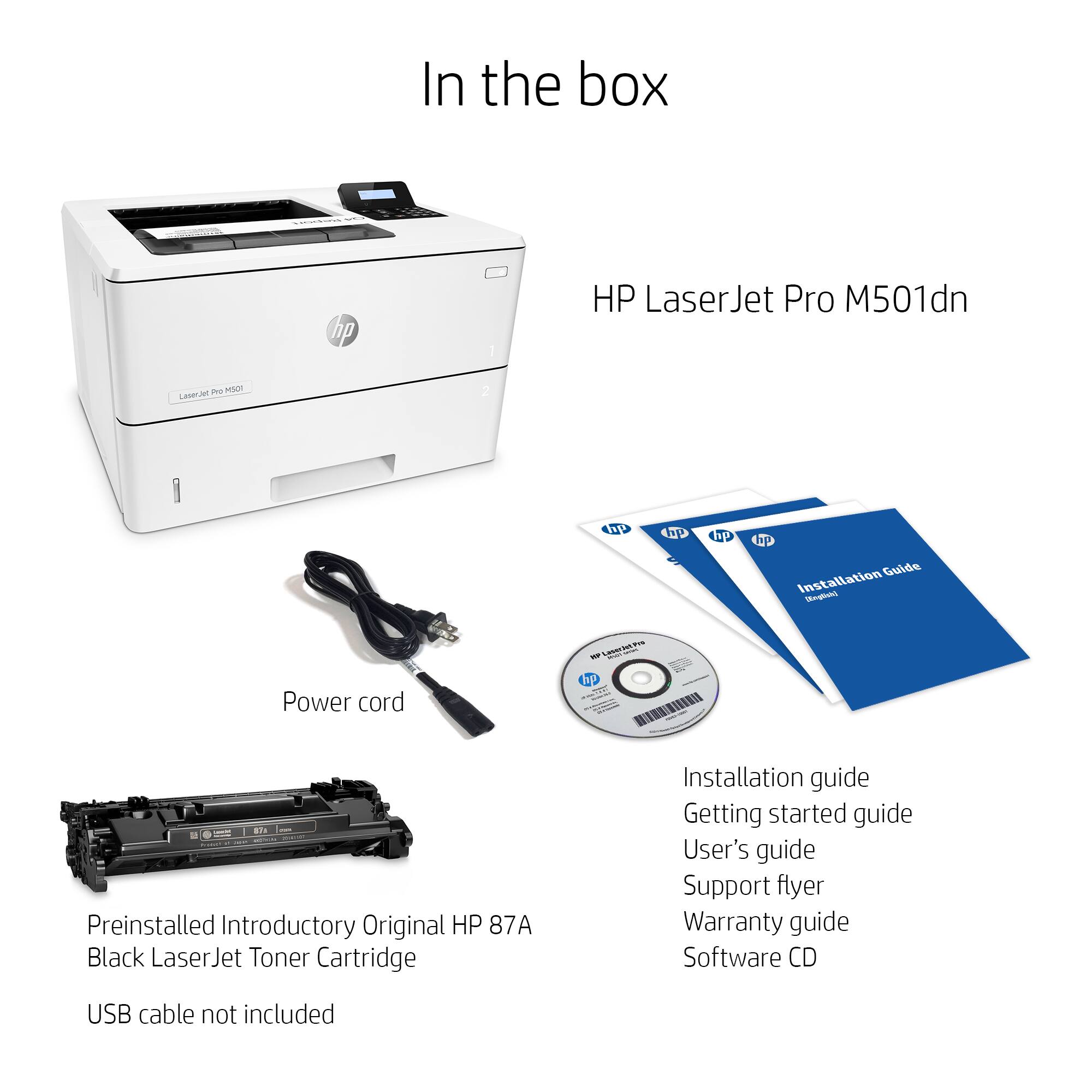
- A:Answer This is an error, yes. We apologize for the discrepancy. This LaserJet Pro M501DN model only uses a black toner cartridge.
Answered by HP Team

Q: QuestionBest Buy ships this printer with one black and 3 color cartridges. This is a black-and-white printer. Is the implication that the printer needs 4 cartridges to print in black?
Asked by Zachary.
- A:Answer You are correct, no color toner cartridges come with this black laser.
Answered by Ceedub
Q: QuestionWhat HP printer cartridge does this HP LaserJet Pro M501dn model use? I can't seem to find it anywhere. Thx.
Asked by Jeannie.
- A:Answer You can use HP 87A Black Toner Cartridge, Standard (CF287A) with a yield of up to 9,000 pages, or HP 87X Black Toner Cartridge, High Yield (CF287X) with a yield of up to 18,000 pages.
Answered by HP Team

Q: QuestionDoes this printer handle card stock. We print a lot of scorecards for our golf course on card stock.
Asked by Teamz.
- A:Answer Yes, it will handle 110lb.
Answered by HP Team

Q: QuestionDoes the HP - LaserJet Pro M501dn Black-and-White Laser Printer print face up? I need a laser printer that prints face up for checks.
Asked by J.
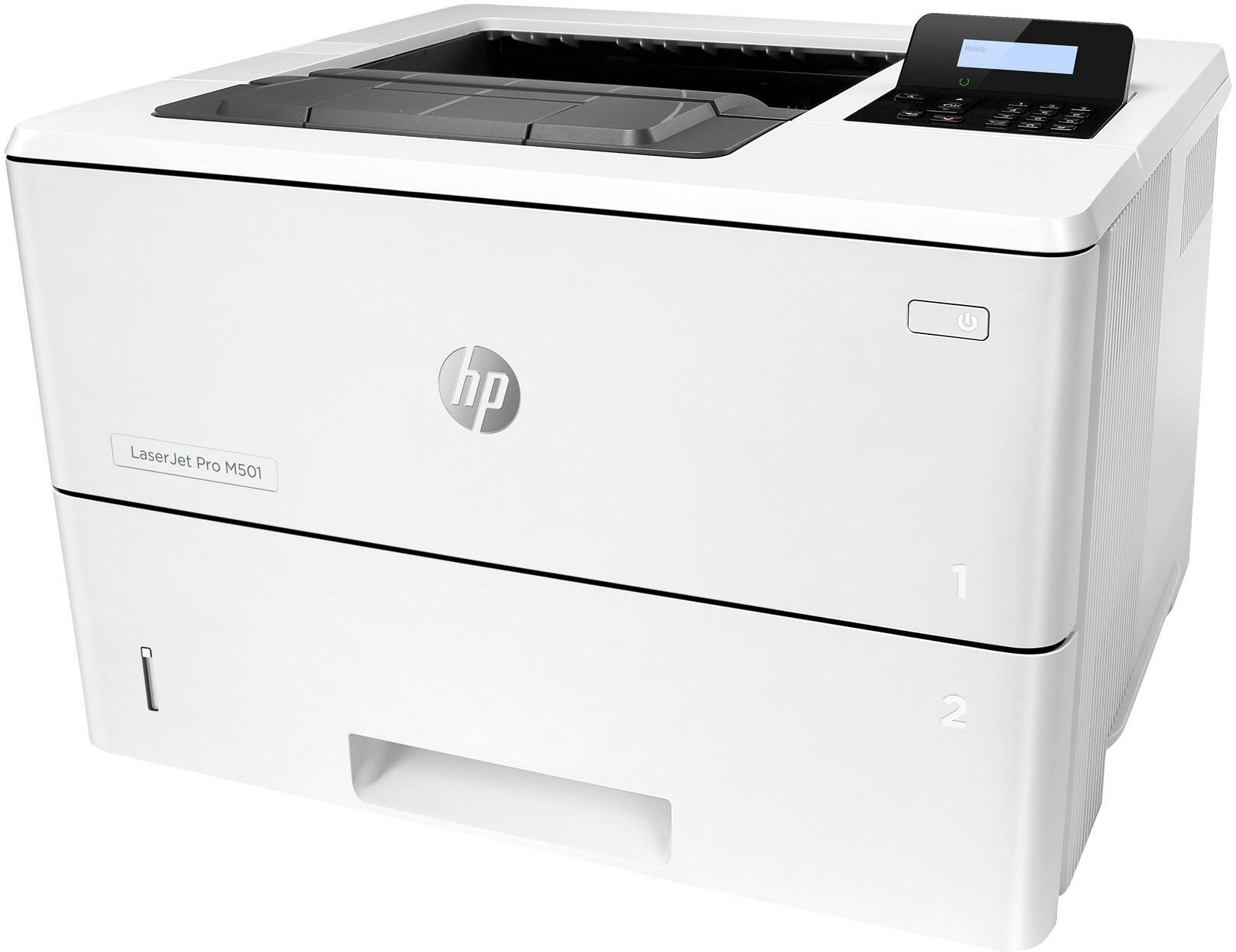
- A:Answer By default, if you have tray 1 (flip out tray) open, it will pull from there and print face up from the top of the stack. Tray 1 seems to handle thicker stock much better than tray 2. The main tray, tray 2, pulls the top sheet and prints the underside. This can be changed in the settings to flip over then print. This will slow your pages per minute speed if every page has to be flipped over by the printer. Tray 1 seems to be designed for checks and card stock, tray 2 for regular or label paper.
Answered by SaltyBiscuits
Q: Questiondoes it have check writing capability?
Asked by Anonymous.
- A:Answer This printer prints A4 size paper.
Answered by CommunityAnswer
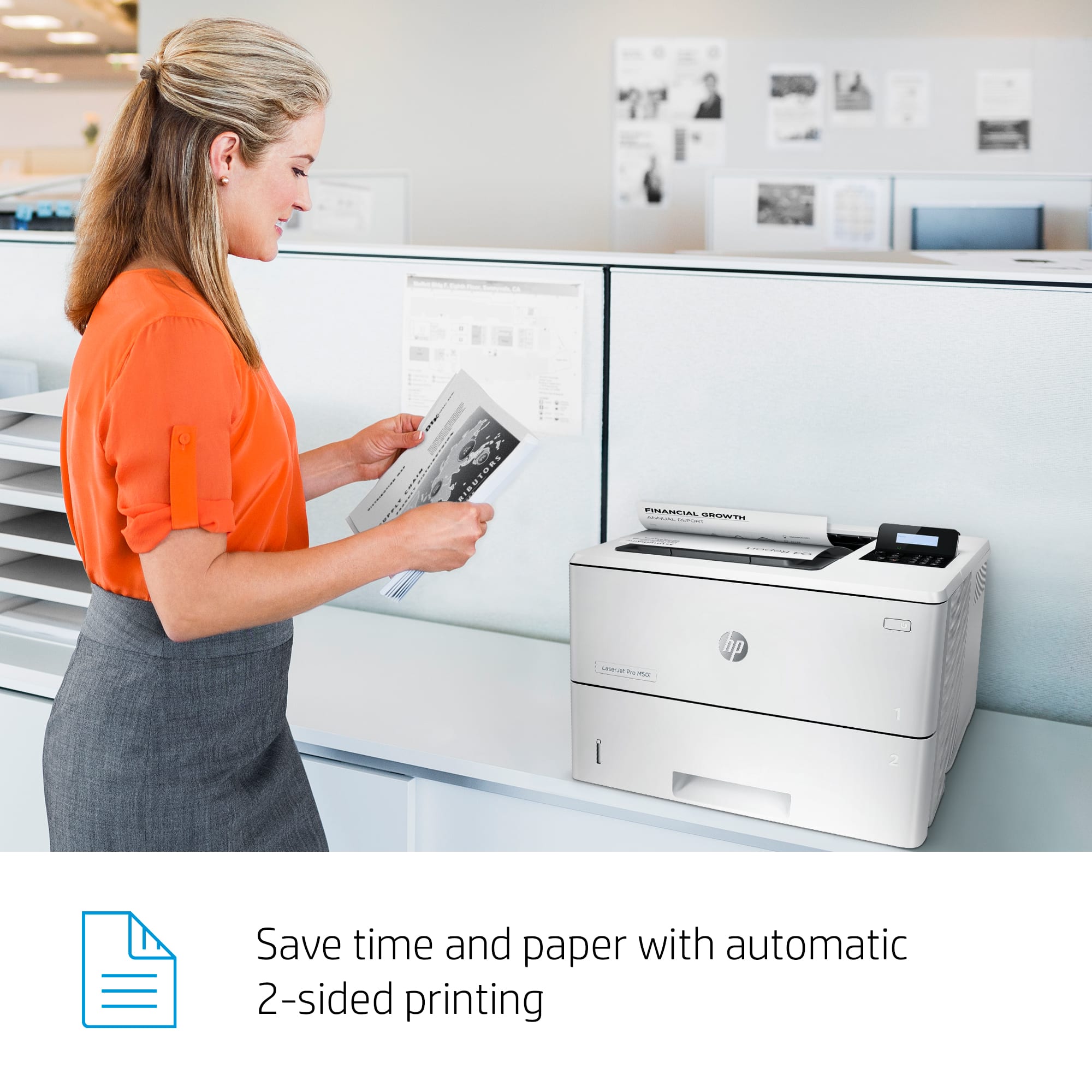
Q: QuestionCan you turn off the automatic double sided printing?
Asked by GoDawgs.
- A:Answer Yes, should be a check box in print settings.
Answered by SaltyBiscuits
Q: QuestionDoes this printer work with Windows 10?
Asked by Anonymous.
- A:Answer I'm a teacher, and my boss bought all the teachers in our adult ed program this printer. We have Windows 10, and it works like a charm. I do single side, duplex, and use the tray. At home, I have a HP 4000, (22 years old.) It still works, but it's a little slow. I will be purchasing this printer for home. I have Windows 7 there, and it should work just fine. I will use the 4000 as a backup printer should I ever need it. It weighs quite a bit, and that's another reason for getting the 501. Some questions about color cartridges. There are NO COLOR CARTRIDGES. I don't know why that was put in the description. There's only room for the black cartridge, which is what I want. I think you will be happy with this printer.
Answered by Christina
Q: QuestionHi. I have a hp m501. How can I make photo copies?

Asked by Anonymous.
- A:Answer The LaserJet Pro M501dn is a printer only and can not make copies.
Answered by HP Team

Q: QuestionHow can I print a document that has multiple page sizes with this printer?
Asked by Anonymous.
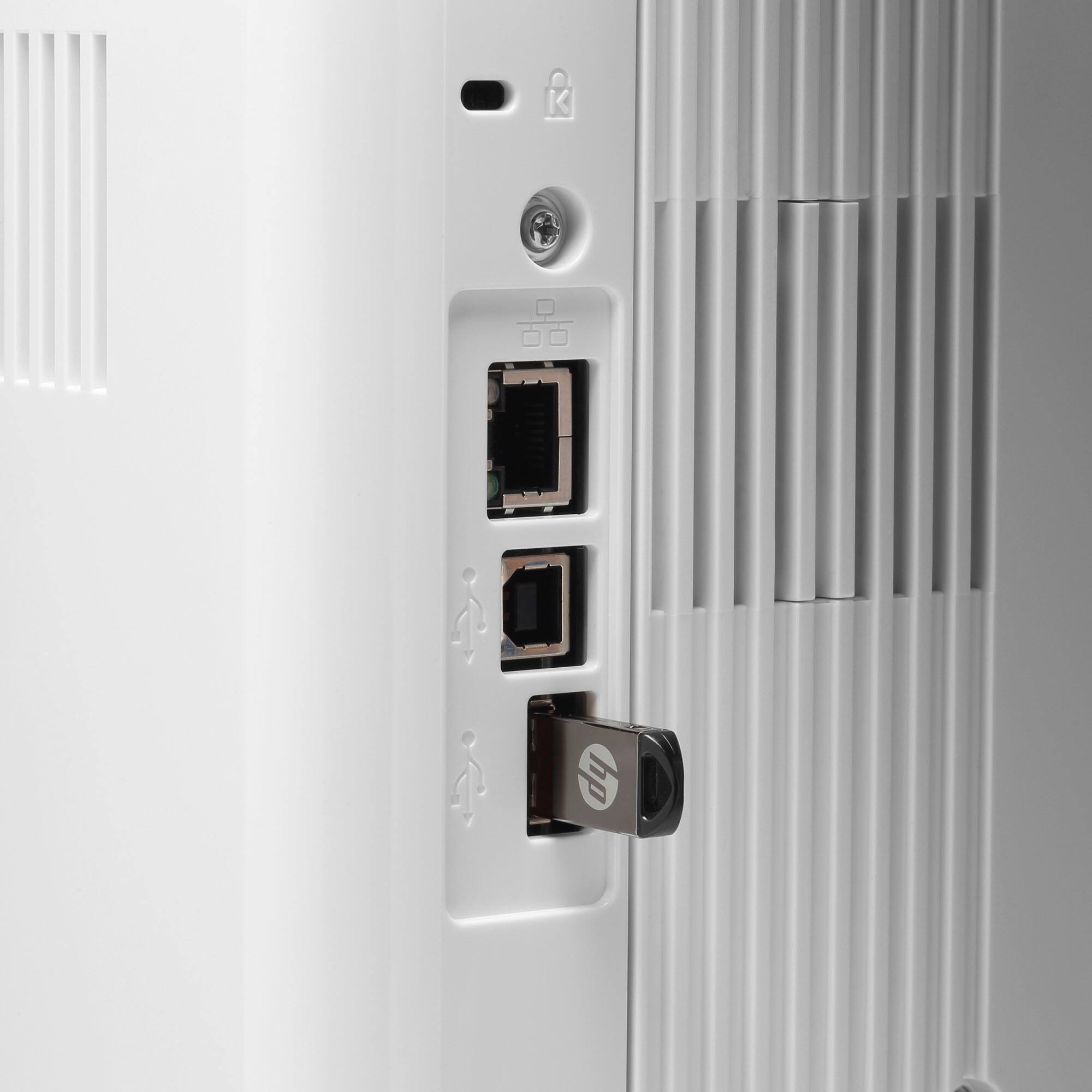
- A:Answer Your software will have to support this. If you have 2 sizes of paper, you can load one in the multipurpose tray and one in the tray 2. You will neet to let up the size of paper you install in the printer driver (which size paper is in which tray) for the software to do this automatically.
Answered by HP Team

Page 2, Showing 21-31 of 31 questions
Best-selling black & white laser printers
- $129.00Your price for this item is $129.00$215.00The comparable value for this item is $215.00
- $149.00Your price for this item is $149.00$209.00The comparable value for this item is $209.00
- $179.98Your price for this item is $179.98
- $134.98Your price for this item is $134.98
- $189.00Your price for this item is $189.00$279.00The comparable value for this item is $279.00
- $459.00Your price for this item is $459.00$659.00The comparable value for this item is $659.00
- $119.99Your price for this item is $119.99$169.99The comparable value for this item is $169.99
- $279.99Your price for this item is $279.99$379.99The comparable value for this item is $379.99
- $179.99Your price for this item is $179.99$239.99The comparable value for this item is $239.99
- $289.99Your price for this item is $289.99$379.99The comparable value for this item is $379.99
- $69.99Your price for this item is $69.99$129.99The comparable value for this item is $129.99
- $249.99Your price for this item is $249.99
- $149.99Your price for this item is $149.99$199.99The comparable value for this item is $199.99
- $202.53Your price for this item is $202.53
- $399.99Your price for this item is $399.99$499.99The comparable value for this item is $499.99