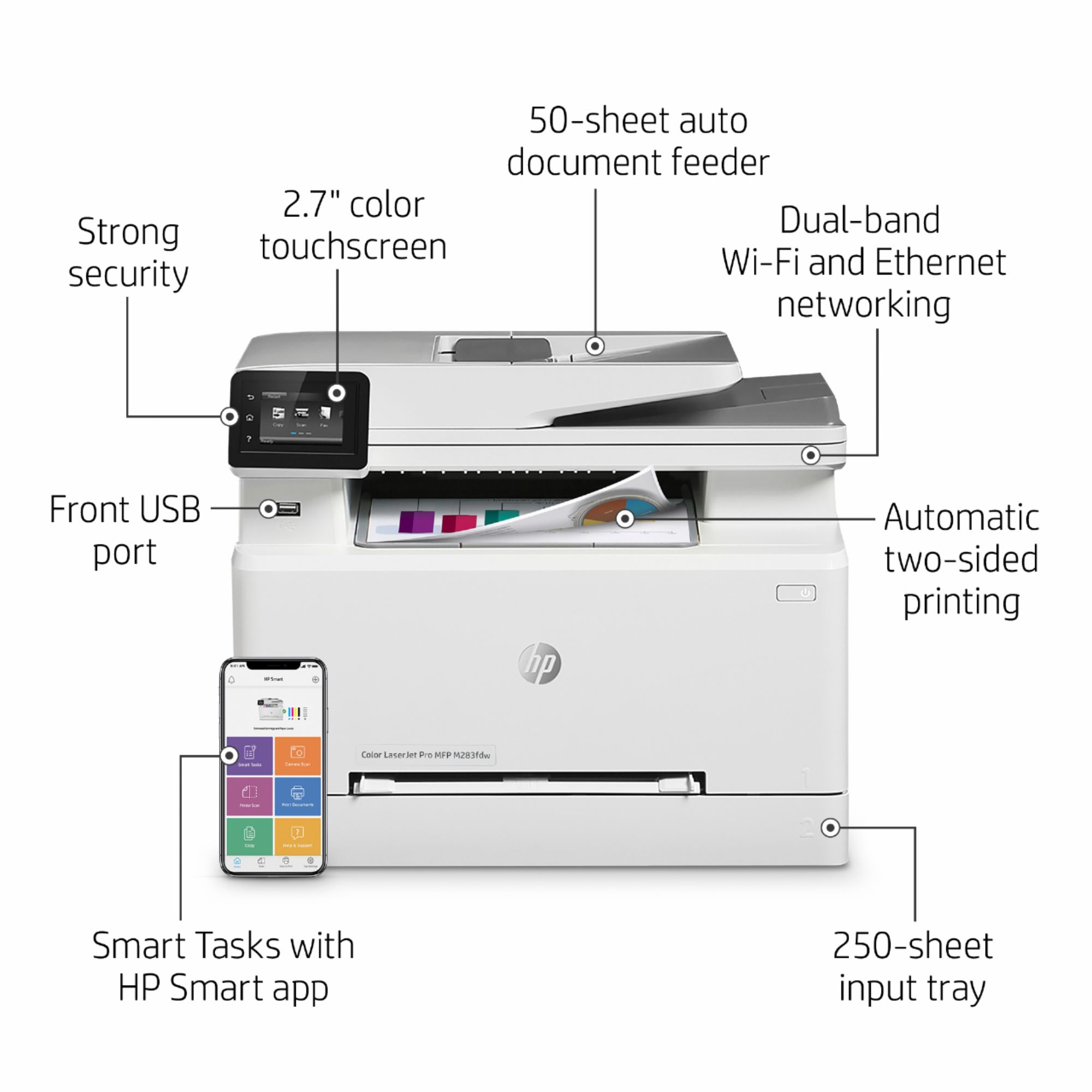
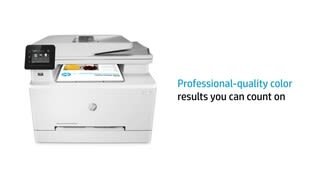
A:AnswerHello Harry, thank you for your inquiry. The HP Smart App can be downloaded to your mobile device or computer. Once the application is downloaded, you can easily pair the printer to your device. The printer itself does not actually contain the HP Smart Application!
A:AnswerYes, you can print using the HP Smart app or HP ePrint with this printer. The iPad Pro 2nd generation is compatible with this printer. Just be sure the devices are on the same wireless network.
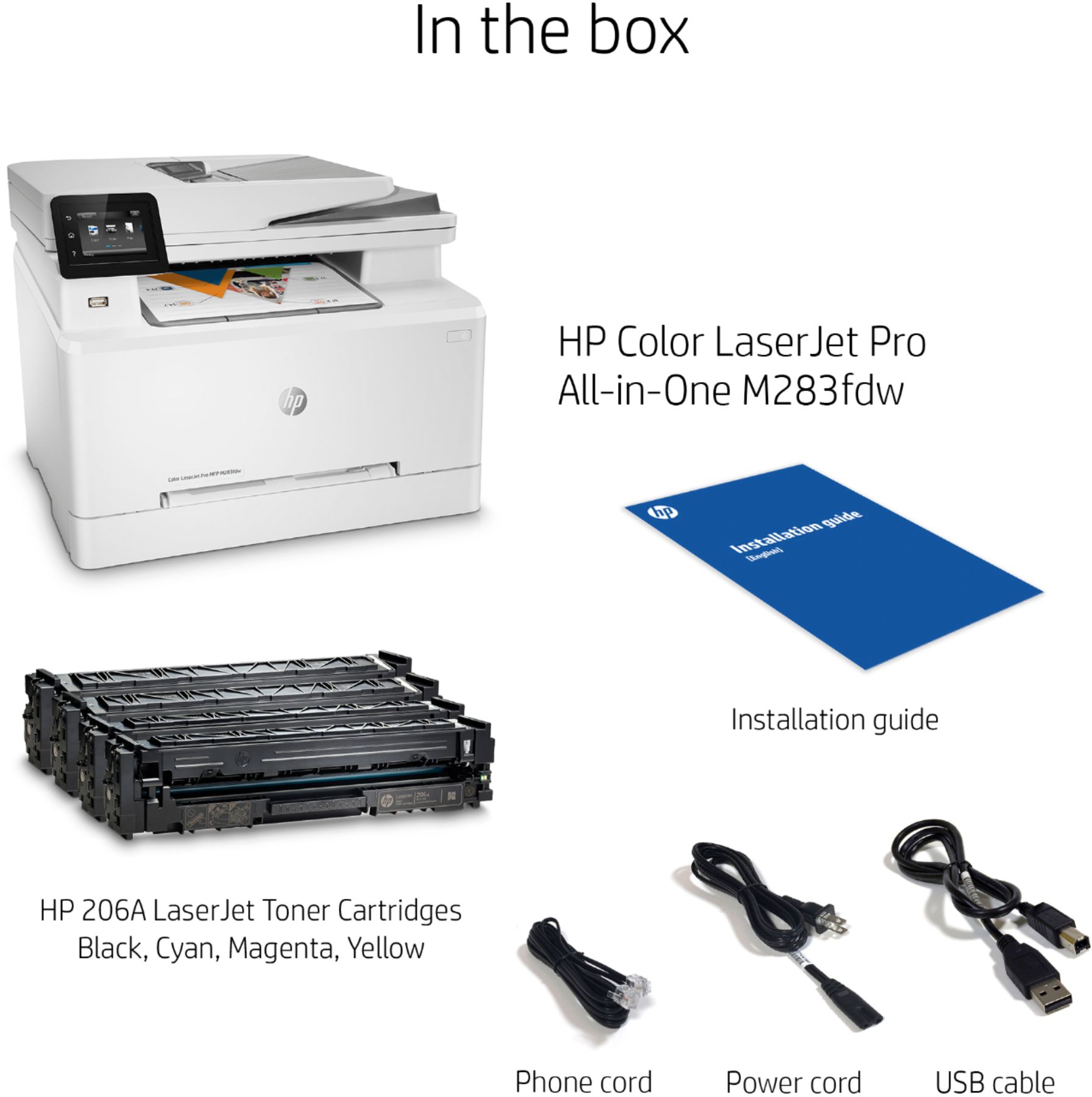
A:AnswerHere is what is included: HP LaserJet Black Introductory toner cartridge (~800 page yield); HP LaserJet Cyan Introductory toner cartridge; HP LaserJet Magenta Introductory toner cartridge; HP LaserJet Yellow Introductory toner cartridge (~700 color composite C/Y/M page yield).
A:Answeryes,
this printer can have its own email address to print whatever you send it.
you can also download the hp smart app and print from there as well. any device can download.