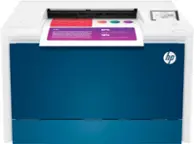
A:AnswerYou can set up the HP LaserJet Pro M283fdw Wireless Color All-In-One Laser Printer using the USB cable on your Mac computer. We recommend setting up the printer at HTTP://123.hp.com
A:AnswerThere is not an additional paper tray that you can add to the HP LaserJet Pro M283fdw printer. If you would like the ability to add an optional paper tray, I would recommend looking at the HP LaserJet Pro MFP M479fdw printer.
A:AnswerYes, but the features vary slightly and check on what you want to use it for. Scanning / Faxing / Printing / Copying.
Some features the brother does better and some the HP is far superior in my opinion. We have both and actually are used in different areas.
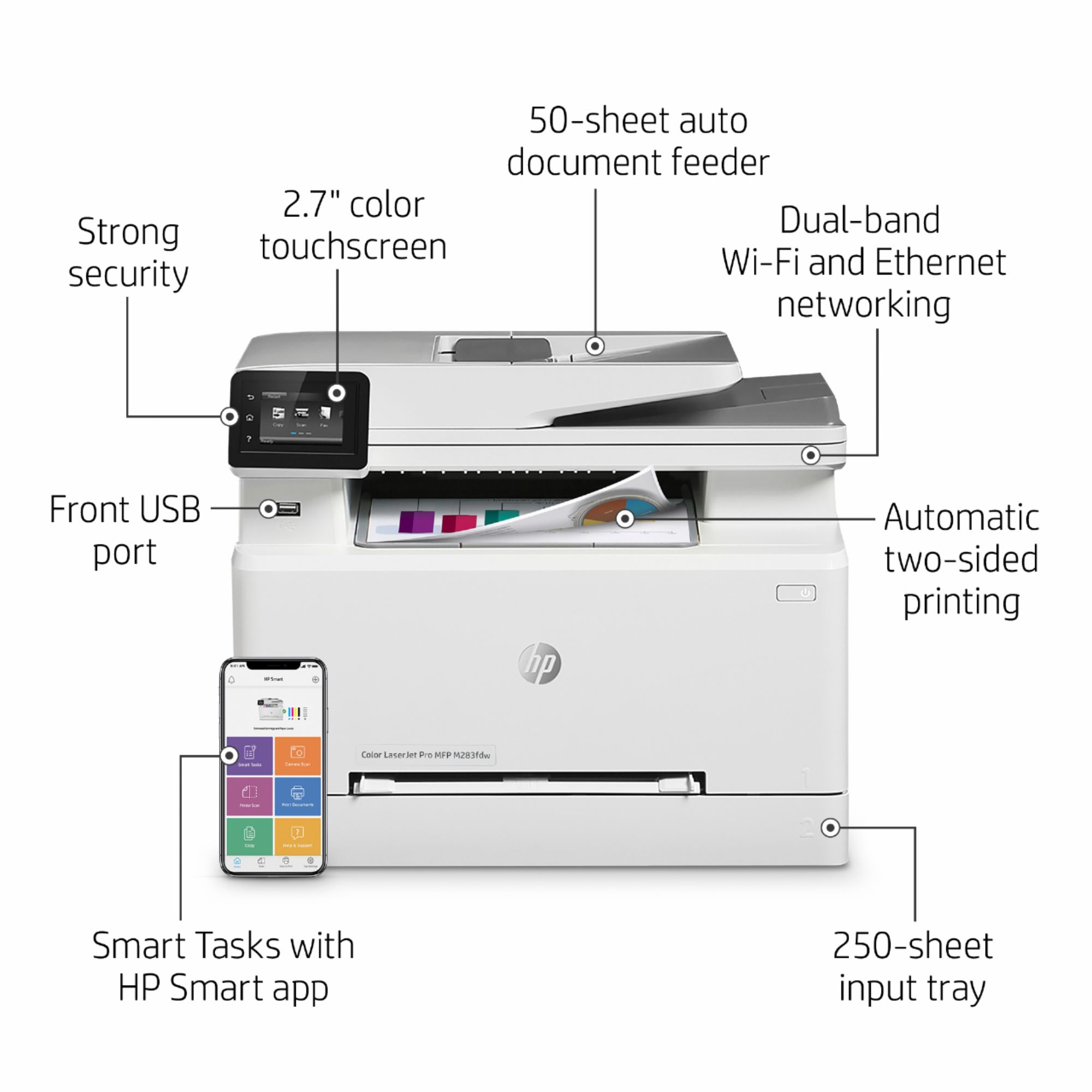
A:AnswerThis model is supporting HP smart app in both Android/iOS as well as Windows & macOS (Airprint) . More energy efficient with Energy Star 3.0 certified. Hope it helps.
A:AnswerSo it’s hefty- if you stick with name brand. It is recommended for the best quality. But we have done both- and it shows when we print from the cheap ink- to when we buy the name brand. But we can buy the entire set of cartridges for the price of one. Do with that information what you will.
A:AnswerThank you for reaching out. The LaserJet Pro M283fdw uses a toner cartridge with an integrated drum. When you change the toner, you also change the drum. Lines on a page are not always from drum damage, but can be. However, with a an all-in-one printer, lines can happen as the result of a scrap of paper stuck in the feeder, dirt on the scan bed, etc . We recommend that you contact HP Support to ascertain and correct the problem.
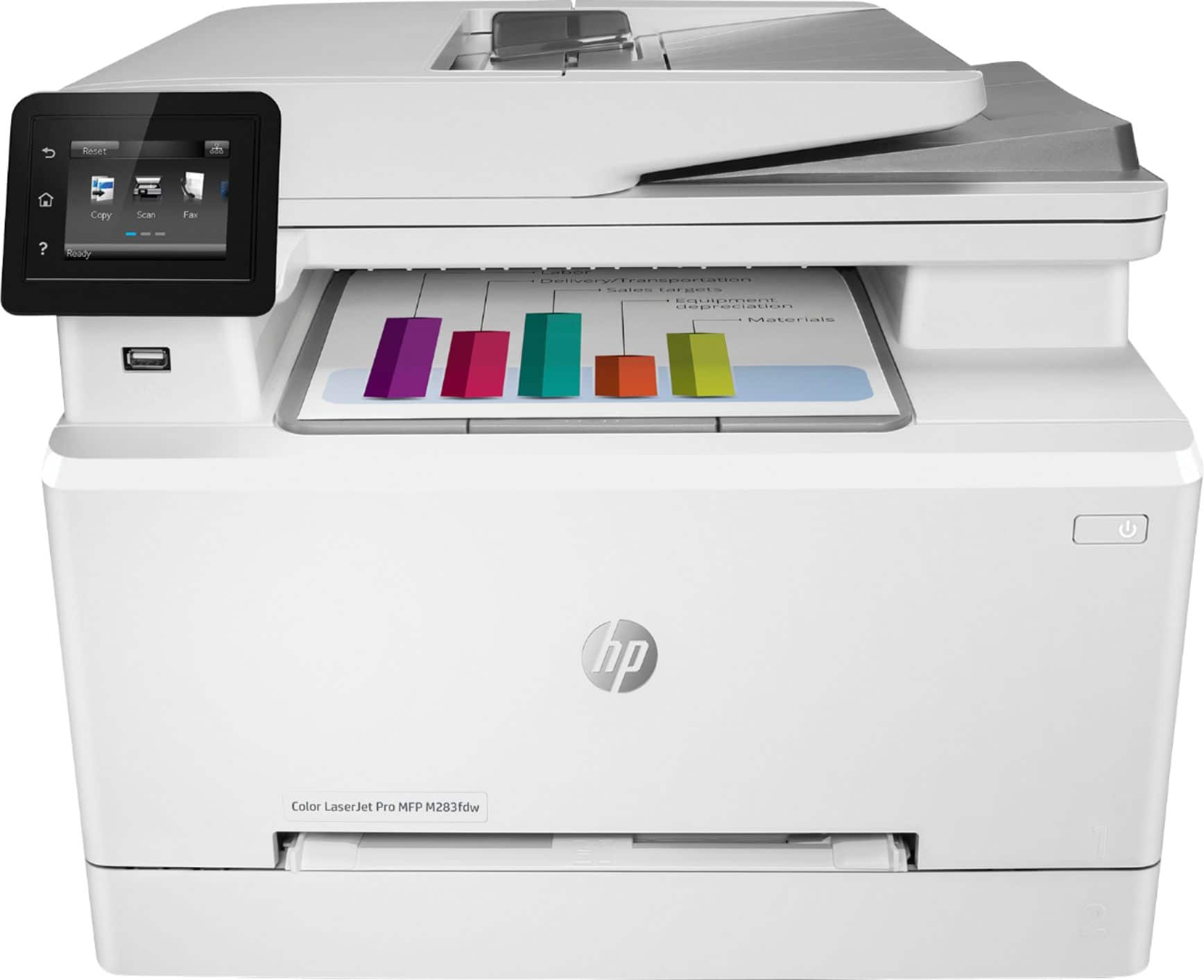
A:AnswerHi, and thanks for asking about an error message on the M283fdw. Without knowing what the error is, it's hard to put a finger on the problem. The best thing I can suggest is that you contact the HP support team at 800-407-4005 between 8AM and PM eastern time