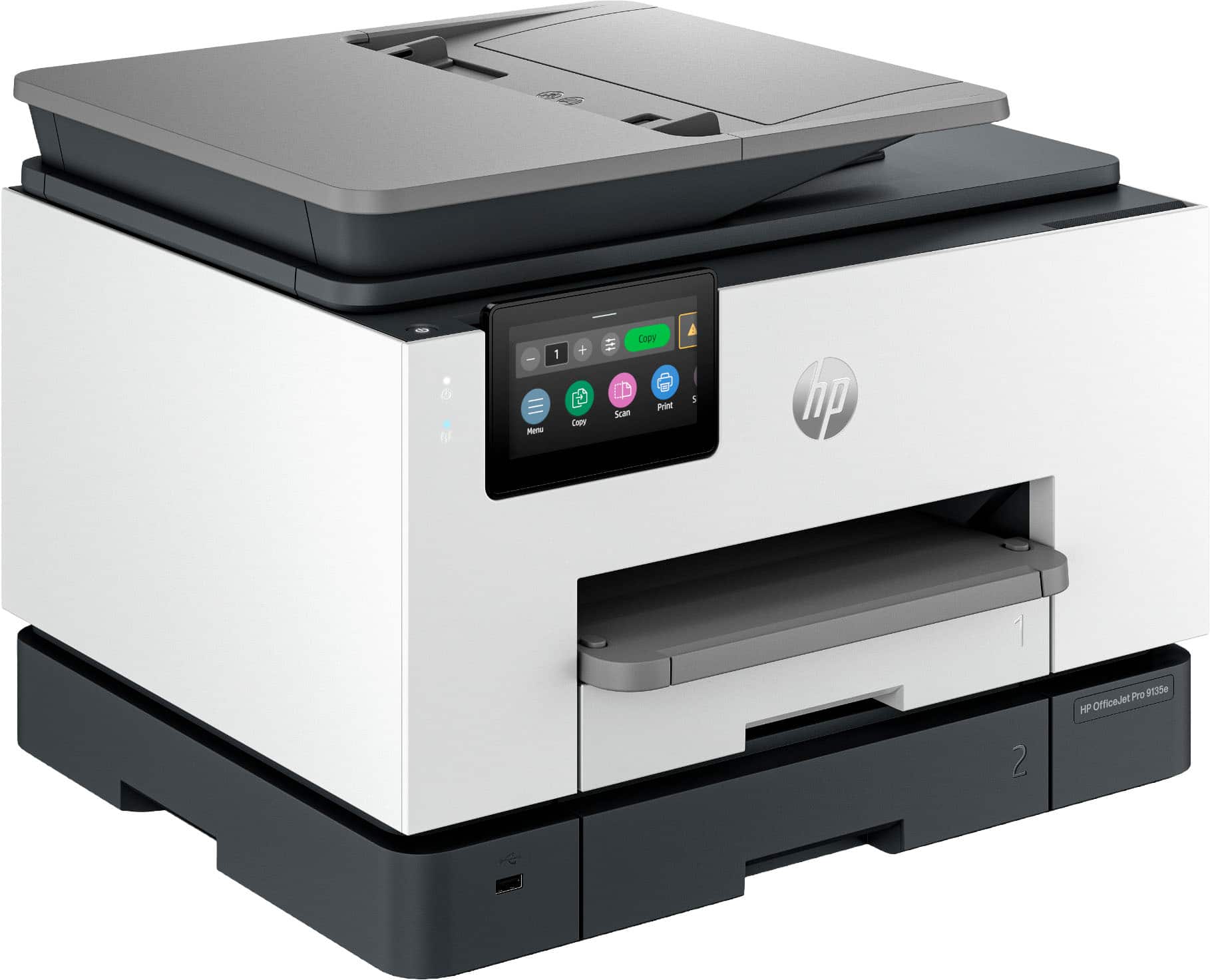
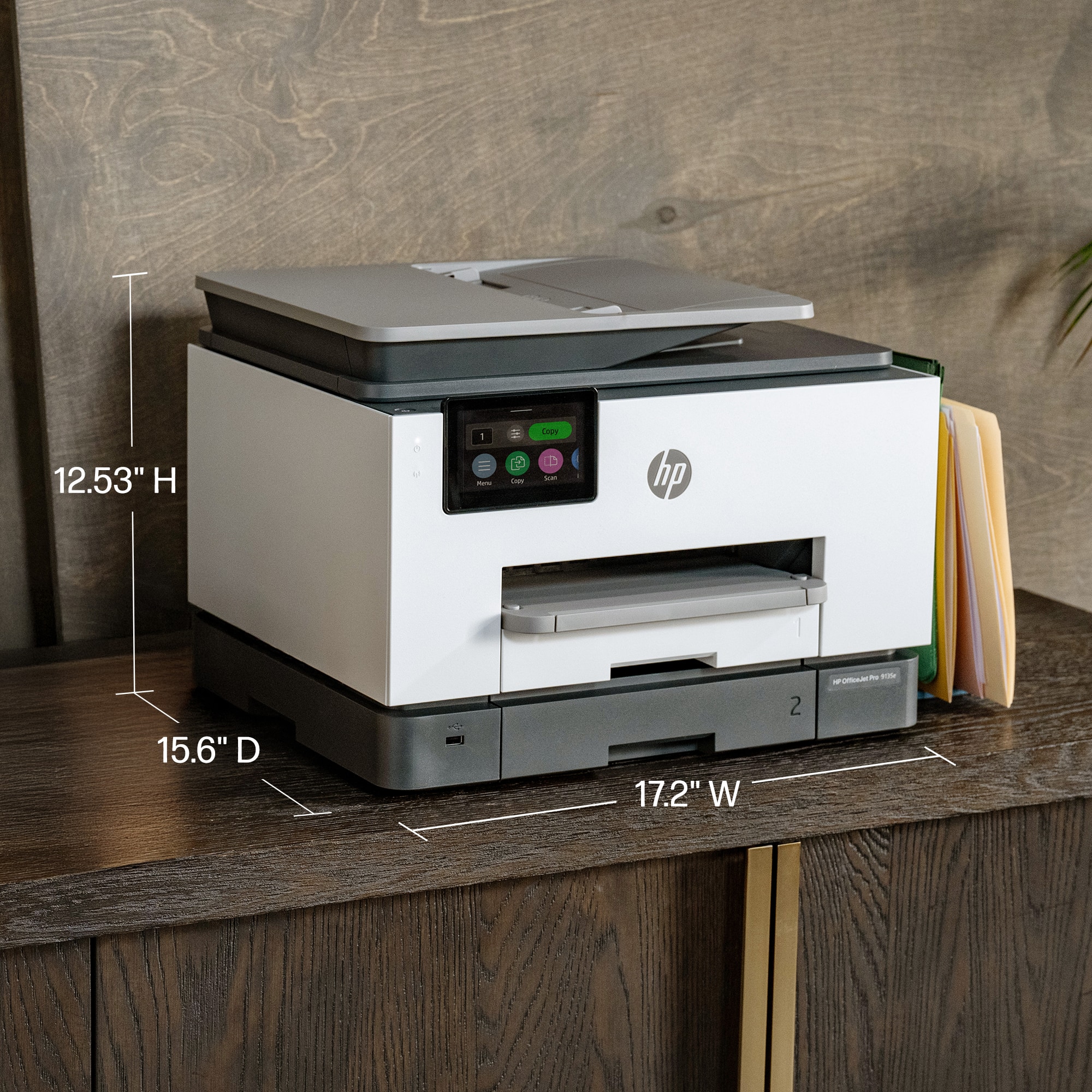
A:AnswerThe HP OfficeJet Pro 9135e is not built for screen-printing but you can use heat transfers for fabric. Just make sure the package says that it is made for inkjet printers!
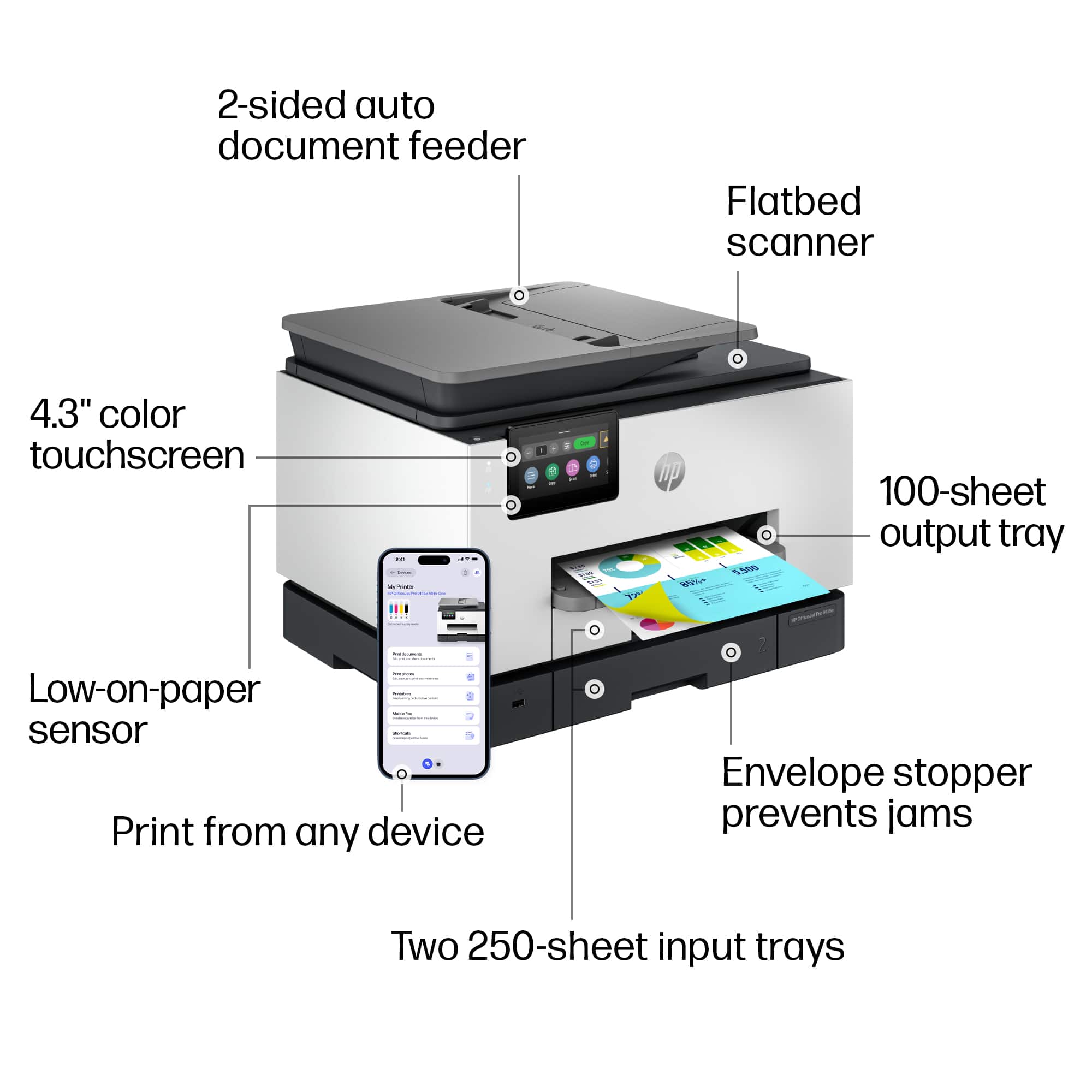
A:AnswerHello and thank you for asking. The HP OfficeJet Pro printers have a slot for a USB flash or thumb drive. Also select HP AiO LaserJet Pro 3000 and 4000 models have that feature. No current HP printers have an SD slot, but there are adapters for SD cards to USB ports that can be used in the USB thumb drive slot.
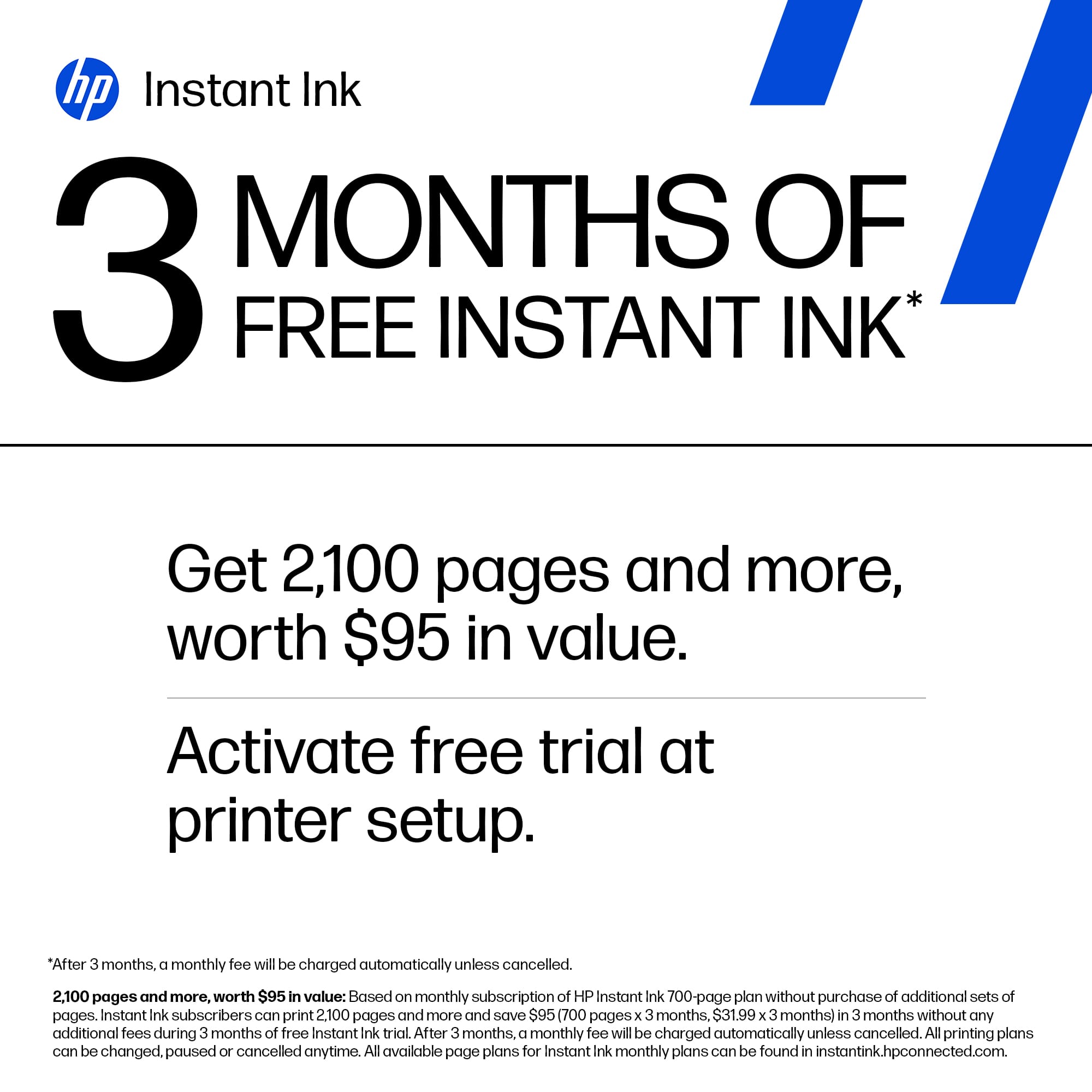
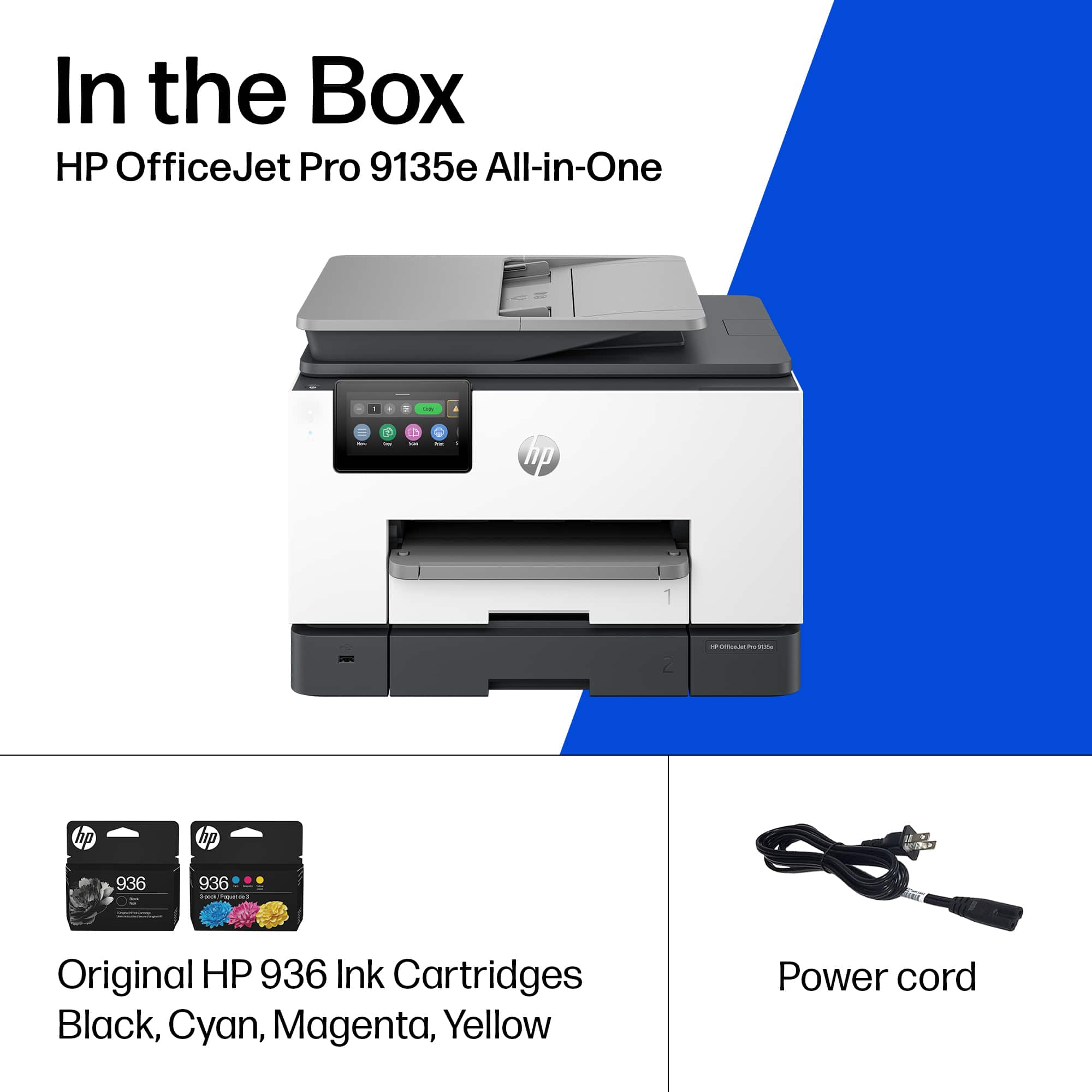
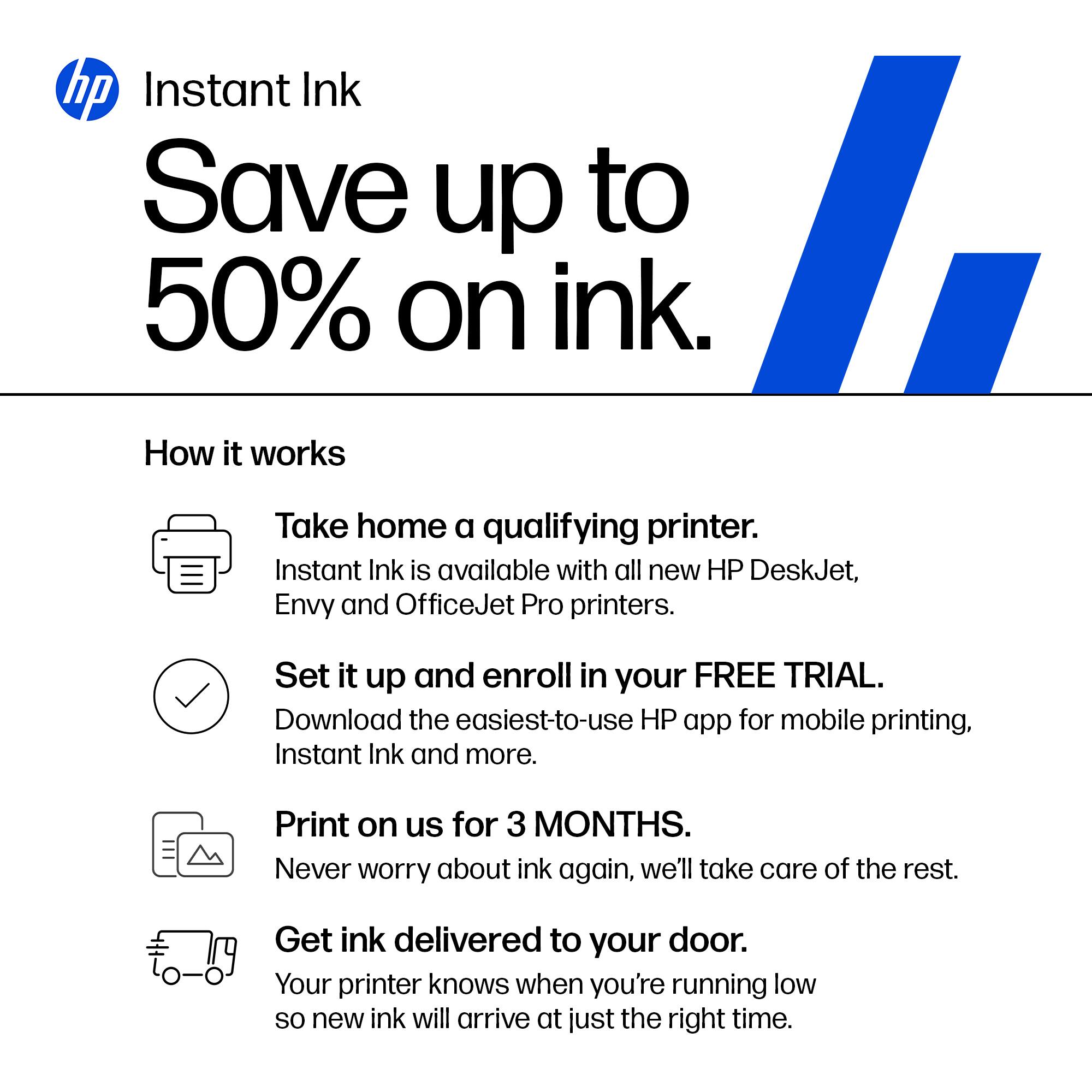
A:AnswerHello and thank you for asking. The HP OfficeJet Pro 9135e uses either HP 936 or 936e ink cartridges. If the printer has an internet connection, either wireless or Ethernet, it is eligible for a subscription to HP Instant Ink, where you can save up to 50% on ink and never run out.
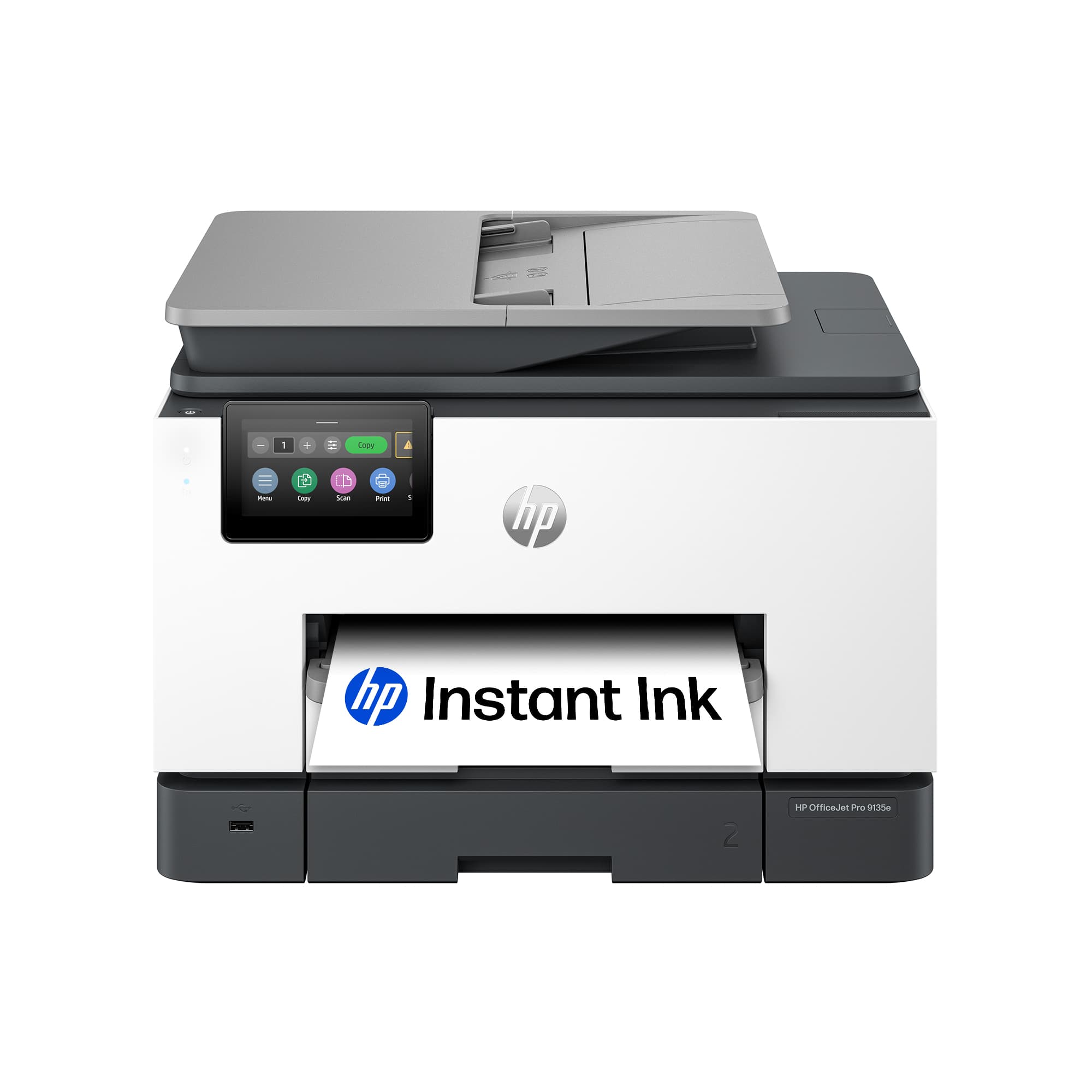
A:AnswerYes, setup went flawlessly for me. Be sure your internet connection and router are working properly. You will need to supply your network password during setup.
A:AnswerThank you for your purchase of this HP OfficeJet Pro 9135e printer. I am sorry to hear about the issues you're having with Linux installation, but HP offers free support on its site and through it toll-free number.
A:AnswerYes, it is - printing with IPP Everywhere, in Arch f. ex. install and start cups, then: lpadmin -p MyPrinter -E -v "ipp://11.22.33.44/ipp/print" -m everywhere , and scanning via Airscan, in Arch install sane-airscan, and edit the config to activate esc which works great (wsd does't)