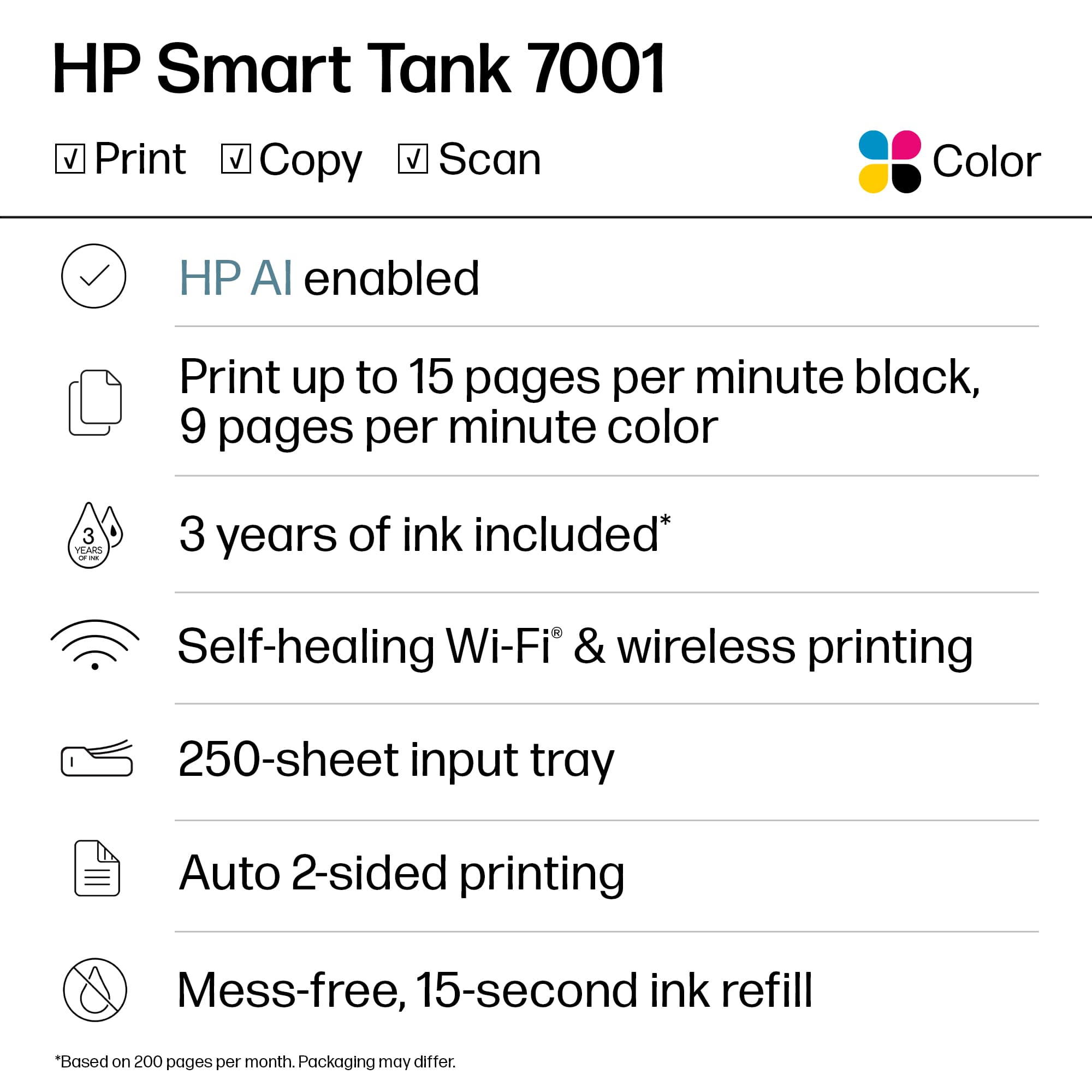
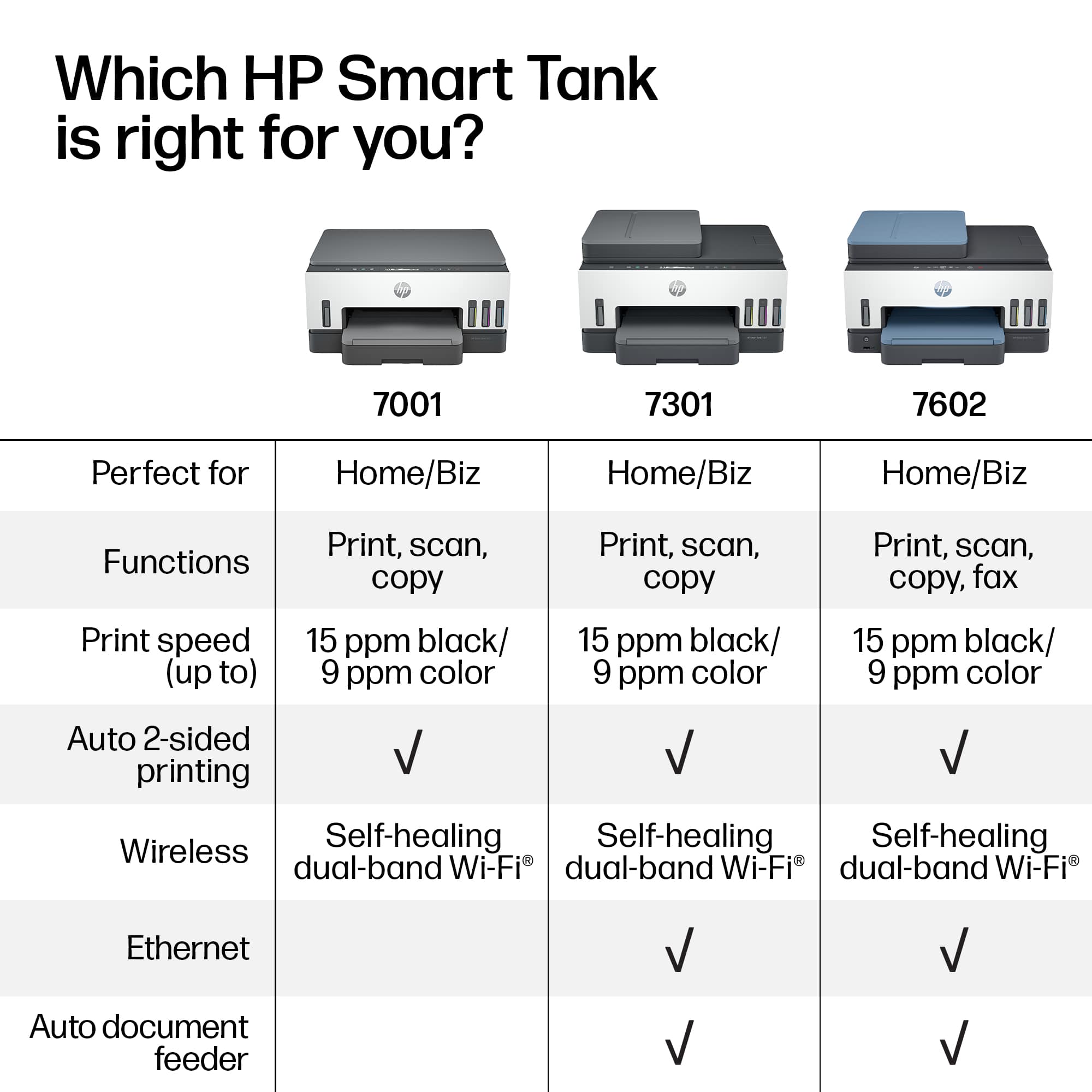
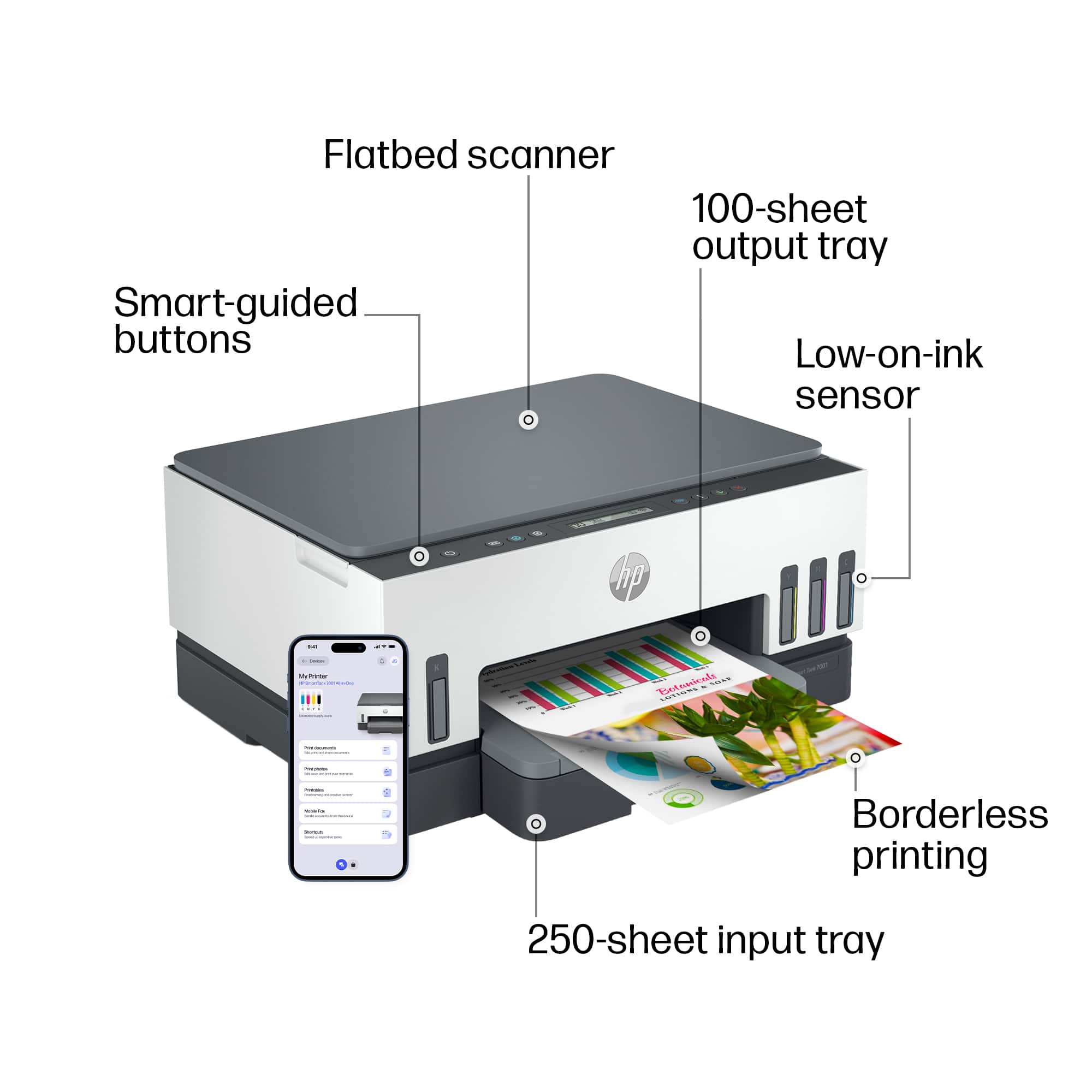
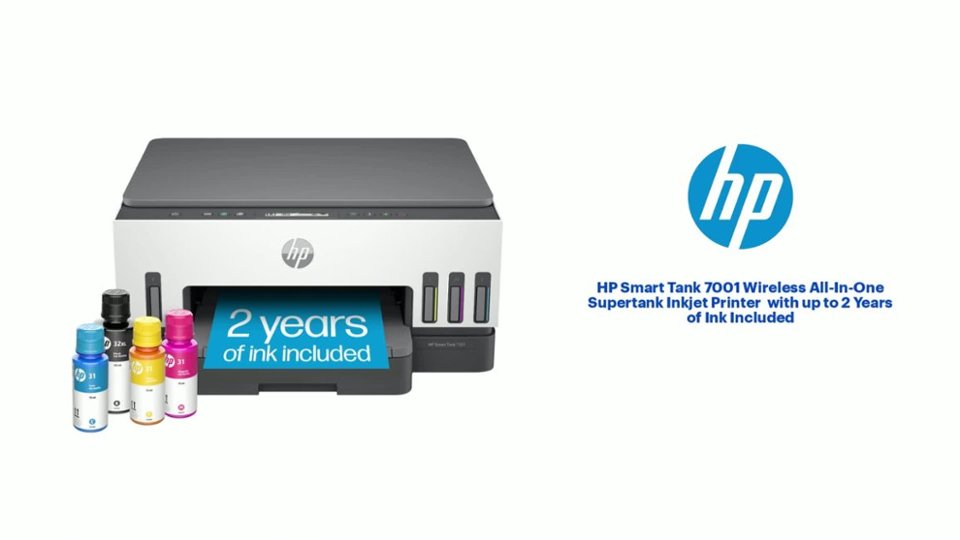
A:AnswerThank you for the question. The Smart Tank 7001 will copy and scan, but it does not have a fax modem. However, you can scan to email using the HP Smart App with your Smartphone.
A:AnswerBecause this printer does not have a document feeder on top, you will need to scan pages one at a time. After you scan the first one, you'll be asked if you have additional pages. If you tell it yes, it will combine them into a single document.
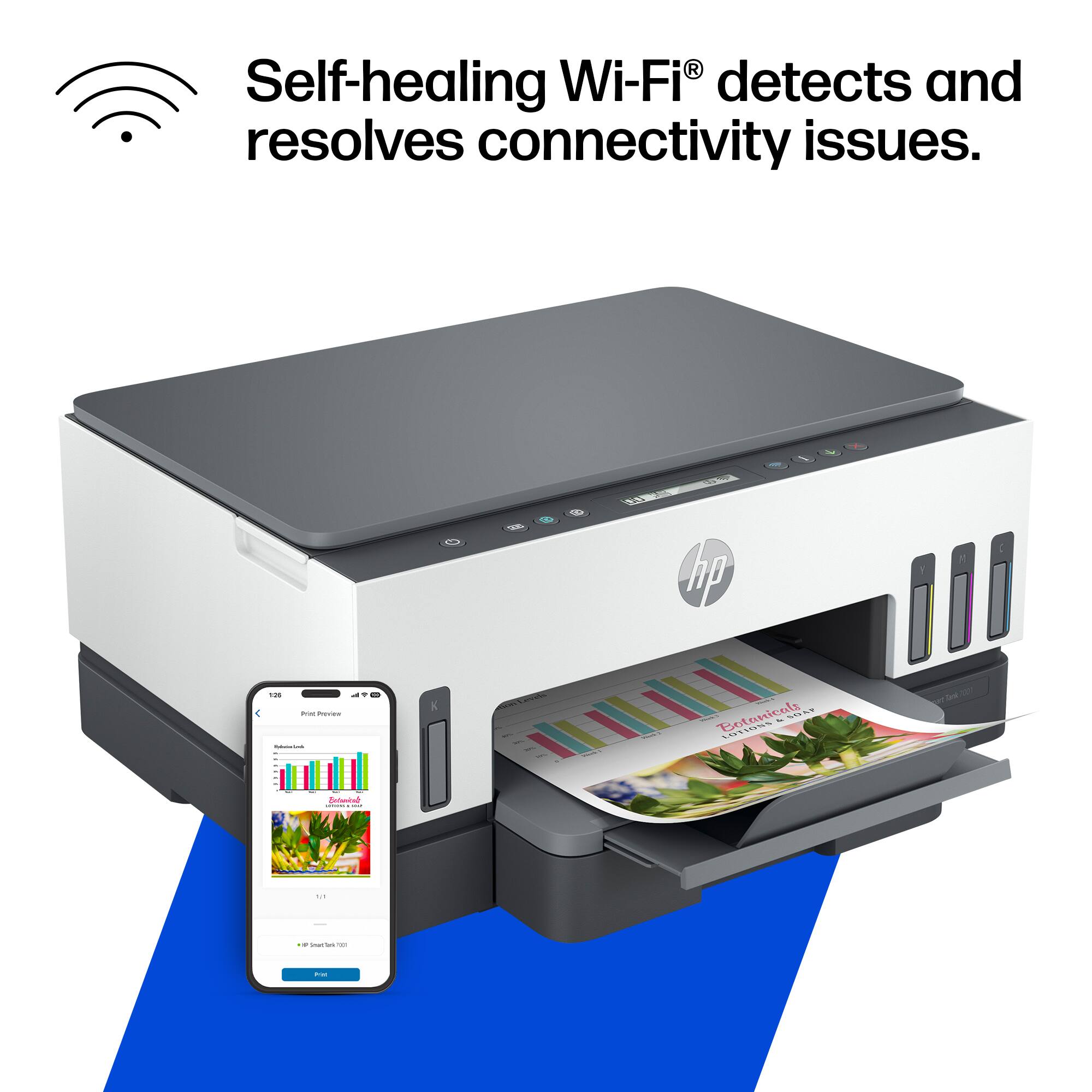
A:AnswerThank you for the question. Yes, once the printer is set up it can be shared by users on wireless devices on the same network, including your Smartphones, tablets, and computers.
A:AnswerYes, you can use it as a standalone copier. You'll want to dwnload the free HP Smart app to make it easy to control the printer, monitor ink levels, and other things.
A:AnswerThank you for reaching out. See the printer set-up guide here (including video): https://support.hp.com/us-en/printer-setup/hp-smart-tank-7000-series/2100178735
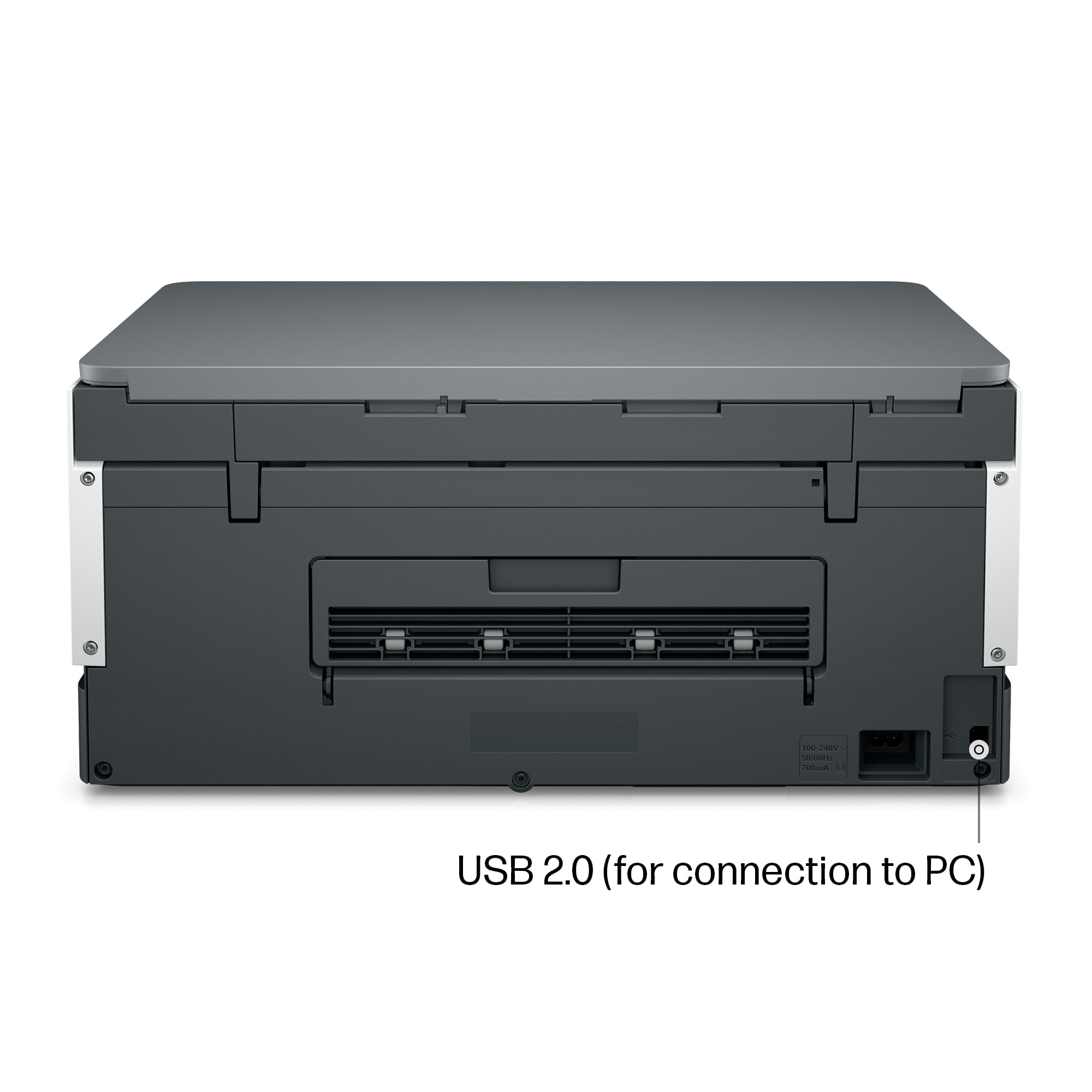
A:AnswerReally, any USB printer cable will work with the Smart Tank 7001. You just need to make sure it's long enough to reach between the printer and computer without being tight.