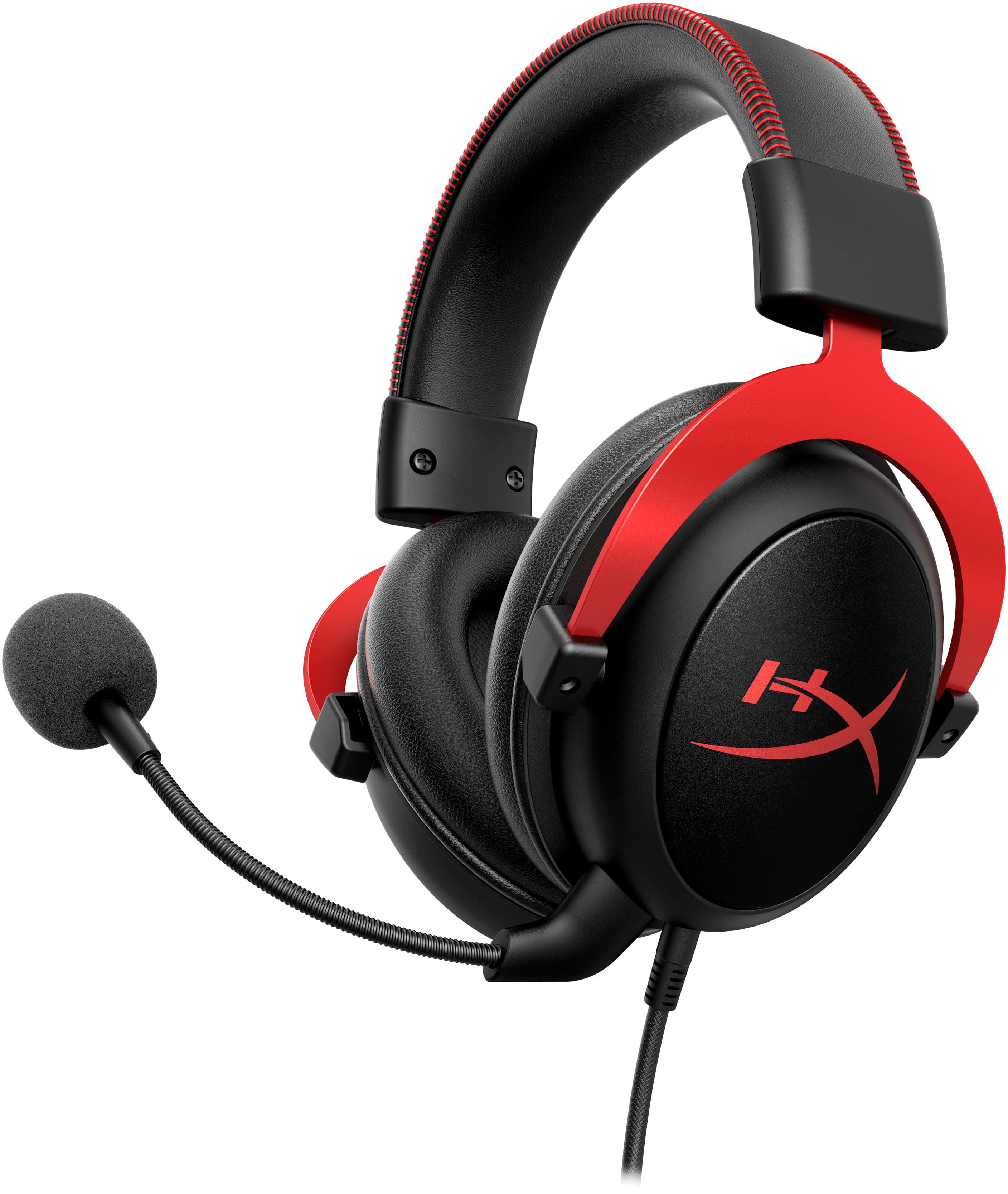
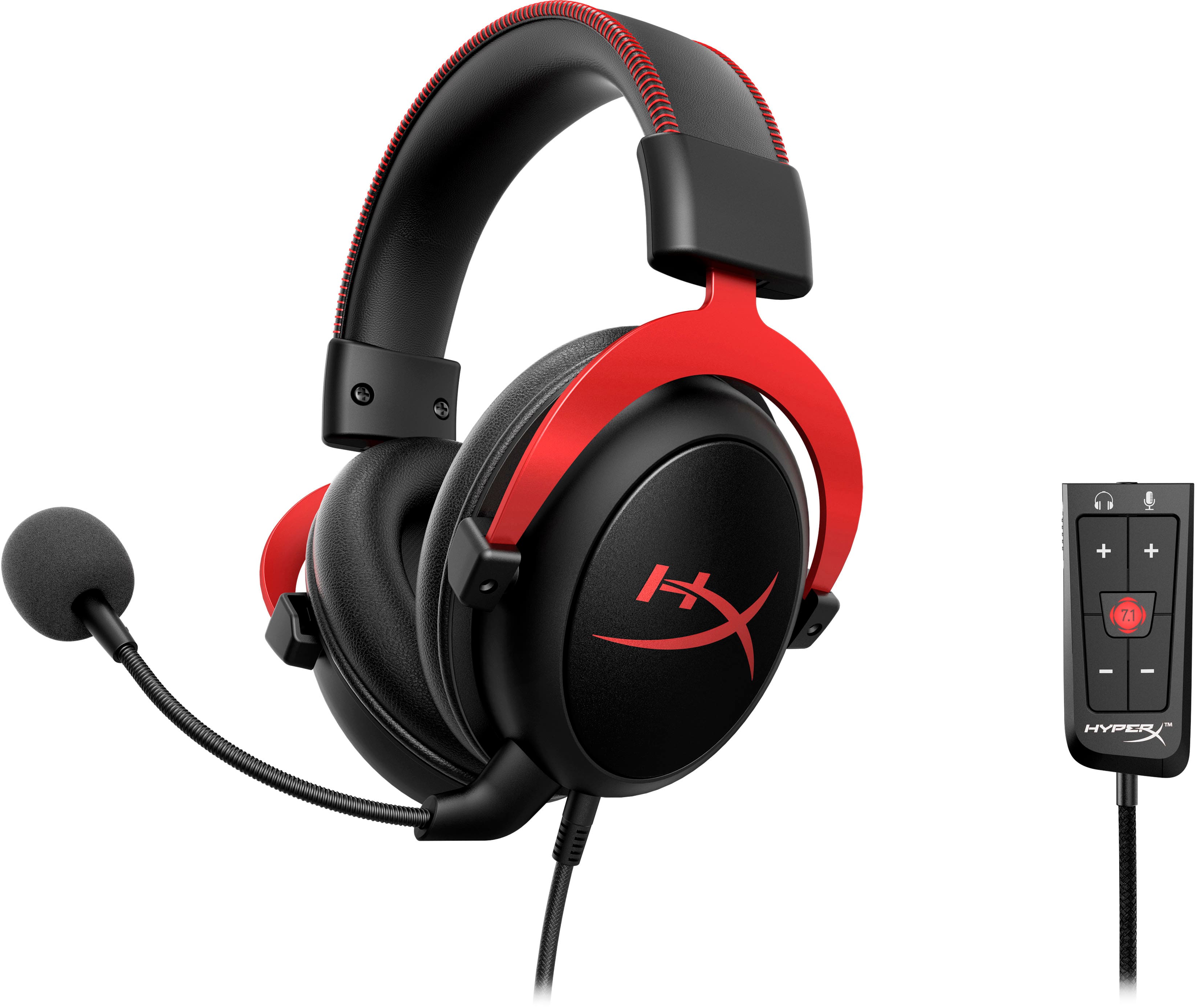
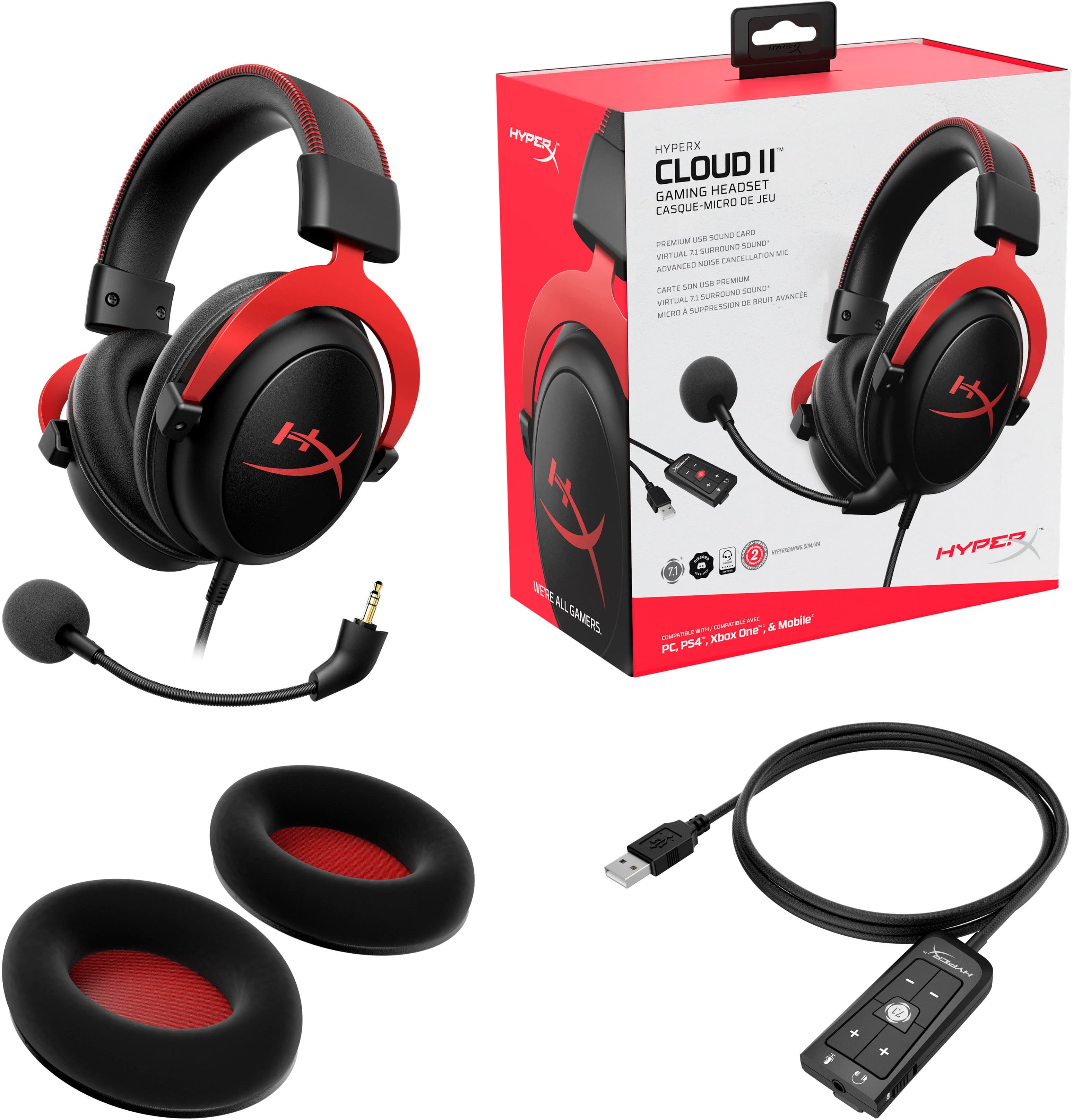
A:Answerthis mic can be used for xbox but was designed for pc, so when i use it on console i usually just mute myself in the party or i use the little adapter thing that plugs into the controller to mute
A:Answerhmm do you have external speakers playing if so that seems to be a easy fix I've never experienced this issue if it isn't what I just suggested sorry for my lack of a knowledgeable answer
A:AnswerMake sure your switch is not mute first lol, then check if it is being recognized by your pc. If not you may have to find a troubleshoot guide to find out what the compatibility issue is.
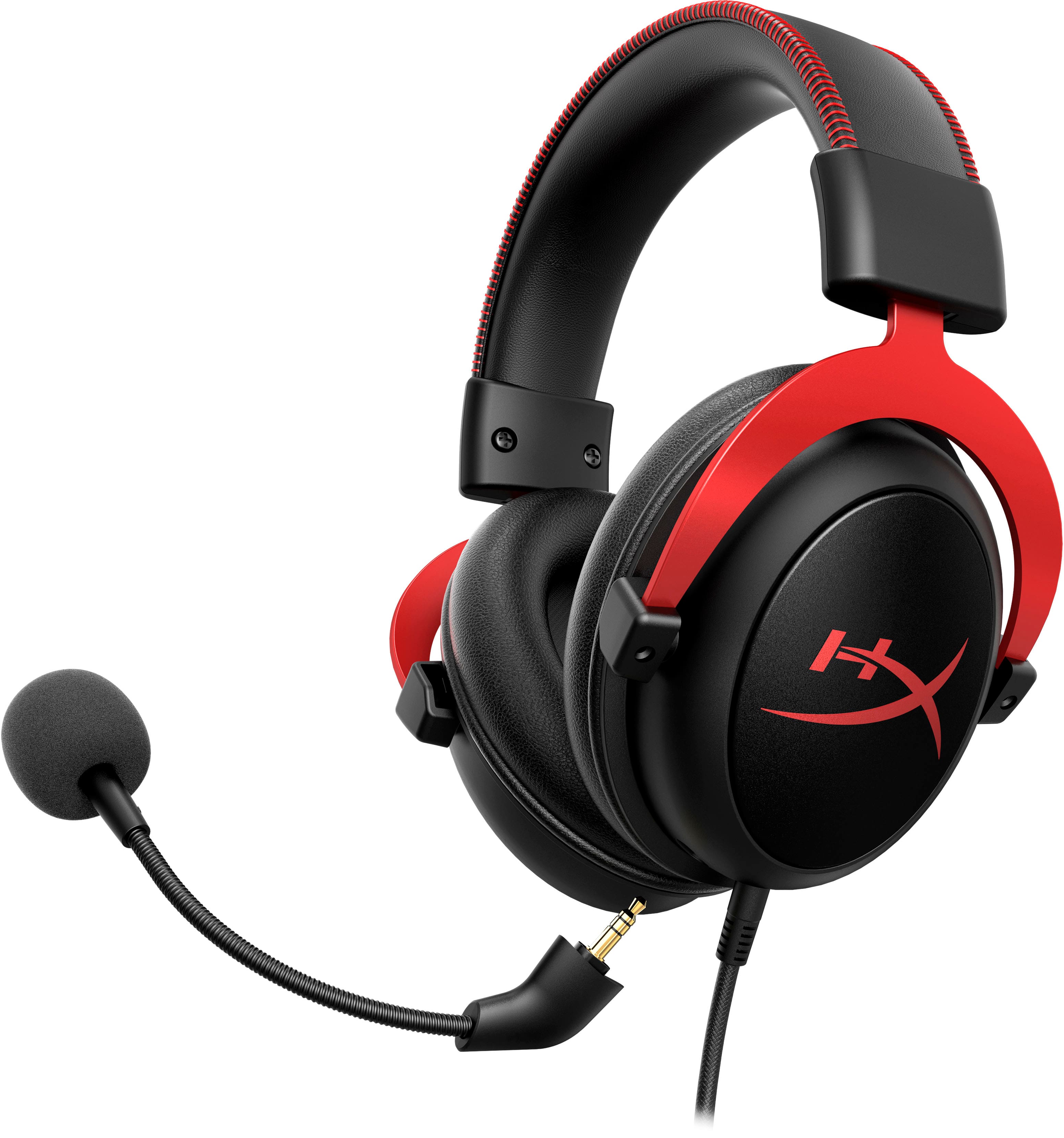
A:AnswerThey absolutely will, they work on anything with a 3.5mm, you can just get an adapter if your receiver uses the larger plug, but in reality, they work just like regular headphones because you can unplug the mic if you don’t want to use it