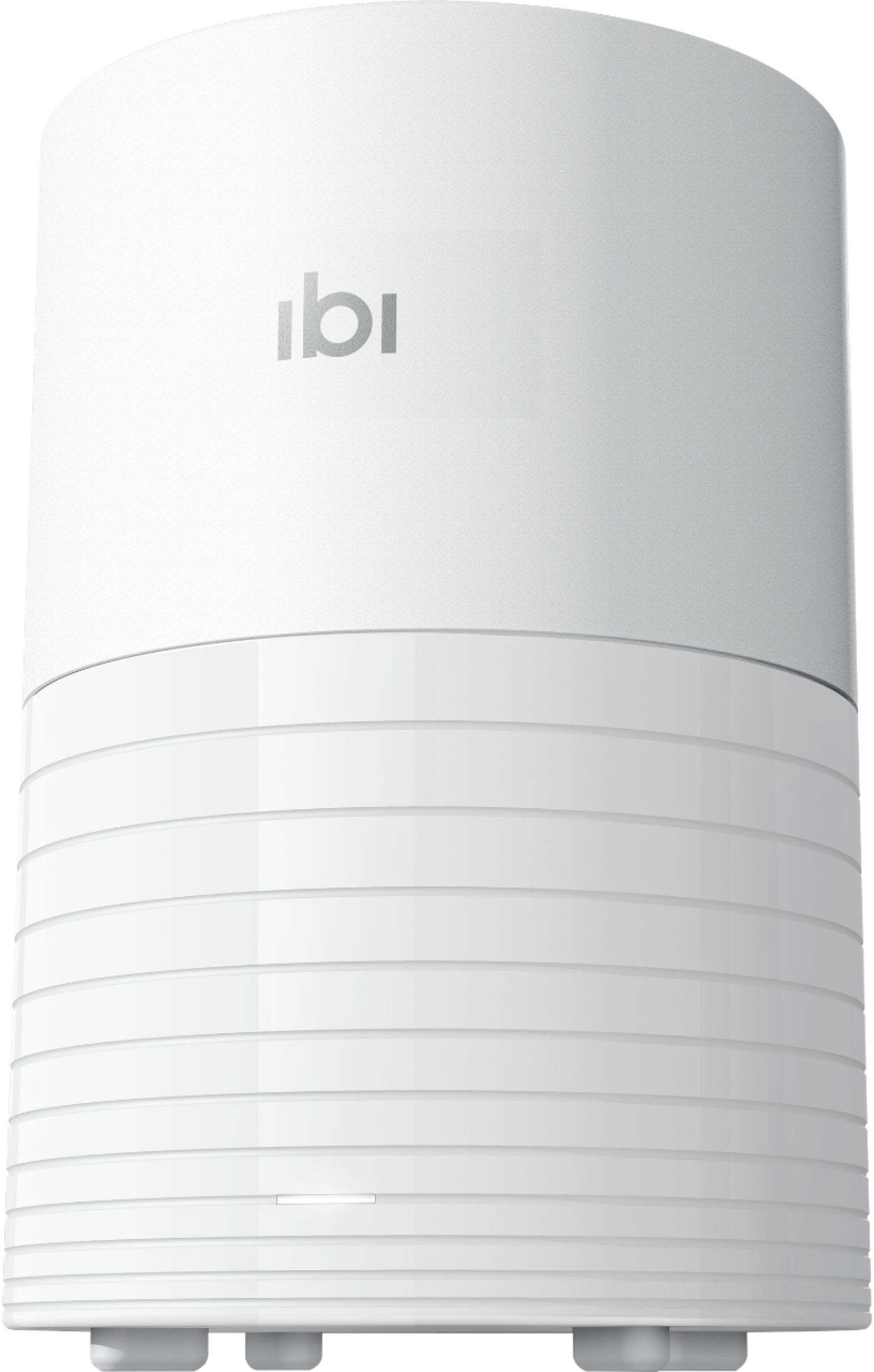
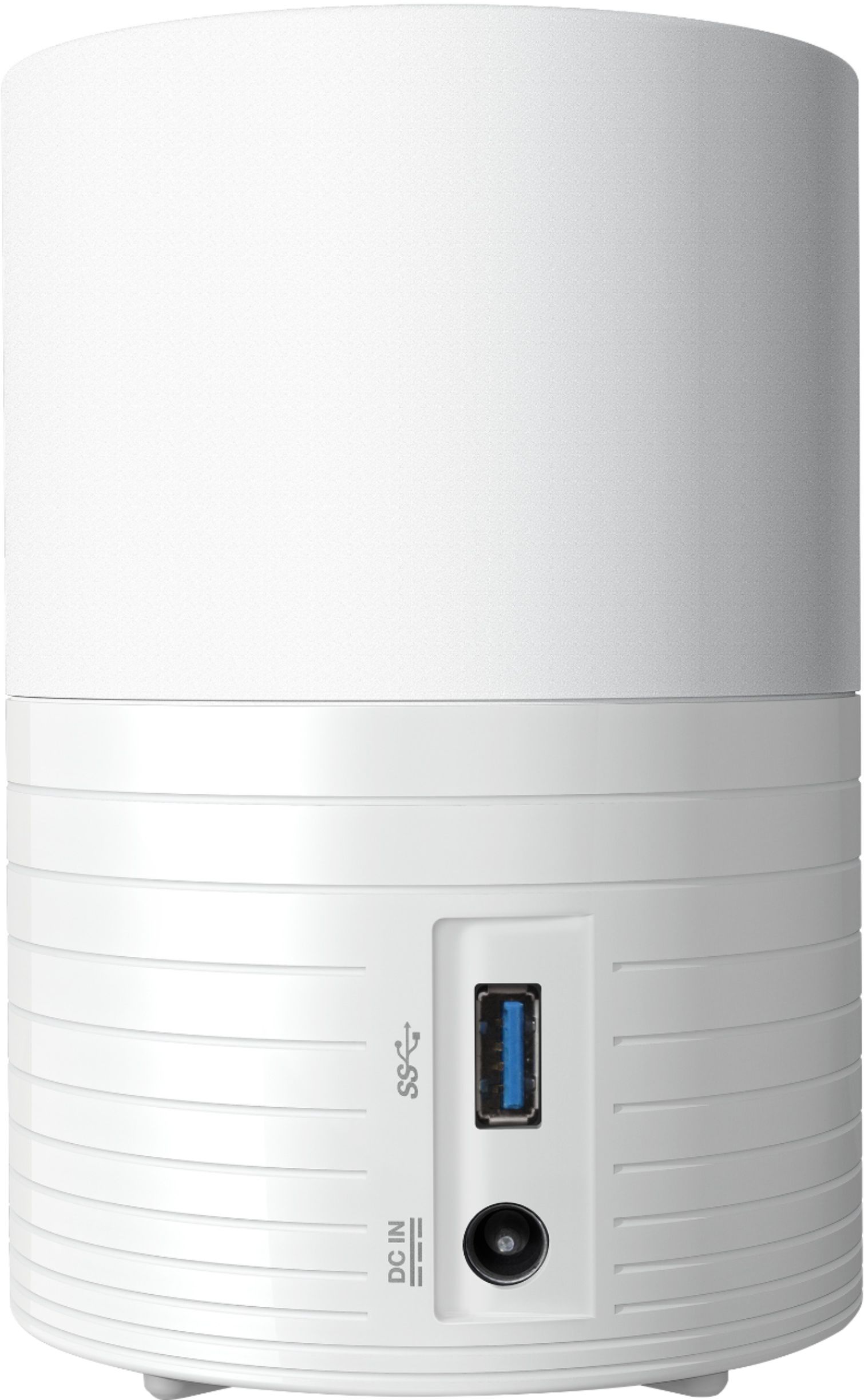
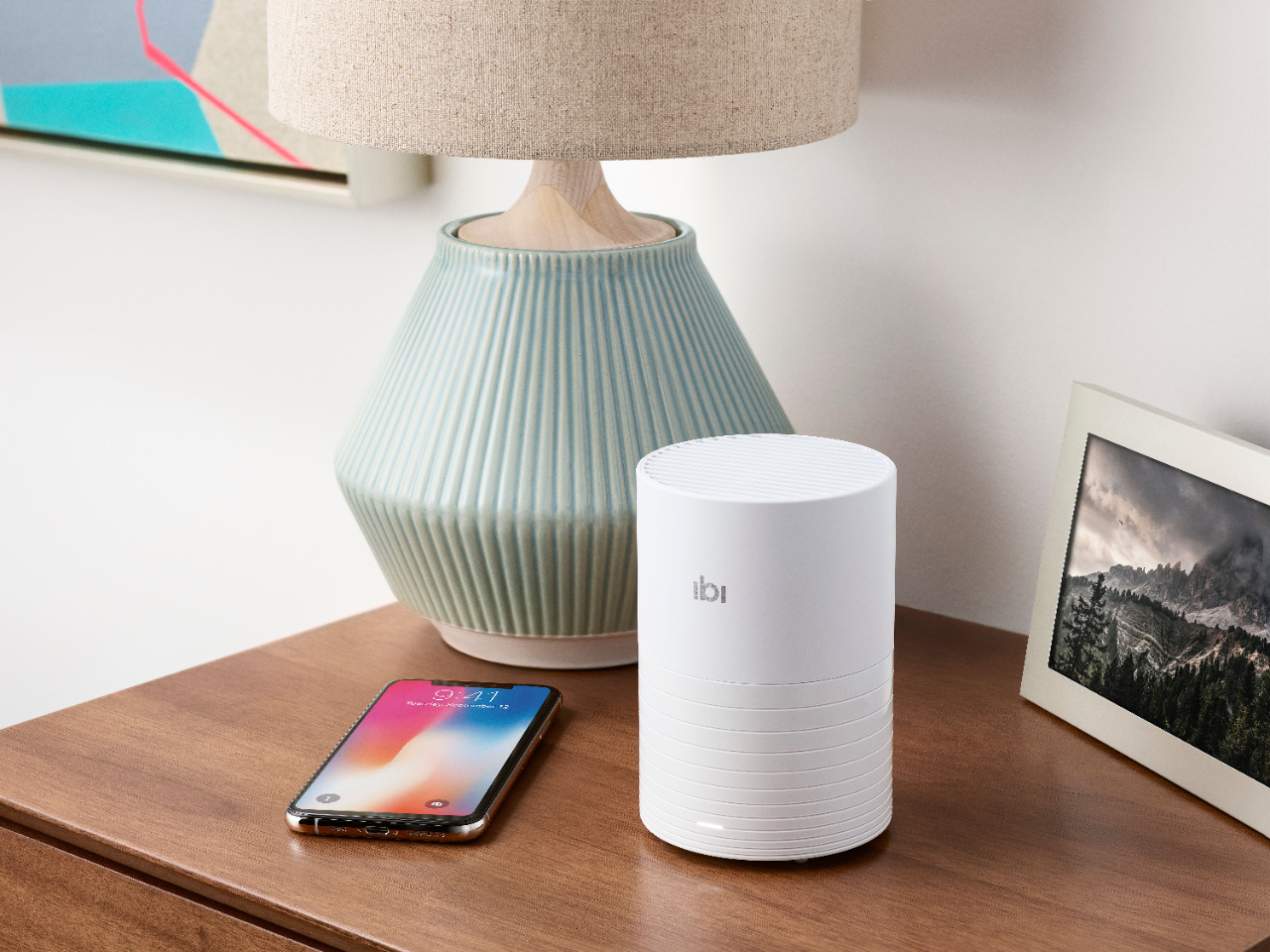
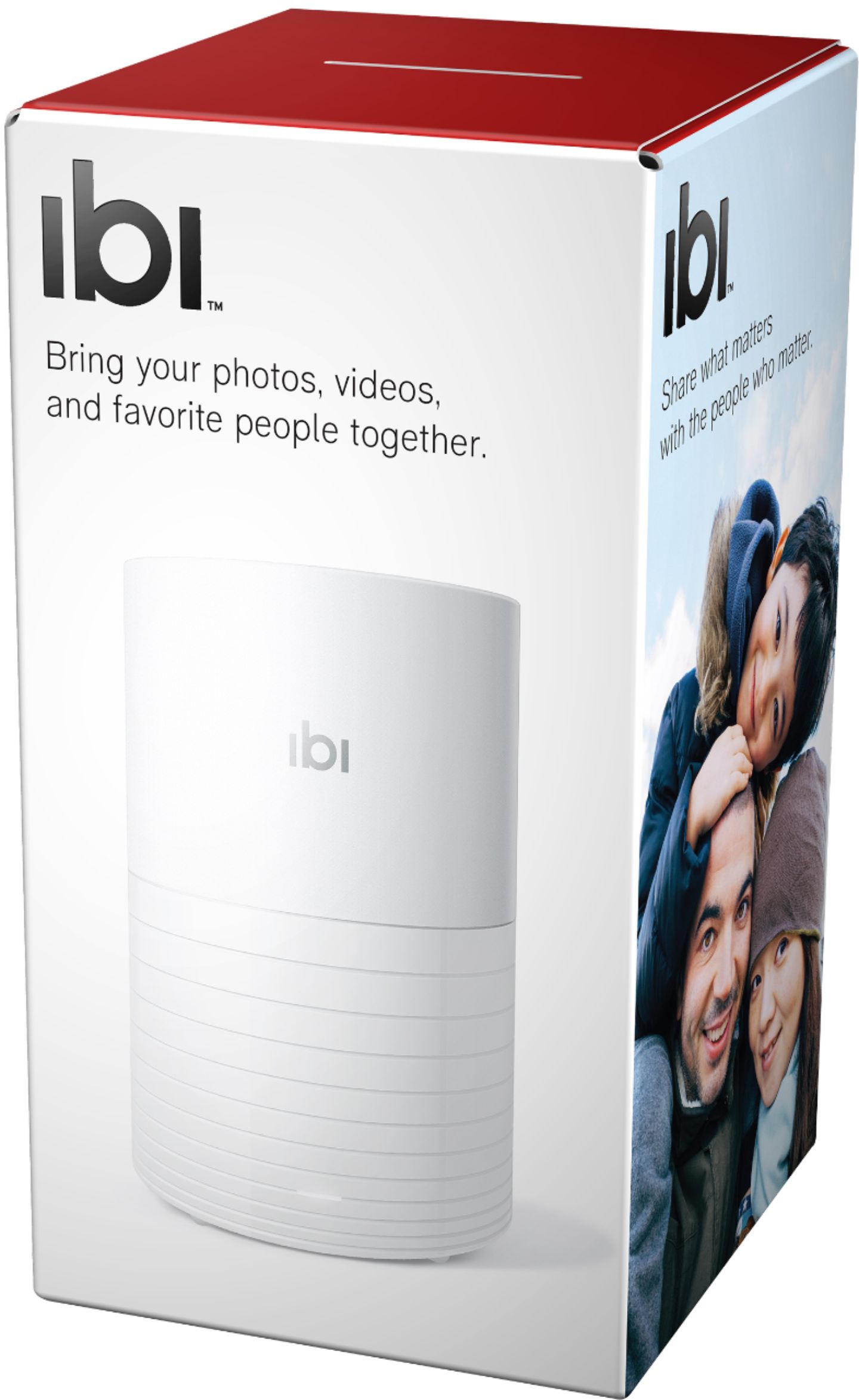
A:AnswerNo. It's a backup rather than a sync, so it backs up your phone (or any other accounts you have added), but does not sync with them. If it was syncing, then when you deleted them from your phone they would be removed from the Ibi the next time it synced (or vice versa), but it doesn't sync, so delete away!
A:AnswerThey were showing this on the Hallmark Channel this morning and they stated "in addition to 250,000 photos it can hold 100 hours of videos."
Hope that helps!
A:AnswerFrom the iBi specifications. "Works with iPhone or iPad (iOS 10+), Android™ (Ver 6.0+)6". If you install the iBi app on your iPad it should be a simple transfer from the iPad to the iBi via network sharing. if you have an older version iPad you may still be able to transfer it by getting a iPad cable to USB sync cable from the vast array of Apple connection cables.
A:AnswerNo, the hard drive cannot be changed, and there is not a slot for a memory card. I have two due to the size of my library, and it’s easy to switch back and forth to view photos
A:AnswerYou would connect your phone to the computer via your USB charging cable. The phone should show up as a USB device. In some cases you must download a utility from the phone manufacturer's website. Then it is a process of exploring the phone, (on your computer), until you find the location where the phone stores pictures. You would the copy and paste photos from your computer to that directory on the phone.
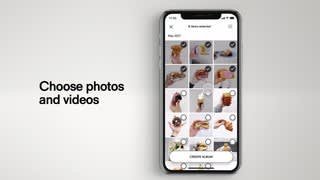
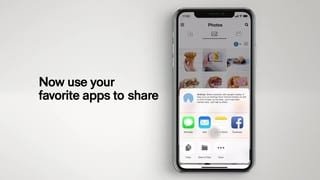
A:AnswerI bought this for my wife who takes many photos with her iPhone and never backs up her phone. You can set your photos to copy to the ibi automatically. And.. you can access the photos from anywhere. She was recently in Florida and accessed the ibi to show some of her photos.
Hope this helps you.
A:AnswerI cant honestly say if you can copy to another device from ibi. I haven't tried. However for $4/month you can have it fully backed up to the cloud and access files there as well.
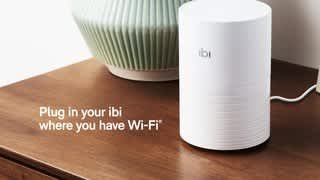
A:AnswerIt does not! Works off of your wireless network from anywhere you have access to the internet/wifi. Seems to work really well for my needs. I would recommend it!
A:AnswerI had the same problem! It's not you, it's just difficult to setup. I returned one too before I figured it out. I learned that you have to get it to start up to where to white light is blinking slowly, that's when you can set it up. It gets impatient and times out too quickly. If the light starts blinking on and off more quickly then you've missed the setup window. It's ok if that happens, you just have to reset it and start over. The reset button is on the bottom and you need like a paper clip to push it. If I remember right you have to hold is down for at least a few seconds for it to reset. Be patient and wait for the slow blinking light to come back and then try again. I also remember going back an forth in the app to set it up. Also have your wifi password ready when it asks for it. Try not to let your screen turn off on your phone while you're setting it up. The last tip is the setup app is horrible in that there are buttons you can scroll down to that aren't obvious, there's no scroll bar or any indication you need to scroll down to go to the next step or just skip something. So just keep trying, it's frustrating but you'll get it. I only figured it out by reading some of the reviews for the app. Good luck!
A:AnswerI don't own this but do know a lot about computer hardware. The unit contains a hard drive just like a computer and is subject to the same pressures, or: tipping over, drops, sudden power loss. The hard drive has cylinders and a needle and when moved fast or dropped, the needle comes in contact with the cylinders causing bad points in the hard drive. If this occurs then data can be lost and if it happens too much or is a hard drop then a "crash" can occur causing total loss of all data.