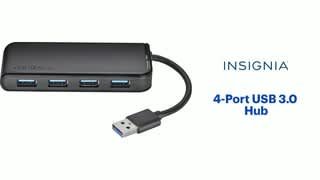
A:AnswerI got a lenovo yoga 2 weeks ago and this hub. The hub was very slow. It didnt matter if it was plugged into the usb 3 port or the usb C with an adaptor. It was always very slow. I tried other models of hubs as well. This was the super great Yoga model with I7 and 16 gig ram all solid state etc. I could never get the ports to work as I wanted. I had to plug and unplug the usb devices in different order to even get the laptop to recognize them. In the end after much experimentation with other devices as well I decided that the Lenovo laptop was a piece of junk. For some reason Lenovo yoga and windows does not work well with certain usb devices. I returned the Lenovo yoga for a $3000 macbook pro and this usb hub is so amazingly fast. I know this is not always an affordable option but there is nothing wrong with the hub. Try it on another laptop to compare.
A:AnswerNegative. I used it for my gaming headset and wireless mouse for work. It couldn’t handle having them plugged in apparently. Because both my mouse and headset would quit responding and no amount of wiggling them would fix it. Of course mouse and headset would work perfectly directly plugged into my laptop or desktop. I wouldn’t recommend this product. Not for gaming, especially not for working from home.
A:AnswerYes, just plug it into an existing port and it will give you several additional ports. It's a usb 3.0 hub, so the response rate is great. I haven't noticed any slowdown in performance.
A:AnswerIt’s a usb hub. It can only take one USB port and turn it into 4 available usb inputs. It cannot do anything with regards to an HDMI connection. So no it will not work for that purpose. I would suggest an HDMI splitter.
A:AnswerYes i use for my ps4.... but not while in rest mode... when ps4 is on you can charge other controls with this and will work with wireless head sets too.