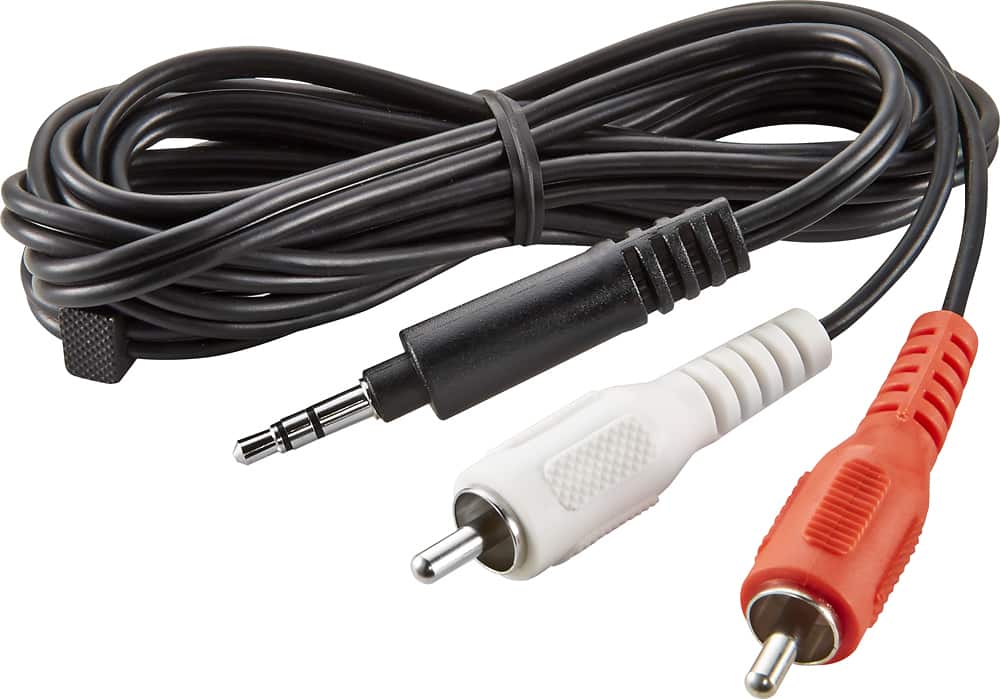
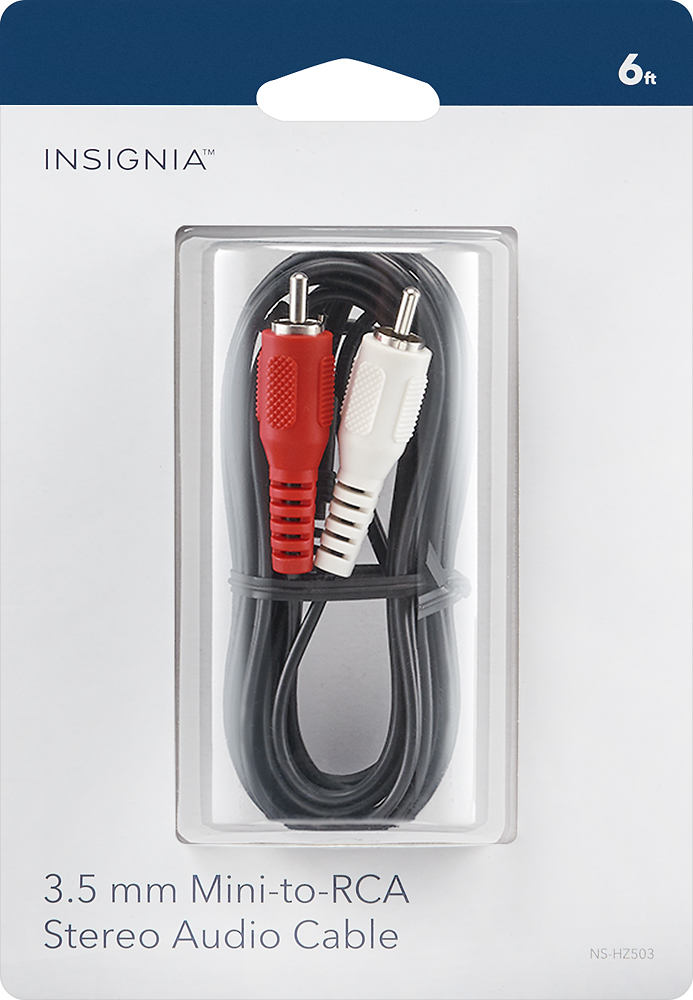
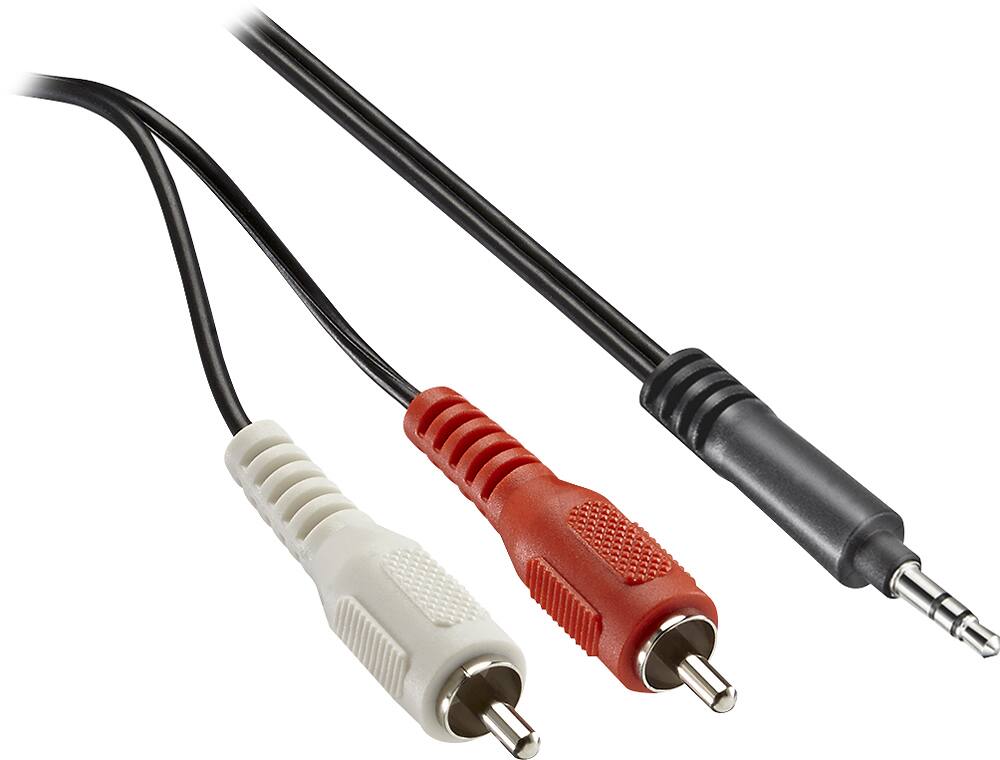
A:AnswerThis cable should hook into your headset port on your laptop then run to the audio in on your television! It should work! I was able to hook up my surround sound speakers from my desktop to my television with this cable and it works great!
A:AnswerNot directly from the TV to the Speakers. Speakers need to be powered, usually by an amplifier. A TV will generally not have enough power for a speaker.
A:AnswerThat sounds like it should work. I did the opposite, when I connected my 3.5 mm output from my cell-phone to my L-R input on my sound bar. Good luck. You've probably already done this, since the post was a year old. Someone else may benefit from this hint.
A:AnswerChange wirealso change settings for speaker output instead of tv speakers if this failed upgrade to a more expensive wire and last but not least if it doesn’t work try same on different then you’ll find a difference.
A:AnswerI think when you plug in your headphones the audio from the tv is muted by design. You might check with Sony for possible options or LG for internal audio settings in the menu.
A:AnswerIf the turntable has a green ground in addition the standard RCA Line Out on your turntable use it. Just know that you require an amp that has a Pre-Amp for Phono Input.
and it has an Analog -RCA input. Otherwise you will need an inexpensive Pre-amp to get the best from your turntable. Without you may not get what you expect from your turntable. It can be done !
A:AnswerNo it will not work as it does not have video capability. They have other parts that have the video and stereo sound capability you can check in computers or home theater
A:AnswerI could not get my computer speakers to play with this cable from the projector, but i did get sound after plugging this directly to the DVD player.