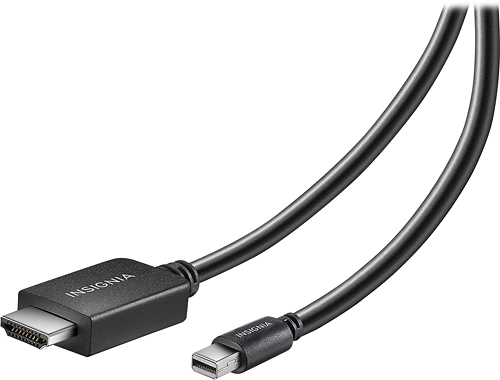
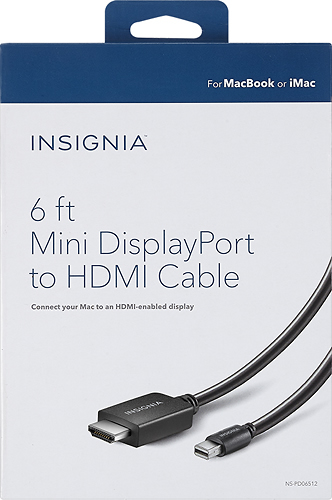
A:Answer You might need to go into your video options on the MacBook after connecting to the tv, and then select Discover Displays. Apple's OS' can be choosey when it comes to auto detecting external monitors. If you have El Capitan installed, when you go into your display options, you have to hold down a key to reveal "hidden" options to get where you need to go. You should find a tutorial easily on Bing or Google.