Appliances Presidents’ Day SaleEnds 2/25. Limited quantities. No rainchecks.Shop now

Main Content

Questions & Answers

Page Showing 41-60 of 87 questions
  • QuestionDoes it work for the Ipad 10.2 9th generation

    Asked by Angie.

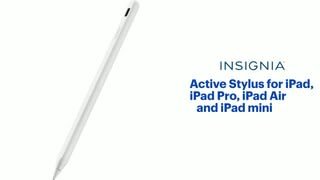
    • Answer We're happy to confirm that the Insignia™ Active Stylus is compatible with the iPad 10.2" (9th Generation, 2021). This stylus is designed to work seamlessly with a wide range of iPad models, including yours, offering smooth performance for writing, drawing, and navigation. Patricia | Insignia Support

      Answered by InsigniaCustomerSupport

  • QuestionIs it compatible for an ipad air 11inch m3?

    Asked by Geb.

    • Answer Yes

      Answered by MarcellaW

  • QuestionHow do I file a warranty claim for insignia ipad pencil? It stopped working after the first use.

    Asked by Moha.

    • Answer Thank you for your inquiry! To file a warranty claim for your Insignia™ Active Stylus for iPad purchased from Best Buy, start by locating your proof of purchase, such as a receipt or order confirmation. This is essential for verifying your warranty eligibility. Insignia products typically come with a one-year limited warranty that covers manufacturing defects and issues related to workmanship. You can reach them by phone at 1-877-467-4289, available from 8 a.m. to 9 p.m. Central Time.

      Answered by InsigniaCustomerSupport

  • QuestionHow to connect to ipad 11gen? I will Dubble tap is on but How to used in ipad

    Asked by Um.

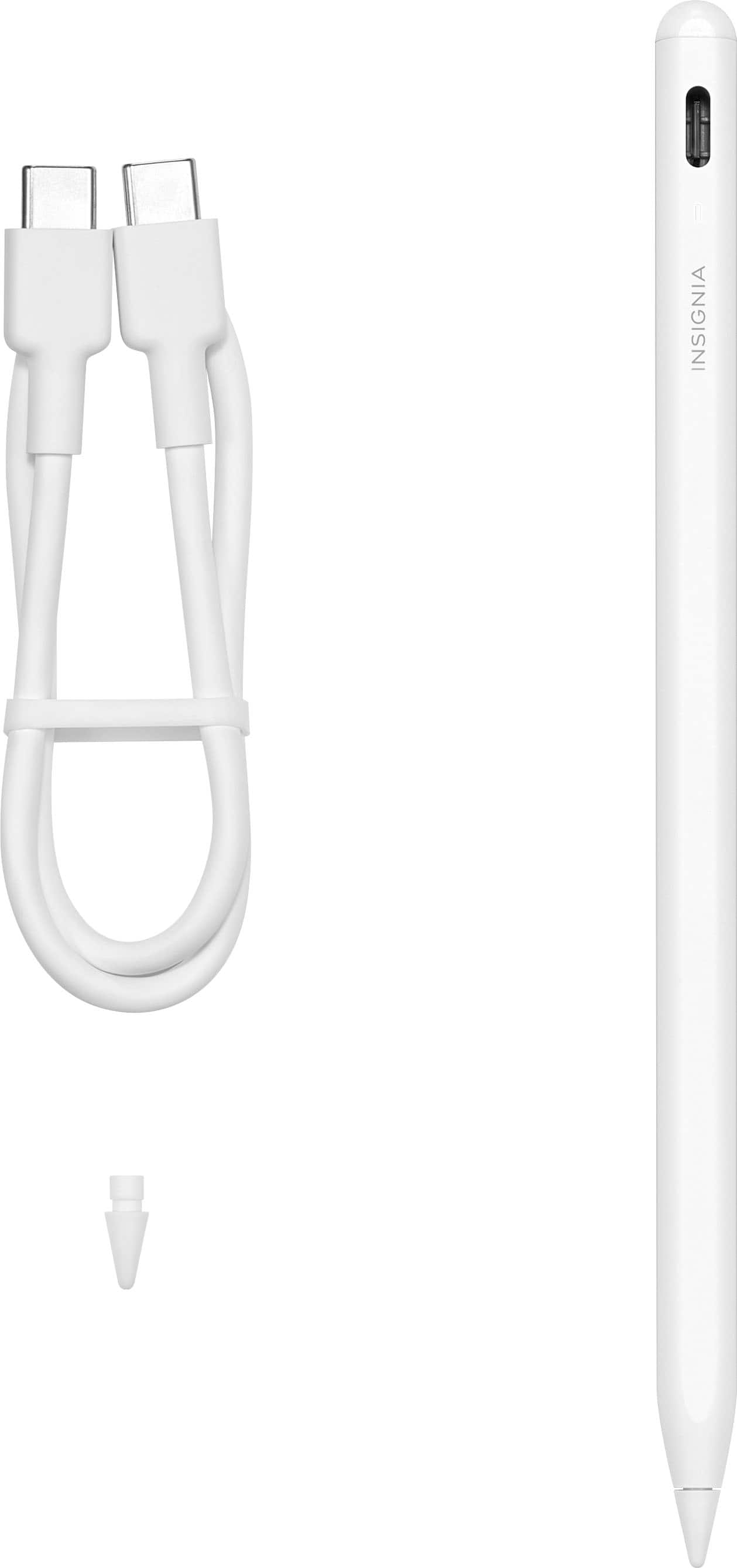
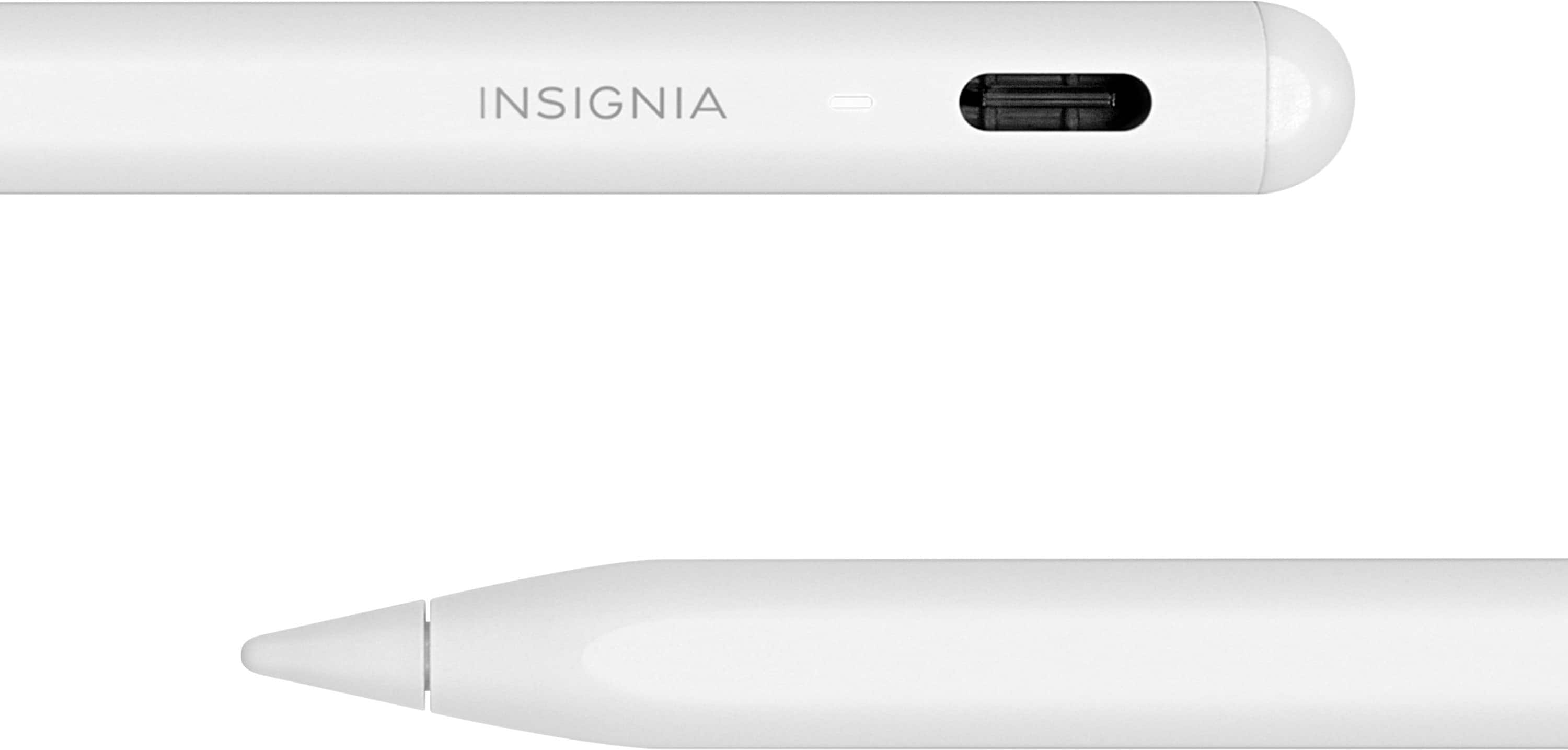
    • Answer Thank you for your inquiry! To connect your Insignia™ Active Stylus to your iPad 11th generation, start by ensuring compatibility between the stylus and your iPad. Fully charge the stylus using the included USB-C cable, and check the LED indicator for the charging status. Next, go to the Settings app on your iPad and enable Bluetooth. Activate the stylus by double-tapping the power button, which should light up the LED indicator. In the Bluetooth settings on your iPad, find the stylus under available devices and tap to pair it. Finally, open a note-taking or drawing app to test the connection and ensure the stylus is working correctly. Keith | Insignia Support

      Answered by InsigniaCustomerSupport

  • QuestionDoes this pen support palm rejection?

    Asked by NoteTaker.

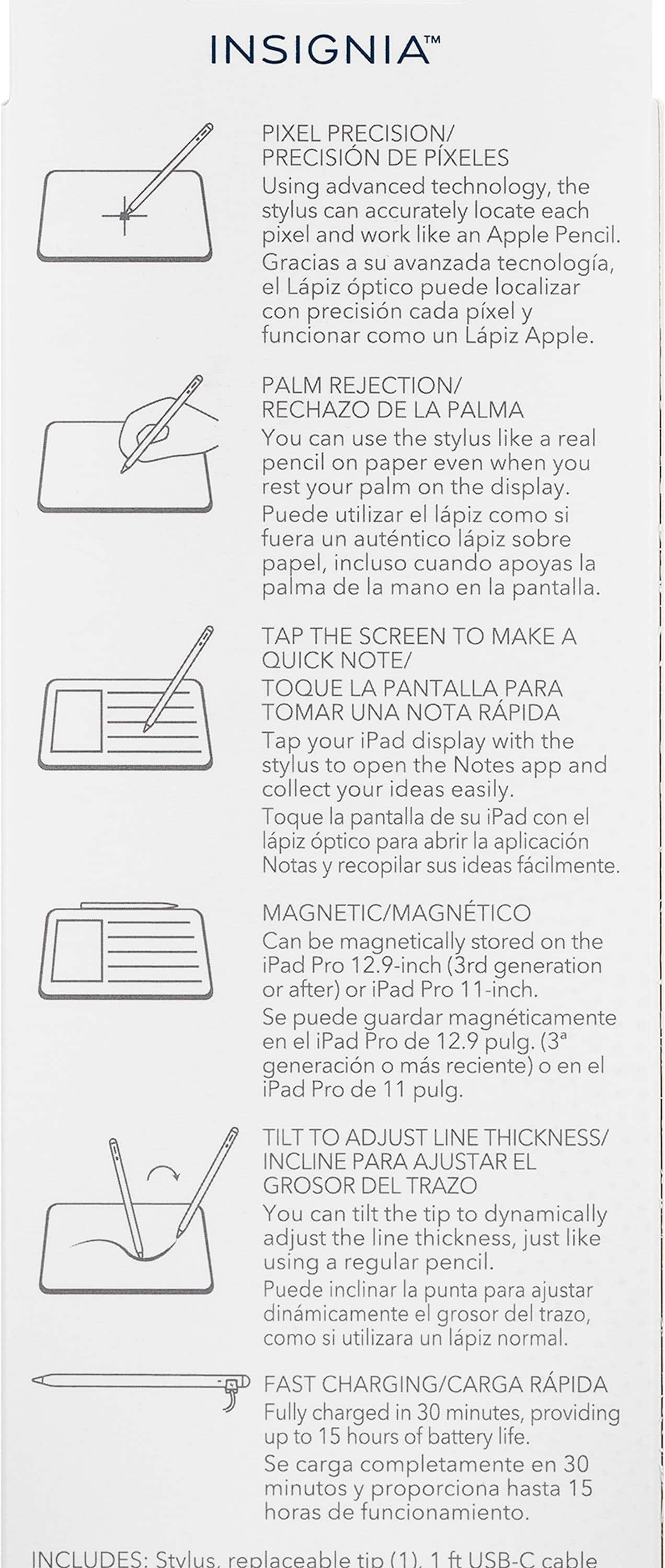
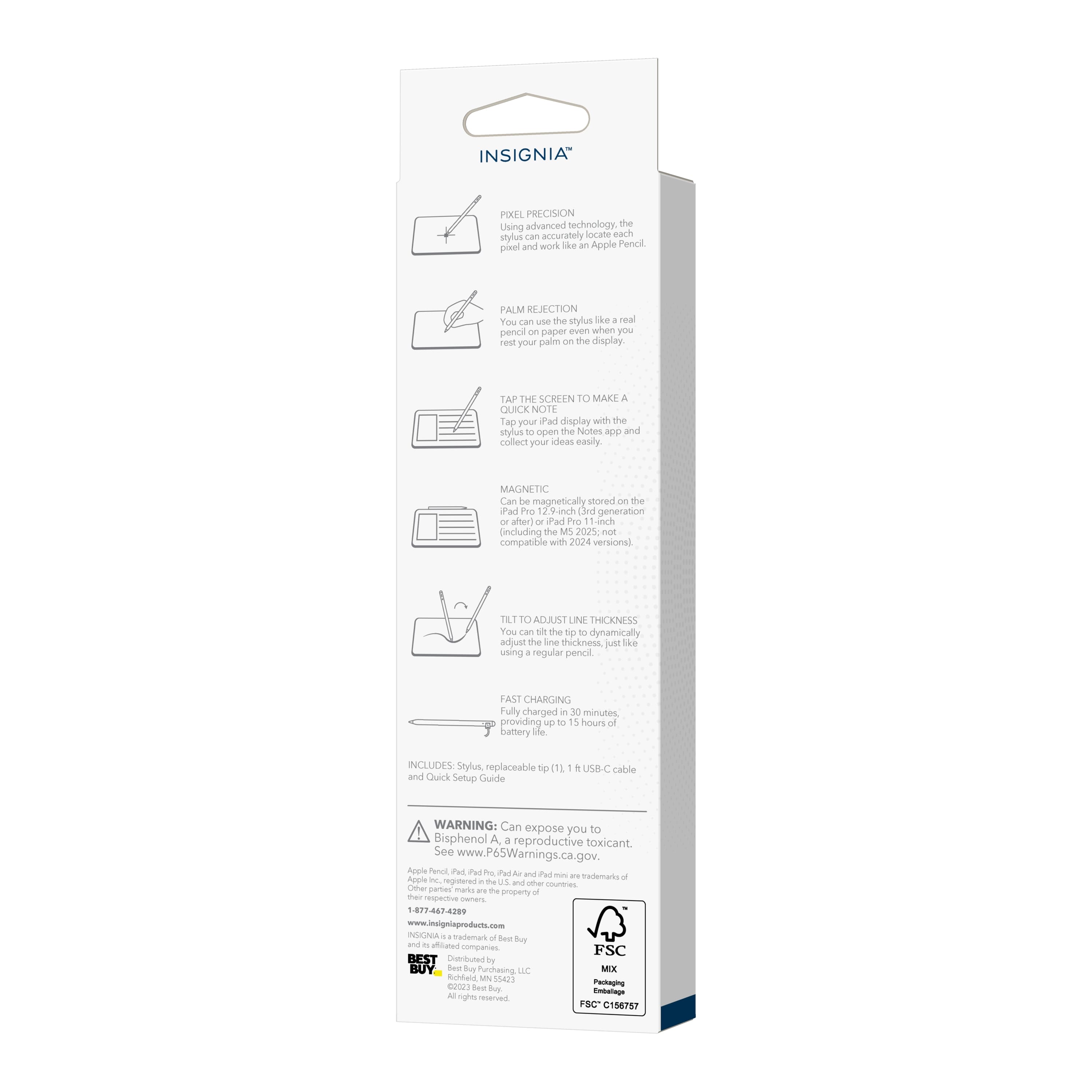
    • Answer Not reliably, I've found mine to seem almost buggy. When the palm rejection fails literally nothing will happen when you try to write for multiple seconds. Infuriating when it happens as it is intermittent

      Answered by BenM

  • QuestionWill this stylus work with a iPad 6?

    Asked by DanH.

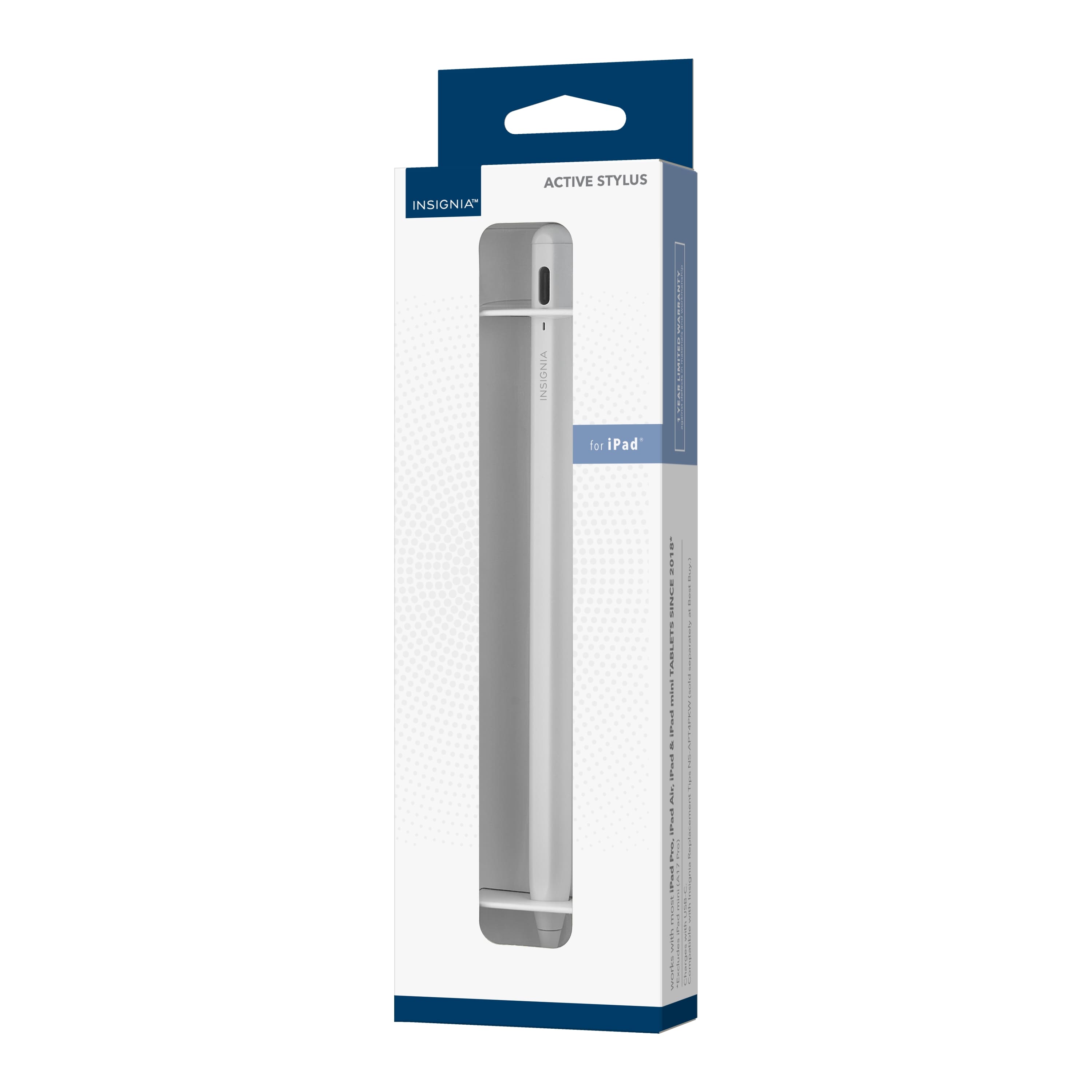
    • Answer Hi there. Yes, the Insignia™ Active Stylus is compatible with the iPad 6. This stylus works with various iPad models, including the iPad, iPad Pro, iPad Air, and iPad mini released since 2018. If you have any questions or need further assistance, please don't hesitate to reach out. Ivy | Insignia Support

      Answered by InsigniaCustomerSupport

  • QuestionDoes it have a warranty?

    Asked by Mel.

    • Answer Thank you for your question, Mel! Yes, the Insignia™ Active Stylus for iPad, iPad Pro, iPad Air, and iPad mini comes with a 1-year limited warranty. If you have any other questions or need further assistance, feel free to reach out. Enjoy using your new stylus! - Shiela | Insignia Support

      Answered by InsigniaCustomerSupport

  • Questionis this pen compatible with A2 A1566 old apple ipad?

    Asked by bb.

    • Answer The Insignia™ Active Stylus is designed to work with iPads released in 2018 or later. Unfortunately, it is not compatible with the iPad Air 2 (model A1566), which was released in 2014. Patricia | Insignia Support

      Answered by InsigniaCustomerSupport

  • QuestionI am a photographer and use Lightroom and Photoshop every day. Can I use the stylus for these apps?

    Asked by Dave.

    • Answer Yes, you can use the Insignia™ Active Stylus for iPad, iPad Pro, iPad Air, and iPad mini with Lightroom and Photoshop. This stylus is designed to provide precise control, allowing you to target individual pixels and adjust line thickness by tilting, which is great for detailed photo editing and drawing. If you have any other questions or need further assistance, feel free to ask! -Ed | Insignia Support | https://www.bestbuy.com/site/brands/best-buy-brands/pcmcat1596746025285.c?id=pcmcat1596746025285

      Answered by InsigniaCustomerSupport

  • QuestionIs this pen compatible with Ipad 9th generation?

    Asked by Chango.

    • Answer Yes

      Answered by DavidH

  • Questiondoes the led light stay on while you're using the pencil?

    Asked by d.

    • Answer Yes

      Answered by user817610

  • QuestionIs this compatible with the iPad Air 2024?

    Asked by User.

    • Answer Si!

      Answered by HeidyS

  • QuestionDoes it work on iphones?

    Asked by Anonymous.

    • Answer No

      Answered by Marie

  • QuestionI got the insignia ns-t53A1Ew24 I can not make it work the white light is on I double tap both ends nothing happens, I’m trying to use it on my new iPad.

    Asked by JJfromCW.

    • Answer All I know is you need to make sure your new IPad is on te list of compatible devices. Mine worked fine. No issues

      Answered by Saffire

  • QuestionWill this work with ipad mini A17 (2024) ?

    Asked by RoseEve.

    • Answer Hello RoseEve! Yes, the Insignia™ Active Stylus (NS-TS3AIEW24) is compatible with the iPad mini A17 (2024). This stylus is designed to work with various iPad models, including the latest iPad mini. Jeth | Insignia Support. https://www.bestbuy.com/site/insignia-active-stylus-for-ipad-ipad-pro-ipad-air-and-ipad-mini-white/6563773.p?skuId=6563773

      Answered by InsigniaCustomerSupport

  • QuestionDoes this work with iPad 9th generation

    Asked by CheyanneR.

    • Answer Thank you for your inquiry! Yes, the Insignia™ Active Stylus for iPad, iPad Pro, iPad Air, and iPad mini is compatible with the iPad 9th generation. This stylus works with most iPads released since 2018, including the iPad 9th generation. Keith | Insignia Support https://www.bestbuy.com/site/insignia-active-stylus-for-ipad-ipad-pro-ipad-air-and-ipad-mini-white/6563773.p?skuId=6563773

      Answered by InsigniaCustomerSupport

  • QuestionIs this compatible with Apple iPad Air (M2) 13" 2024?

    Asked by JJJJJ.

    • Answer Hello JJJJJ! Yes, the Insignia™ NS-TS3AIEW24 Active Stylus is compatible with the 2024 Apple iPad Air (M2) 13". This stylus works with most iPads, including the iPad Air models, and offers precise control similar to the Apple Pencil. Jeth | Insignia Support.

      Answered by InsigniaCustomerSupport

  • QuestionWill this work with an iPhone 15 Pro Max?

    Asked by Anonymous.

    • Answer The Insignia™ Active Stylus is specifically designed for use with various iPad models, including the iPad, iPad Pro, iPad Air, and iPad mini. Unfortunately, it is not compatible with the iPhone 15 Pro Max or any other iPhone models. Patricia | Insignia Support

      Answered by InsigniaCustomerSupport

  • Questioncan it be used on iPad Pro 11-inch (3rd generation)?

    Asked by Anonymous.

    • Answer Yes, the Insignia™ Active Stylus is compatible with the iPad Pro 11-inch (3rd generation). If you have further questions or inquiries, please feel free to reach out!

      Answered by InsigniaCustomerSupport

  • QuestionCompatible with IPad Pro 7th gen?

    Asked by Mau.

    • Answer Hello Mau! The Insignia™ Active Stylus (NS-TS3AIEW24) is compatible with a wide range of iPads, including various generations of the iPad Pro. However, it specifically lists compatibility with iPad Pro models from the 1st to the 6th generation. Jeth | Insignia Support. https://www.bestbuy.com/site/insignia-active-stylus-for-ipad-ipad-pro-ipad-air-and-ipad-mini-white/6563773.p?skuId=6563773

      Answered by InsigniaCustomerSupport