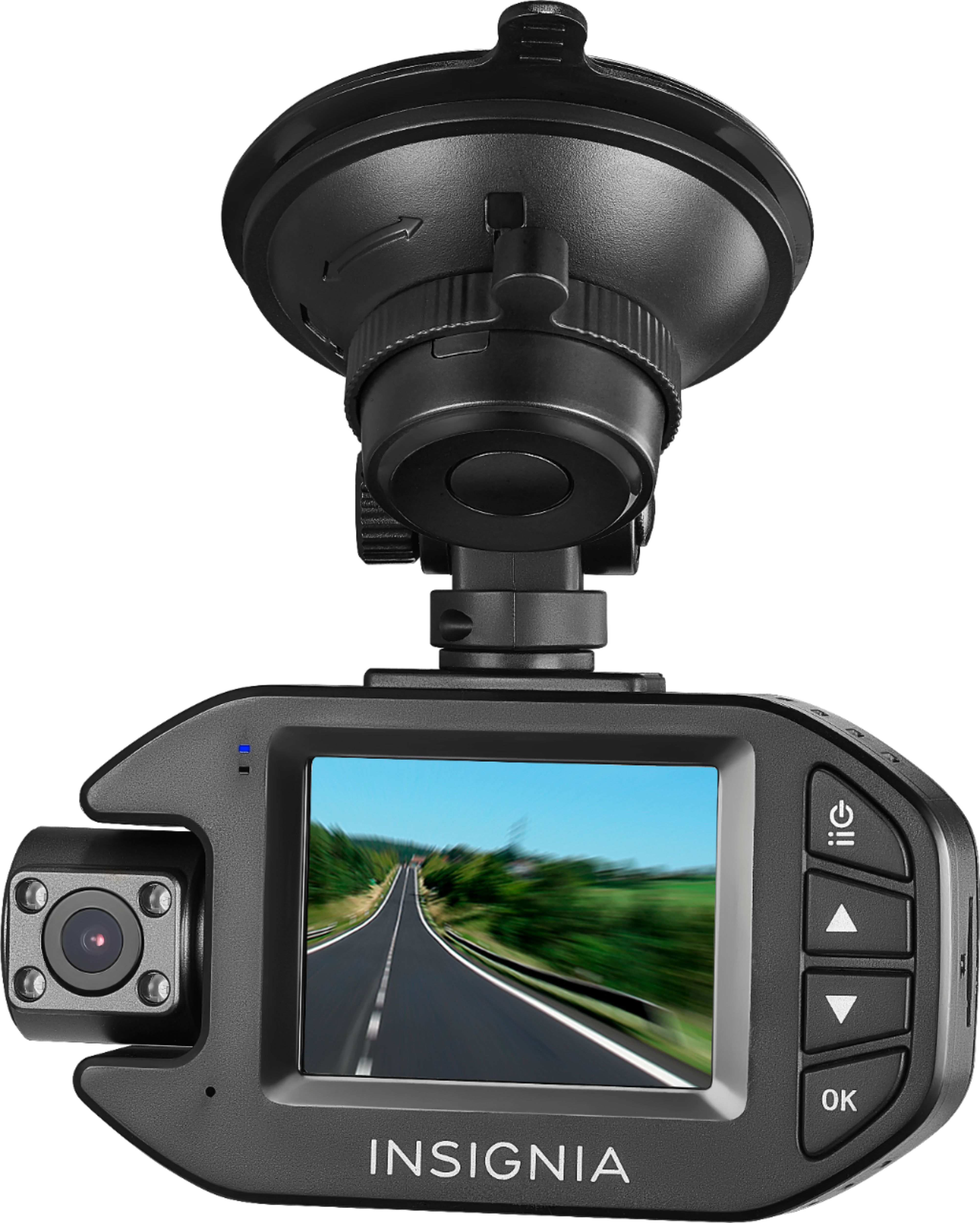
A:AnswerYes, this camera records audio. Note, the microphone is sensitive and not the highest quality. Audio may be muffled, especially if there is a lot of background noise, the windows are open, and/or you are playing music. Always test the device to ensure satisfaction. The audio seems good enough for the price point.
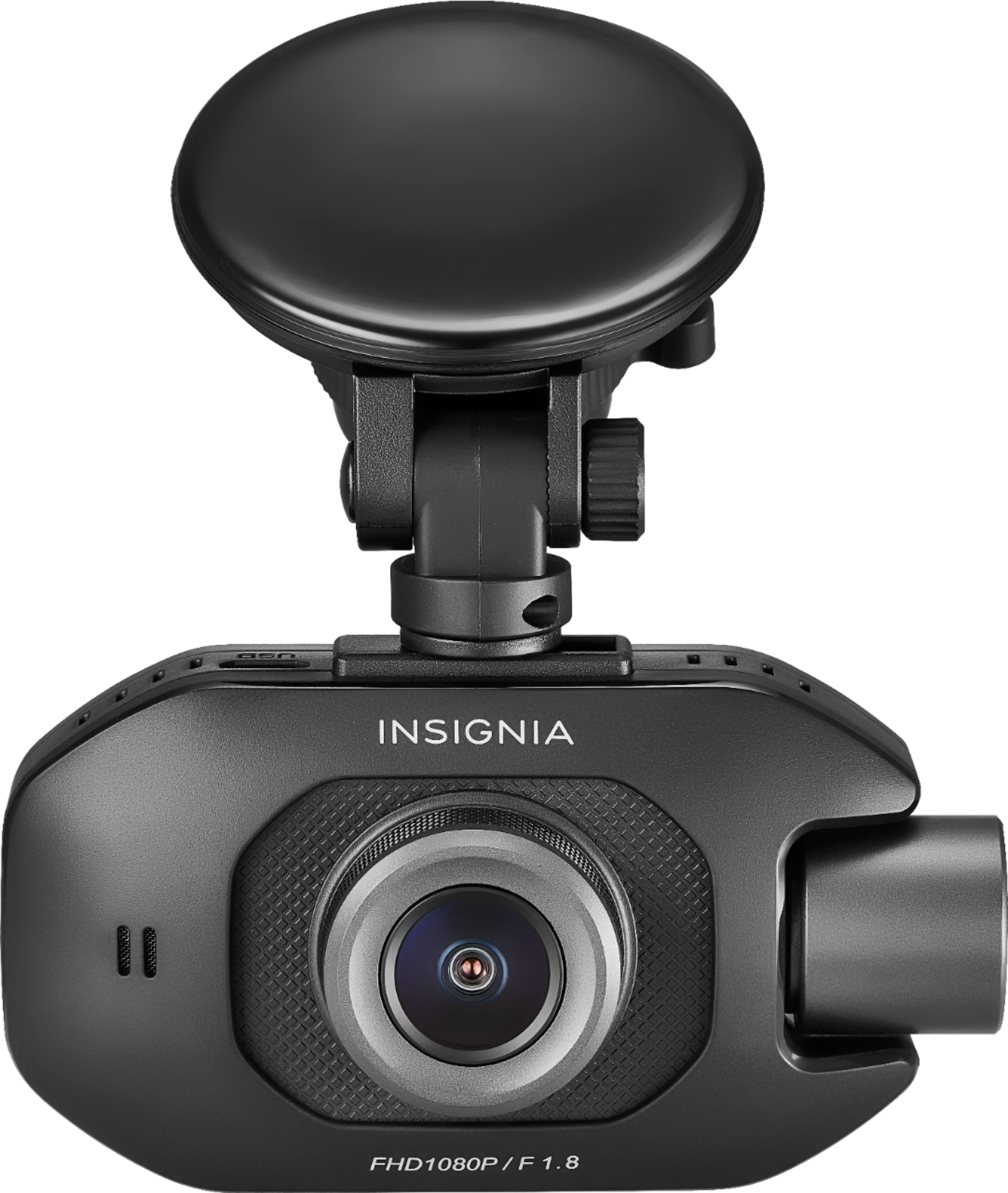
A:AnswerHello Doey,
Installing the Dash Cam is not complicated at all. It is actually easy to install it by yourself. Here is the link to guide you on how to install the Dash Cam: https://files.bbystatic.com/yRGVFLGG849XMJZwfNasCQ%3D%3D/User%2BManual
Chelsea
Insignia Products
A:AnswerI recently purchased this and I can tell you there is no viewing app. You would simply remove the SD card and insert into your memory card reader on your computer. I don’t believe the image auto rotates so the screen might be upside down also. As far as video is concerned, you should be able to rotate it on the computer but the time will be upside down on it.
A:AnswerBecause this uses a type of heat resistance capacitor, I would say yes! However, I don't recommend leaving anything out in the sun. Temperatures in your car can reach 150° easily, and not to mention the theft temptation as well. The nice thing about this model is there is easy to snap on and it's easy to snap off and take with you or hide it in the glove compartment.
A:AnswerMake sure the suction cup and wind shield are clean and dry (wash with water) before using. Push the suck on windshield, then rotate the locker.
A:AnswerIt depends on the memory size you decide to go with as it has no internal memory. I personally have a 64 gb memory card and it loops every 4 hrs of recording which comes up to several weeks of driving for me. My daily commute is less than 30 minutes excluding weekends.
A:AnswerHi Jimmy,
You may contact Insignia 1-877-467-4289 to help you purchase a new suction cup.
Insignia Support
Lea
https://www.insigniaproducts.com/
A:AnswerThe dash cam goes into a screensaver mode after a few minutes. There is a little red light that’s on that shows that it’s working yet. Check your instruction book, it explains it in there
A:AnswerNo it needs to be plugged in to the car lighter.
Screen turns off after a few seconds from starting your car but as long as the led is on it means it is recording.
Everything is saved to the memory card. You can see them on your computer using a card reader.
A:AnswerThat is the screensaver setting. Camera is still working when blue and red lights are on. Screensaver settings can be changed. See full instruction manual online.