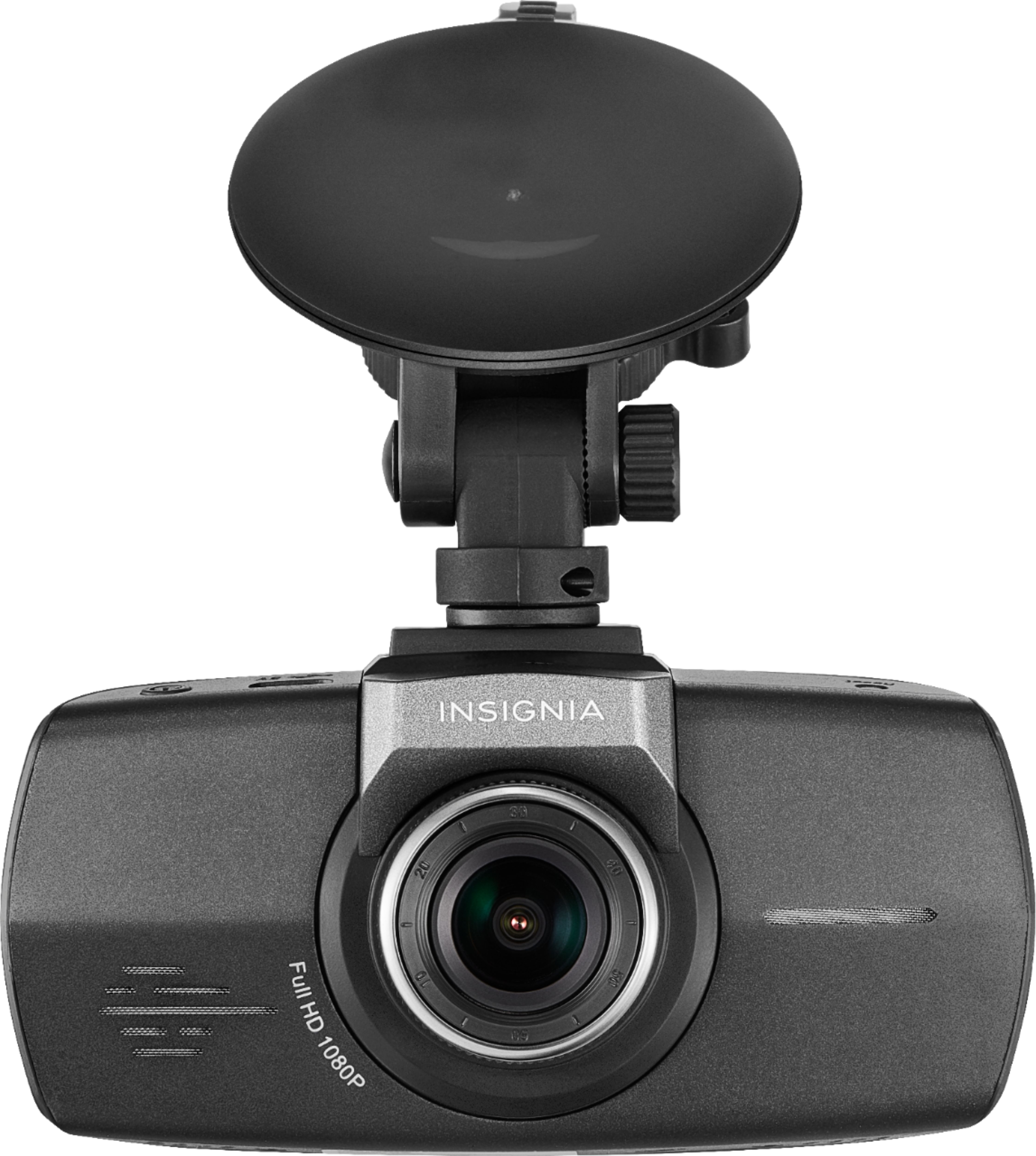
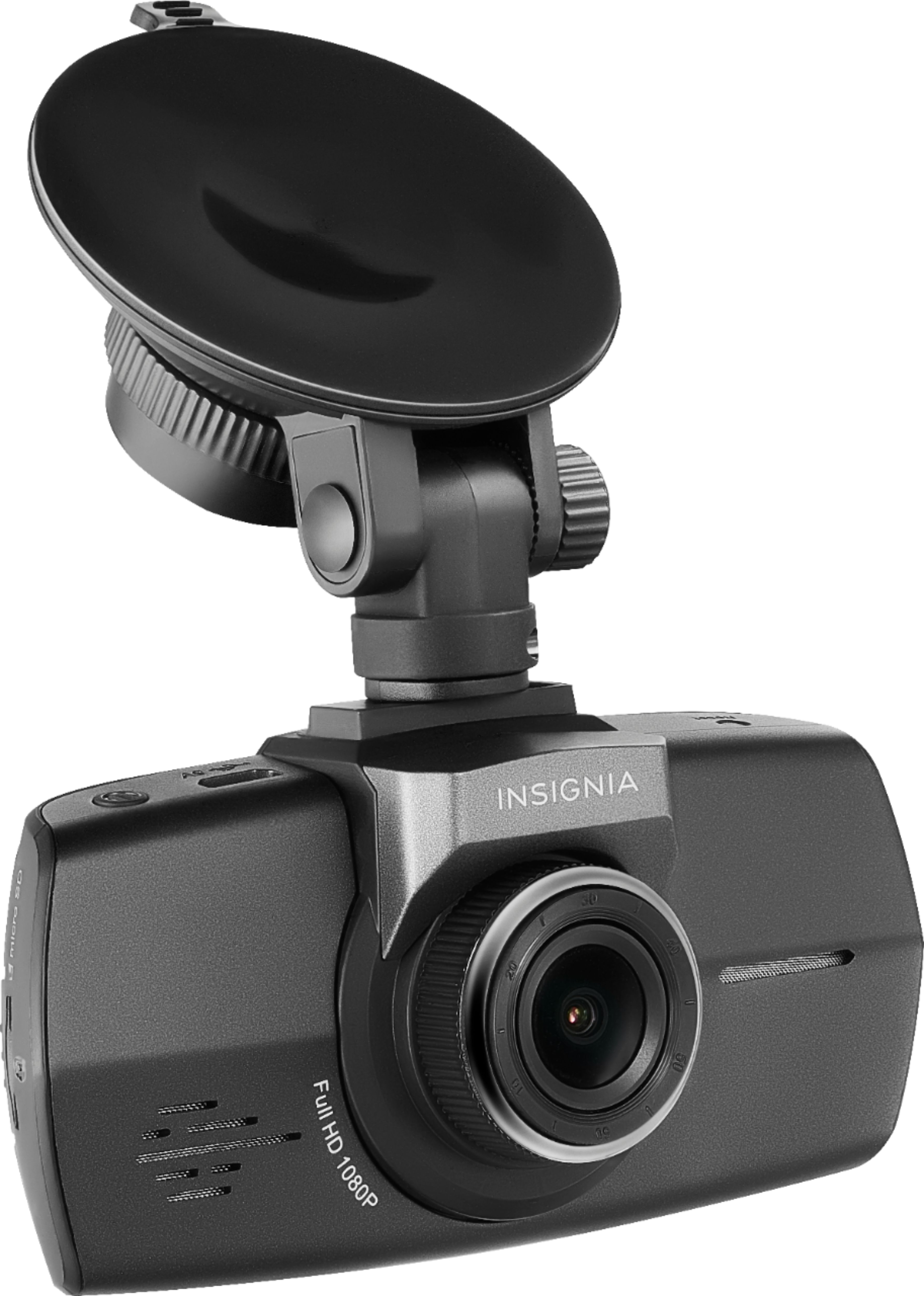
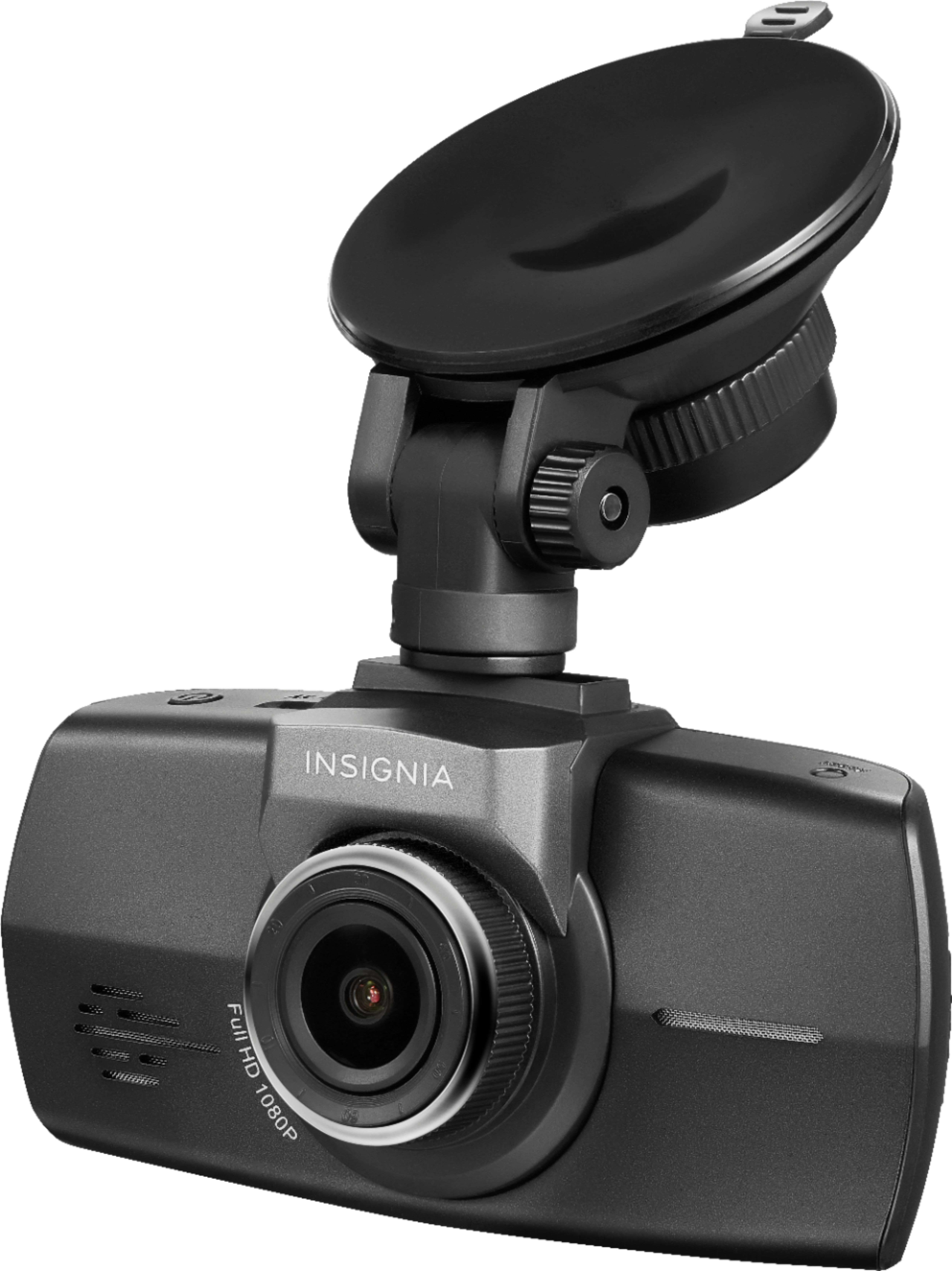
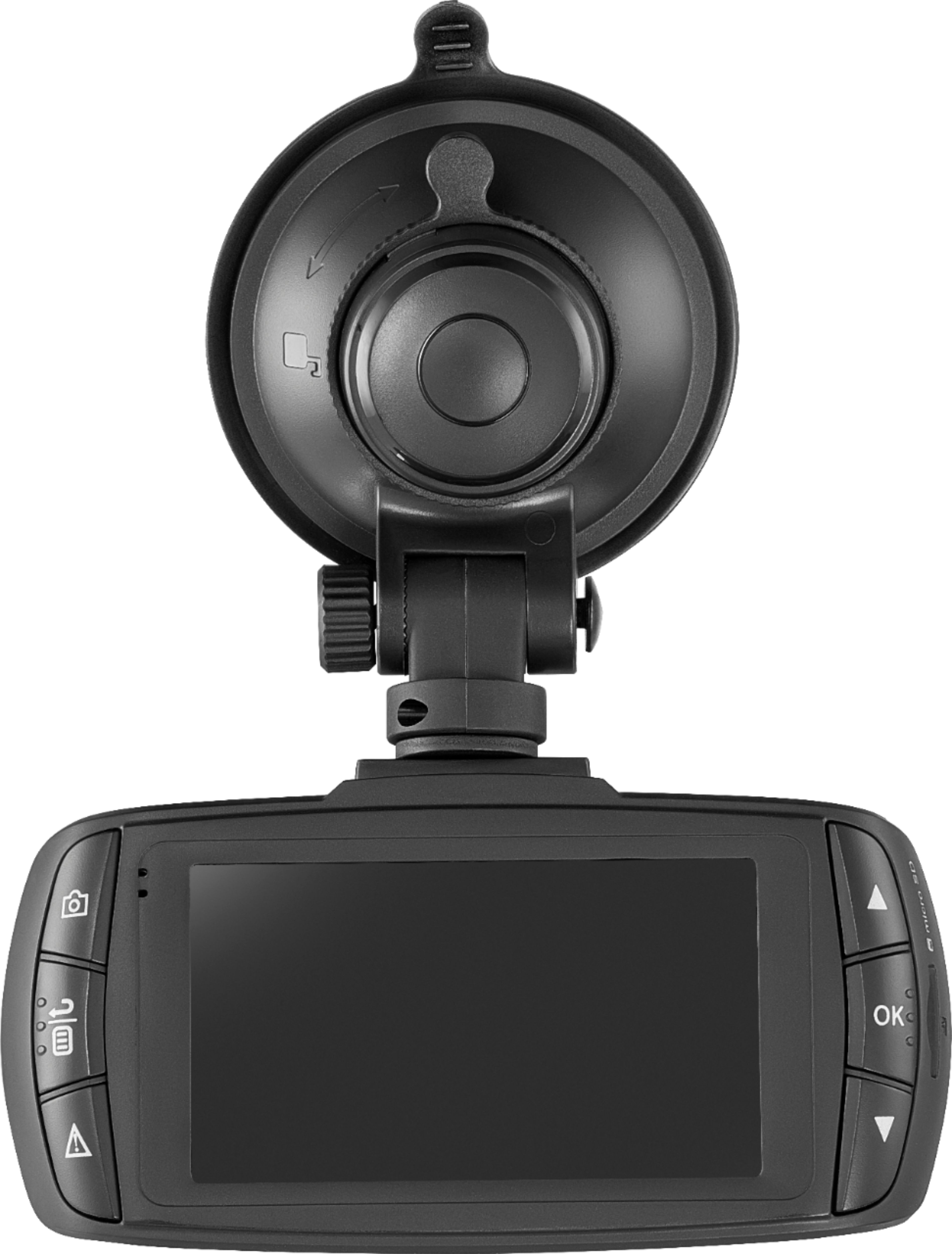
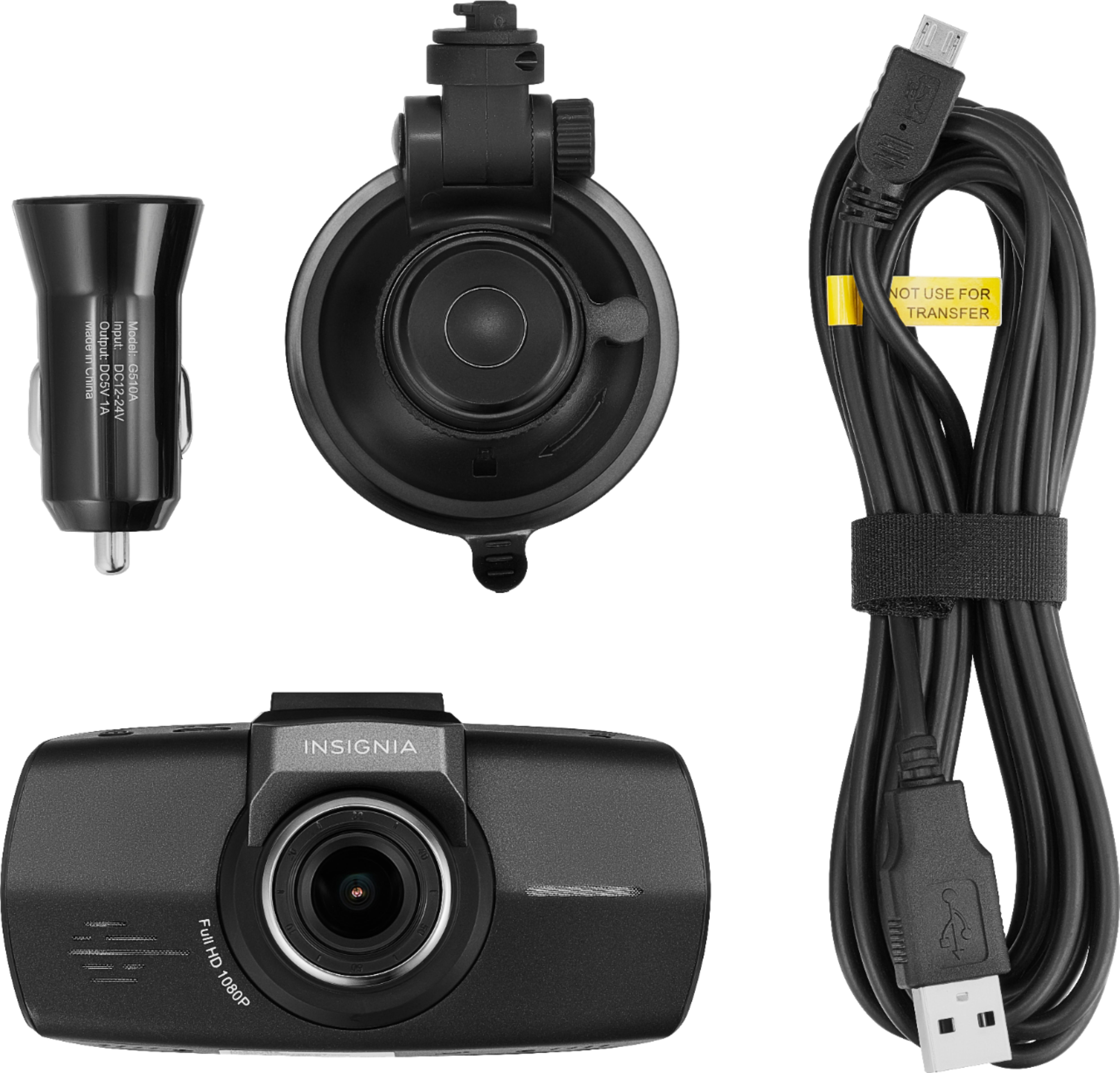
A:AnswerYes, the camera has to be connected through USB cable to your 12V port. It comes with 12V USB adapter. Camera has no internal battery.You can not view recorded videos on the camera. You have to upload them to your computer.
A:AnswerI don’t get that impression at all, no. The device seems pretty solid. I likely won’t park exposing it to direct sunlight for hours and hours, but it also can be mounted and dismounted quickly when needed to avoid overheating, theft, etc.
A:AnswerThe cable connections are the same as the cables I have for my Samsung J3 phone and my Jabra Bluetooth headset, so yes you can easily get a second cable.
A:AnswerI don’t think it can hold on any dash. I tried I on my today and it won’t hold down. Granted The images would be upside down but my dash won’t grip the suction cup.
A:AnswerI have only had that happen when the car was not in motion (parked) and engine off. When i returned to the car the camera was black and Would not come on. I had to unplug and plug it back up for it to come on. It is supposed to monitor your vehicle when in the parked position. I will have to research this more in depth.
A:Answerhas 4 modes
1080p 1920x1080 at 30fps
720p 1280x720 at 60fps
wvga 848x480 at 30fps
vga 640x480 at 30fps
let ma add a 32gb micro card will record all day without looping over
video quality in 1080p is very good,you can see license plates very clear
A:AnswerYes you can. The button on the lower left of the dashcam will allow you to lock videos so they will not be deleted as the memory fills up and old video clips are deleted.