

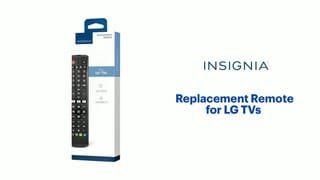
Main Content

Questions & Answers

$34.99
Page Showing 1-20 of 115 questions
  • QuestionCan this remote learn functions from my old remote?

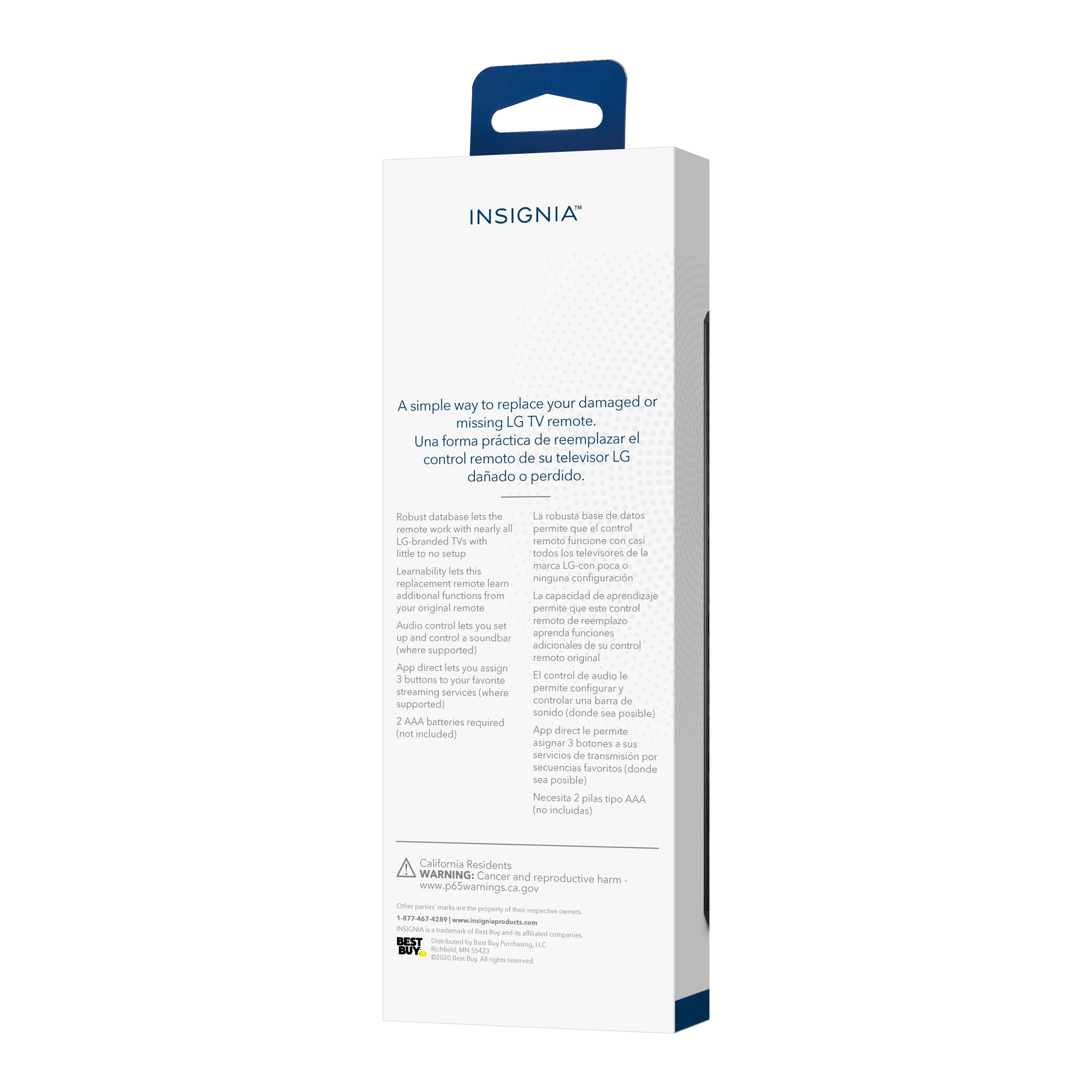
    • Answer Yes, if you still have your old remote, you can teach this new remote functions from it.
    This question and answer was generated by AI based on customer and product data.

  • QuestionCan this remote control be used to adjust the volume of a soundbar?

    • Answer Yes, you can pair the remote to your soundbar or audio receiver to control the audio level.
    This question and answer was generated by AI based on customer and product data.

  • QuestionDoes this remote control have any shortcut buttons?

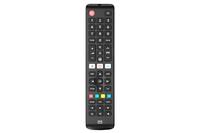
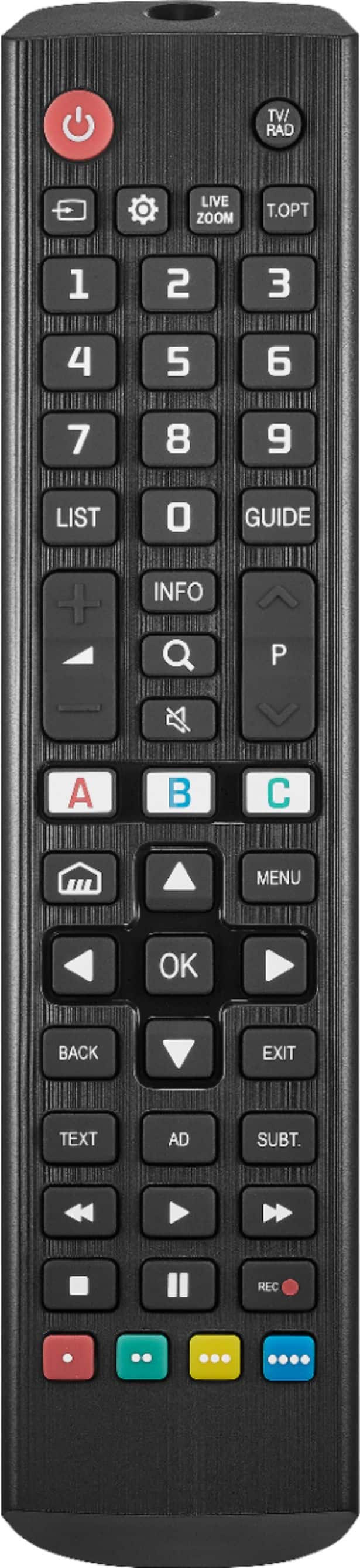
    • Answer Yes, you can program the 3 app shortcut buttons to instantly open apps on your smart TV, such as Netflix, Hulu, and more.
    This question and answer was generated by AI based on customer and product data.
  • QuestionWhat is the weight of this remote control?

    • Answer This remote control weighs 0.2 ounces.
    This question and answer was generated by AI based on customer and product data.
  • QuestionIs this remote compatible with all LG TVs?

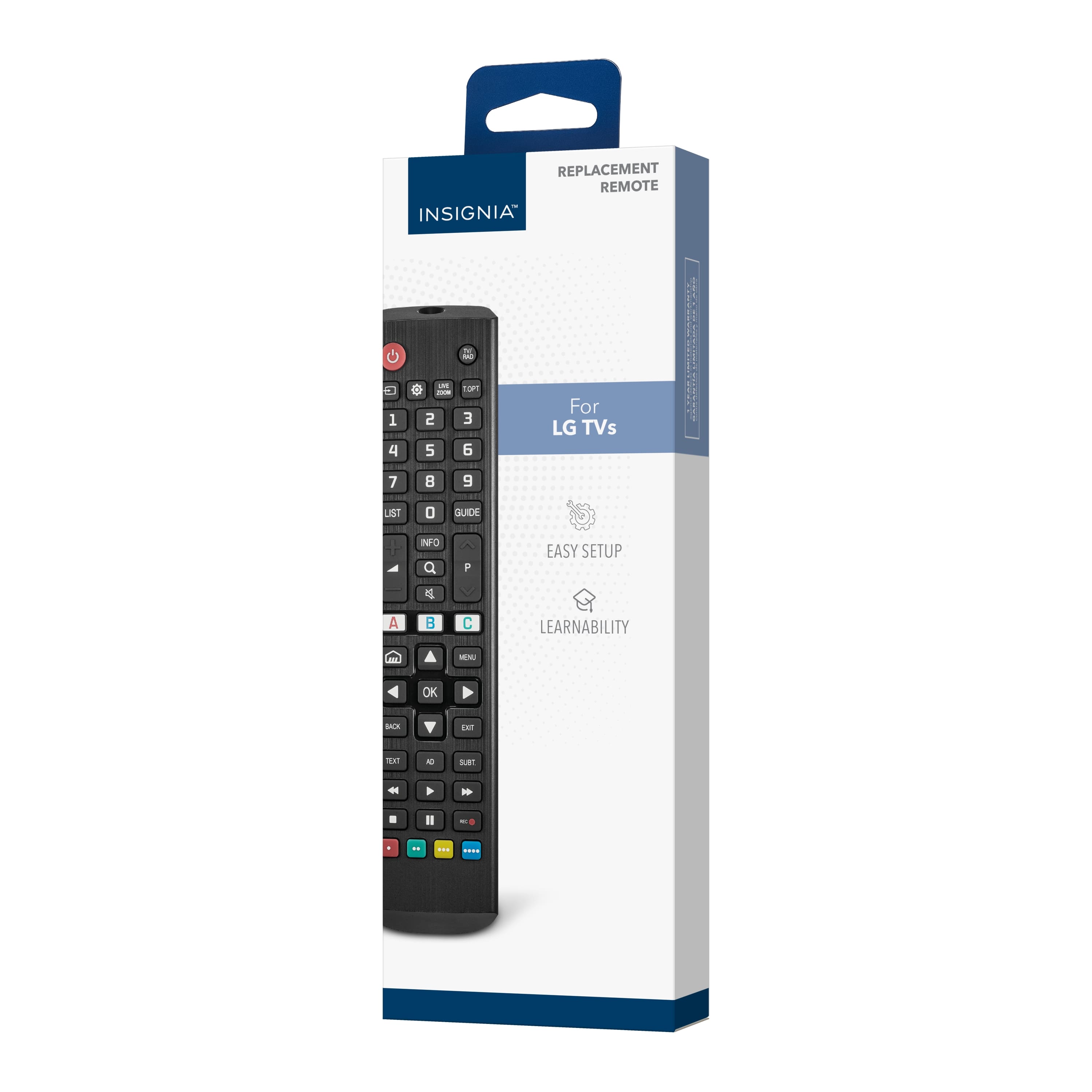
    • Answer It is compatible with nearly all LG TVs.
    This question and answer was generated by AI based on customer and product data.
  • QuestionHow do you set up this remote control?

    • Answer This remote is pre-programmed for easy pairing.
    This question and answer was generated by AI based on customer and product data.
  • QuestionWhat type of batteries does this remote control use?

    • Answer This remote uses two AA batteries.
    This question and answer was generated by AI based on customer and product data.
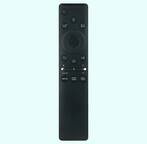
  • QuestionDoes this remote have voice control

    Asked by lgremote.

    • Answer No.

      Answered by DonM

  • QuestionIf it doesn't have a pointer/cursor, how do you select settings or smart TV options?

    Asked by kay.

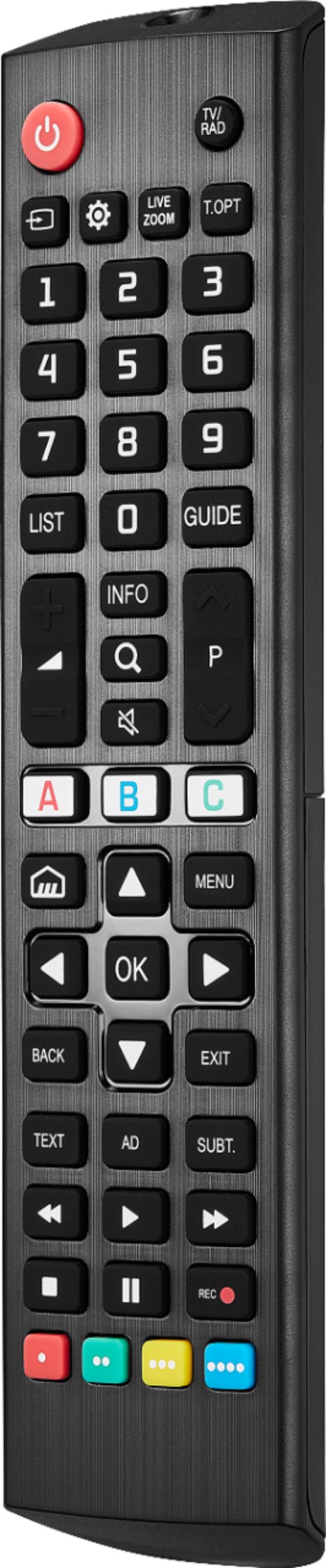
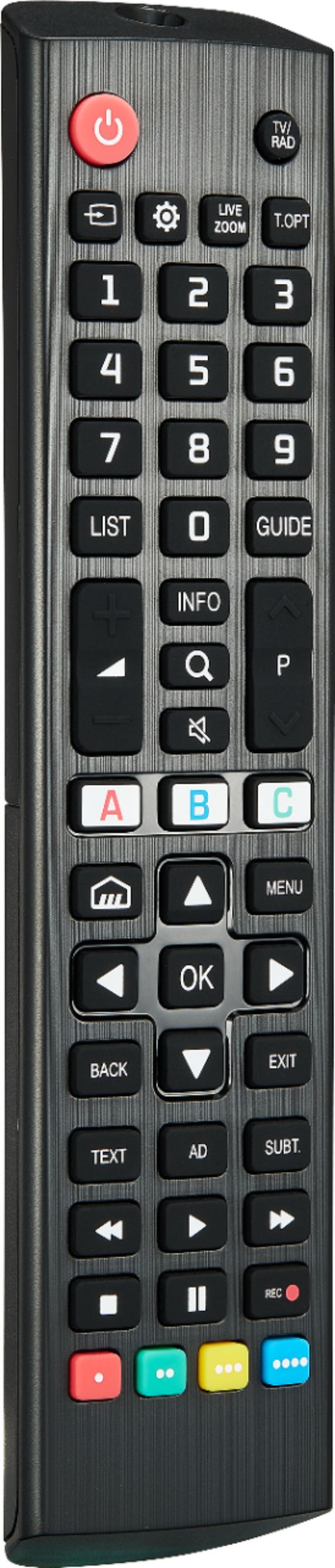
    • Answer Thank you for your inquiry! The Insignia™ Replacement Remote for LG TVs (Model: NS-RMTLG21) does not have a pointer or cursor like LG’s Magic Remote. However, you can still navigate smart TV settings and apps using the directional pad (up/down/left/right arrows) and OK/Enter button in the center. Keith | Insignia Support

      Answered by InsigniaCustomerSupport

  • QuestionHow do you change the channels with this remote

    Asked by Anonymous.

    • Answer To change channels with the Insignia™ Replacement Remote for LG TVs you can use the Channel Up button to move to the next higher channel and the Channel Down button to move to the next lower channel or directly enter the channel number using the number pad. -Ed | Insignia Support | https://www.bestbuy.com/site/brands/best-buy-brands/pcmcat1596746025285.c?id=pcmcat1596746025285

      Answered by InsigniaCustomerSupport

  • QuestionIs it back lit

    Asked by Anonymous.

    • Answer The Insignia™ Replacement Remote for LG TVs (model NS-RMTLG21) does not have backlit buttons. Patricia | Insignia Support

      Answered by InsigniaCustomerSupport

  • QuestionWill this remote allow the user to access the LG's settings menu? I want to change the sound output to my new soundbar but have lost my LG Tv's original remote. My TV is LG 75UM6970PUB.

    Asked by slurban.

    • Answer Hi SLurban. Certainly! the Insignia™ Replacement Remote for LG TVs should allow you to access your LG TV's settings menu, including the sound output settings. However, it's worth noting that while most functions should work seamlessly, some advanced or specific features may not be accessible through a replacement remote. Since you want to change the sound output to your new soundbar, this should be a standard function that the replacement remote can handle and your sound bar must pair first with the remote. For more product information, you can check the link below, go to features and view or download the quick start guide. |Angelica| Insignia Support| https://www.bestbuy.com/site/insignia-replacement-remote-for-lg-tvs-black/6448218.p?skuId=6448218

      Answered by InsigniaCustomerSupport

  • QuestionWill this remote work with an Insignia Plasma Display 42 inch model NS-P42Q10A

    Asked by Polly127.

    • Answer Hi there, No, since this remote replacement is for LG TV only. Gem Insignia Products

      Answered by InsigniaCustomerSupport

  • QuestionDOES THIS REMOTE WORK FOR A LG 65LB6300?

    Asked by D.

    • Answer Yes, it should no problem.

      Answered by MarchPurchase

  • QuestionWill this remote work with lg model 50Ga6400

    Asked by 50GA6400.

    • Answer The remote works with my TV - just had to learn of couple of different button locations. Don't know the answer your question for certain, but the clerk told me it would work with "any LG television."

      Answered by vincent

  • QuestionWILL THIS WORK WITH LG 50UP7670PUC TV ?

    Asked by Anonymous.

    • Answer Hello, thank you for your question. Yes, the Insignia Replacement Remote for LG TVs (NS‑RMTLG21) is compatible with the LG 50UP7670PUC. This remote is designed to work with nearly all LG TV models, including the UP76 series. Sudeep | Insignia

      Answered by InsigniaCustomerSupport

  • QuestionWill this remote work with a 2025 LG OLED B5?

    Asked by 2025OLEDb5.

    • Answer Hi, thank you for your question. The Insignia™ Replacement Remote for LG TVs is designed to work with most LG models, but compatibility with the 2025 LG OLED B5 cannot be guaranteed. For the most accurate confirmation, you can contact Best Buy at 1‑888‑237‑8289 and they will check compatibility and help you with the correct recommendation. Thank you for choosing Insignia. Sudeep | Insignia

      Answered by InsigniaCustomerSupport

  • QuestionIs it compatible with LG 75" Class 4K UHD 2160P webOS Smart TV 75UQ7070ZUD (2022 Model)

    Asked by Ash.

    • Answer Hello Ash, thank you for your question, the Insignia NS‑RMTLG21 Replacement Remote is compatible with the LG 75” Class 4K UHD webOS Smart TV 75UQ7070ZUD (2022 Model) because it is pre‑programmed to work with nearly all LG televisions, ensuring full functionality and easy setup. Sudeep | Insignia

      Answered by InsigniaCustomerSupport

  • QuestionDoes this remote work with LG oled55c5pua

    Asked by Anonymous.

    • Answer Thank you for reaching out to us. Yes, this remote is designed to pair quickly and easily with nearly all LG televisions, including the LG OLED55C5PUA.Thank you for choosing Insignia. Andres | Insignia

      Answered by InsigniaCustomerSupport

  • QuestionCan this remote be programmed to operate the TV, LG sound bar, DVD player and cable box?

    Asked by Sky.

    • Answer Hello, Thank you for question. This remote is designed to pair quickly and easily with nearly all existing LG televisions. However, it is not a universal remote and cannot pair with sound bars, DVD players, or cable boxes. Thank you for choosing Insignia. Andres | Insignia

      Answered by InsigniaCustomerSupport