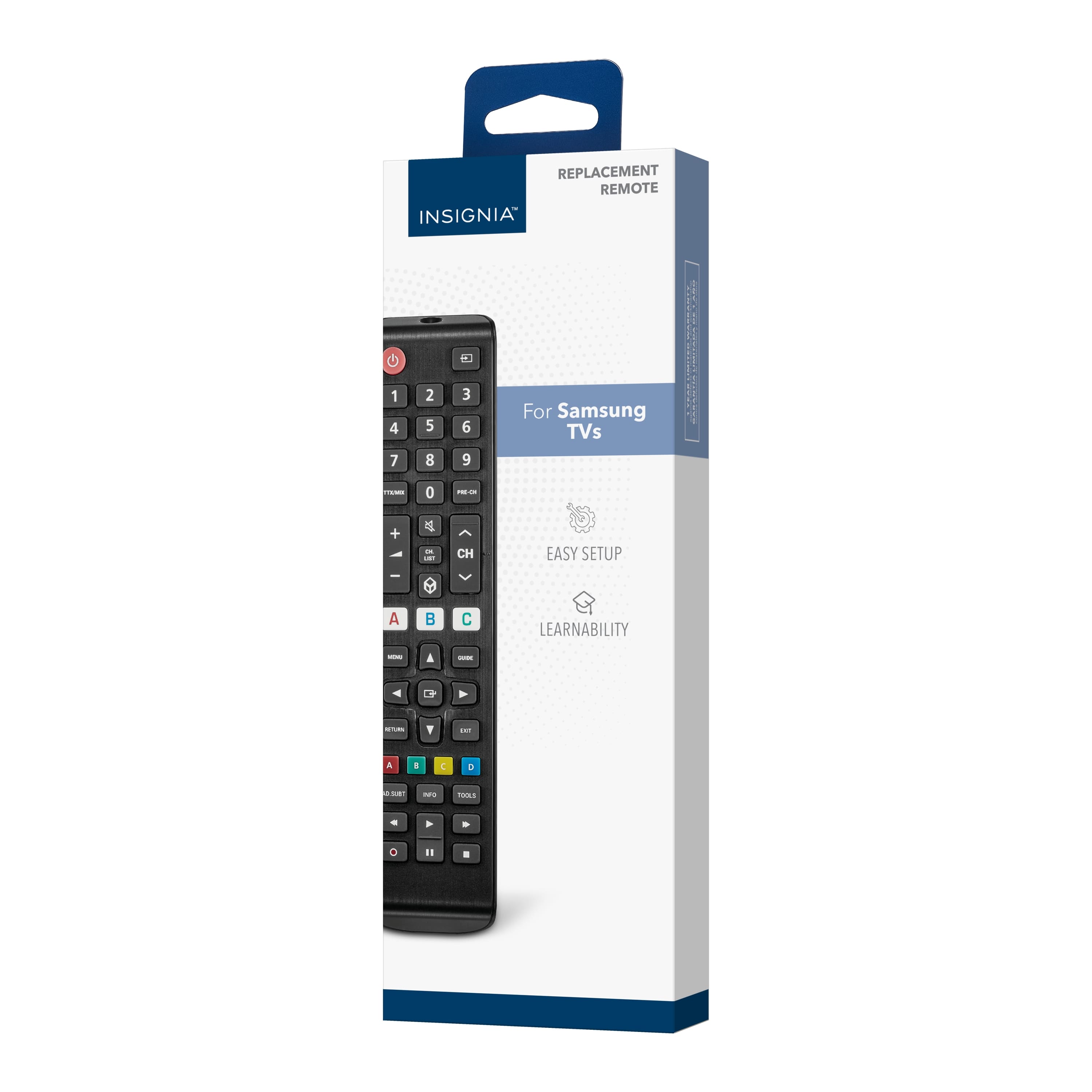
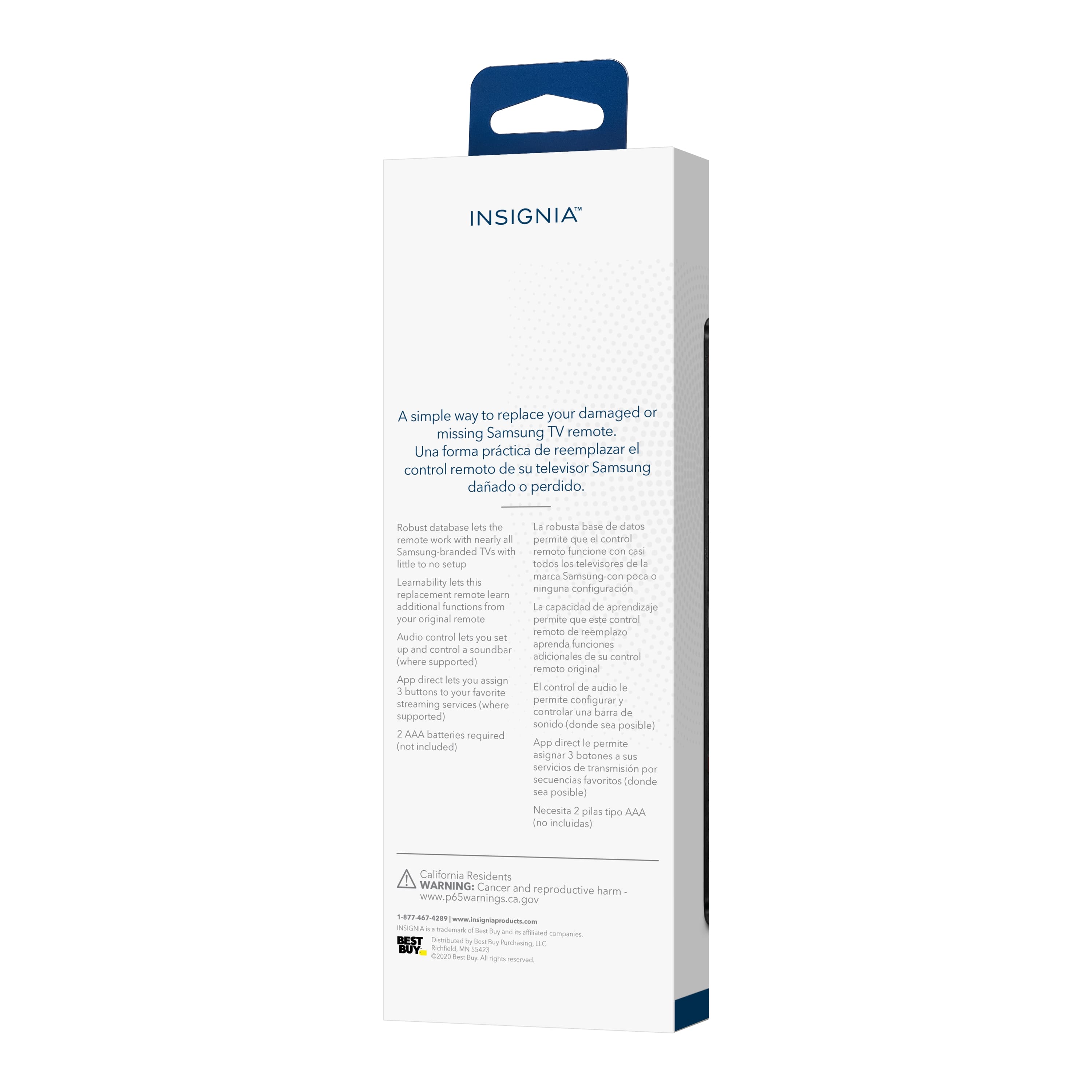
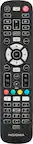
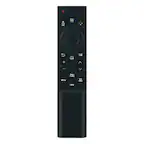
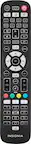
A:AnswerThe Insignia™ Replacement Remote for Samsung TVs is designed to control various functions of Samsung TVs, including basic features like changing channels, adjusting volume, and accessing menus. If your Samsung TV has built-in smart features and you can access the apps using the remote (either through a menu or a specific button), then you should be able to launch and use Netflix. Patricia | Insignia Support https://www.bestbuy.com/site/insignia-replacement-remote-for-samsung-tvs-black/6448217.p?skuId=6448217
A:AnswerNo, this remote is specifically designed for Samsung TVs and may not have codes compatible with Vizio sound bars. It is recommended to use the original remote or purchase a universal remote that is compatible with multiple devices. - Mae | Insignia Support | https://www.bestbuy.com/site/brands/best-buy-brands/pcmcat1596746025285.c?id=pcmcat1596746025285
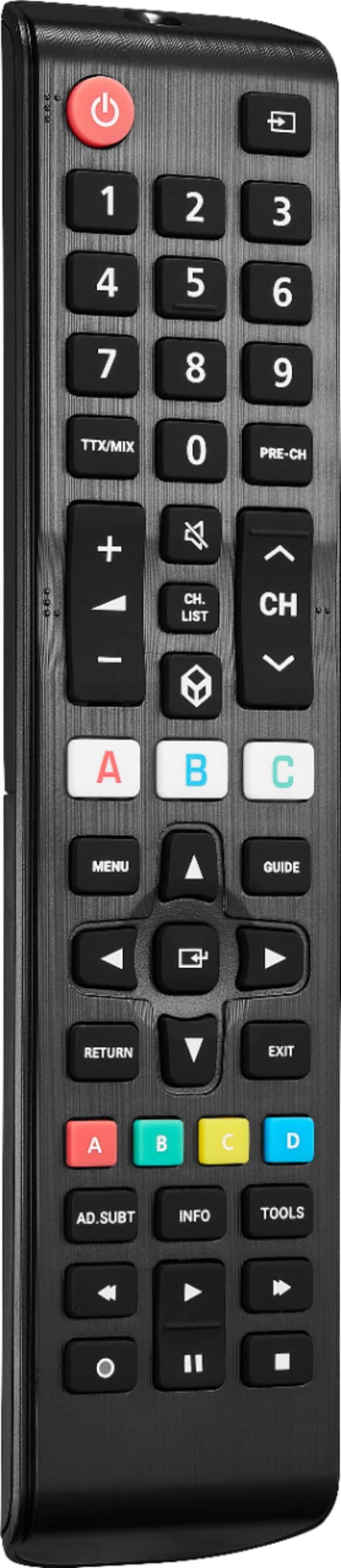
A:AnswerHi Gene! No, the Insignia replacement remote for Samsung TVs is not designed specifically for use with Directv. It may not have all the necessary buttons or functions to operate Directv features such as guide access, channel changing, and DVR operation. It is recommended to use the remote provided by Directv for full functionality with their service.
JC | Insignia Support https://www.bestbuy.com/site/insignia-replacement-remote-for-samsung-tvs-black/6448217.p?skuId=6448217
A:AnswerThank you for your inquiry! To hard reset the Insignia™ Replacement Remote for Samsung TVs, start by removing the batteries from the remote. After removing the batteries, press and hold the power button on the remote for approximately 30 seconds. This action helps to discharge any remaining power in the remote. Once you've held the power button for 30 seconds, reinsert the batteries into the remote. Test the remote by pointing it at the TV and pressing the power button to see if it turns on the TV. If the power button still doesn't work after the hard reset, there may be a more significant issue with the remote that requires further troubleshooting or replacement. In such cases, it's advisable to contact Insignia™ customer support for assistance or consider getting a replacement remote. Keith | Insignia Support https://www.bestbuy.com/site/insignia-replacement-remote-for-samsung-tvs-black/6448217.p?skuId=6448217
A:AnswerThank you for your inquiry! No, the Insignia™ - Replacement Remote for Samsung TVs does not have keyboard support. It's designed primarily for basic remote functions like navigating menus, changing channels, adjusting volume, and controlling playback. Keith | Insignia Support https://www.bestbuy.com/site/insignia-replacement-remote-for-samsung-tvs-black/6448217.p?skuId=6448217
A:AnswerThank you for your inquiry! To operate a DVD player with the Insignia™ Replacement Remote for Samsung TVs, you typically need to use the remote's navigation buttons to navigate the DVD menu and select options. Here's a general guide: Turn on your DVD player and TV. Point the remote at the TV and press the "DVD" or "Source" button to switch to the DVD player input. Use the arrow buttons (up, down, left, right) to navigate the DVD menu. Use the "OK" or "Enter" button to select options or play the DVD. Use the playback buttons (play, pause, stop, rewind, fast forward) to control DVD playback. If your DVD player is connected to the TV properly and the remote is working correctly, you should be able to control the DVD player's functions using the replacement remote. Keith | Insignia Support https://www.bestbuy.com/site/insignia-replacement-remote-for-samsung-tvs-black/6448217.p?skuId=6448217
A:AnswerHi Dee, thank you for letting us know your concern. If you lost the user guide of your replacement remote, kindly go to this link: https://www.bestbuy.com/site/insignia-replacement-remote-for-samsung-tvs-black/6448217.p?skuId=6448217 > features > scroll down until you saw the Manual & Guides > Quick Start Guide. If you have further questions, do not hesitate to reach out. Patricia | Insignia Support https://www.bestbuy.com/site/insignia-replacement-remote-for-samsung-tvs-black/6448217.p?skuId=6448217
A:AnswerHi there,
We appreciate your Inquiry!
Thank you for reaching us out. The Insignia Replacement Remote is a suitable option for replacing the Samsung BN59-01301A remote for your Samsung UHD TV 8 series. This replacement remote offers basic functionality and is one of the newer and more affordable models. You can easily use it as a replacement for your existing remote. If you prefer an original Samsung remote, you can also find the Samsung BN59-01301A Genuine Remote Control available on platforms like Amazon.
Yanne
Insignia Support
A:AnswerHi Ruby, thank you for your interest in our Insignia - Replacement Remote for Samsung TVs. Definitely, this replacement remote will work on your Samsung Class M4500. For setting up this remote, it is easy to install. I also attached the user manual below, Go to page 1 and look for "Setting up your remote." In just 5 steps, you will be able to sync your remote. Ivy | Insignia Support
https://files.bbystatic.com/rb%2F79TiQnC04lo8kda4ClQ%3D%3D/Quick%2Bsetup%2Bguide
A:AnswerHi Sammy! Insignia™ - Replacement Remote for Samsung TVs is not compatible with your Samsung QB98T-B Smart Signage TV. |Angelica| Insignia Support| https://www.bestbuy.com/site/insignia-replacement-remote-for-samsung-tvs-black/6448217.p?skuId=6448217
A:AnswerHi,
You can use this link https://files.bbystatic.com/rb%2F79TiQnC04lo8kda4ClQ%3D%3D/Quick%2Bsetup%2Bguide for your guidance. If you have any questions or concerns, please use the link below to reach us and also you can contact this phone number 888-237-8289 for further assistance.
Best Buy Essentials Products
Nikki
Please visit https://www.bestbuy.com/site/insignia-replacement-remote-for-samsung-tvs-black/6448217.p?skuId=6448217
A:AnswerHi there, find the code number of the LG TV's for it to pair and will work on this TV.
Mariepel C.| Insignia Products
https://www.bestbuy.com/site/brands/best-buy-brands/pcmcat1596746025285.c?id=pcmcat1596746025285
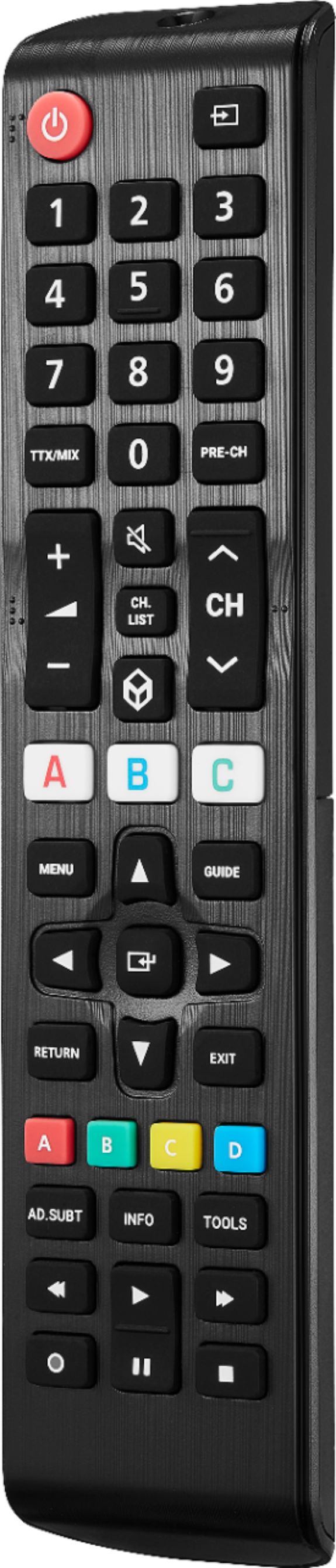
A:AnswerHi Alexa,
No, this remote does not have Alexa.
Insignia support
Irene
https://www.bestbuy.com/site/brands/best-buy-brands/pcmcat1596746025285.c?id=pcmcat1596746025285
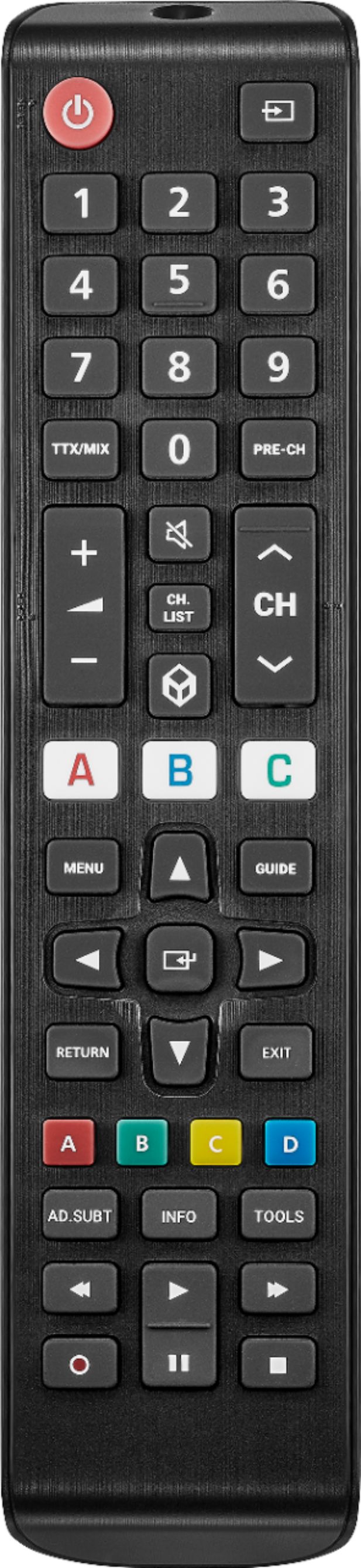
A:AnswerHi there,
I apologize for the inconvenience, please try to remove the battery on the remote and press the down navigation at least thrice. Insert back the battery and check if it works. If not, you can contact our customer service for further assistance at 1 (877) 467-4289 Monday-Saturday 8am - 9pm CT.
Insignia Support
Molina
https://www.bestbuy.com/site/brands/best-buy-brands/pcmcat1596746025285.c?id=pcmcat1596746025285