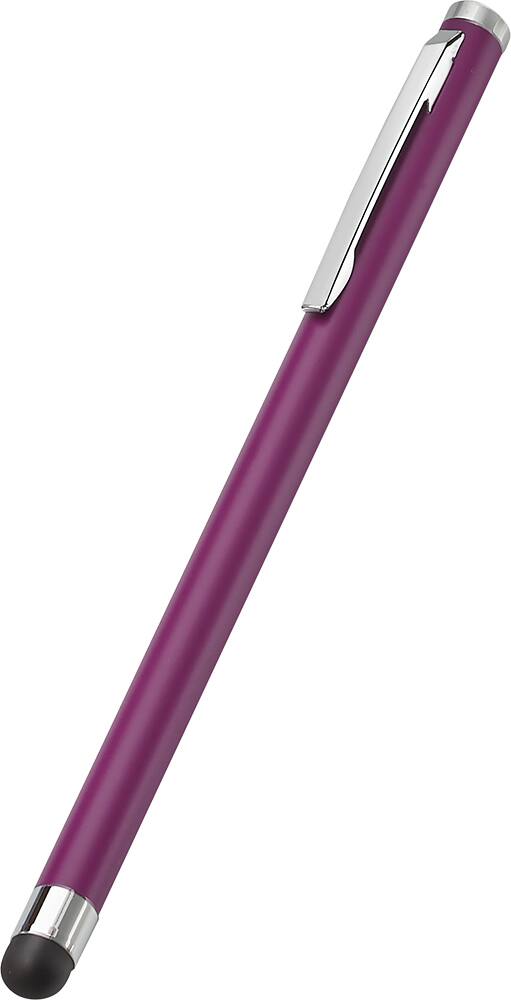
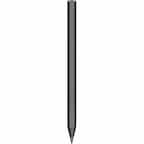
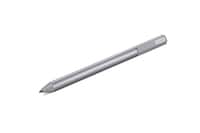
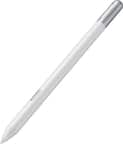
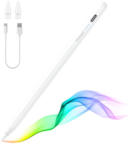
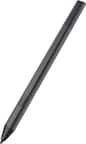
A:AnswerStylus tip is about one-quarter inch, very much like the eraser on a wooden #2 pencil, only quite a bit softer. Personally, I would prefer a finer tip for more precision typing on keyboard, menus lists, "buttons" and icons.
A:AnswerIf you're using it to just scroll and click, this is perfect for that. It's not the type of stylus that has to connect to a tablet or computer.
A:AnswerI use it daily with my dell laptop which has a touchscreen , and my iPad, there is no pairing necessary, which makes it simple to use it with any device
A:AnswerI would assume so. This stylus is simply a soft tip “pen” designed for use on most touchscreen devices. I do not recommend it for precision work and drawings.
A:AnswerNot sure this stylus is for capacitive touch screens.I also use it to type on non touch screens keyboards
not exactly what it was designed for.