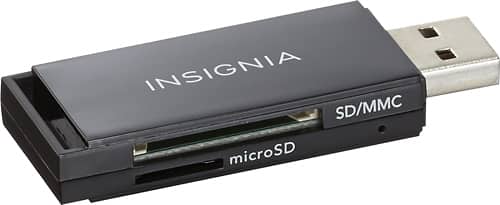
A:Answer Plug it into your USB port on the computer. It will show up as a drive. When you have the info you want to save to the card, right click and hit copy or cut or move. If you want it all on the stick, use cut or move. Then select the drive. Your stick will show in the list. Click it and save to. Once you have done it once or twice, it will be easy to recall the process.