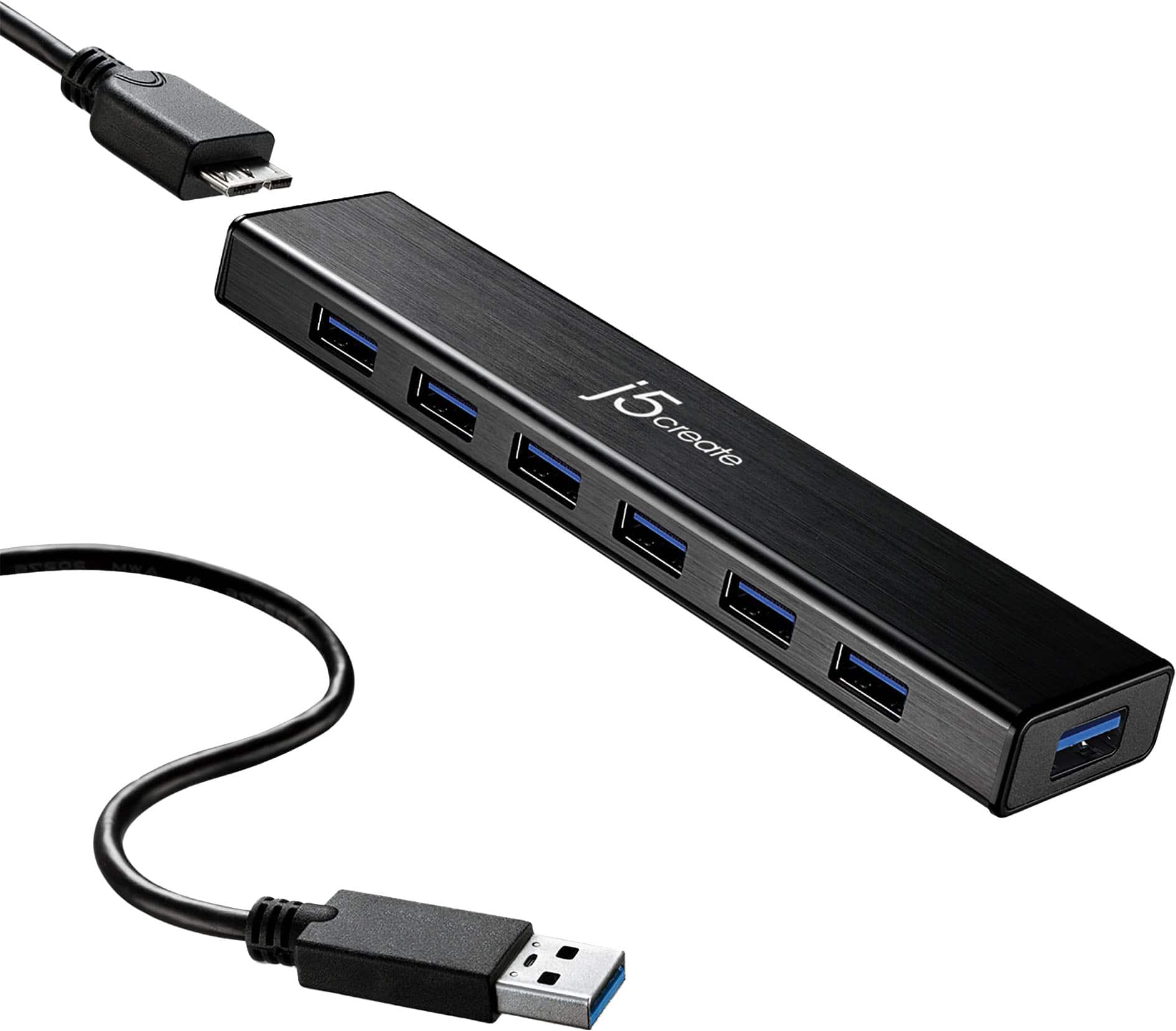
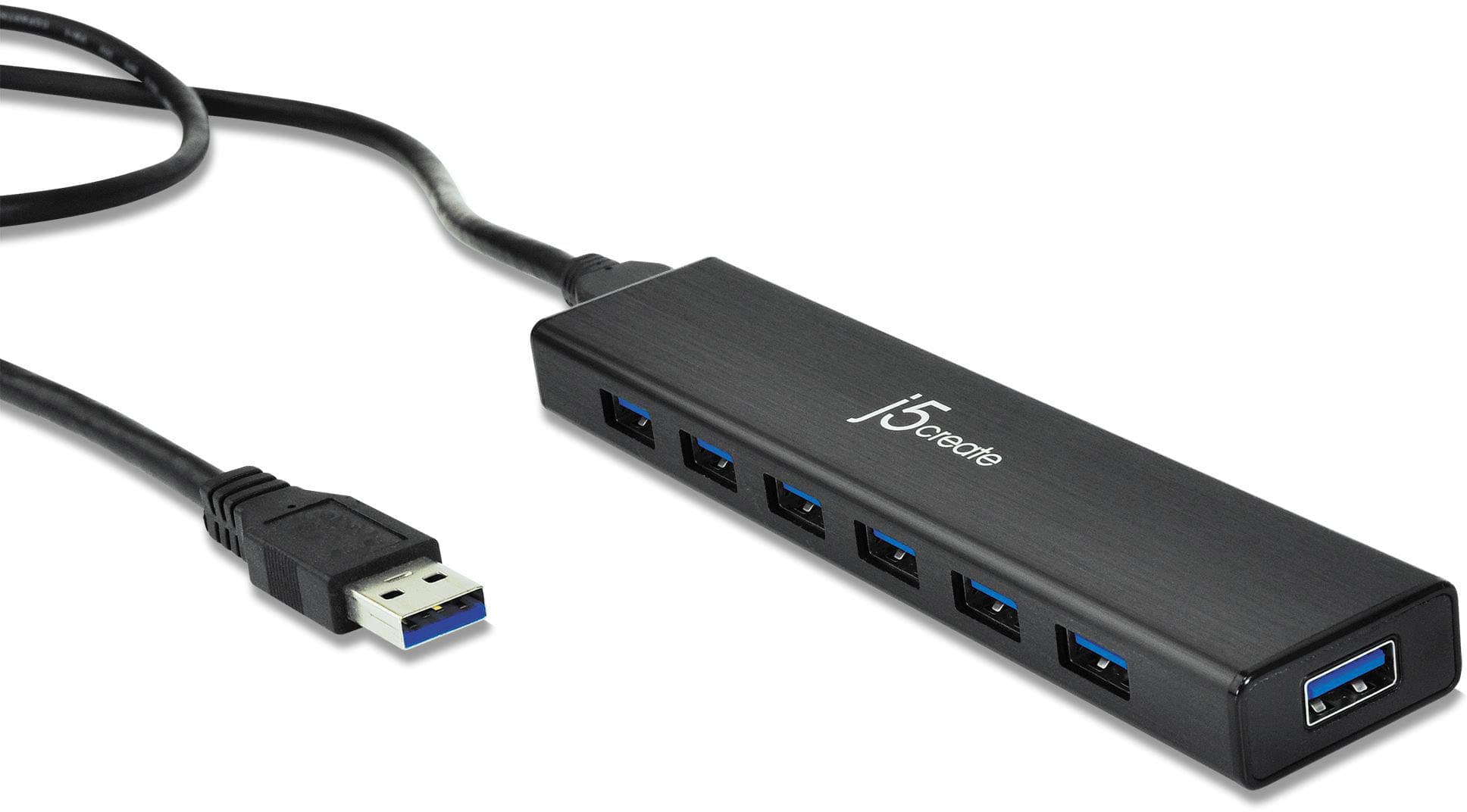
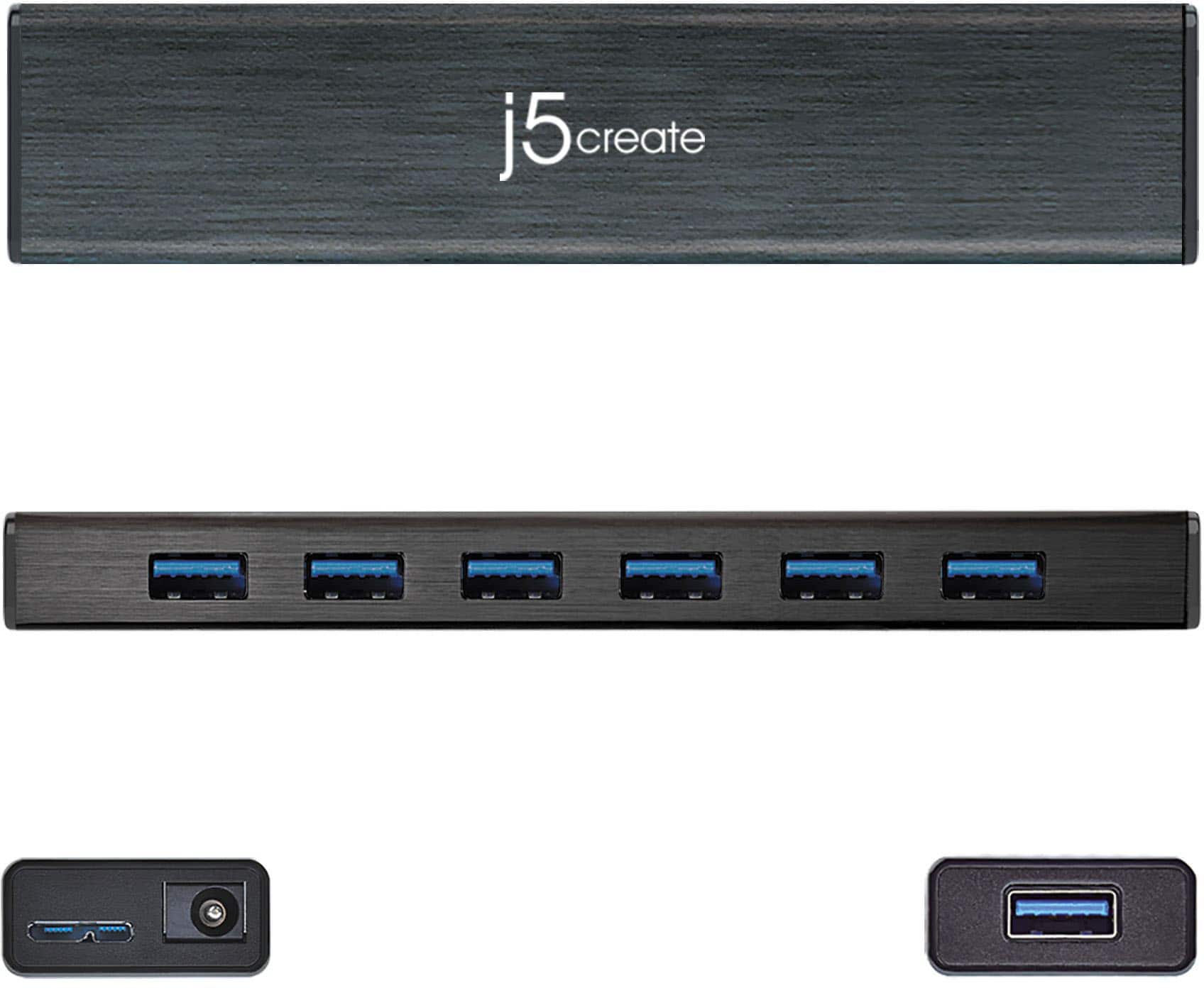
A:AnswerThe j5create JUH377 USB-A 3.0 hub is intended for mostly mice, keyboards, flash drives and some external hard drives. We recommend plugging in one external hard drive to the JUH377 only and if there is a second external hard drive, please connect directly to the computer instead as the JUH377 is a low powered device. Even if the external hard drive may have it's own power source connected to it, it may not work due to it's power requirements when connected via the JUH377 device.
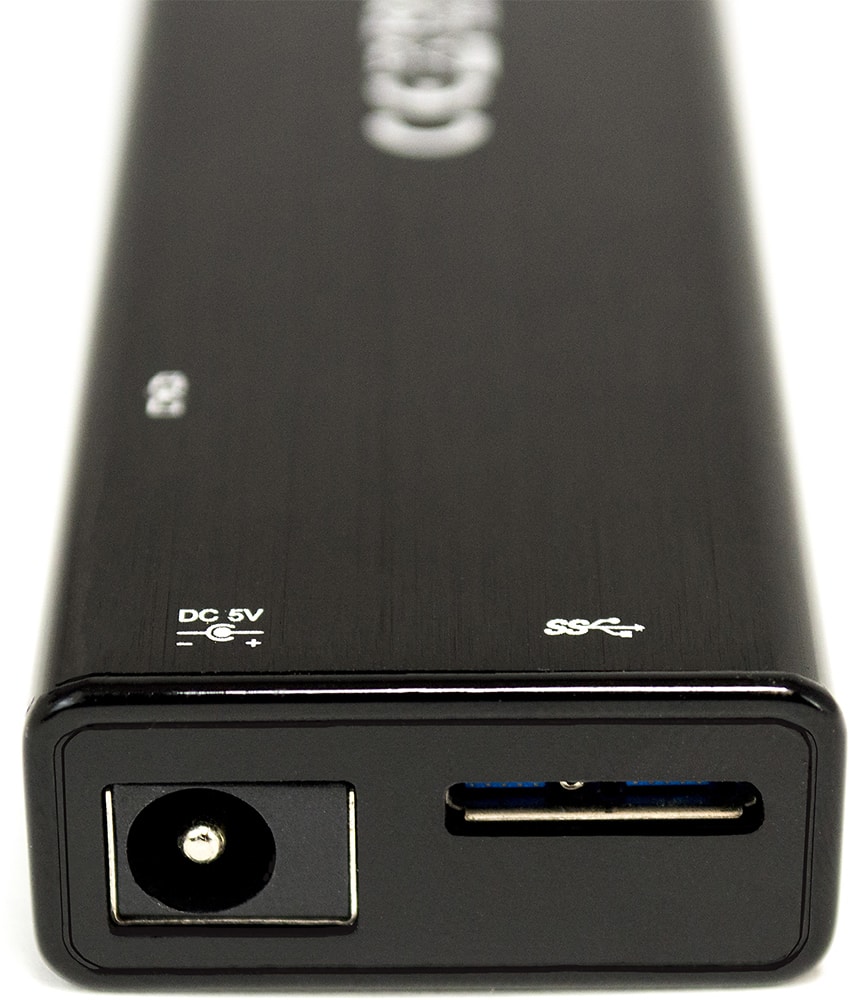
Yes, you should be able to transfer data from the computer directly to hard drive using the JUH377; just ensure to have the power adapter included in the packaging of the jUH377 connected for extra power to the JUH377 device.
Yes, you should be able to transfer pictures from a camera to the computer via the JUH377 device.
** If you require further assistance; please contact the j5create Technical Support team and we will be glad to further assist if necessary.
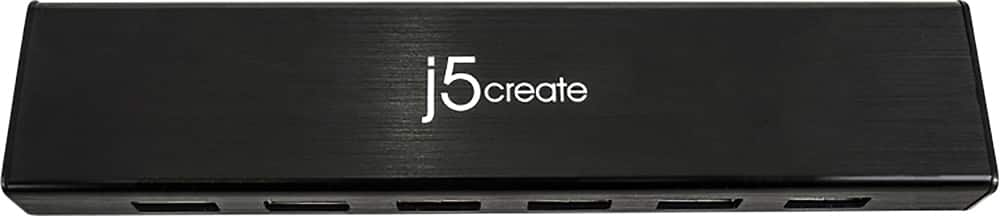
A:AnswerThank you for the question. Yes, the JUH377 will work with wireless devices such as a mouse, keyboard, flash drive, one external hard drive.
** Please feel free to contact the j5create Technical Support team if you require further assistance or have any more questions.
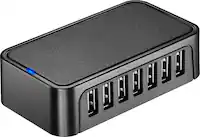
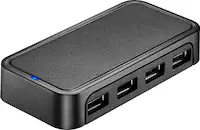
A:AnswerNo, the JUH377 can only provide charging to one device using the battery icon port, then rest of the USB-A ports are for data transfer only, mice, keyboards.
** Feel free to contact the Technical Support team mentioned on the packaging for further assistance or if you have any other questions and someone will be glad to assist you.
A:AnswerIf the iPad has USB-A ports, yes; if it only has USB-C ports, we recommend the JCH377 instead.
** Feel free to contact the Technical Support team mentioned on the packaging for further assistance or if you have any other questions and someone will be glad to assist you.
A:AnswerThey *can* all charge, but the result kind of depends on what the hub is plugged into. When mine was plugged into the computer, just about everything could charge in just about every port, though my USB modem would not register a charge unless it was plugged into the 2 amp port. While my computer was packed away I tried to use the hub like a USB power strip, to find that only the 2A port was getting any power.
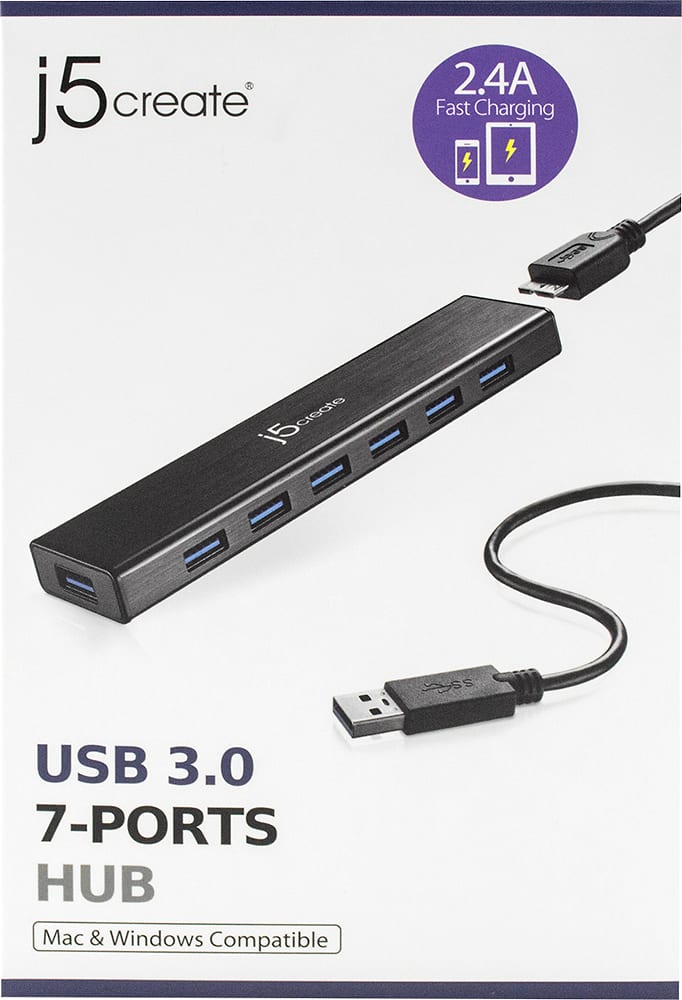
A:AnswerBC 1.2 will support up to 2.4A for charging smartphones, tablets, and iPads. Only one port with the battery symbol on the USB Hub will support charging. The rest of the ports will provide transmission speeds up to 5 Gbps.
A:AnswerThe USB Hub are used for connecting a mouse, keyboard, flash drive, mic, low power USB peripherals. Unfortunately, we cannot guarantee full functions of your musical devices when all 4 units are plugged into the USB Hub. ** If you require further assistance; please contact the j5create Technical Support team and we will be glad to further assist if necessary. Respectfully, j5create.
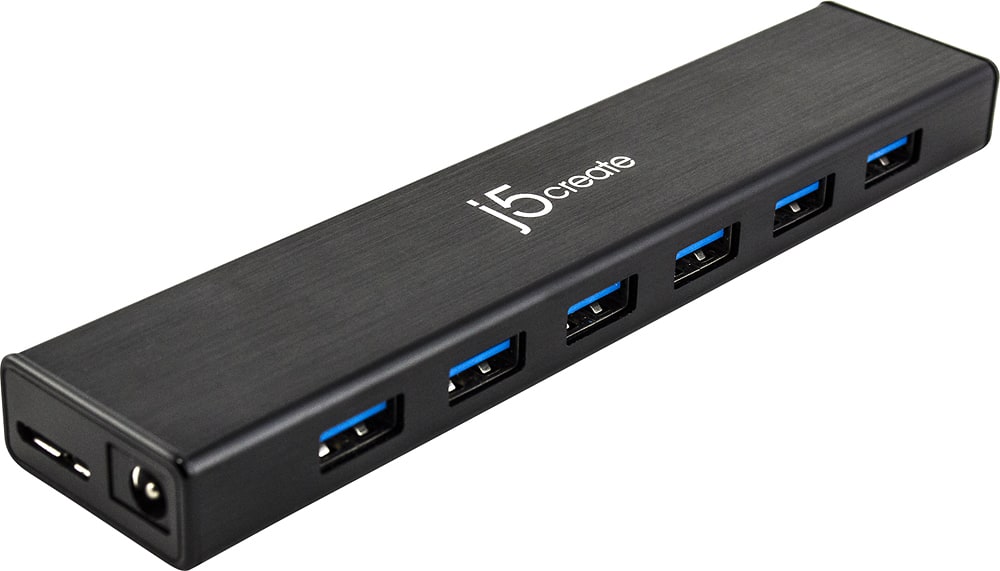
A:AnswerIf you are referring to host cables to connect the JUH377 to the computer, then yes, we do sell host cables separately. You can find them on the manufacturer's website or you can also contact the support team printed on the casing to speak with a rep for further assistance.
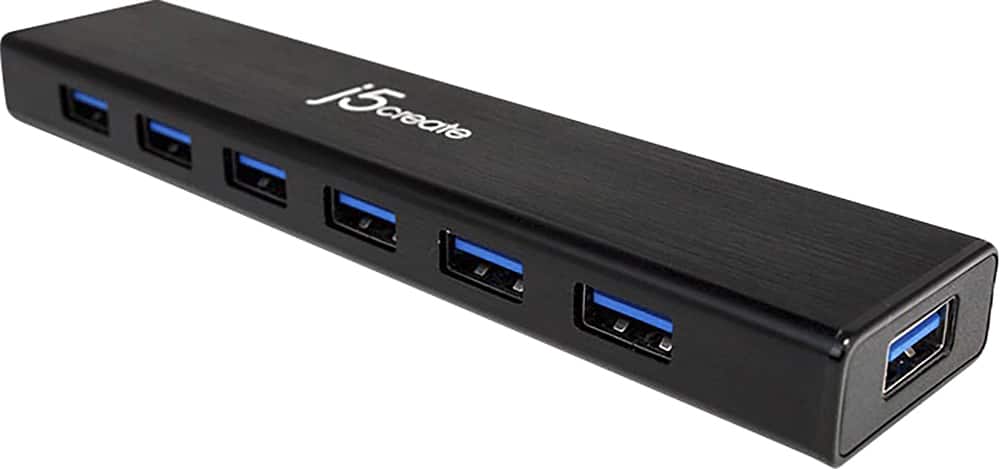
A:AnswerTry connecting your wired mouse to the USB port on the end of the j5create 7 port. My old wired Dell mouse will not be recognized on the side prots but works fine on the end port.