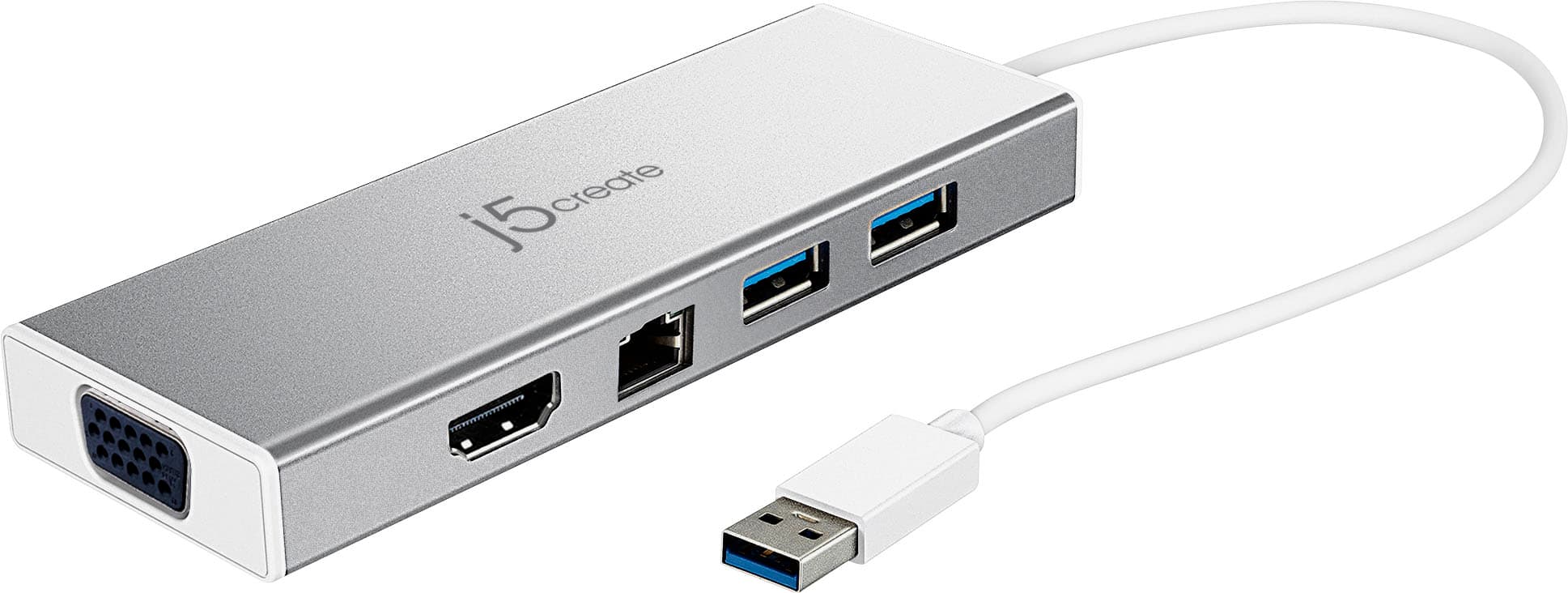
A:AnswerThe JUD380 is compatible to Lenovo with the required driver installation. Please check the Ethernet cable connections or test with another cable. If possible, test with another Ethernet port on the router. For further trouble shooting, please contact our representative and they will be able to assist you further. Respectfully, j5.
A:AnswerThere are no App's for the JUD380, only drivers that are located through j5create.com under the "Support" tab > "Downs/Drivers". It could be that your tablet is not compatible with the device and may not take drivers. ** If you require further assistance; please contact the j5create Technical Support team and we will be glad to further assist if necessary.
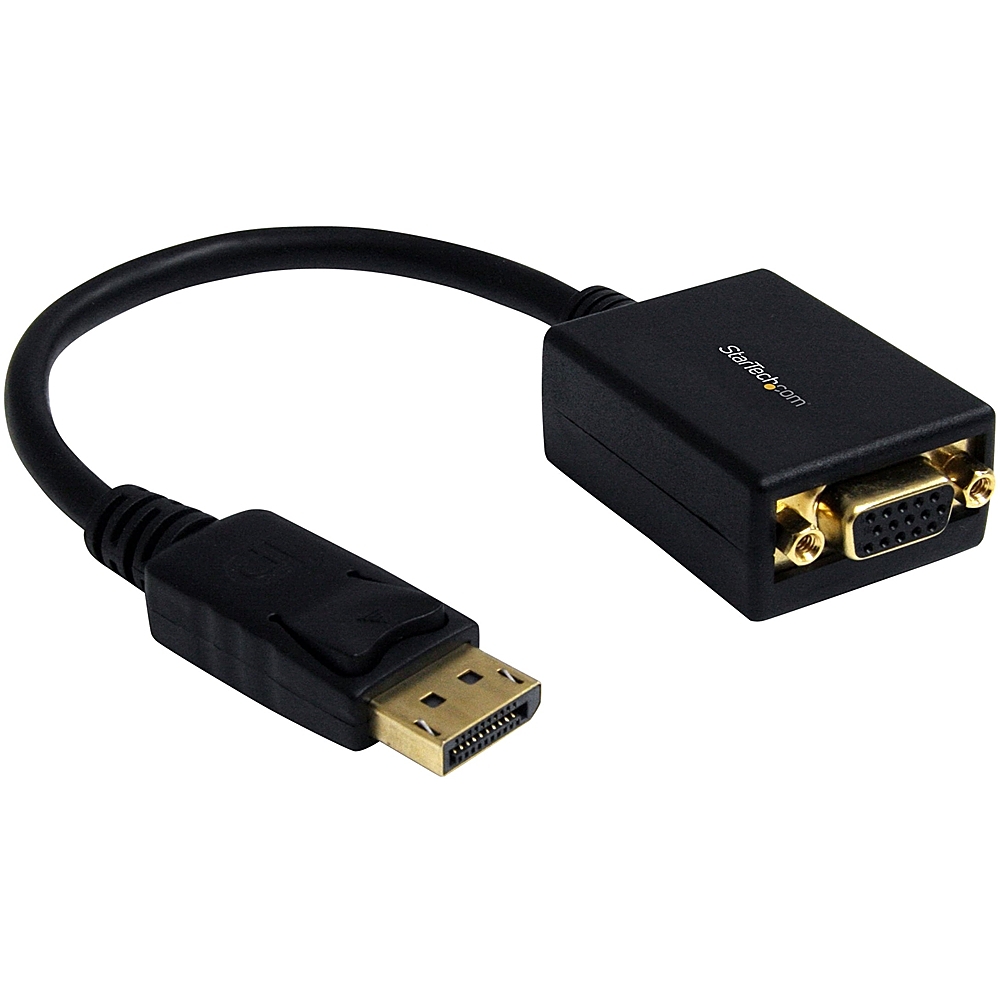
A:AnswerYou would want displayport adapters.
These are in multiple varrities.
DP to VGA, however then you are on lower resolutions.
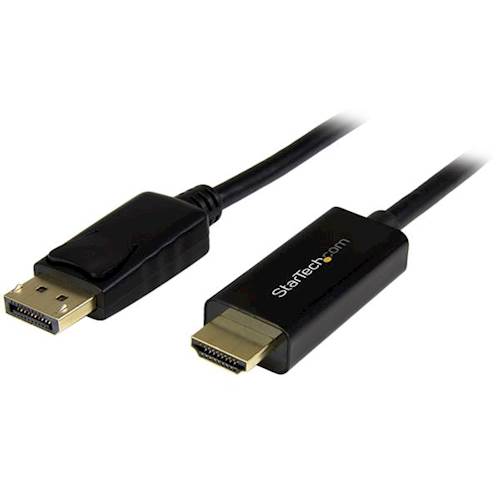
DP to HDMI - Great for basic HDMI monitors
DP to HDMI active - Best for high rez monitors and TVs (4k)
A:AnswerThe JUD380's USB ports are intended for mostly mice, keyboards, flash drives, web cameras; devices such as printers, scanners are recommended to be connected directly to the computer instead due to power requirements.
A:AnswerFor further help with this issue please contact our customer service department. Their information can be found on the back of the packaging or in the support tab on our website.
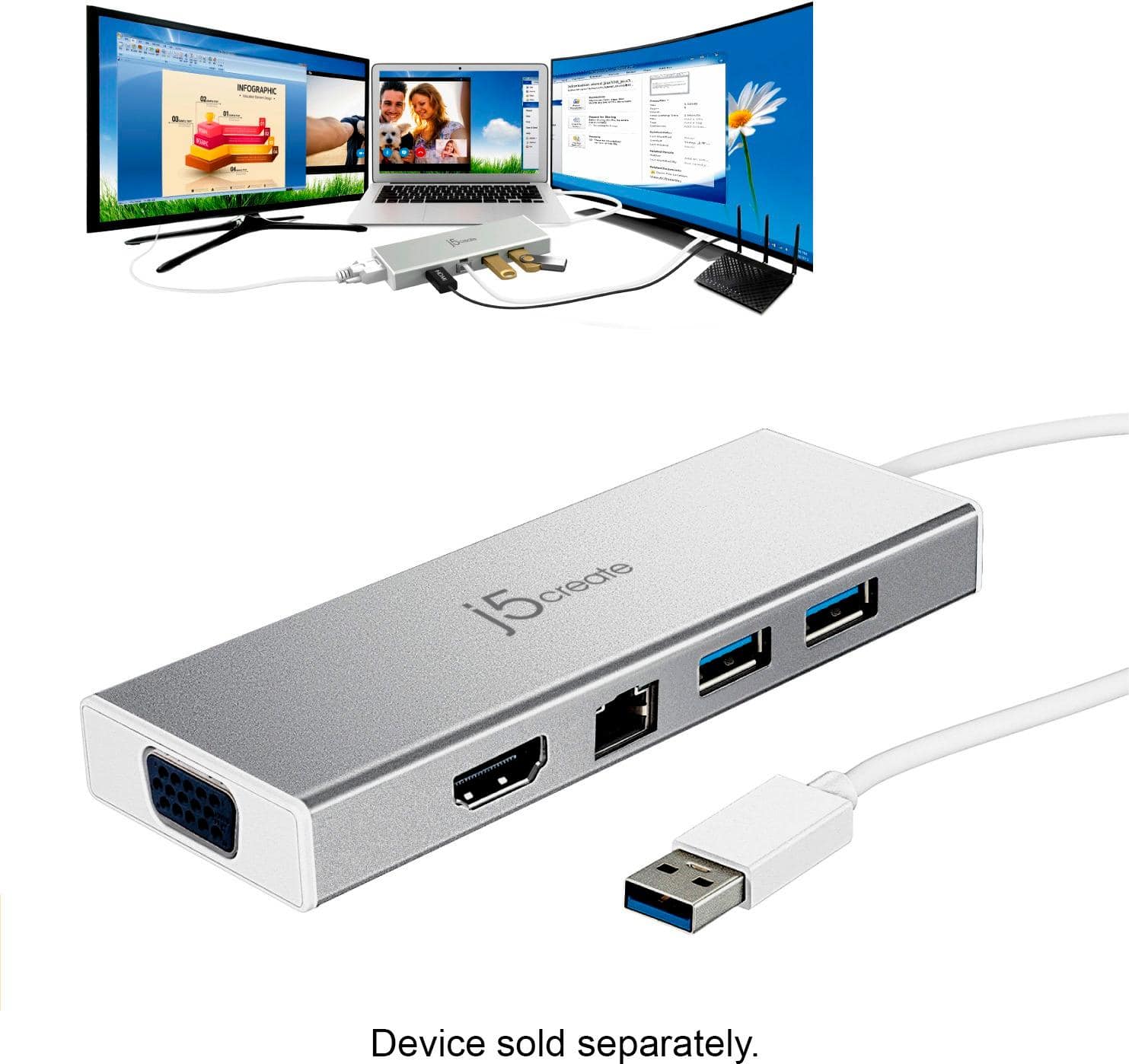
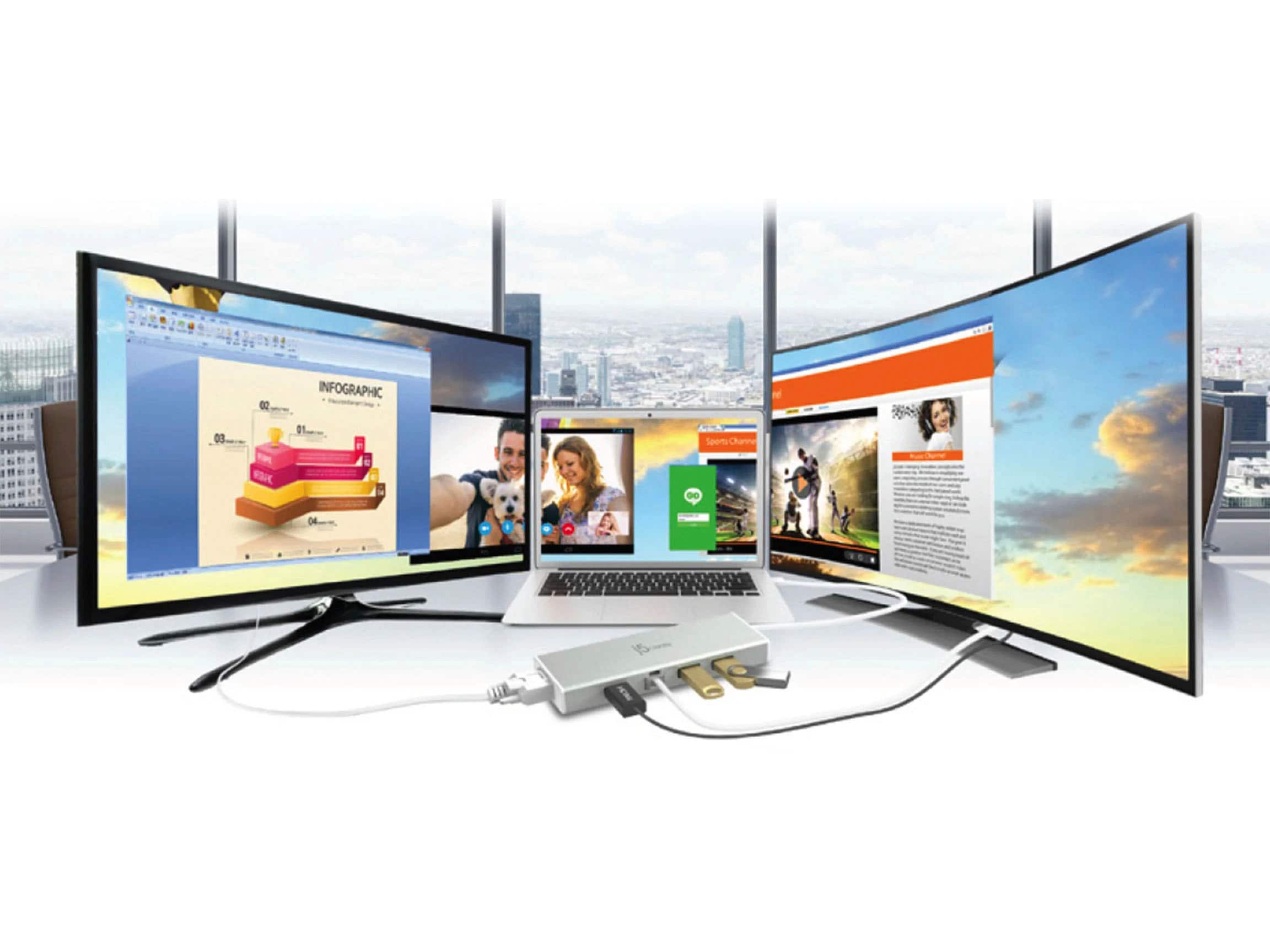
A:AnswerYes, this should work. I ran into the same problem with my wife's laptop and now she can use her laptop screen and extend to the two other monitors.
A:AnswerIt appears that the Toshiba Satellite E55 series supports Windows 8 and therefore it should work once you download and install the driver. In regards to whether or not it has a GPU - yes, the mini dock will work in conjunction with the integrated graphics card. If you need assistance on properly setting up the JUD380, feel free to contact support on the packaging and a rep will be glad to lend a helping hand.
A:AnswerUnfortunately at this time, we do not have drivers available for MacOS Big Sur; in this case, we can place you on an 'On-Hold' list and as soon as the drivers are available you will be notified immediately via email. In order to be placed on the list, we recommend contacting support on the packaging and a specialist will be happy to help.
A:AnswerThere may be some settings to check and ensure everything has been allowed correctly. We recommend contacting support on the packaging to speak to a representative and they will happy to get you up and running in no time.
A:AnswerYes, as long as the Lenovo computer you are using has USB Type-A ports on it you should be fine - simply download, install the driver and you're all set.
A:AnswerThe JUD380 is compatible with the MacBook Air and will work once the driver is installed properly. Because the mini dock works off a driver you may experience some lag; if you wish to obtain optimal performance, it is recommended to use a plug-and-play device. In order to recommend PnP adapters for your Mac, we recommend contacting support on the casing to speak with an agent and they will be happy to help.
A:AnswerPlease contact our customer service department for further help with this question. Their contact information can be found on the back of the packaging and on the "Support" tab on our website.