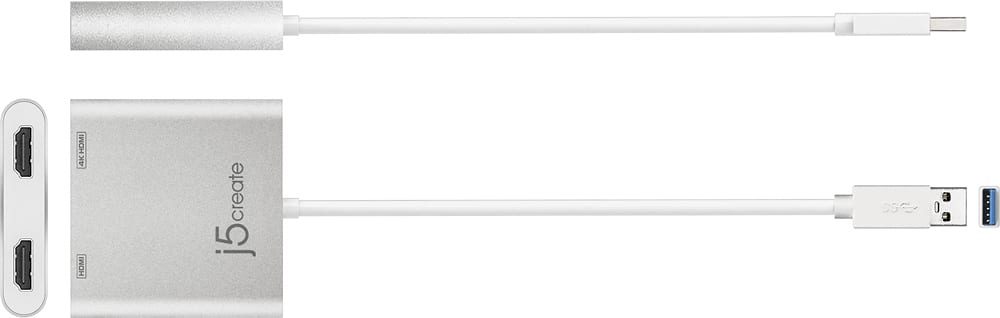
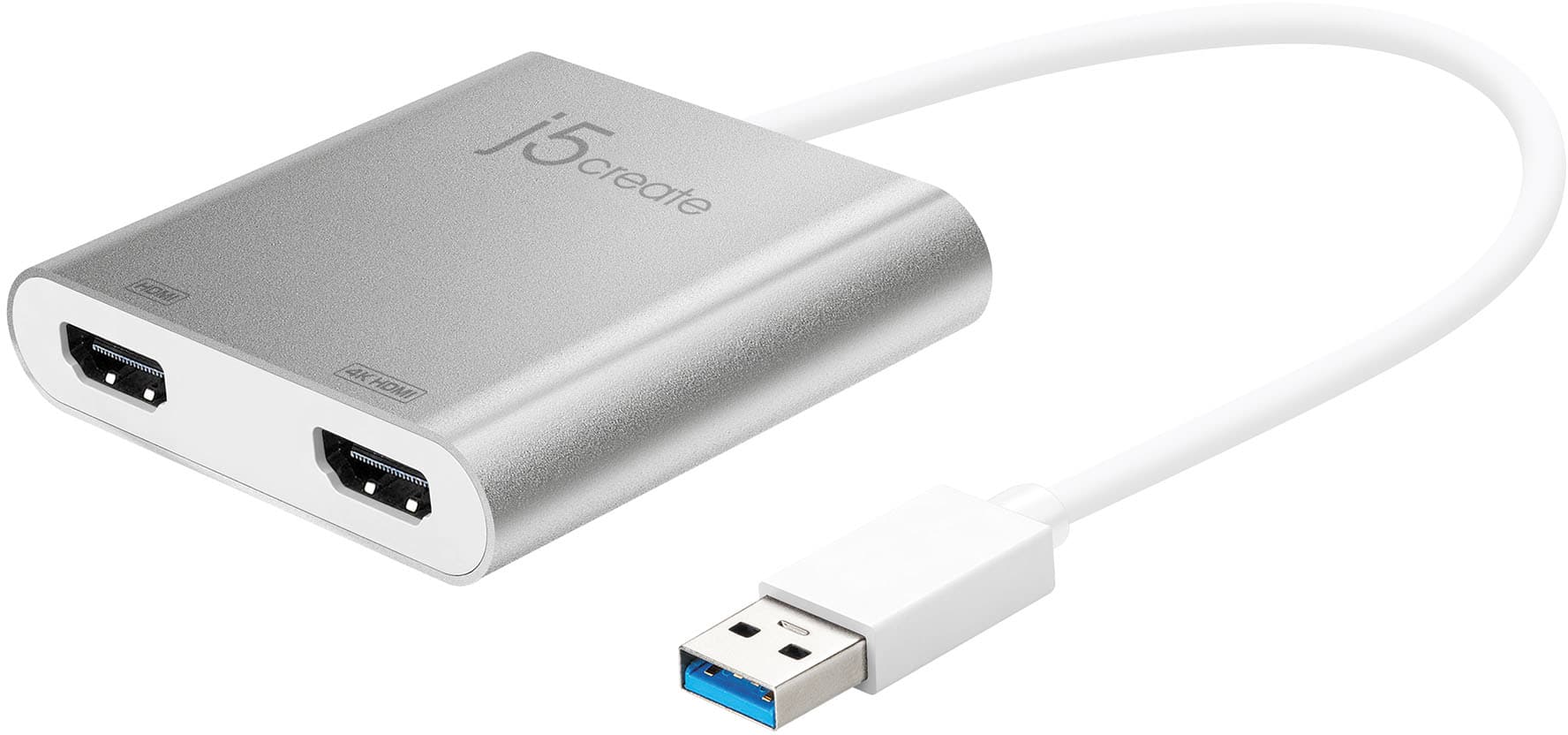
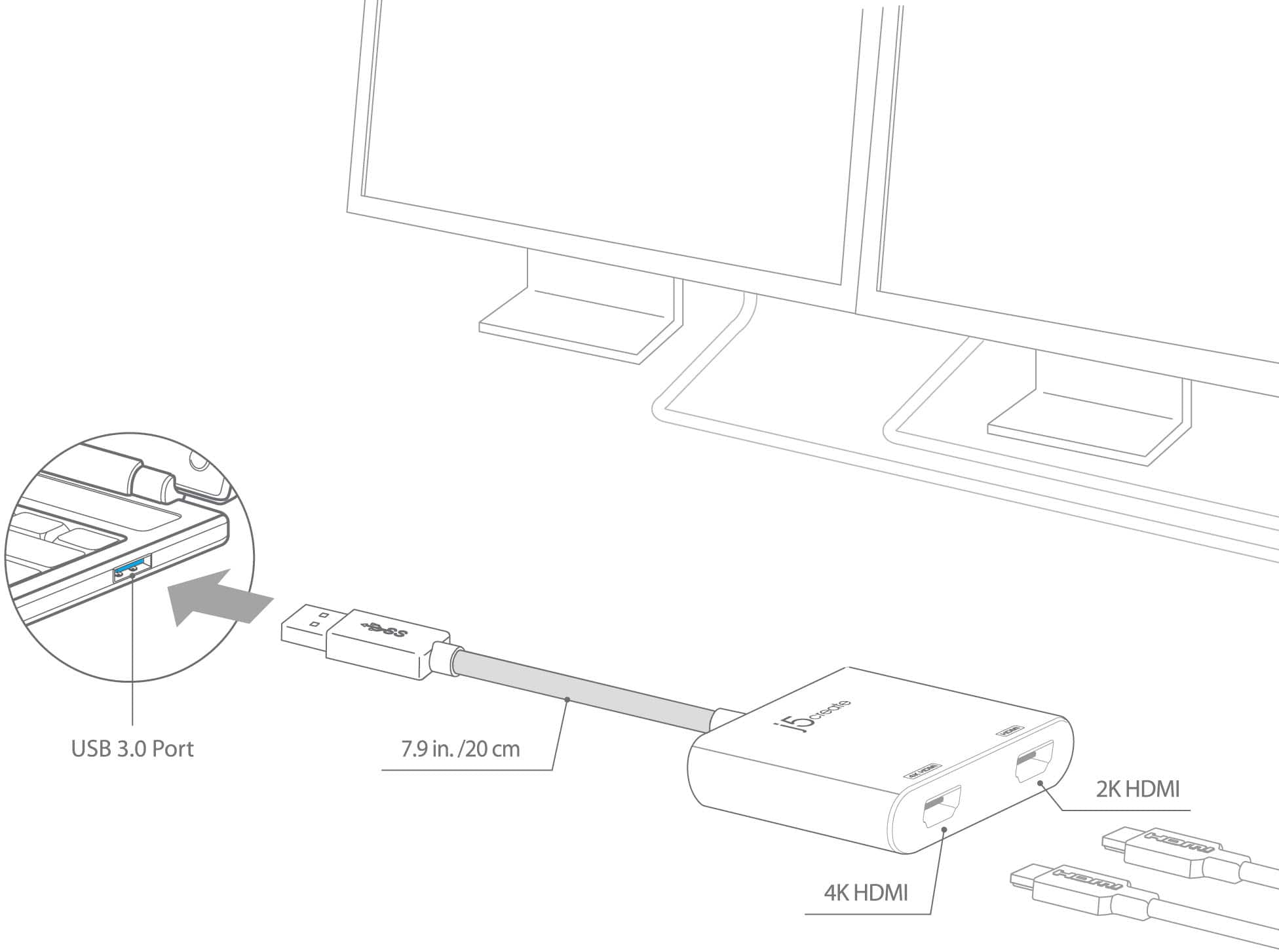
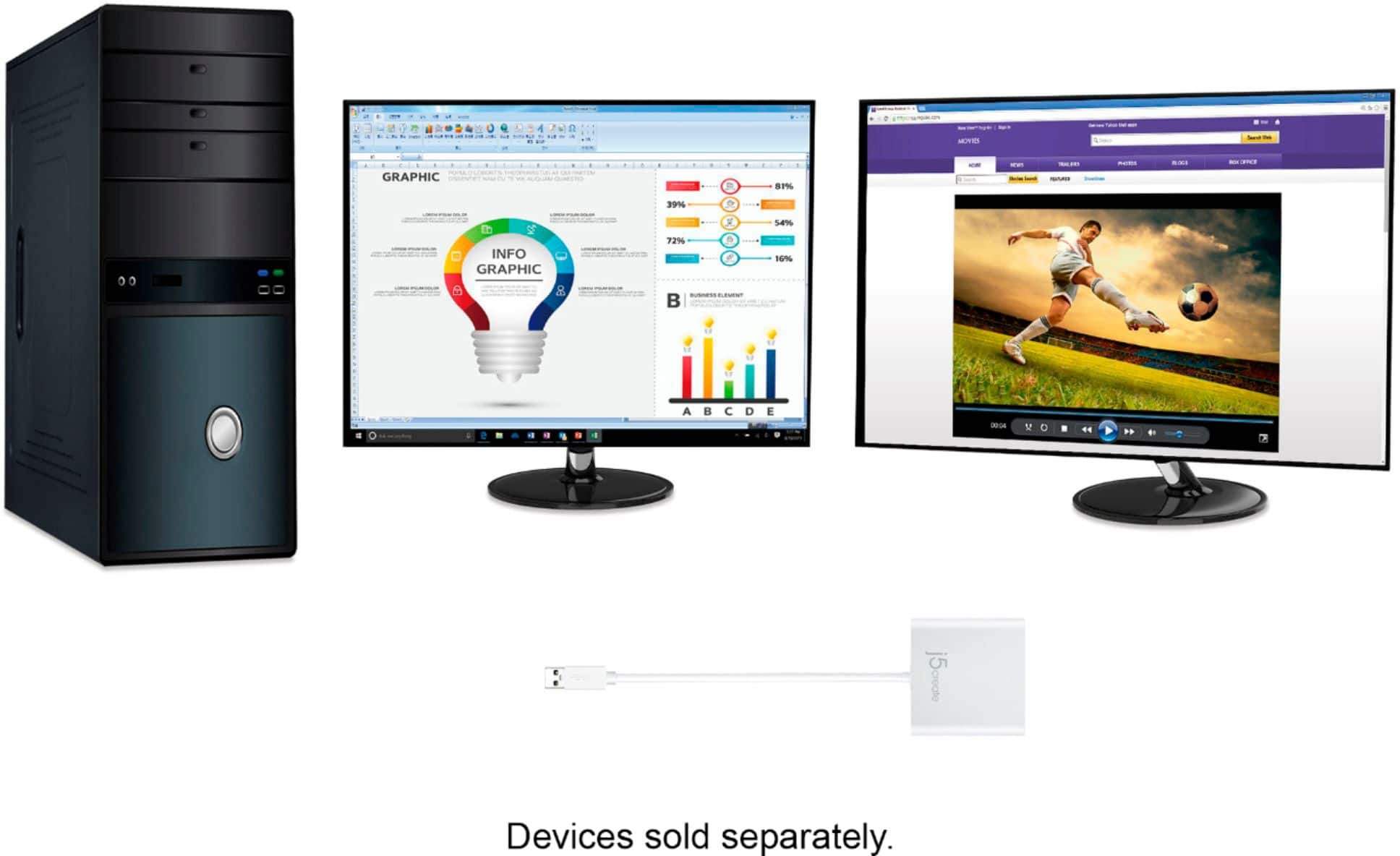
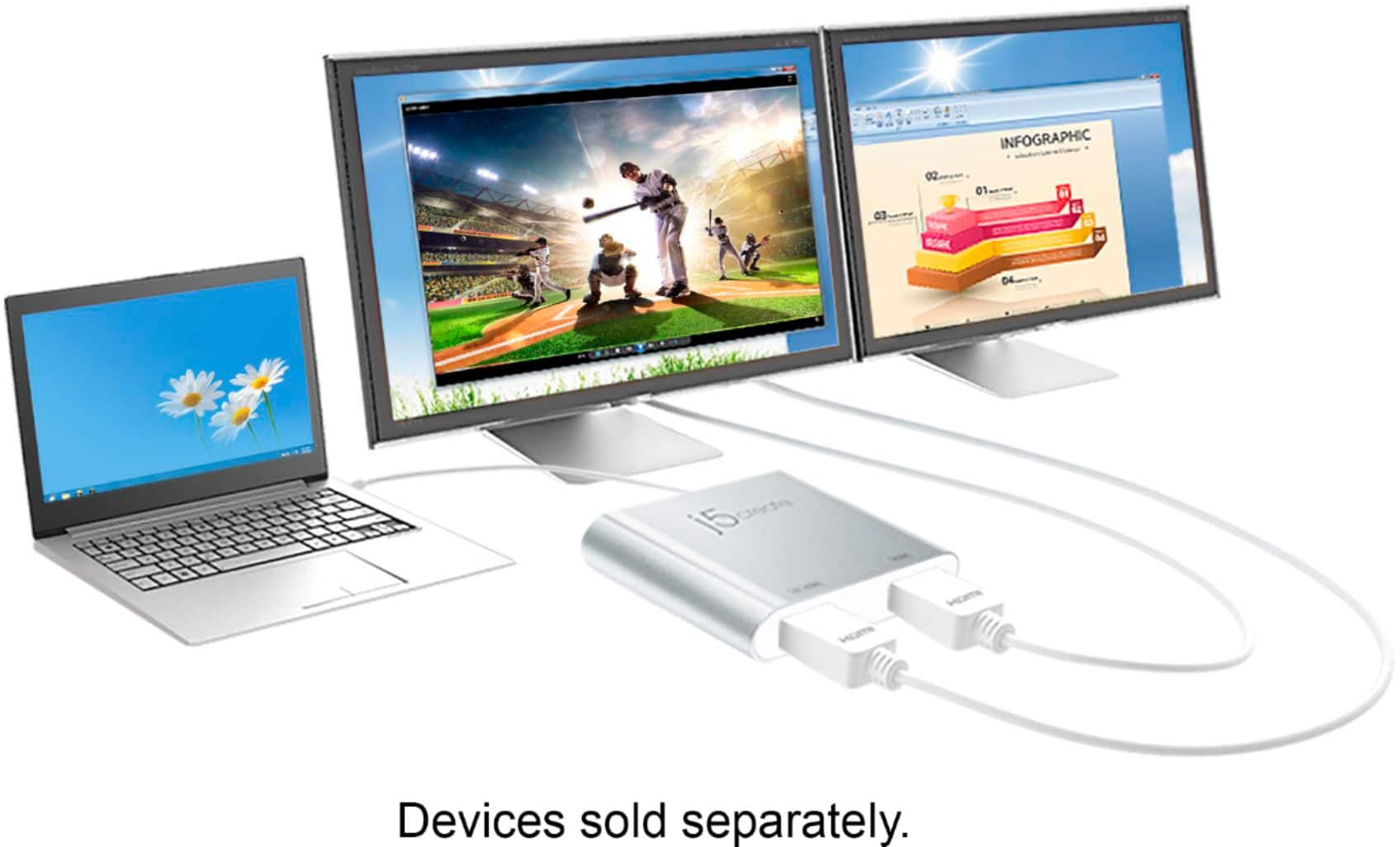
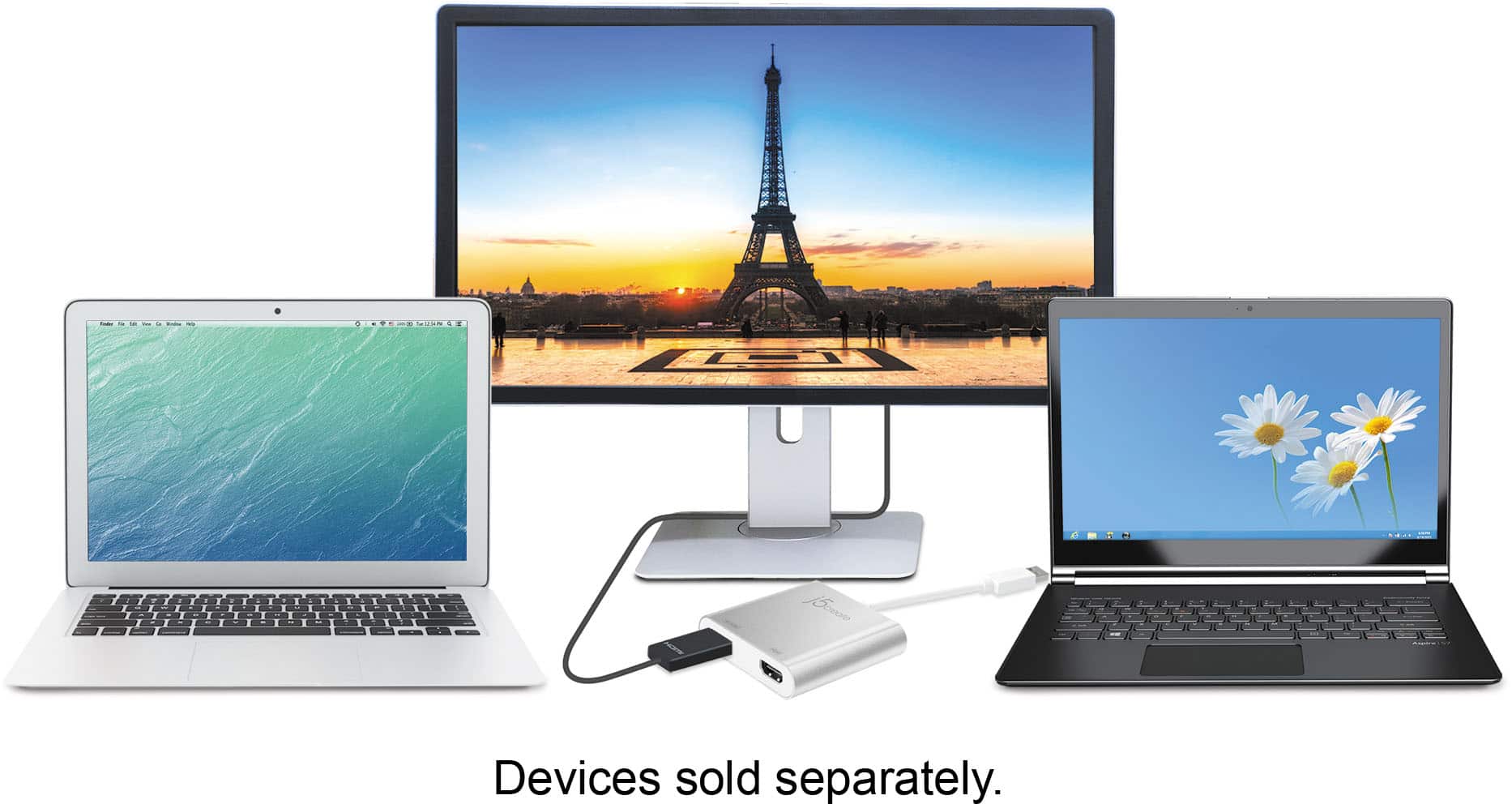
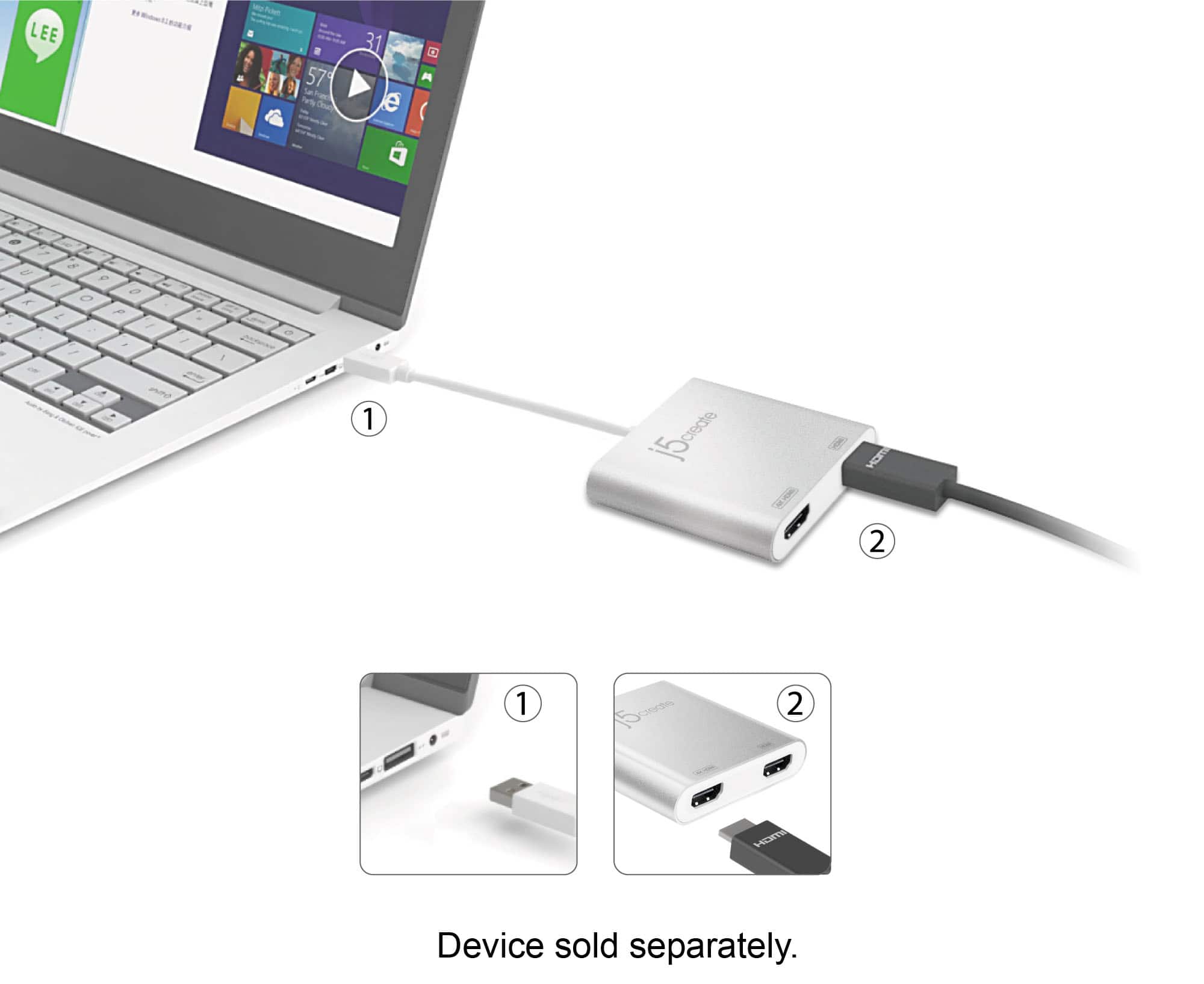
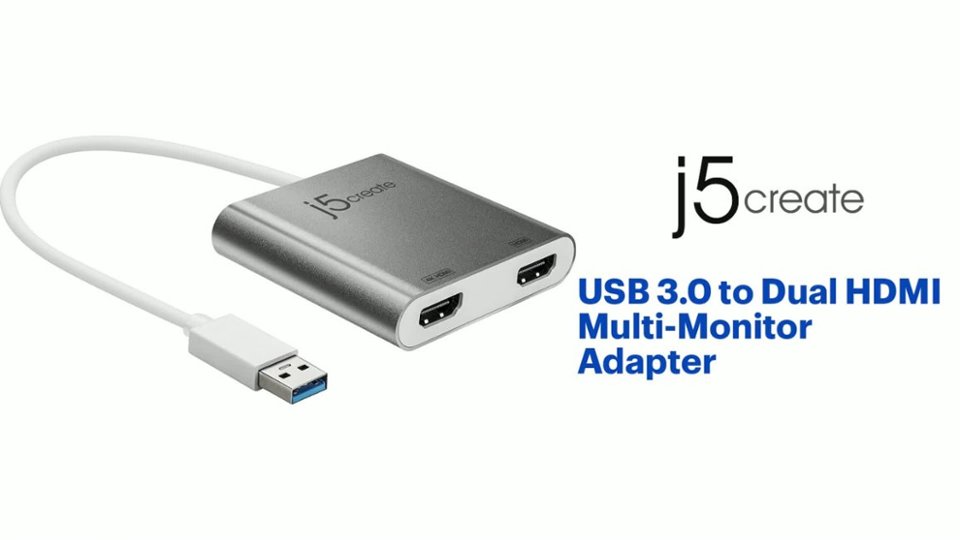
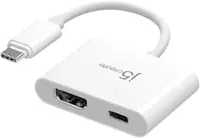
A:AnswerUnfortunately, with this device you will only be able to get one 4K display, and that is if you only have one display connected to this device (specifically the 4K HDMI port.)
A:AnswerThank you for submitting a question. Yes, the JUA365 is indeed compatible with Windows 10 as long as you download and install the driver required. If you require assistance in the driver installation process, feel free to contact us at j5create and someone will be glad to further assist you.
A:AnswerOur website is called j5create.com. Drivers are located under the "Support" tab > "Downloads/Drivers". Link: https://en.j5create.com/pages/drivers/#JUA365
A:AnswerI checked the display setting, but it looked okay. It happened only when I used the cable to connect with the laptop and monitors, when I connect HDMI directly to my monitor, the colors look fine. Or Maybe the cable doesn’t work with the monitors.
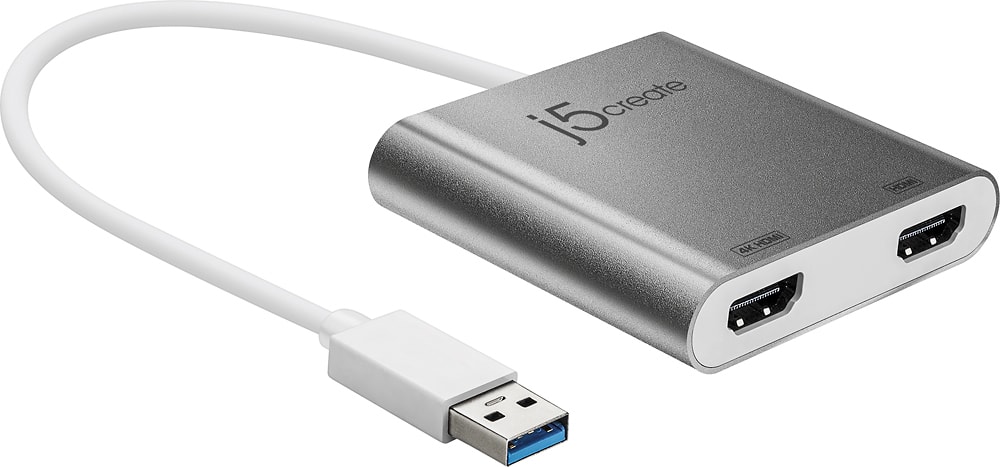
A:AnswerTry disconnecting the j5create adapter and reconnect your wireless mouse to see if it works. If it works, you may be experiencing RFI. Wireless interference from USB 3.0 devices, such as external HDD and other USD 3.0 removable media.
A:AnswerThe JUA365 will work. However, you may run into a few functional limitations with High Sierra. Please checkout our website for further information regarding the device before downloading the driver. Thank you.
A:AnswerYes, this will work with a 2012 MacBook Pro as long as you are on MacOS 10.8 - 10.13.3 or 10.14 and later. It offers both mirror and extended modes.
A:AnswerPlease contact our customer service department for more assistance with this issue. Their information can be found on the back of the packaging or on our website.
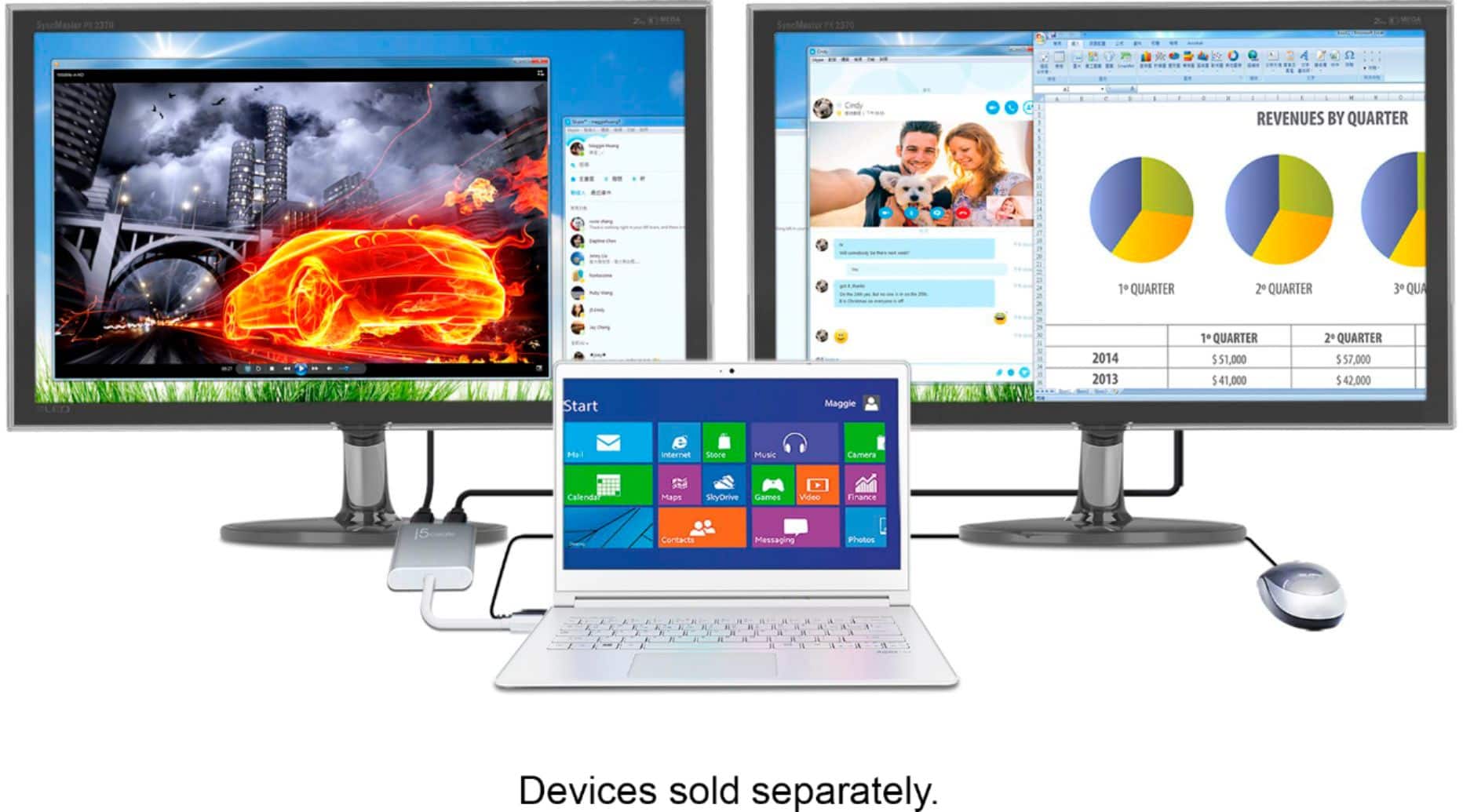
A:AnswerI am using the j5create connected to my USB to plug 2 monitors. I am using a Dell laptop, but I would assume the Pavilion should behave the same way.