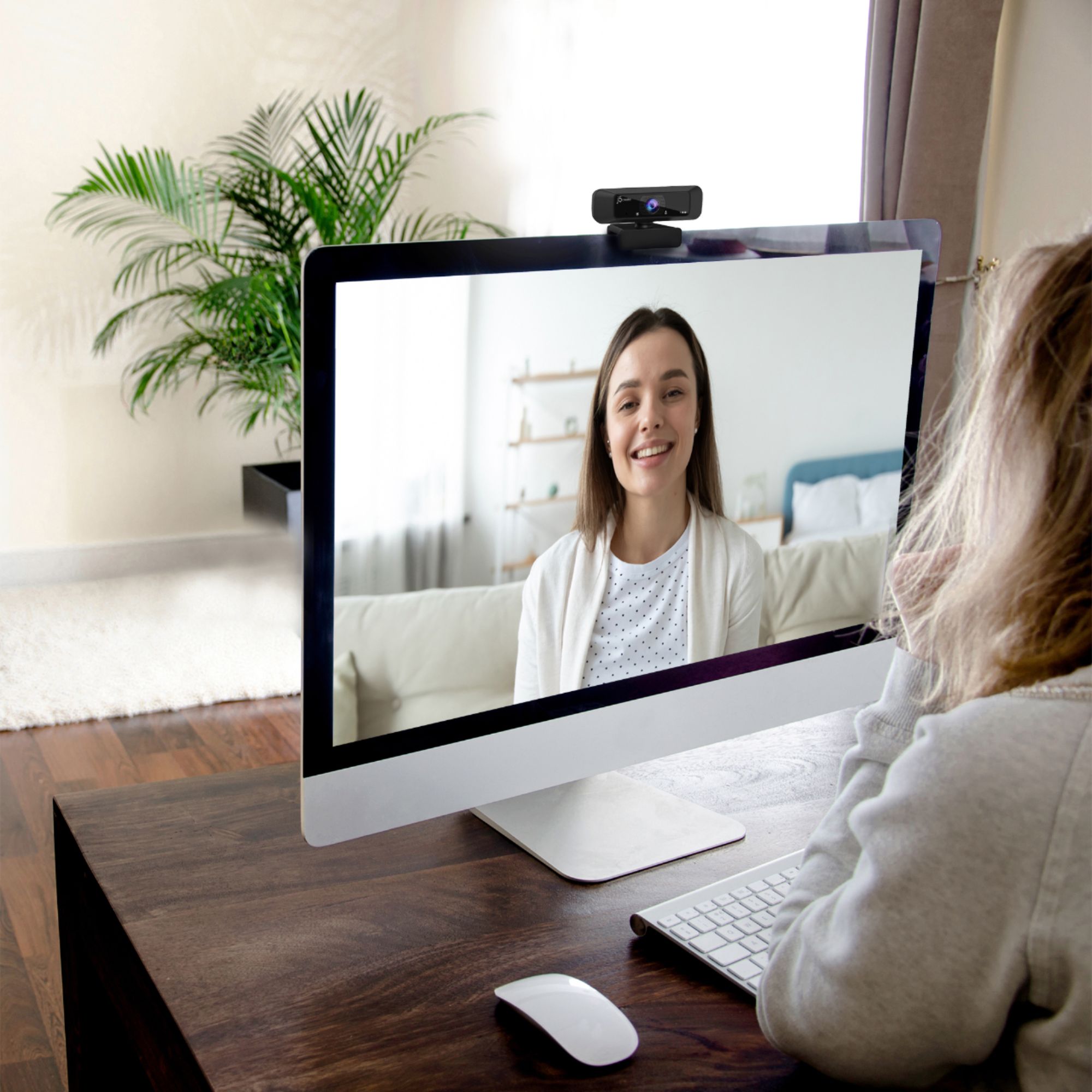
Questions & Answers
- Model:
- JVCU100
- |
- SKU:
- 6414515
Q: QuestionHow do I turn it on
Asked by Steven.
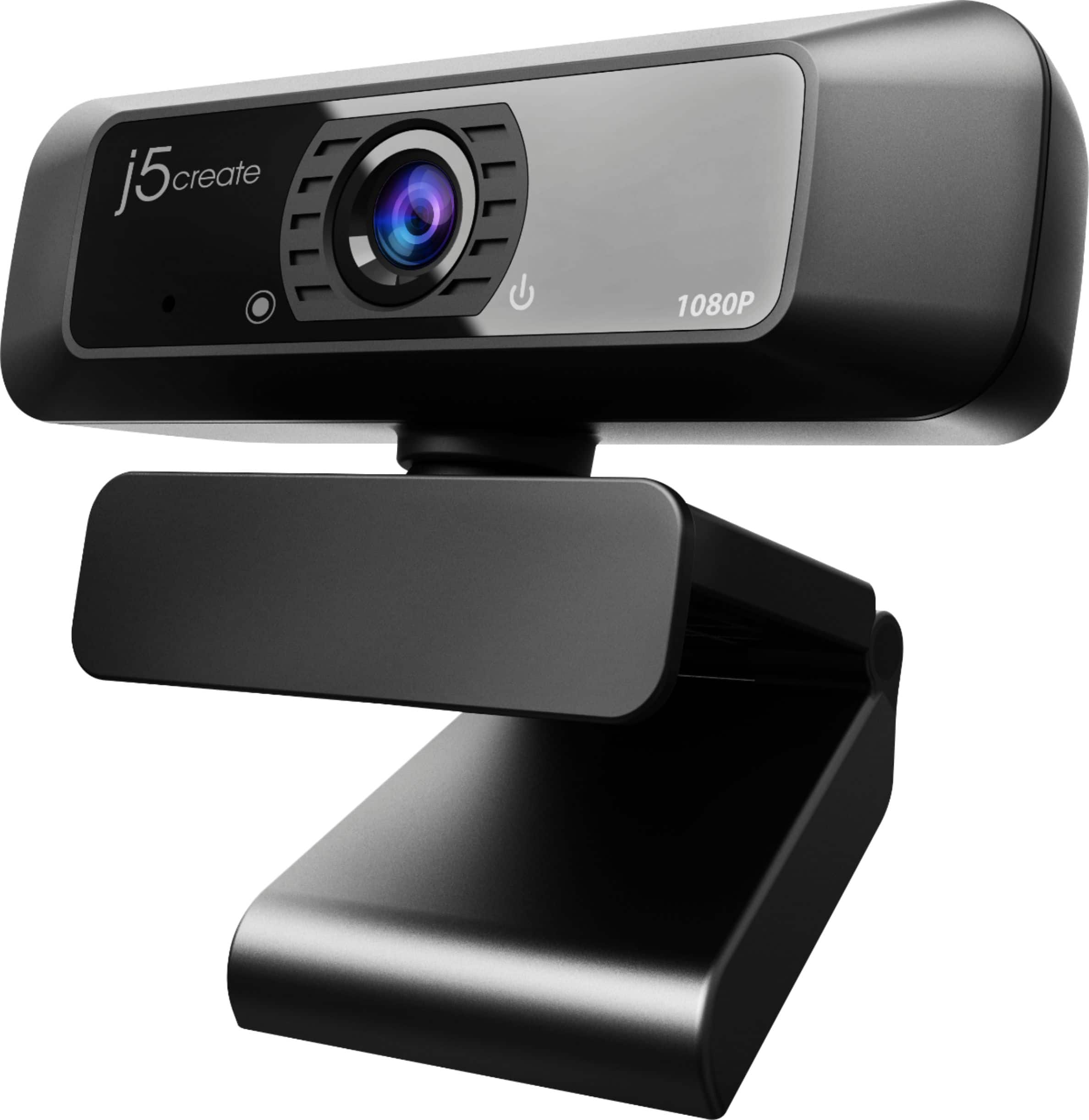
- A:Answer Once you have the webcam connected to your computer, open up an application such as Microsoft Teams, Zoom, Skype, etc. to start using the webcam. Make sure to allow apps to access your camera through Privacy Settings. ** Feel free to contact j5create Technical Support if you require further assistance. Their information can be found on our website under the "Support" tab. Thank you.
Answered by J5create Team
Q: QuestionWill the webcam work for windows 11?
Asked by xxxx.
- A:Answer Yes. I have windows 11 installed and the webcam works perfectly.
Answered by Ceezalino
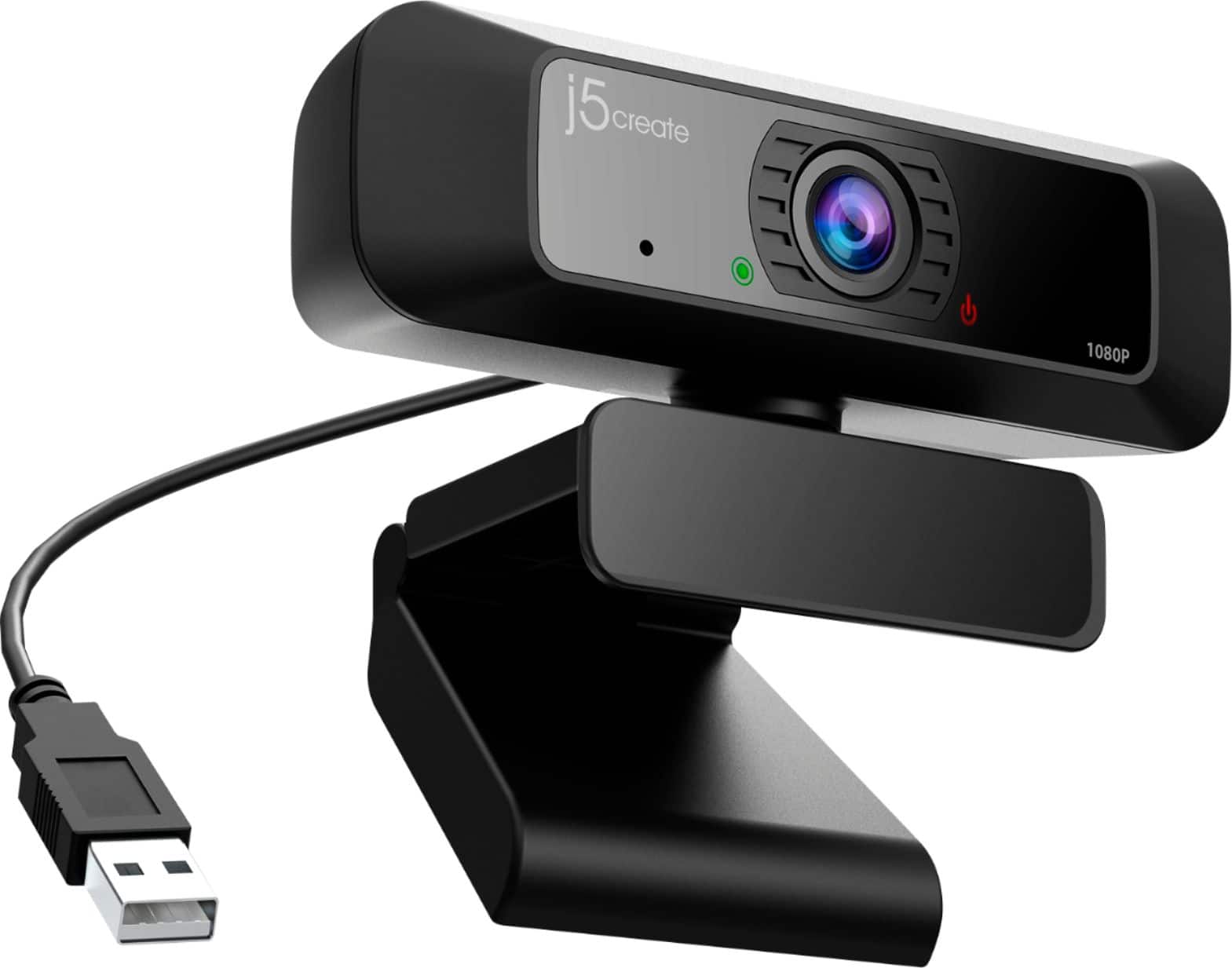
Q: QuestionDoes this webcam have a privacy shield?
Asked by Ronin.
- A:Answer No. But it has a light that turns on when the camera is on
Answered by Pete
Q: QuestionCan I use this with my Samsung Smart TV to have Duo calls?
Asked by Newyear.
- A:Answer The Webcam will not work connected to a TV. It must be connected to a computer with UVC support.
Answered by J5create Team
Q: QuestionIs it compatible with windows 11?
Asked by Anonymous.
- A:Answer Yes, the webcam is a Plug n Play device, no driver is required and will work for your Windows 11 computer.
Answered by J5create Team
Q: QuestionCan this camera zoom in on things?
Asked by Community.
- A:Answer No, the JVCU100 is not capable of zooming in on an object. The other option will be the JVCU435.
Answered by J5create Team
Q: Questionis this camera compatible with hp laptop
Asked by Anonymous.
- A:Answer Yes, the webcam is compatible with HP computers supporting UVC.
Answered by J5create Team
Q: Questionwill this work on a PS4
Asked by cat.
- A:Answer No, the webcam will not work on a PS4.
Answered by J5create Team
Q: QuestionDoes this WebCam work with Lenovo laptop?
Asked by BenK.
- A:Answer As long the Lenovo computer supports UVC. Most computers support that feature for Plug & Play webcams.
Answered by J5create Team
Q: QuestionIs this camera compatible with a ps4?
Asked by JasonBowen.
- A:Answer Unfortunately not, the webcam is for video conferencing or streaming by using compatible software.
Answered by J5create Team
Q: QuestionCan I stream on twitch using this camera with the Xbox s
Asked by King.
- A:Answer No, the webcam is more used for video conferencing. You would need a gaming capture card such as JVA02 or JVA04.
Answered by J5create Team
Q: QuestionIs this device compatible with windows 8.1?
Asked by Nontechnical.
- A:Answer Yes it does. Camera is excellent.
Answered by swpro
Q: QuestionIs it compatible with a Amazon fire tablet
Asked by Don.
- A:Answer Depending on the model of Amazon Fire tablet you have, different answers would apply. In order to narrow down the exact tablet you have, we recommend contacting the support team and a rep will gladly assist in determining compatibility.
Answered by J5create Team
Q: QuestionHow do i install the j5create webcam on my computer
Asked by April.
- A:Answer The webcam is a Plug n Play device, no driver needed. Just Plug-in and connect to an Application such as Zoom, Microsoft teams, etc.
Answered by J5create Team
Q: QuestionIs this compatible with ps4
Asked by Eagle.
- A:Answer Hi Eagle, the webcam will not be compatible with PS4. Thank you. j5create.
Answered by J5create Team
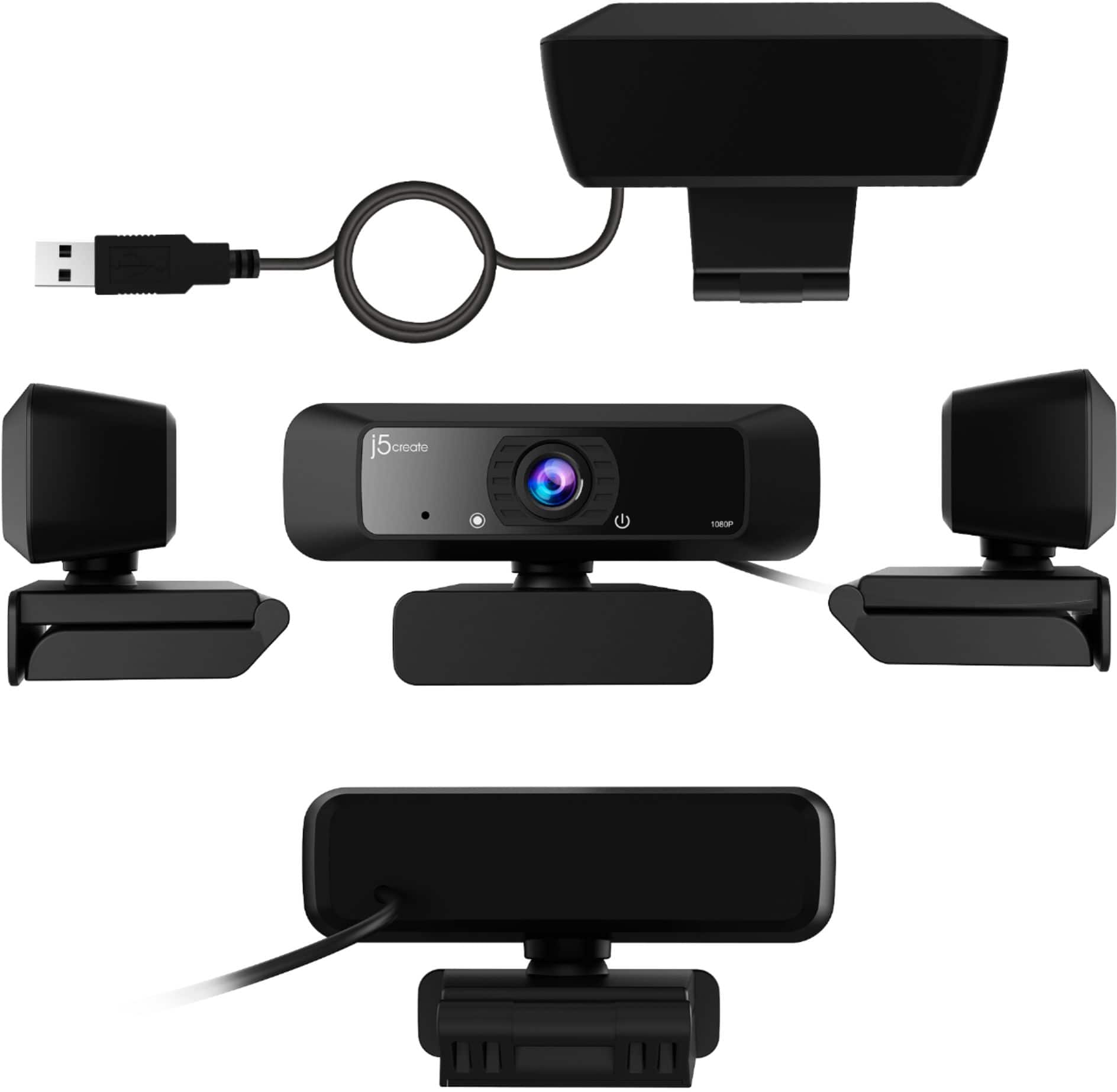
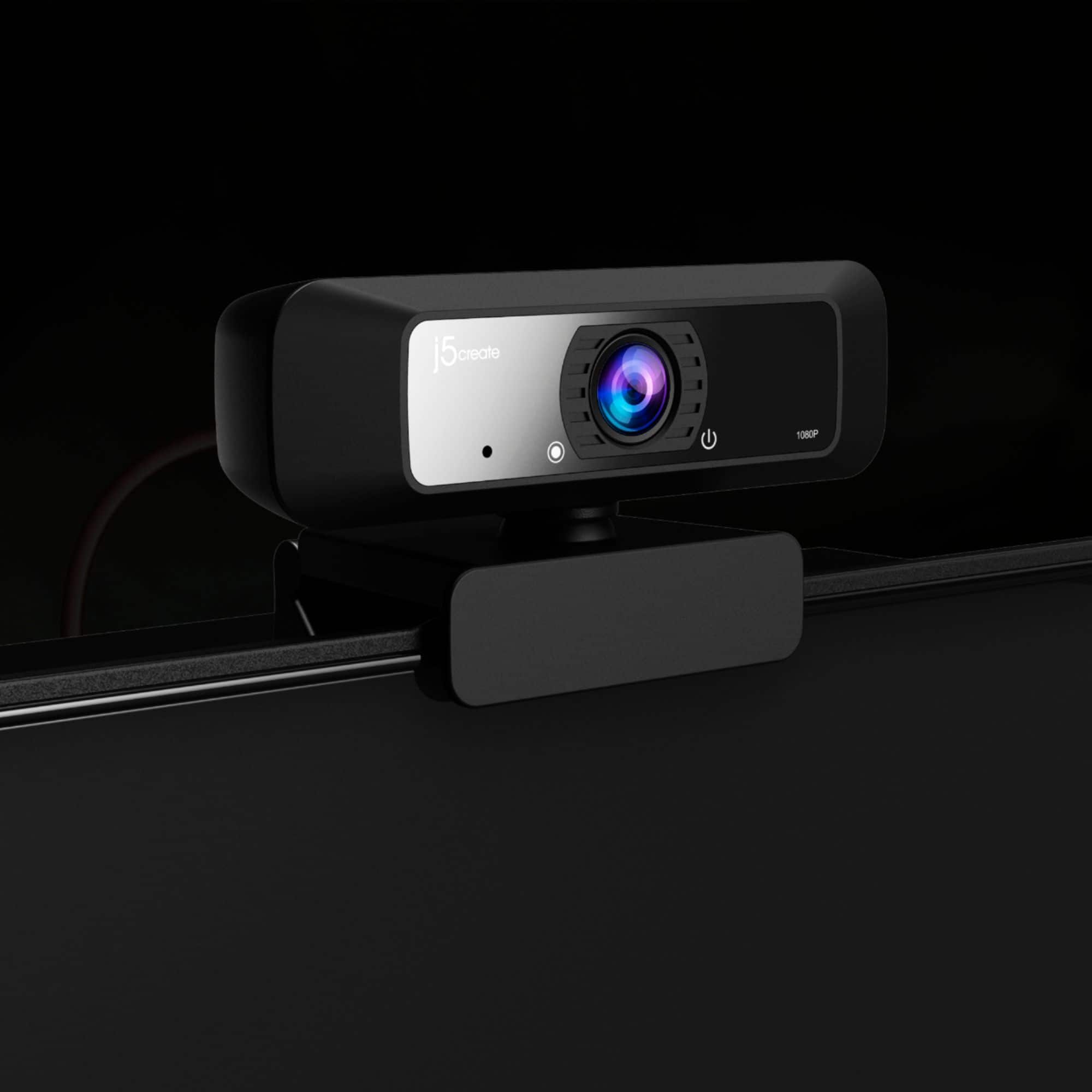
Q: QuestionWhat tripod go with this webcam? What is the mount on this webcam to fit with a tripod ?
Asked by Carmen.
- A:Answer I just used a generic one I got at Menards? It was advertised as being for small cameras or smartphones up to 5.7"? Just screwed it into collapsed clip. Works perfectly!
Answered by TVbuyer
Q: QuestionIs this compatible with the HP Spectre x360 (which has a USB-C or USB 3.1 Type A)?
Asked by DG12.
- A:Answer Yes, the JVCU100 is a PnP that connects with a USB Type A port. Thank you, j5create.
Answered by J5create Team
Q: QuestionMy webcam flickers throughout use. It happens every time I use it, several times per minute. It started happening after about two months of use. Is there a driver or anything I need to update, or what should I do?
Asked by Darc.
- A:Answer Hello Marc, the JVCU100 is a Plug and Play device, no drivers needed. Please contact us so we may be able to help troubleshoot with you and figure out the cause with the flickering. We apologize on the issue you are experiencing with our webcam, Sincerely, j5create.
Answered by J5create Team
Q: QuestionIs this compatible with mac mini?
Asked by Anonymous.
- A:Answer Yes - I purchased it for use with the macmini and it works fine. I have a 2018 i5 MacMini.
Answered by goodmeasuremusic
Top Rated
- $48.99Your price for this item is $48.99$69.99The comparable value for this item is $69.99
- $27.99Your price for this item is $27.99$39.99The comparable value for this item is $39.99
- $199.99Your price for this item is $199.99
- $169.99Your price for this item is $169.99$199.99The comparable value for this item is $199.99
- $139.99Your price for this item is $139.99
- $21.99Your price for this item is $21.99$29.99The comparable value for this item is $29.99
- $90.99Your price for this item is $90.99$129.99The comparable value for this item is $129.99
- $119.99Your price for this item is $119.99
- $149.99Your price for this item is $149.99
- $69.99Your price for this item is $69.99$99.99The comparable value for this item is $99.99
- $169.99Your price for this item is $169.99
- $59.99Your price for this item is $59.99
- $119.99Your price for this item is $119.99
- $69.99Your price for this item is $69.99
- $119.99Your price for this item is $119.99
- $189.00Your price for this item is $189.00
- $591.99Your price for this item is $591.99$599.99The comparable value for this item is $599.99
- $79.99Your price for this item is $79.99