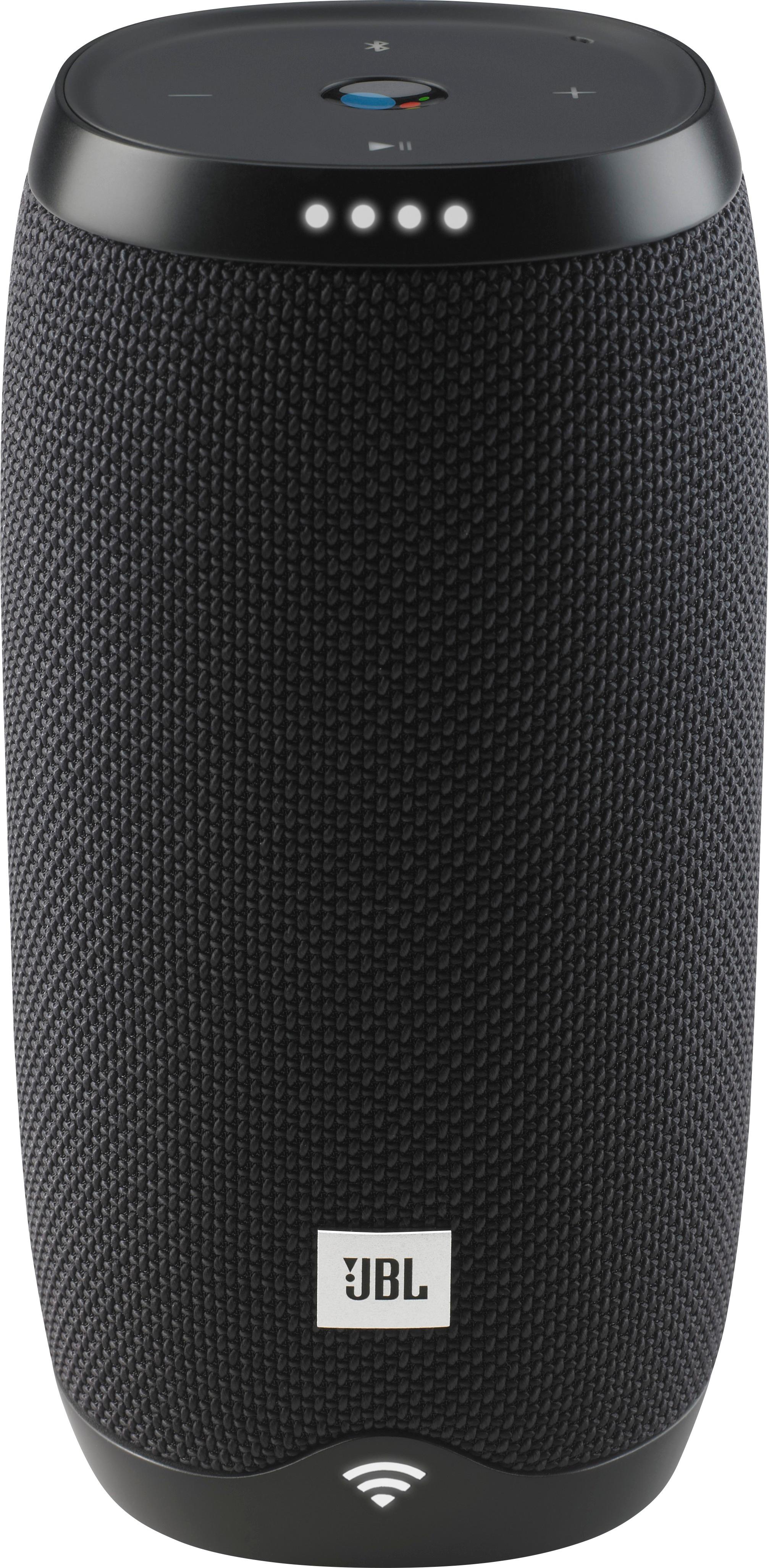
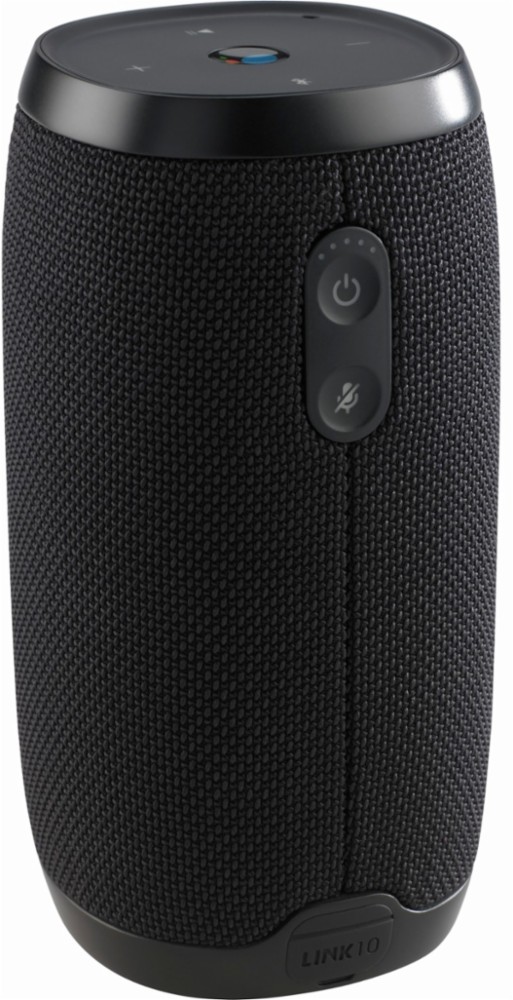
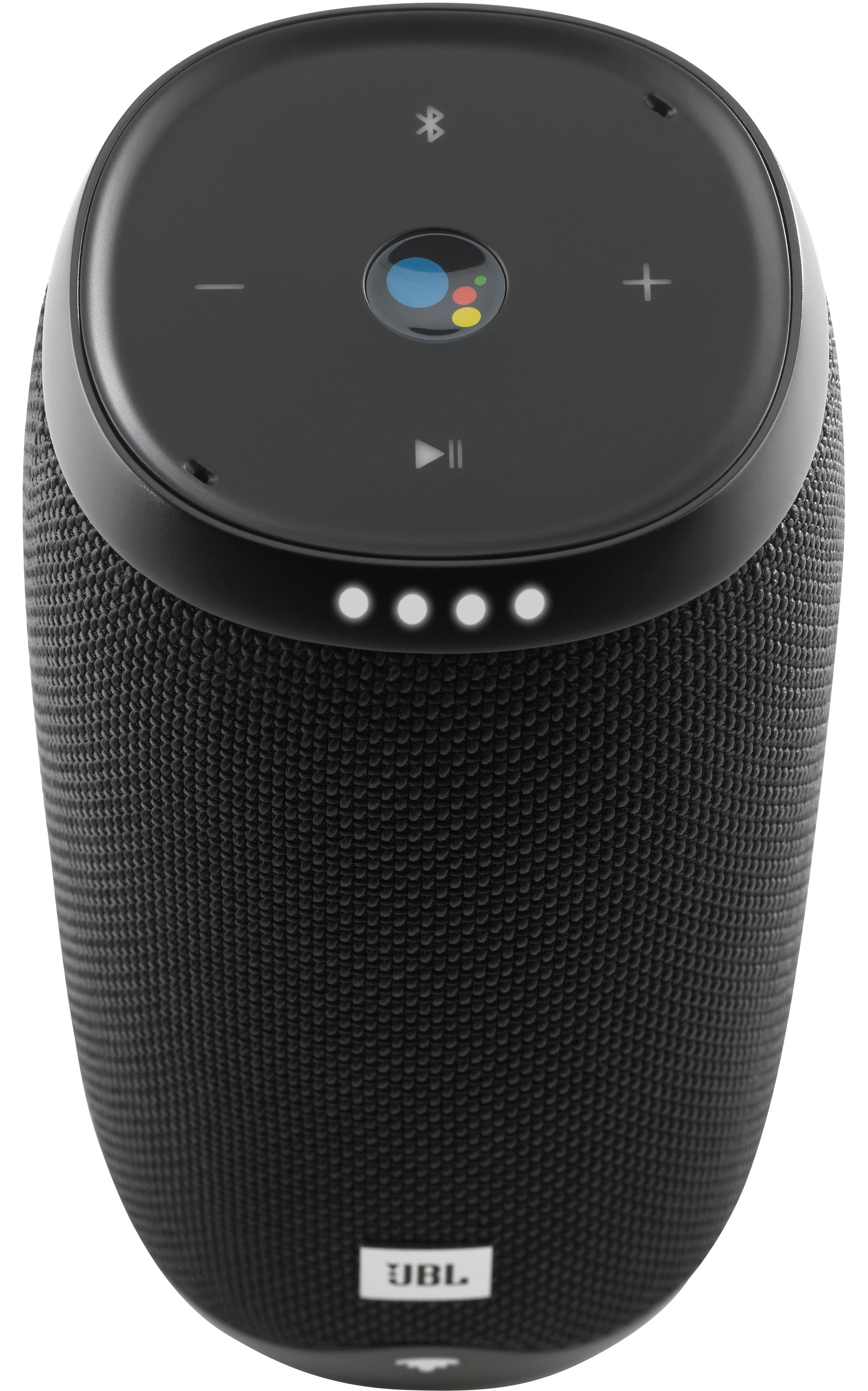
A:AnswerHave the same problem here...when i open it ... the bluetooth and the volume buttons doesnt work.. so is it just an update problem or the speakers problem??
A:AnswerNo, they cannot be connected together. The JBL Link 10 uses Wi-Fi and a local area network to connect to one another, with the assistance of the Google Home app (available for download on the Google Play store and App store). The JBL Charge 3 makes use of the JBL Connect technology (Connect+ after a recent firmware update) to connect to another speaker having the same technology.
A:AnswerIf you are experiencing issues with charging your JBL Link 10 please try the following steps below:
-Try using other charging cables to see if the issue is with the cable rather than the speaker.
-Try using different power sources to charge the speaker such as different power outlets or your PC/Laptop.
-Try charging the speaker overnight and see if there is any significant change to the LED lights on the speaker.
-Check to see if there is any damage to the charging port of your JBL link 10.
Sometimes, the hardware needs a quick reboot. In case the above steps do not solve the issue you can try rebooting you JBL link 10. Just follow these steps:
Open the charging cover.
1. Find a paperclip or something similar that is small enough to fit the small hole
2. Short press the button with your paperclip.
3. The speaker will not shutdown and boot up again.
4. This will NOT delete any settings or information for your JBL LINK 10 or LINK 20.
Should you still need assistance you can contact our Customer Support Team and one of our representatives will help you regarding your issue.
A:AnswerYour jbl is connected to your google account so to change language you have to go into your google home app and change the settings per your device or under your account itself
A:AnswerYes, you may leave your Link 10 plugged in all the time and this will not harm its battery. Once the speaker is fully charged and is left plugged in, it will start to run off from AC power.
A:AnswerYes, you will need to set up the speakers as a group in the Google Home App.
If you need further assistance, please submit a case request at https://www.harmanaudio.com/support-contact.html and the Customer Service Team will be more than happy to assist you.
A:AnswerWe would like to work with you directly to help you with your issue. Please submit a case request at https://www.harmanaudio.com/support-contact.html and the Customer Service Team will be more than happy to assist you.
A:AnswerThe JBL LINK speakers can be linked into a group using the Google Home App, which would allow all the speakers inside that group to play the same song at the same time via Bluetooth of Wi-fi.
A:AnswerThank you for your inquiry. This is possible if your soundbar from Sony allows this feature since the source of the surround sound would be processed through it. Please contact Sony to verify compatibility of the connection of a Google Home/Bluetooth speaker such as the Link 10 with your specific Sony soundbar.
A:AnswerHi there, we’re here to help. It’s unusual for your JBL Link 10 to not be able to turn off although sometimes the hardware needs a reset to function properly. Follow these steps for a quick hardware reset:
1. Open the charging cover.
2. Find a paperclip or something similar that is small enough to fit the small hole.
3. Short press the button with your paperclip.
4. The speaker will shut down and startup again.
5. This will NOT delete any settings or information for your JBL LINK 10
Hope this helps. If you need further help you can contact our Customer Support Team by visiting this link: https://support.jbl.com/us/en/
A:AnswerI've had the charge 2 jbl and the sound of this speaker is not as good as that one. I'm pretty disappointed with the sound. I really liked my old jbl speaker, but not this one.
A:AnswerNo, the package only includes the speaker and a charging cable. It does not even include a wall charger (the Link 20 does). It is a bit large to attach to a bike, and I'm not sure it's study enough to withstand even minor bumps. I would recommend other JBL Bluetooth devices, like the Flip 4, for more robust outdoor play. Other brands include hooks for hanging during biking/etc. I would look into those other brands (Sony, Altec Lansing, maybe UE) first.