A:AnswerThey are loud, but I am not a fan of the bass. In my opinion, these offer little to none in the way of bass. They aren’t a bad sound and the price point is good, but if you are looking for a rich, full range, with good bass, look elsewhere.
A:AnswerThe TV has to have the ability to connect to devices via Bluetooth. For example, some Samsung TV's come with integrated Bluetooth adapters (since their remotes are connected via Bluetooth) that can connect to a device such as these JBuds Air Sport True Wireless In-Ear Headphones. If your TV does not have bluetooth built-in, you will not be able to connect these to the TV. You will have to perform an internet search for your TV and see if it comes with a Bluetooth adapter.
I've included an example of how to connect Bluetooth devices to a Samsung TV that can support them:
https://www.samsung.com/us/support/answer/ANS00079347/
A:AnswerHey sharae,
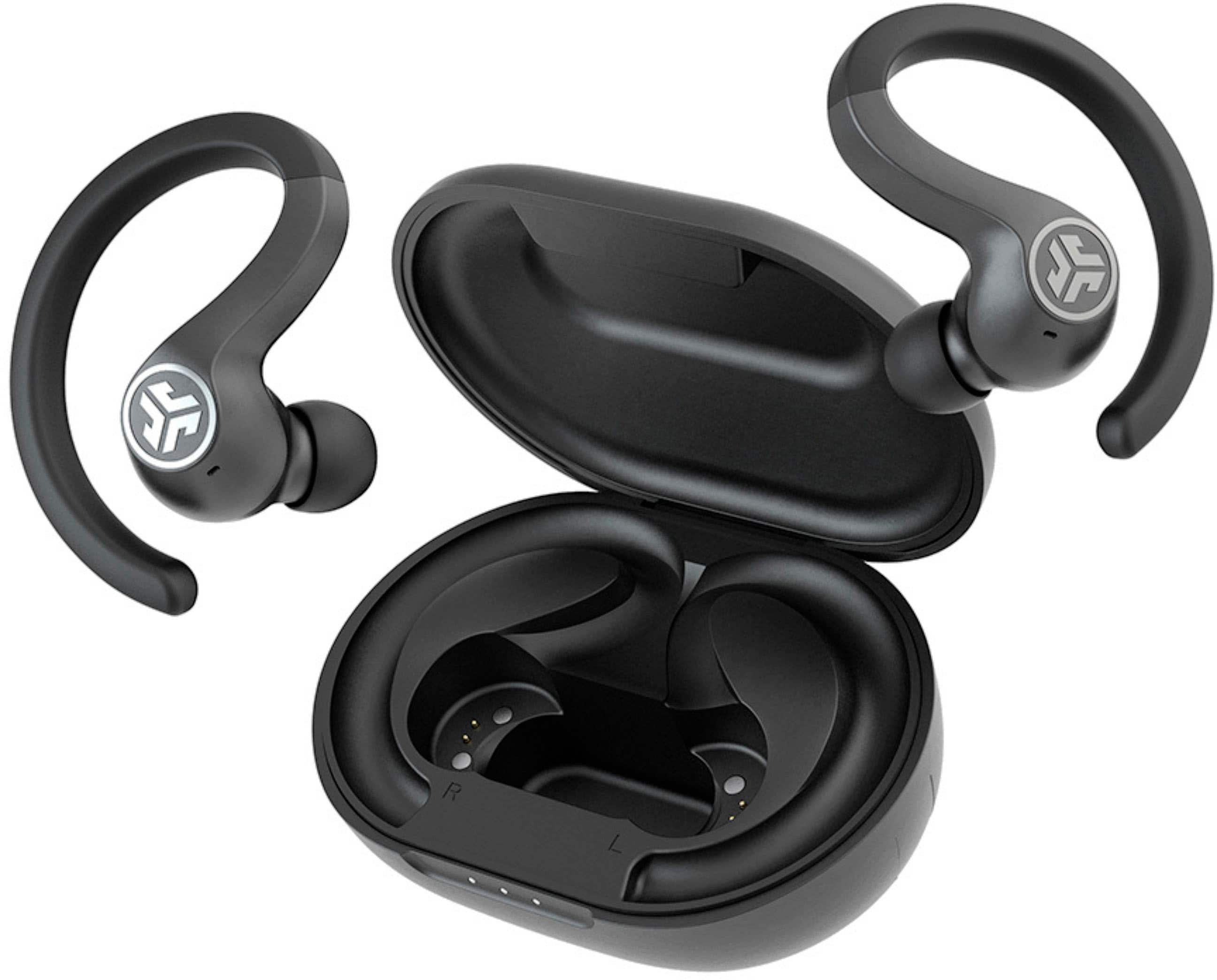
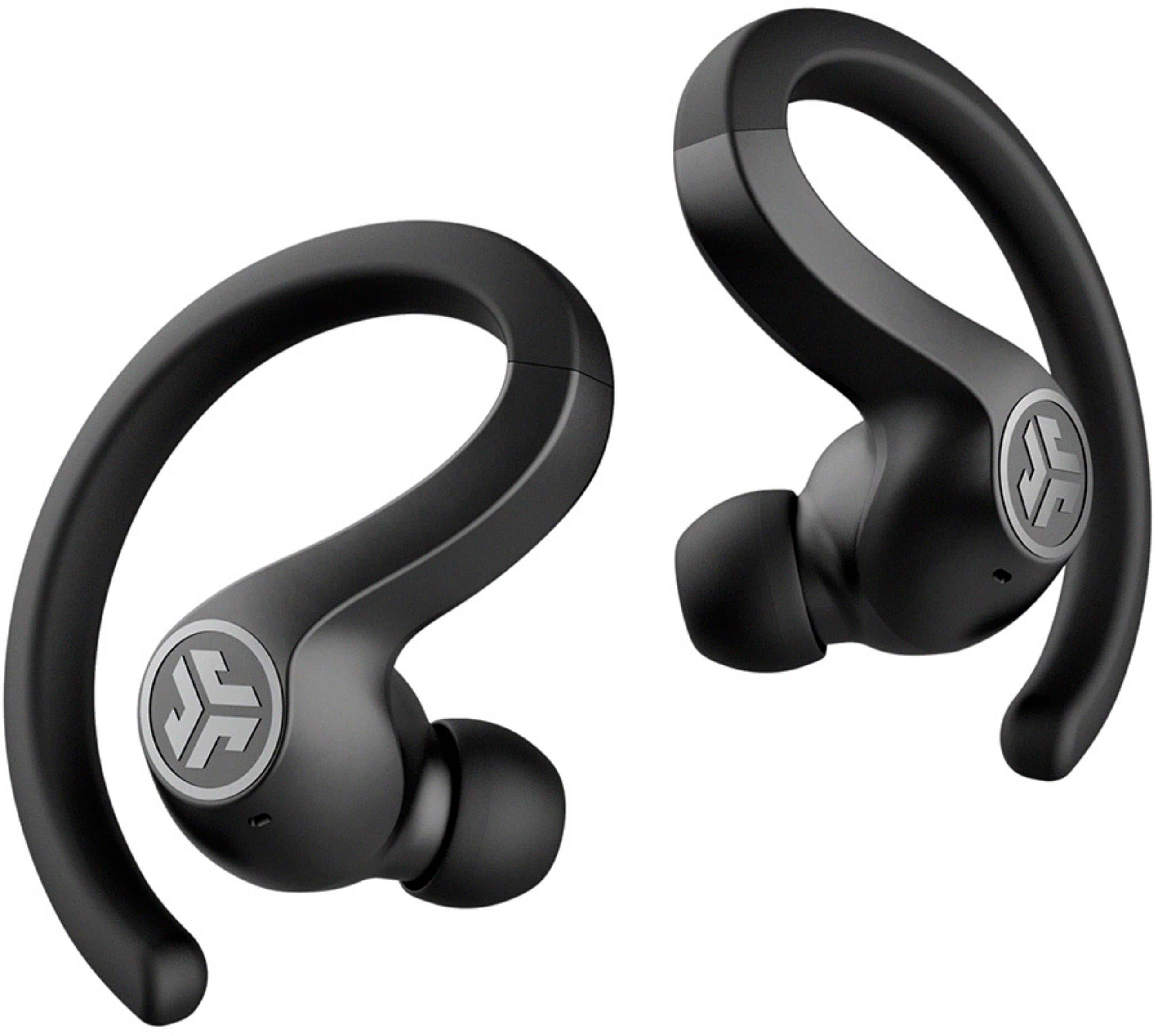
They do have a low profile, and are made of a hard material. When you get a sec, please reach out to us via email, support@jlabaudio.com or via phone (405)445-7219 m-thur pst fri 8-3 pst so that we may provide you with further detail.
Kind Regards
#TeamJLab Customer Support
A:AnswerYou can find how to pair it on you tube. You have to tap the outside of the earbuds 4 times when syncing. I had the same problem but followed the directions on how to set and it worked!
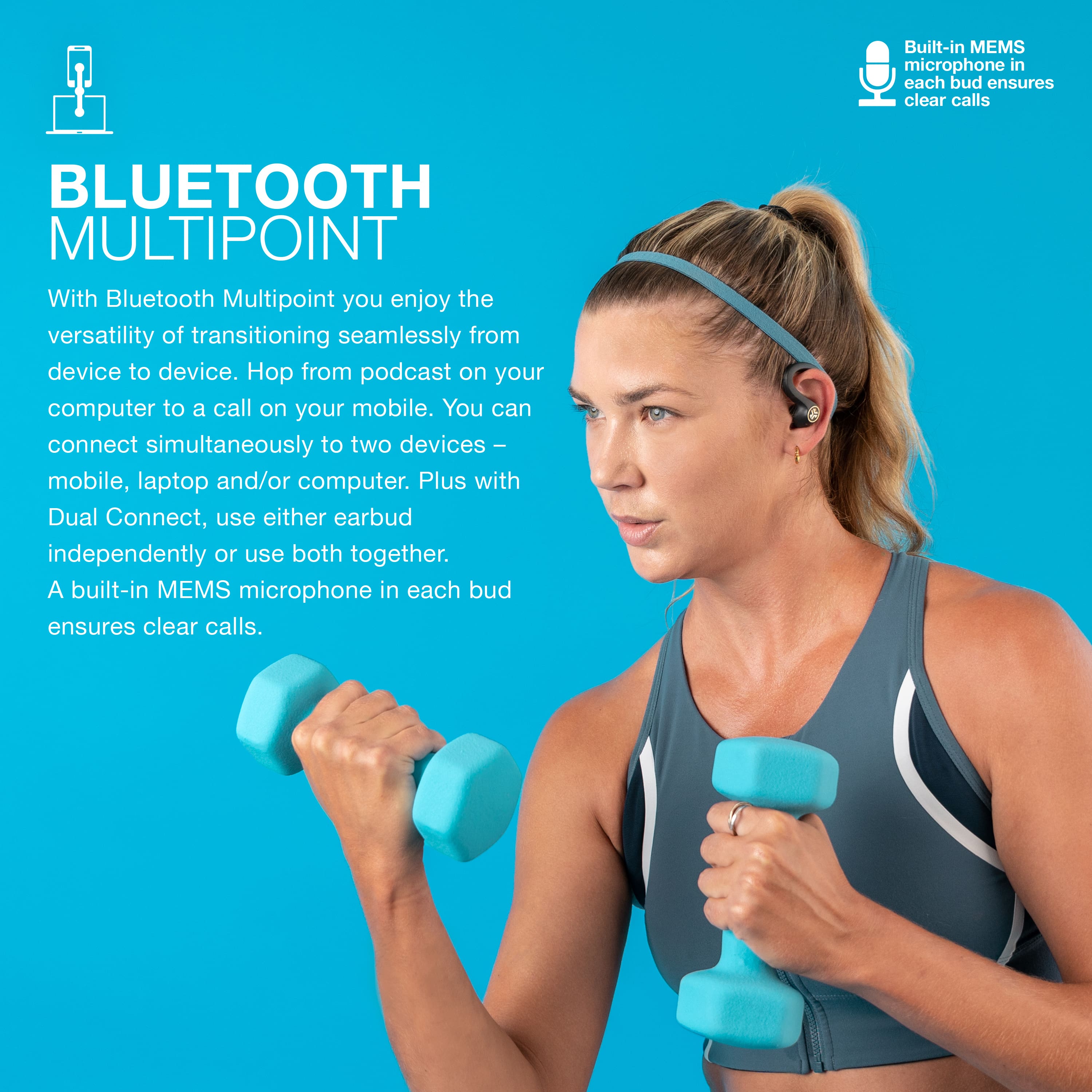
A:AnswerI have taken calls several times while using these and the only issue that I have ever had is VERY strong wind. Even with the wind, the caller could still hear me but they could also hear the wind. I've been in scenarios where there were people around and pets making noise, I did not have any issue hearing the caller nor the caller hearing me.
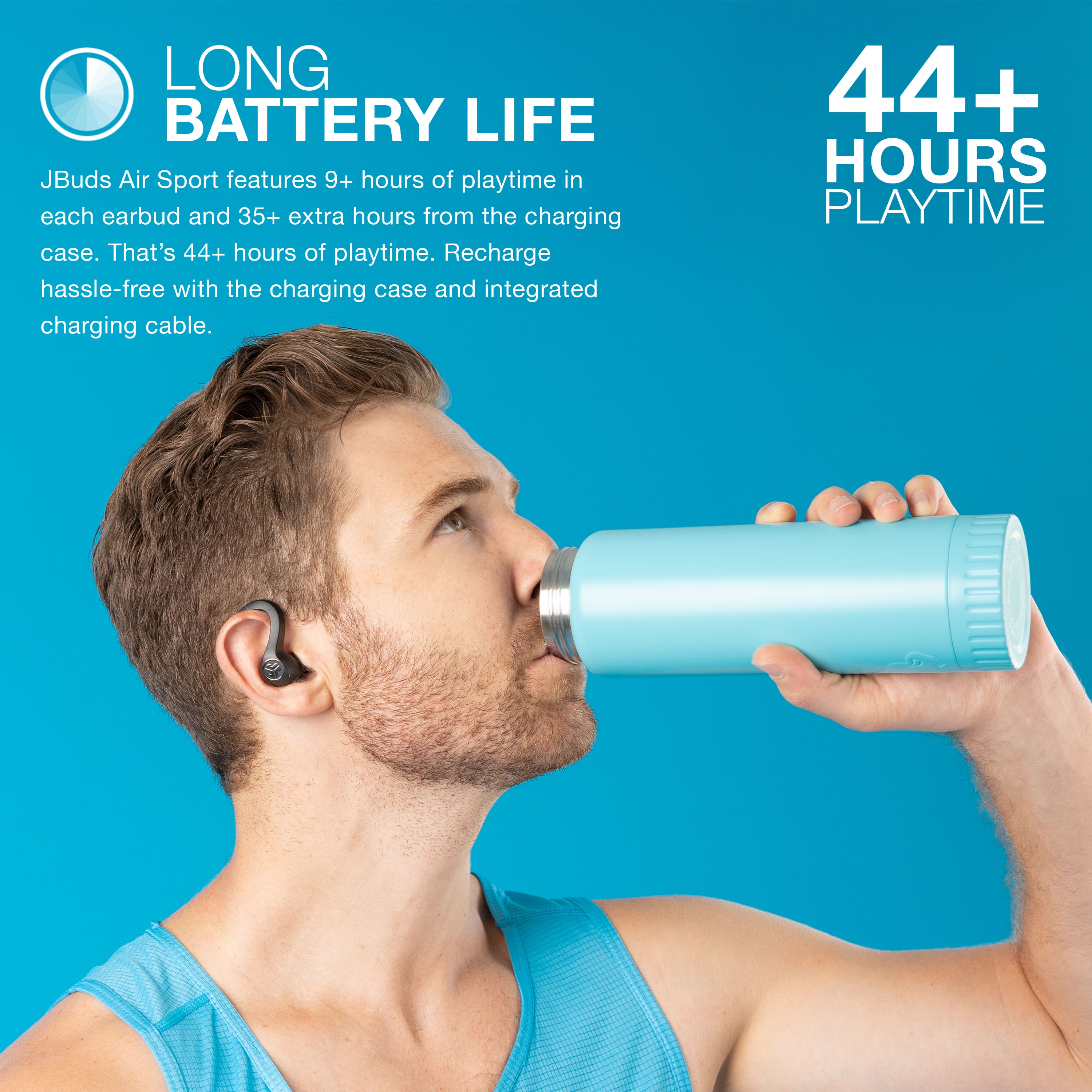
A:AnswerThough the description says six hours, that figure is only true if you don't use the sensors frequently to skip tracks, answer calls, etc. I use them at work and get about 5 1/2 hours of playtime with frequent pauses. I use these and the cheaper jlab true air buds but prefer the air sports because they fit better and the buds have sensors rather than buttons.
A:AnswerHey mack,
Yes, they will carry out both of those functions. When you get a chance, please reach out to us either via email support@jlabaudio.com or shoot us a call at 405.445.7219 Monday-Thursday between 8am-5pm p.t Friday 8am-3pm p.t so that we may get you taken care of.
We want to help you
#FINDYOURGO
JLab Audio
A:AnswerYes you can use independently. It’s how I use it at work. You can still answer calls and listen to music with the right earbud on. I rarely use earbud controls. I just use phone for volume control. Voice controls are also still available.
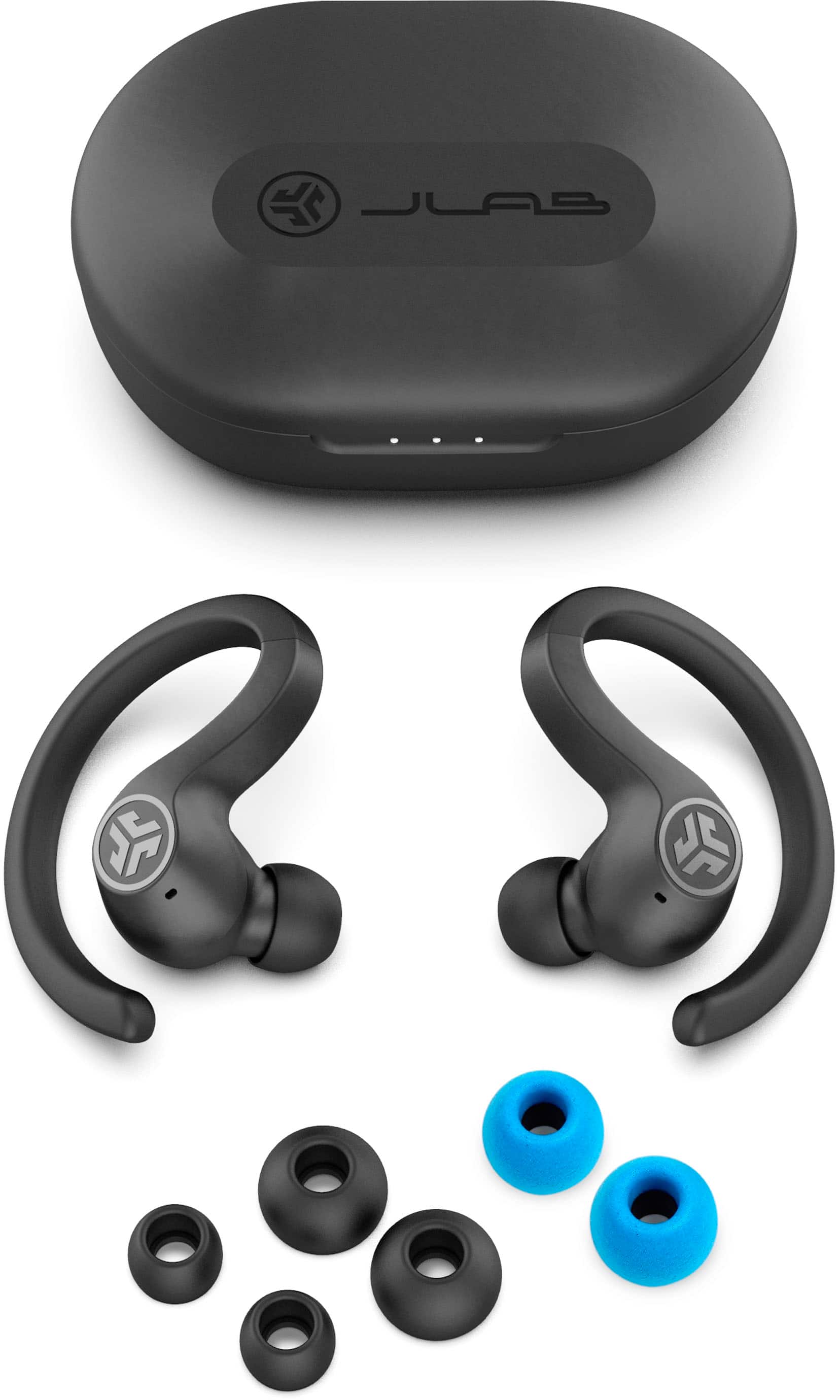
A:AnswerWe would recommend our smallest ear buds, the GO Airs if you've had problems in the past with earbuds fitting correctly. These buds are 20% smaller than the JBuds Air line. -JLab Audio
A:AnswerIf you purchased the Best Buy protection plan, just take it to a Best Buy store; if not, You can contact the manufacturer, they have a one year warranty. Most likely they will replace it with a new one.