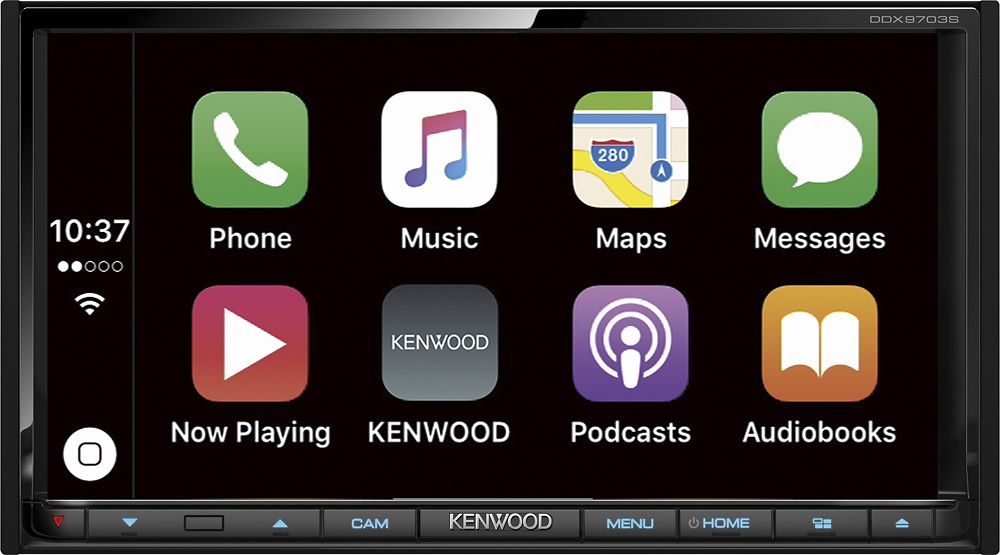
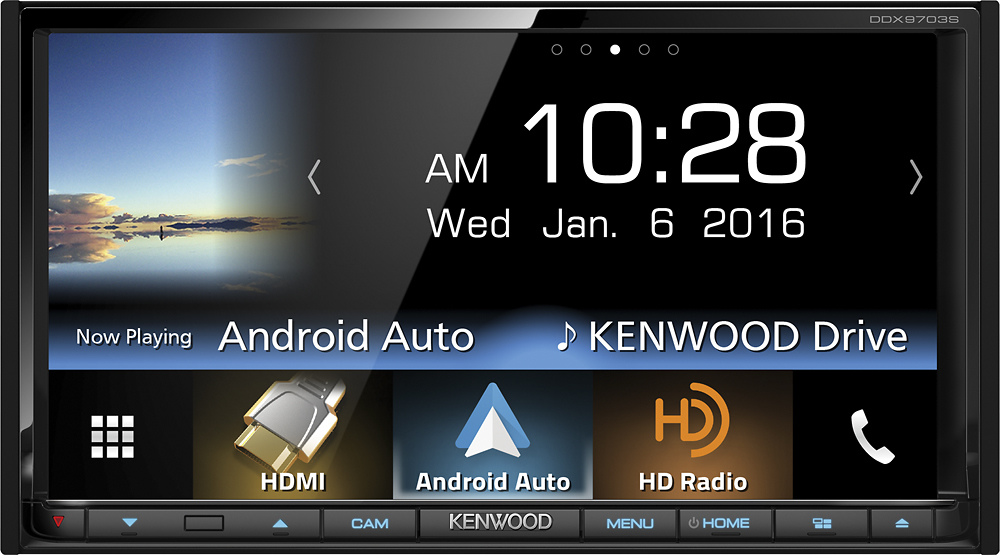
A:AnswerYes. I had a factory backup camera in my truck that showed on the review mirror I was able to get the camera to show on both. I use the navigation on my phone while it’s pluged into apple CarPlay and shows on screen navigation that way.
Hope this helped!
A:AnswerAfter the unit was installed by the Best Buy technician, I could receive and make phone calls. The only kit that I needed to purchase was an electrical adpter kit for my model of car. The mic for the radio was part of the radio package.
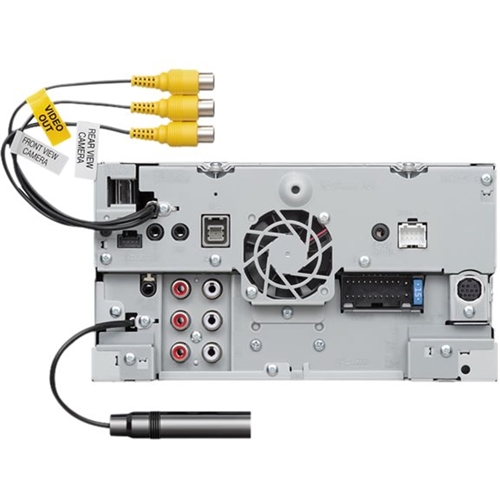
A:AnswerIt comes with a short extension the bb if asked will route into the glovebox. I elected to buy from bb a dash usb/hdmi extension so all visible on my dash. I had to order it in advance so that it would be available on install. The install department should be of assistance on this. Just dont wait until the last minute. I had to wait 2 days for that prt to arrive..
A:Answerno it will not this one puts the camera parking sensor and the reverse light switch wire on the actual harness next to your 12 volt Supply and your battery so it pushes all the speakers down one on the harness the old year ago harness will not play sound through the speakers but it will power up so no this is a new harness on it
A:AnswerBeing that standard DVD players do not play Blu-ray's and this is a standard DVD player the answer is no. but it does have a rear HDMI input which would allow you to hook up an external Blu-ray player if you so desired.
A:AnswerIf you can get the screen mirror feature to work (good luck) you can mirror an app like Waze GPS Navigation. It seems only older cellphones will work with screen mirror since the phone has to support MHL video output and only 2+ year old phones have that. The Kenwood mobile app allows Waze and one or two other programs to be displayed via screen mirror. I finally dug an old Galaxy Note 4 out of the closet and hooked it up, mirror worked but with no sound.