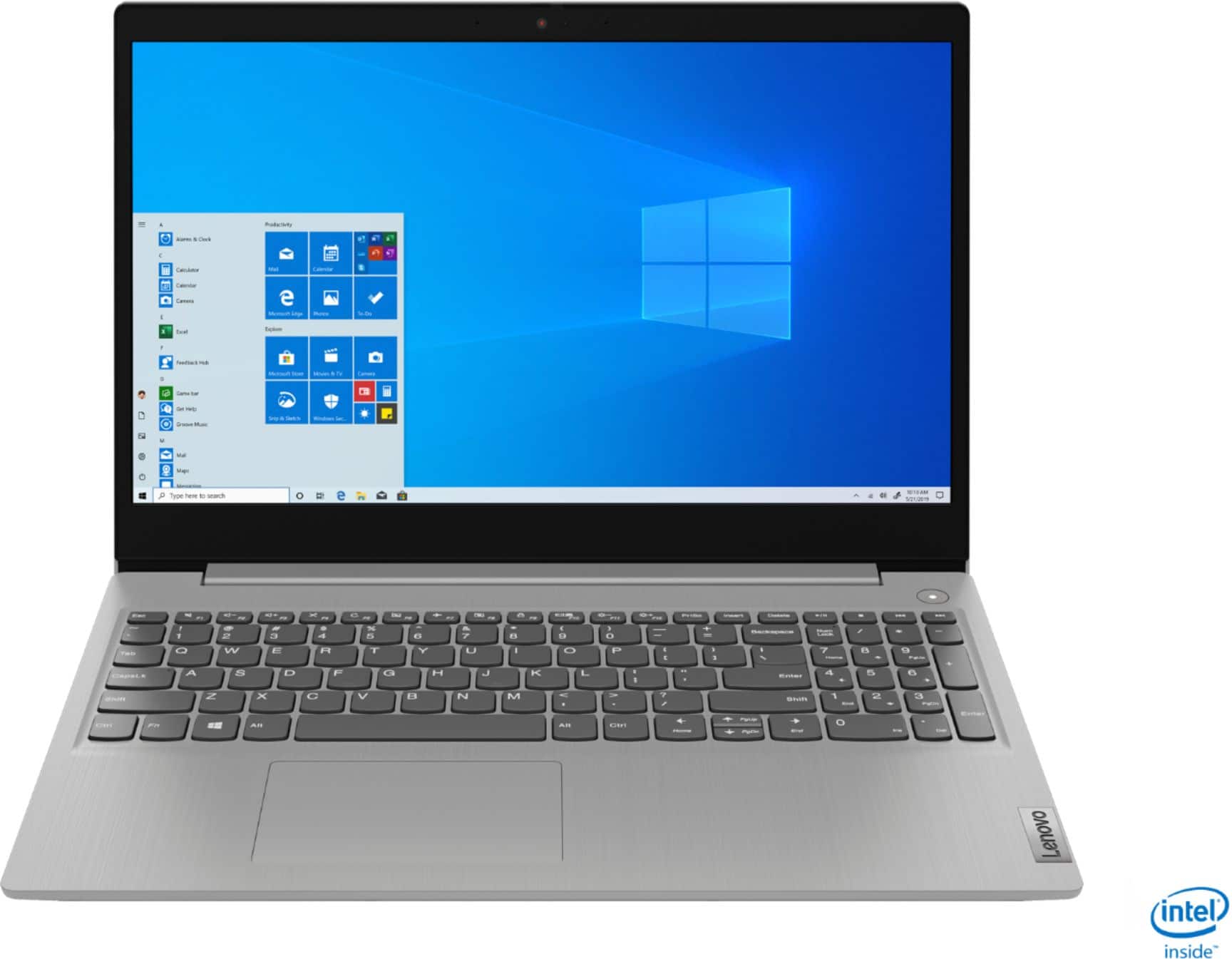
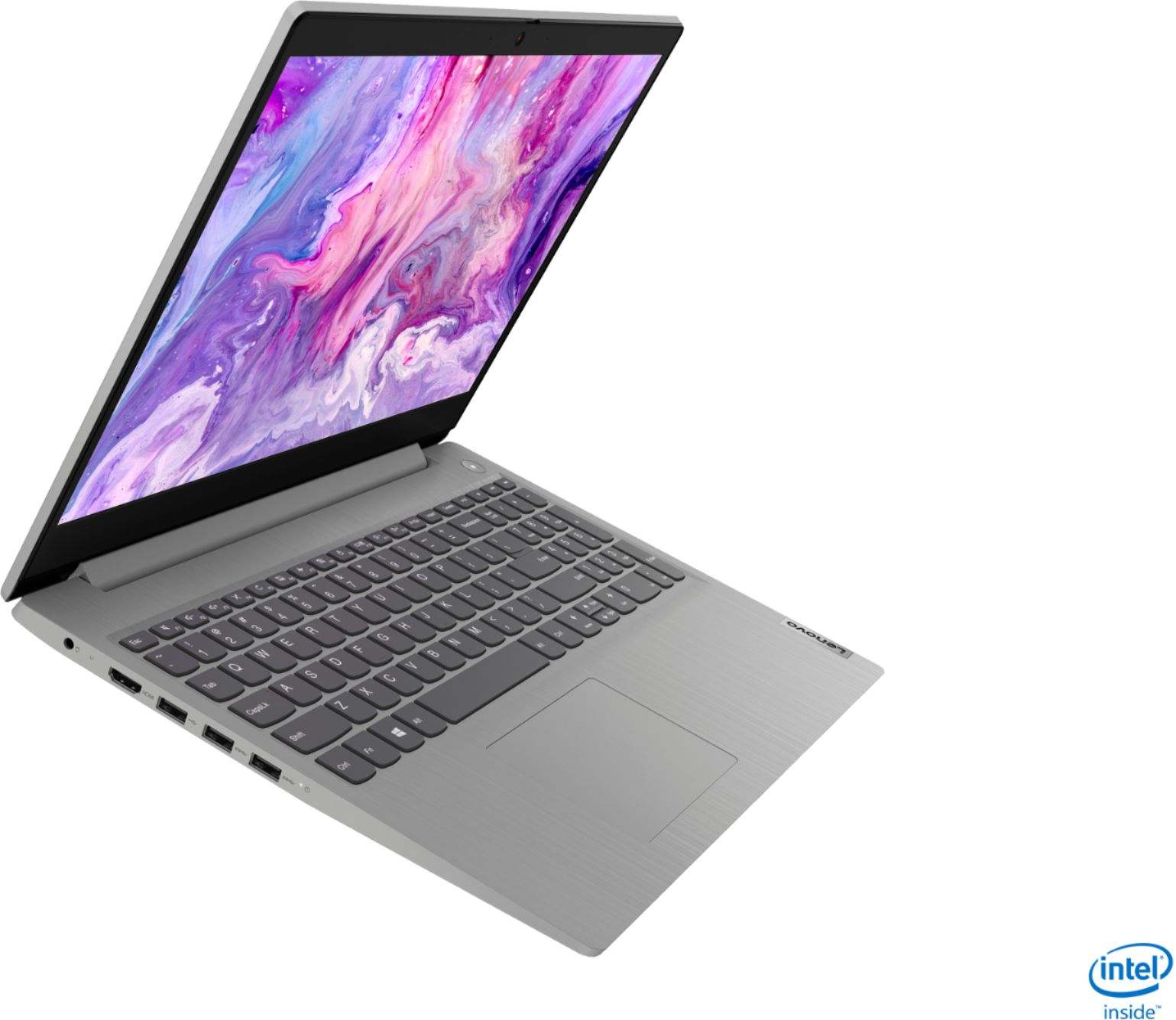
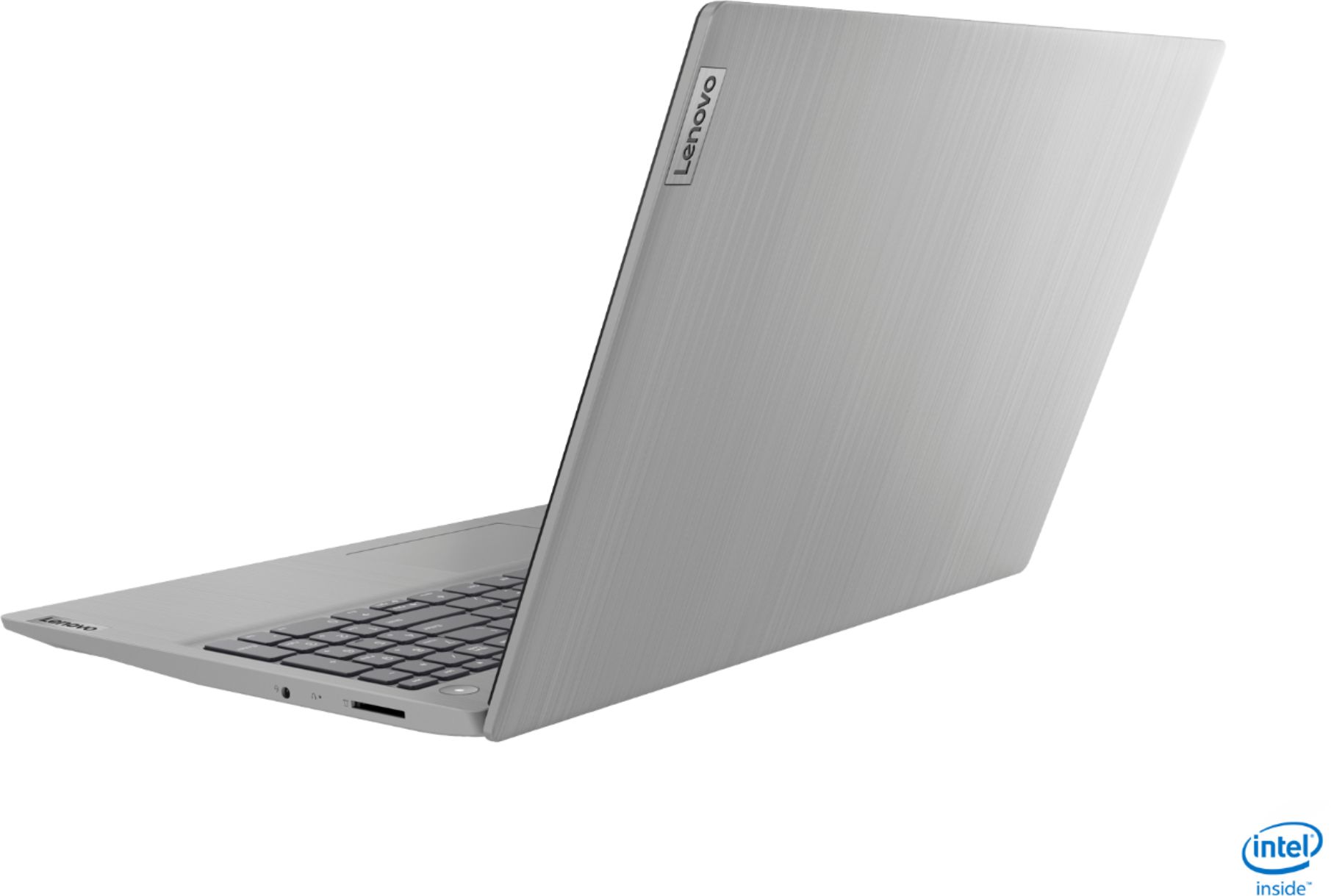
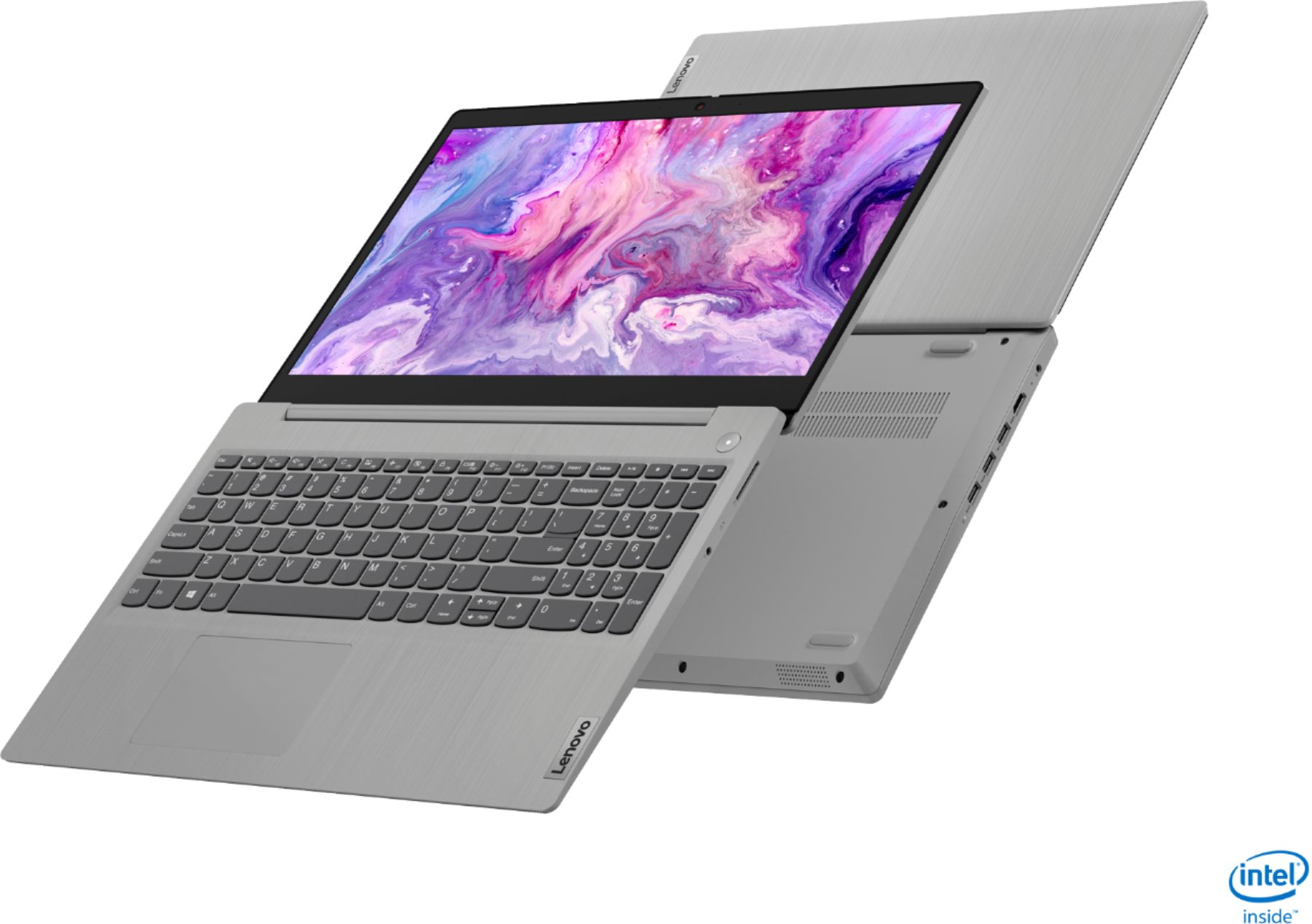
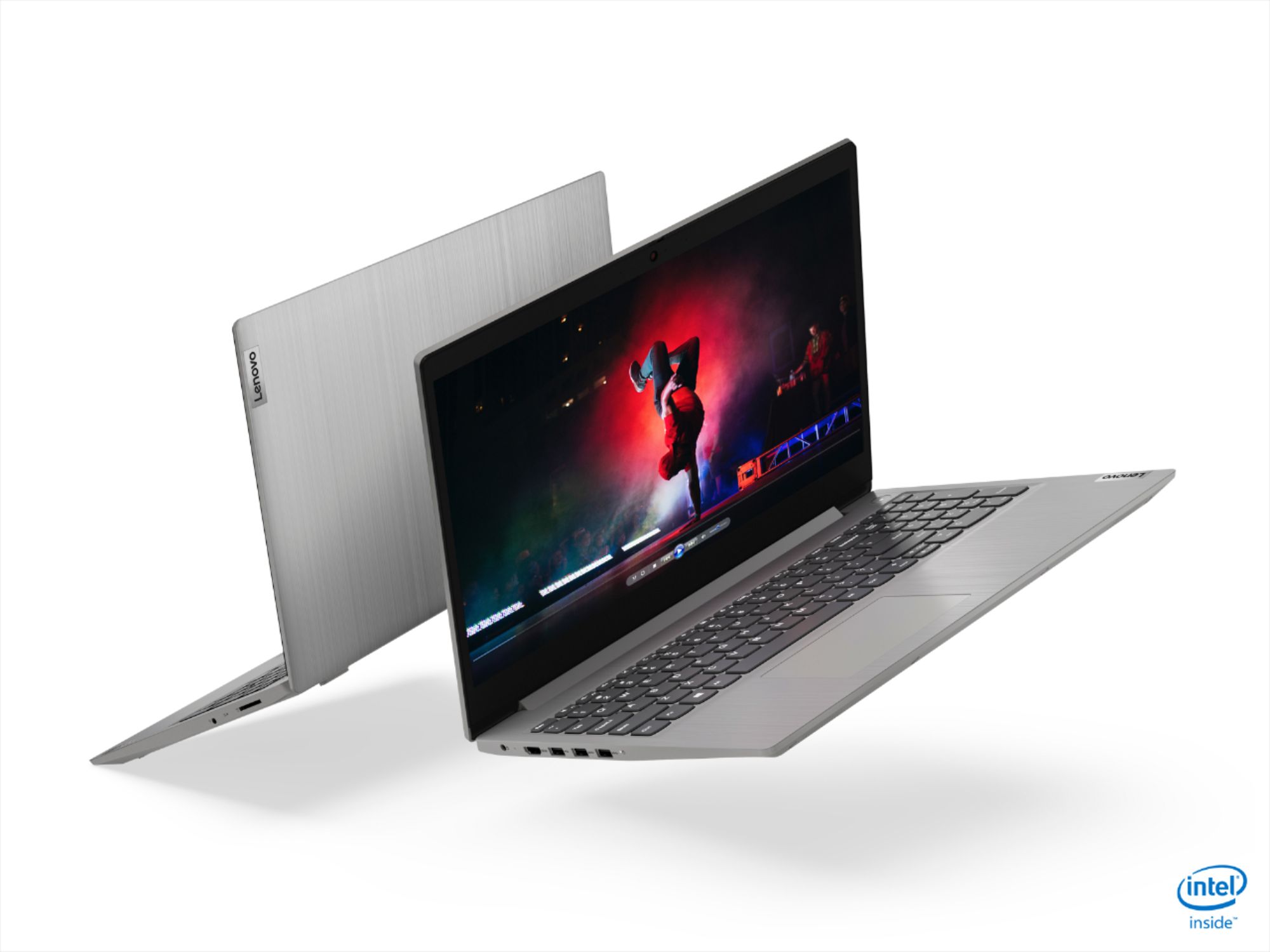
A:AnswerThat will depend on the requirements and compatibility of the software and hardware you will be using with this computer. The Lenovo IdeaPad 3 15 Laptop, model number 81WE011UUS, ships with Windows 10 S-Mode Operating System. Windows 10 S-Mode provides added security by only allowing APPs available ( and therefore certified by Microsoft) at the Microsoft Store. If you don't need the added security or you need to install APPs not available at the Microsoft Store, you can switch to standard Windows 10 Home 64-bit Operating System, at no additional cost. We recommend you check with the both the hardware and software manufacturer's/publisher's web sites for their compatibility with Windows 10 S-Mode 64-bit operating system and the minimum/recommended hardware requirements (Is a Graphics card required, the processor speed and the minimum required system RAM and the minimum available hard drive space) to run their program, then compare those requirements to this system's configuration.
A:AnswerFree Lenovo Tech Support is for hardware OEM issues only as part of your limited 1-year manufacturer's warranty. For Windows 10 setup and support Lenovo recommends Best Buy Geek Squad Support through your local Best Buy Store location. We recommend you call your local Best Buy location for more information about computer software services provided by your local Geek Squad Agent.
A:AnswerHere is a link to instructions for switching from Windows 10 S-Mode to Windows 10 Home: https://support.microsoft.com/en-us/help/4456067/windows-10-switch-out-of-s-mode
A:AnswerThe Lenovo IdeaPad 3 15 Laptop, model number 81WE011UUS, was first available for sale September, 2020. The manufacture date of every specific Lenovo computer will be printed on the outside of the shipping box the computer comes in.
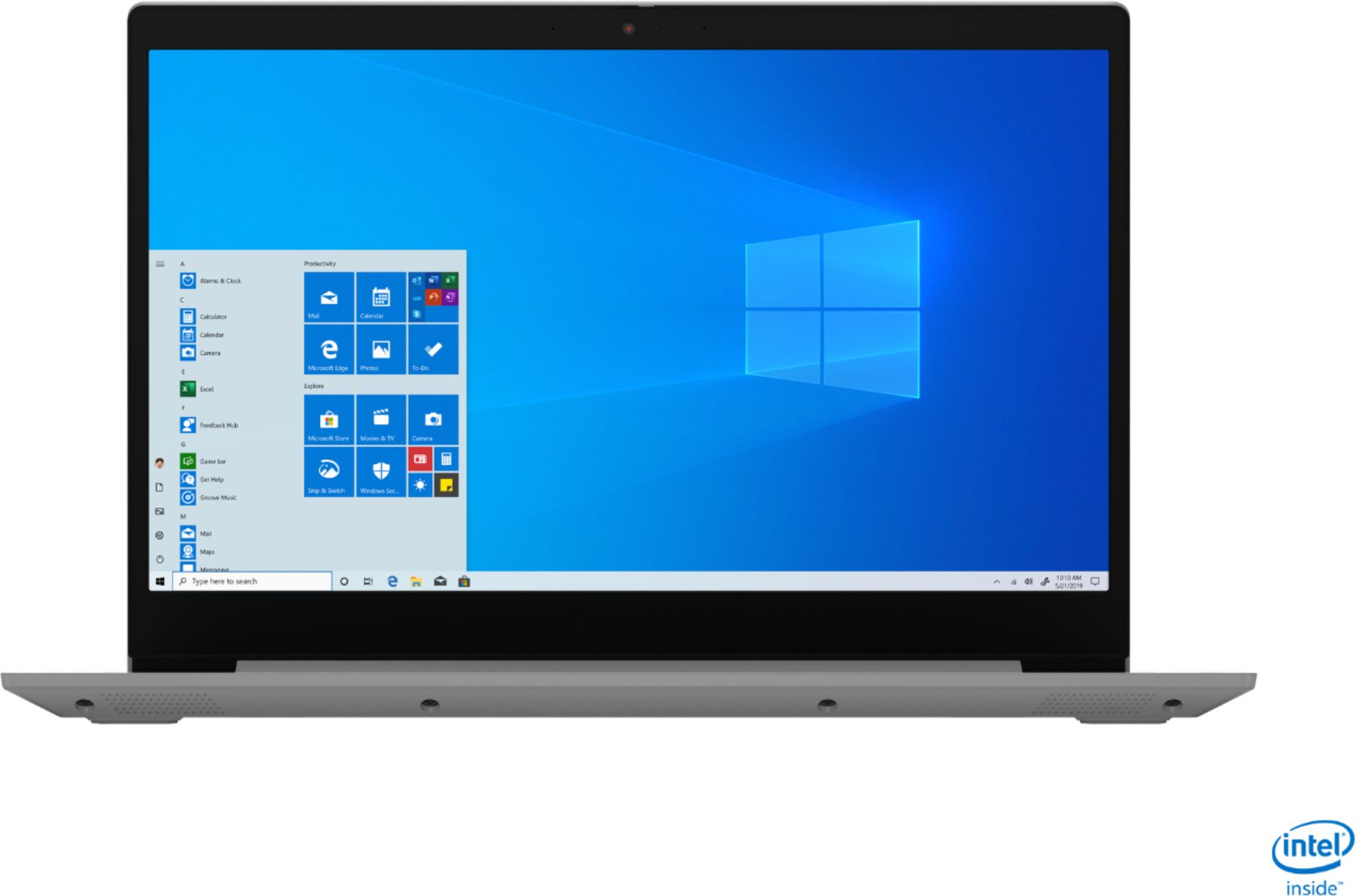
A:AnswerYes. The Lenovo IdeaPad 3 15 Laptop, model number 81WE011UUS, ships with a 720p (HD) webcam with manual Privacy Shutter and Dual Array Microphones built in.
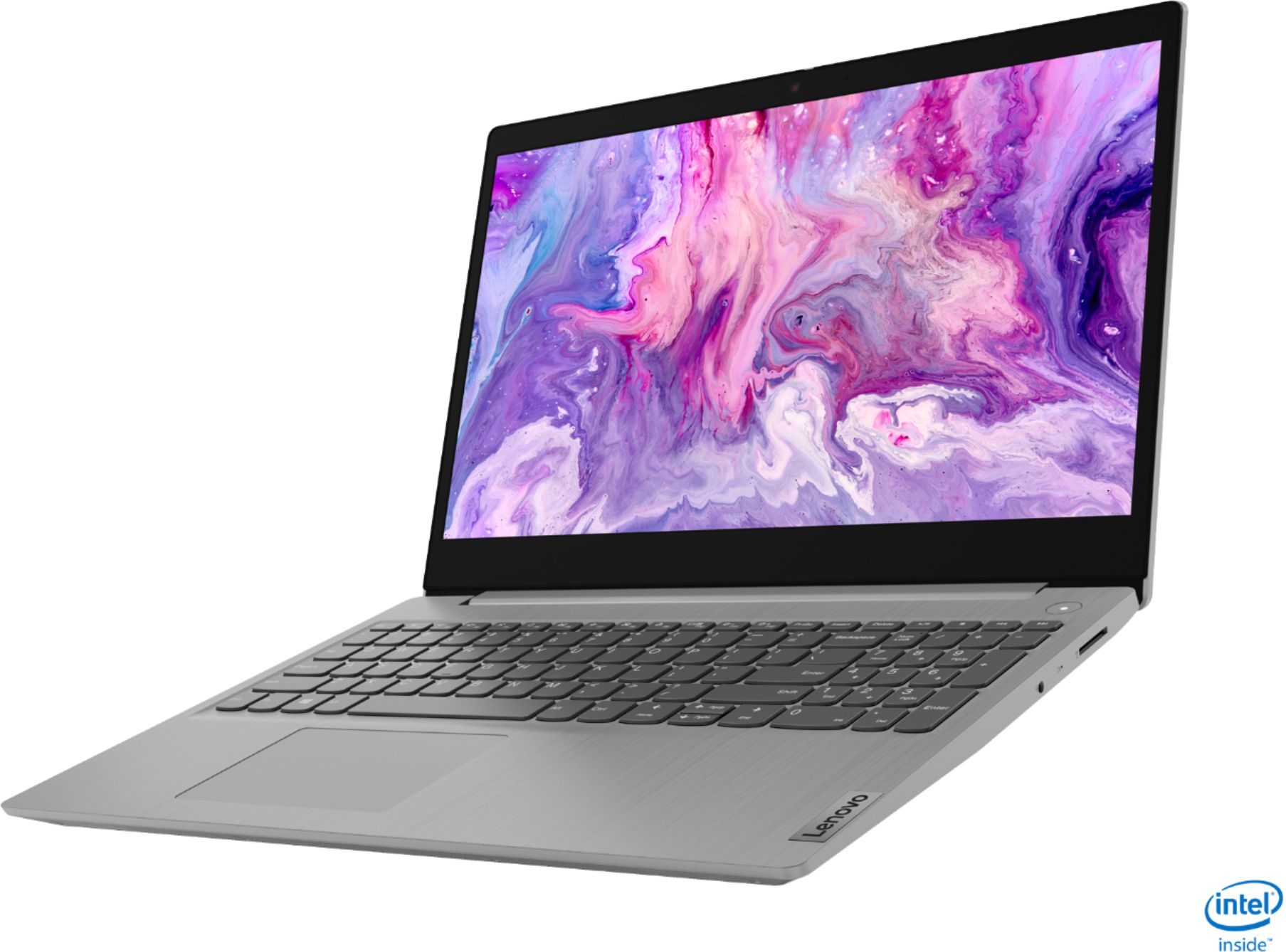
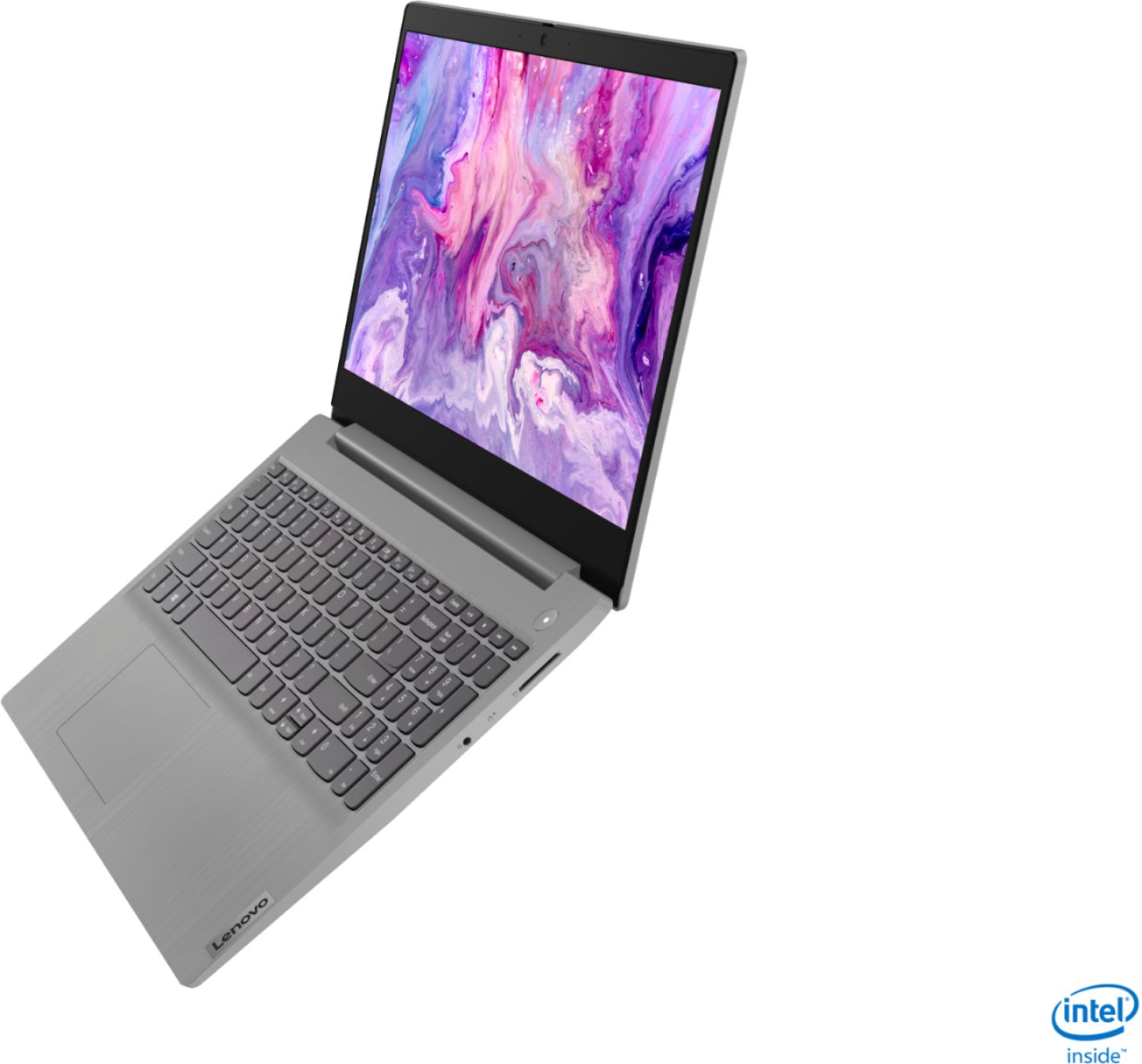
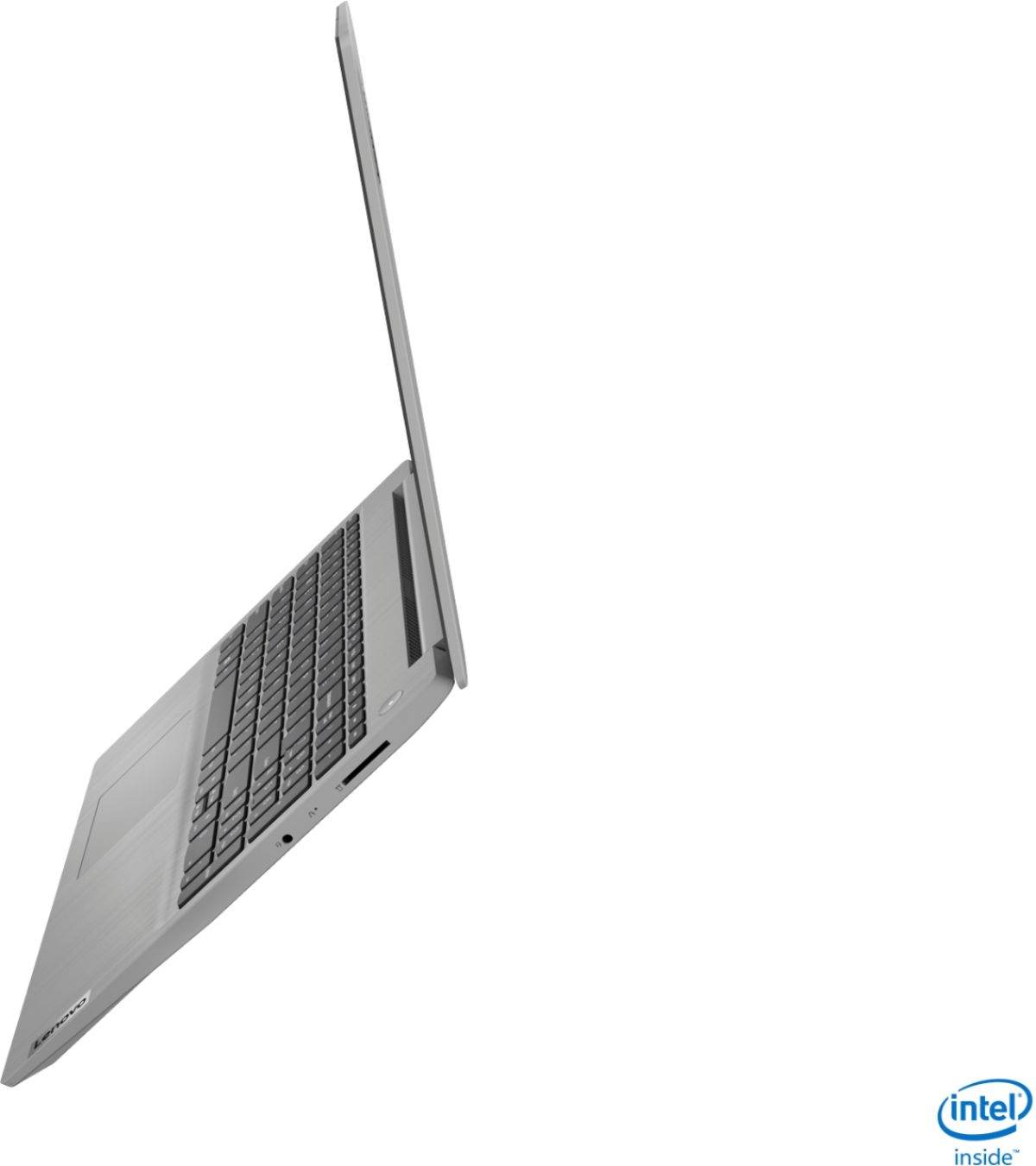
A:AnswerNo. The Lenovo IdeaPad 3 15 Laptop, model number 81WE011UUS, is a traditional laptop and does not have 360-degree hinges on the screen for tablet mode.
A:AnswerThe Lenovo IdeaPad 3 15 Laptop, model number 81WE011UUS, ships with a 15.6-Inch (screen size measured diagonally) IPS LCD w/LED Backlight (Anti-glare) screen, with a refresh rate of 60Hz, a resolution of 1920 x 1080 (FHD) and a brightness level of 250 nits.
A:AnswerYes. The Lenovo IdeaPad 3 15 Laptop, model number 81WE011UUS, ships with Windows 10 S-Mode Operating System. Windows 10 S-Mode provides added security by only allowing APPs available ( and therefore certified by Microsoft) at the Microsoft Store. If you don't need the added security or you need to install APPs not available at the Microsoft Store, you can switch to standard Windows 10 Home 64-bit Operating System, at no additional cost. It is compatible with any printer wired or wireless, that is compatible with Windows 10 S-Mode. We recommend you check with your printer manufacturer for the compatibility of your specific printer model. Some printer models will require switching out of S-Mode to Windows 10 Home Operating System to be able to install the required drivers onto this laptop. Check with your printer manufacturer. Here is a link to instructions for switching from Windows 10 S-Mode to Windows 10 Home: https://support.microsoft.com/en-us/help/4456067/windows-10-switch-out-of-s-mode
A:AnswerNo. The Lenovo IdeaPad 3 15 Laptop model number 81WE011UUS, ships with Windows 10 S-Mode Operating System. Windows 10 S-Mode provides added security by only allowing APPs available ( and therefore certified by Microsoft) at the Microsoft Store. If you don't need the added security or you need to install APPs not available at the Microsoft Store, you can switch to standard Windows 10 Home 64-bit Operating System, at no additional cost. Windows 10 S-Mode uses the new Microsoft Edge Internet Browser. To install Chrome Browser, you would need to switch out of S-Mode to Windows 10 Home Operating System. Here is a link to instructions for switching from Windows 10 S-Mode to Windows 10 Home: https://support.microsoft.com/en-us/help/4456067/windows-10-switch-out-of-s-mode
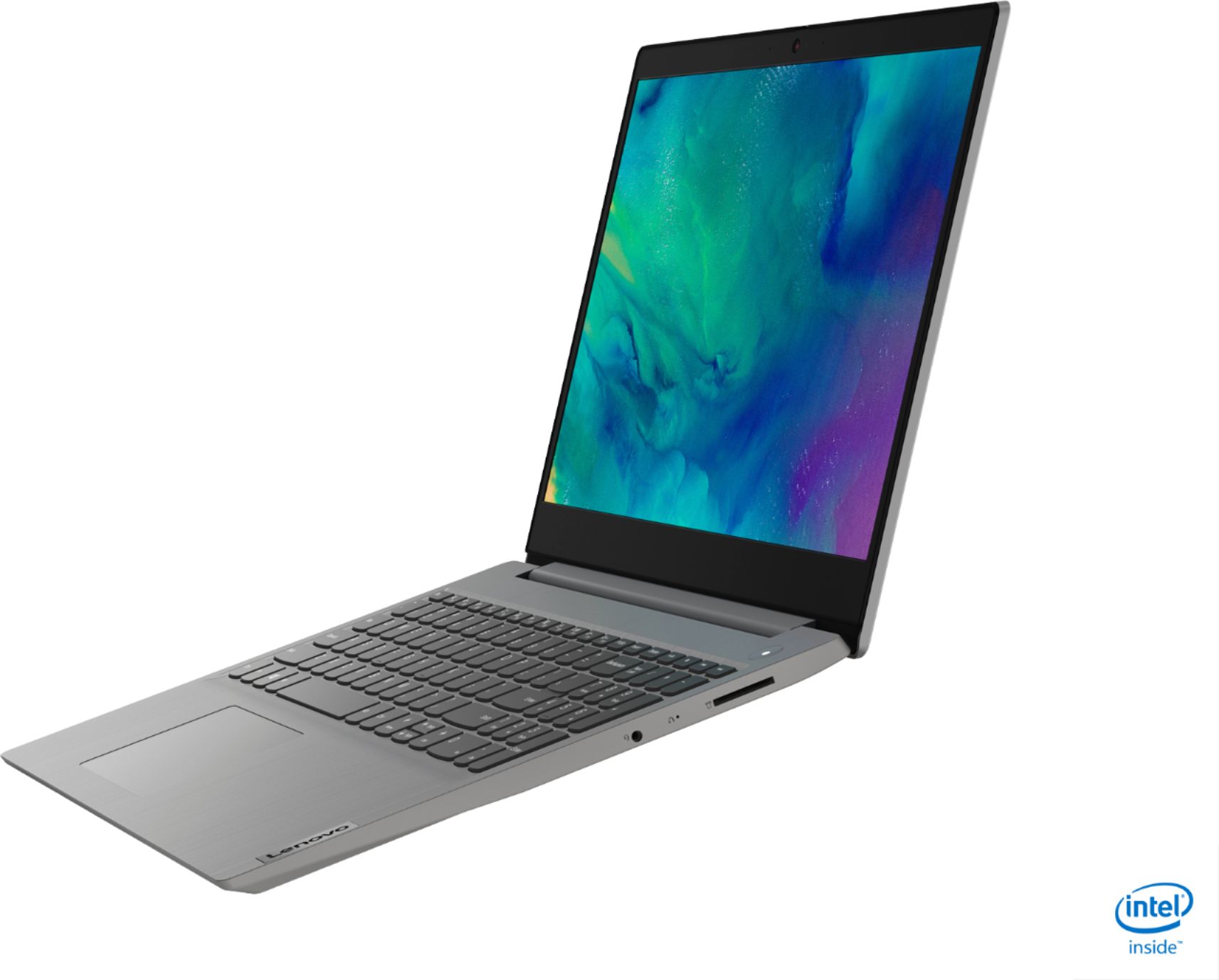
A:AnswerYou can connect one external monitor to the Lenovo IdeaPad 3 15 Laptop, model number 81WE011UUS, via the HDMI-Out port on the computer for two screens. The device screen and the external monitor. If you want two external monitors you will need to add a universal USB 3.0 Type A dock like this one, there are many varieties, this is just one example: https://www.bestbuy.com/site/j5create-usb-3-0-mini-docking-station-silver/5901250.p?skuId=5901250. You will need cables to connect the monitors.
A:AnswerThat will depend on the requirements and compatibility of the hardware you want to use with this computer. The Lenovo IdeaPad 3 15 Laptop, model number 81WE011UUS, ships with Windows 10 S-Mode Operating System. Windows 10 S-Mode provides added security by only allowing APPs available ( and therefore certified by Microsoft) at the Microsoft Store. If you don't need the added security or you need to install APPs not available at the Microsoft Store, you can switch to standard Windows 10 Home 64-bit Operating System, at no additional cost. We recommend you check with the hardware manufacturer's web site of the device you want to use with this computer, for their compatibility with Windows 10 S-Mode 64-bit operating system and the minimum/recommended hardware requirements (Is a Graphics card required, the processor speed and the minimum required system RAM and the minimum available hard drive space) to run their program, then compare those requirements to this system's configuration.
A:AnswerHi there, the Lenovo IdeaPad 3 15 Laptop, model number 81WE011UUS, ships with a 2CELL_35WH_INTERNAL, Lithium Polymer Battery, with a battery life of up to 7 hours, depending on the work the device is performing. If you are getting substantially less battery life, be sure Battery conservation Mode is turned off. This power management setting should only be used when the laptop is plugged in all the time. It will prolong overall battery life by only charging the battery to 60-percent of capacity. Here is a link to instructions for turning off Battery Conservation Mode: https://support.lenovo.com/us/en/solutions/ht103159. Also check what programs are running in the background on the computer. Be sure only the programs you want running in the background are. These programs will drain the battery. Here is a link to information about how to find out what programs are running in the background on your Windows 10 computer and how to manage them for better system performance: https://www.windowscentral.com/how-prevent-apps-running-background-windows-10. Then, finally, be sure any software you installed is compatible with Windows 10. Incompatible software will drain the battery at a faster rate. There is no need to install Microsoft Office software. The software is already part of the operating system, you just need to activate the software with a purchased product key. If you have installed a copy of Microsoft Office, this is conflicting with the existing copy on the system and this will slow your system down. If you have installed a 3rd party anti-virus program, be sure that Windows Defender is turned off and that the trial version of McAfee Anti-Virus software is uninstalled. There can only be one anti-virus program on the system. You may need to restore your system to original factory default settings if any of the programming errors have occurred. You can do that by typing "restore" in the Cortana search window. Just click on the magnifying glass icon at the bottom left of your Windows 10 Desktop. Click on "Reset This PC" Then click on "Get Started" and follow the on screen directions to restore to factory defaults. If the problem persists, we recommend you contact Lenovo Tech Support at: 877-453-6686.
A:AnswerNo. Switching out of Windows 10 S-Mode is one way. Once you switch out you can not switch back to S-Mode. This is to maintain the security of the S-Mode System.
A:AnswerThat will really depend on the requirements and compatibility of the specific games you want to play. The Lenovo IdeaPad 3 15 Laptop, model number 81WE011UUS, ships with the Windows 10 S-Mode Operating System. Windows 10 S-Mode provides added security by only allowing APPs available ( and therefore certified by Microsoft) at the Microsoft Store. If you don't need the added security or you need to install APPs not available at the Microsoft Store, you can switch to standard Windows 10 Home 64-bit Operating System, at no additional cost. We recommend you check with the specific game's software publisher's web sites of the games you want to play, for their compatibility with Windows 10 S-Mode 64-bit operating system and the minimum/recommended hardware requirements (Is a Graphics card required, the processor speed and the minimum required system RAM and the minimum available hard drive space) to run their program, then compare those requirements to this system's configuration.