A:AnswerHey AlexV,
Since Best Buy manages open-box inventory and each open-box unit may vary in its status and what's included with the system, we recommend working with their sales and customer service teams online or in store at your local Best Buy location for more precise information.
Please reach out to us with any other questions!
A:AnswerThe laptop comes with a software called “Lenovo advantage”, which have some solutions to prevent burn in, but I didn’t liked anyone. The only solution that I use is to hide the taskbar, which I think is the main thing that causes damage to the screen
A:AnswerHello, thank you for your quesiton. Yes, this model is covered by International Warranty Services. By using the following link, or using the support feature in Lenovo Vantage on the device, users in each of the available countries can contact local Lenovo Support for support options: https://pcsupport.lenovo.com/us/en/iwslookup#/ideapad | To check now, you can lookup options by entering the product serial or model number in the search box at the previously listed link.
A:AnswerHello, thank you for your question. Your feedback has been heard. Unfortunately, there are no offerings with those specifications at Best Buy as you pointed out. Also, yes, this model is covered with International Warranty Services.
A:AnswerAbsolutely it ran Nier automata which is on the heavier end comparing it to sims 4 and of course online:valorant, csgo, roblox with not much of a sweat
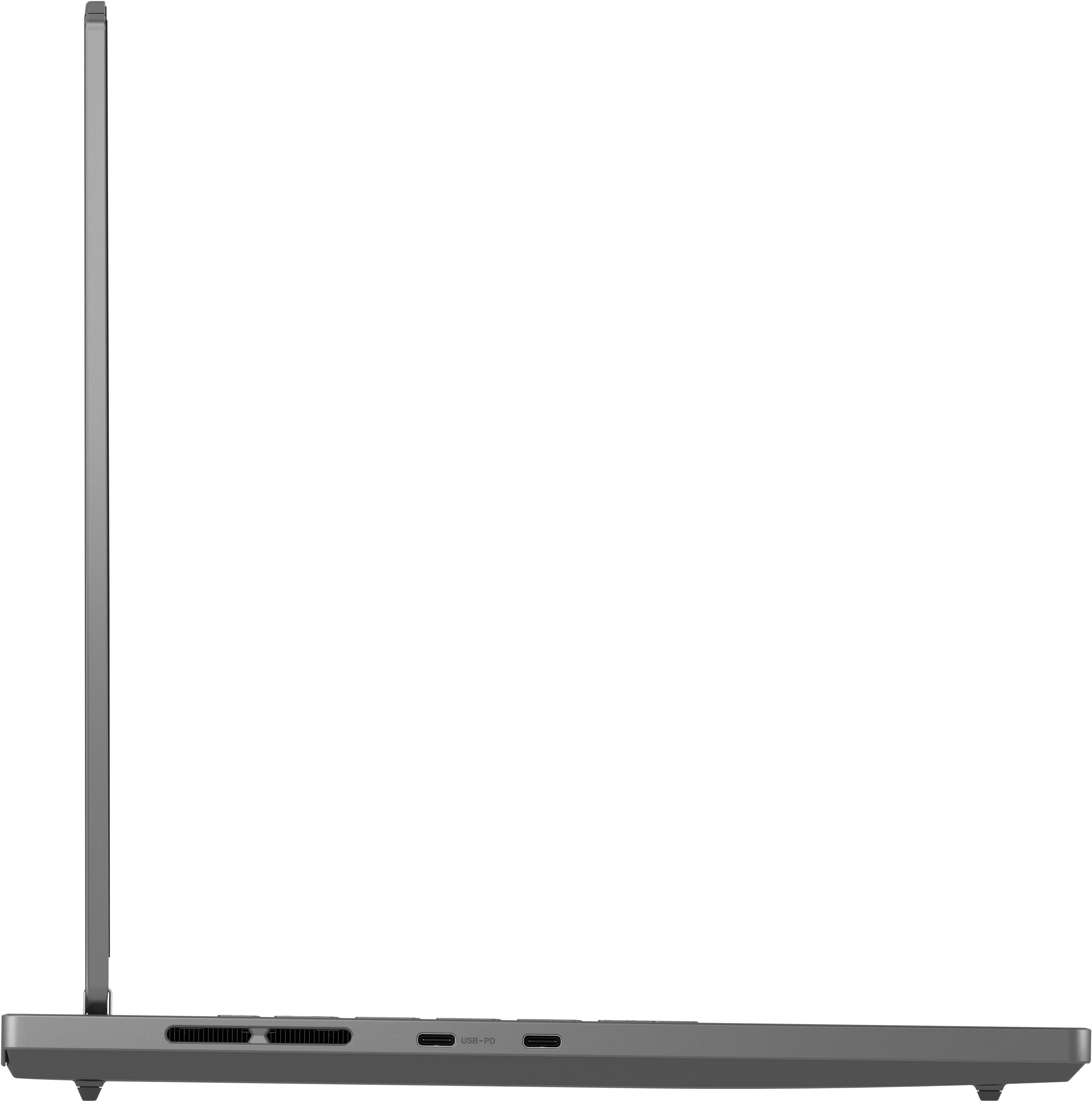
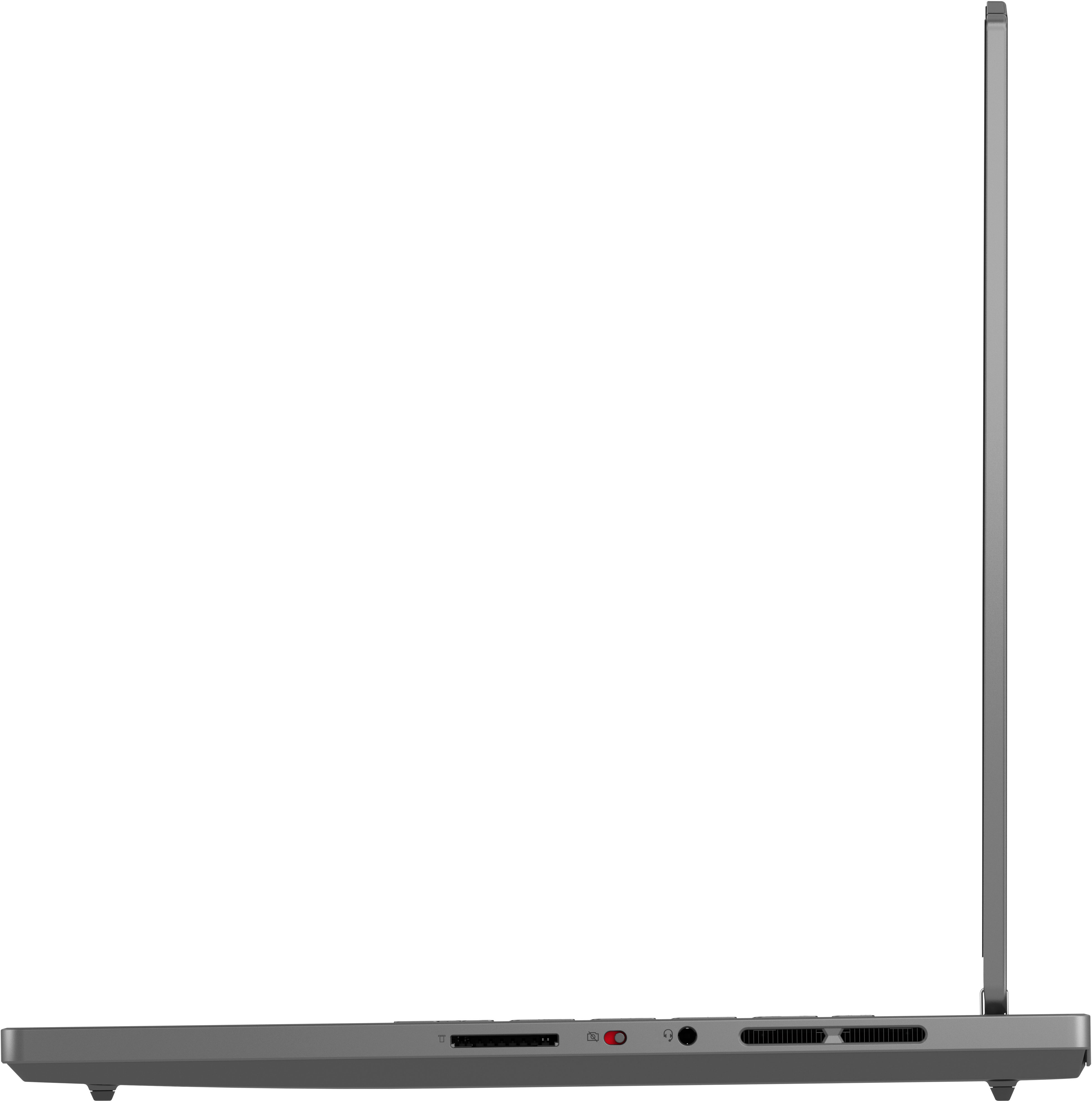
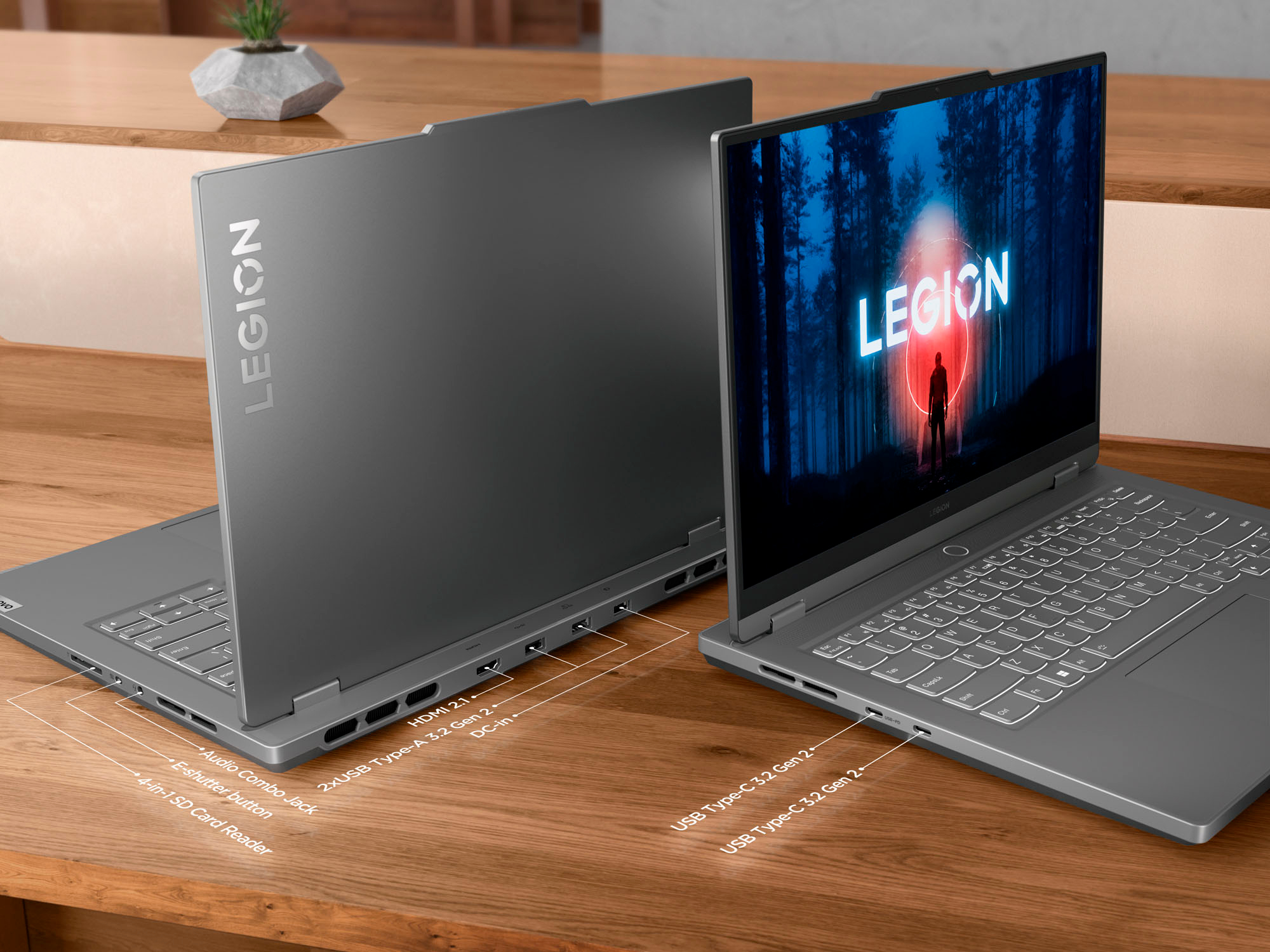
A:AnswerHello, Phil. While our current accessory compatibility matrix does not show this Legion as a compatible model, given the specifications of the ports, it should work.
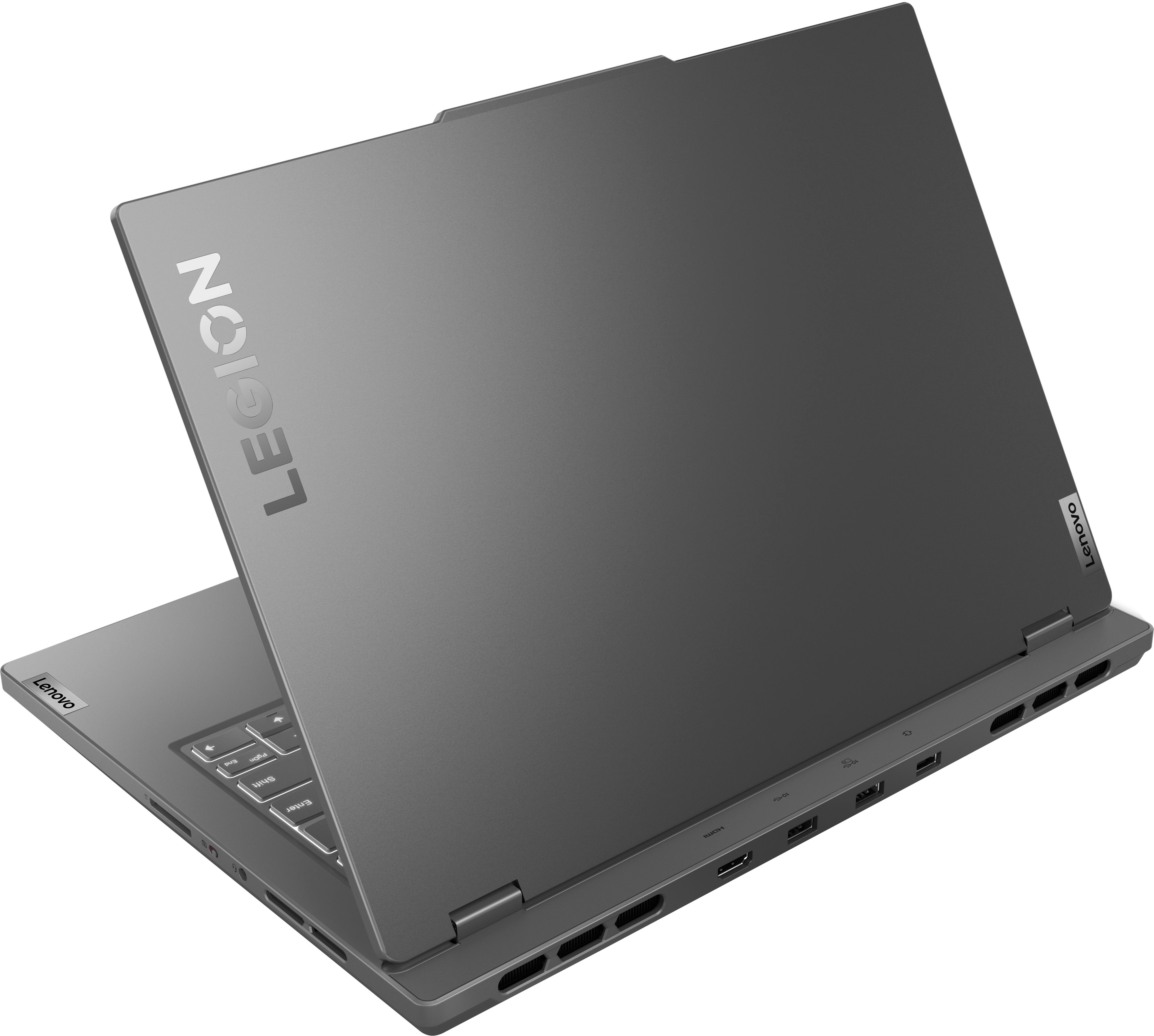
A:AnswerThis has a hdmi cable on the back for sharing the screen I wouldn’t recommend it for gaming though unless you can tweak some settings to it but yes it can do everything u listed down
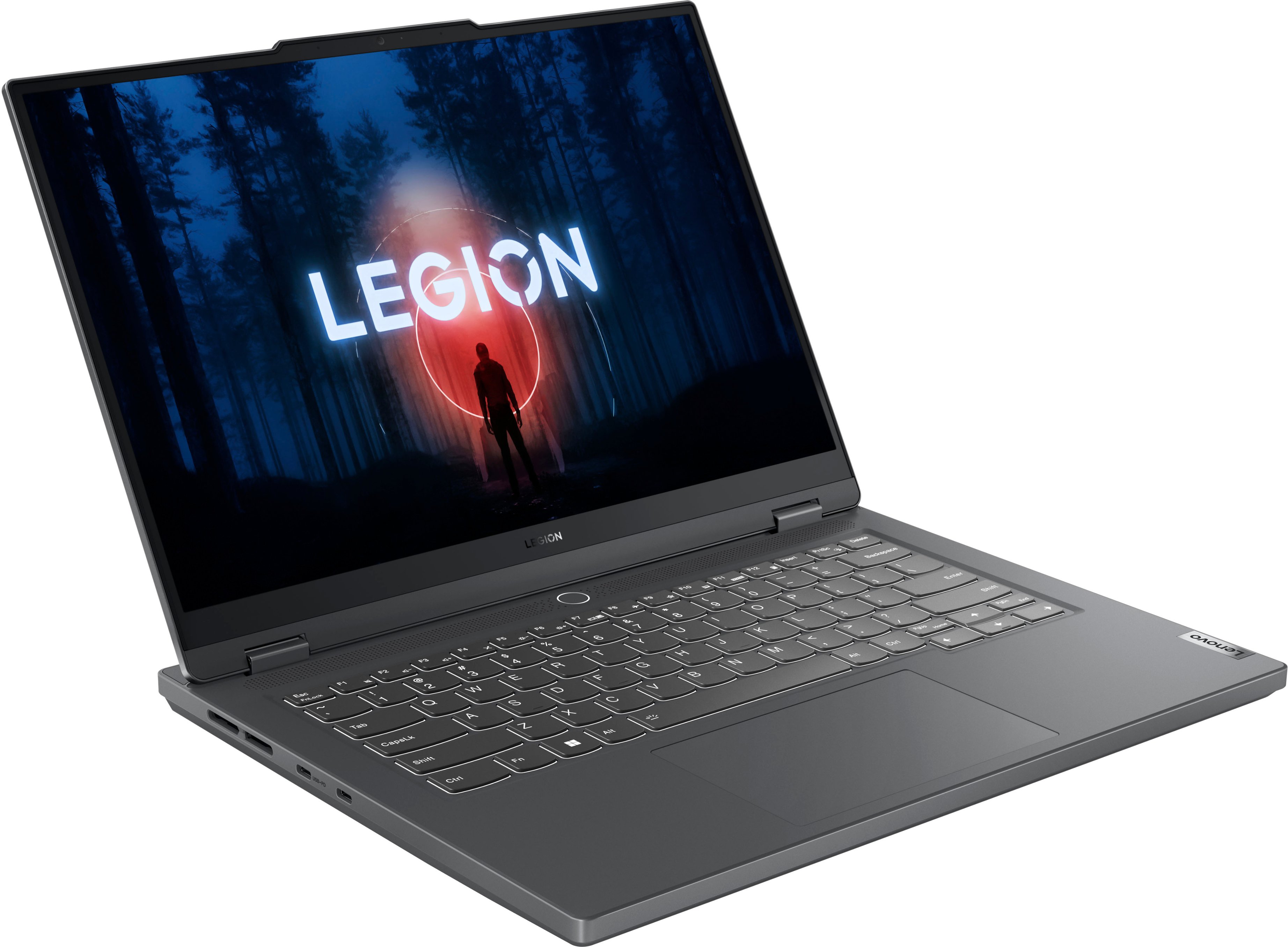
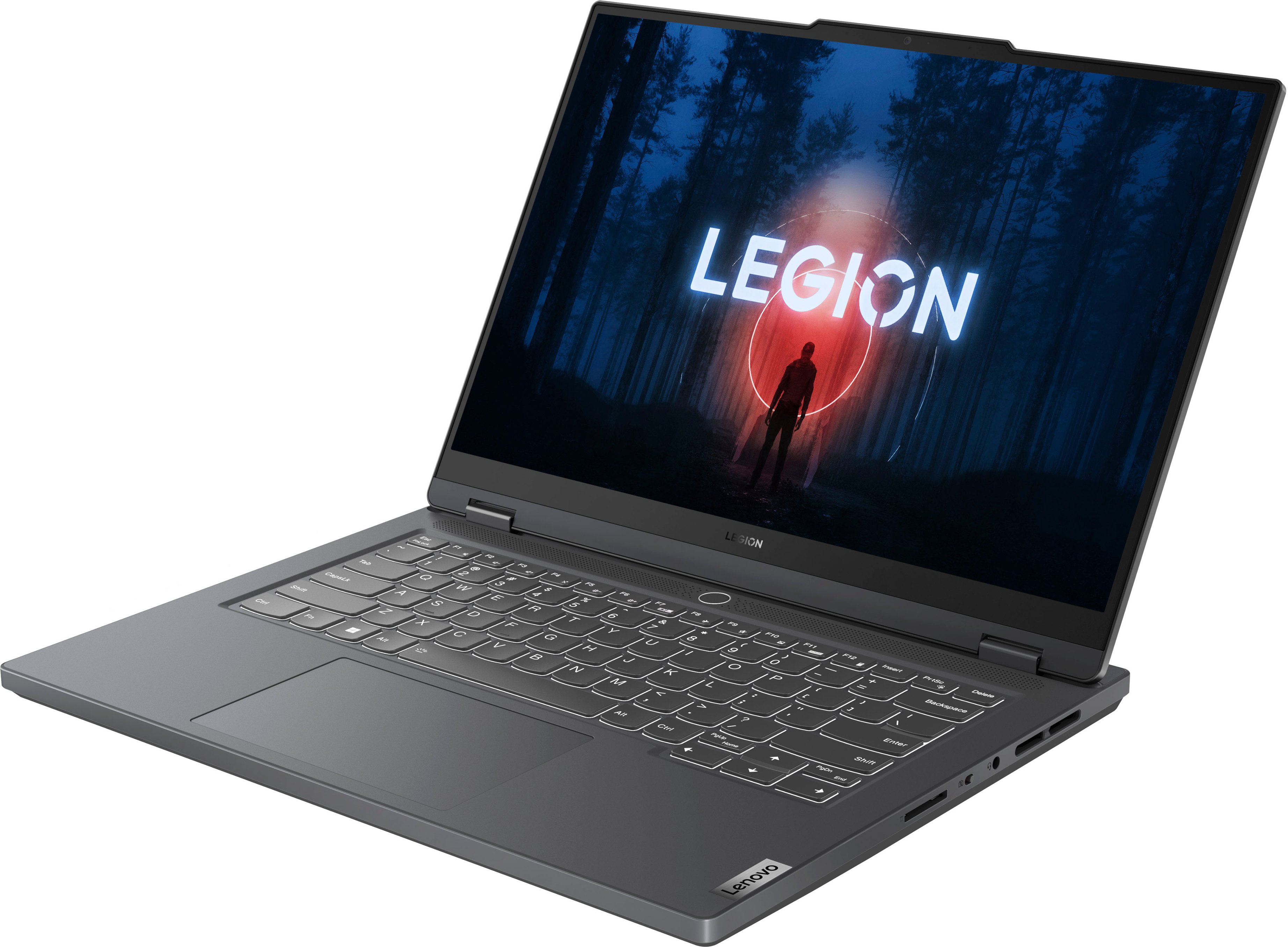
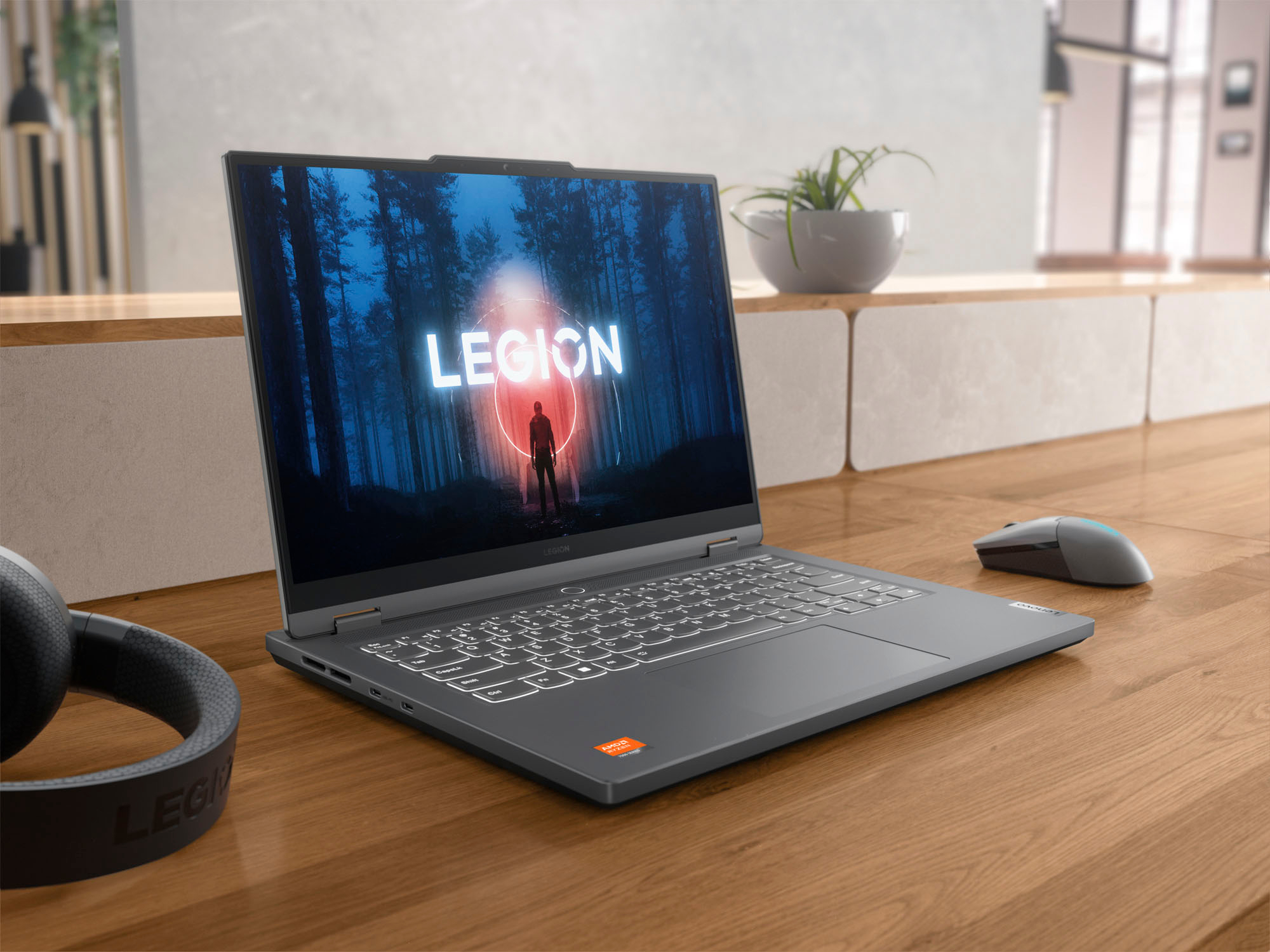
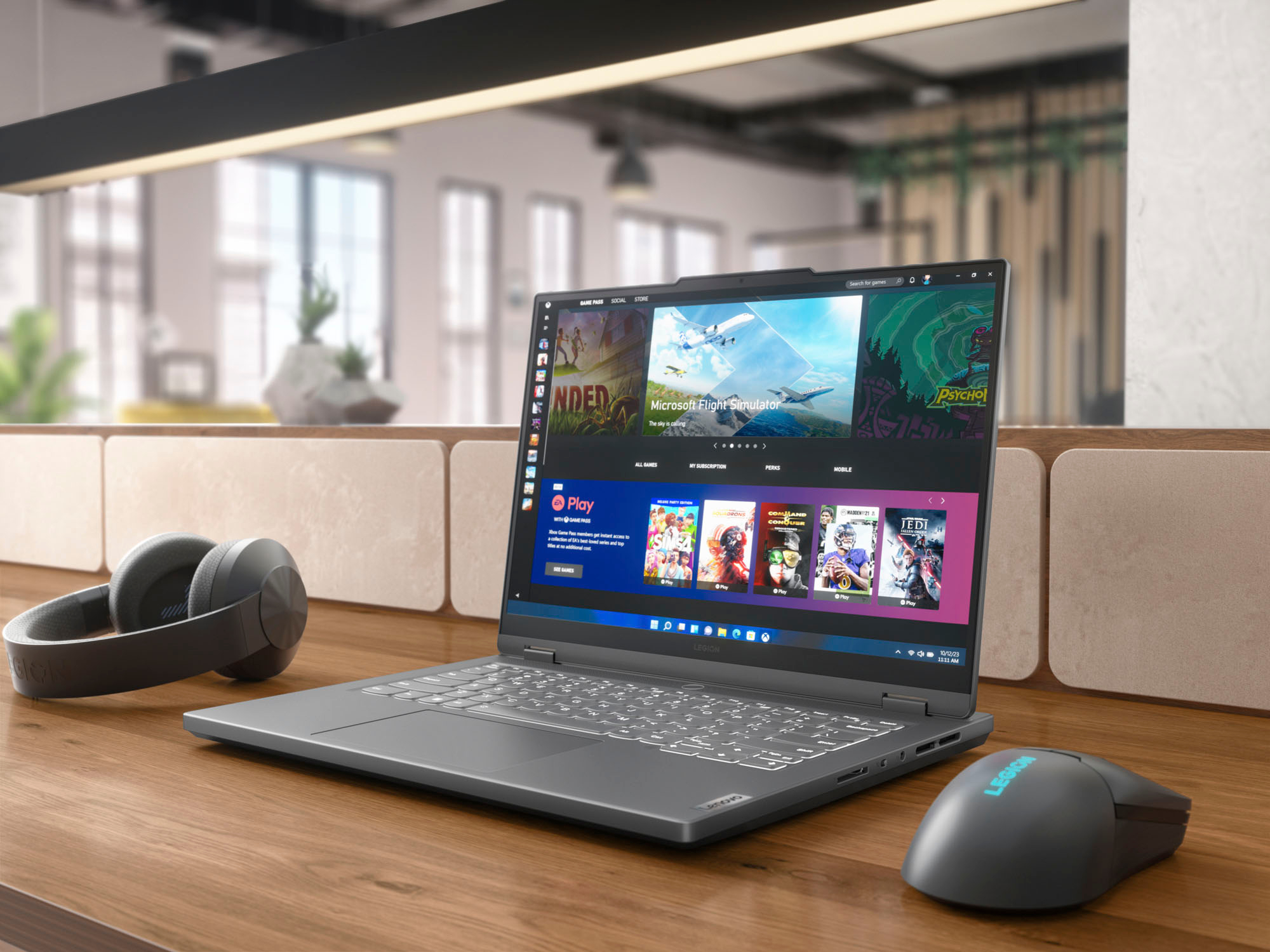
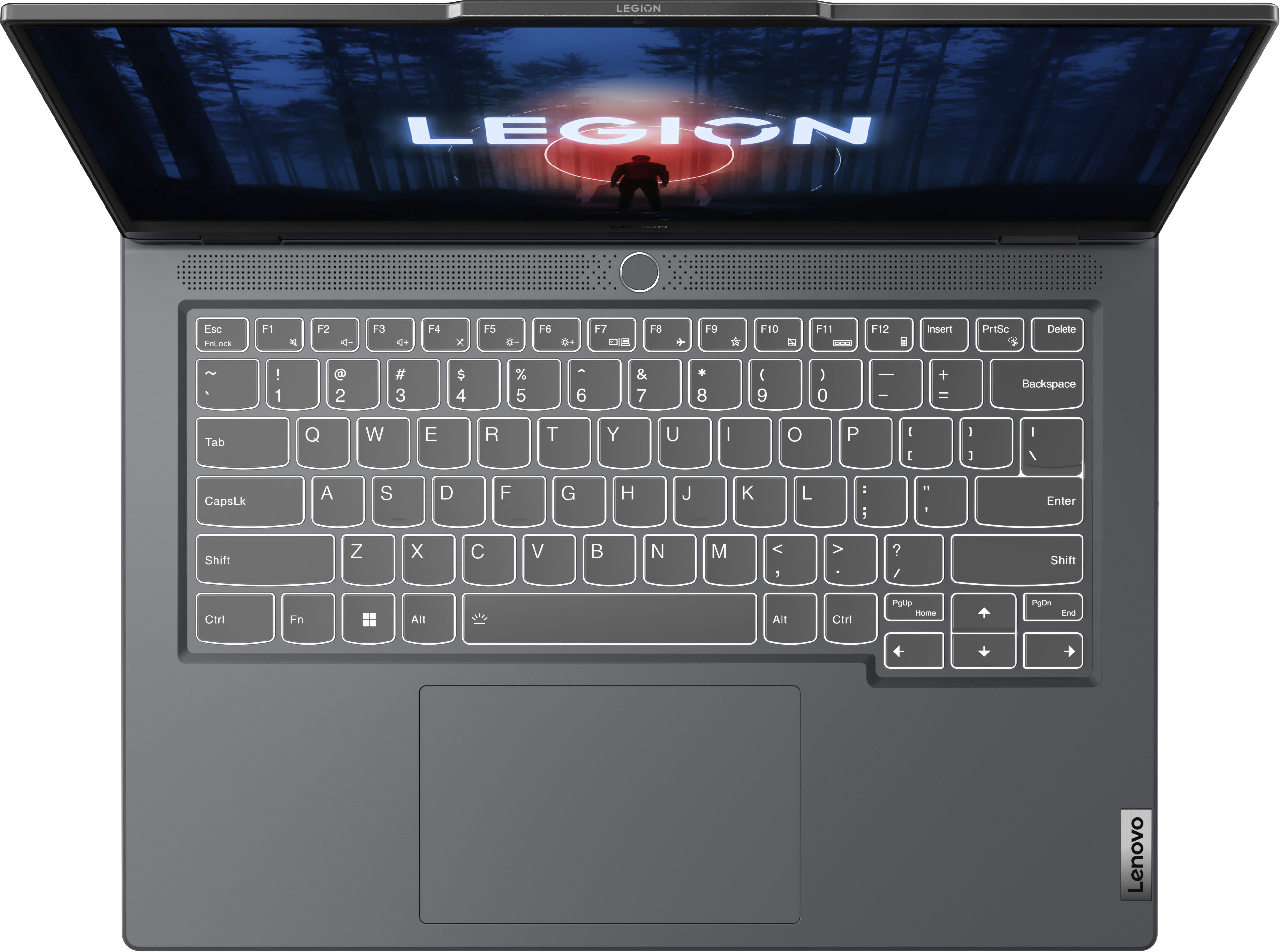
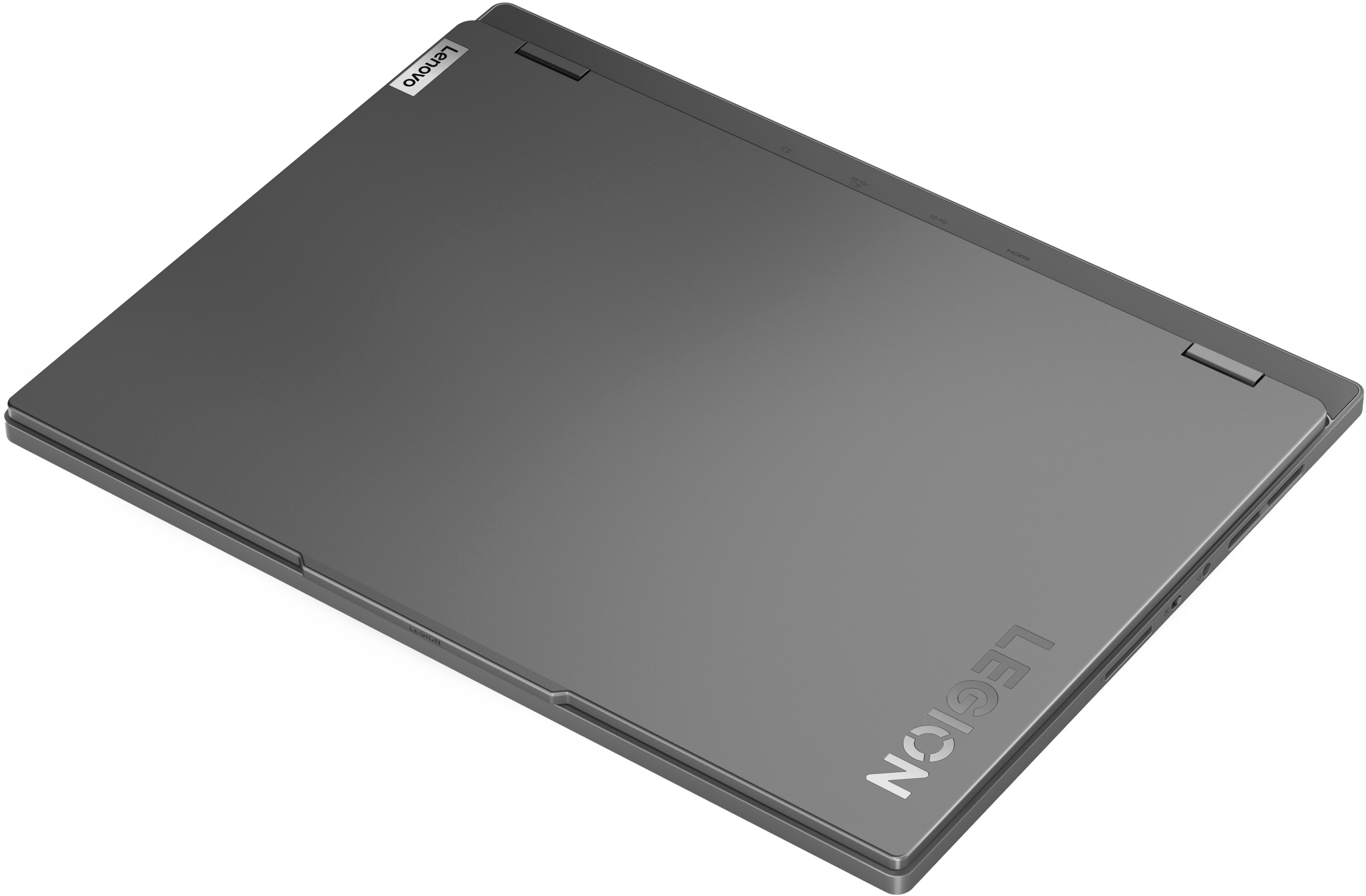
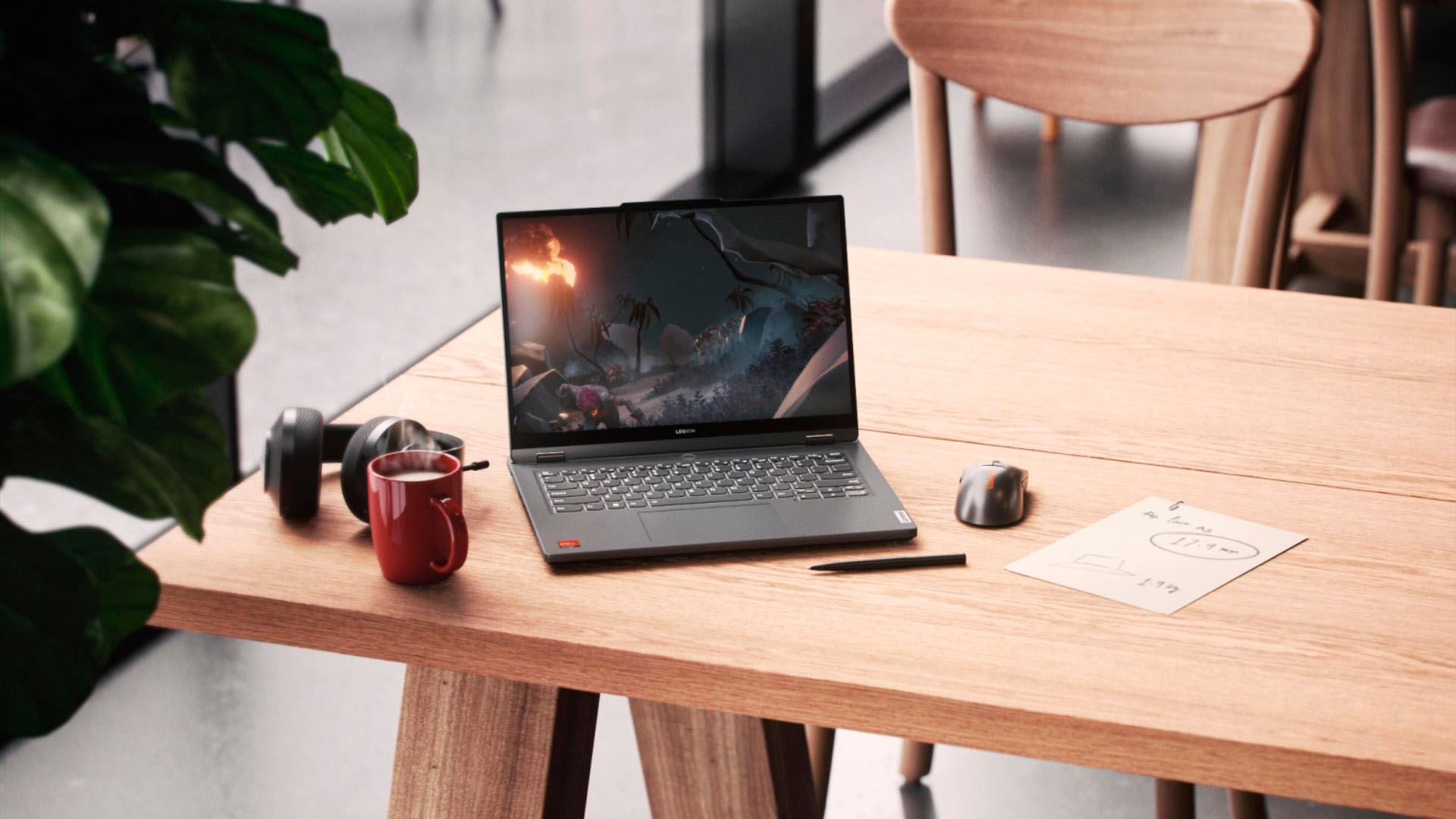
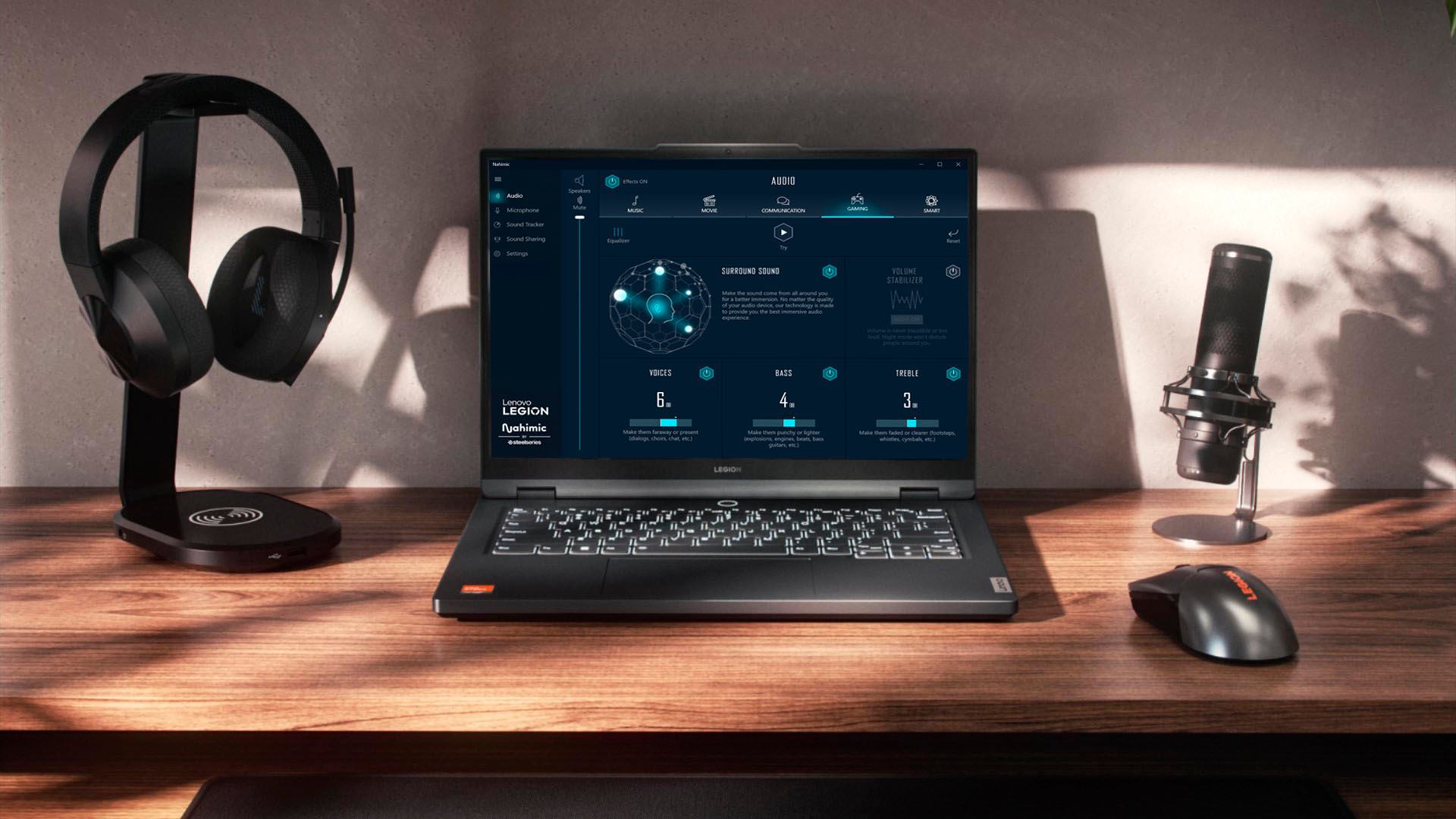
A:AnswerLenovo - Legion Slim 5 14.5" OLED
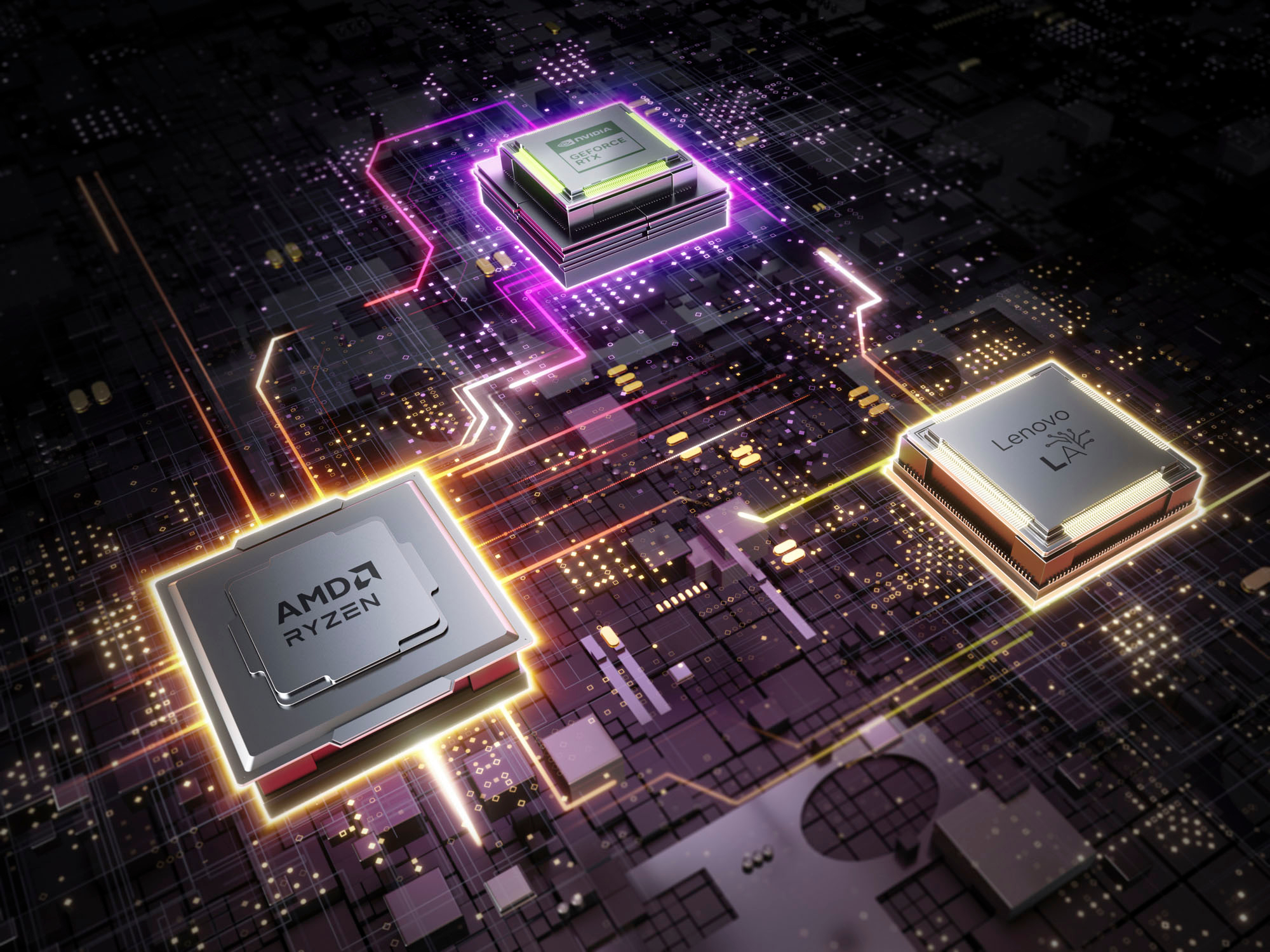
I own this little gem. I had the same concern so in order to find out I Run GPU Z Sensors set for Maximum reading.

Playing SOTTR for about an hour or running the built in Benchmark gives a sensor reading of 103 watts being drawn. Make sure to install the latest Nvidia driver and you will get the most possible out of it. Which for me is just fine.