Questions & Answers


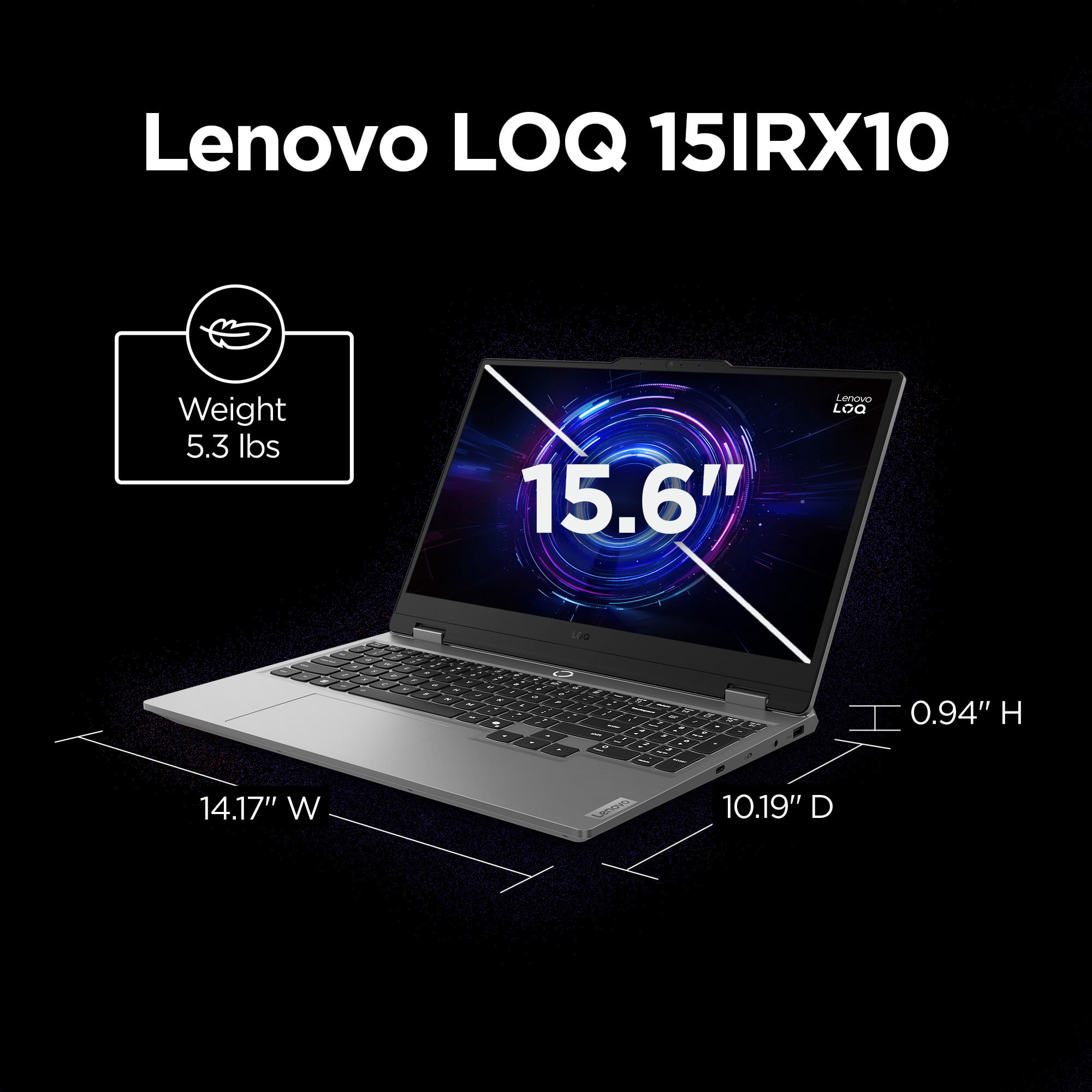
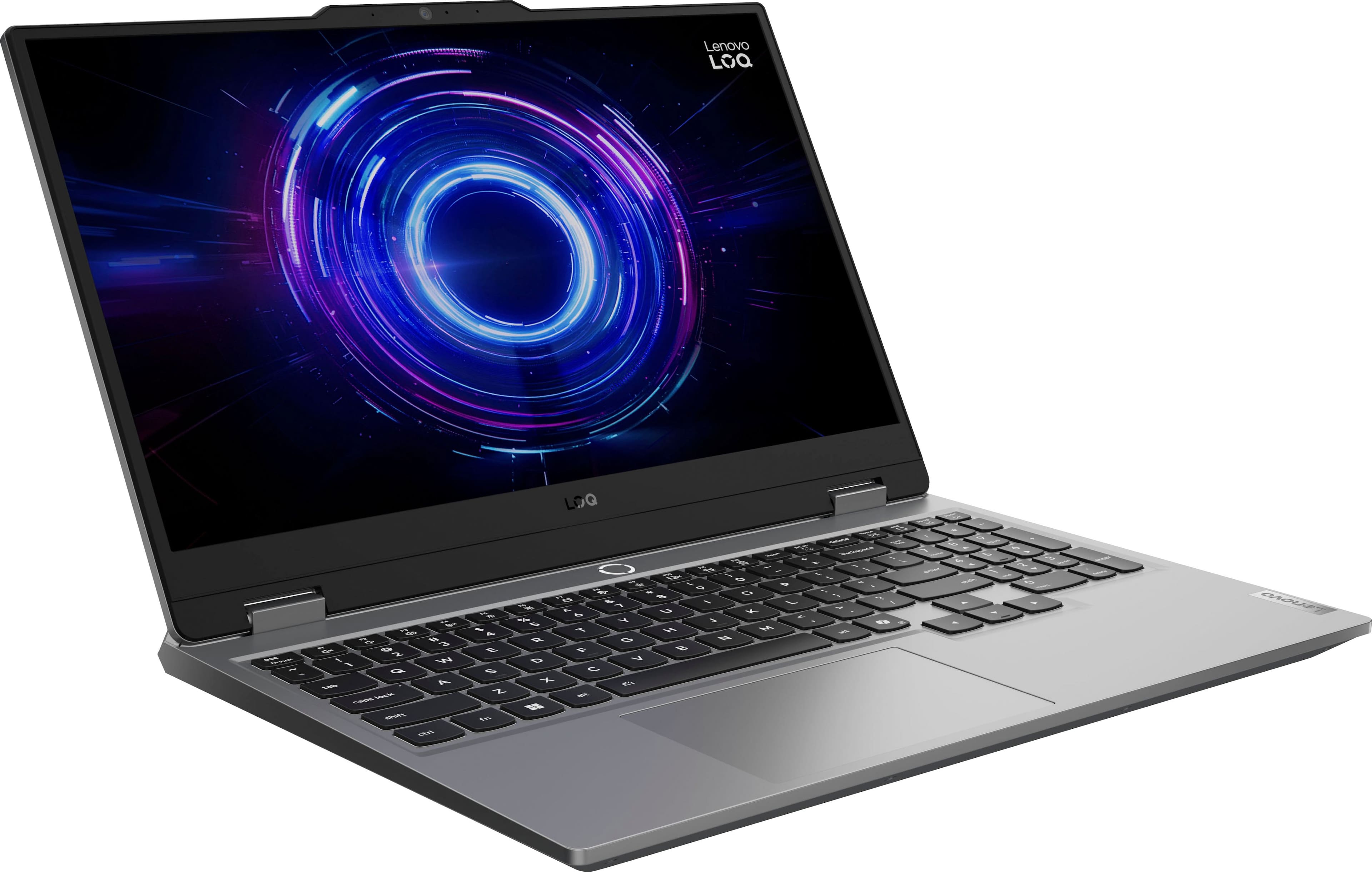
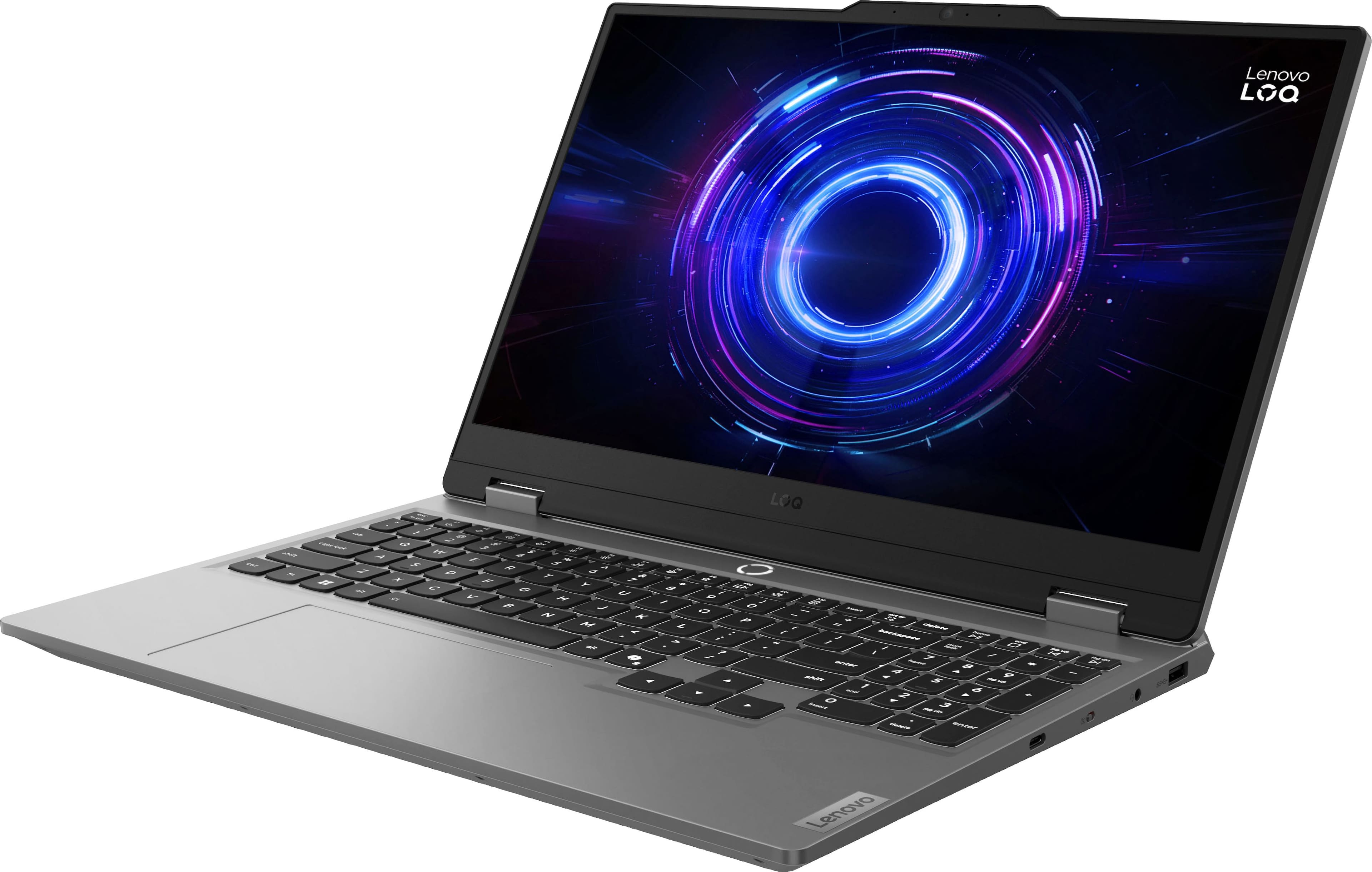
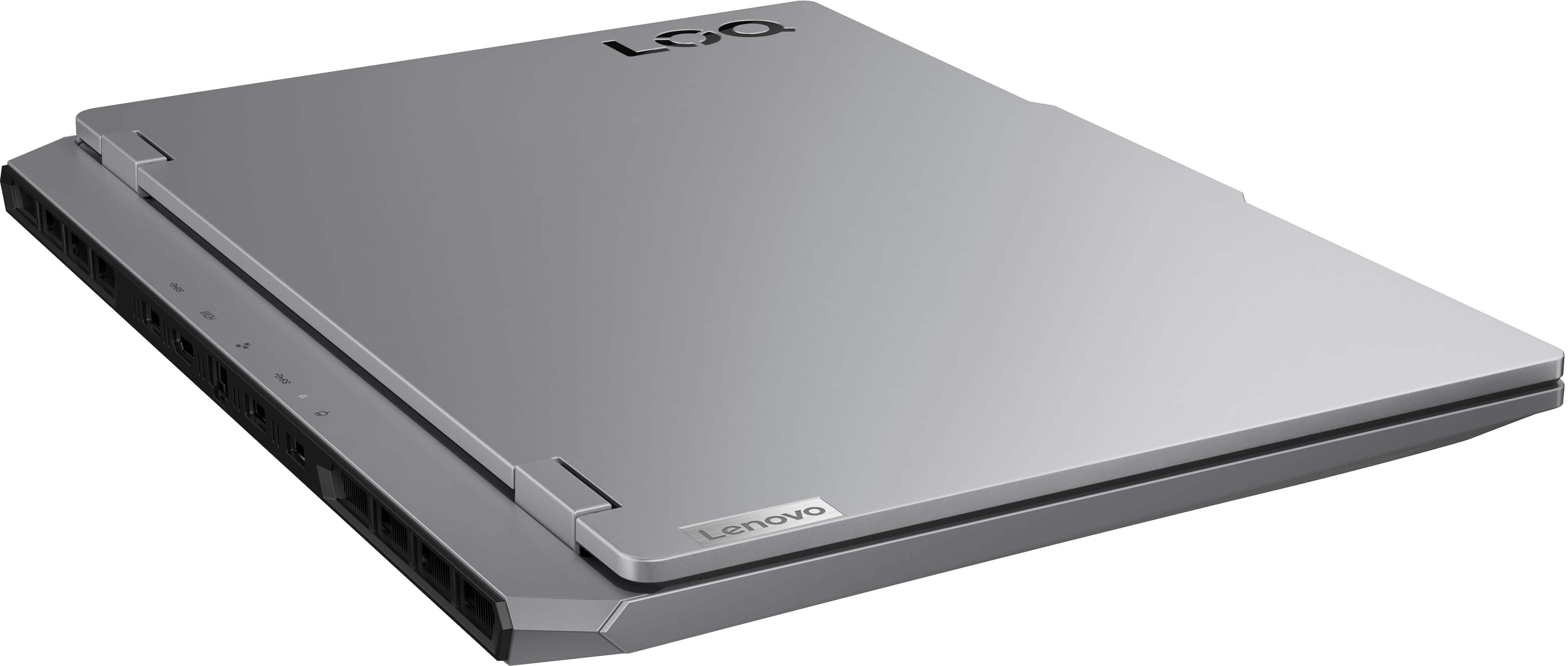
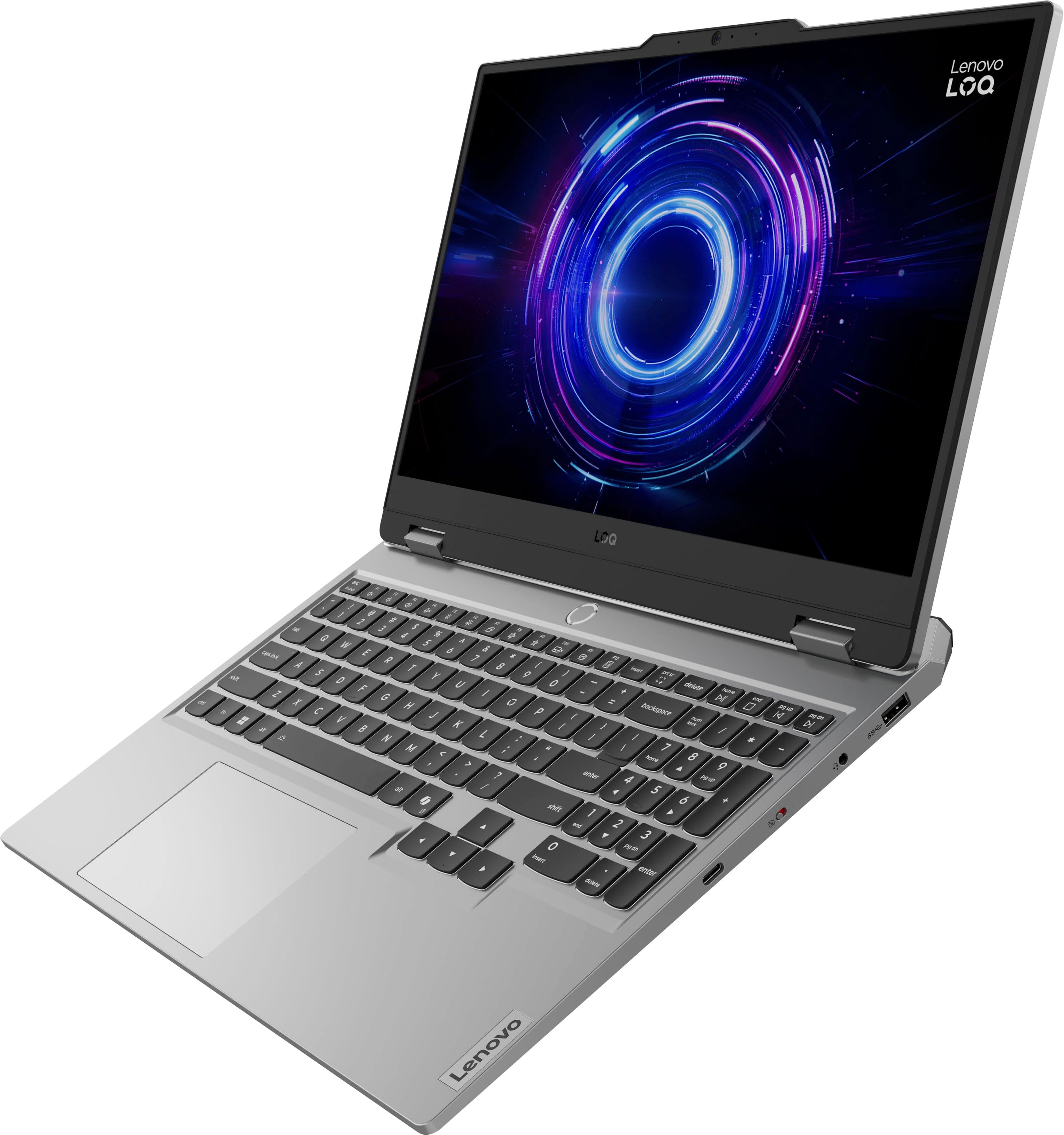
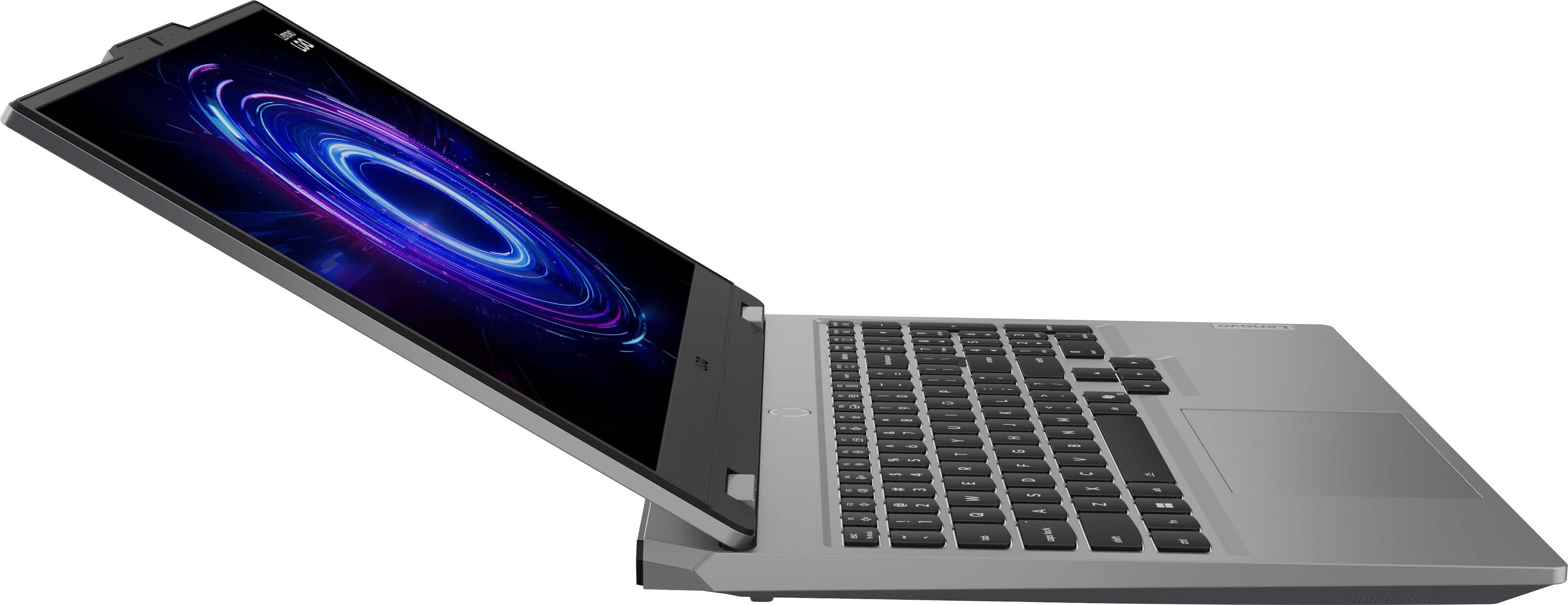
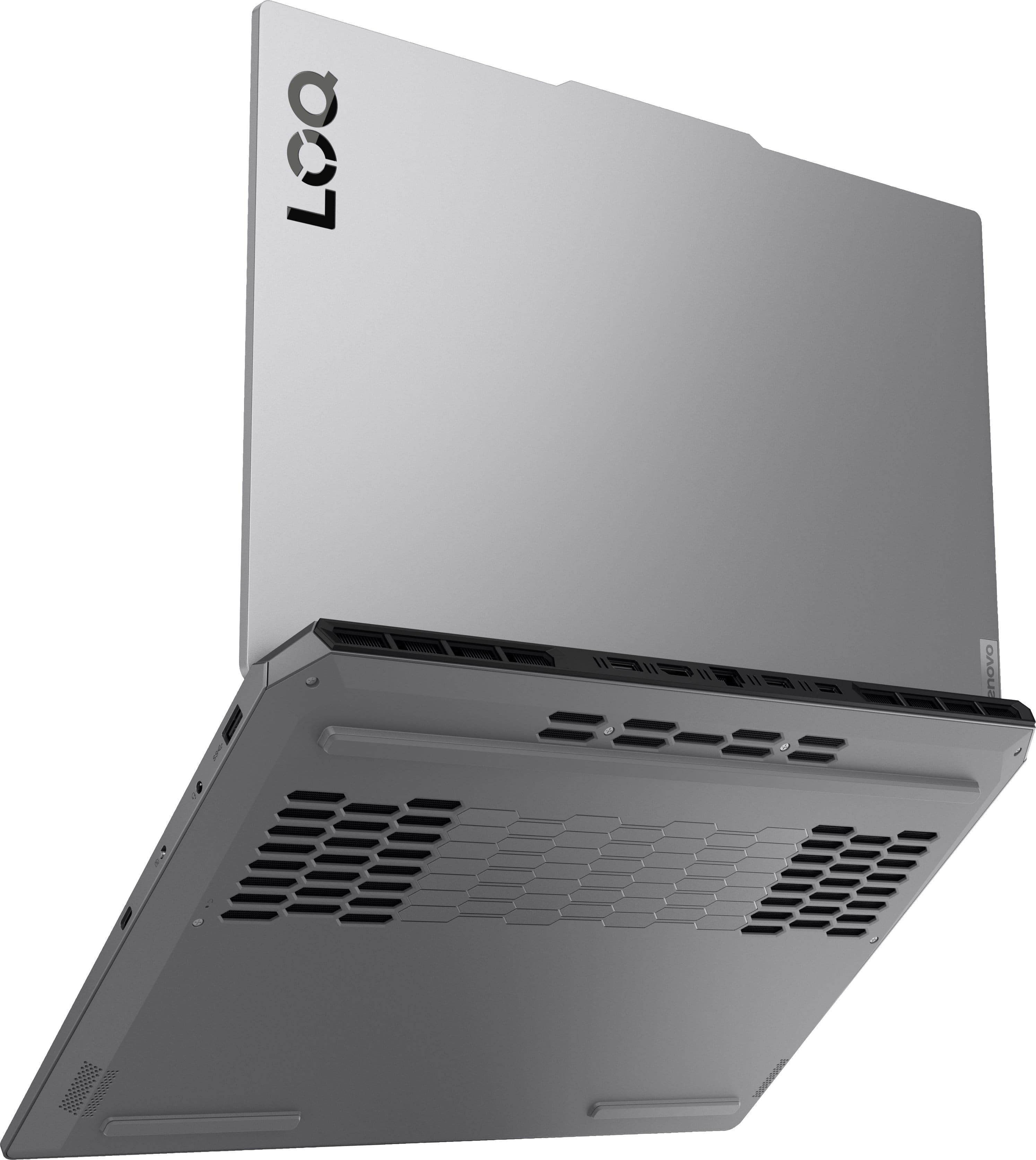
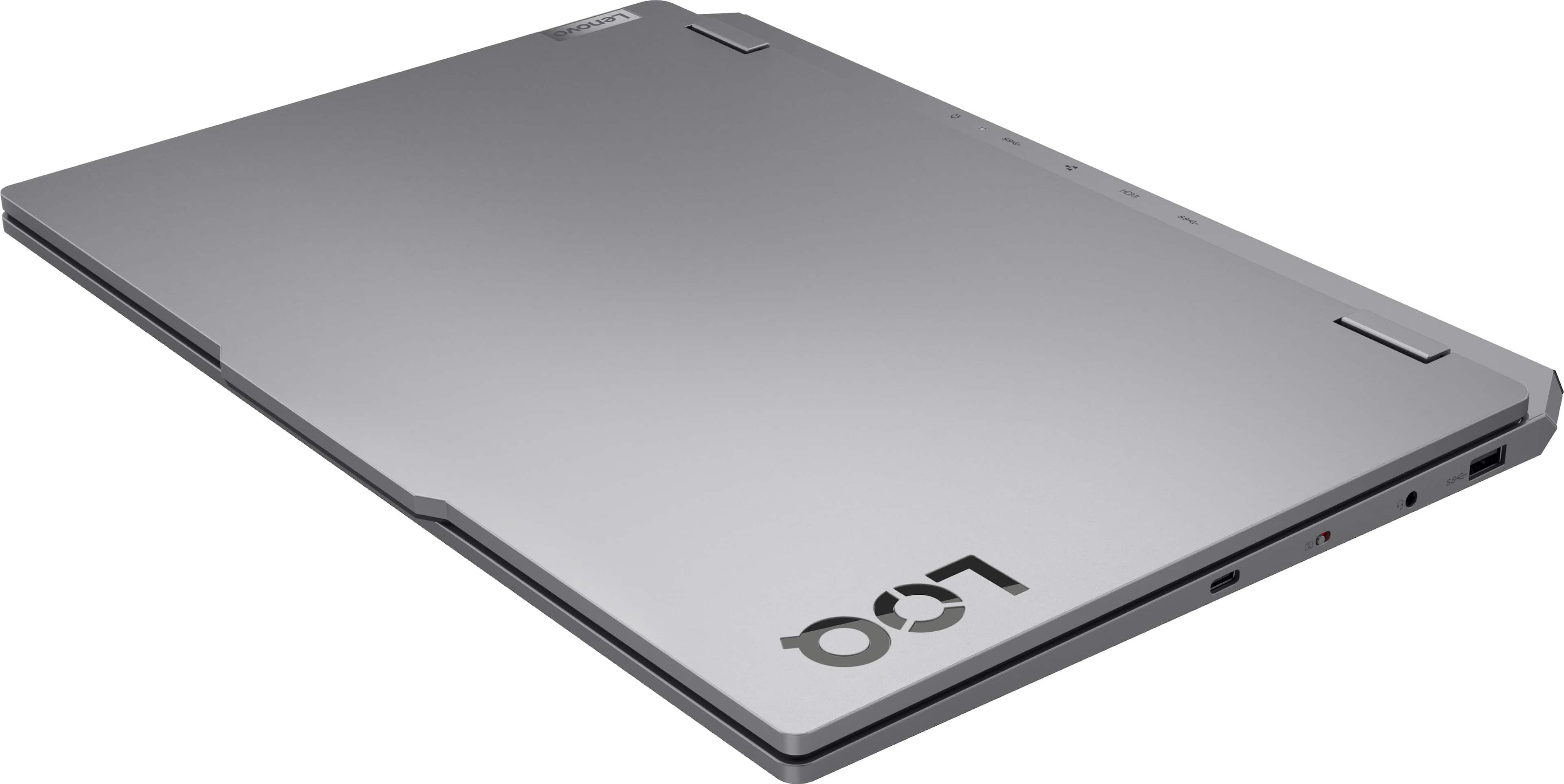
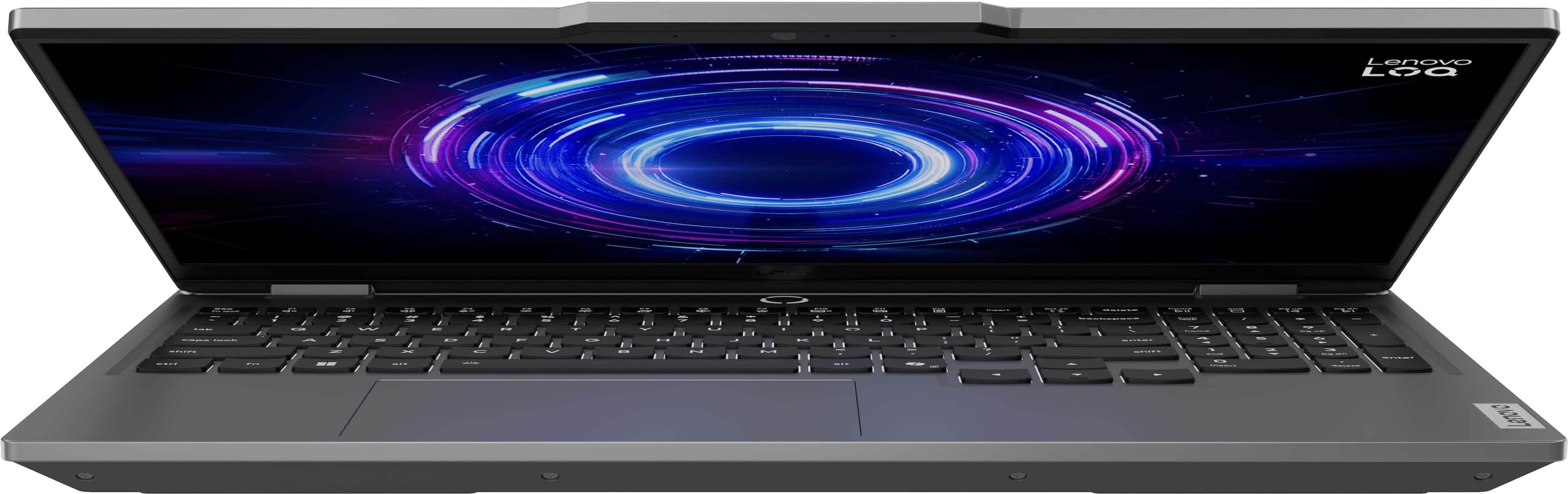
![Sure, here is the corrected and grouped text from the image:
- **Top Row:**
- `esc` `F1` `F2` `F3` `F4` `F5` `F6` `F7` `F8` `F9` `F10` `F11` `F12` `insert`
- **Second Row:**
- `~` `!` `@` `#` `$` `%` `^` `&` `*` `(` `)` `_` `+` `backspace` `num lock` `/` `*` `-` `tab`
- **Third Row:**
- `Q` `W` `E` `R` `T` `Y` `U` `I` `O` `P` `[` `]` `\` `delete` `home` `end` `pg up` `pg dn`
- **Fourth Row:**
- `caps lock` `A` `S` `D` `F` `G` `H` `J` `K` `L` `;` `'` `enter` `4` `5` `6`](https://pisces.bbystatic.com/image2/BestBuy_US/images/products/55335010-9a5f-4237-b437-bfbd6a9f6ff2.jpg)
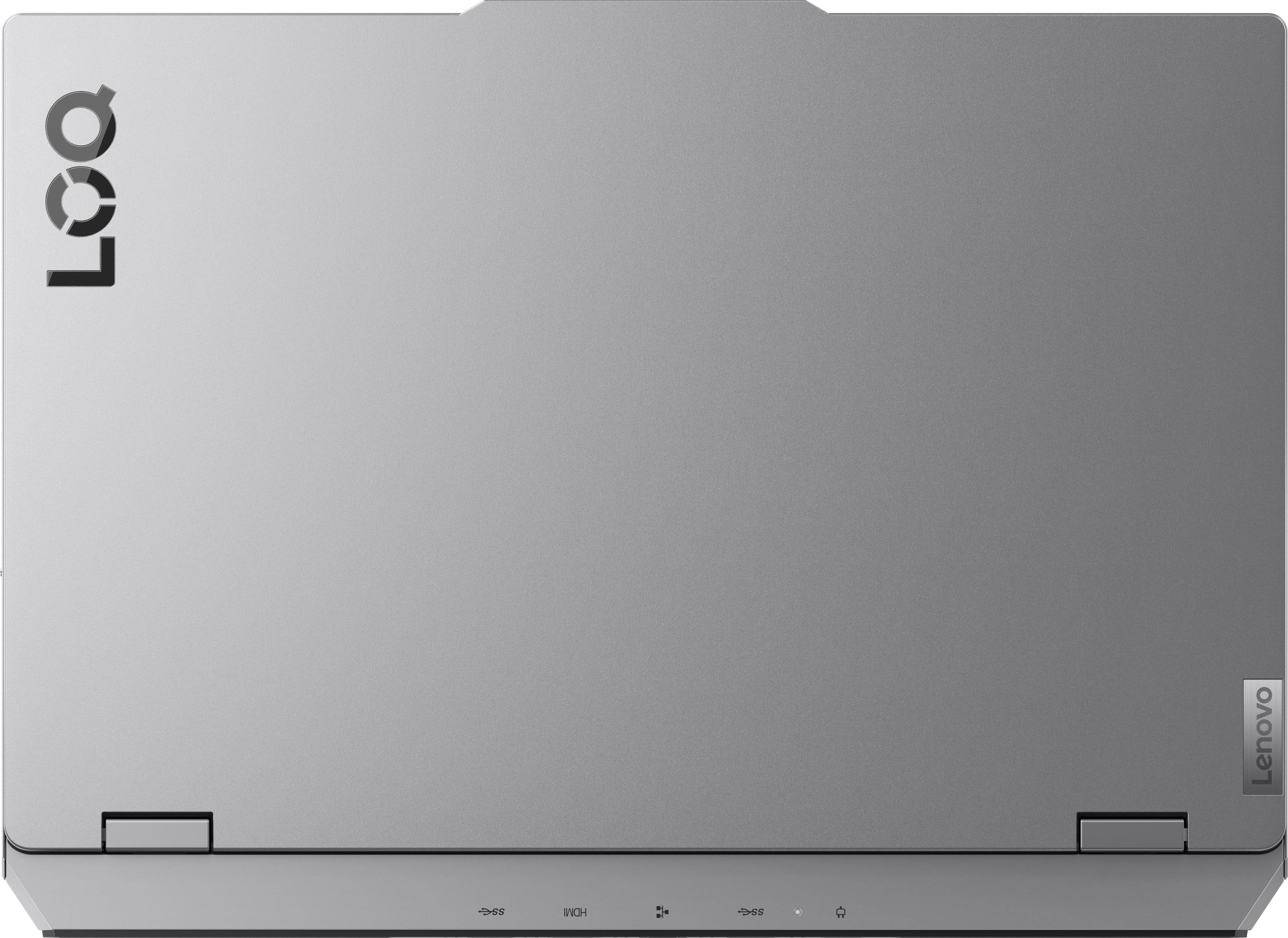
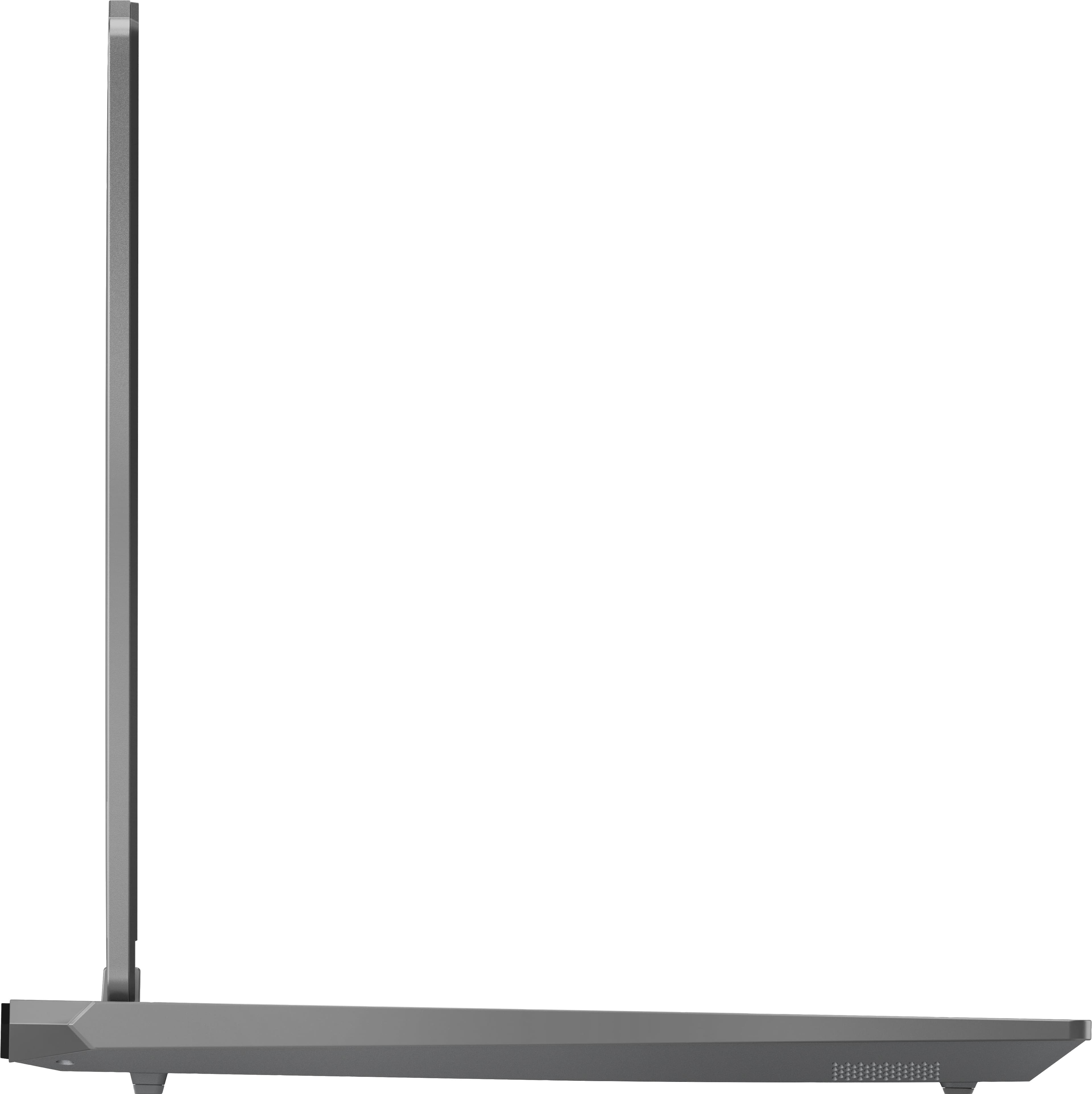
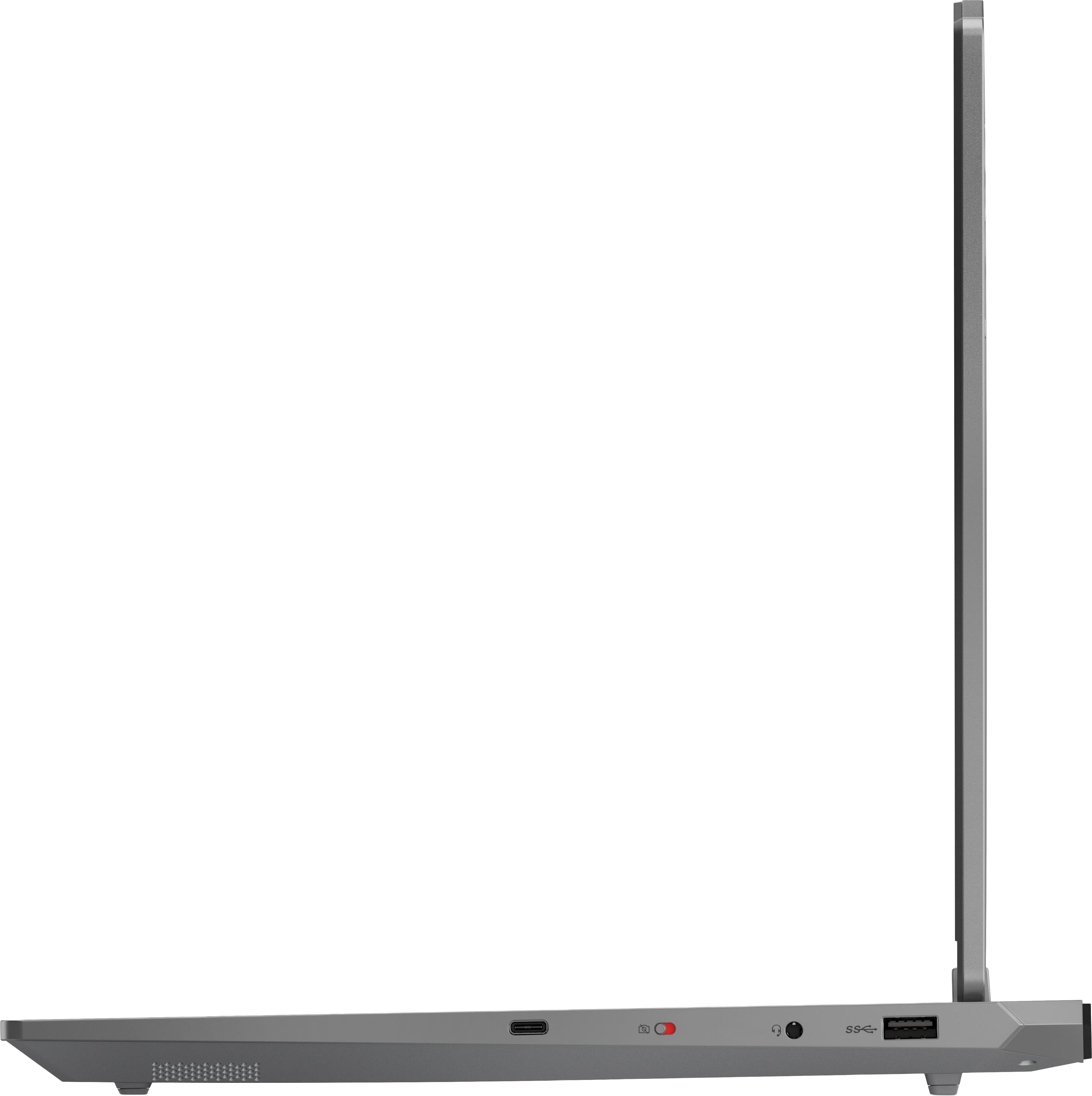







- Model:
- 83JE002LUS
- SKU:
- 11982400
$1,269.99
Save $30
The comparable value is $1,299.99
Page
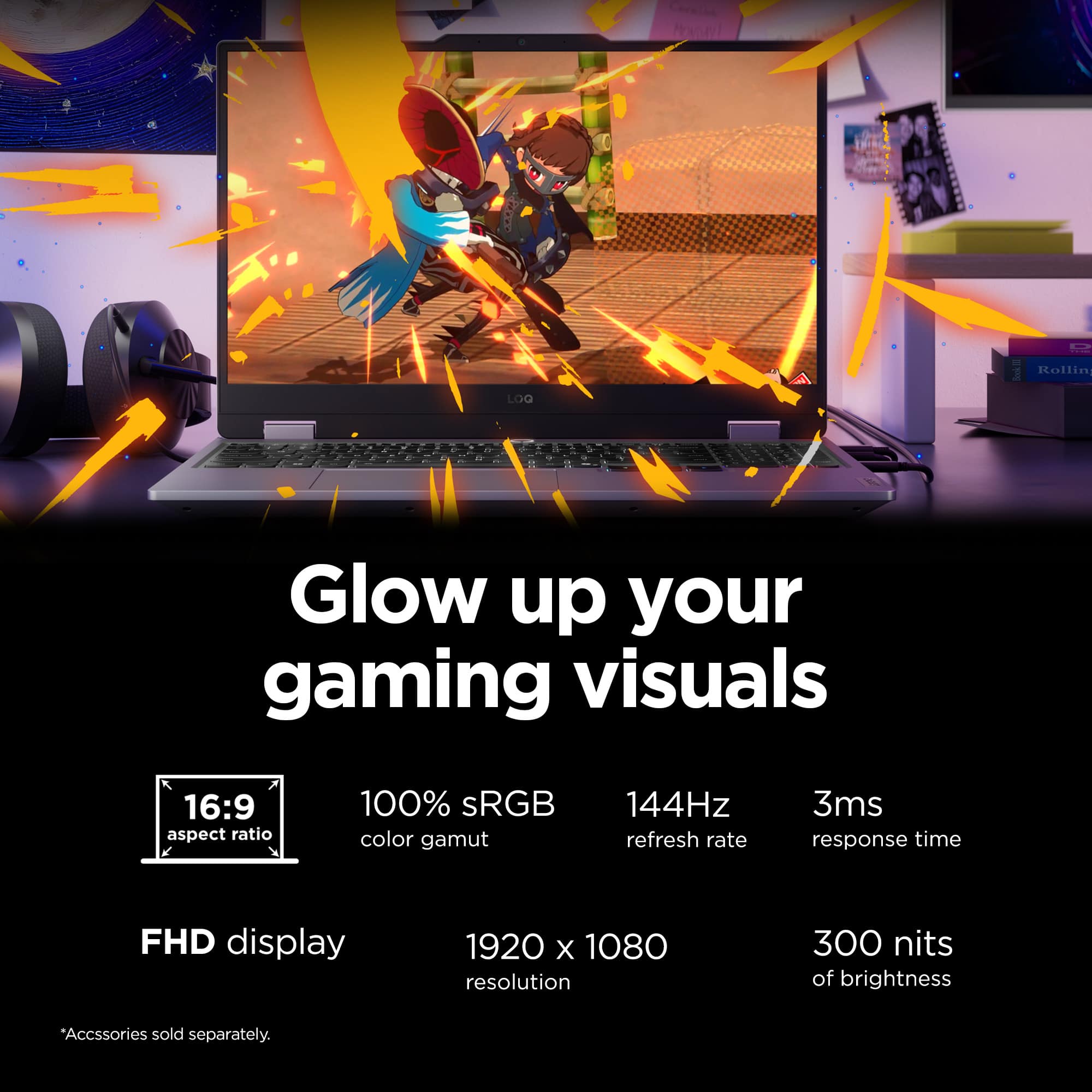
QuestionWhat is the refresh rate of the laptop's screen?
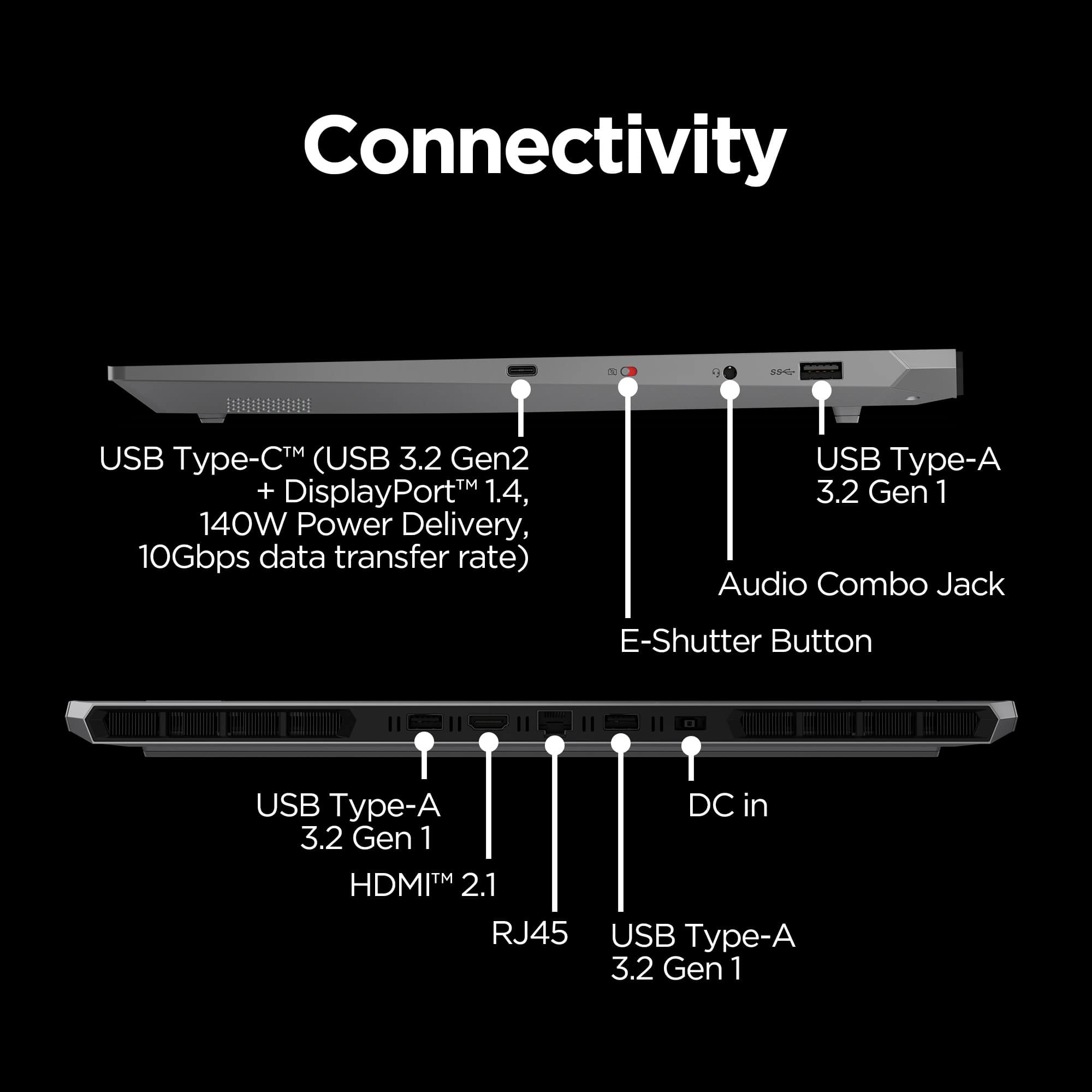
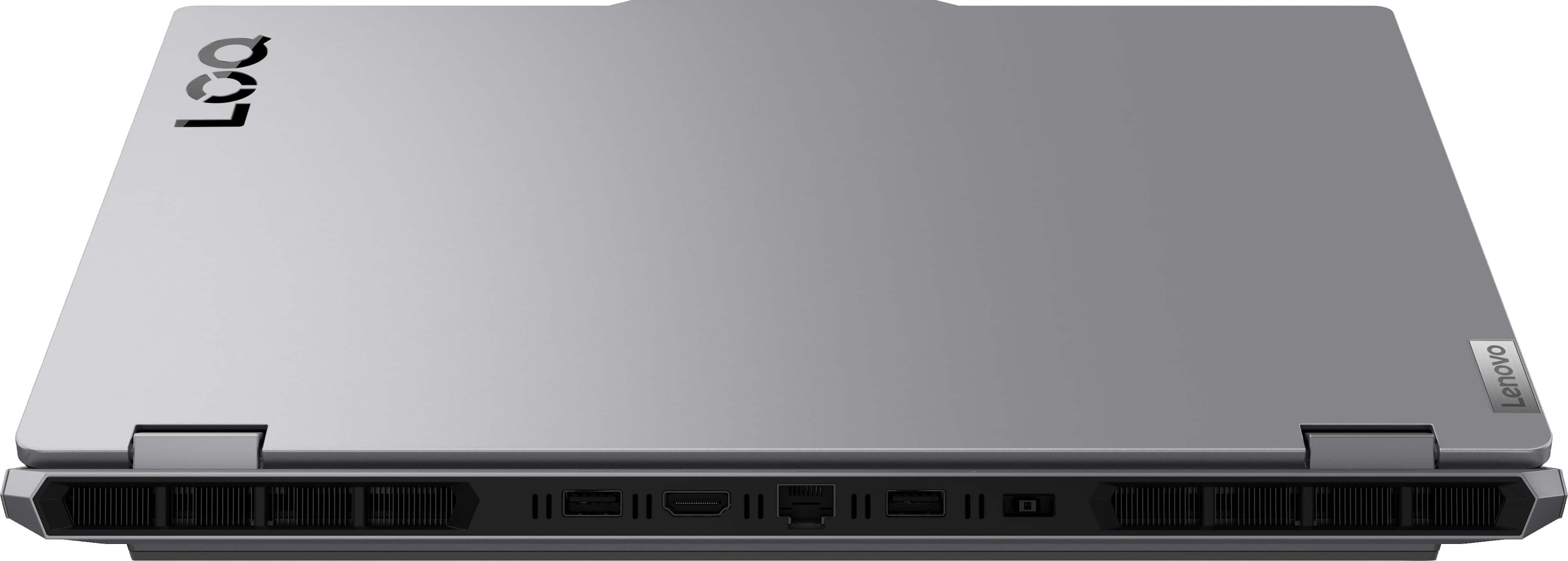
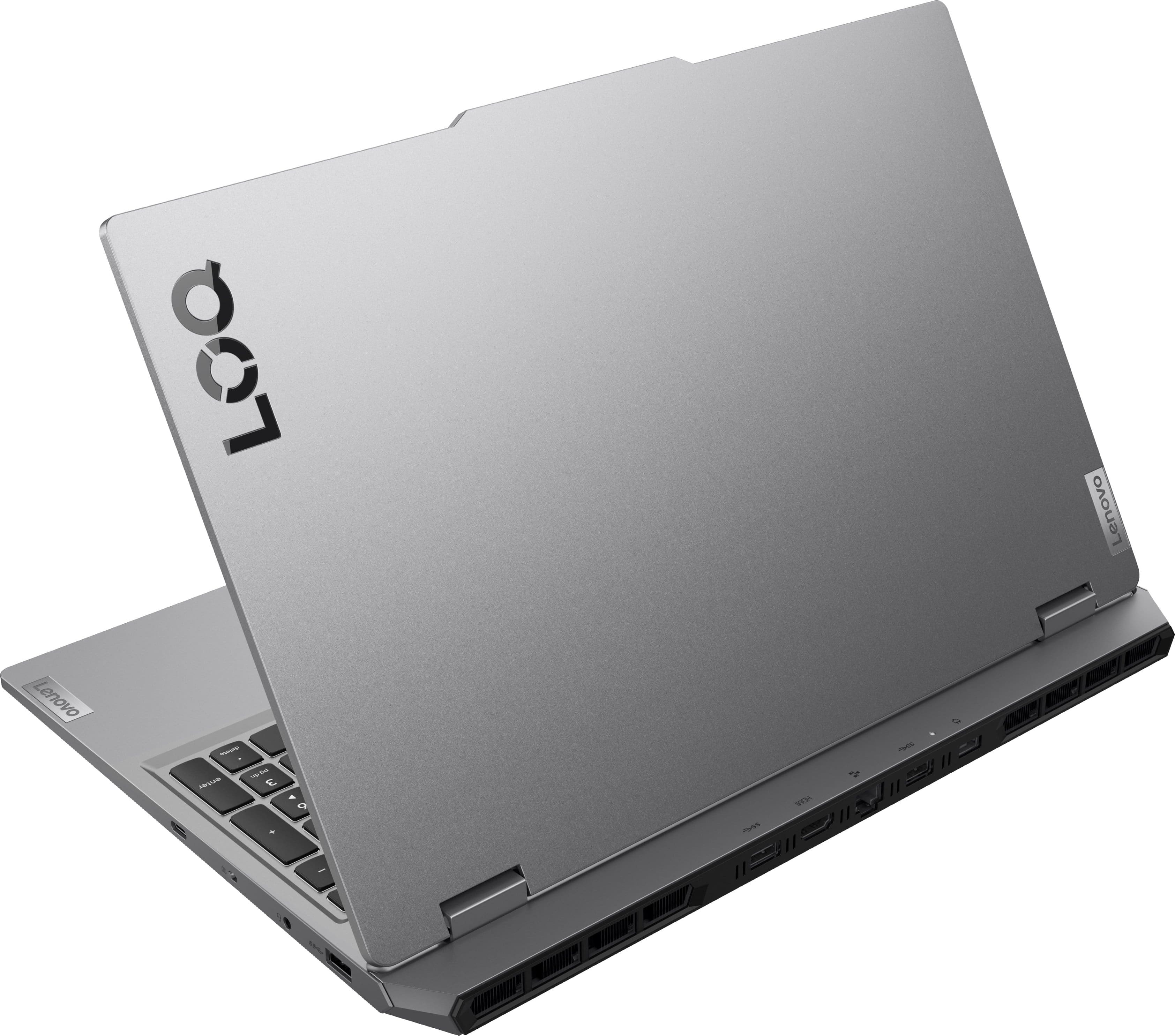
This question and answer was generated by AI based on customer and product data.QuestionAre there any USB ports available on this laptop?
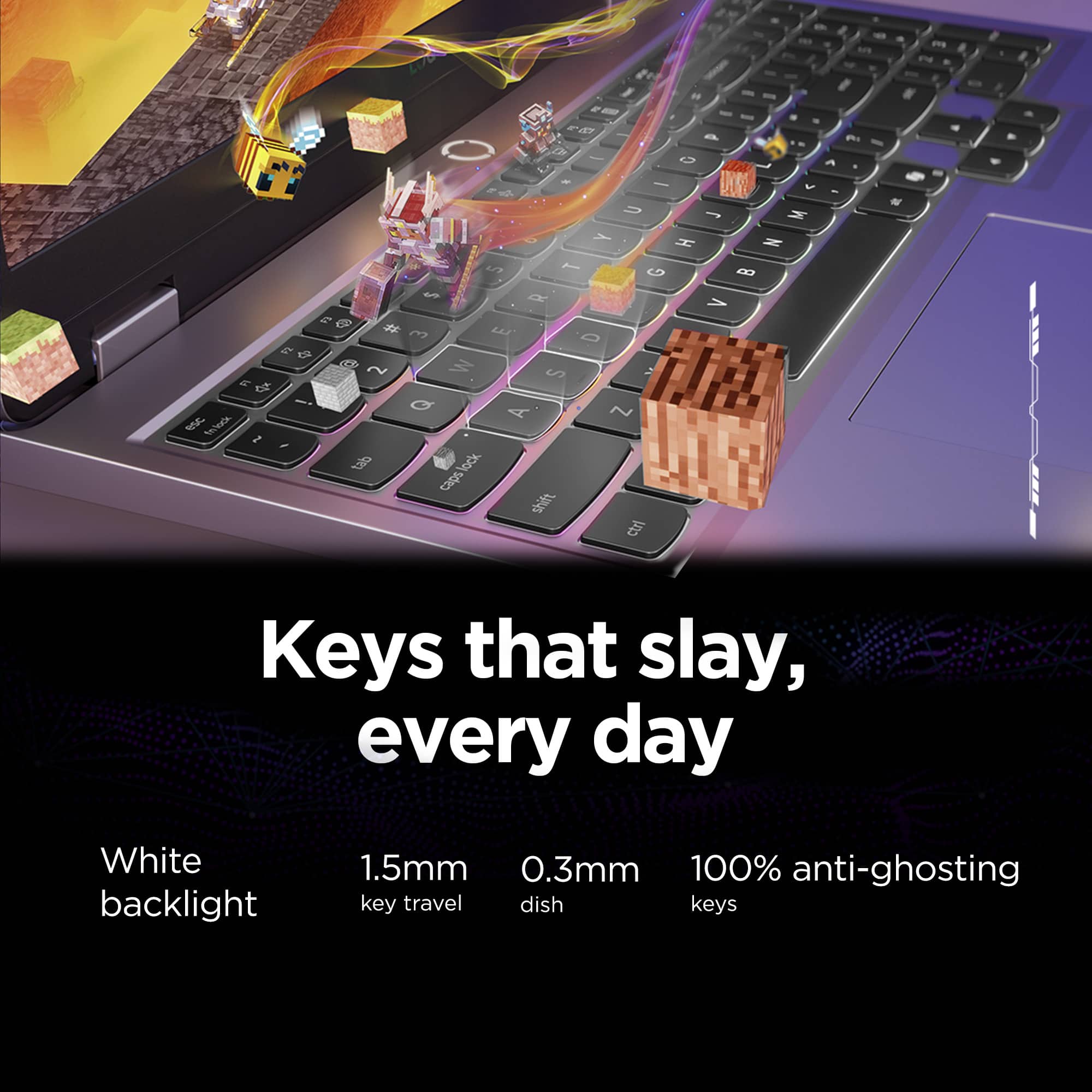
This question and answer was generated by AI based on customer and product data.QuestionDoes this laptop have a backlit keyboard?
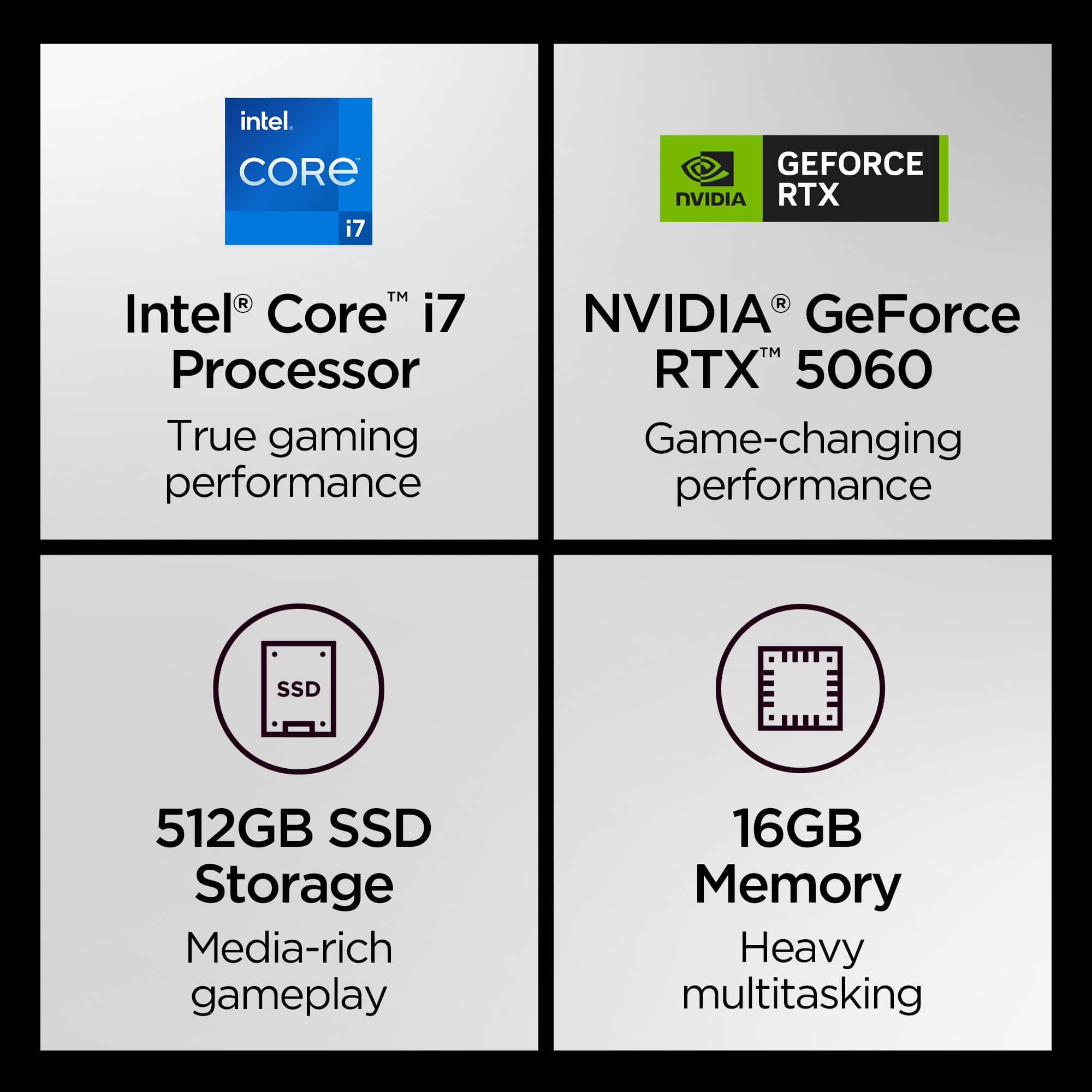
This question and answer was generated by AI based on customer and product data.QuestionHow much memory does this gaming laptop have?
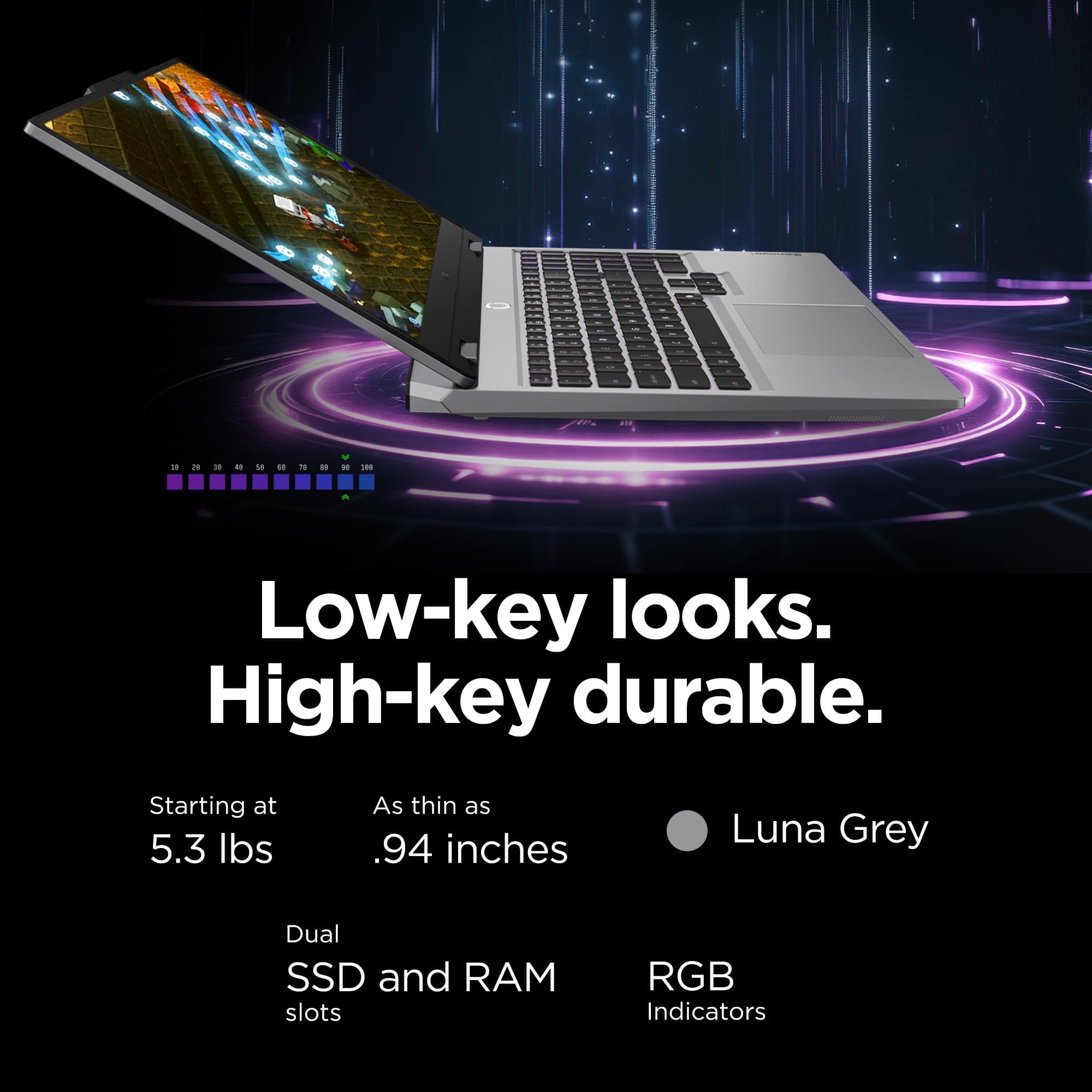
This question and answer was generated by AI based on customer and product data.QuestionCan the system memory of this laptop be expanded?
This question and answer was generated by AI based on customer and product data.QuestionWhat operating system does this laptop use?
This question and answer was generated by AI based on customer and product data.QuestionDoes this gaming laptop have a built-in microphone?
This question and answer was generated by AI based on customer and product data.