Questions & Answers
- Model:
- ZG38C05810
- |
- SKU:
- 6605230
Highly rated by customers for: Portability
$44.99$44.99
Page Showing 1-11 of 11 questions
Q: QuestionIs the keyboard foldable?
- A:Answer This keyboard is not foldable.
This question and answer was generated by AI based on customer and product data.Q: QuestionWhat is the warranty period for the keyboard?
- A:Answer The keyboard has a one-year warranty for both parts and labor.
This question and answer was generated by AI based on customer and product data.Q: QuestionDoes the keyboard have a built-in touchpad?
- A:Answer The keyboard does not have a touchpad.
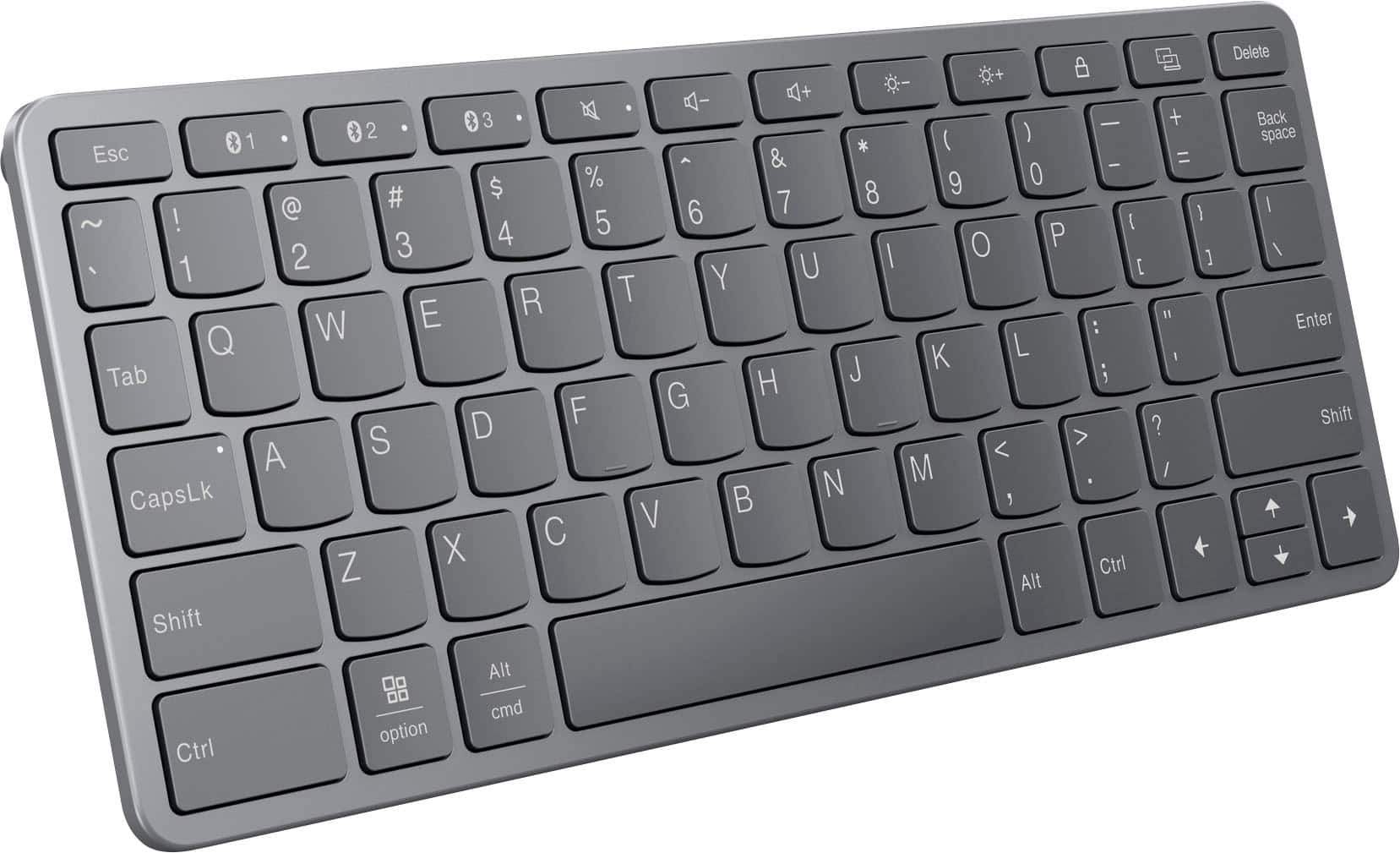
This question and answer was generated by AI based on customer and product data.Q: QuestionHow many devices can be connected to the keyboard simultaneously?
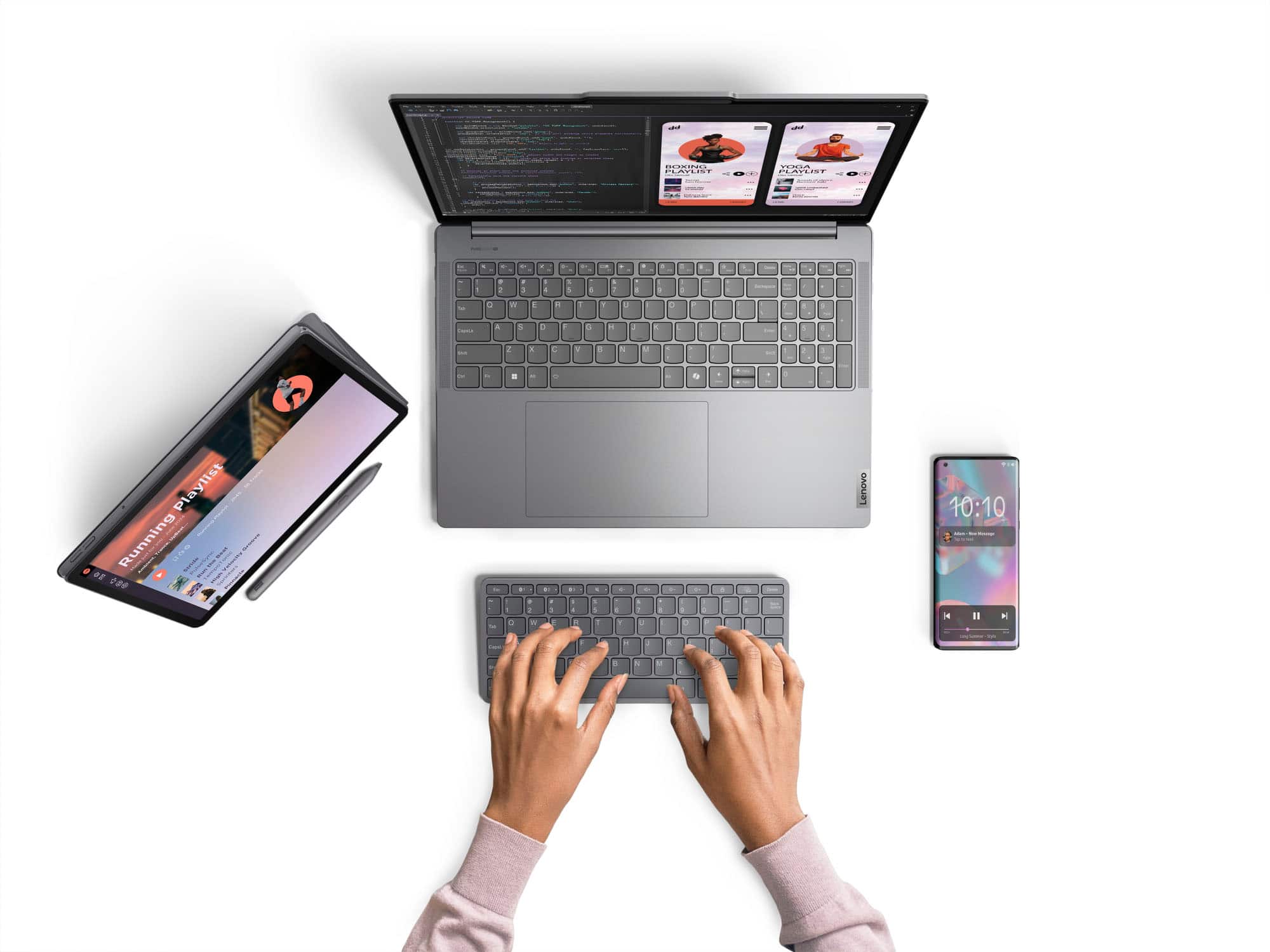
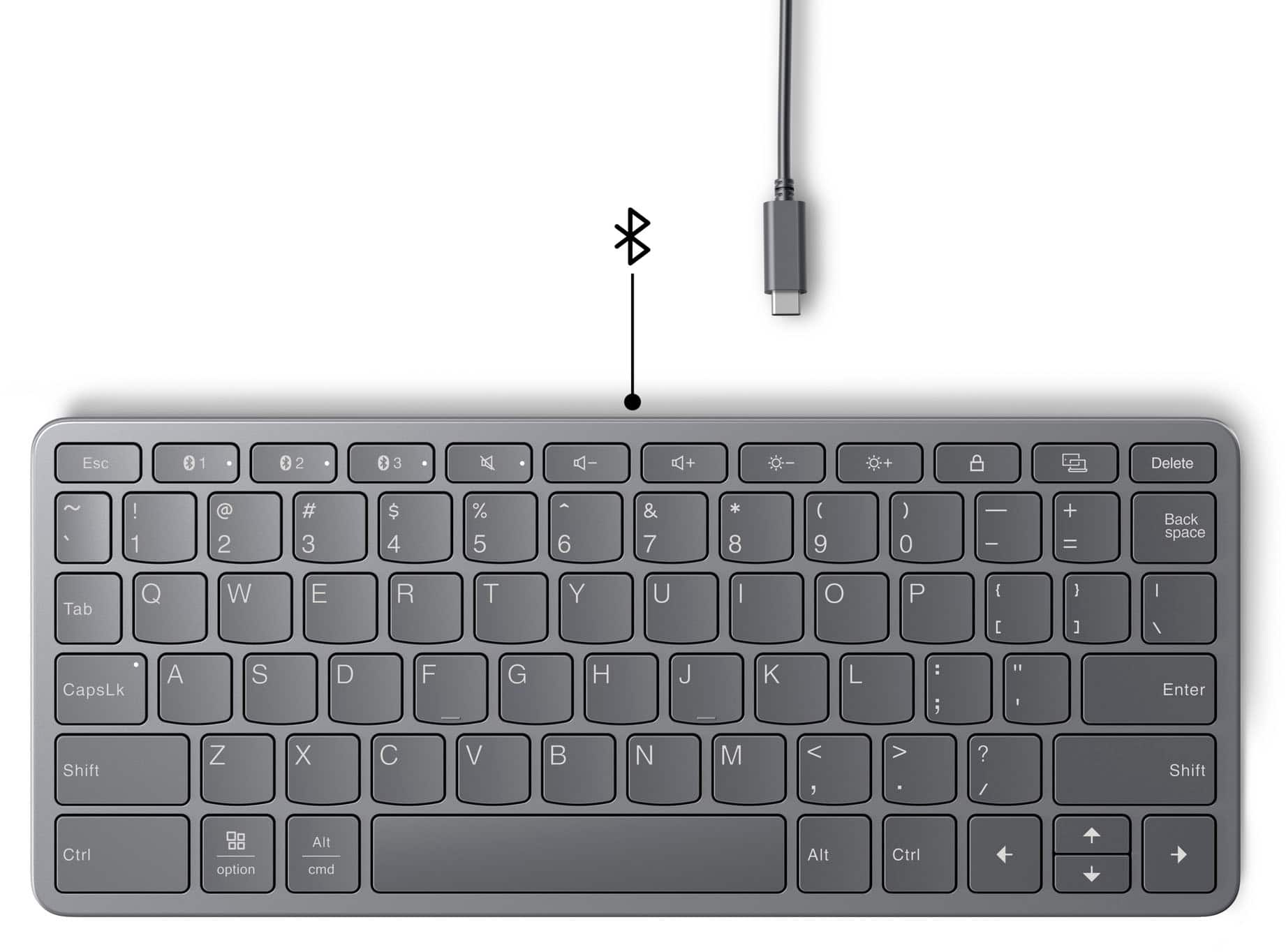
- A:Answer This keyboard allows you to connect up to three devices simultaneously.
This question and answer was generated by AI based on customer and product data.Q: QuestionWhat type of battery does the keyboard use?
- A:Answer The keyboard uses a lithium-ion polymer battery.
This question and answer was generated by AI based on customer and product data.Q: QuestionWhat is the keyboard's weight?
- A:Answer The keyboard weighs 0.39 ounces.
This question and answer was generated by AI based on customer and product data.Q: QuestionIs this keyboard a suitable replacement for the Lenovo 9i dualscreen laptop? Specifically, the 9i keyboard has magnets to snap onto either the lower screen, or the laptop stand. The 9i has some special features in its keyboard.
Asked by Jc116.
- A:Answer Hey John, This keyboard can work well with the Yoga Book 9i, but it is not designed to be used with the laptop specifically, and it does not feature the magnets that bring out the unique Yoga Book features. You can order a replacement keyboard for the Yoga Book 9i via the Lenovo parts website. We can help guide you through the process, but first we must know which model of Yoga Book 9i you have--the 13.3" or 14" version. Please feel free to reach out to us with any other questions!
Answered by Lenovo Product Expert
Q: QuestionIs this compatible with Lenovo Tab Plus?
Asked by Paola.
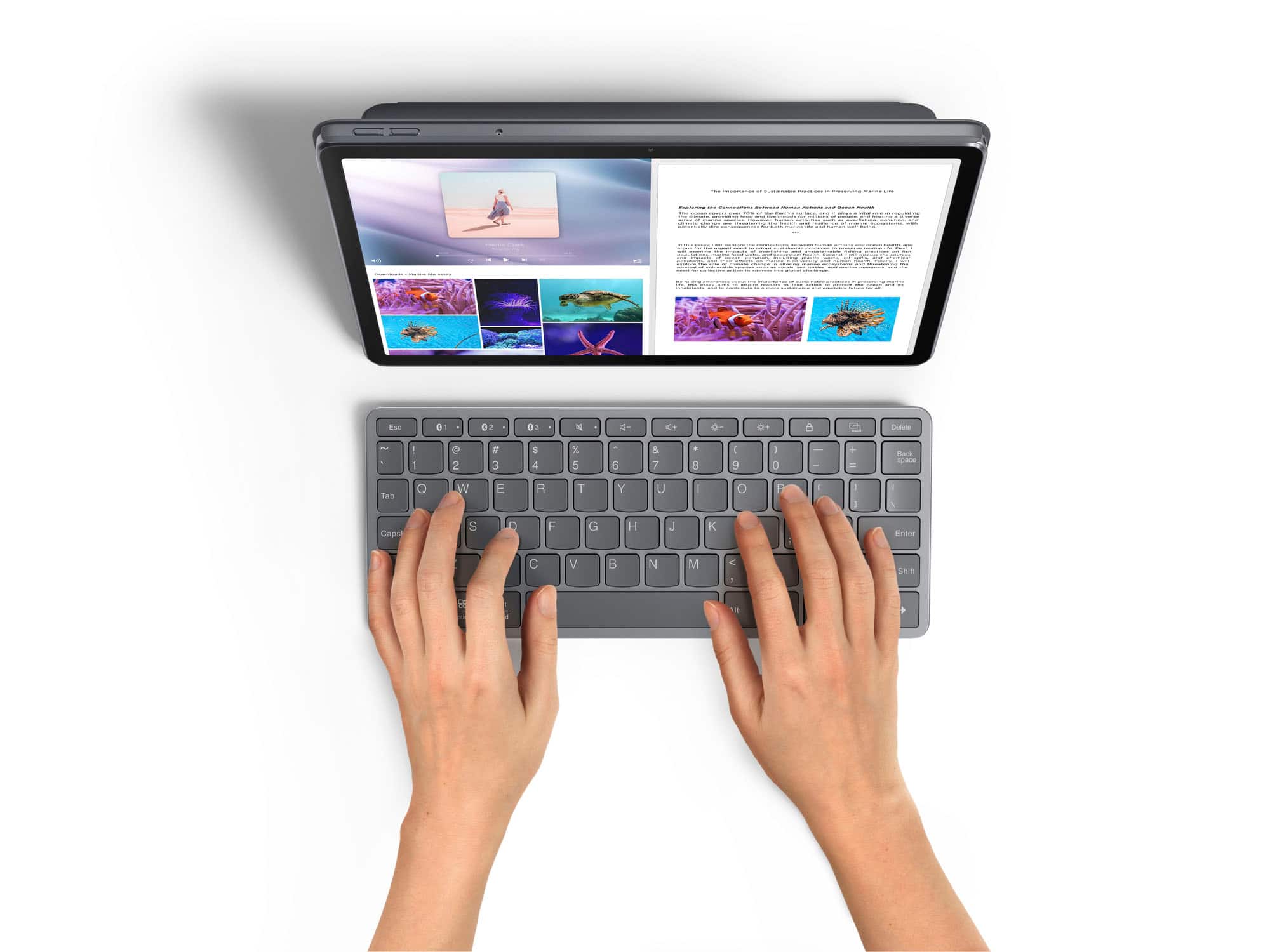
- A:Answer Hi Paola, Yes, you can use this keyboard with the Lenovo Tab Plus. Please feel free to reach out to us with any other questions!
Answered by Lenovo Product Expert
Q: QuestionWill this keyboard work with an M4 Mac Mini? Or is it just for iPads?
Asked by Pencileer.
- A:Answer Hey Schmitty1, It may work with a Mac device, but we cannot confirm this, as the Lenovo Multi-Device Wireless Keyboard was intended for use with Android, Windows, and iPadOS devices specifically. Please feel free to reach out to us with any other questions!
Answered by Lenovo Product Expert

Q: QuestionIs this compatible with the K10
Asked by Jacs.
- A:Answer Hi Jacs, If you're referring to the Tab K10 2nd Gen, yes, this keyboard should work with the tablet. Please feel free to reach out to us with any other questions!
Answered by Lenovo Product Expert

Q: QuestionWhat size are the key board dimensions?
Asked by Dennis.
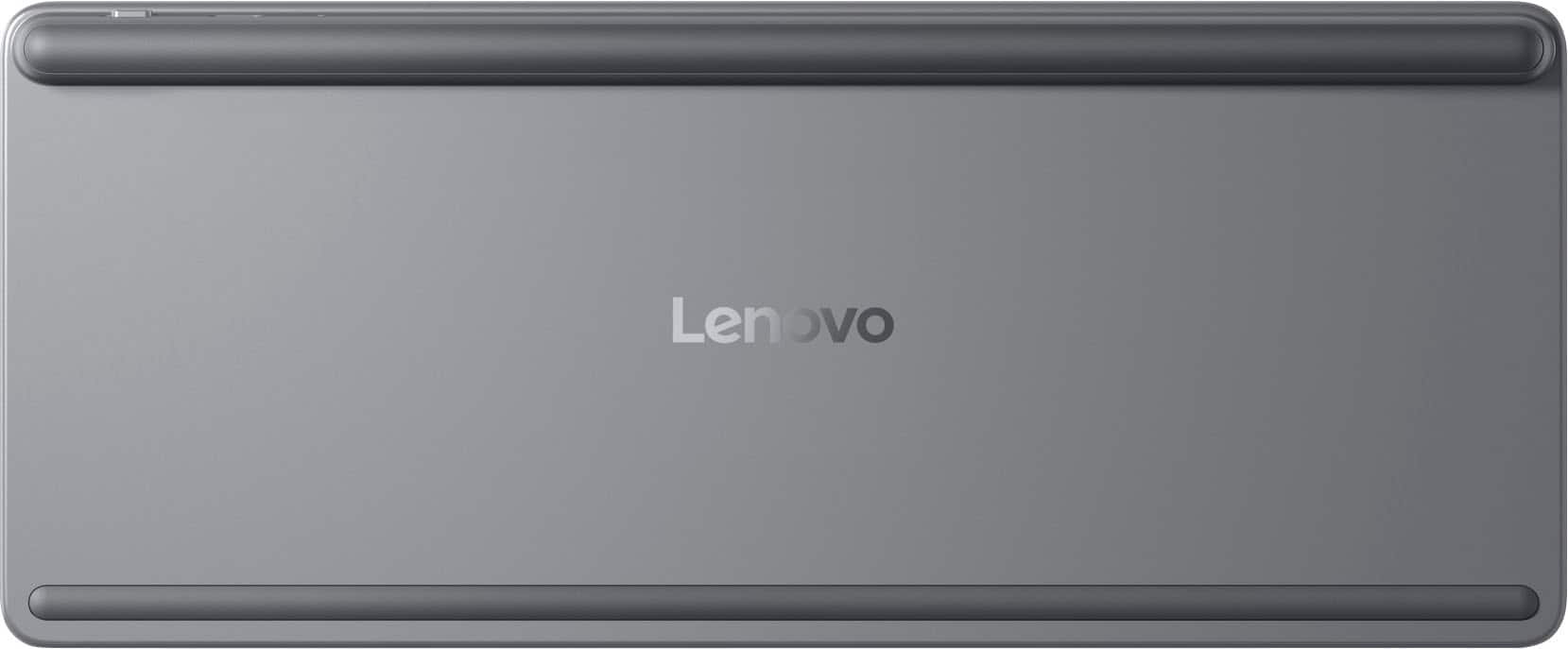
- A:Answer Hi, Dennis. With the rubber stand for stability, it has the following dimensions (W x H x T): 10.07" x 4.17" x 0.22".
Answered by Lenovo Product Expert

Page 1, Showing 1-11 of 11 questions
Most-viewed items
- $32.99$32.99The price was $54.99
- $59.99$59.99The price was $69.99
![The text on the image is a list of keys on a keyboard, grouped by their corresponding functions. Here is the corrected and grouped list:
1. Esc: * 1 2 * 3
2. Navigation:
a. Up arrow: +
b. Down arrow: -
c. Left arrow: [
d. Right arrow: ]
e. Home: I
f. End: O
g. Page Up: P
h. Page Down: N
i. Home: I
j. End: O
3. Numeric keys:
a. 1: 1
b. 2: 2
c. 3: 3
d. 4: 4
e. 5: 5
f. 6: 6
g. 7: 7
h. 8: 8
i. 9: 9
j. 0: 0
4. Function keys:
a. F1: F1
b. F2: F2
c. F3: F3
d. F4: F4
e. F5: F5
f. F6: F6
g. F7: F7
h. F8: F8
i. F9: F9
j. F10: F10
k. F11: F11
l. F12: F12
5. Modifier keys:
a. Shift: Shift
b. Ctrl: Ctrl
c. Option: option
d. Alt: alt
e. Command: cmd
f. Windows key: Windows key
This list is organized by the primary function of each key, with navigation keys grouped together, numeric keys grouped together, and function keys grouped together.](https://pisces.bbystatic.com/image2/BestBuy_US/images/products/f9e64973-a017-4542-8380-47a50bec4083.jpg;maxHeight=54;maxWidth=54;format=webp)


![The text on the image is a keyboard layout, which includes the following keys:
1. Esc
2. 1
3. 2
4. 3
5. 4
6. 5
7. 6
8. 7
9. 8
10. 9
11. 0
12. -
13. +
14. =
15. Backspace
16. Tab
17. Q
18. W
19. E
20. R
21. T
22. Y
23. U
24. I
25. O
26. P
27. [
28. ]
29.
30.
31.
32. Enter
33. Shift
34. Z
35. X
36. C
37. V
38. N
39. M
40. ,
41. ?
42. /
43. Shift
44. Ctrl
45. option
46. Alt
47. cmd
48. Alt
49. Ctrl](https://pisces.bbystatic.com/image2/BestBuy_US/images/products/b2e505e2-bd30-4908-869e-5a4d24177872.jpg;maxHeight=54;maxWidth=54;format=webp)