Questions & Answers
- Model:
- 27MR400-B.AUSQ
- |
- SKU:
- 6560958
Q: QuestionIs this monitor compatible with Dell Precision 3551 laptop? And if I buy two to connect to my laptop do I need a docking station ?
Asked by Denden.
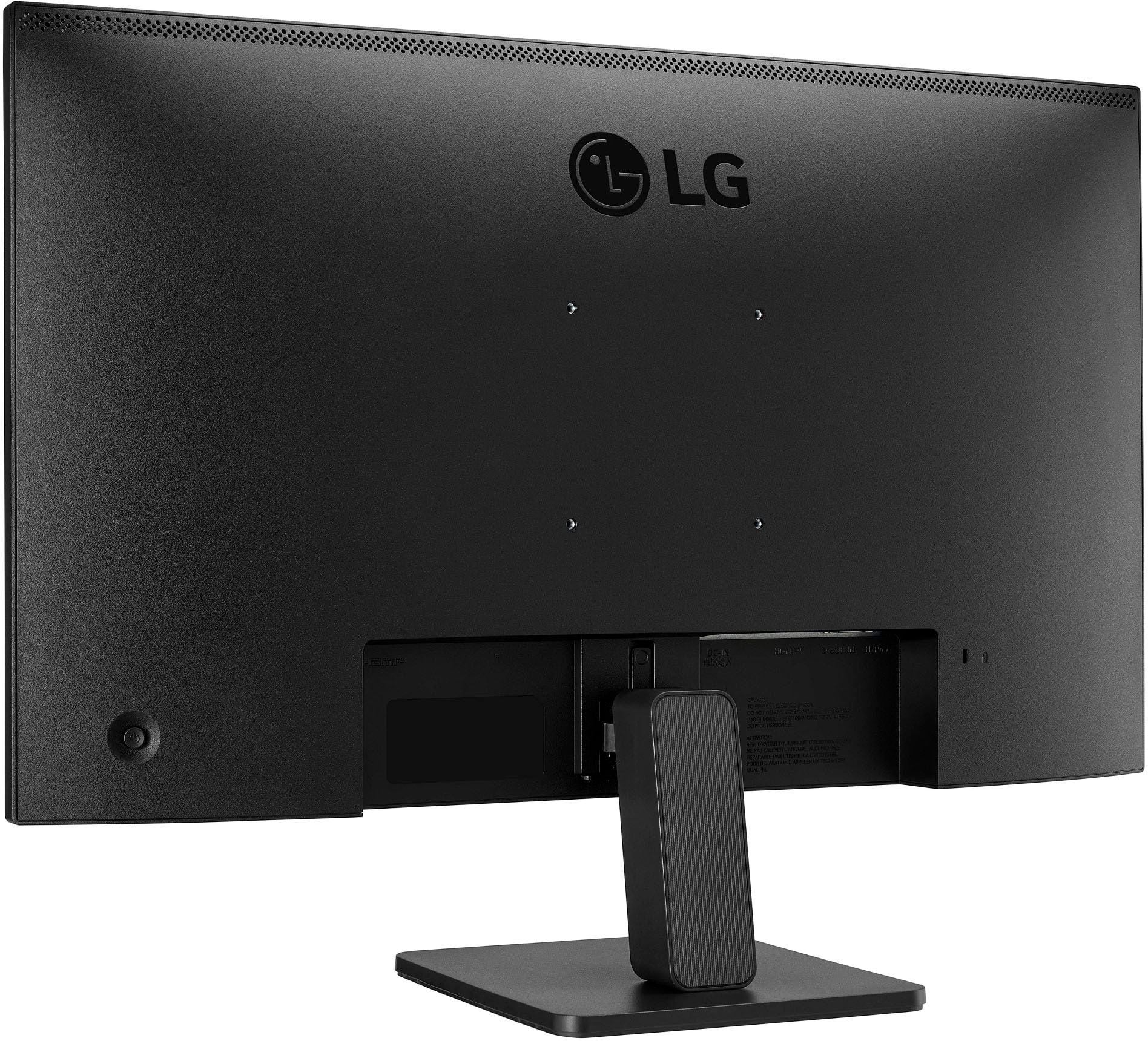
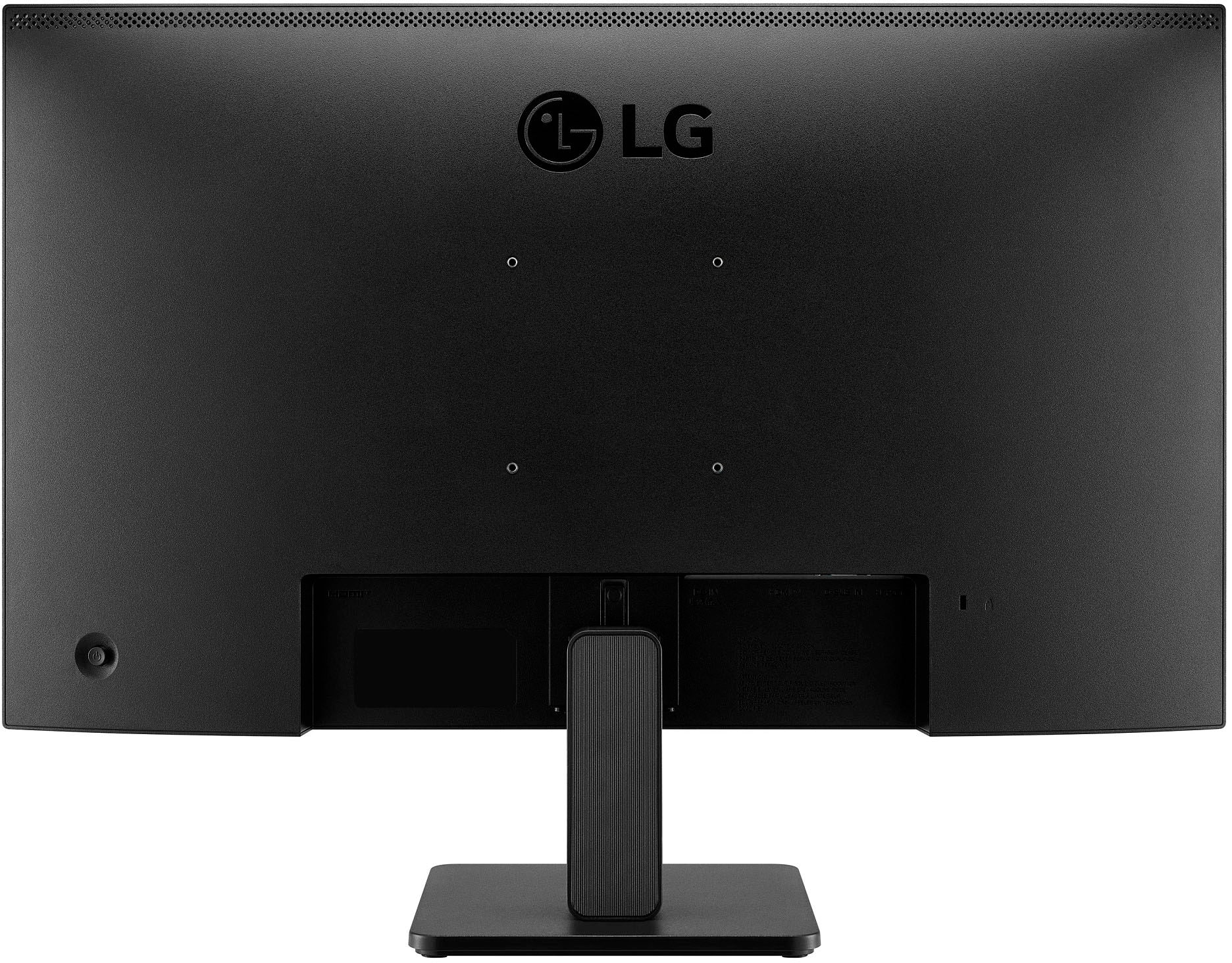
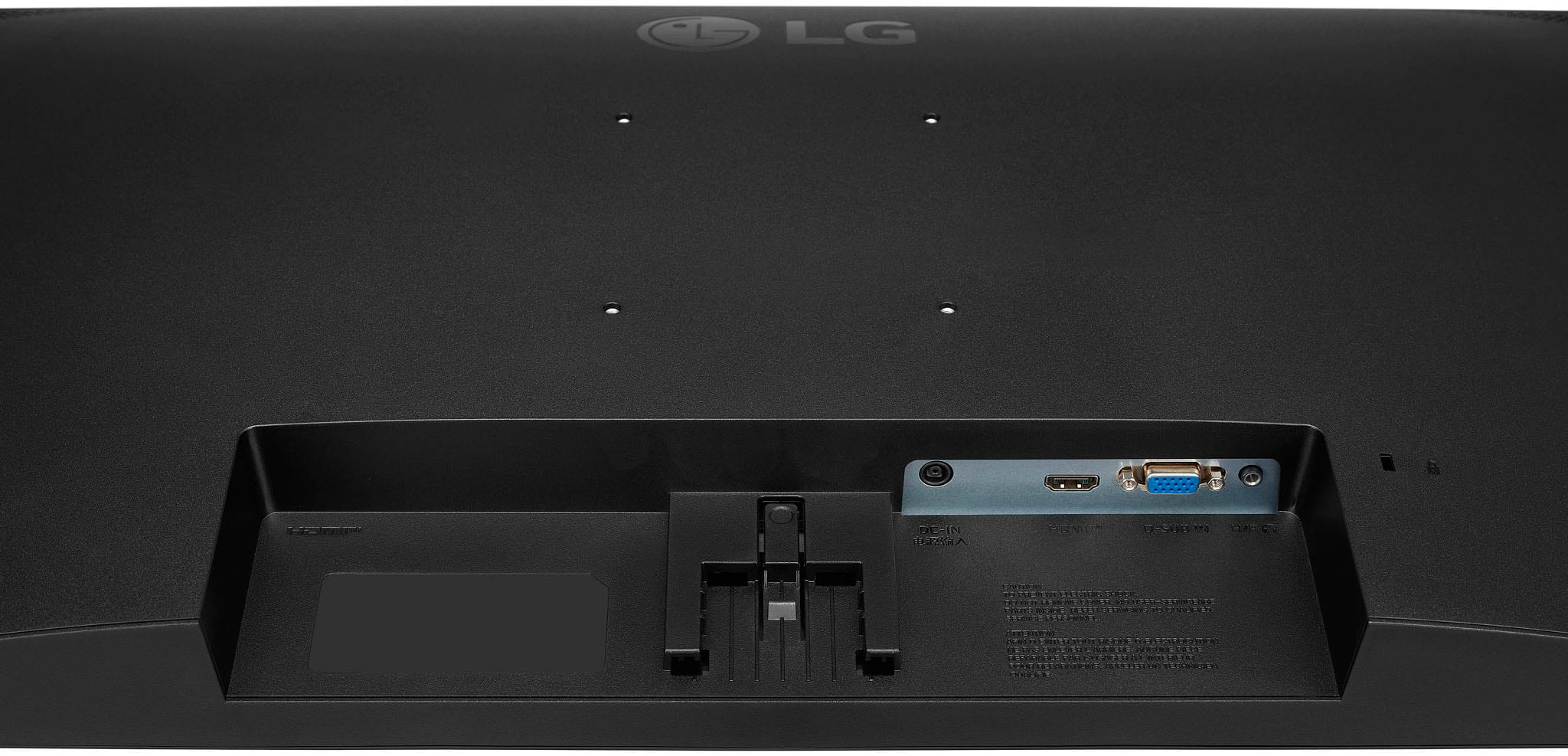
- A:Answer What connectivity does your Dell Precision 3551 laptop have and what resolutions does the graphics card in it support? The 27" IPS 3-Side Borderless FHD 100Hz AMD 100Hz FreeSync™ Monitor (HDMI) - Black, Model # 27MR400-B has a native 1920 x 1080 resolution which your graphics card should support. Connectivity for the monitor includes an HDMI port and a 15-Pin D-Sub connector (i.e. VGA Connector). Connecting dual monitors to a laptop is pretty straightforward if you use a docking station. However, that doesn’t mean all docking stations are compatible with your laptop or the multiple screens you intend to use, so you have to first make sure that your laptop is compatible with the docking station. And, also ensure that your docking station can support the resolution and the refresh rate you plan you use on the monitors...^Ivan.
Answered by LG Digital Customer Care

Q: QuestionPower consumption ? I did not see that parameter in the Specifications.
Asked by Droidiphile.
- A:Answer Hello there, Droidiphile. We understand your inquiry about the power consumption of your LG 27MR400-B.AUSQ monitor and are happy to help. Your monitor’s power specifications are as follows: Power Consumption: 17 W Sleep Mode: Less than 0.5 W DC Off: Less than 0.3 W Input: 100–240 V, 50/60 Hz (via external power adapter) Troubleshooting Step • To optimize energy use, enable Power Save/Sleep Mode through the on-screen display (OSD): Press the joystick control below the screen to open the menu. Navigate to General → Power → Energy Saving Mode. Select Energy Saving or Auto Standby to have the monitor enter low-power mode automatically when no signal is detected. https://www.bestbuy.com/site/lg-27-ips-3-side-borderless-fhd-100hz-amd-100hz-freesync-monitor-hdmi-black/6560958.p?skuId=6560958 If you’d like more tips on reducing energy consumption or need further assistance, please send us a private message on Social Media @LGUSSupport. We’re here to ensure you get the best performance out of your monitor. —Renzo
Answered by LG Digital Customer Care

Q: Questionwhat is the other end of the hdmi cable included?
Asked by eddie.
- A:Answer It's a standard HDMI
Answered by KennethE
Q: QuestionIs this monitor compatible with Windows 11? The monitor does not appear in the "Add Devices" window in my control panel. Bluetooth is enabled
Asked by Kona.
- A:Answer yes
Answered by DavidmF
Q: Questionis this monitor compatible with a macbook pro?
Asked by jc63.
- A:Answer If it has an HDMI port
Answered by KennethE
Q: QuestionCan I use this with my Apple laptop
Asked by Kat.
- A:Answer Hi there, Kat. Thank you for sharing your inquiry with us. We understand your situation regarding the compatibility of your LG 27MR400-B with your Apple laptop. Based on LG’s official guidelines, many of our customers have successfully connected their Apple laptops using an appropriate adapter or cable. As a troubleshooting step, please verify that you are using the correct adapter (for example, a USB-C to HDMI adapter if your laptop supports USB-C output, or a Mini DisplayPort to HDMI adapter if applicable) and ensure that your laptop’s display settings are set to extend or mirror the display. If the connection is not detected automatically, try reselecting the input source on the monitor or restarting the display output from your laptop’s system settings. https://www.lg.com/us/monitors/lg-27mr400-b#pdp_specs Please send us a private message on Social Media @LGUSSupport so our team can be more than happy to explore possible solutions tailored to your setup. We appreciate your patience. —Renzo
Answered by LG Digital Customer Care

Q: QuestionCan the monitor rotate to portrait mode on the stand?
Asked by Wisconsingamer.
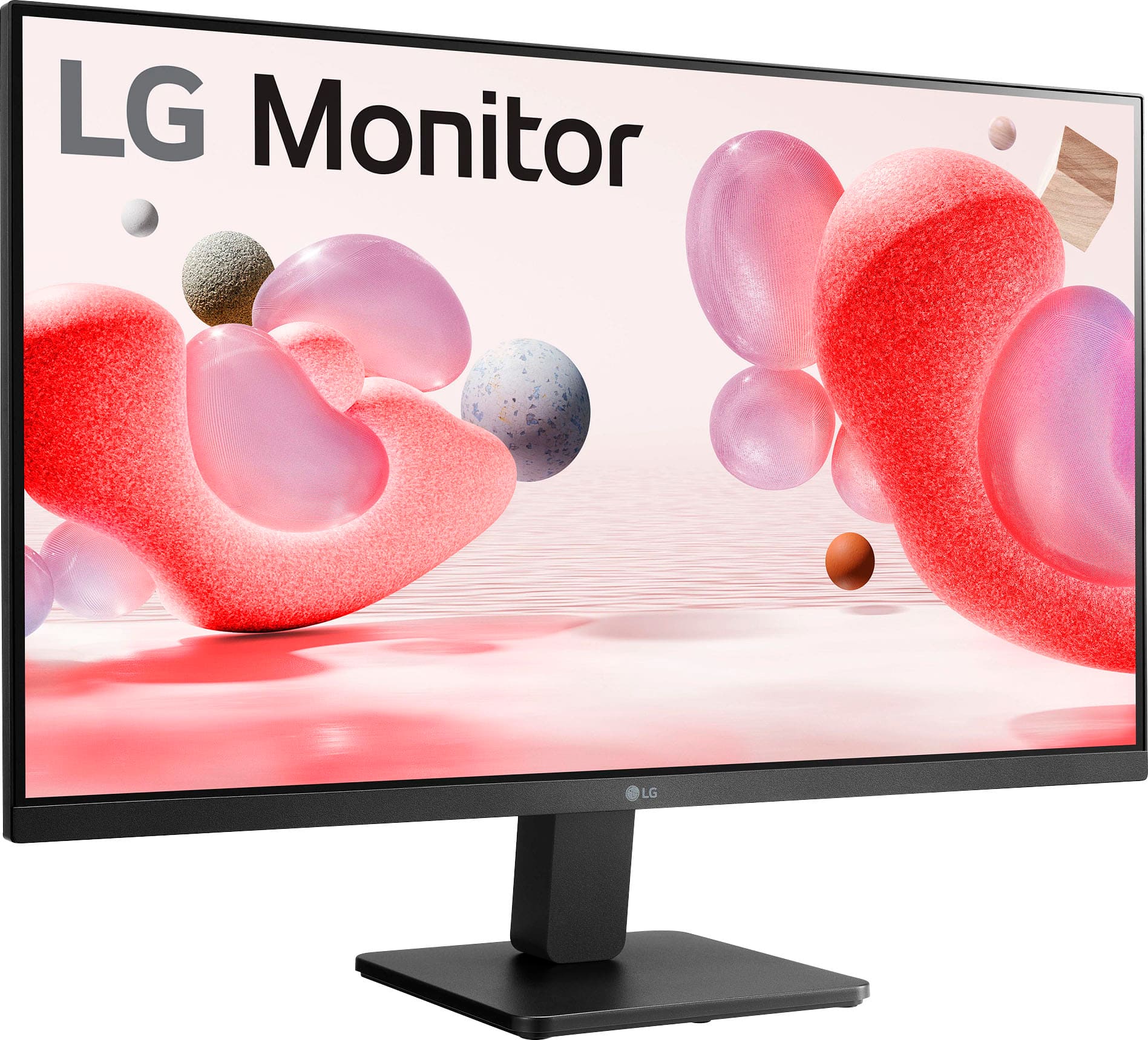
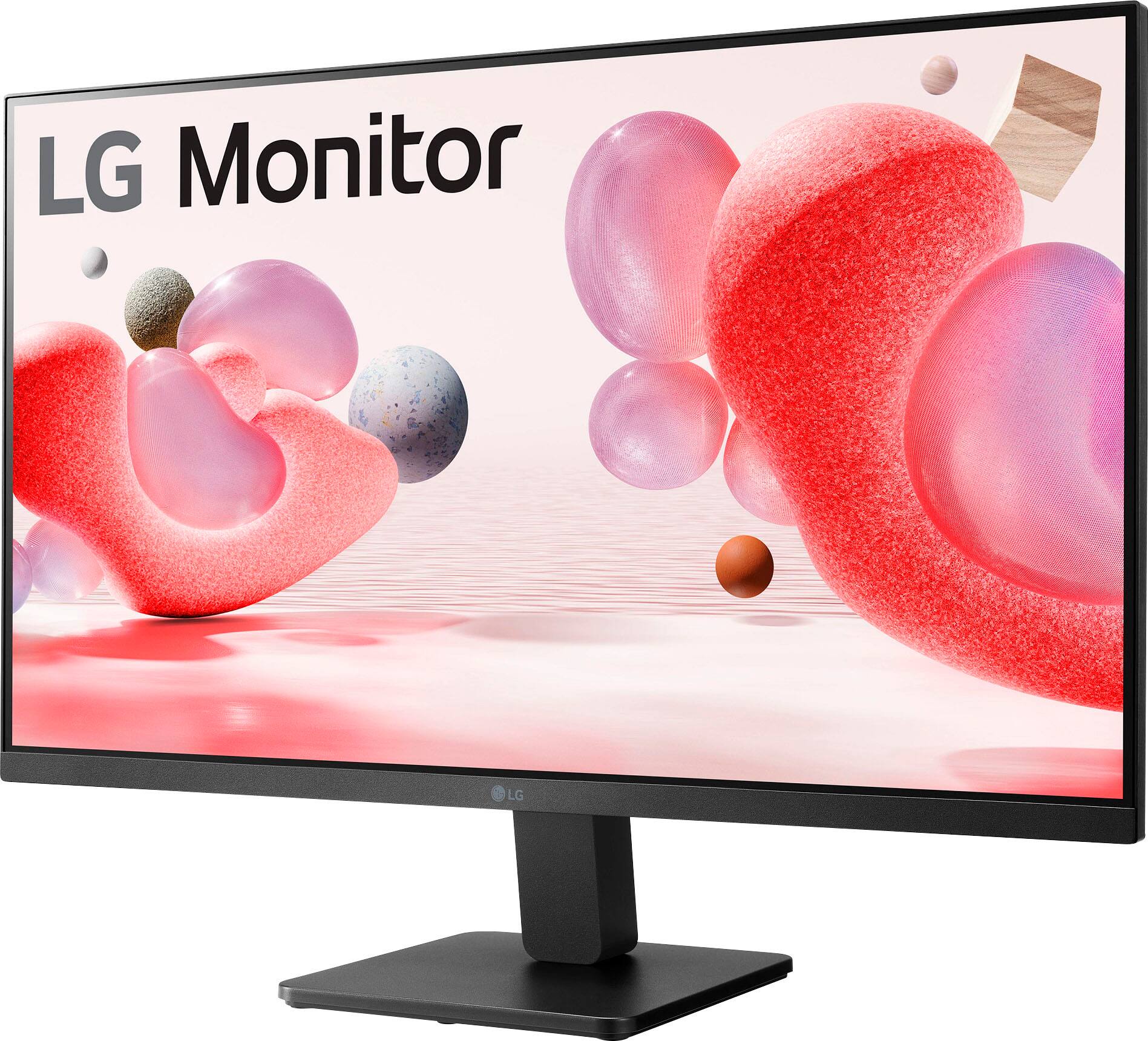
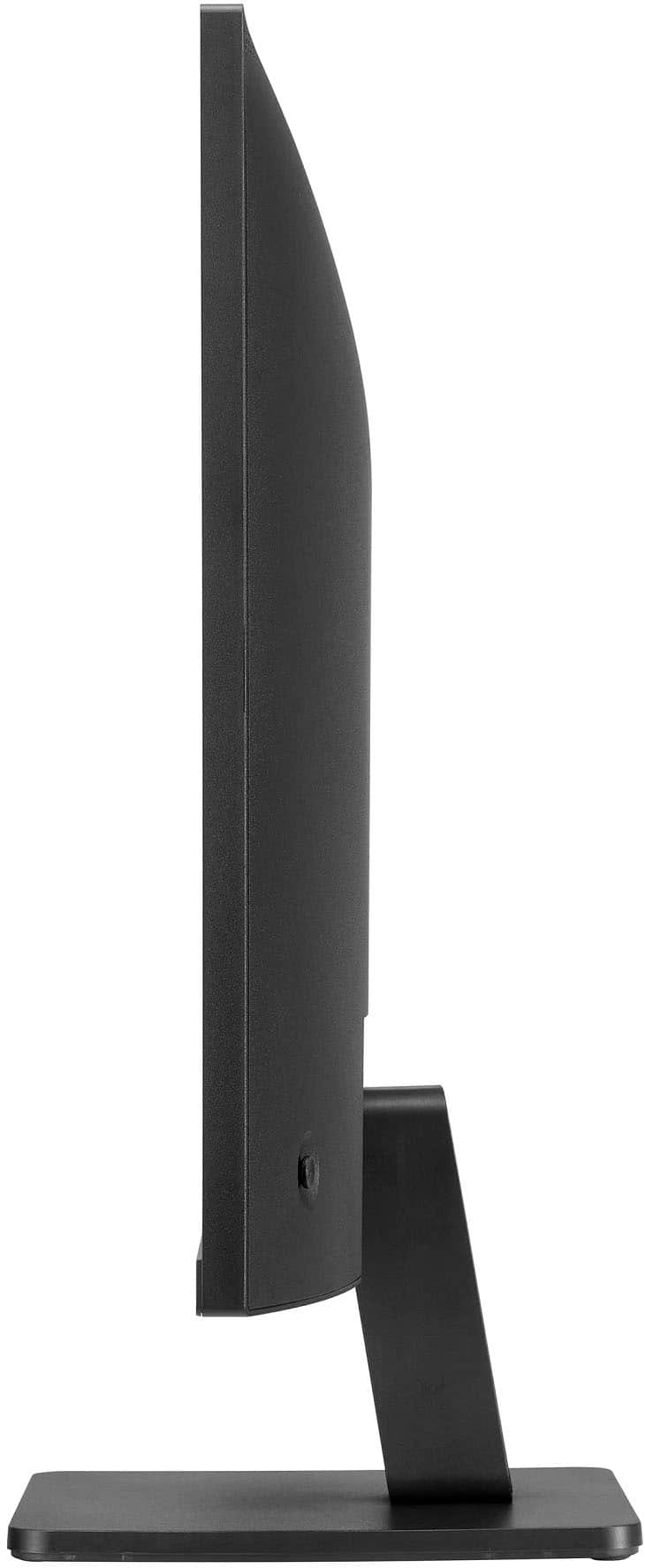
- A:Answer No. The monitor is connected to the supplied base at the bottom and can only tilt.
Answered by indelexist
Q: QuestionCan I use this monitor with an Xbox S? I connected it and it’s telling me “HDMI out of range”
Asked by Marsh.
- A:Answer Hello there, Marsh. The LG 27MR400-B monitor should work with your Xbox Series S, but the "HDMI out of range" error usually means the monitor isn't set to the correct resolution or refresh rate for your Xbox. Here are a few steps you can try to fix the issue: Check Xbox Display Settings: Go to Settings on your Xbox, then General > TV & display options. Set the Resolution to 1080p and check if the monitor now displays correctly. The monitor supports 1080p, so this should align with the monitor’s specs. Also, try setting the Refresh Rate to 60Hz, as the monitor has a 100Hz refresh rate, but some devices might not be compatible with higher rates. Try a Different HDMI Port: Sometimes, an HDMI port might have a compatibility issue. If possible, try switching to another HDMI port on the monitor. Adjust the Monitor Settings: Check the monitor's OSD settings to ensure it's set to the correct input and resolution. https://www.lg.com/us/monitors/lg-27mr400-b#pdp_specs If you still encounter issues, feel free to reach out to @LGUSSupport on social media for additional assistance! —Renzo
Answered by LG Digital Customer Care

Q: QuestionCan I connect this using a USB-C to HDMI cable? I would like to connect to a Dell Inspiron 5310 13 inch laptop.
Asked by Dan.
- A:Answer This comes with a cable that you simply insert into the USB port on your computer.
Answered by JudiT
Q: QuestionIs this a plug and play hookup with a Dell Inspiron 16 plus laptop?
Asked by Anonymous.
- A:Answer Hi there! Thank you for reaching out to us. We understand that you're curious about whether the LG 27MR400-B monitor is a plug-and-play device with your Dell Inspiron 16 Plus laptop. Based on the specifications of this model, the monitor does support both HDMI and D-Sub inputs, so as long as your laptop has a compatible HDMI or VGA port, it should be able to connect seamlessly. If you're using HDMI, simply plug in the cable, and your laptop should automatically detect the monitor. If you experience any issues with the display, try adjusting the input settings on your laptop or monitor. https://www.lg.com/us/monitors/lg-27mr400-b#pdp_specs For further assistance, please send us a private message on Social Media @LGUSSupport, and our team will be happy to explore any additional solutions for you. We appreciate your patience. —Renzo
Answered by LG Digital Customer Care

Q: Questioncan you use this monitor for the Macbook Air?
Asked by Lilly.
- A:Answer Hello there, Lilly. Thank you for your question! We understand your interest in using the LG 27MR400-B monitor with your MacBook Air. Yes, this monitor can definitely be used with your MacBook Air, as it features HDMI connectivity, which is compatible with most MacBook Air models. You may need an appropriate adapter if your MacBook Air doesn't have an HDMI port, but you can easily connect using a USB-C to HDMI adapter. https://www.lg.com/us/monitors/lg-27mr400-b#pdp_specs If you have any other questions or need assistance with setting up the monitor, feel free to send us a private message on Social Media @LGUSSupport, and our team will be happy to guide you further. We appreciate your time, and we're here to help! —Renzo
Answered by LG Digital Customer Care

Q: QuestionHow do you turn the brightness down on this monitor?
Asked by Ronan.
- A:Answer Yes, brightness can be adjusted
Answered by Bill
Q: QuestionHow can I connect two of the monitors to a gaming pc?
Asked by Shortiiee.
- A:Answer I don’t see why a gaming PC would be different. I have two of these monitors connected to my work PC.
Answered by Bill
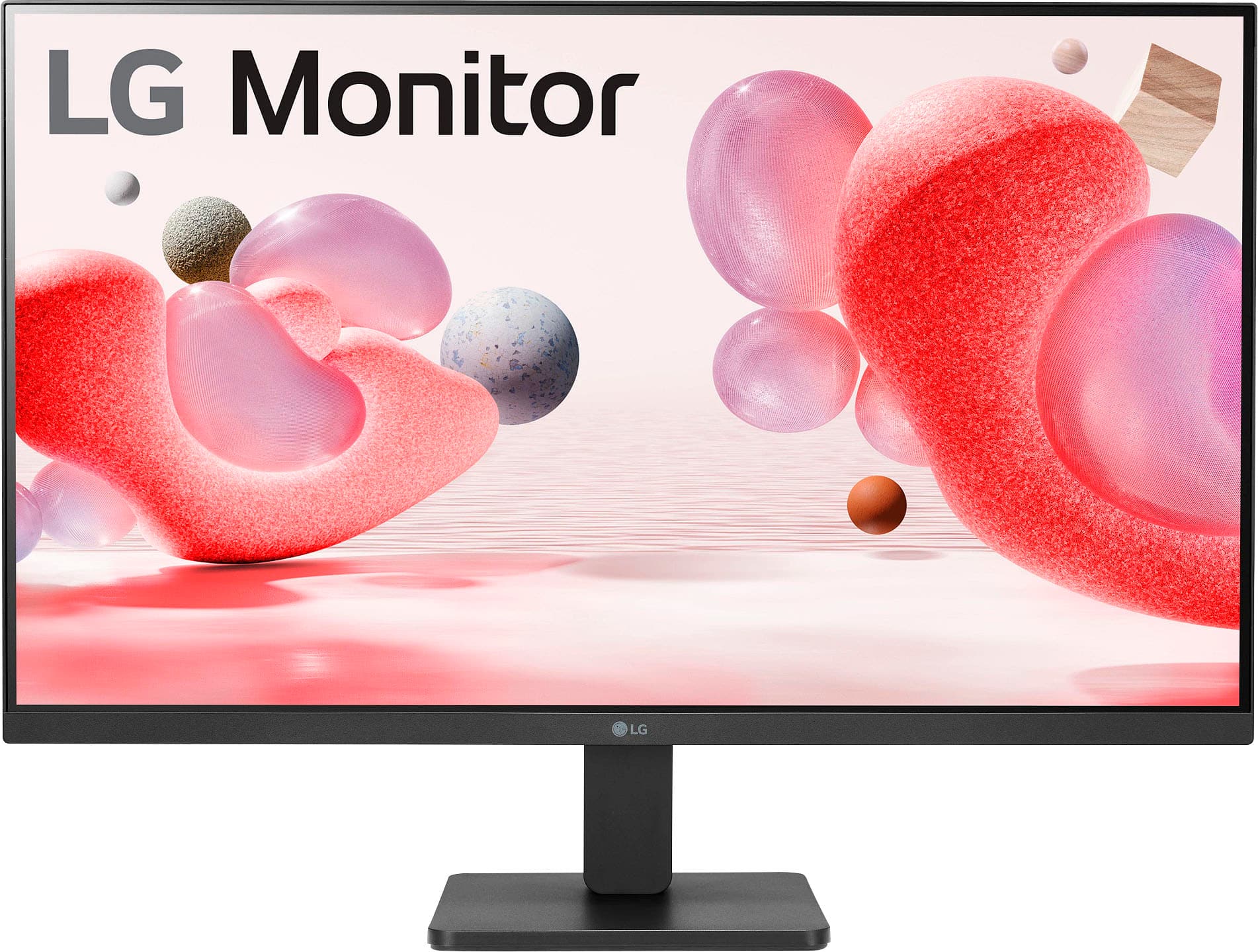
Q: QuestionIs the base adjustable to heighten the monitor
Asked by Lisa.
- A:Answer No, it has absolutely no adjustment for height or viewing angle.
Answered by MikeD
Q: QuestionWould this monitor be a good choice for iRacing?
Asked by Anonymous.
- A:Answer Hi there, thank you for your question. We understand you're considering the LG 27MR400-B monitor for iRacing. This monitor has several features that could make it a good choice for sim racing, including: Refresh Rate of 100Hz: While this isn’t the highest available for gaming monitors, it’s still a solid refresh rate that should provide smooth motion for racing games like iRacing. IPS Display: Offers vibrant colors and good viewing angles, which can enhance your racing experience, especially when looking at various on-screen indicators and details. AMD FreeSync: Helps reduce screen tearing and stuttering, providing a smoother gaming experience, particularly in fast-paced environments like racing. 5ms Response Time: A fast response time that is beneficial for reducing motion blur in fast-moving scenes. However, it’s worth noting that iRacing can be demanding in terms of performance. A higher refresh rate (e.g., 144Hz or 240Hz) and a lower response time (e.g., 1ms) are generally preferred by competitive sim racers for the most fluid experience. While the LG 27MR400-B is a solid monitor for casual racing, you may want to consider a higher refresh rate monitor if you’re looking for the best competitive edge. https://www.lg.com/us/monitors/lg-27mr400-b#pdp_specs If you need any further guidance or have specific questions, feel free to send us a private message on Social Media @LGUSSupport, and our team will be happy to assist you. —Renzo
Answered by LG Digital Customer Care

Q: QuestionWhat is the height of this monitor when its on the stand
Asked by Dan.
- A:Answer Measuring from the desk top to the top of the monitor it it's stand; it measures 18.5 inches high.
Answered by Patrick
Q: QuestionIs there anything I can do to help with the wobbling? I have it set up as it should be and tightened. Yet any slightest move the monitor wobbles.
Asked by JG.
- A:Answer There is some wobble in mine, but honestly, it is not a distraction. You could probably put something under each corner of the monitor if the wobble bothers you...
Answered by Patrick
Q: QuestionCan I connect an Apple keyboard/mouse to this monitor
Asked by Simion.
- A:Answer My keyboard and mouse run through my laptop, not to my monitor.
Answered by Patrick
Q: QuestionIs this screen glossy or matte?
Asked by JG.
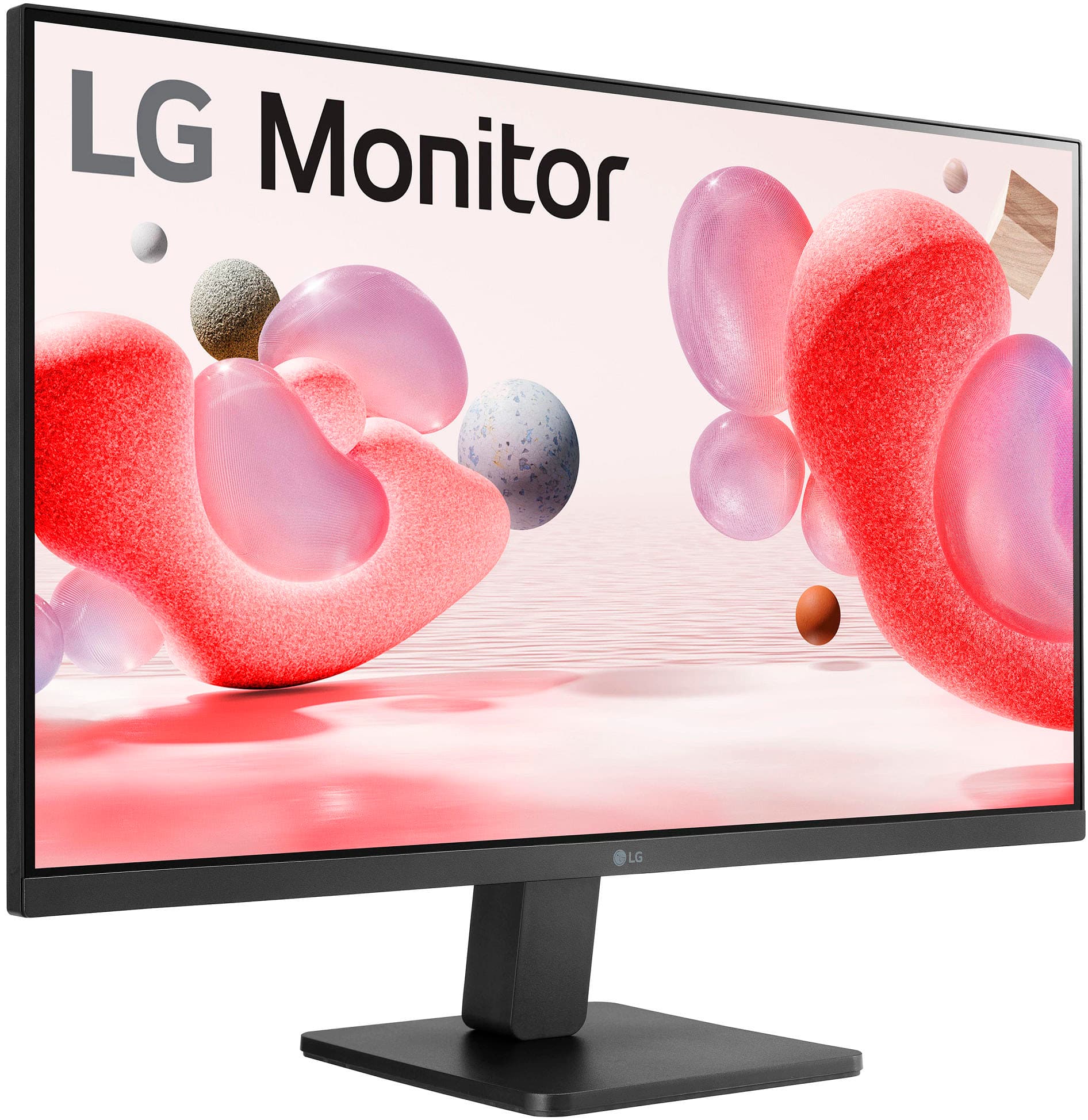
- A:Answer The screen is mat finish. It is not glossy and the sun must be directly on it or at an angle to even pick up the lint that finds its way to monitor surfaces.
Answered by Patrick
Q: QuestionI bought this monitor about a month ago and I was under the impression that it was not able to tilt. It has always felt super stiff. I am just finding out it does in fact tilt. I can't seem to understand how and my screen is facing down which I hate.
Asked by rickrubin.
- A:Answer We struggled with the tilt feature when we first got it. We downloaded the manual and found the instructions there, and watched a You Tube video on the proper way to tilt it! Before we started really thinking, we were trying to figure a way to put something sturdy under the base of the monitor as mine was also facing downward. Please download the manual or watch a YouTube video as to how to do this!
Answered by JudiT
Best-selling monitors
- Black Friday Deal$86.99Your price for this item is $86.99
- Black Friday Deal$104.99Your price for this item is $104.99
- Black Friday Deal$89.99Your price for this item is $89.99
- Black Friday Deal$99.99Your price for this item is $99.99
- Black Friday Deal$79.99Your price for this item is $79.99
- Black Friday Deal$159.99Your price for this item is $159.99
- Black Friday Deal$279.99Your price for this item is $279.99
- Black Friday Deal$129.99Your price for this item is $129.99
- Black Friday Deal$259.99Your price for this item is $259.99
- Black Friday Deal$219.99Your price for this item is $219.99
- Black Friday Deal$179.99Your price for this item is $179.99
- Black Friday Deal$114.99Your price for this item is $114.99
- Black Friday Deal$149.99Your price for this item is $149.99
- Black Friday Deal$99.99Your price for this item is $99.99
- $134.99Your price for this item is $134.99
- $69.99Your price for this item is $69.99$159.99The comparable value for this item is $159.99
- Black Friday Deal$129.99Your price for this item is $129.99
- Black Friday Deal$209.99Your price for this item is $209.99
- $169.99Your price for this item is $169.99
- Black Friday Deal$99.99Your price for this item is $99.99